Some cheeky designer wondered what our AirPods might look like in the mouth of a baby shark or stuffed in a pineapple.
How about adorable? The company has made two cutesy case covers and they are now on sale in the Cult of Mac store.

Some cheeky designer wondered what our AirPods might look like in the mouth of a baby shark or stuffed in a pineapple.
How about adorable? The company has made two cutesy case covers and they are now on sale in the Cult of Mac store.


I prefer the Mac’s trackpad to a mouse in every way but one. It’s more comfortable, it relieves RSI, it can be used equally easily by the left or right hand, and it does scrolling and multitouch. But the one thing it’s terrible at is actually clicking. Specifically, clicking and dragging to move a window, or to make a selection. And I’m still using the original Magic Trackpad, the one that runs on AA batteries. It has physical switches in its feet, so clicking is a lot harder at its top edge.
Enter the three-finger drag. This Mac accessibility setting lets you tap with three fingers to simulate a click and drag. And it does a lot more than just making it easier to move windows around the screen.

The weekend is a great time to relax, but it’s also a great time to focus on self improvement. You could practice an instrument, go to the gym, or any number of other healthy activities. Or, with these short, information-packed lessons, you can improve your professional prospects. These cover coding, management, data analytics and freelance content creation, so there’s something for everyone.

In a move that seems squarely aimed at killing Apple’s Lightning port, a large majority of the European Parliament voted in favor of establishing a common charger standard for mobile devices.
This is only a step in a process that is likely to see the Lightning connector banned from devices sold in Europe, but it’s a significant one.

Apple has a real hit on its hands with the 10.2-inch iPad it launched last fall. It helped push Apple to a 22.7% year-over-year increase in tablet shipments last quarter, according to a market-research firm.
iPadOS devices continue to vastly outsell all their rivals, and Apple increased its lead in the final three months of 2019.
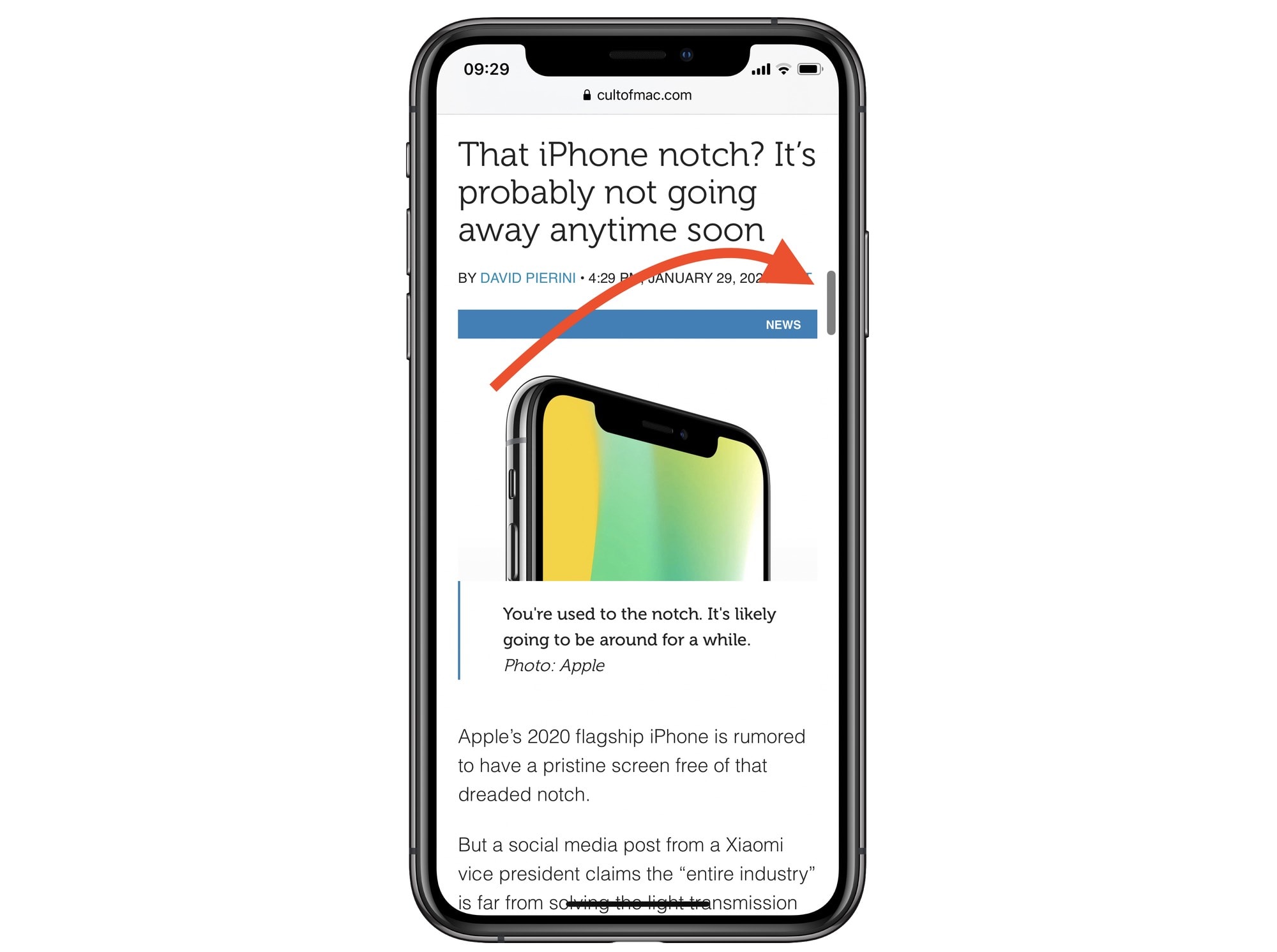
We all know how to scroll through long documents or lists on iOS, right? You swipe on the screen, and then keep doing it, over and over, as fast as possible, like some kind of maniac. And, at some point in the future, you will probably arrive at the other end of the list. Scrolling to the very top is easy — just touch the top of the screen. But in iOS 13, you can grab the scroll bar that appears on the right side of the screen, and use it to navigate.
This is a really, really useful feature. Here’s how it works.
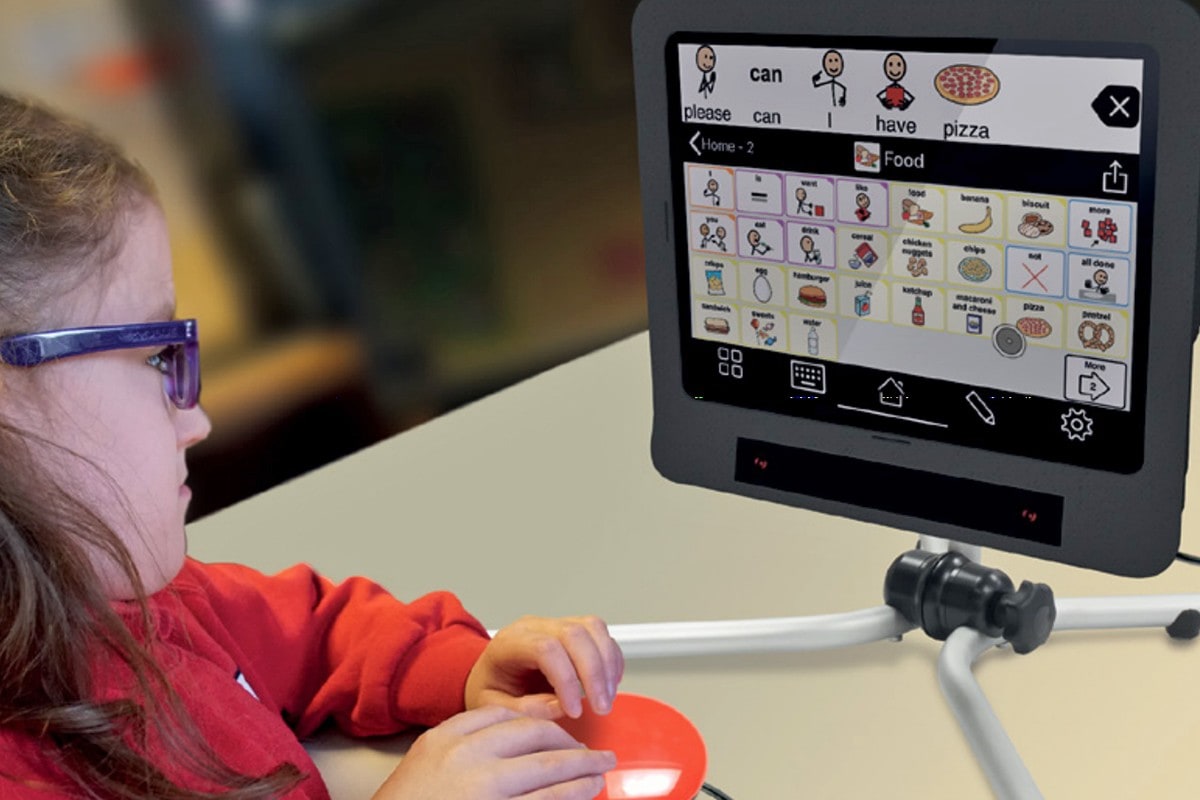
For most people, tap and swipe-based gestures are the perfect way to navigate on an iPad. That’s not true for everyone, however. This is why the makers of a new eye-tracking system called Skyle have developed this innovative iPad Pro accessory.
Built with the accessibility audience in mind, the system lets users insert their 12.9-inch iPad Pro into a smart protective case, plug in an eye tracker, and then use a special Skyle app to navigate their iPad with nothing more than well-placed glances.

The iConnectAudio4+ isn’t a new product. It’s been around for a few years. And this isn’t really a review. This article will be more of a PSA, telling you about a unique input device can change how you use your iPad for audio.
The feature that sets the iConnectAudio4+ apart from other USB audio interfaces is that it can connect to two computers at once, and send audio to both. It can even route audio — digitally — between your Mac and your iPad.

Executives at AT&T have quickly learned that building a streaming service to compete with Apple TV+ and Netflix isn’t going to be cheap. During the company’s latest earnings call, AT&T revealed that it has already lost $1.2 billion during the creation process of HBO Max that is set to launch this May.
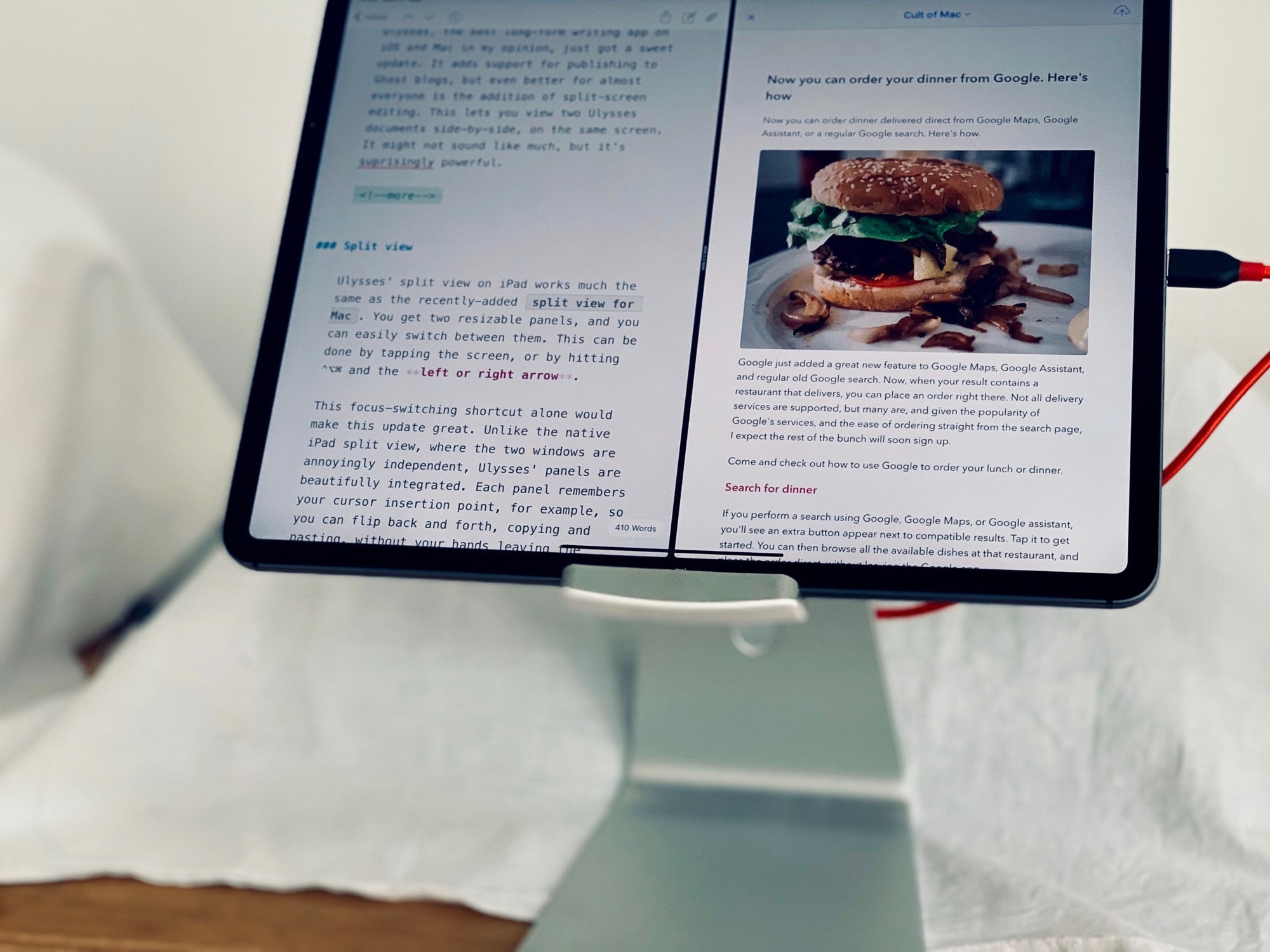
Apparently, some people really hate multitasking on the iPad. It’s easy to see why. All you have to do is accidentally drag a link in Safari, instead of just tapping on it, and you end up with a split-screen view, with that link in its own window. And getting rid of that window is a huge pain, even if you know how to do it.
Fortunately for people who hate iPad multitasking — which isn’t really multitasking, but is Apple’s term for the confusion of multiple-window views on iPadOS — Apple lets you turn off the feature. Here’s how to disable iPad multitasking (and why you might not want to).