Powerbeats Pro pack Apple’s newest H1 chip, offer up to nine hours of listening in between charges, and sport a sweat-resistant design that’s ideal for running, cycling, and home workouts while the gyms are closed.
Look and weep, modern MacBook owners. Photo: Charlie Sorrel/Cult of Mac
This is Apple’s 2008 aluminum unibody MacBook, model A1278. It replaced the white polycarbonate MacBook, but was itself replaced by, or rather rebranded as, the MacBook Pro, which was more or less the same computer1.
Apple introduced this magnificent MacBook on October 14, 2008, and produced them until June 8, 2009. And it was one of Apple’s best notebooks ever. It had a fantastic keyboard, and many comfy extras that today’s skinny MacBook owners can only dream about, from a battery indicator light to an almost hot-swappable hard drive (or SSD).
It’s so good that it’s still viable today as a daily driver, with the added bonus that its weight will help keep you fit during lockdown. How do I know? Because I have one right here, and I use it for music recording and production. I’m also using it to write this article. I thought, as my last post for Cult of Mac, that I’d review the 2008 unibody MacBook as if it were new. Let’s go.
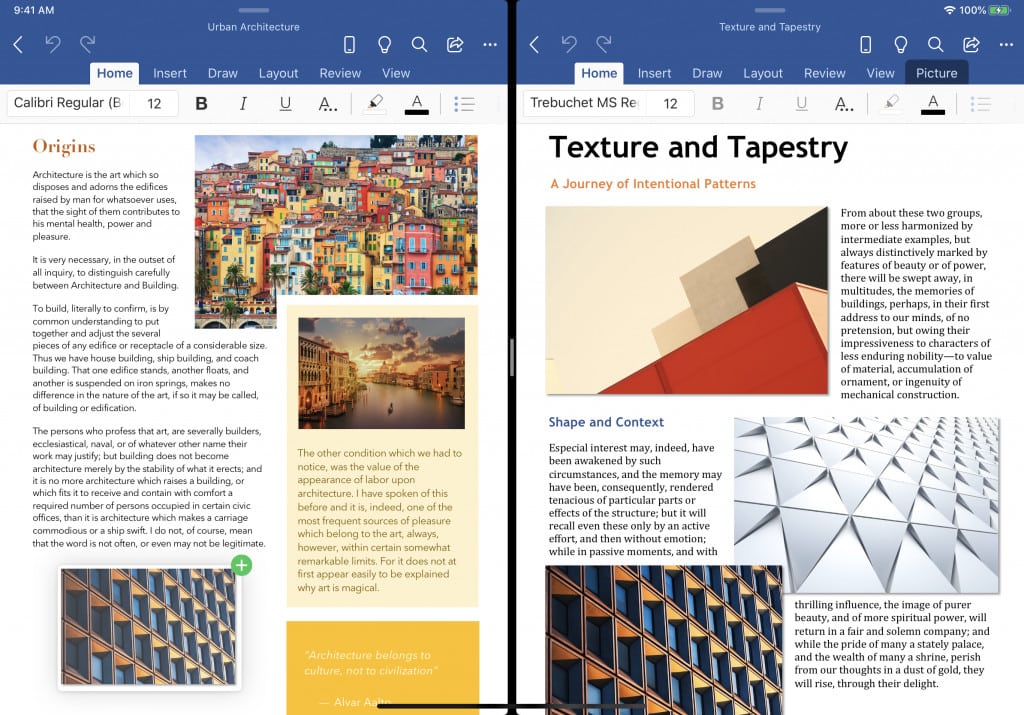
iPadOS 13 introduced native support for opening multiple windows of the same app side by side. Now, seven months after iPadOS 13.1 officially shipped to users, Microsoft has started beta-testing the ability for iPad users to do this on Word and PowerPoint for iPad.
Microsoft shared the news in a blog post detailing how users can “take advantage” of the new (for Microsoft) feature. Here’s how you do it:
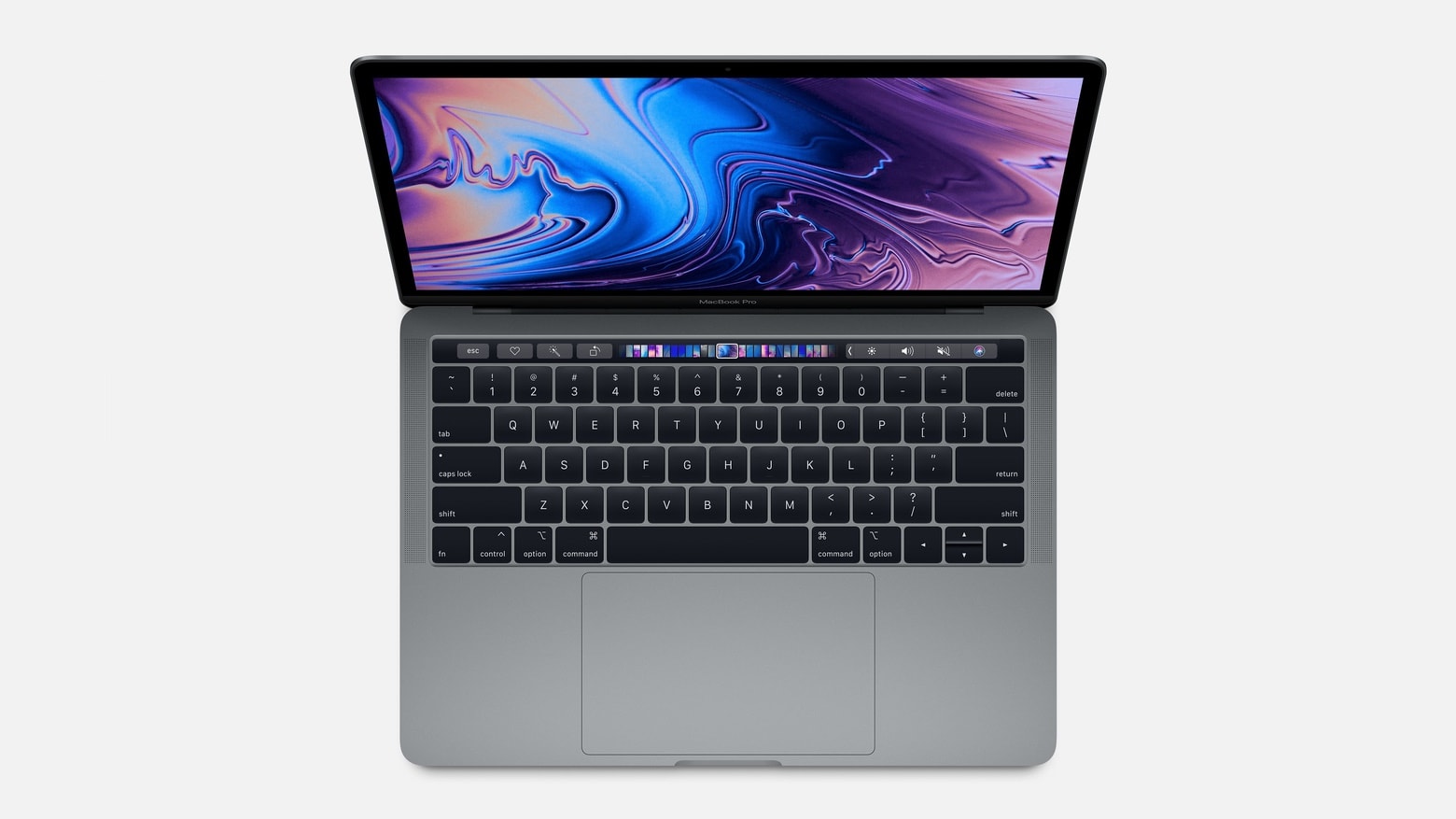
Another day, another crazy deal on Apple products from Woot. This time it has 13-inch MacBook Pro (2019) units, refurbished by Apple, available at hundreds off their usual prices. You can get yours for as little as $899.99!
This sale is good for today only, so enjoy it while you can.
It took 12 years, but CleanMyMac is on the App Store. Photo: MacPaw
The popular utility CleanMyMac debuted way back in 2008, but MacPaw is finally bringing it to the Mac App Store all these years later. This will make it easier to find, buy and install.
The developer admits it did only direct sales of this product for business reasons. But the App Store version will also lack some features of the version sold on the MacPaw website for technical reasons.
Sick of those taking on Group FaceTime growing in size? iOS 13.5 beta let's you disable it. Photo: Apple
A Group FaceTime feature some people find irritating can be disabled in the upcoming iOS version. Currently, the tile showing the face of the person speaking gets larger, pushing everyone else aside. The iOS 13.5 beta introduced Wednesday gives users the option to turn this off.
Sims, available on Mac and iOS, is rated the best stress reliever. Photo: EA
A good video game is a great way to escape the COVID-19 pandemic and forget, just for a little while, about the nasty impact it’s having on the world. But which video games should you play? Which titles are proven to help?
A new study reveals the best games to play for reducing stress — and those that should be avoided if your primary goal is a positive, calming experience. We’ll highlight those you can enjoy on Mac and iOS.
Spotify still has a commanding lead in the streaming music wars. Photo: Ian Fuchs/Cult of Mac
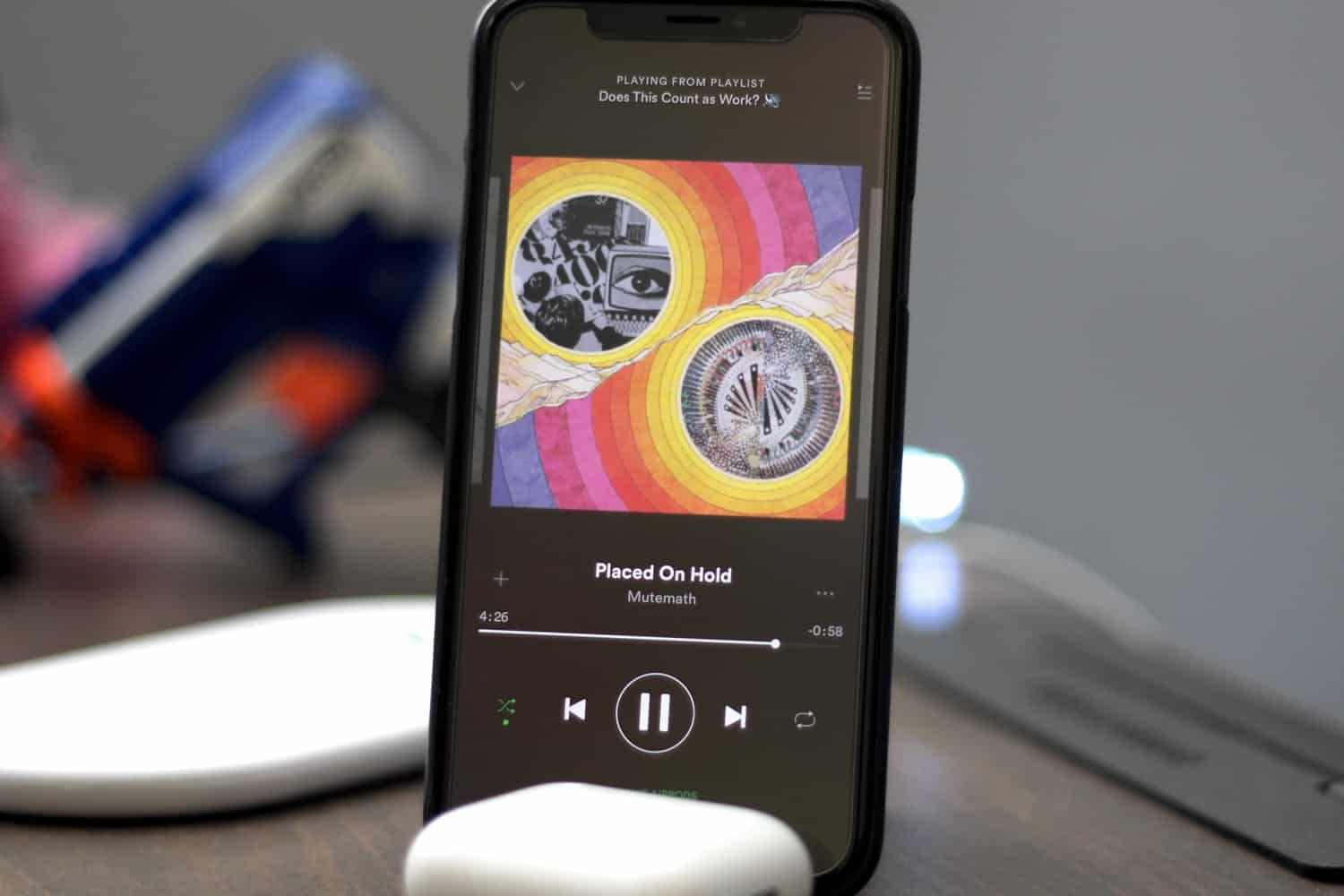
Spotify has 163 million free, ad-supported users, and an impressive 130 million paid subscribers, the streaming music giant announced Wednesday in its financial earnings for Q1 2020. These premium subscribers are up 6 million from the end of the previous quarter, and 30 million year-on-year.
While Apple hasn’t released updated Apple Music subscriber figures for a while now, it last announced 60 million paying customers last summer. Although Apple Music has reportedly experienced a nice bump while people are stuck home during lockdown, that suggests that Spotify is still enjoying a comfortable lead in the streaming war.
It only takes a few key tools to make working remotely much more manageable. Photo: Ian Fuchs/Cult of Mac
COVID-19 lockdown certainly brought a swift change from the norm for many people. We’re dealing with the added stress of different working situations, the struggle to get groceries, and in many cases, even acting as teachers or child care providers.
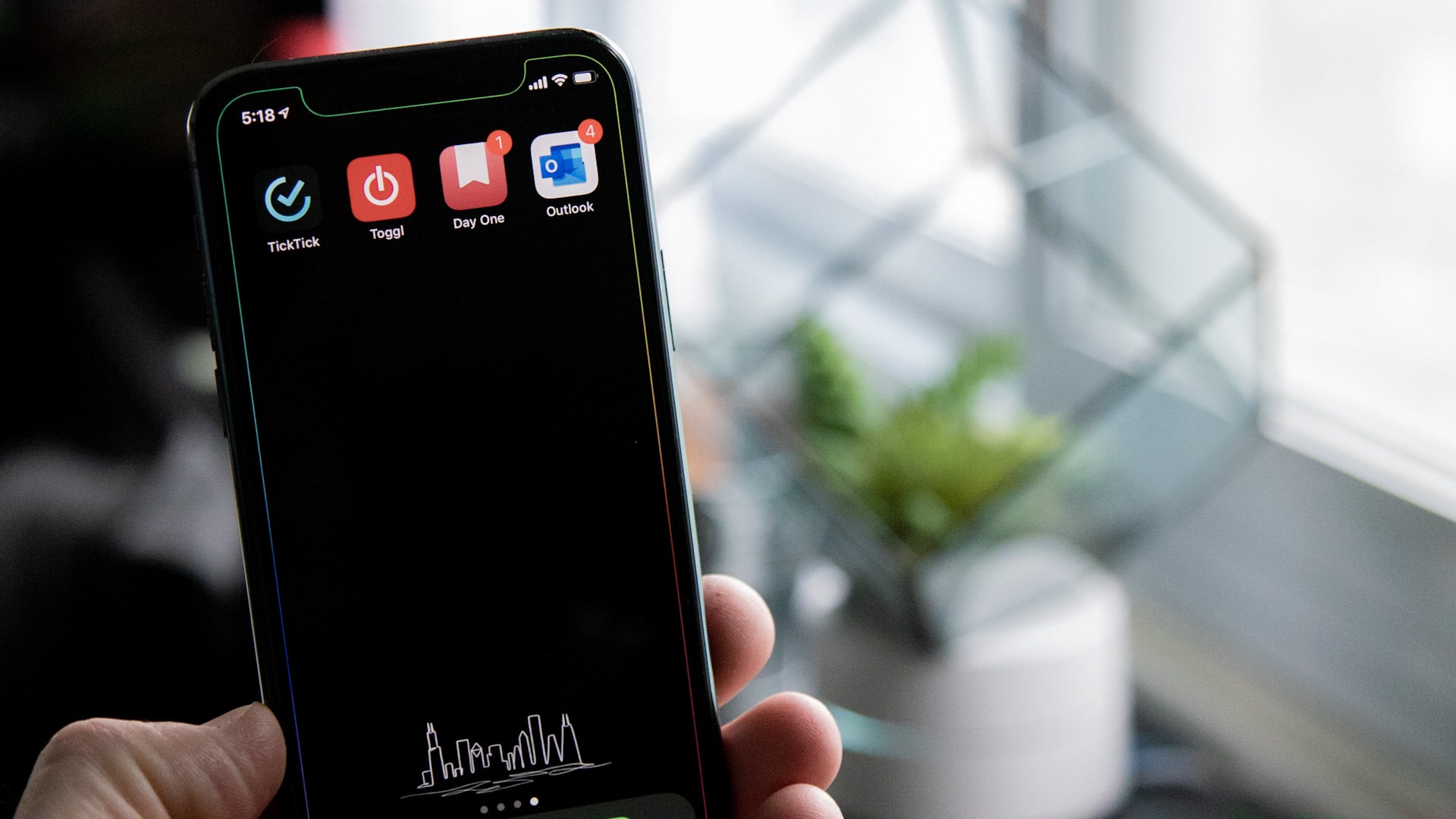
All of that can make it really challenging to feel accomplished and productive. Luckily, I finally found my groove in the last week or so, thanks to a couple of really useful apps (and some self-imposed rules).
If you use your tablet outside more than in an office, you really need to consider the OtterBox Defender for 2020 iPad Pro. Photo: Ed Hardy/Cult of Mac
iPad Pros used in the field require hard-core protection, and there’s no better option than the OtterBox Defender. The case wraps the tablet in layer upon layer of plastic to cushion it from serious accidents. There’s even a built-in screen protector.
I encased my 2020 iPad Pro in the latest version of the OtterBox Defender to do some real-world testing. Here’s what I found out.