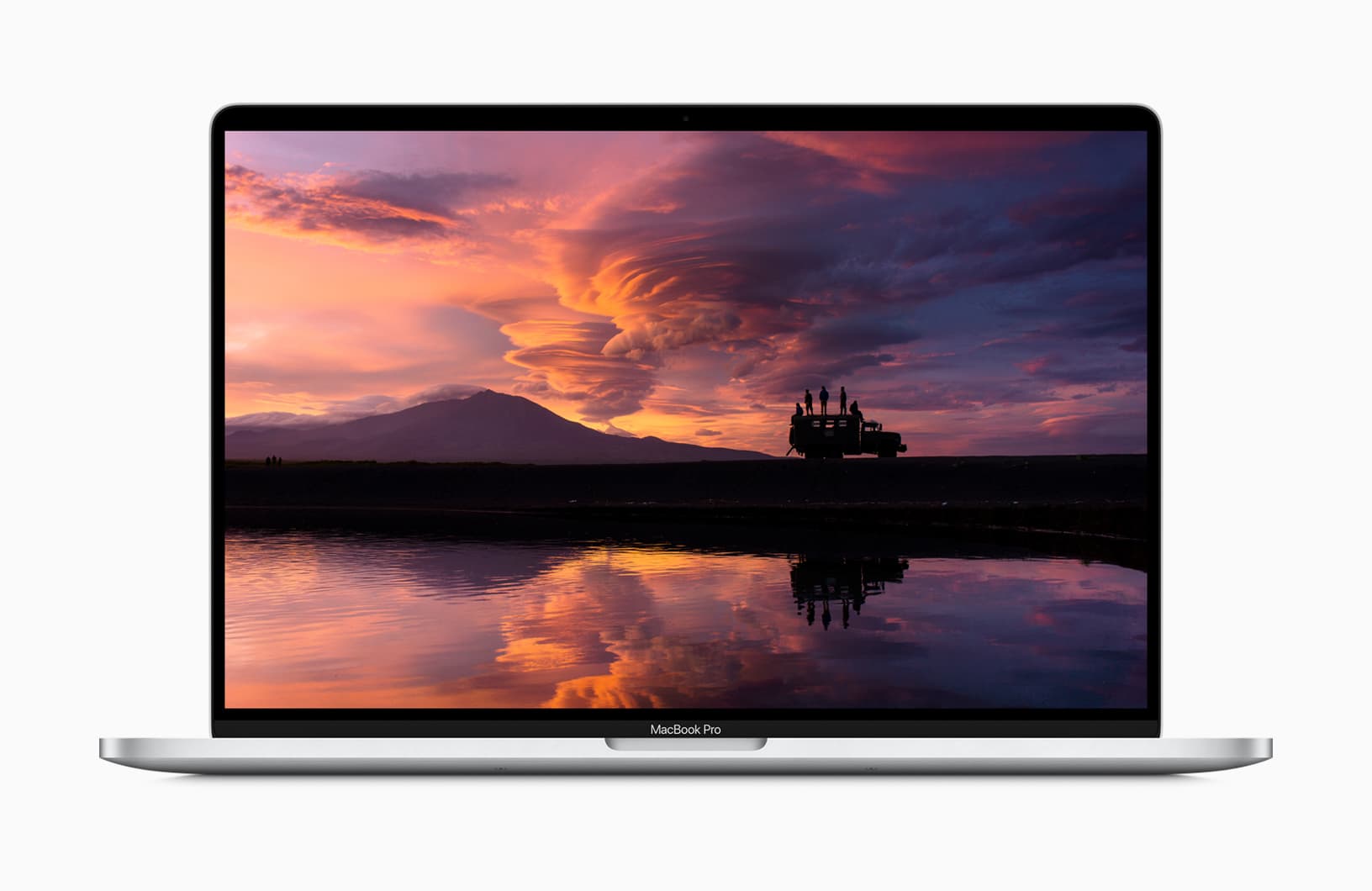
Now is the time to treat yourself to a 16-inch MacBook Pro, with Woot offering up to $605 off refurbished models. Prices start at just $1,874.99, but the sale is good for today only, so enjoy it now!
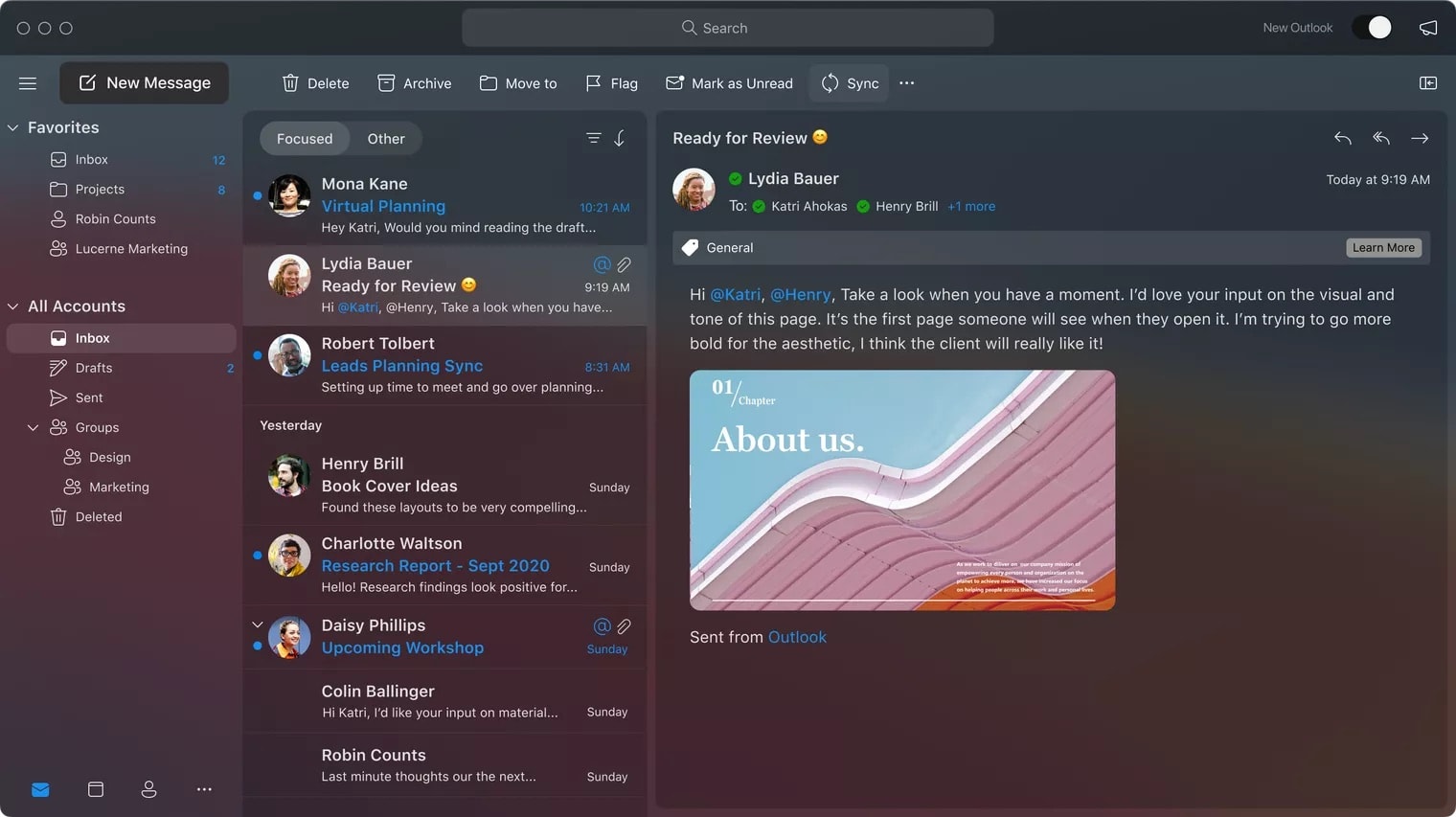
A new look and big improvements across the board. Photo: Microsoft
Microsoft is working on a major Outlook redesign inspired by macOS Big Sur. Its new app, which is redesigned from the group up and promises to deliver a reimagined email experience, will land in October.
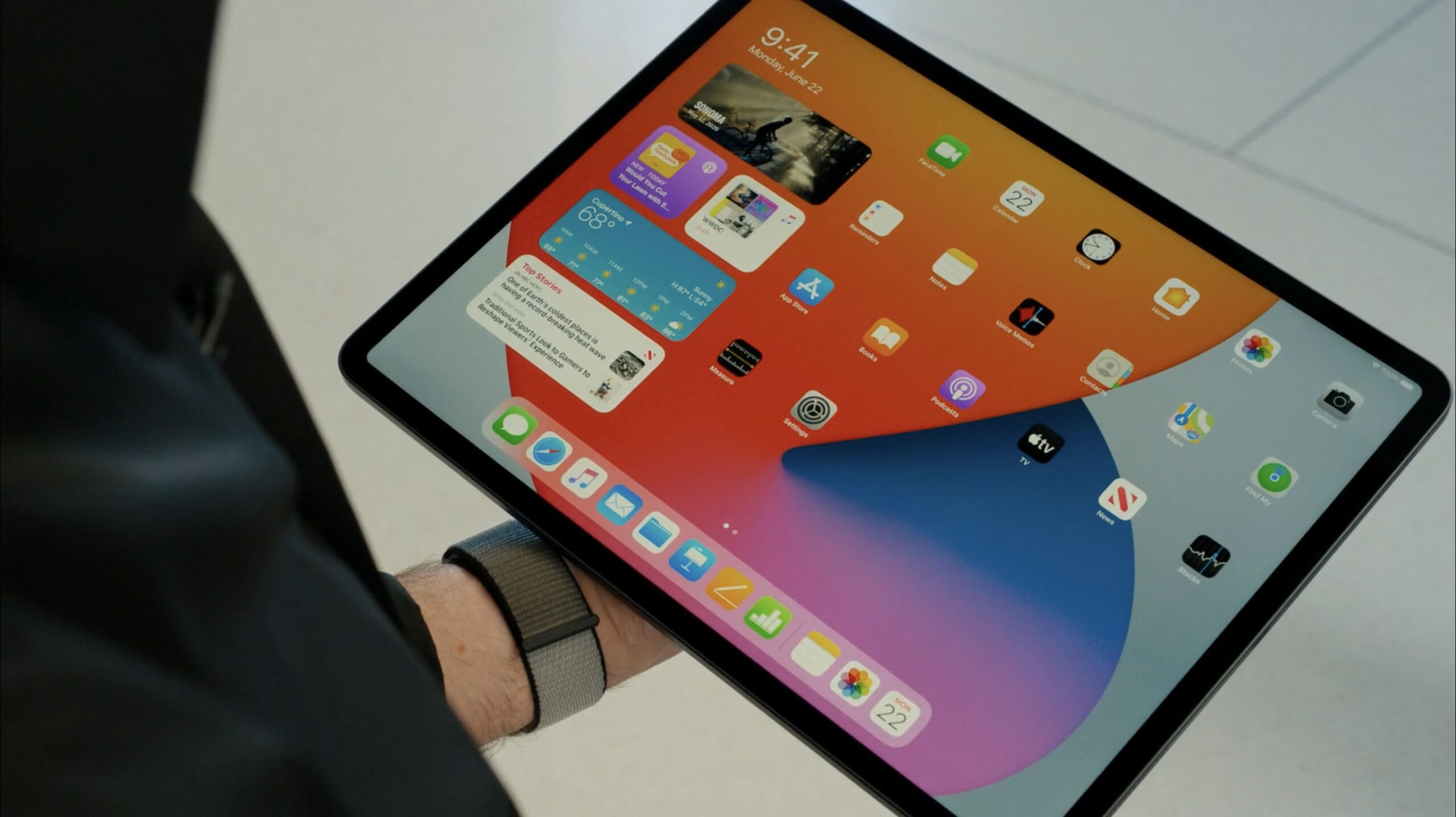
Expect Mini LED displays to come to Apple devices next year. Photo: Apple
Chinese LED chipmaker San’an Optoelectronics is reportedly making “better-than-expected” progress developing Mini LED technology it hopes will be used in Apple’s future Mini LED iPad and MacBook devices, a Tuesday report by Digitimes claims.
If all goes according to plan, San’an Optoelectronics will join Taiwanese LED chipmaker Epistar in producing the screen tech for Apple. It is expected to enter trial production by the end of this year and receive orders from Apple in 2022. Apple’s first Mini LED devices likely will debut in 2021.
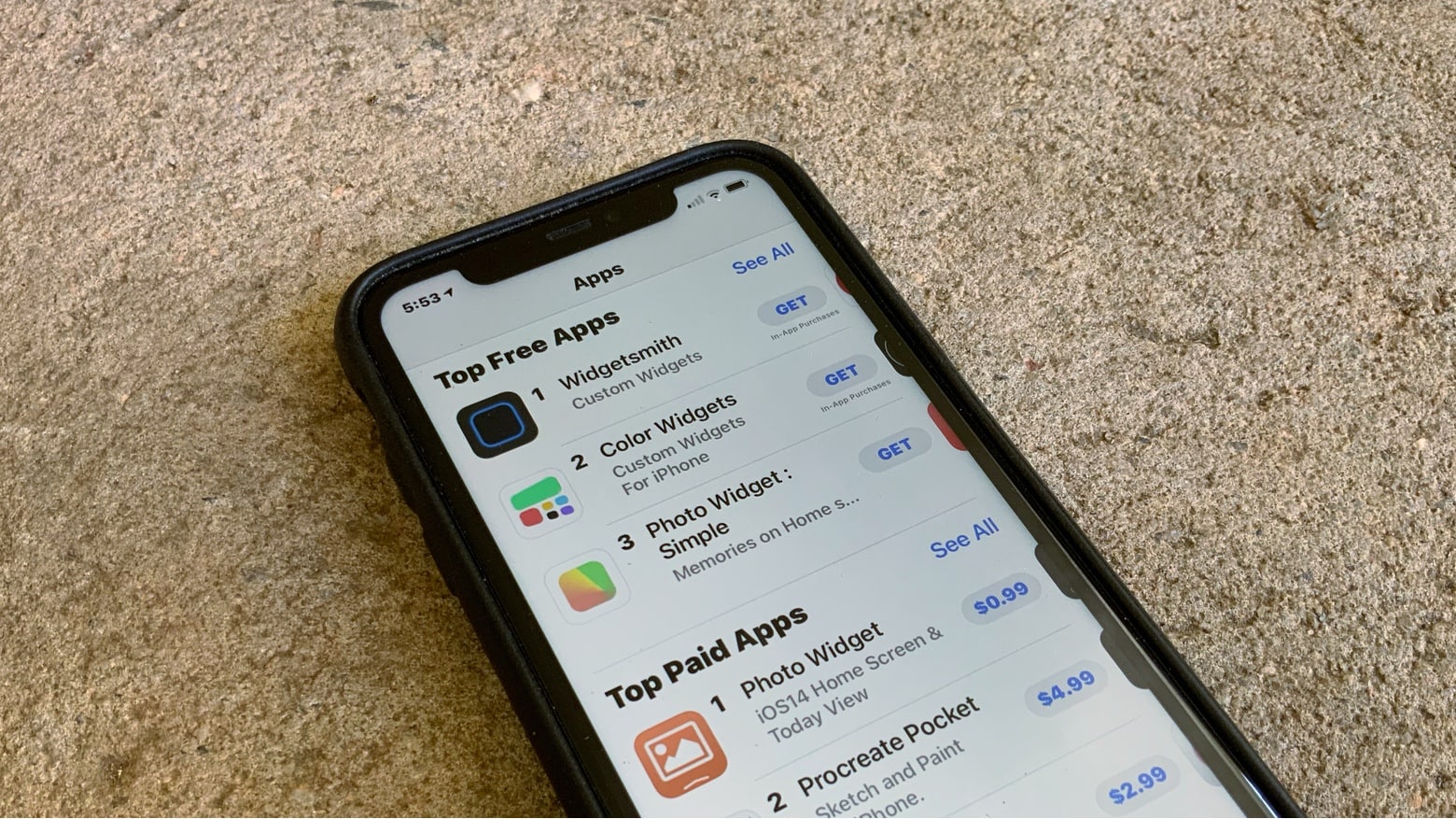
Applications that create custom iOS 14 widgets quickly became very popular. Photo: Ed Hardy/Cult of Mac
The top three applications on the App Store right now all focus on iOS 14 widgets. They let users create custom Home screen widgets that aren’t tied to other applications.
Apple’s latest operating system adds these mini-apps, and a small selection of them come built into iOS 14. Plus, many third-party applications like browsers and email apps recently released widgets.
But applications whose entire focus is adding useful widgets to the iPhone Home screen quickly found plenty of users. Here are some of the most popular ones available now.
Changing the iPhone or iPad default email application is now possible. And easy. Graphic: Ed Hardy/Cult of Mac
Apple just removed one of the biggest remaining restrictions from the iPhone and iPad. It’s finally possible to change the default email application in iOS 14 and iPadOS 14 to something other than Apple Mail.
Making the change is easy. However, a current limitation will delay many people from taking immediate advantage of it.
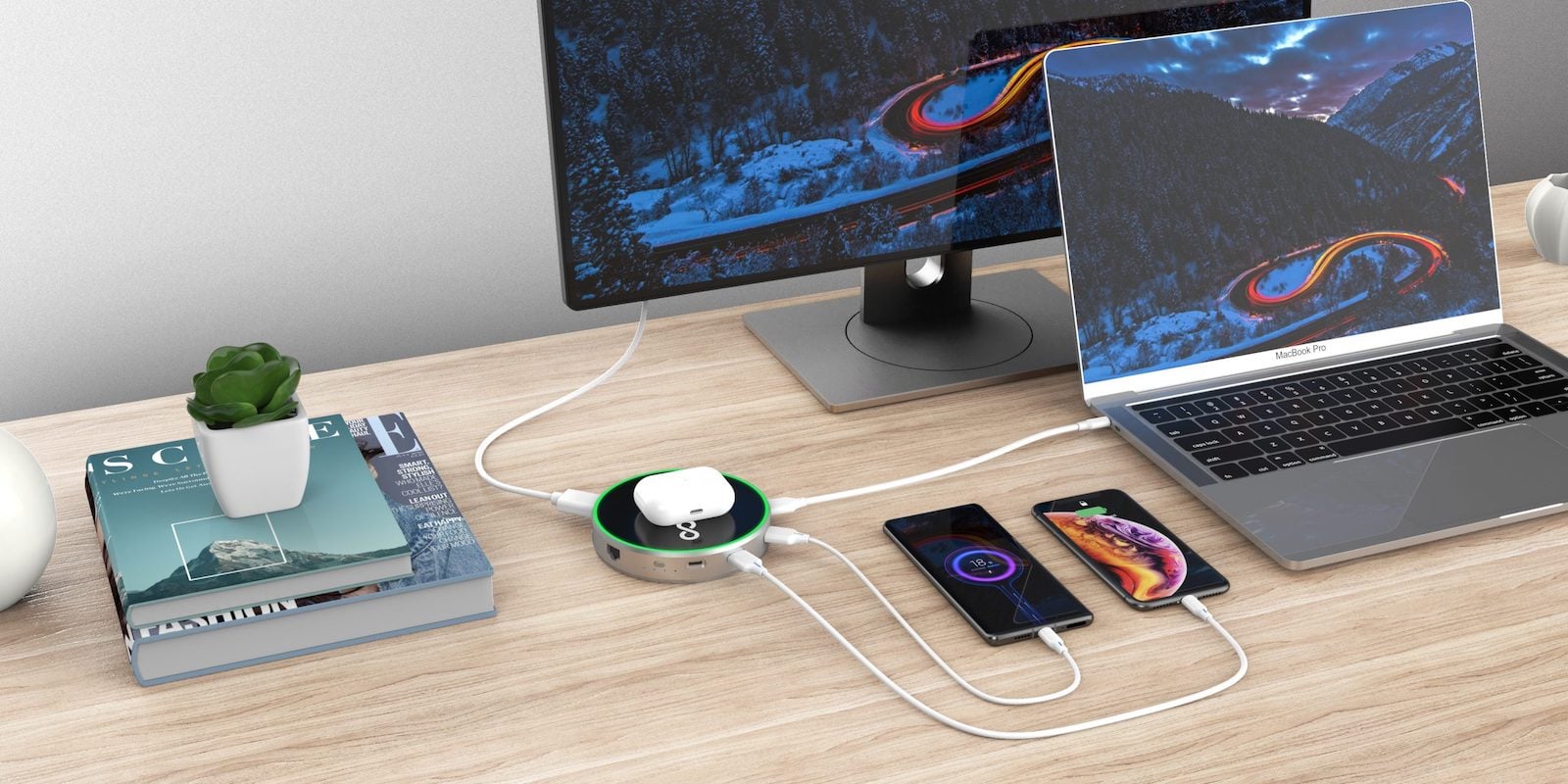
Save on a whole range of charging gear, from wireless hubs to laptop-ready backup batteries and more. Photo: Cult of Mac Deals
More devices means more trouble keeping everything charged. These four Mac and iPhone accessories will give you all the power you need, no matter your situation (assuming you’re not a supervillain hell-bent on world destruction).
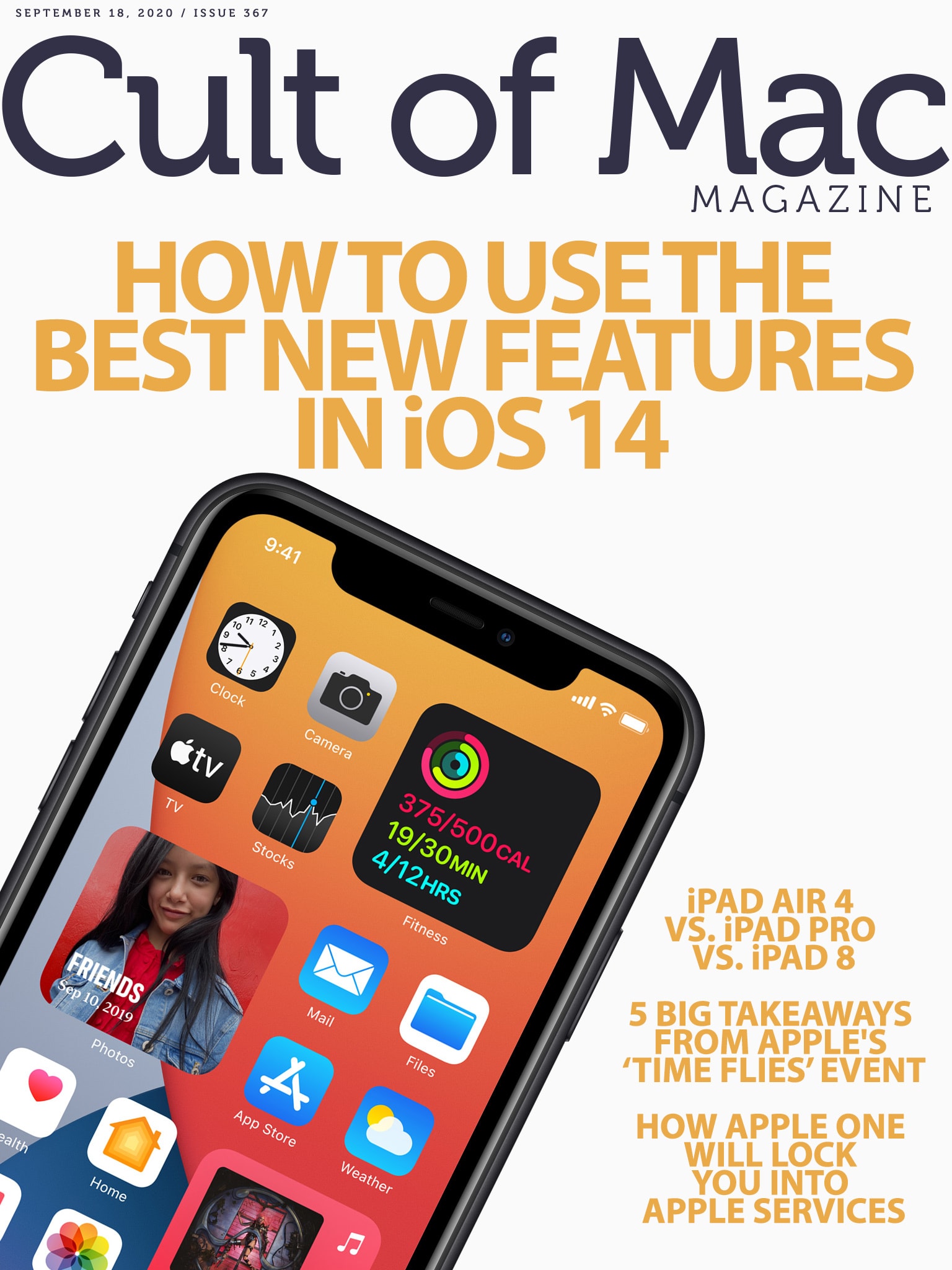
Now that you've upgraded, it's time to take advantage of all the new features. Cover: Leander Kahney/Cult of Mac
If you downloaded iOS 14 — and you really should — you probably know it’s packed with tons of new features. Find out how to make the most of all the latest additions with our roundup of iOS 14 tips and how-tos.
And, naturally, we’ve got plenty of coverage of this week’s big “Time Flies” event. Get the scoop on the new Apple Watches, iPads and Apple services in the latest edition of Cult of Mac Magazine. It’s free, and it’s a blast to read on your iPad or iPhone.
You’ll also get the rest of our Apple how-tos and product reviews. And, if you don’t want to download the mag (did I mention that it’s free?), you can get the week’s top stories in your browser below.
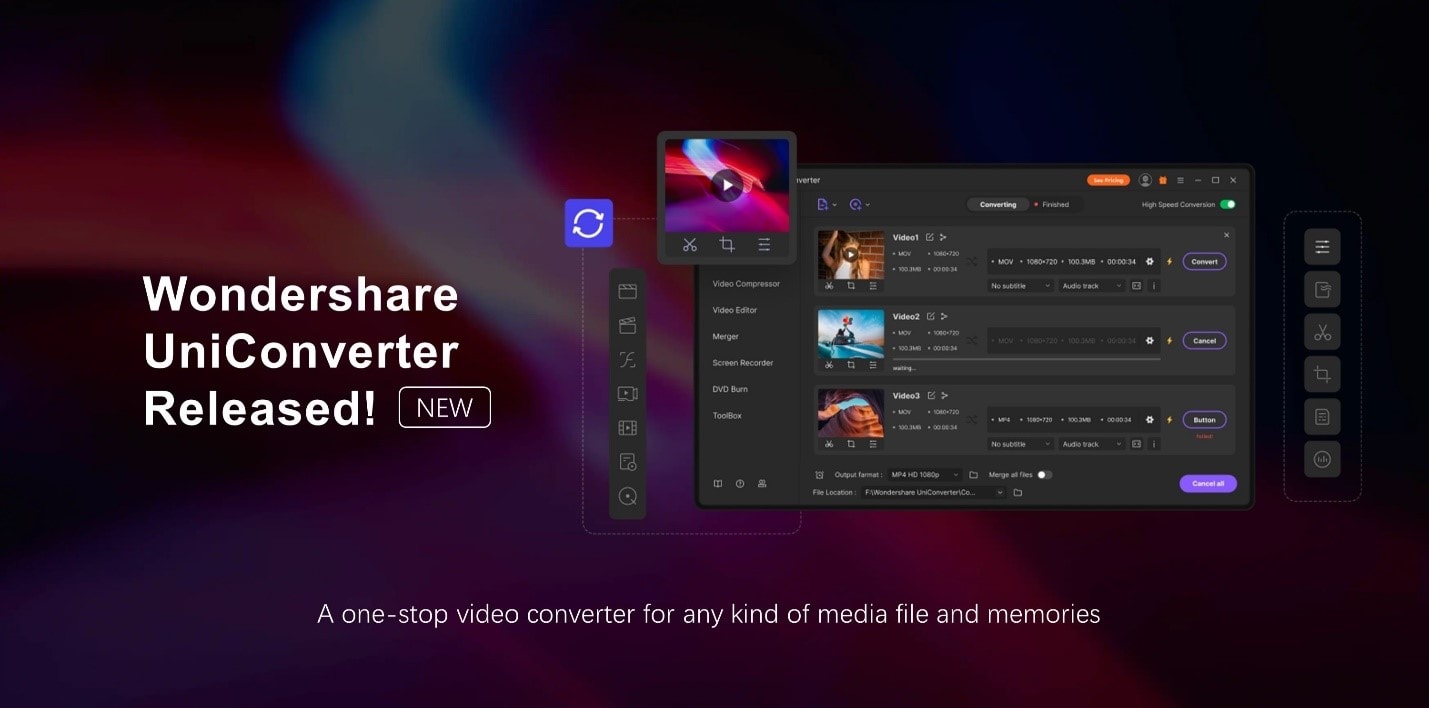
Wondershare UniConverter, now in Version 12, lets you work with a multitude of media formats. Photo: Wondershare
This video conversion post is presented by Wondershare UniConverter.
Whether you love to make videos or just watch and share them, if you want them to be seen in virtually any format on practically any device, you need a good video-conversion tool. It might be time to try Wondershare UniConverter, which can convert any video to more than 1,000 different formats. Try the Mac-dedicated version for a taste of how easy and quick video conversion can be.
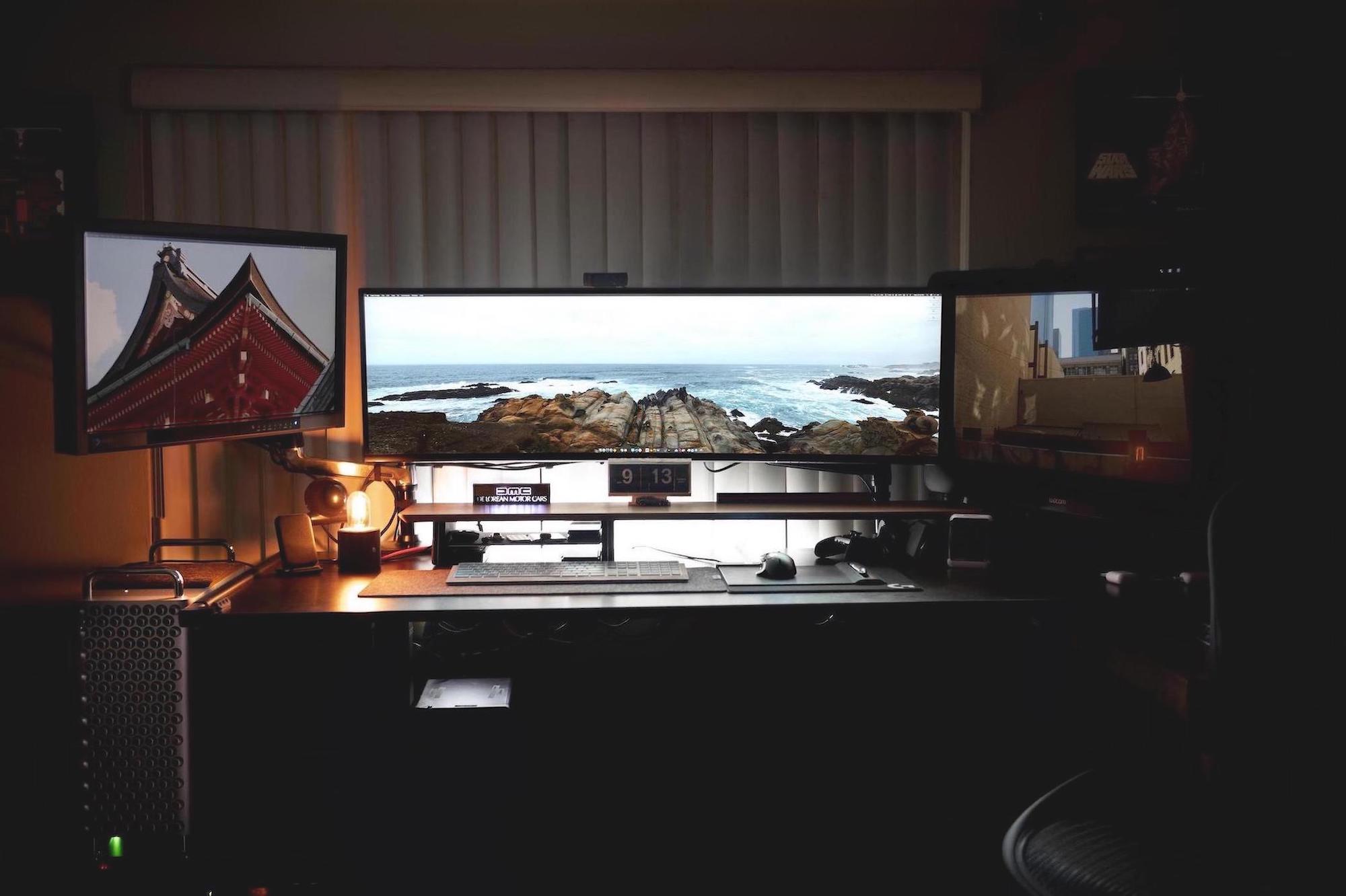
Brandon Fayette is VFX supervisor for The Orville, Hulu’s hilarious Star Trek-esque sci-fi comedy show from Family Guy creator Seth MacFarlane. Since screen space is vital to Fayette, he runs a triple-monitor rig.
The headliner is a Dell 49-inch UltraSharp Monitor. Its 32:9 aspect ratio means that he needs to find a wide panoramic pic for his screen saver. Next to the UltraSharp, Fayette uses a Wacom Cintiq 27QHD 27-inch monitor. This uber-precise monitor boasts a 2560 x 1440 pixel resolution, which is four times the pixel density of a standard HDTV.
Fayette’s third monitor is an Eizo CG277-BK 27-inch ColorEdge Professional Monitor. With its amazing image quality, it was specifically designed for professional colorists.
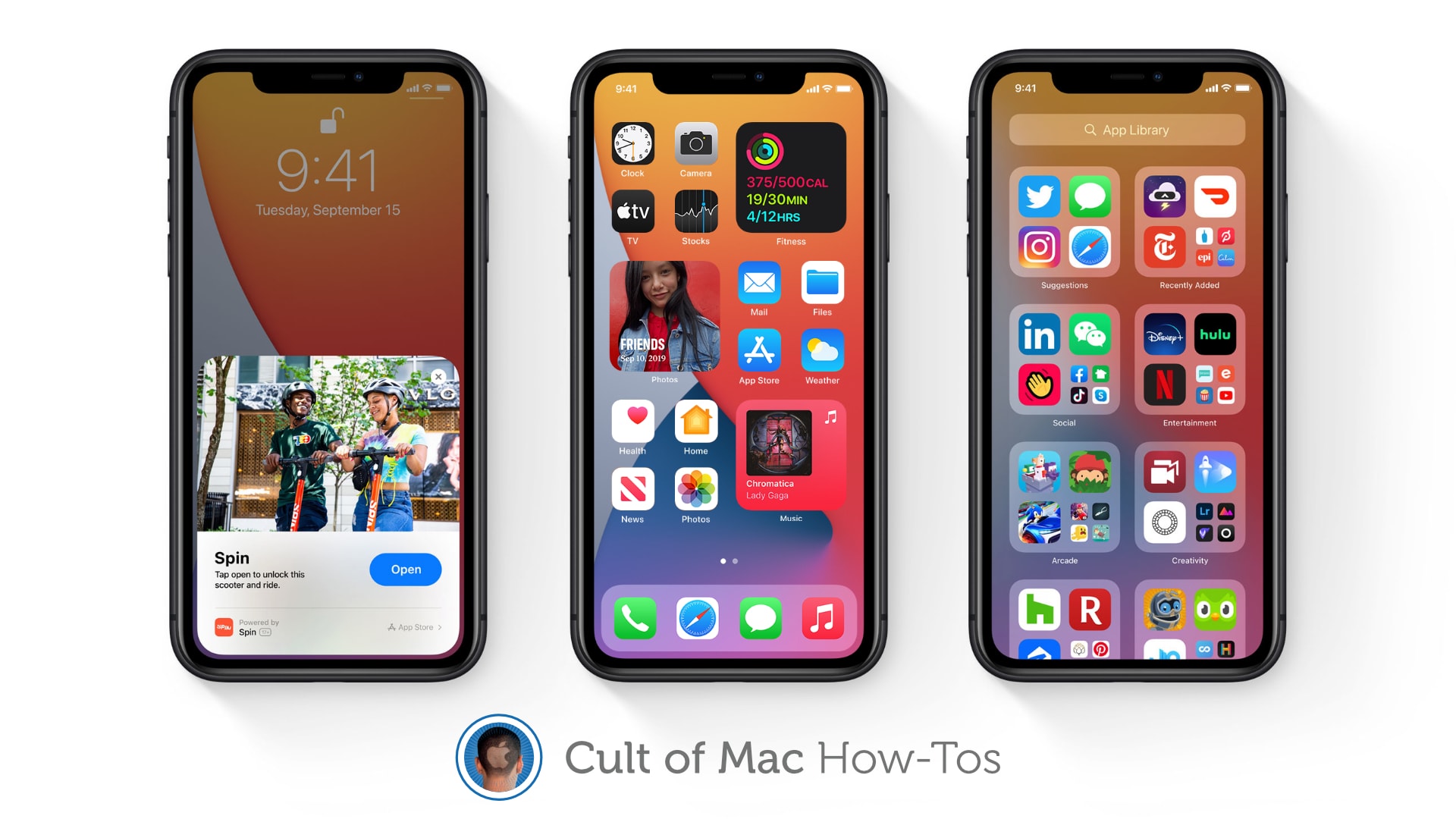
Learn how to use widgets, the App Drawer, and more. Image: Apple/Cult of Mac
iOS 14 is finally out and packed full of awesome new features that make being an iPhone user even greater. We’ve got real Home screen widgets, a useful new App Drawer, Picture in Picture, and more!
If you were able to avoid the iOS 14 beta and all these things are still brand-new to you, you might be wondering how some of them work. Well, don’t worry — Cult of Mac has how-to guides on all of them.
Find out how to use some of the best new features in iOS 14 right here.