Mobile menu toggle

Search results for: Apple One

Show full URLs in Safari’s address bar on macOS [Pro tip]

By

Show full URLs in Safari's address bar
Don't let Safari cut your URLs short.
Image: Killian Bell/Cult of Mac

Safari pro tips bugWe want to help you master Safari. Cult of Mac’s Safari Pro Tips series will show you how to make the most of Apple’s web browser on iOS and Mac.

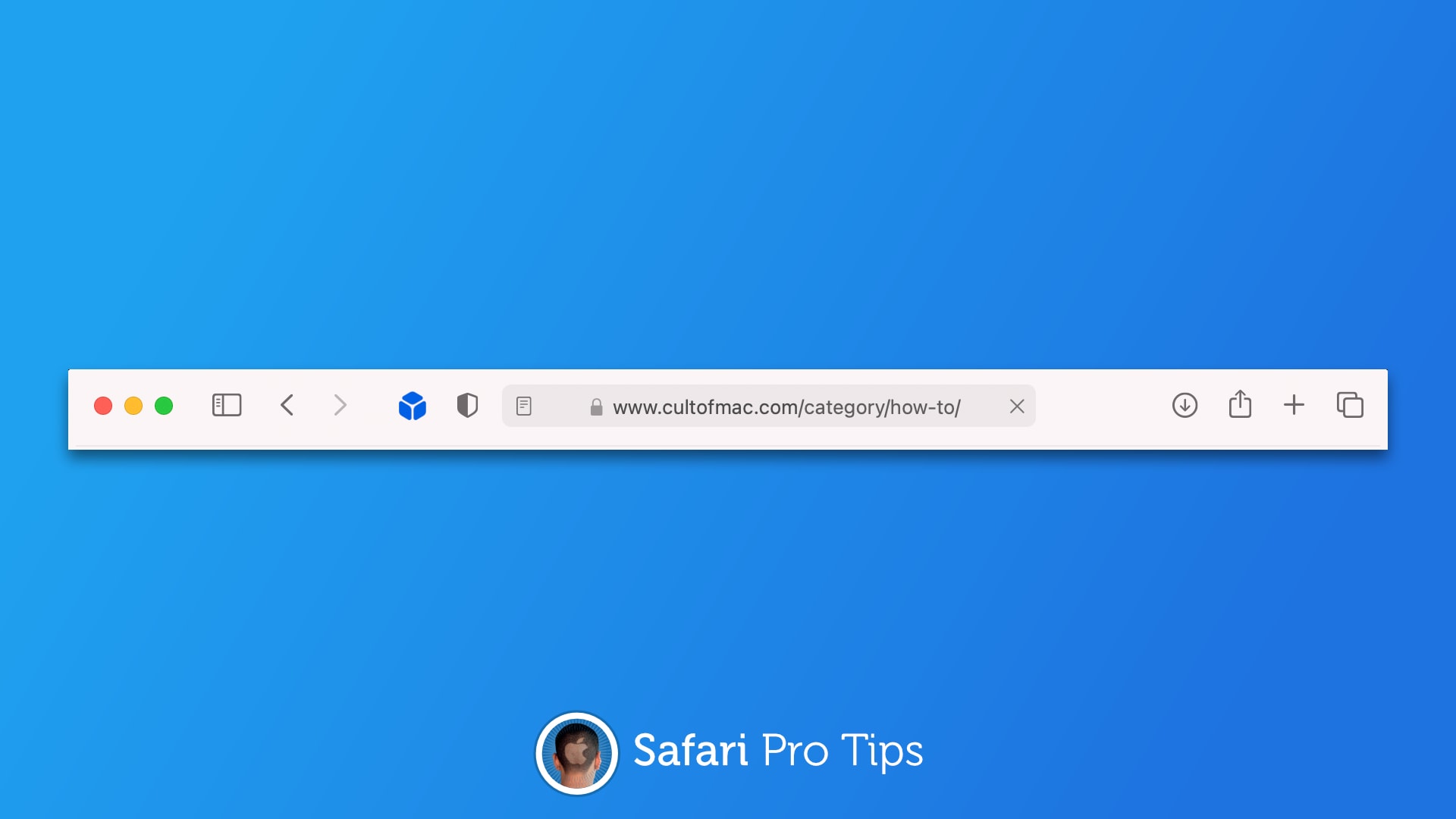
Sometimes it’s handy to see complete URLs in Safari’s address bar, but they get shortened automatically for the sake of cleanliness. The good news is there is a way to prevent that from happening in macOS.

We’ll show you how in today’s Safari pro tip.

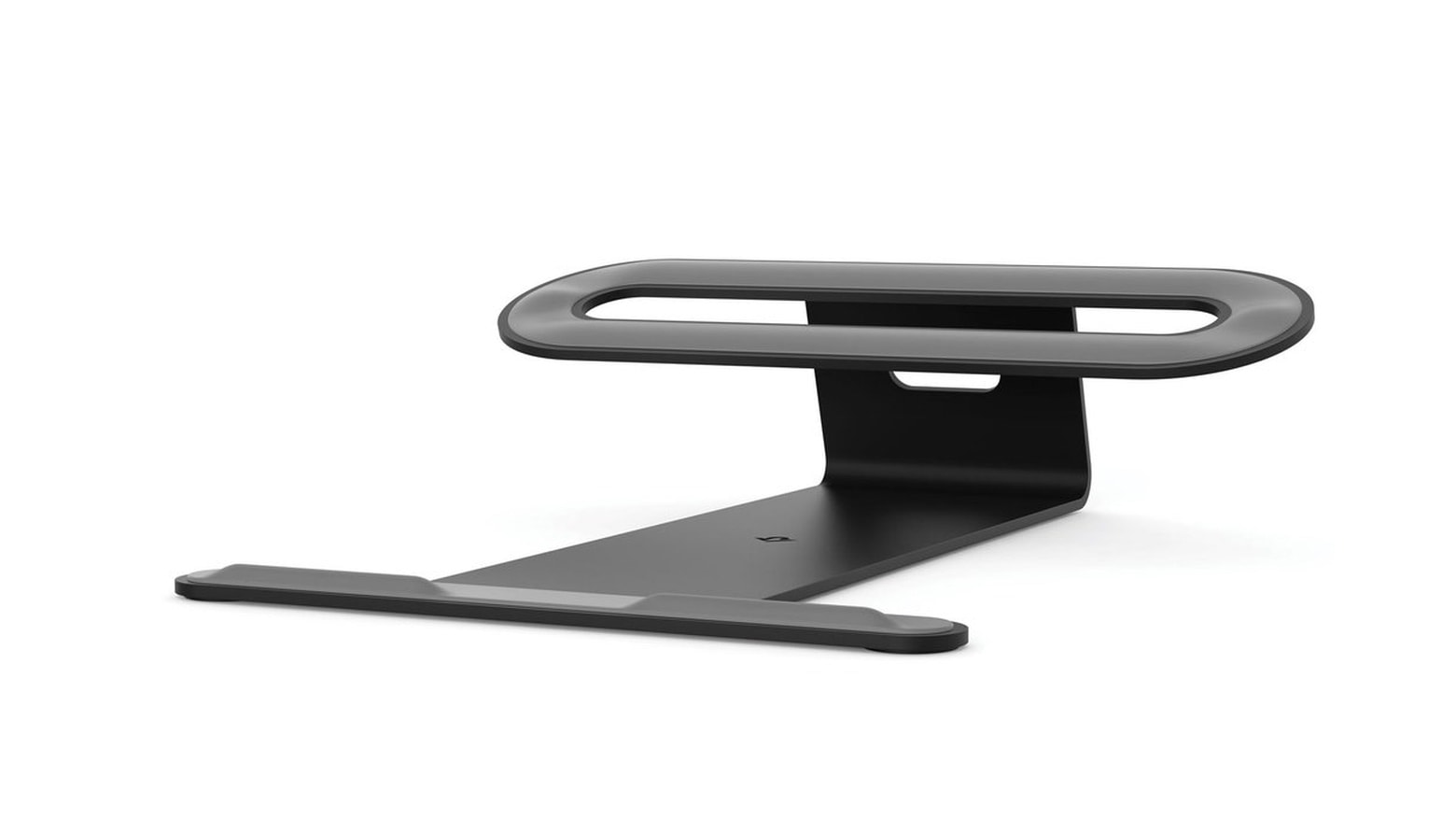
ParcSlope stand gracefully supports MacBook or iPad

By

Twelve South ParcSlope is a desktop productivity stand.
ParcSlope props up either a MacBook or an iPad, making them easier to work on.
Photo: Twelve South

Some stands are designed for laptops, others for tablets. The ParcSlope from Twelve South is both. The desktop accessory, announced Tuesday, elevates the back edge of either a MacBook or iPad, allowing the user to either type more easily or draw on the touchscreen.

How to avoid M1 Mac’s dreaded screensaver bug

By

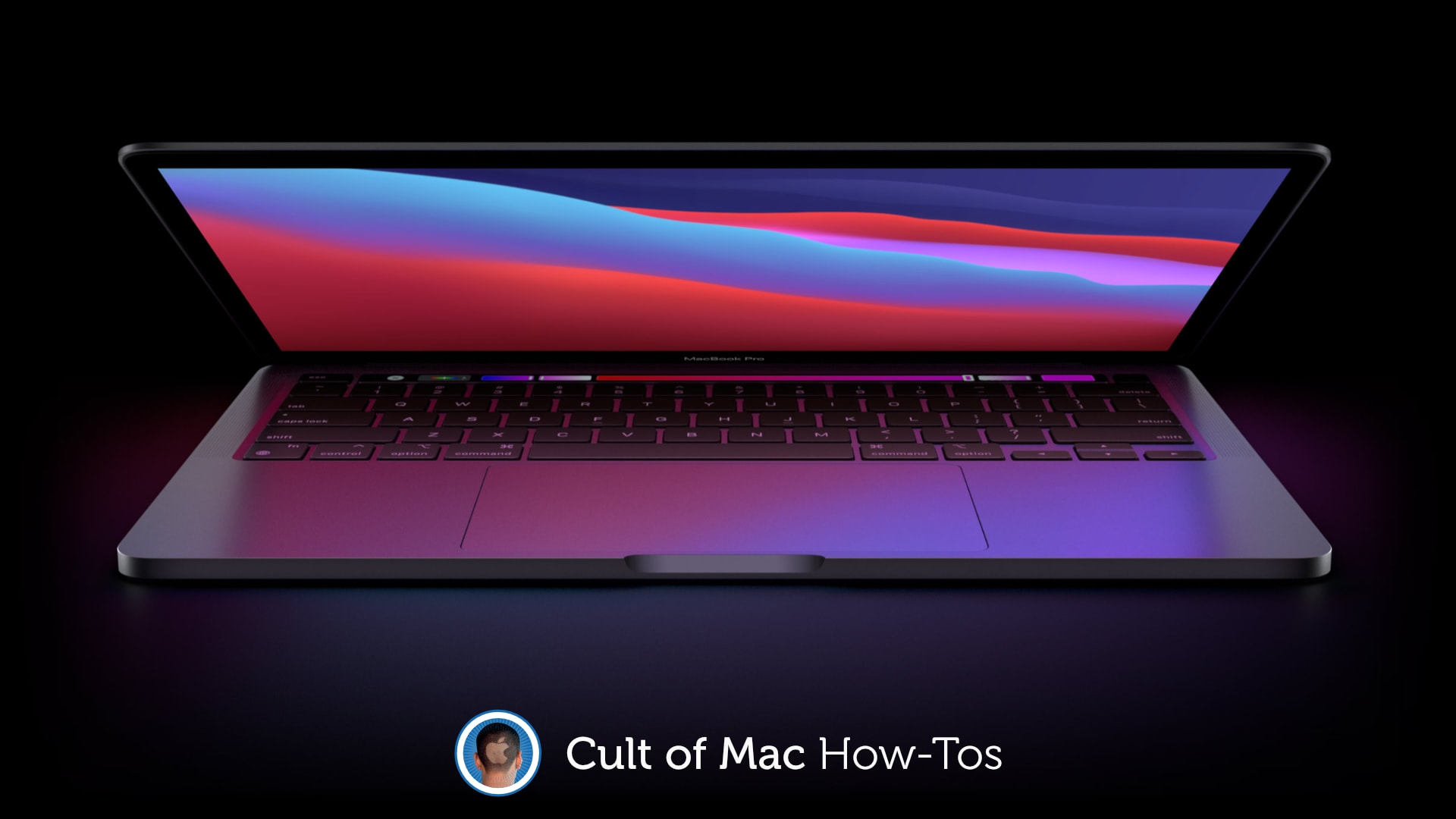
Avoid M1 Mac's screensaver bug
Fast User Switching seems to be the problem.
Photo: Apple/Cult of Mac

A strange bug plaguing a seemingly large number of M1 Mac owners spontaneously displays a screensaver that cannot be dismissed. But there is an easy way to avoid the problem until Apple rolls out a proper fix.

We’ll show you how.

AirPods Max teardown finds mystery chips, screwy screws and impressive engineering

By

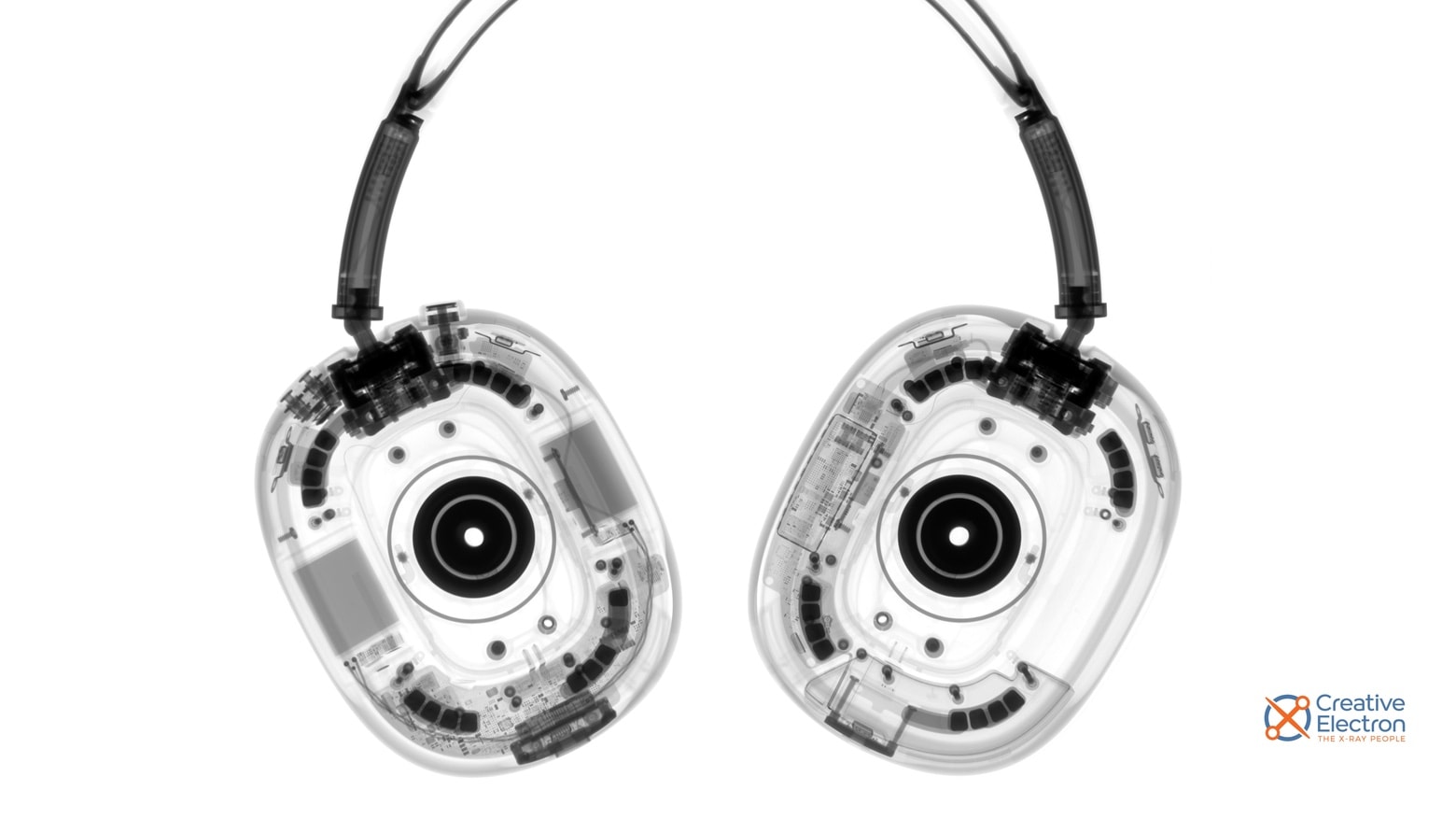
iFixit AirPods Max teardown finds much to like
An AirPods Max Teardown wouldn’t be complete without an X-ray of Apple’s new over-the-ears headphones.
Photo: iFixit

iFixit took a deep dive into AirPods Max, fully disassembling Apple’s over-the-ear headphones. What they found in the teardown was a startling number of different types of screws. But also a craftsmanship that helps justify the hefty price tag.

Automatically save your Safari reading list for offline viewing [Pro tip]

By

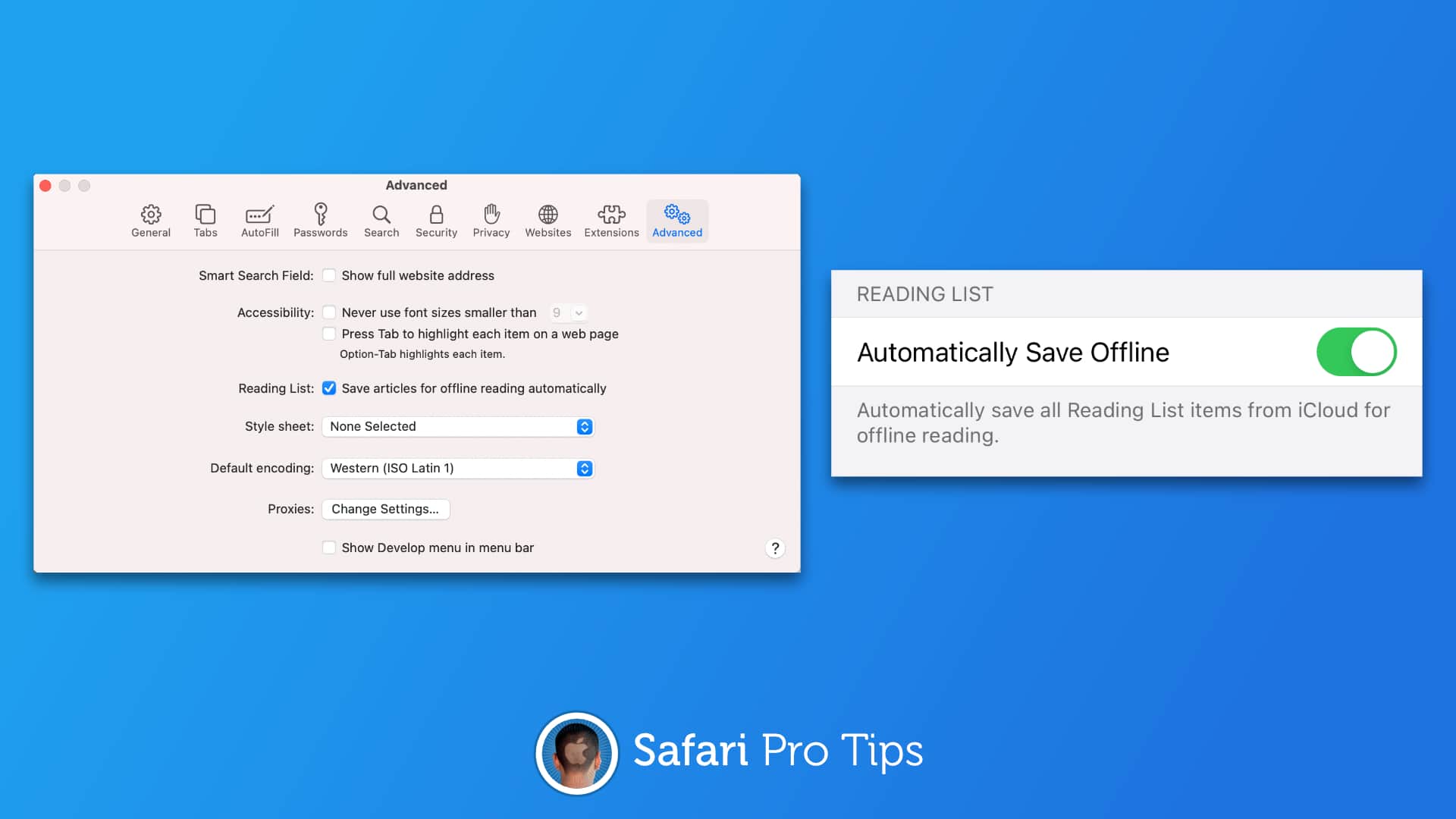
Automatically save your Safari reading list offline
Access your reading list anywhere, anytime.
Image: Killian Bell/Cult of Mac

Safari pro tips bugWe want to help you master Safari. Cult of Mac’s Safari Pro Tips series will show you how to make the most of Apple’s web browser on iOS and Mac.

Need something to read on the go when you don’t have great data connectivity? Automatically save your Safari reading list to your iPhone, iPad, or Mac so that you can keep up with your favorite sites anytime, anywhere.

We’ll show you how in this Safari pro tip.

Tasty renders show 2021 iPad Pro with mystery magnetic connectors

By

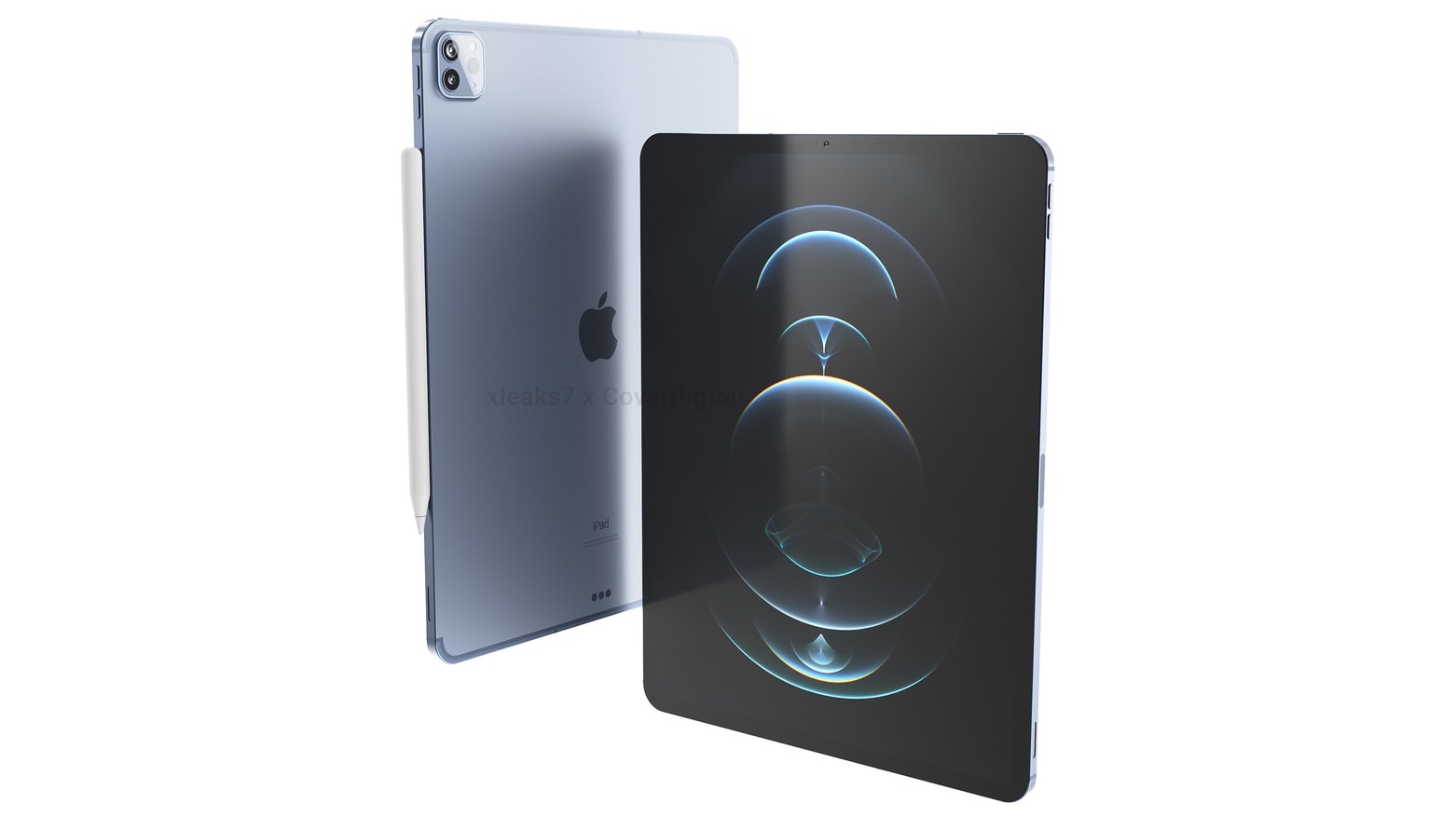
This might be the 2021 iPad Pro.
The basic design of 2021 iPad Pro will supposedly be much like its predecessor, but with some interesting enhancements.
Render: xleaks7/Pigtou

Apple will build even more magnets into the 2021 iPad Pro, according to a tipster. The same source also rendered images supposedly based on CAD drawings of the upcoming 12.9- and 11-inch versions.

Other changes rumored for Apple’s next top-tier tablet include an improved screen and optional 5G.

A classic Mac app returns from the dead, and it’s time to get your affairs in order [Awesome Apps of the Week]

By

Awesome Apps of the Week EZ Estate and more
These apps and updates stand out from the crowd.
Image: Cult of Mac
Awesome Apps

A recent restoration project brought vintage Mac MP3 player Audion back from the edge of oblivion. You can get Audion, and its more than 800 wild and wooly custom user interfaces, for free.

If you’re interested in how software design has evolved, you’ll love this totally trippy flashback to the bad old days when we all crammed our hard drives full of downloaded MP3s.

If you’d rather deal with more pressing matters, we’ve got other new apps to showcase in this week’s roundup. EZ Estate will help you get your final affairs in order. A new RSS reader will make you fall in love with an otter. You can display your HomeKit scenes in iOS widgets and more.

Automatically fetch desktop websites in Safari on iOS [Pro tip]

By

How to fetch desktop websites in Safari
Don't settle for mobile sites all the time.
Image: Killian Bell/Cult of Mac

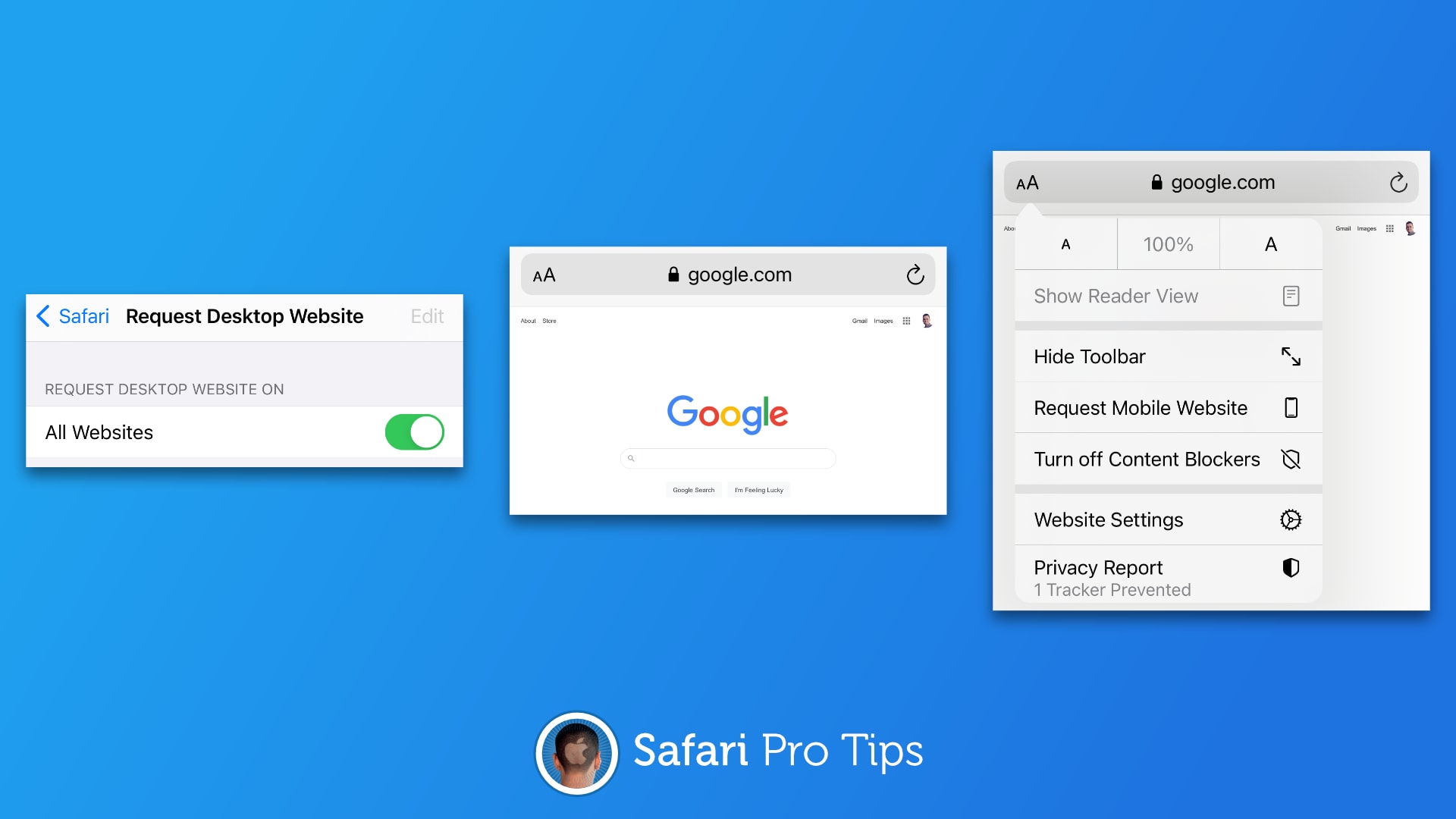
Safari pro tips bugWe want to help you master Safari. Cult of Mac’s Safari Pro Tips series will show you how to make the most of Apple’s web browser on iOS and Mac.

If you prefer an entirely unadulterated experience when browsing the web, you probably find yourself frequently loading websites in desktop mode in Safari on iPhone. But rather than having to enable this mode every time you visit a new site, you can have Safari fetch desktop websites automatically.

We’ll show you have to set it up in this Safari pro tip.