Mobile menu toggle

Search results for: Apple One

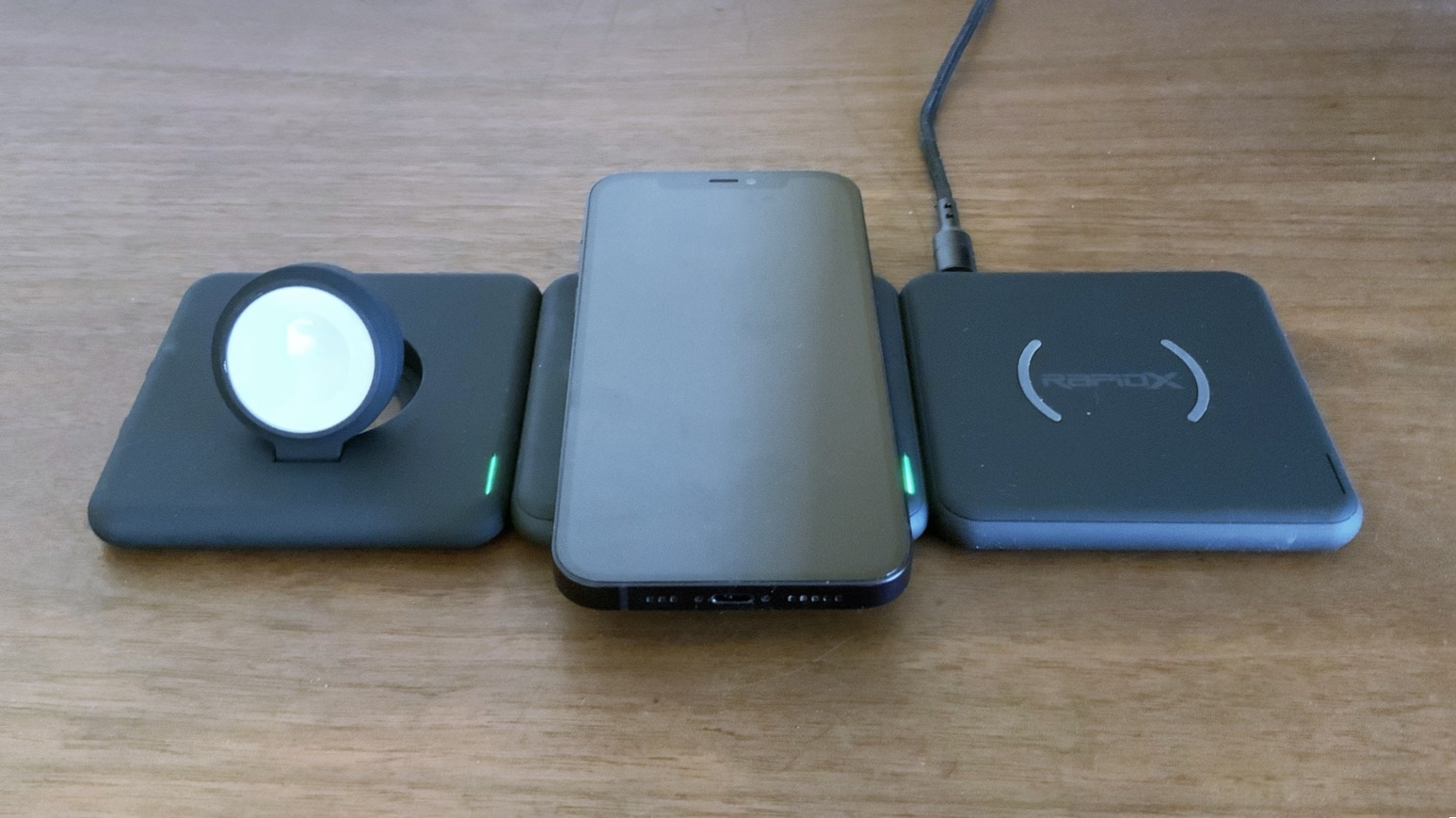
Mix and match modular wireless chargers with RapidX Modula5 [Review]

By

RapidX Modula5 review
Daisychain RapidX Modula units to build a custom wireless charging station.
Photo: Ed Hardy/Cult of Mac

Many homes and offices have a collection of iPhones, Apple Watches and AirPods that need charging every night. Rather than a collection of these cluttered together, the RapidX Modula5 system offers wireless chargers that magnetically snap together and run off a single cable.

I used Modula5 in my multi-device home. Here’s why I like it.

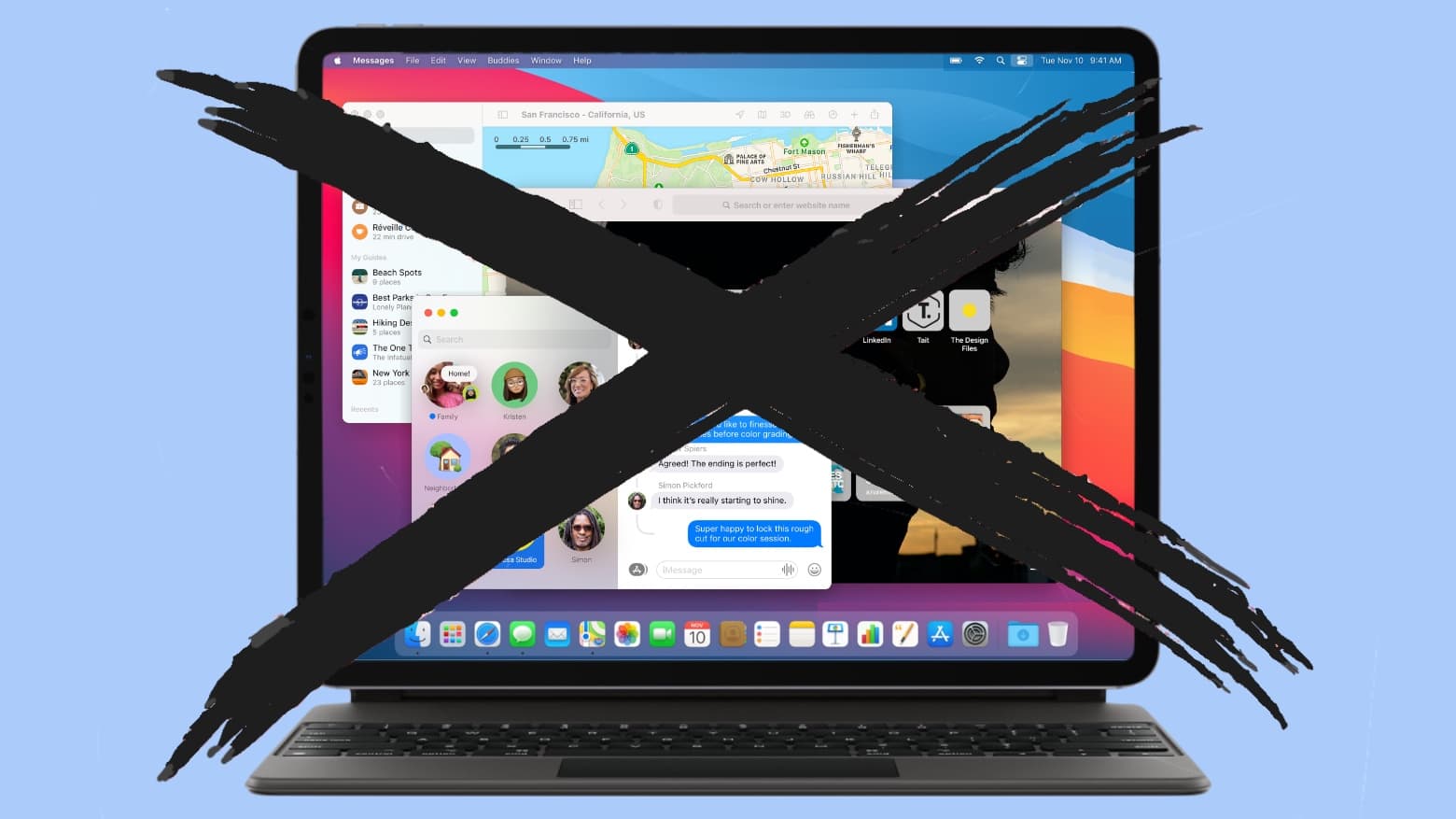
Putting macOS on iPad is a terrible idea

By

Putting macOS on iPad is a terrible idea
No. No, no, no, no. No.
Graphic: Cult of Mac

Apple’s smart decision to build an M1 processor into the 2021 iPad Pro renewed calls to port macOS to the tablet. “Put macOS on the iPad, you cowards,” read one particularly misguided headline.

Doing so would be a mistake so severe it would damage sales of both iPad and Mac. It would take years to clean up the mess.

No matter that Macs and iPads run on the same chip. macOS isn’t designed for a touchscreen. Apple would need to redesign the operating system to run on a tablet, and devs would need to alter third-party applications, too. And that would anger people using non-touchscreen laptops and desktops.

Plus, people happy with the iPad now wouldn’t like the change either.

Jony Ive touts power of ‘potent ideas’ in commencement address

By

Former Apple design chief Jony Ive talks up big ideas in his virtual commencement speech.
Jony Ive has ended his partnership with Apple, ending a very productive 30-year relationship.
Photo: Nick Knight

Former Apple design chief Jony Ive emphasized the power of imagination and innovation in a virtual commencement address to graduating students from the California College of the Arts.

“Without imagination, without profoundly new thinking, and potent ideas, our practice has no purpose,” Ive said in a stylized video against a black background.

M1 iMac can’t match fastest Intel iMacs in early benchmarks

By

24-inch iMac with M1 processor released in 2021
The M1 processor in the 24-inch iMac is faster than most Intel iMacs. But not all.
Photo: Apple

The first benchmark scores for the upcoming 24-inch M1 iMac are out, and the all-in-one desktop is just as fast as the laptops and desktop released in 2020 running this processor. And no faster.

That makes the new model 24% quicker than the 21-inch iMac it’s replacing. But it’s slower than the 27-inch iMac introduced in 2020 with a top-tier Intel processor.

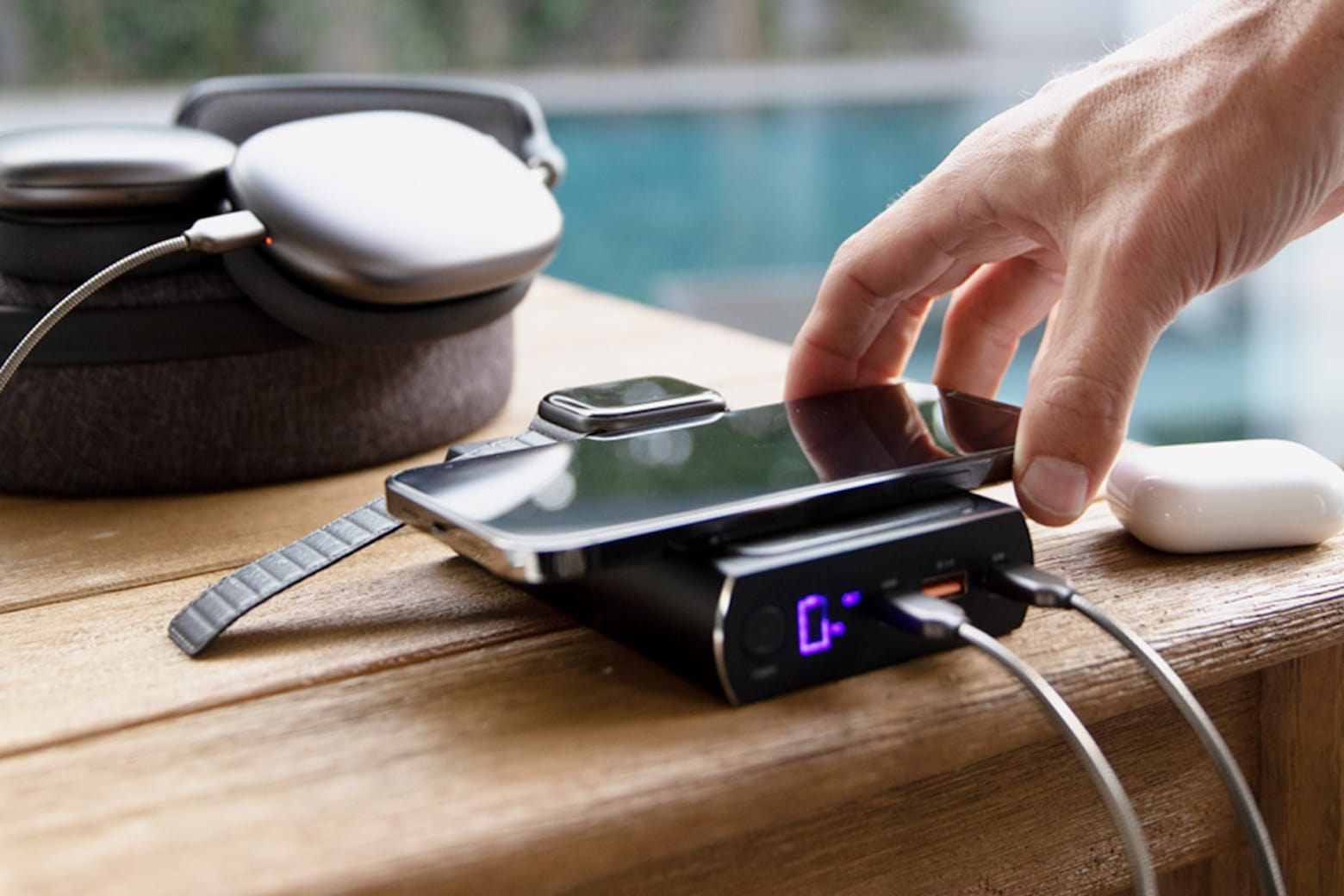
Preorder this portable powerhouse charger while it’s 50% off

By

charger
This thing can charge your iPhone, iPad, AirPods, MacBook and Apple Watch all at once.
Photo: ScoutPro

As technology progresses, it seems that we all need more and more smart devices to power through our day productively: a smartwatch for better workouts, a laptop for better work production, wireless earbuds for better listening, and a smartphone for better communication. While all of these high-powered devices work hard to improve our lives, our reliance on them tends to drain their batteries — and sometimes, everything goes critical all at once.

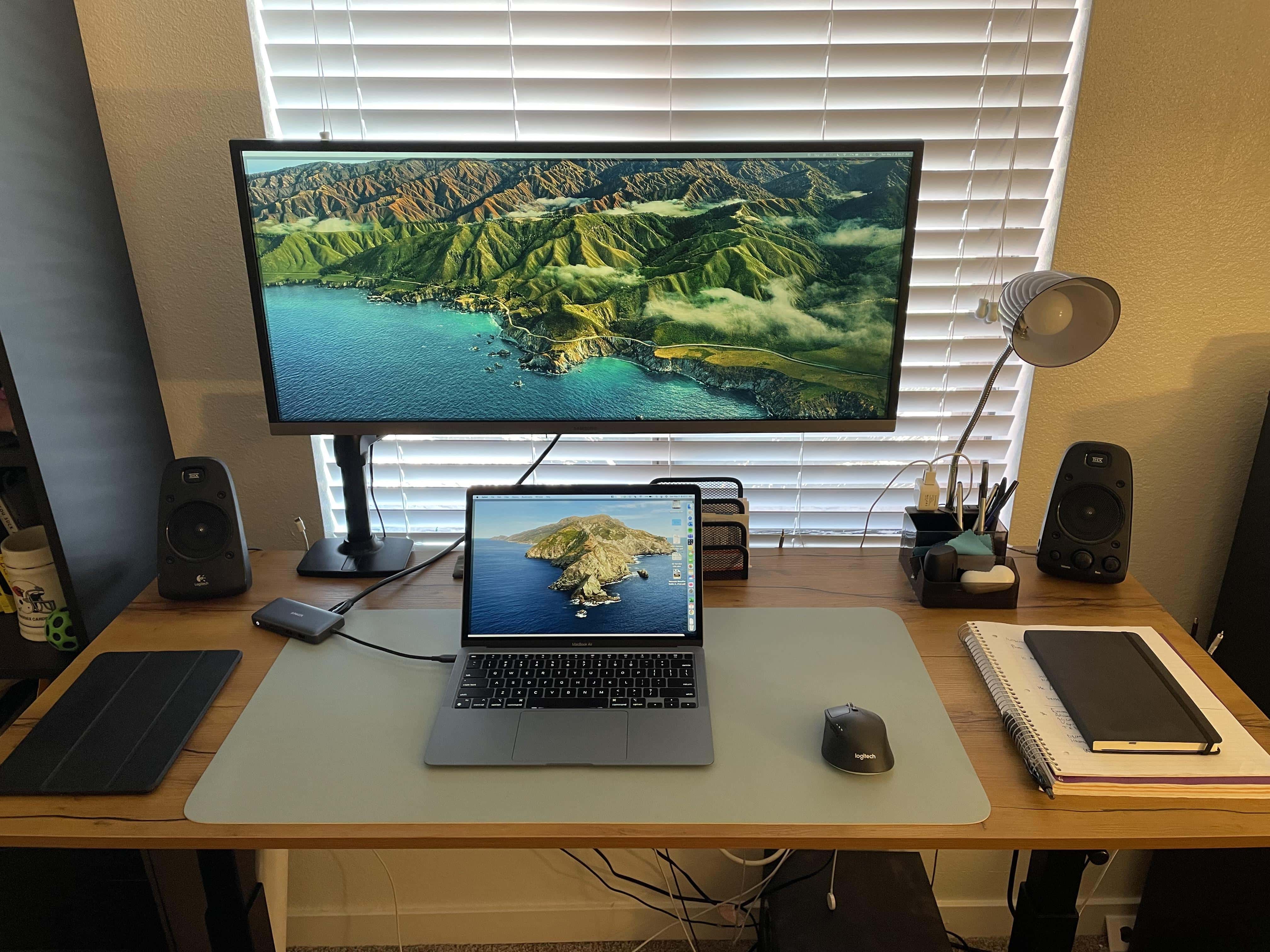
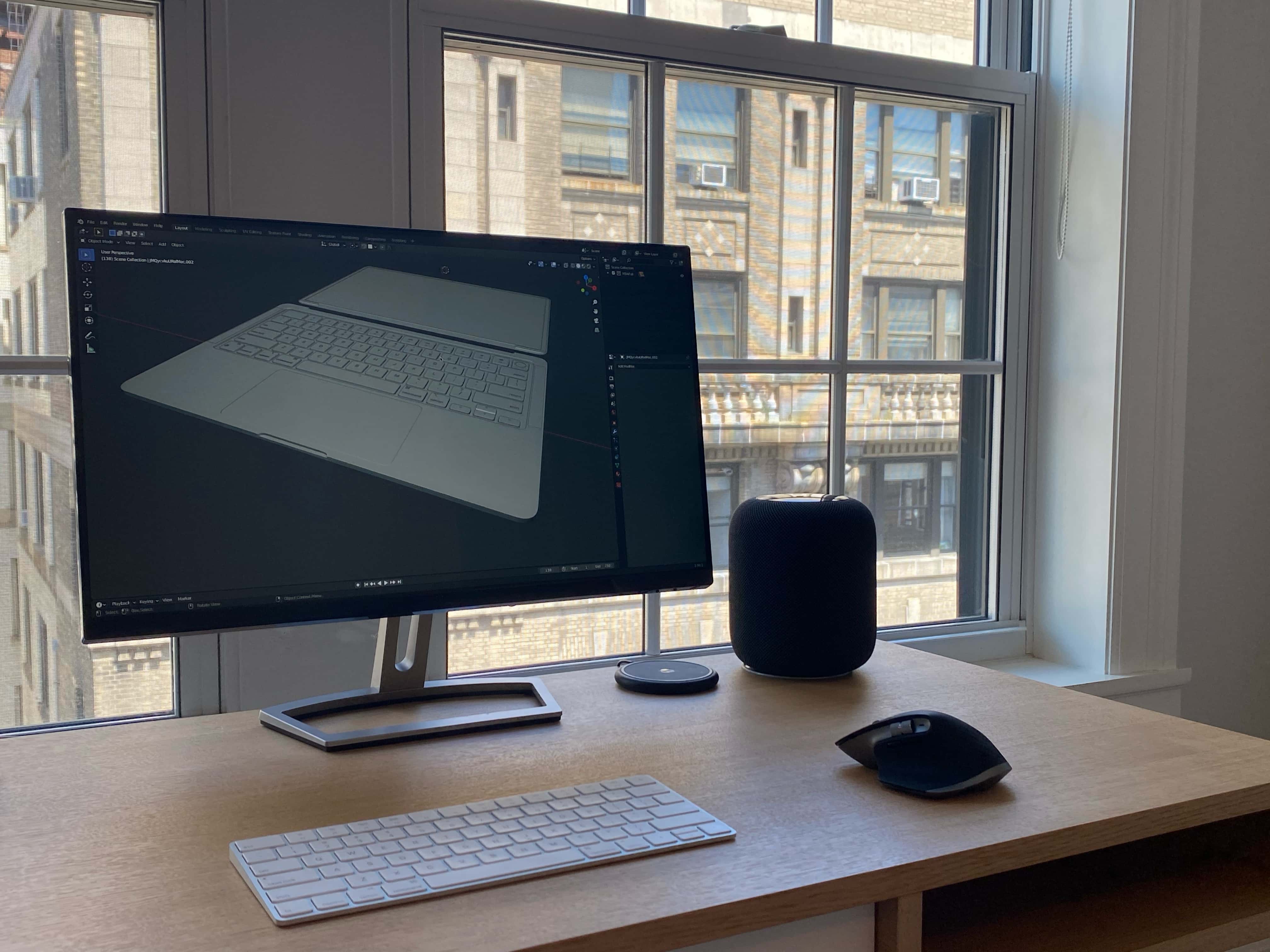
High school student makes impressive 3D renders of big-time Mac leaks [Setups]

By

Ian Zelbo's monitor shows a render of a leaked MacBook Air concept he worked on with Jon Prosser. on.
Ian Zelbo's previous monitor shows a render of a leaked MacBook Air concept he worked on with Jon Prosser.
Photo: Ian Zelbo

It’s not every day you come across a high school student running a successful tech-based business – never mind one whose 3D renderings are routinely seen by thousands of people. But that’s the case with 17-year-old New Yorker Ian Zelbo and his RendersbyIan.

His detailed and realistic renders of leaked tech products, including Macs, get loads of exposure on social media from his clients, the likes of Jon Prosser of @FrontPageTech and Sam Kohl of iupdate.

Take push-button control of HomeKit accessories with Belkin remote [Review]

By

Belkin Wemo Stage Scene Controller review
Press any of the three buttons on Belkin’s Wemo Stage Scene Controller to activate HomeKit accessories.
Photo: Ed Hardy/Cult of Mac

You can activate up to six preprogrammed HomeKit scenes or accessories with the push of a button on Belkin’s Wemo Stage Scene Controller. The palm-size remote sits on a table or hangs on a wall, and lets you easily control HomeKit accessories all over your home. No wiring involved.

I’m fully committed to Apple’s home-automation system, and Belkin’s latest HomeKit gadget fit neatly into my setup. Here’s why.