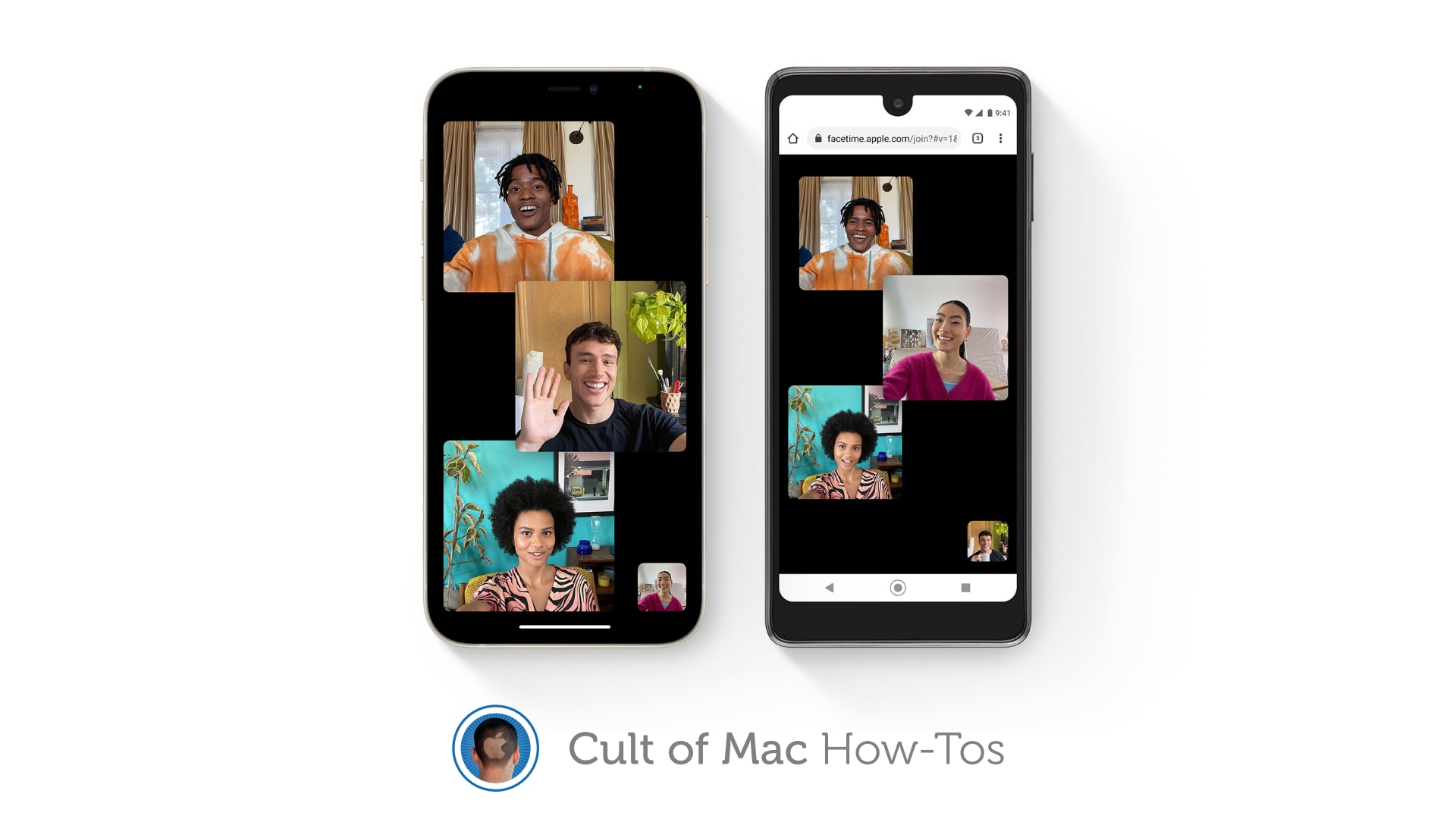
Also works with Linux and Chrome OS. Image: Apple/Cult of Mac
iOS and iPadOS 15 let you enjoy FaceTime calls with Android and Windows users for the first time. But to get a call started, you — or someone else with an Apple device — first need to send out an invite.
In this guide, we’ll show you how to do that on iPhone and iPad.
Bug fixes aren't exciting, but they're necessary. Graphic: Ed Hardy/Cult of Mac
Apple seeded the iOS 15.3 release candidate to developers on Thursday, along with the iPadOS equivalent. Surprisingly, the updates appear to include nothing but bug fixes and security updates. There are no new features. Still, I t’s possible these will take care of a headline-making WebKit bug that leaks user information.
Release candidates for macOS Monterey 12.2, watchOS 8.4 and tvOS 15.3 are also out on Thursday.
Grace Kaufman and Jacques Colimon in “The Sky Is Everywhere,” debuting February 11 on Apple TV+. Photo: Apple TV+
Apple TV+ will premiere The Sky Is Everywhere, a story of love and loss, just in time for Valentine’s Day.
A trailer for the upcoming film debuted Thursday, giving viewers a first look at a young woman simultaneously dealing with the death of her sister and her first love.
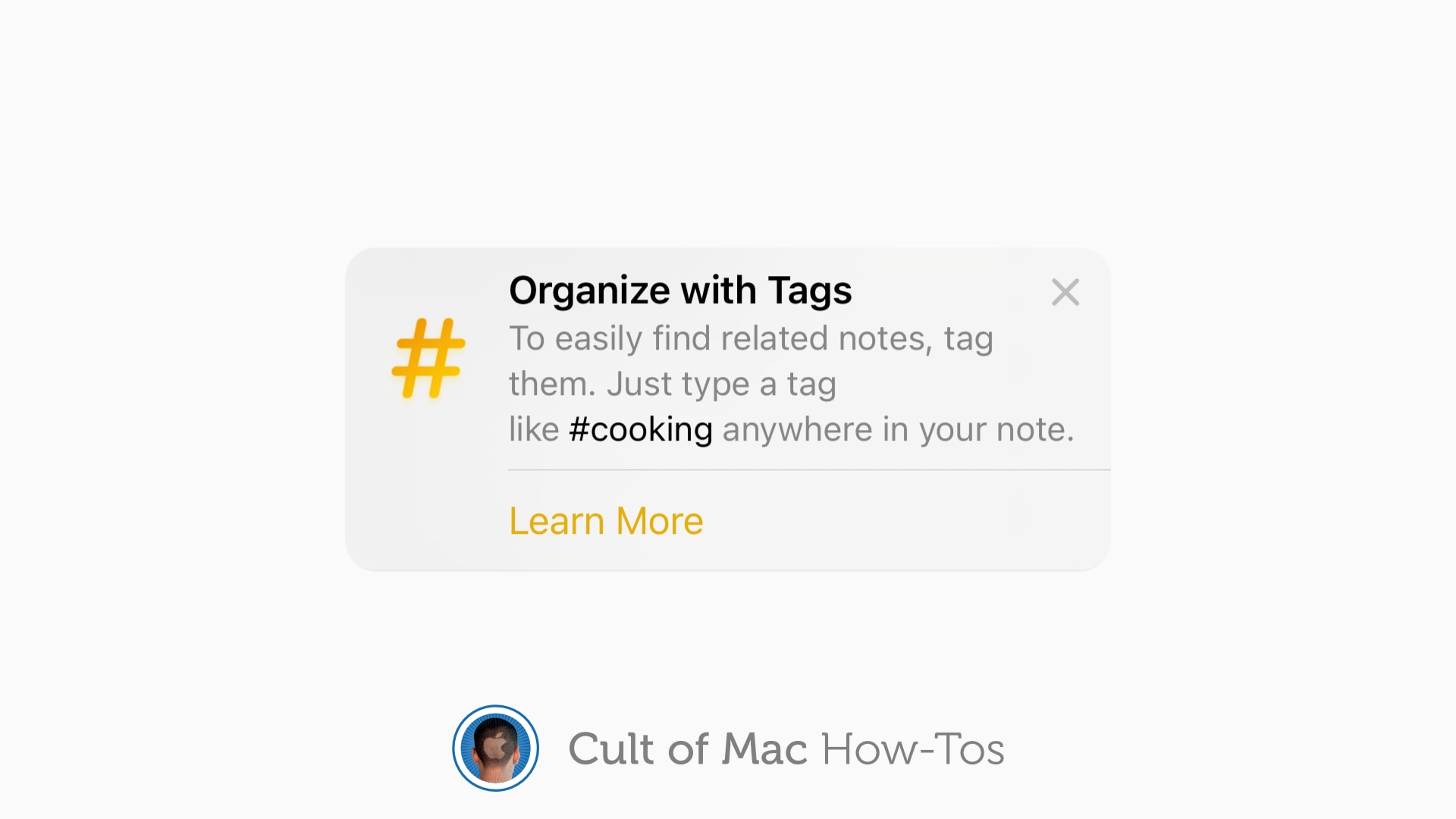
A new way to sort and find all your notes. Image: Killian Bell/Cult of Mac
iOS 15, iPadOS 15 and macOS Monterey allow you to use tags inside the Notes app to keep everything organized. They can help you quickly separate notes for different projects, and they make it easier to find things later.
Here’s how to use tags in Notes on iPhone, iPad and Mac.
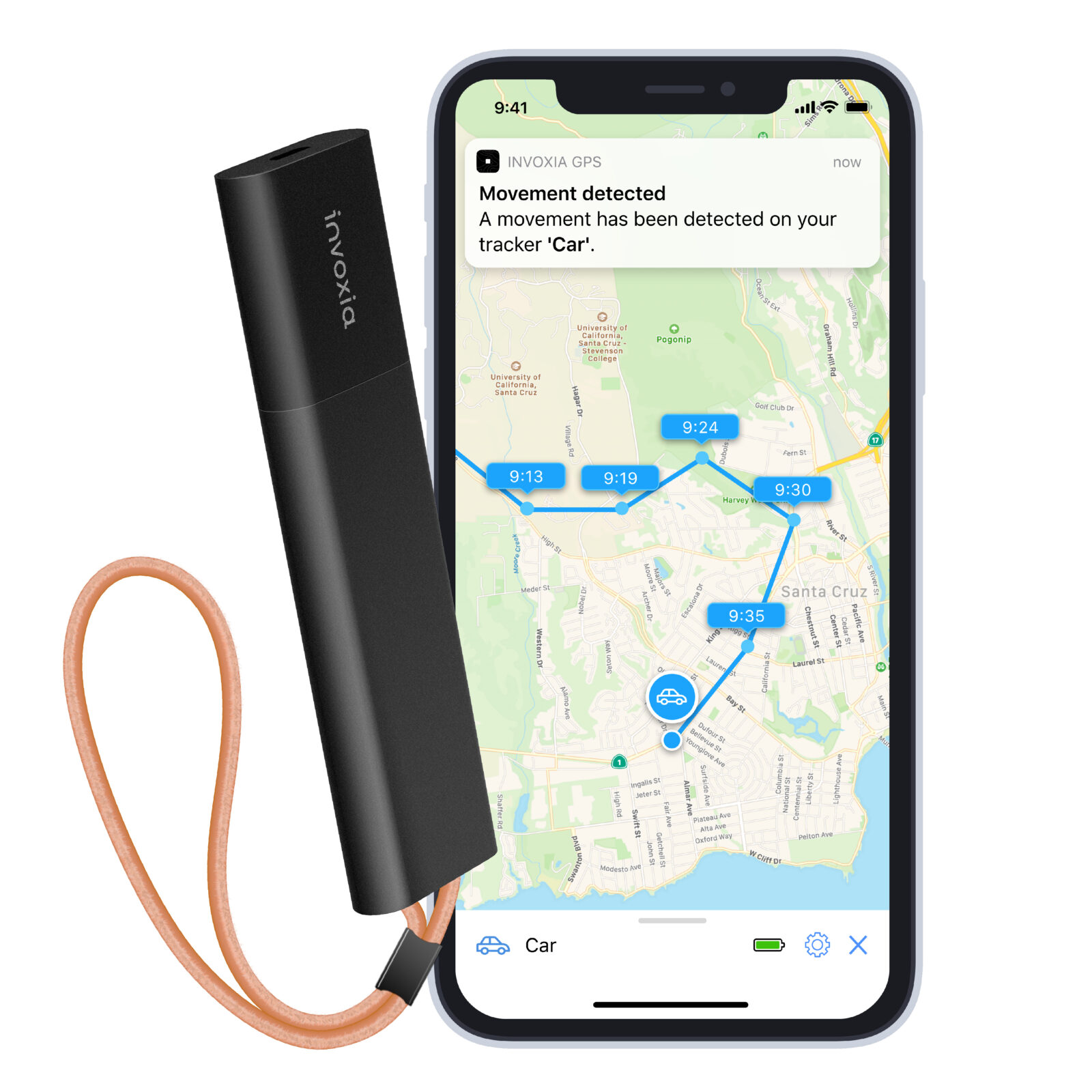
This cellular GPS tracker works with a companion app for easy tracking anytime, anywhere. Photo: Invoxia
If you live in a big city, you likely suffered the misfortune of having something stolen. Maybe thieves swiped your bike, motorcycle, car or backpack.
Whatever the item, it sucks. But this week’s Cult of Mac giveaway can help you when disaster strikes. Invoxia, an award-winning designer of tracking devices, is giving three lucky winners its Cellular GPS Tracker and a one-year subscription to 4G networks that let the device work its magic.
If you constantly misplace your bag or worry about getting your bike stolen, make sure you enter our giveaway.
Analyze your golf swing with this 3D simulator. Photo: Cult of Mac Deals
Golf is one of those games where it’s difficult to improve without real-life practice. But this TruGolf Mini Golf Simulator helps you practice your swing — and enjoy beautifully rendered virtual courses — without going to the range in person.
It’s a futuristic way to enjoy the game of golf without gambling on clear weather (or spending money on green fees). It’s fun, it’s perfect for both newbies and regular golfers alike, and its built-in analytics will help you boost your game.
Adds some library camouflage to your iPad and keyboard with the Twelve South BookBook Cover. Photo: Twelve South
While there are a lot of generic iPad cases, the new BookBook Cover from Twelve South is completely eye opening. It turns an iPad and keyboard into a leather-bound book. While making the tablet look medieval, it’s also protecting the valuable computer inside from bumps and blows.
Unlike the standard BookBook Case for iPad, this version has room to hold an Apple Magic Keyboard.
The audio engineer who uses this setup calls their 16-inch M1 Max MacBook "an absolute beast" on the music production front. Photo: [email protected]
Here at Cult of MacSetups Central, we’ve looked fairly closely at quite a few audio-centric workstations used by the likes of sound designers, video mavens and plain ol’ music fans. Today’s featured setup, with a souped-up 16-inch M1 Max MacBook at its core, belongs to an out-and-out audio engineer from Canada named James.
Become a superstar web developer for 25 bucks and change. Photo: Cult of Mac Deals
Whether you want to make an exciting career change or start a lucrative side hustle, web development is one of the most valuable skills you can have right now. So, this deal on the 2022 Web Development for Beginners Bundle — a top-rated series of courses — is definitely worth a look.
With eight different courses included in this bundle, the deeply discounted price works out to less than $4 a course for a limited time.
These pro photography apps make editing pictures a snap. Photo: Cult of Mac Deals
It’s not just the equipment that makes photography such an expensive career and hobby. Software that can help photographers produce the best pictures often proves incredibly pricey
However, for a limited time, the Everimaging 3-in-1 Photographer’s Bundle for Mac gives you three indispensable programs for only $42.49 (regularly $199) with the code JAN15. And you get the software for life.