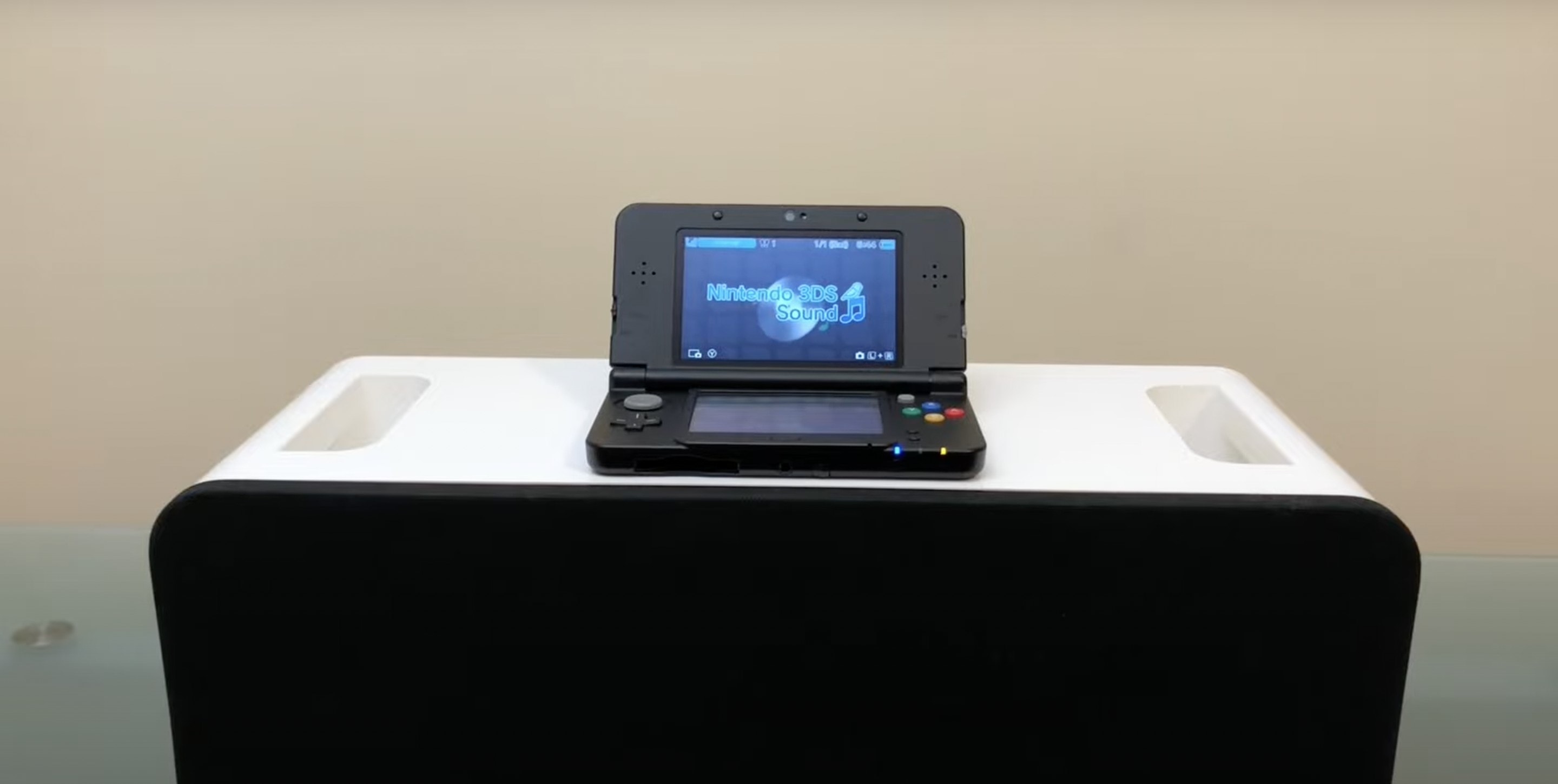
If, like none of us, you often sit around wishing you could combine your old iPod Hi-Fi with a Nintendo 3DS, today is your lucky day. One YouTube video shows it is possible connect both gadgets — and they work surprisingly well together.
The hack is super-simple, requiring nothing more than a few basic adapters for iPod Hi-Fi’s ancient 30-pin connector, so there’s no need to pull anything apart. And it even allows the Nintendo 3DS to be controlled by an iPod Hi-Fi remote.
Mac Studio's X-ray is oddly terrifying. Photo: Creative Electron/iFixit
The gadget butchers at iFixit have finally gotten their hands on Mac Studio. After many hours on the operating table, Apple’s newest desktop has been pulled apart to give us a detailed look at its compact yet powerful insides.
You may be surprised to learn that many of Mac Studio’s components — including its SSDs and connectivity ports — are modular, which means they can be replaced if things go wrong. But user upgrades are out of the question.
The MacBook Air line could expand with a model that sports a 15-inch display. Image: Cult of Mac
A 15-inch MacBook Air is on Apple’s agenda for 2023, according to a reliable source. And the current 13-inch version could be replaced by a one with somewhat larger screen.
In addition, the same source says the display in the budget iPad is in for a size increase, too.
The Mac Studio replaced an LG 5K monitor. So far, no complaints. Photo: [email protected]
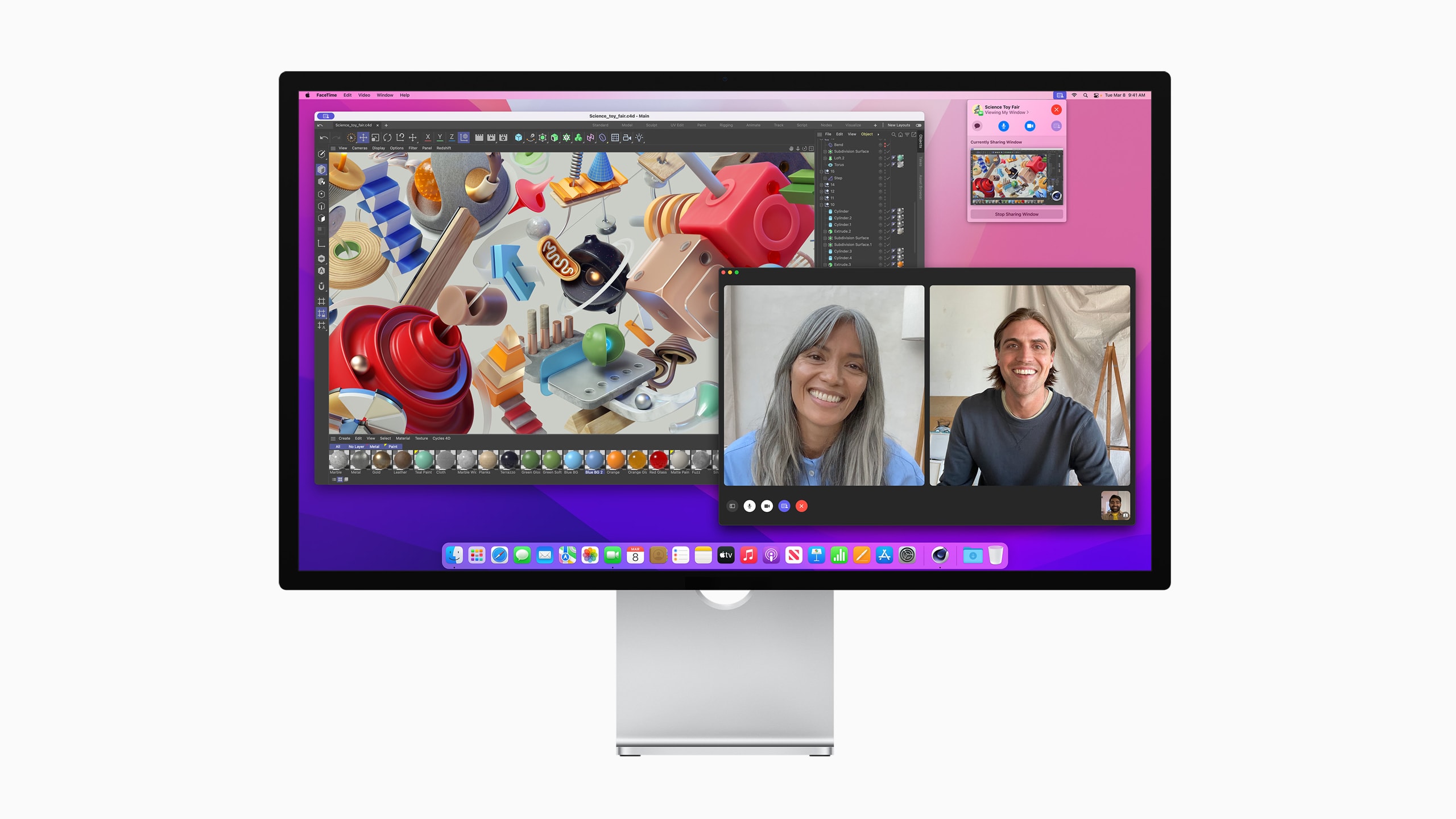
The official release date for sales of Apple’s new Studio Display was Friday, March 18 — same as the Mac Studio desktop computer. Both are winning accolades — the desktop more than the display, actually — but in the days since launch we’ve seen quite a few more of the displays cropping up on social media site posts by new owners than the desktops.
There could be various reasons for that. It could mean more people are buying the displays. Or maybe display shipping has been more efficient. Or it could be that displays are simply a little faster and easier to add to a computer setup, so they’re showing up quicker.
Today’s featured setup pairs the new Studio Display — which ousted an LG 5K monitor — with a 14-inch M1 MacBook Pro.
The LinkedIn profile for Lumon Industries takes issue with the recently released "tell all" book about the fictitious evil company. Photo: Red Hour Films
Every company doing perfectly reputable, above-board business today needs a crisp and descriptive LinkedIn profile. And yes, that includes harrowingly evil and entirely fictitious firms like “Lumon Industries.”
That’s right. Lumon, the ominous company that serves as a setting in the creepy drama Severance on Apple TV+, has a new LinkedIn profile. And it attempts to set the record straight about what some people are saying about the company.
Add a keyboard and your iPad become a very capable desktop. Or a laptop, if you’d prefer. Photo: Satechi
Your iPad is a powerful computer, and becomes even more so if you attach a keyboard to it. Fortunately, it’s easy. The only complication is there are a bunch of different options.
Let’s go through the possibilities so you can pick the one that’s best for you.
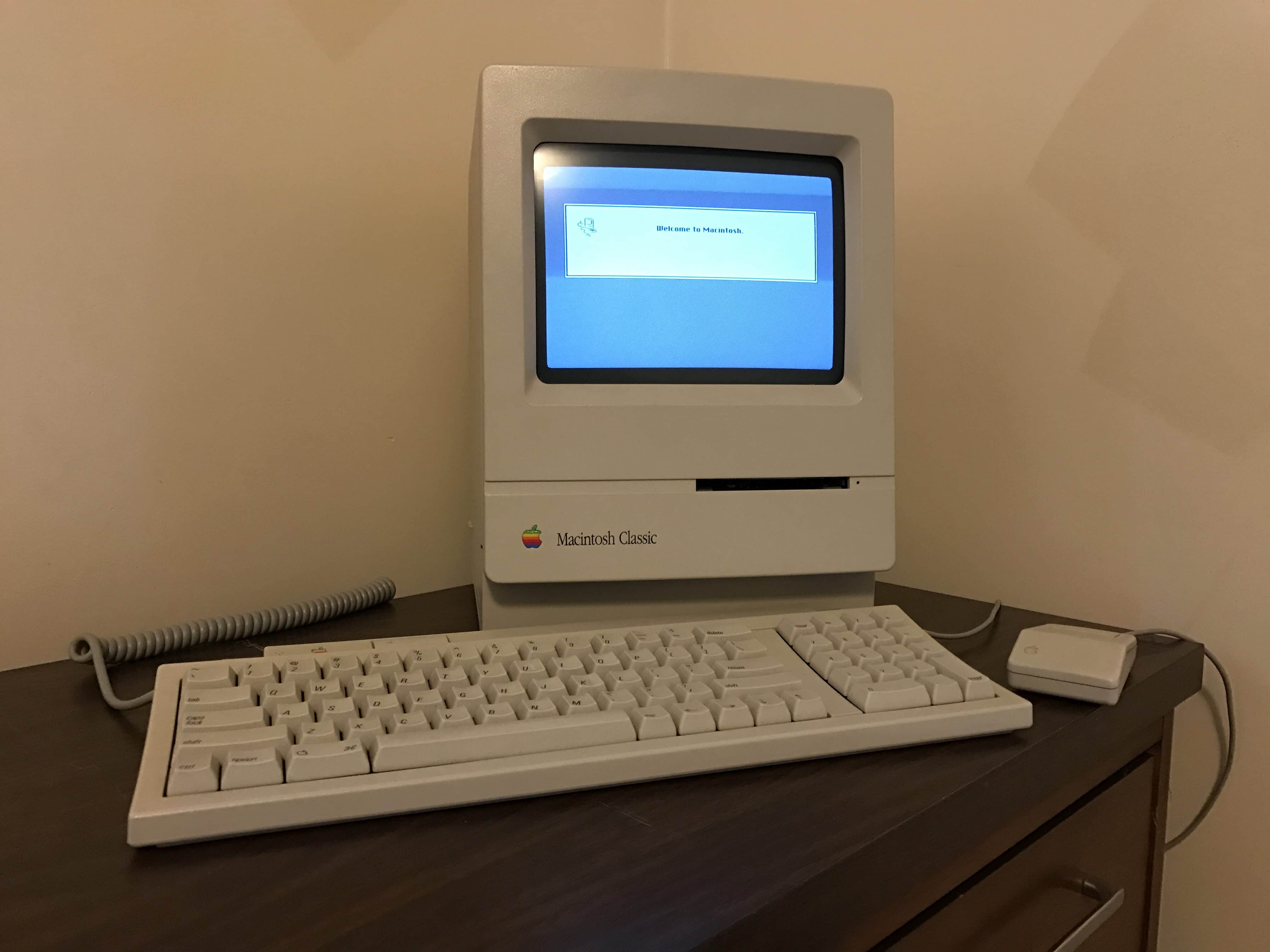
My Macintosh Classic with matching ADB keyboard and mouse. Photo: D. Griffin Jones/Cult of Mac
What makes people start collecting vintage Macs? There are many reasons. Some folks want to play abandoned games or use old software on original hardware. Some simply don’t know how to transfer files, and thus keep their old machines as a giant backup, just in case.
I collect old Macs because I care deeply about history. I want to have an informed perspective on the past so I can better understand trends of user-interface design and the evolution of technology.
My first vintage computer was a Macintosh Classic I bought on eBay for about $80. After lifting it out of its shipping box, I reached around the back to flip on the power switch and watch it boot. I loved hearing the whir of the hard drive, the fans humming and the delightful blip!-blip!-blip! noise the disk drive made when reading a floppy.
Apple computers are highly collectible. They span the entire history of personal computing. The company’s unwavering design philosophy, always pushing ease of use, means even the oldest and weirdest Apple computers are never hard to figure out. The historical lineup spans all different kinds of form factors and designs. Not to mention, they look rad.
So, you want to collect old Apple computers, too? Where do you start, and what do you want? Here’s a quick guide to buying classic Macs. These tips should get you started and help you avoid common pitfalls. (If you want to go even deeper, we also provide some links to further reading on the subject.)
That seems like a lot of storage space for a monitor. Photo: Apple
Studio Display’s surprisingly powerful internals allow it to enable “Hey Siri” on a number of older Mac models that don’t usually support the feature — including the 2019 Mac Pro and several Mac mini variants.
Users also discovered that Studio Display has a surprisingly large (64GB) amount of internal storage. We already knew that it runs the same version of iOS 15.4 as iPhone, but still, all that space seems pretty overkill.
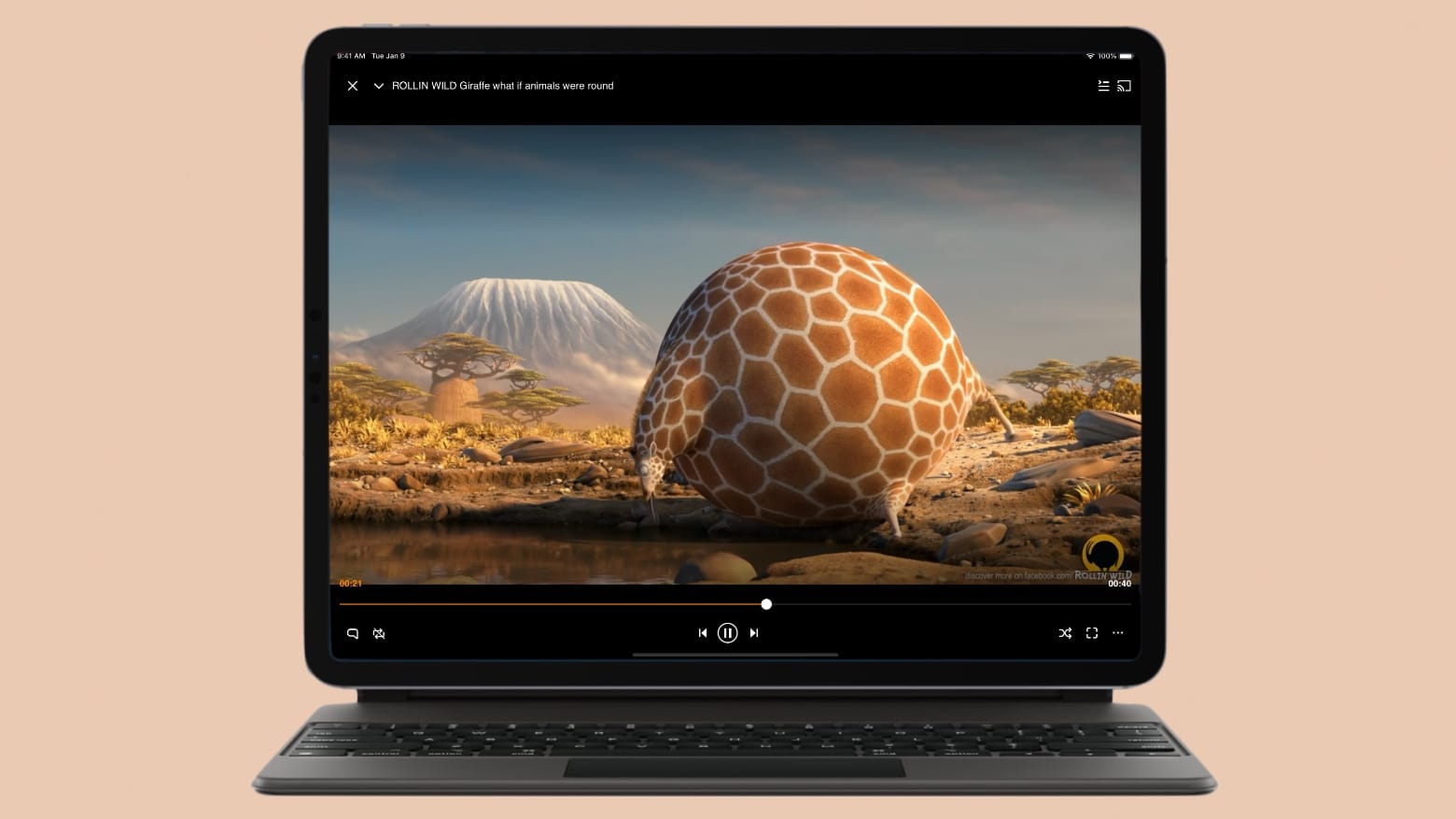
VLC Media Player 3.3 has a re-written video playback interface. There are many other new features, too. Photo: VideoLAN/Cult of Mac
A new version of VLC Media Player for iPhone, iPad and Apple TV includes some much-requested features, including support for accessing files from connected drives as well as spatial audio with AirPods Pro and Max
This is a popular — and free — choice for playing video and audio, and updates are fairly rare. That said, VLC Media Player 3.3 appears to be worth the wait.