★★★★☆
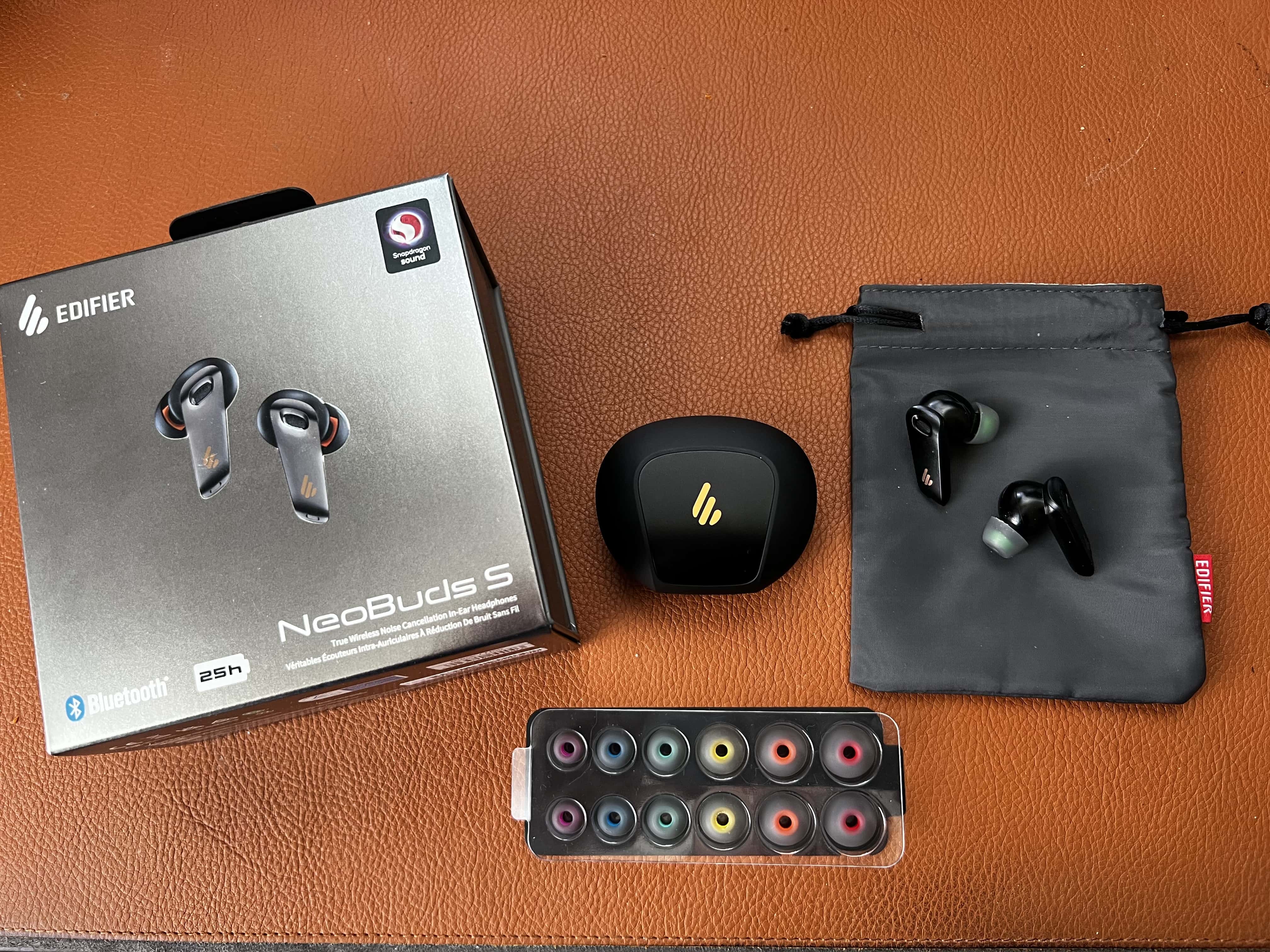
Edifier does a nice job with presentation on both NeoBuds Pro and NeoBuds S, including seven sets of eartips and a nice travel pouch. Photo: David Snow/Cult of Mac
Known for speakers and headphones with high-quality sound at affordable places, China-based Edifier plans to release a new set of true wireless earbuds with active noise cancellation (ANC) this month, the NeoBuds S. They closely track the look and feel of the well-regarded, high-resolution NeoBuds Pro the company rolled out in July 2021 — but with some promised improvements.
Edifier sent Cult of Mac a set of NeoBuds S to try out and see how well the company’s beefed-up noise cancellation and sound quality perform, among other features.
CarPlay may not take over the whole dashboard with iOS 16, but it may let you pay for fuel from the infotainment center. Photo: Apple
Apple previewed the next generation of CarPlay at WWDC22, but most of those new features are a ways from becoming reality. However, the arrival of iOS 16 later this year could see new CarPlay apps for “fuel and driving tasks,” including a way to pay for fuel right from the vehicle’s infotainment center.
CleanMyMac X adds monitors for the processor, HD, RAM and more. Photo: MacPaw
MacPaw’s CleanMyMac X now includes five new ways to track the health of Mac computers. They monitor the CPU, RAM, storage, battery and more. The software already blocks malware and ensures other third-party apps are always up to date.
MacPaw also announced that its raffle to raise money for Ukrainian aid brought in far more than expected.
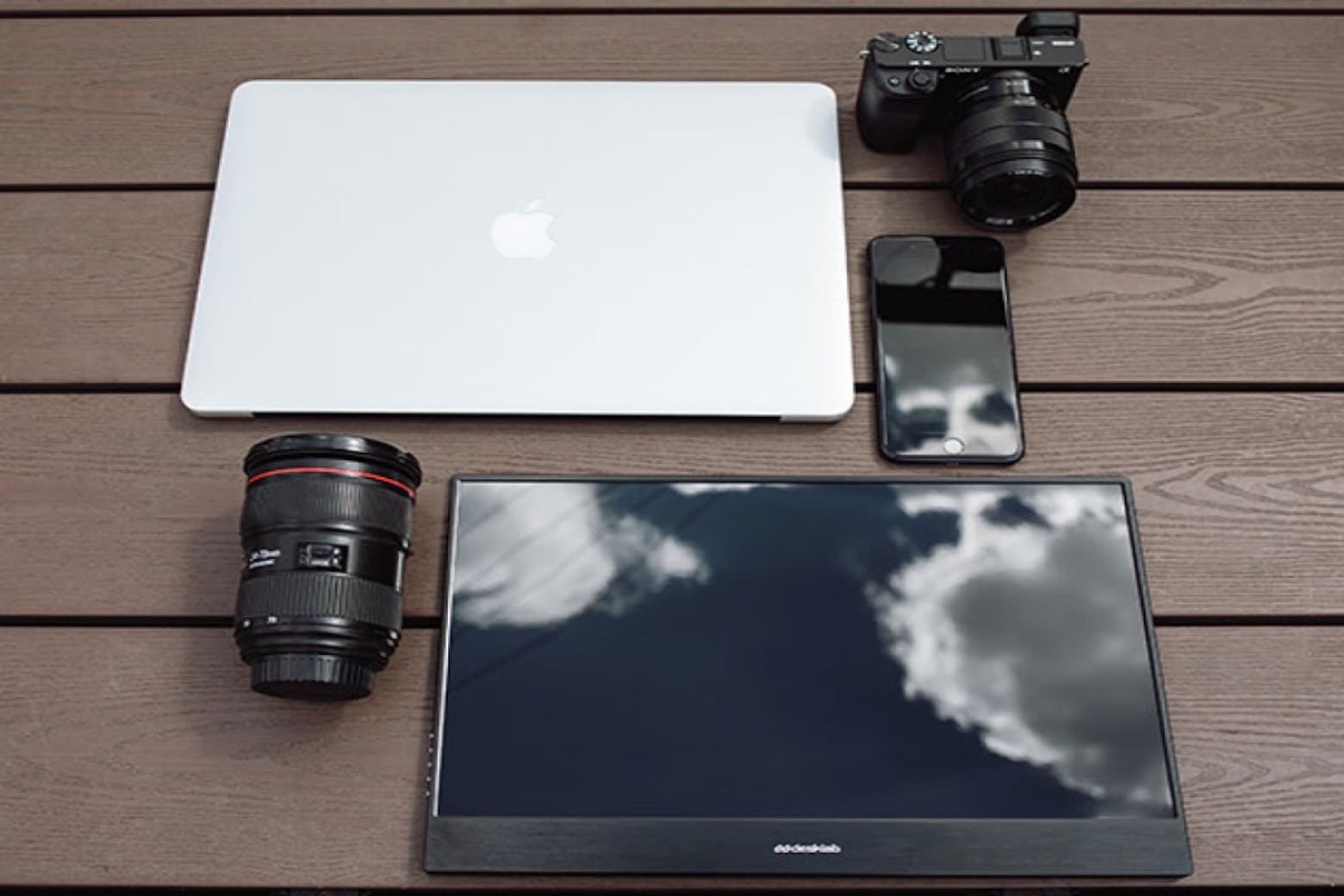
This plug-and-play touchscreen monitor can turn your MacBook into a proper workstation. Photo: Cult of Mac Deals
MacBooks make great work computers, but their tiny little displays might be holding you back — especially if you zip through video edits and spreadsheets all day long. If you want the complete workstation experience for National Work From Home Day (that’s today, BTW), you may need a bit more screen real estate.
Desklab offers just that with this portable, plug-and-play 4K monitor, which could transform your MacBook into the dual-screen workstation of your dreams. During our 4th of July sale, it’s only $231.99 (regularly $700) with code JULY20.
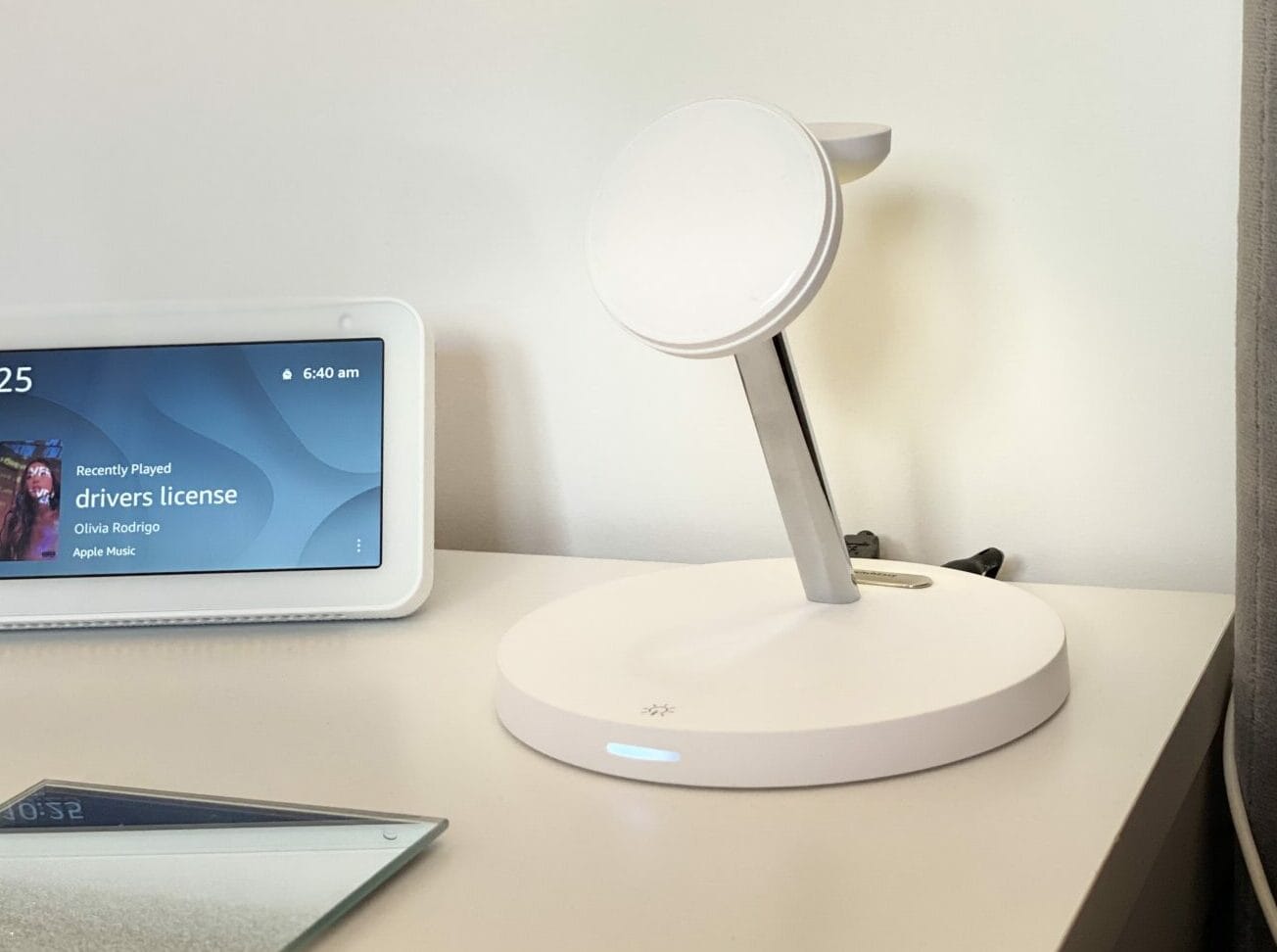
It's the perfect addition for your bedside table or desk. Photo: Adel Neal/Cult of Mac
This week’s giveaway is a sturdy, MagSafe-compatible, multi-device wireless charger that includes a convenient nightlight. The SwitchEasy MagPower 4-in-1 Magnetic Wireless Charging Stand has everything you need to charge your iPhone (series 12 and upward), AirPods (wireless charging case), Apple Watch and one USB device simultaneously.
But what makes this charging stand different is the clever addition of a built-in nightlight. With a simple tap of the base, it lights up (with three brightness settings). It gives you enough light to find your devices, but with no glare in your eyes, because the light is directed away from the stand on the chrome arm.
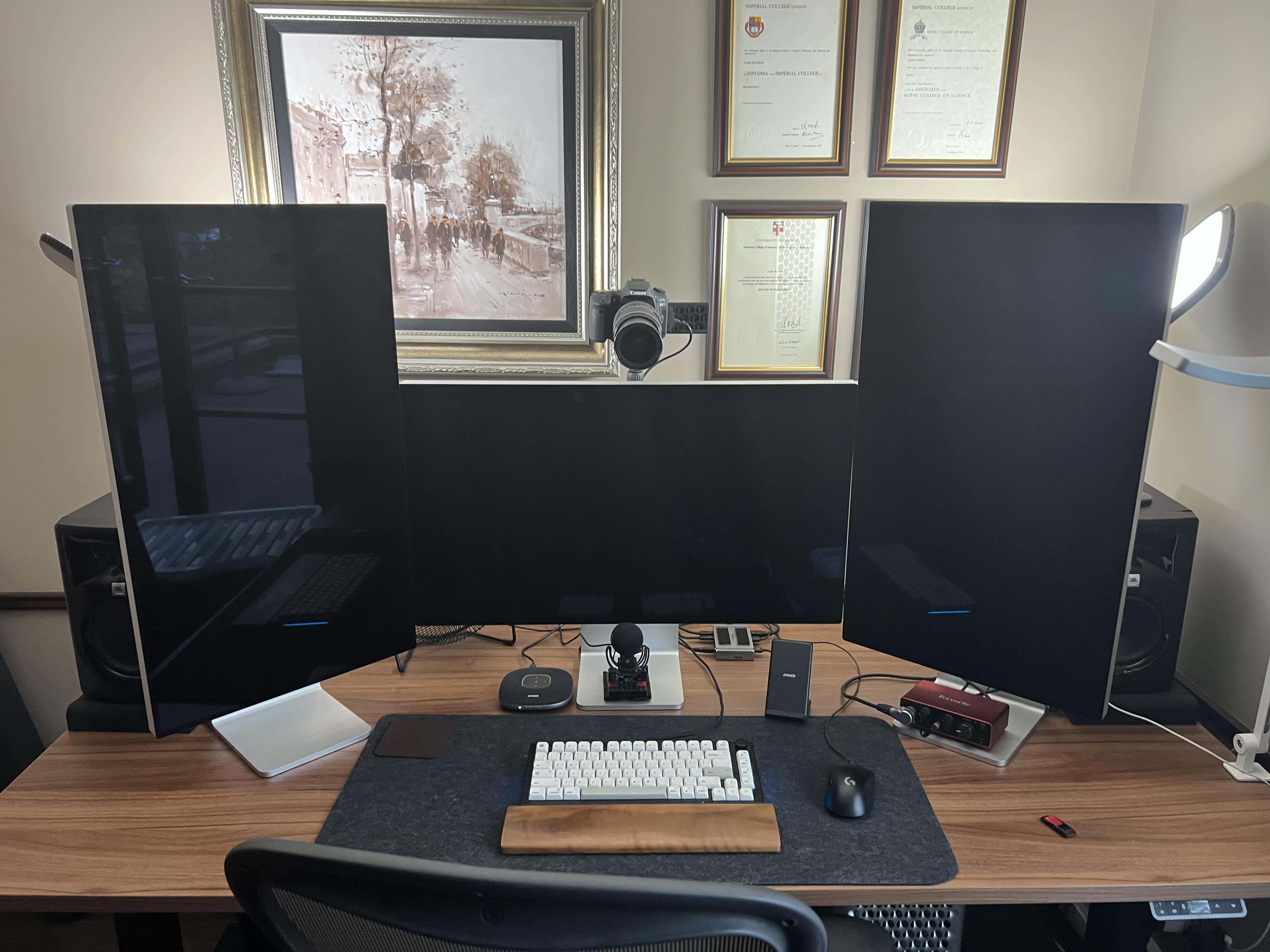
A 2019 Mac Pro is the core of this computer setup, along with a 16-inch M1 Pro MacBook (not pictured). Photo: Liam Hudson
We can count the number of times we’ve come across a three-Pro Display XDR workstation in our Setups travels on less than one hand — maybe two or three times. And if you throw in a late-model Mac Pro and a pile of great audio-visual gear for professional-level videoconferencing, well, that’s even more rare.
Liam Hudson, CEO of a qualitative electronic trading company, sent his “ultimate computer setup” for at-home work to Cult of Mac. And it’s really something.
The emoji in this picture are accurate representations of every picture of me until I was about 8. I didn't know how to smile for pictures and I did not care to learn. Image: D. Griffin Jones/Cult of Mac
There are lots of times when you might want to cover up faces before posting pictures: Teachers often want to censor the faces of their students. Boudoir photographers (Google it) can censor explicit portions of their photography for social media. Foster parents who are legally prohibited from posting identifying pictures of children in their home can quickly cover them up. Forget trying to blur faces — there’s an app that makes covering up faces dead easy: MaskerAid.
If you’ve ever wanted to hide a face before posting a picture, MaskerAid (a pun on “masquerade”) will quickly censor faces with emoji. Unlike apps like Snapchat, MaskerAid will preserve the full quality and resolution of your pictures.
MaskerAid is the latest app by independent podcaster and developer Casey Liss. You can download MaskerAid here on the App Store for iPhone (there is no Android version). The app is free to try out with your own pictures, but to use the full set of emoji, you must pay a one-time purchase of $2.99.
★★★☆☆
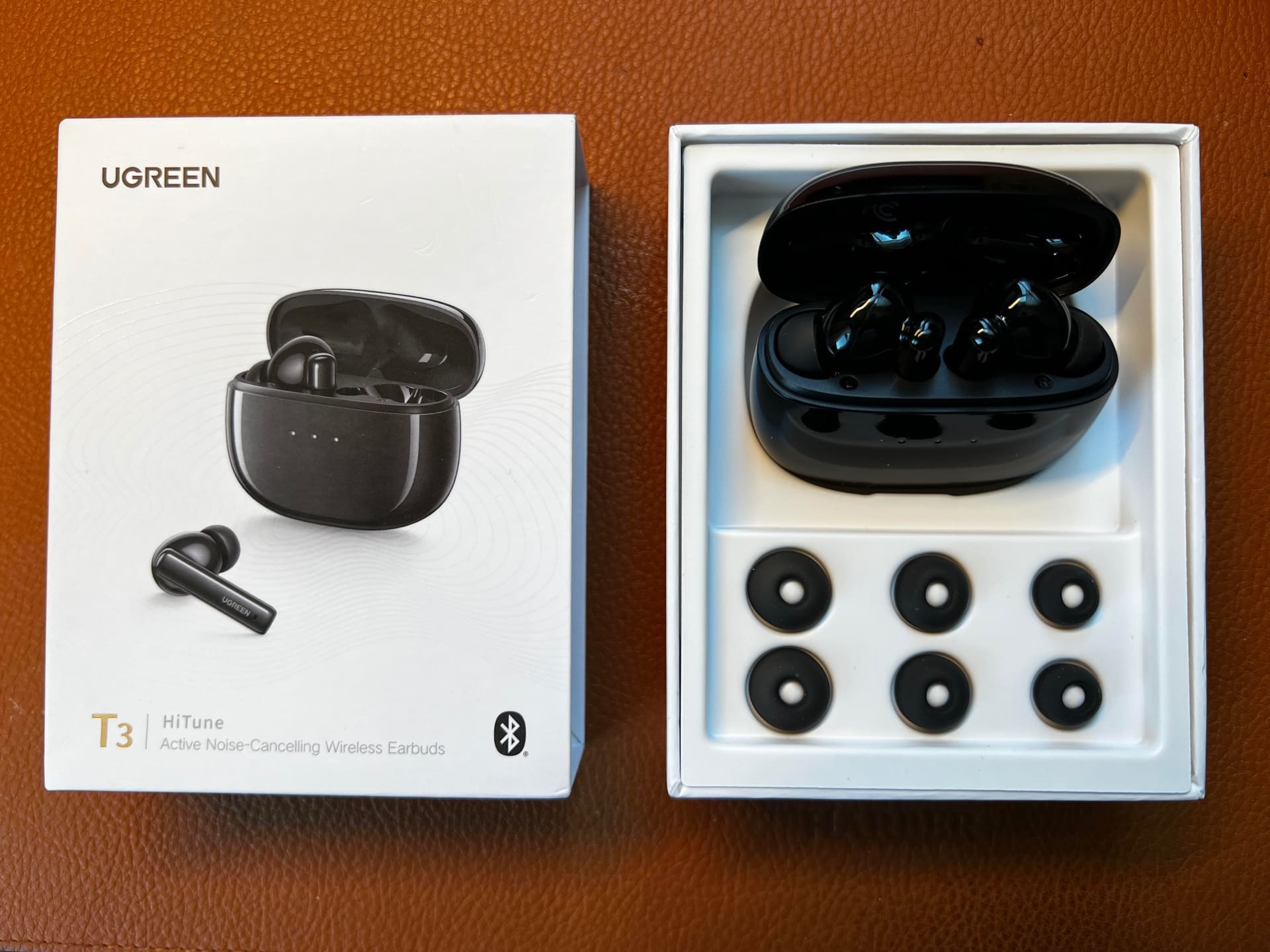
The Ugreen T3 HiTune earbuds will get the job done for many folks on a budget. Photo: David Snow/Cult of Mac
In a world awash in earbuds, it’s not easy for lower-end products to keep their heads above water. But some manage to do it through solid overall quality and a good feature spread, like the new Ugreen T3 HiTune ANC Wireless Earbuds.
They’re not going to compete with many products at mid-to-high price points, like AirPods Pro and competitors. But the T3s offer bass to burn, an OK fit and a range of solid features at $40.
What you don’t get is top-notch sound across all frequencies, stellar ANC or a sense of tremendous build quality.
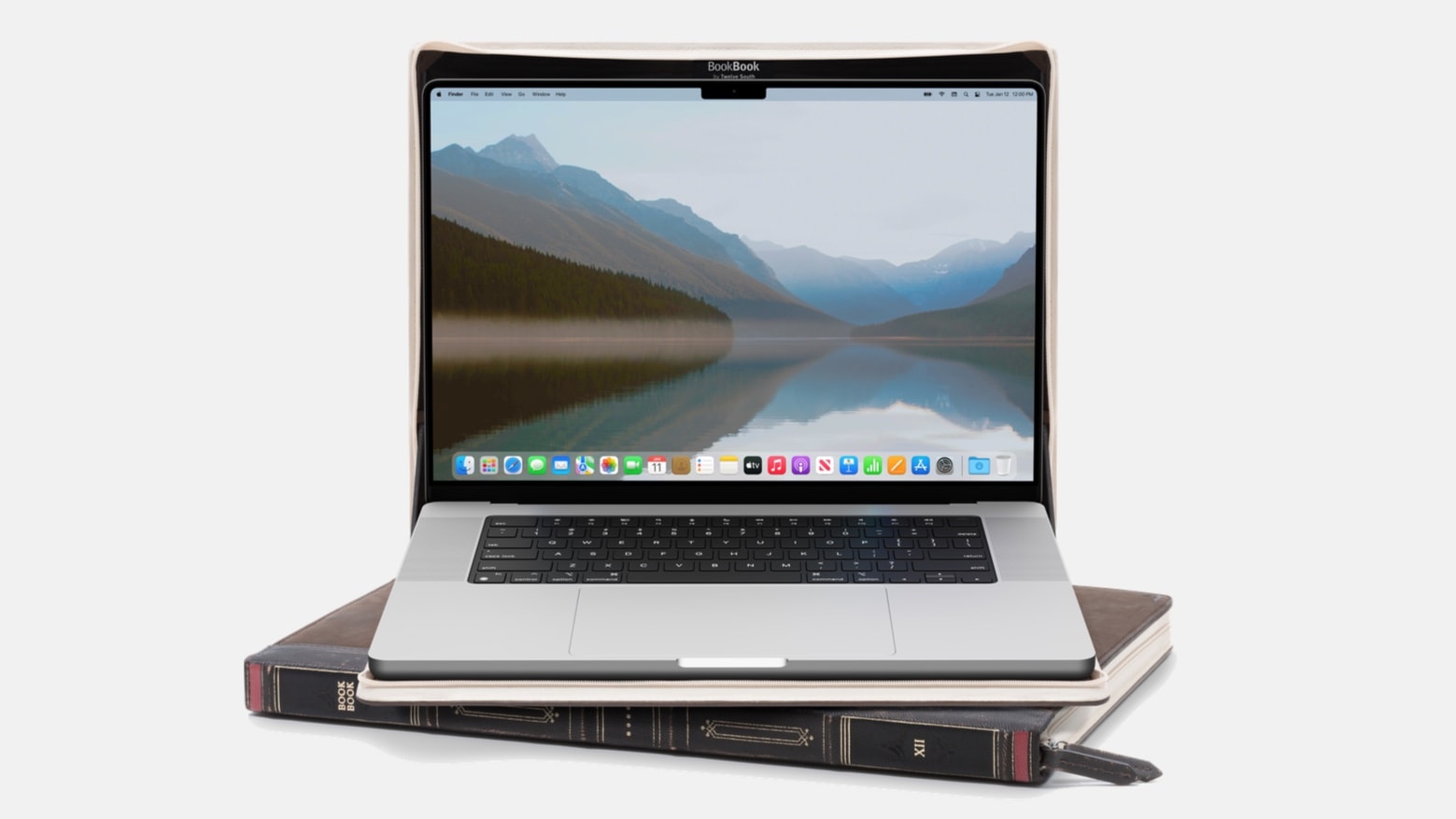
A MacBook Pro in a BookBook has a unique look. Photo: Twelve South
Twelve South’s latest BookBook case makes the 2021 MacBook Pro look like a leather-bound book. The unique case manages to simultaneously make your macOS laptop stand out from the crowd and blend into the background.
There are versions for both the latest 14- and 16-inch MacBook Pro models. BookBook is also available for iPad and iPhone.