Mobile menu toggle

Search results for: Apple One

These two tweaks would make iOS 16 even more amazing [The CultCast]

By

The CultCast podcast: iOS 16 is almost there, but we'll be disappointed if Apple doesn't polish these two things.
New features coming in iOS 16 look impressive, but we'll be disappointed if Apple doesn't polish these two things.
Image: Cult of Mac

This week on Cult of Mac’s podcast: We’re taking a long look (and listen) at all the hottest new features coming in iOS 16, including the return of the battery percentage indicator. Some of the impending changes look (and sound) great. Others … not so much.

We want two big tweaks: a polished version of the battery percentage indicator, and an iPhone ping that doesn’t sound like garbage. (The existing one is great, and the proposed one is definitely not an upgrade.)

But, hey, there’s still time for Tim Cook’s team of tweakers to bring things up to snuff. In fact, somebody already did the heavy lifting for them on that battery icon (see below)!

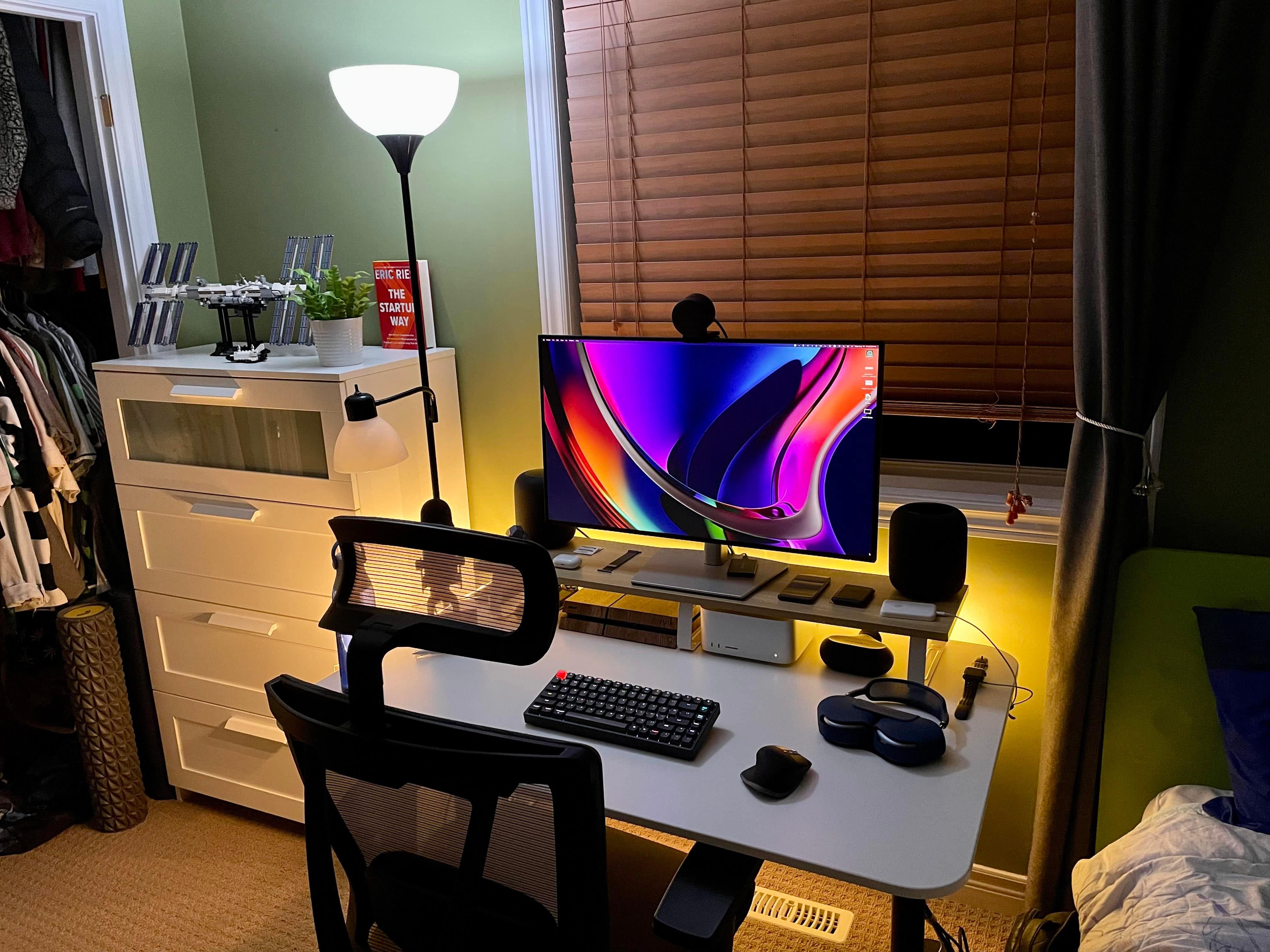
Mac Studio workstation makeover enhances whole room [Setups]

By

In an
In an "after" picture, one larger monitor on a desk shelf instead of two on the desk opens up the space nicely.
Photo: [email protected]

With so many people working from home these days, a whole lot of them spend much of their life in one room — wherever the computer setup is, that is. And that’s all the more the case in apartments and small homes. So improving the setup can have a pretty big impact.

In today’s featured Mac Studio setup, swapping out two smaller displays for one bigger one, adding a desk shelf and making a few other changes made quite a difference in enhancing the workspace.

Anker GaNPrime power bank and charging station are capable specialists [Review] ★★★★☆

By

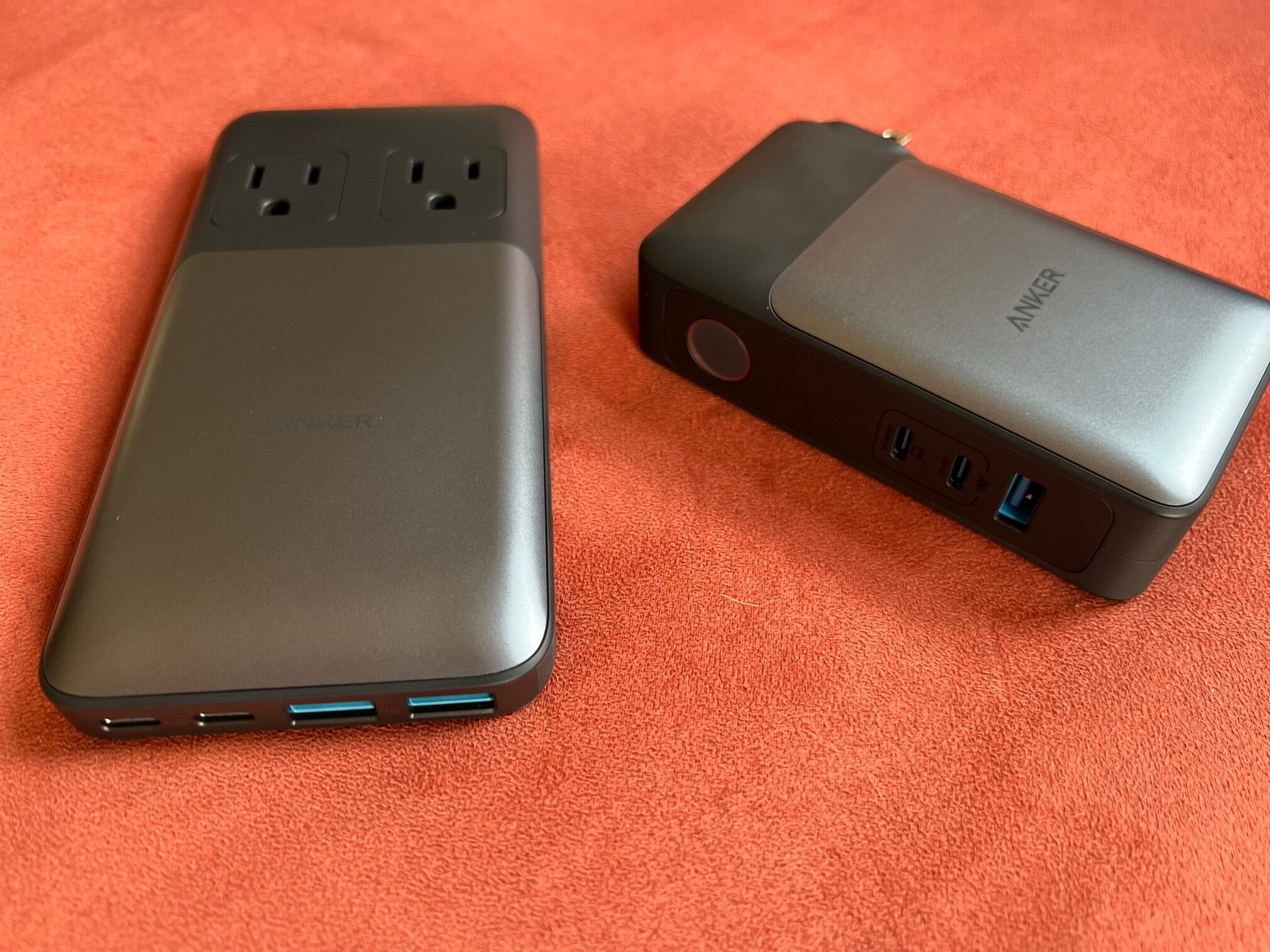
The Anker 727 Power Station, left, and Anker 733 Power Bank have your special needs covered.★★★★☆
The Anker 727 Power Station, left, and Anker 733 Power Bank have your special needs covered.
Photo: David Snow/Cult of Mac

Anker deployed a whole squad of six new, compact and capable high-speed GaNPrime chargers to the charging accessory battlefield a few weeks back. They seem equipped to cover pretty much any need, taking different forms and offering different charging capacities and numbers of ports.

The company sent me a few to try out. I already reviewed the impressively potent and portable Anker 747 150W GaNPrime Charger, an adapter. Now I’ll take a look at two other forms — the Anker 733 Power Bank and the Anker 727 Power Station, which is a compact power strip.

They each address specific capabilities a lot of people might look for in a charger. You might want one of each.

Say goodnight to snoring with this wearable muscle stimulator

By

Keep your chin up because there might be a solution to your snoring.
All it takes to stop snoring is this convenient device.
Photo: Cult of Mac Deals

Snoring is no fun for anyone. Obviously, the loud sounds of snoring can prove painful for anybody within earshot. But even if you’re the one sawing logs in your sleep, snoring can take a toll, depriving you of the healthy sleep your body needs.

However, just because you can’t stop yourself from snoring doesn’t mean you’re powerless. It just means you might benefit from an anti-snoring device like the Snore Circle. This gadget stimulates the muscles under the wearer’s chin to help stop snoring, and it’s on sale for $79.99 (regularly $119).

Wouldn’t you pay that much for a solid night’s sleep?

Why you should never use the browser in Facebook and Instagram

By

Why you should never use the browser in Facebook and Instagram
You can always count on Meta apps to suck up as much users data as possible.
Graphic: Ed Hardy/Cult of Mac

The web browser that Meta built into the iPhone Facebook and Instagram applications can collect far more information about users than they probably realize. It can “track every single interaction with external websites,” according to a developer.

But users don’t have to stay in this sketchy browser. Leaving it is easy – here’s how.

And the winner of the best-macOS-wallpaper-ever tournament is …

By

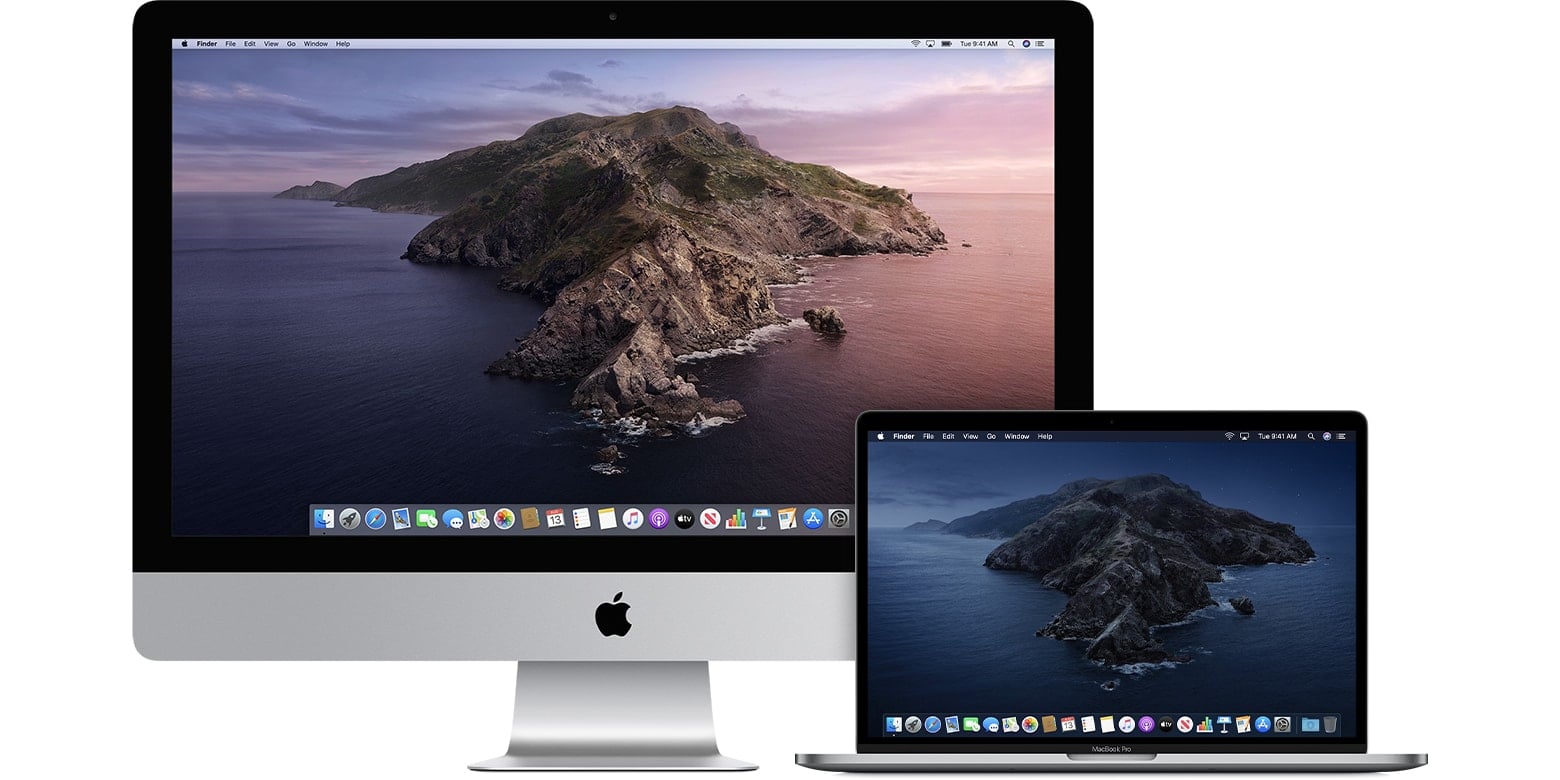
Is this your favorite macOS wallpaper?
Photo: Apple

Apple aficionado Basic Apple Guy ran a “bracket” polling competition — think March Madness basketball, but without any perspiration — to determine the greatest macOS wallpaper ever. And users have spoken, according to a tweet pointing to final results Wednesday.

In a field of 18 competitors, macOS Catalina wallpaper emerged the champion (pictured above).

Disney+ price jumps sharply

By

Disney+ logo
You'll be paying more to stream Disney, Marvel and Star Wars series.
Photo: The Walt Disney Company

Disney will soon hike the monthly subscription price of its streaming service almost 40%. When Disney+ first launched, it was one of the cheapest streaming streaming services. Not for much longer.

The company also increased the cost of Hulu and ESPN+.

How to keep your data private after Roe v. Wade reversal

By

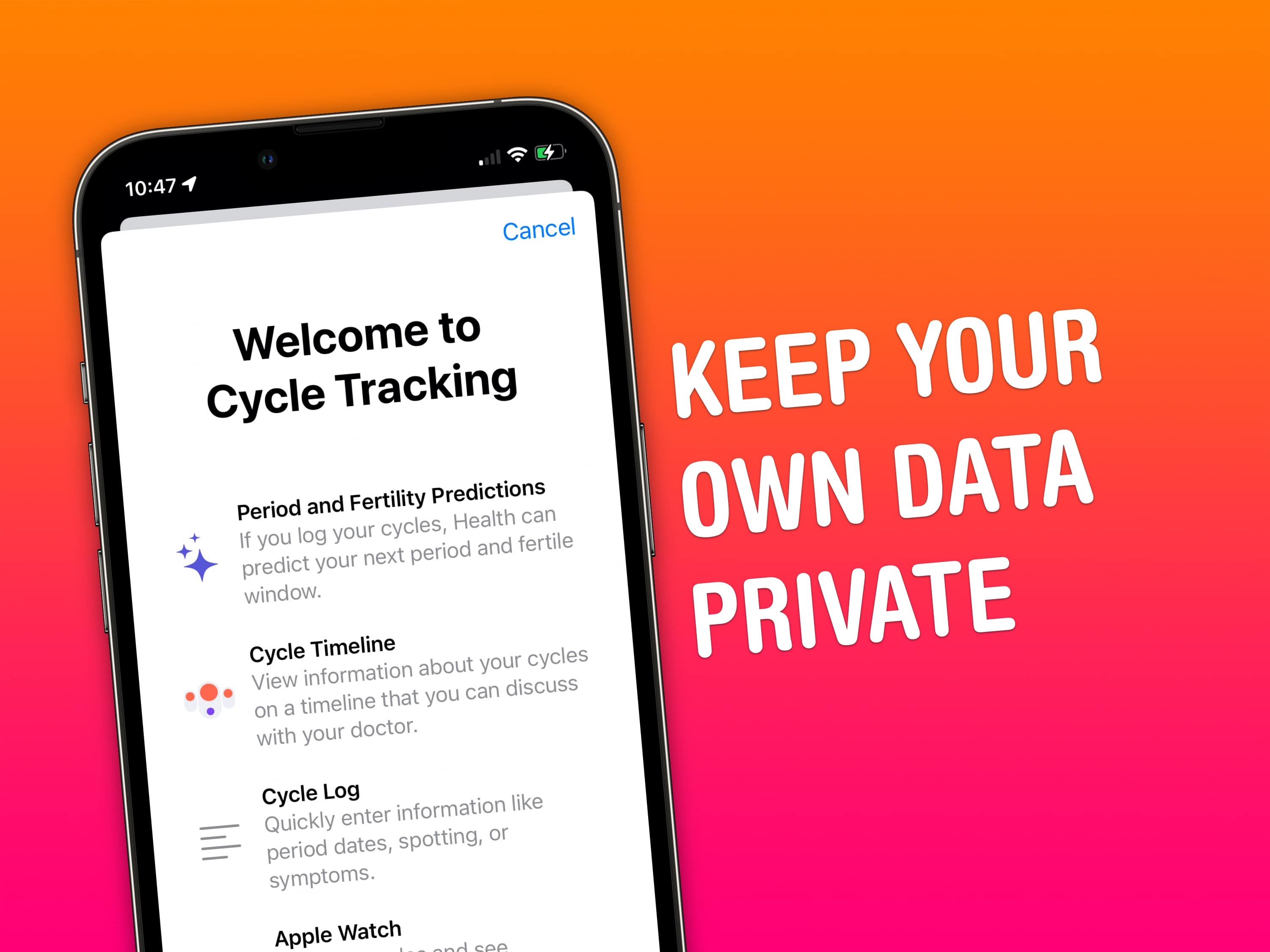
This detailed guide will help you keep your data on your device and your device only.
Image: D. Griffin Jones/Cult of Mac

In the aftermath of Roe v. Wade being overruled by the U.S. Supreme Court, and Facebook turning over a teenager’s private chats about her abortion to police, protecting your data is more urgent than ever.

Your iPhone and Apple Watch, and third-party apps you use on them, efficiently capture data that could be used against you at a later date by law enforcement. We’re talking things like location data, ovulation records, text messages and your web-browsing history.

Keeping all your data private after Roe v. Wade to avoid prosecution could prove highly important. Luckily, Apple gives you powerful controls over how and where your data is stored. You just might need to adjust certain settings for maximum privacy.

Read on to dive deep into data security recommendations for iPhone, Apple Watch, and Mac.

Last chance: Score 20% off SwitchEasy iPad accessories

By

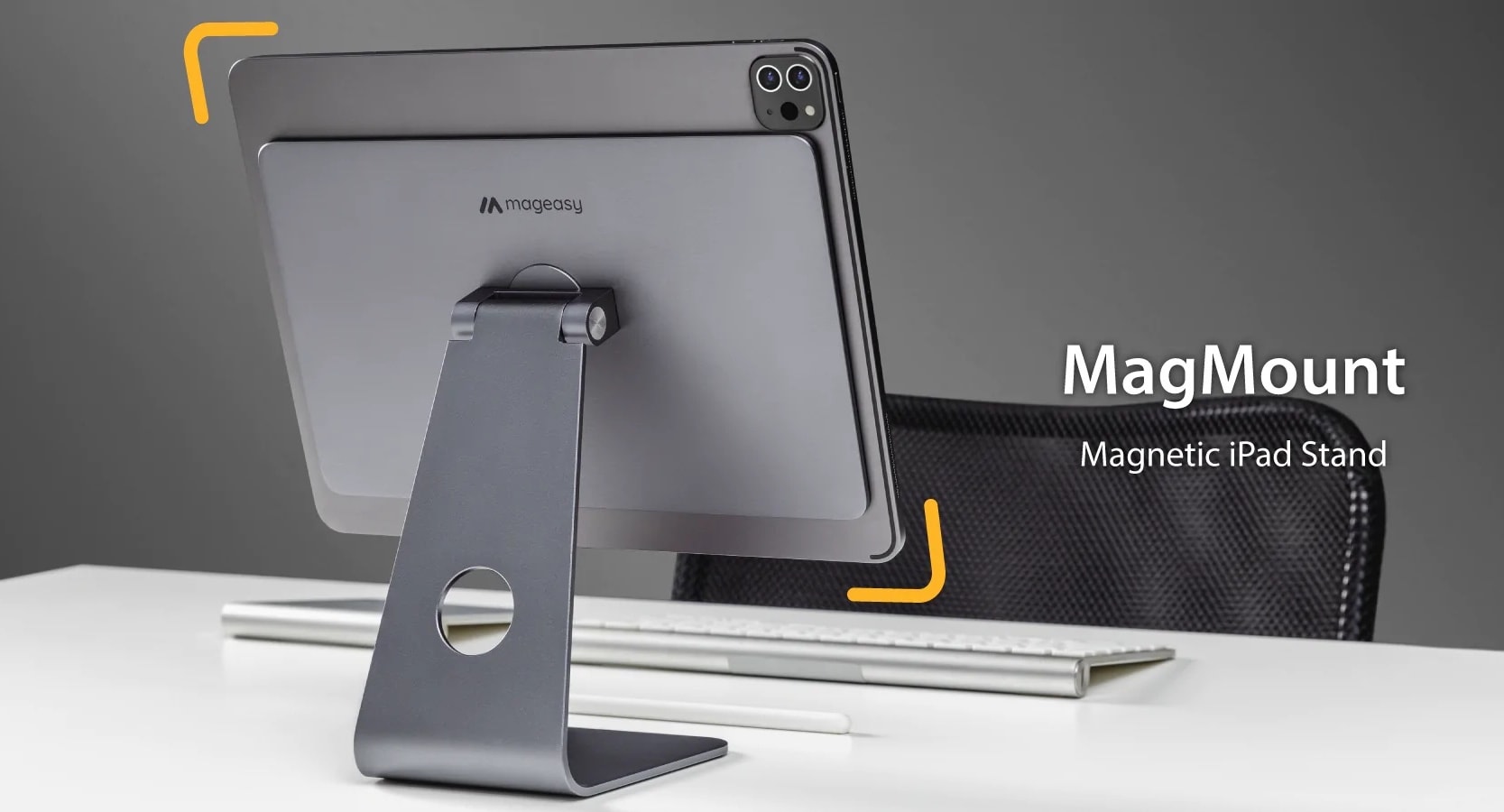
This magnetic stand helps turn your iPad into a desktop computer.
This magnetic stand helps turn your iPad into something more like a desktop computer.

People swear by their iPads. And when they get one, they have many choices of cool accessories that help expand what it can do and how they use it.

SwitchEasy is a major accessory-maker for iPads, and for a limited time, you can get 20% off the company’s goods in the Cult of Mac Store.

But if you want to score a deal, you need to do it today. Our sale on SwitchEasy iPad gear ends at 11:59 p.m. PDT on August 10, 2022.

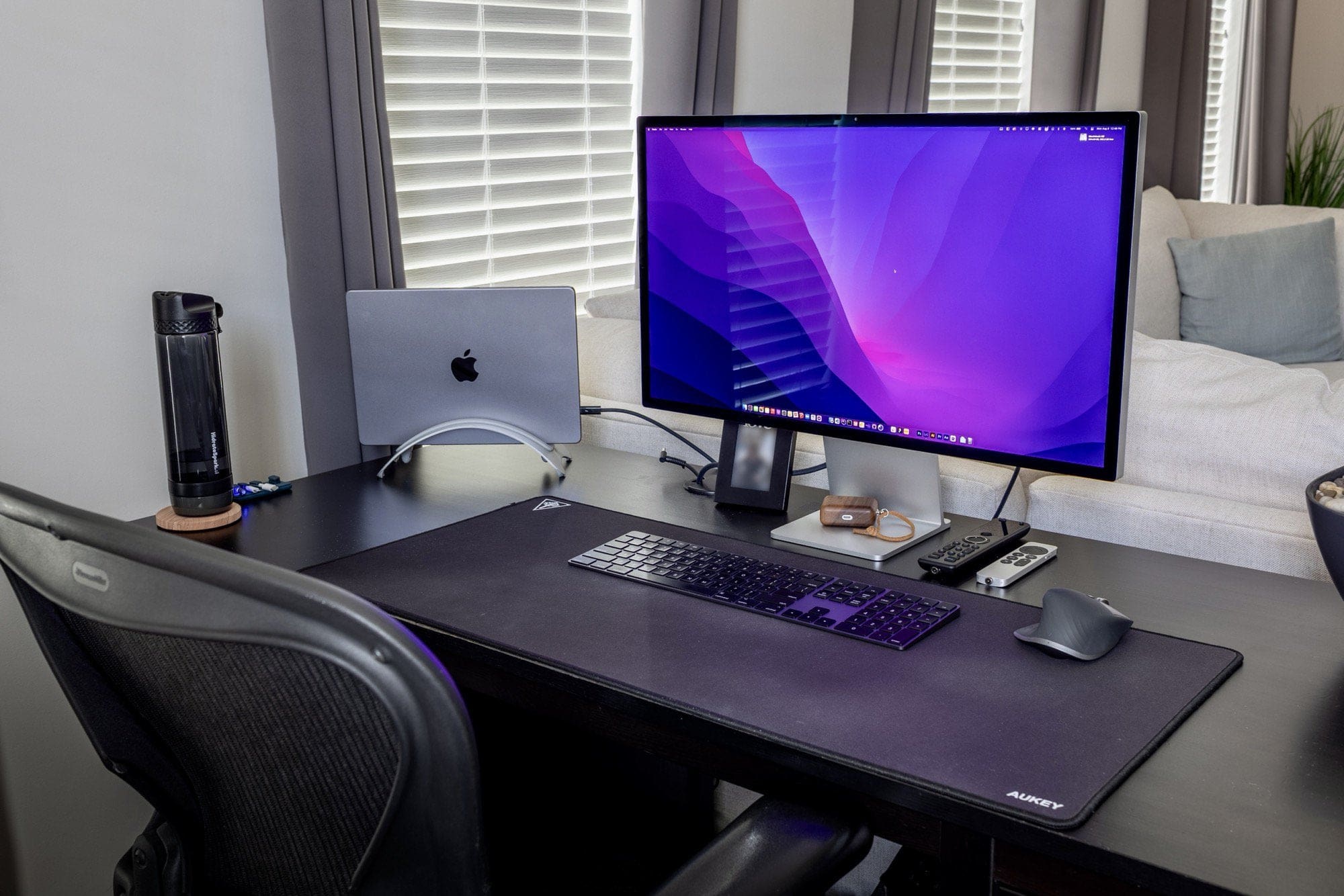
When downsizing your display is not downgrading [Setups]

By

The Studio Display replaced a 34-inch ultra-wide monitor.
Photo: [email protected]

We’ve seen a few computer setups lately where the owner switches from one or more large monitors to something smaller. But they don’t necessarily see losing the screen real estate as a “downgrade.”

That’s the case with today’s featured M1 Pro MacBook-centered setup. It went from a 34-inch ultra-wide 4K monitor to a new 27-inch Studio Display.

Essentially it boils down to “size isn’t everything.” When it comes to displays, there’s actually a lot more to the picture.