Mobile menu toggle

Search results for: Apple One

New Mac app lets you search everything you’ve ever seen or heard

By

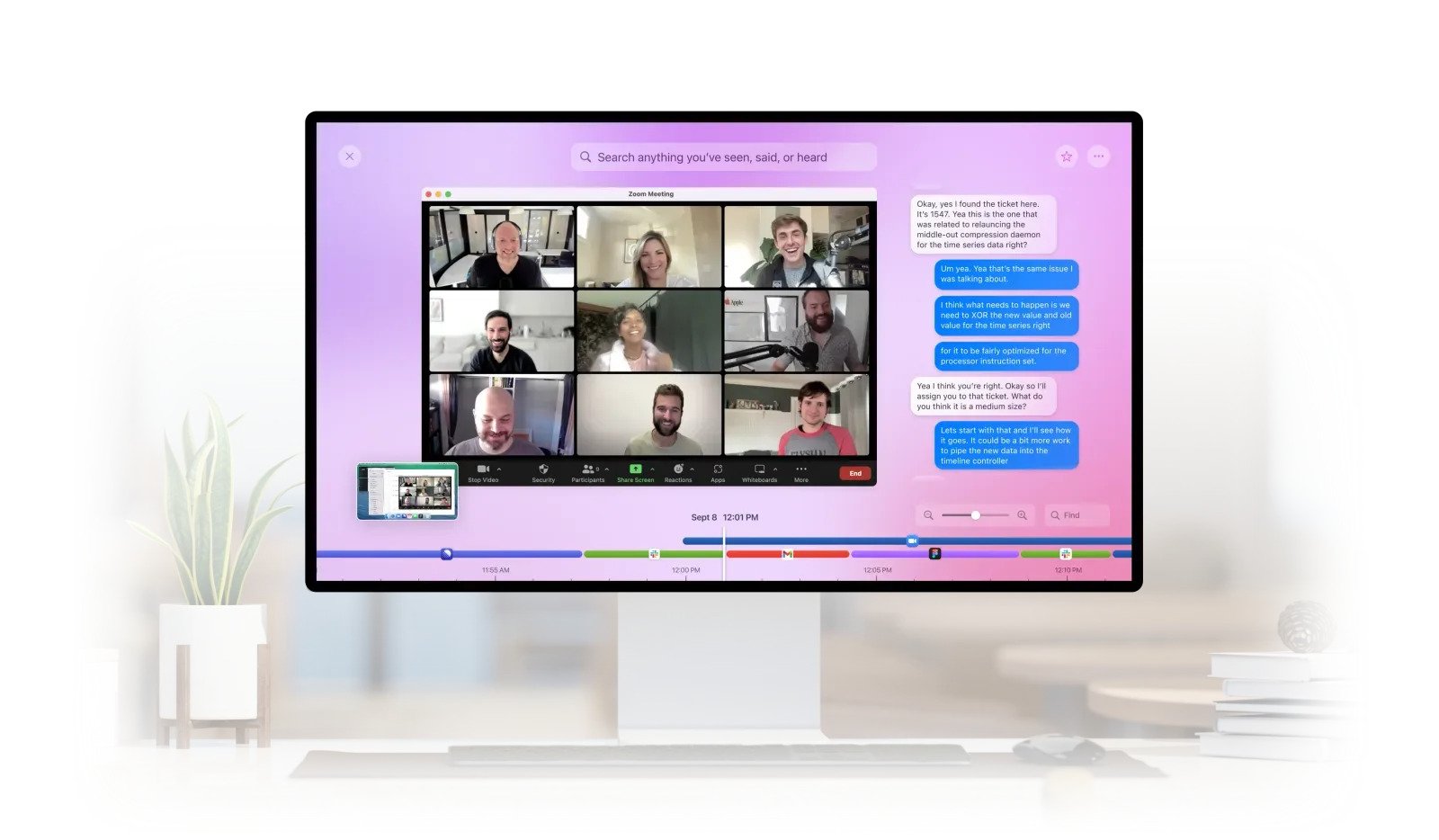
Rewind: Find anything you’ve seen, said, or heard.
Image: Rewind AI, Inc.

Rewind is a Mac app coming soon that promises to create a searchable, rewindable index of everything you read online, write in conversation, work on or even say in meetings.

We’ve all had this happen: you remember seeing something that you want to share, but you don’t remember where you saw it nor enough details to find it on the internet. Rewind promises to make everything that you’ve “seen, said or heard” searchable.

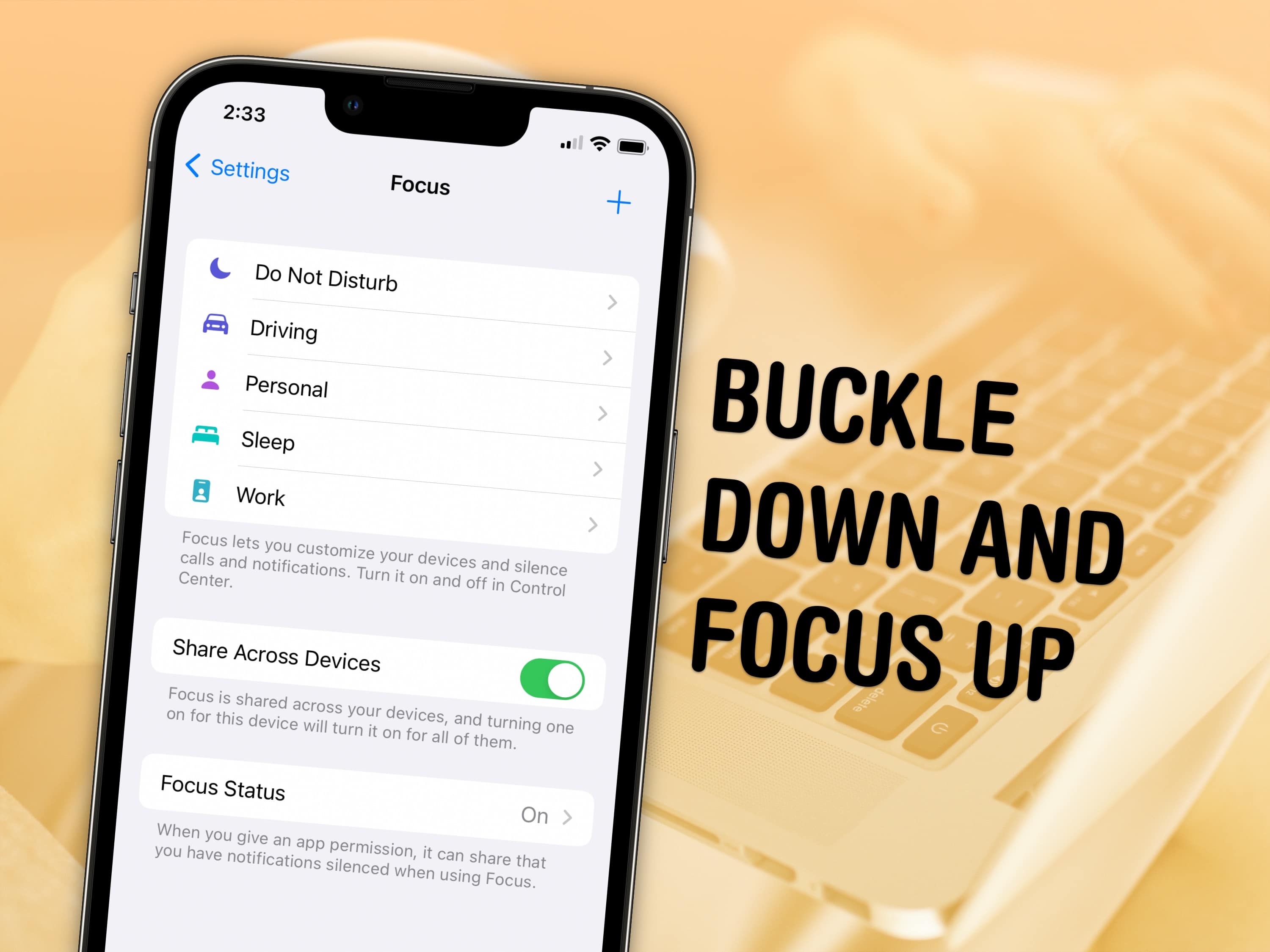
How to use Focus modes in iOS 16

By

Buckle down and focus up
Keep your distractions at bay with Focus modes — easier to set up than ever in iOS 16.
Image: D. Griffin Jones/Cult of Mac and Nenad Stojkovic, CC BY 2.0/Wikimedia Commons

Sometimes, you need your iPhone and your Mac to be very different tools throughout the day — Focus modes are all about customizing them for everything you do.

Apple’s Focus modes are a powerful way to change how your iPhone, iPad and Mac look and feel whether you’re driving, sleeping, relaxing or working. It’s all about fully immersing yourself in whatever you’re doing. You can change all kinds of things: from who can reach you and which apps send notifications to custom lock screens, home screens and more.

Grab the M2 MacBook Pro with a massive $150 discount

By

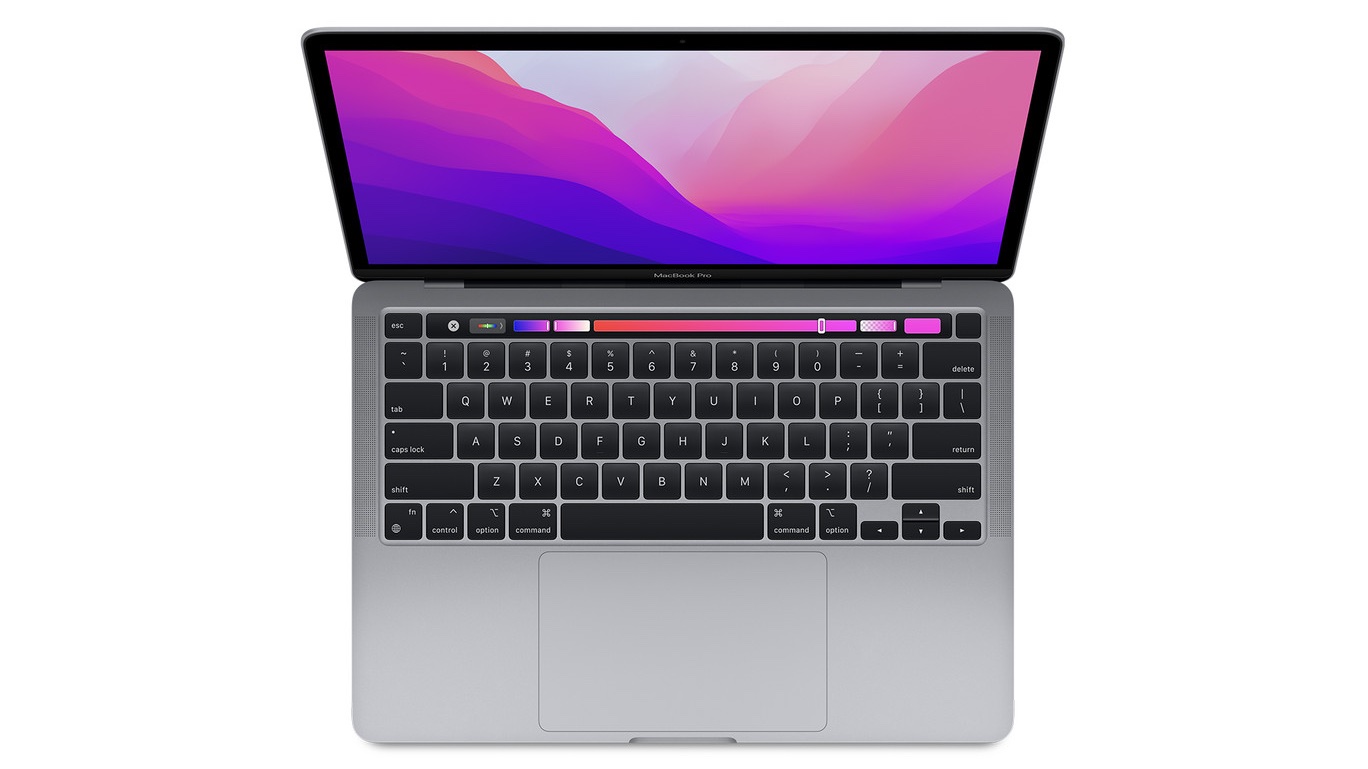
13-inch MacBook Pro with an Apple M2 processor
The design isn't Apple's newest, but the processor is.
Photo: Apple

The 13.3-inch M2 MacBook Pro is down to $ 1,149 on Amazon after a massive $150 discount. You can get the 512GB configuration with a slightly lower $100 discount.

Announced at WWDC22, the 13-inch MacBook Pro has been frequently discounted by $100-$150 since its launch.

When a ‘dual-display’ setup needs no external monitors [Setups]

By

Sometimes
Sometimes "dual display" just means two highly portable displays.
Photo: [email protected]

In the world of computer setups, sometimes it seems like some sort of display arms race is going on. Even five or six screens isn’t uncommon anymore, with a few external displays added to the devices with built-in screens, and all in play in the workstation.

But how about no external displays? Does that work for you? It does for today’s featured MacBook Pro and iPad Air setup. See why below. And don’t overlook that unassuming but very special desk lamp, either.

Edifier AirPlay 2 smart speaker looks good and sounds better [Review] ★★★★☆

By

This handsome speaker offers high-quality sound at an attractive price.★★★★☆
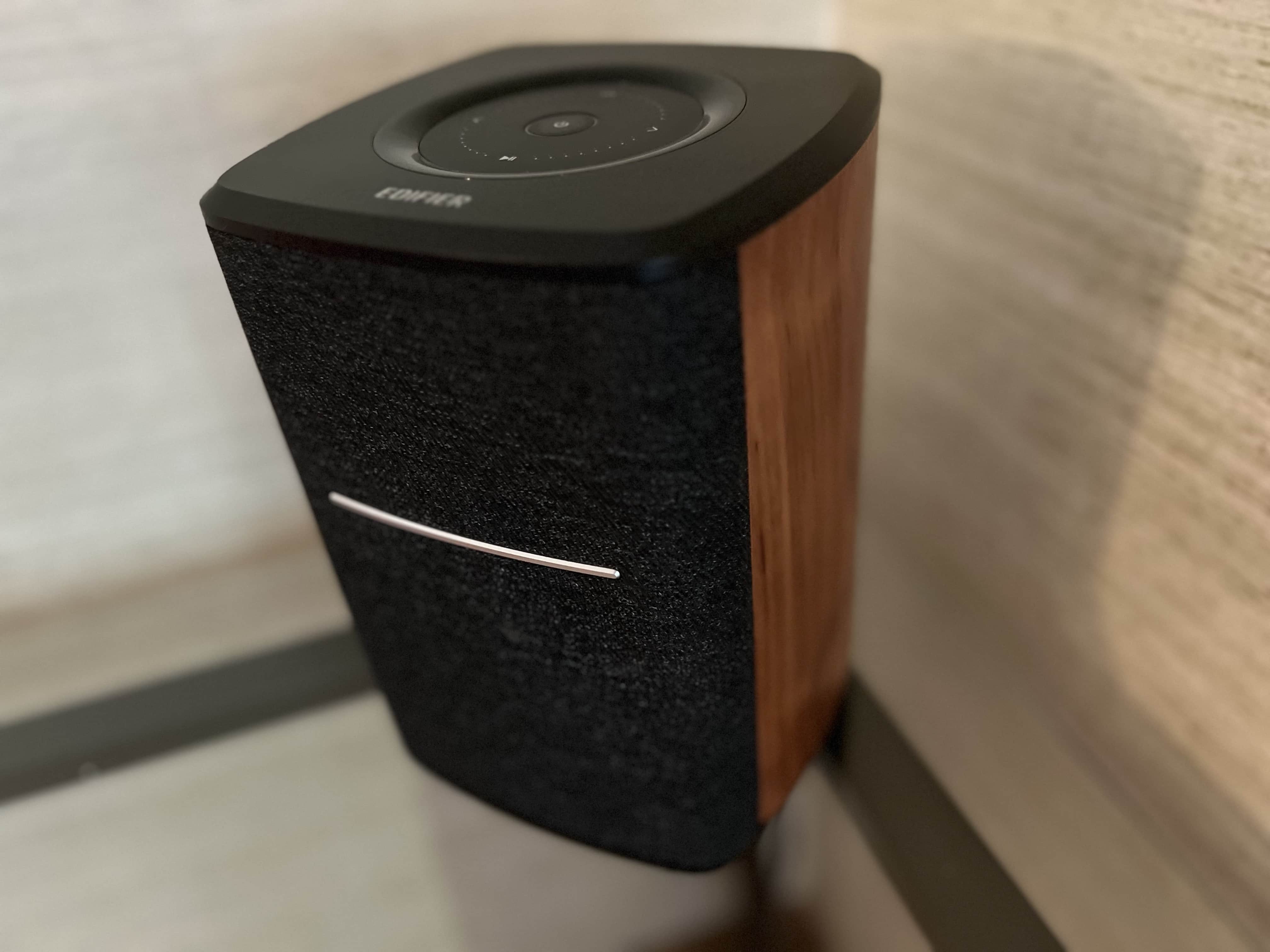
This handsome speaker offers high-quality sound at an attractive price.
Photo: David Snow/Cult of Mac

If you’re looking for quality audio at an affordable price, you can certainly do much worse than Edifier products. The Chinese company consistently comes across with great value, and that’s the case with the Edifier MS50A powered wireless smart speaker.

The company sent me one of the handsome, wood-paneled speakers to test out. Though it’s not the smartest smart speaker on the block, it looks and sounds great for the price. I’ll get into more detail below.

Don’t expect new MacBook Pro or Mac mini before 2023

By

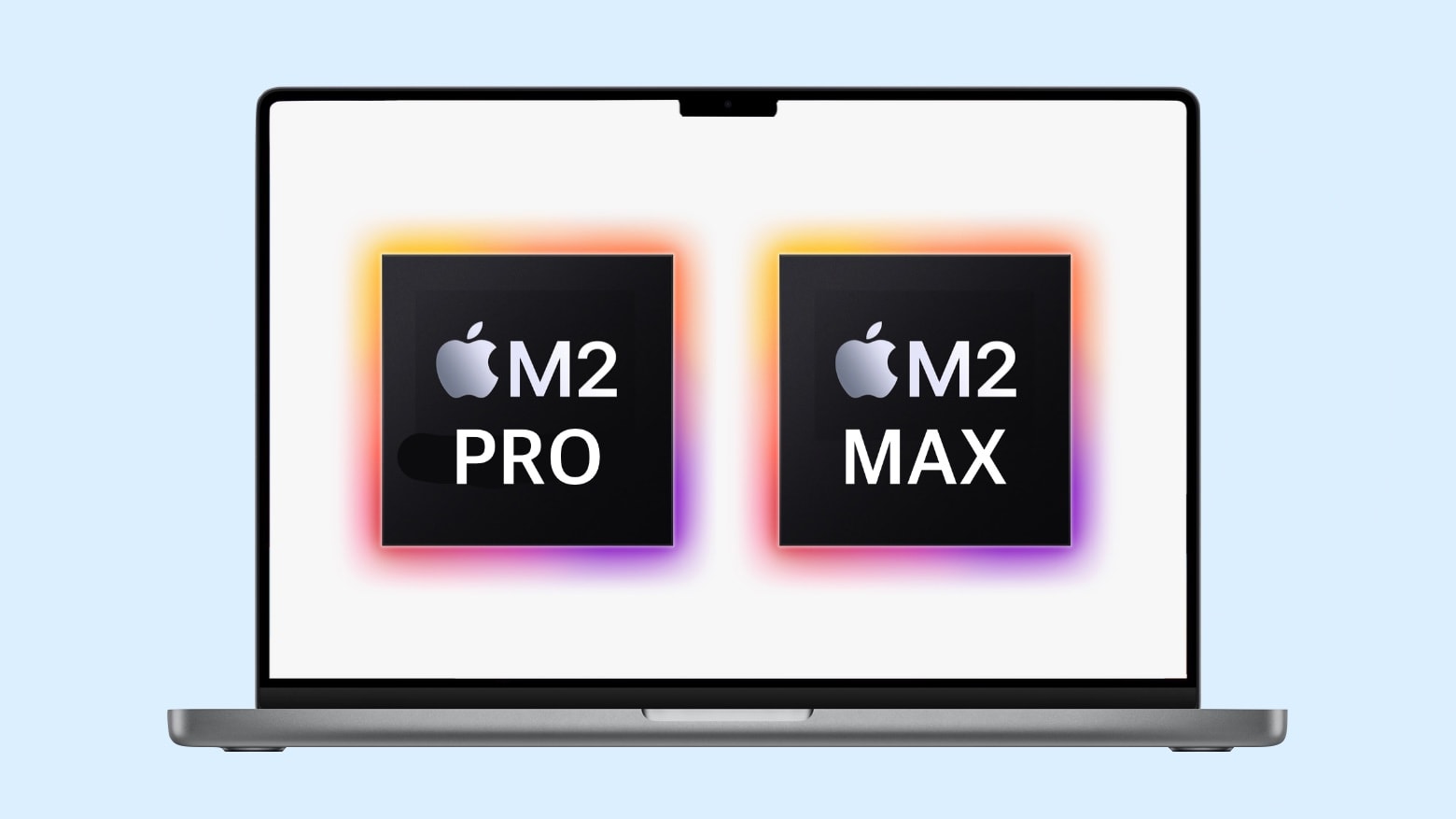
What we're expecting from 2022 MacBook Pro with M2 Pro or M2 Max
The wait for MacBook Pro models with M2 Pro or M2 Max is supposedly going to be much longer than expected.
Image: Ed Hardy/Cult of Mac

Apple is done introducing Macs in 2022, according to a reliable source of insider information. The MacBook Pro models with the M2 Pro and M2 Max allegedly won’t be out until late in Q1 2023.

The report is unconfirmed, but it fits with a recent warning from Apple’s CFO that Mac sales this quarter will be much slower than during the same period of 2021.

Access your Mac from anywhere in the world with this top-rated software for $20

By

This top-rated app lets you access your Mac desktop from anywhere in the world… and it’s less than $20.
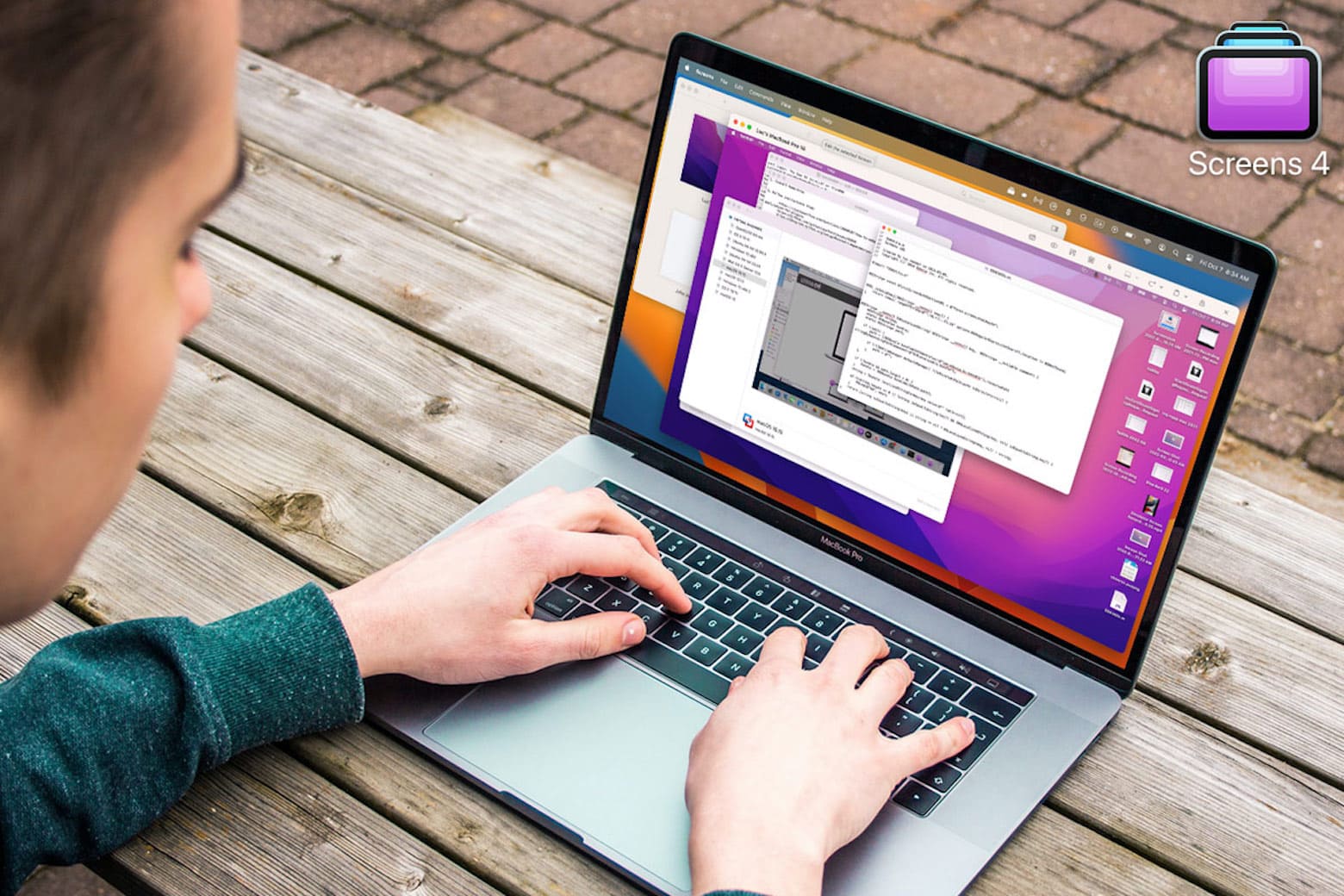
Access your Mac desktop anywhere with this app loved by remote workers, less than $20 today.
Photo: Cult of Mac Deals

You don’t need to be tied to your desk anymore, especially if you can remotely access your Mac. Screens 4 allows you to access your Mac from another device from anywhere in the world, and it’s on sale today for just $19.99 (Reg. $29).

Turn your iPad into your work computer using these 6 accessories

By

Try these six iPad accessories if you want a work tablet you can rely on.
You may be able to replace your work computer with an iPad using these 6 deals.
Photo: Cult of Mac Deals

Whether you work in an office or on the road, you may not need a laptop to get the job done. Instead, you may be able to streamline and start relying on an iPad for work. With so much variety in screen size, processing speed and accessories, there’s a lot you could do to turn your iPad into a reliable work tablet. To get you started, we’ve got five deals that could make it easier to turn your iPad into its own home or mobile workstation. 

Killer streaming gear used for anything but streaming [Setups]

By

This is a well-lit setup for video calls.
Photo: [email protected]

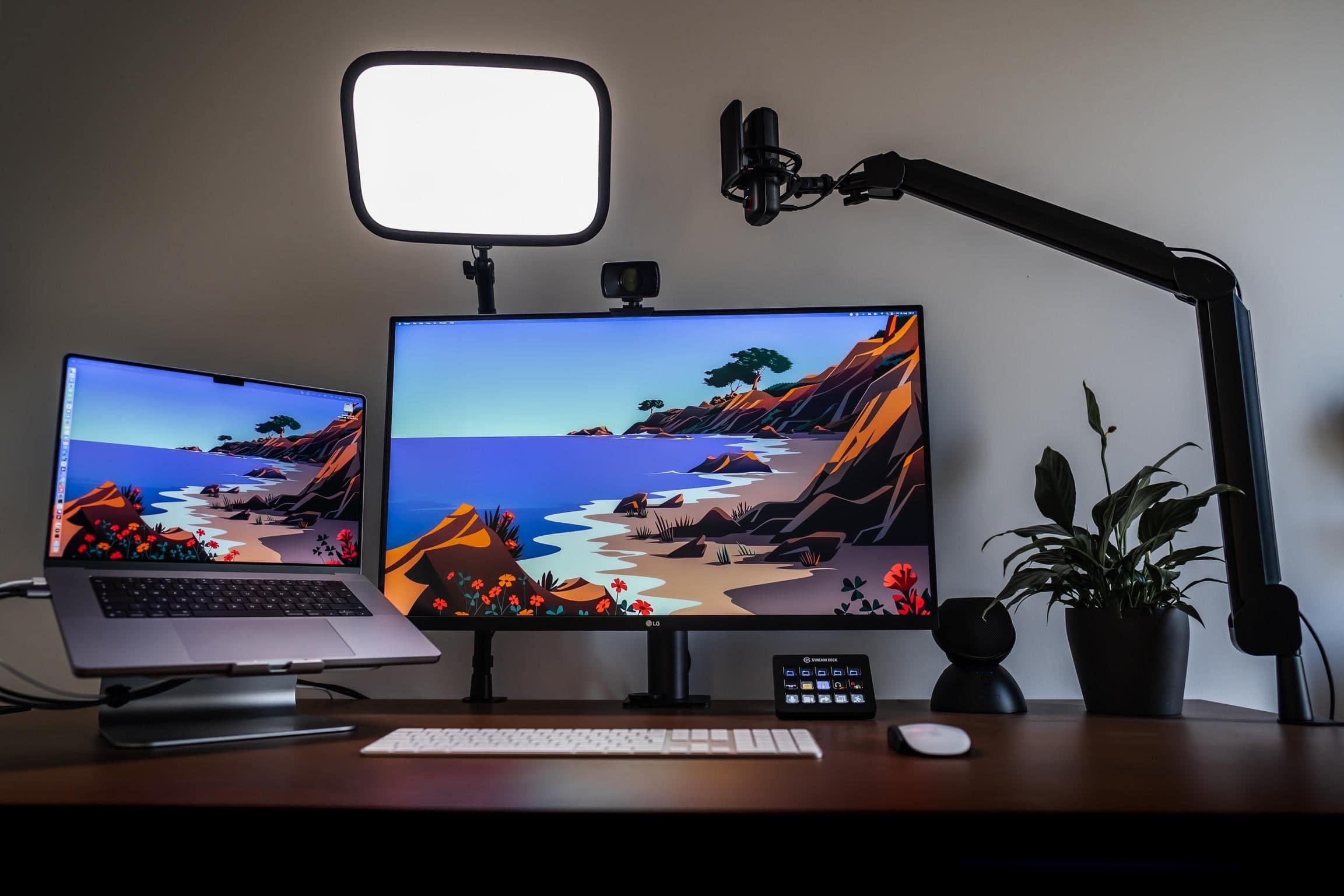
When you look at the gear in today’s setup you might say, what is this, an ad for Elgato? The workstation is rife with Elgato devices widely used by streamers for video-production workflows, like its popular Facecam, Wave:3 microphone and Stream Deck.

But the MacBook Pro setup isn’t used for streaming at all.

The software engineer who occupies the well-appointed workstation finds perfectly productive things to do with all that Elgato gear, other than streaming.

Score an exclusive $20 deal on world-class Adobe CC classes before October 31

By

Become a pro in Adobe Premiere, Photoshop, After Effects and more with this top-rated course bundle, less than $20 today.
Go from total beginner to pro with this top-rated Adobe Creative Cloud bootcamp, less than $2.30 a course in our overstock sale.
Photo: Cult of Mac Deals

Want to go from beginner to pro in the world’s most popular creative apps? You don’t need to enroll in an expensive college course. Instead, you can learn Adobe Premiere Pro, Photoshop, After Effects and more from world-class instructors — at your own pace — with the 2022 Ultimate Adobe CC Beginner To Advanced Training Bundle. You can purchase this nine-part collection for just $19.99 (Reg. $1,800).