Mobile menu toggle

Search results for: Apple One

Now you can upgrade your iCloud+ storage to a whopping 12TB

By

iCloud+ Storage Capacity
You can store 6X as much with an iCloud+ subscription than was possible before.
Image: Apple

The maximum capacity of an Apple iCloud+ account just expanded from 2 terabytes to 12 terabytes. There’s also a new 6TB option. Either one is a heap of storage for Mac, iPad and iPhone user to hold images, videos and other files.

The storage plans also come with useful bonus features, many of which are focused on privacy.

These iOS 17 and iPadOS 17 features won’t arrive till later this year

By

The first iOS 17 public build will miss out on these features.
iOS 17 and iPadOS 17, but without these features.
Image: Rajesh Pandey/Cult of Mac

Apple finally released iOS 17 and iPadOS 17 to the public, but you won’t get to enjoy all the new features and enhancements immediately.

Certain features will be released in a future point release of the OS. Below is a look at all such iOS 17 and iPadOS 17 features that won’t be available at launch.

Don’t miss the best new features in iPadOS 17

By

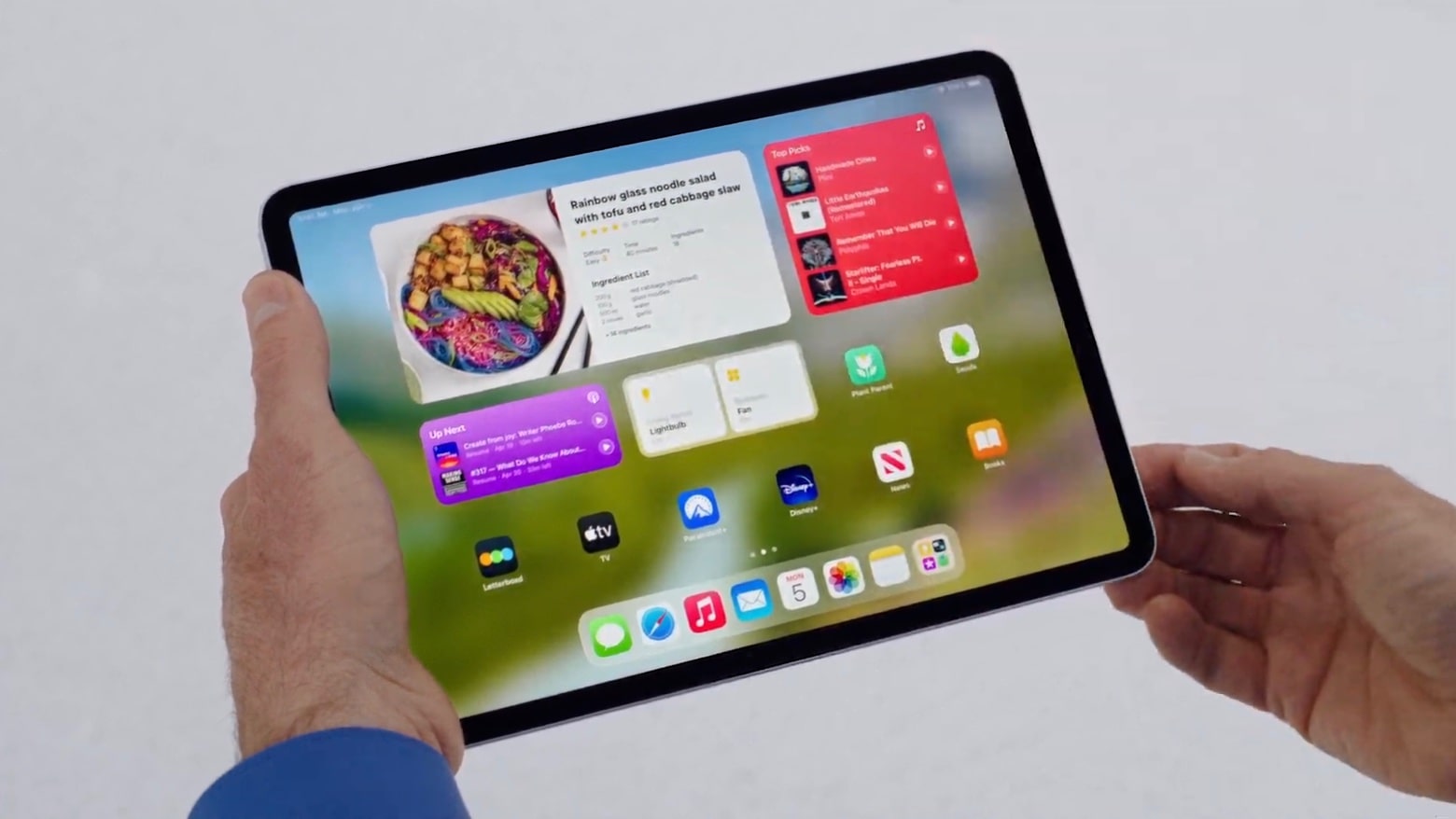
iPadOS 17 Home Screen
Interactive widgets are one of the highlights of iPadOS 17.
Screenshot: Apple

Apple just released iPadOS 17 to the public. There’s a lot to like, including a new customizable Lock screen, interactive widgets, a Health app, significant Stage Manager improvements and much more.

Here’s everything you can expect from loading the new version on your iPad.

iOS 17 arrives with Contact Poster, big AirDrop improvements and more

By

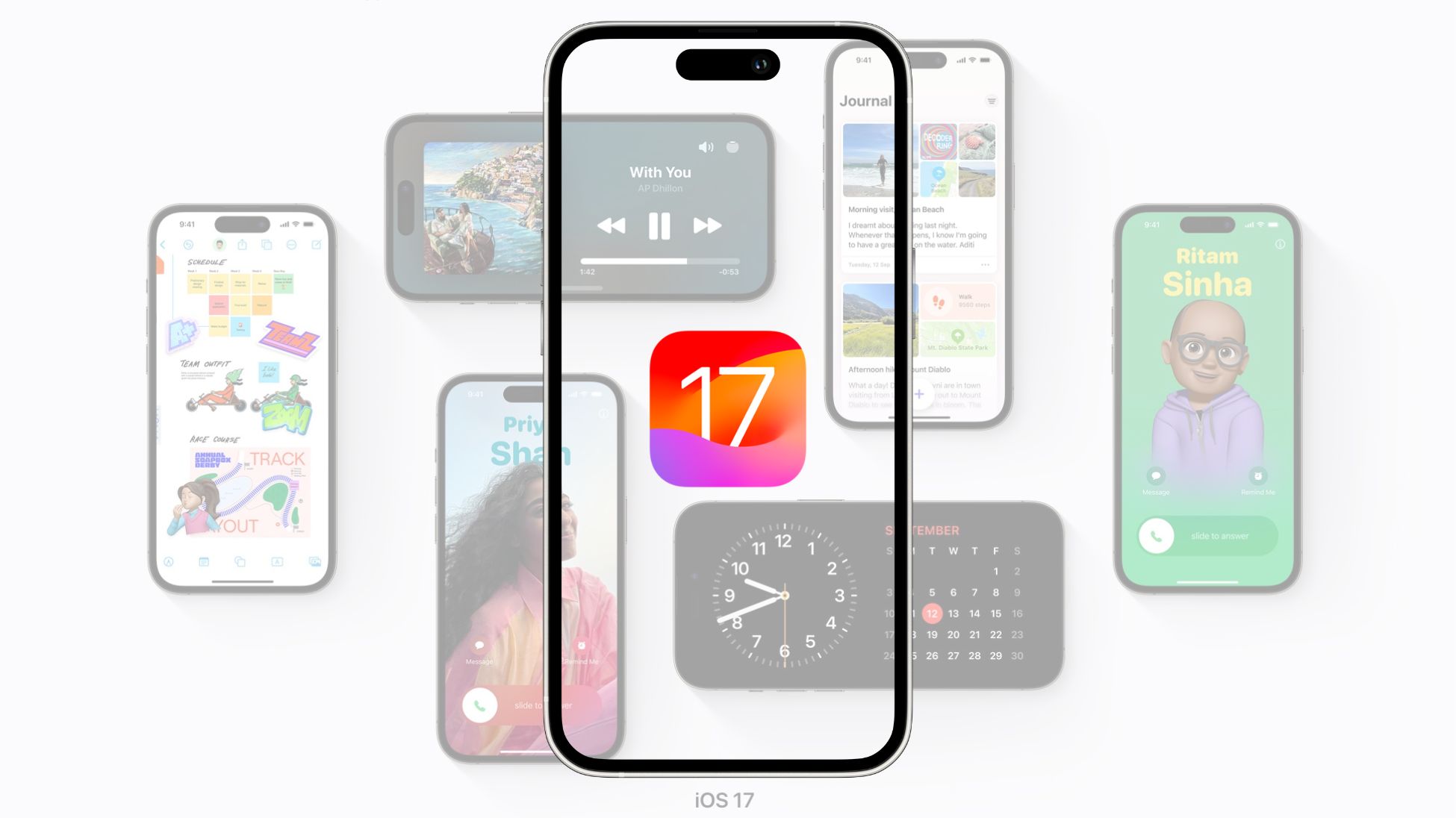
iOS 17 is finally here!
Time to update your iPhone to iOS 17!
Photo/Graphics: Apple/Rajesh

After eight beta releases and months of testing, Apple has released iOS 17 to the public. It works with iPhone XS and newer devices and brings several new features and usability improvements.

You can grab the iOS 17 OTA update by diving into your iPhone’s Settings menu.

Bring new life to an old Intel-based iMac or Mac mini [Setups]

By

Commenters offered good advice on speeding up this Intel-based iMac setup.
Photo: [email protected]

If you have an aging Intel-based iMac or Mac mini that’s slowing down like an old codger, today’s featured iMac setup shows a relatively simple way to revitalize your machine and keep using it.

All you need is an external solid state drive (SSD) and the knowledge, below, to make it your computer’s replacement startup disk.

This 6-in-1 charging cable costs just $16.97

By

This 6-in-1 charging cable is only $21.99.
Make all the connections you want with this 5-foot multipurpose cable.
Photo: Cult of Mac Deals

Staying charged means staying productive. To keep all your precious Apple devices humming, consider picking up a versatile charging cable that can juice up just about anything you throw at it.

The InCharge X Max 100W six-in-one charging cable is now only $16.97 (regularly $39). You can also get a two-pack for only $31.97 (regularly $78).

Get a MacBook Air with Intel inside for just $369.99

By

This Intel MacBook Air is only $369.99 for a limited time.
Snag a budget on-the-go Mac with this deal.
Photo: Cult of Mac Deals

Whether you’re a remote worker, student or seasoned professional who travels to and fro constantly, you need a laptop that can come with. This refurbished Intel MacBook Air is totally portable — and priced to move!

With this deal, you can score this refurbished MacBook Air for only $369.99. How’s it so affordable, you ask? For starters, it’s a model that came out before Apple silicon was a thing. Plus, it’s a refurb … but don’t sweat it. It comes with a Grade B rating, meaning it might have light scratches or scuffs on the exterior, but performance won’t be impacted.

Whose ‘Wonderlust’ predictions came true? [The CultCast]

By

Wonderlust event hits and misses - The CultCast episode 612
What we got right -- and wrong -- about Apple's big "Wonderlust" event.
Image: Cult of Mac
Wonderlust 2023

This week on Cult of Mac’s podcast: We dissect all the biggest reveals from Apple’s “Wonderlust” event, which brought us new iPhones, Apple Watches and more. And we stare unafraid at the results of our Wonderlust predictions. We have a winner!

Also on The CultCast:

  • Yes, we got new iCloud+ storage plans. And Erfon’s still complaining?!?
  • The new iPhone colors are … 🤷
  • The iPhone’s USB-C enables some cool new stuff.

Listen to this week’s episode of The CultCast in the Podcasts app or your favorite podcast app. (Be sure to subscribe and leave us a review if you like it!) Or watch the video live stream, embedded below.

Slow down and relax with Japanese Rural Life Adventure

By

'Japanese Rural Life Adventure' on Apple Arcade
Japanese Rural Life Adventure uses a gorgeous and carefully crafted pixel art style.
Image: Game Start/Apple Arcade

Fans of cozy life simulation games will enjoy Japanese Rural Life Adventure. It’s about living your best (digital) life, with plenty of the traditional culture of Japan mixed in.

The app debuted Friday on the Apple Arcade subscription gaming service.

Elegant new 3-in-1 MagSafe charging stand is perfect for Standby Mode

By

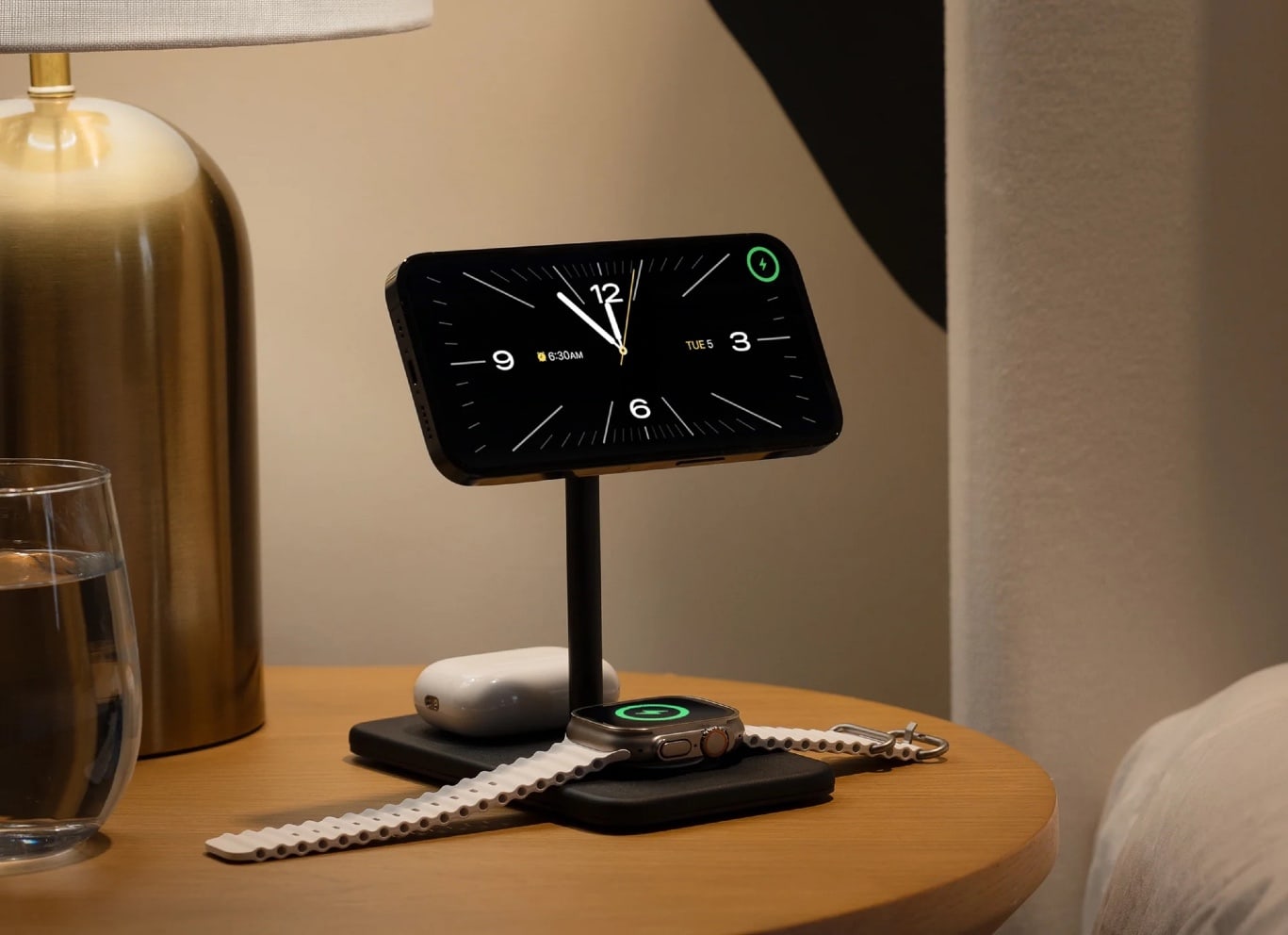
The premium charger is perfect for your nightstand, with an iPhone in Standby Mode like a classic alarm clock.
Photo: Twelve South

With the iPhone 15 series and new Apple Watches now out, the accessories floodgates are open. One of the first products through is an updated Twelve South HiRise 3 Deluxe charging stand. And it’s made for MagSafe and ideal for iOS 17’s Standby Mode.

So you can turn your iPhone into a classic bedside alarm clock or smart display with various widgets. And you can charge it alongside Apple Watch and AirPods.