Mobile menu toggle

Search results for: Apple One

This 17-inch, 4K touchscreen is the best portable monitor we’ve ever used [Review] ★★★★

By

espresso 17 Pro -- simulated screen image★★★★
espresso 17 Pro offers just about everything you could want in a mobile screen.
Photo: Ed Hardy/Cult of Mac

The espresso 17 Pro checks every box in a premium portable display. It sports a 4K resolution, touchscreen with stylus support, and a sleek design ready for on-the-go use.

The 17-inch screen is brilliant as a productivity enhancement when away from the office, but it’s also intended for digital artists to use everyday. Or just anyone who’d like a touchscreen Mac.

I tested the espresso 17 Pro in my home office and while traveling. Here’s why I love it.

A Time Machine widget for your Mac desktop [Awesome Apps]

By

Backup Status
Get simple desktop widgets for monitoring Time Machine.
Image: D. Griffin Jones/Cult of Mac
Awesome Apps

Backup Status is a simple app that puts a Time Machine widget on your Mac desktop (or stows it away in your Notification Center). If you don’t want the Time Machine icon cluttering up your menu bar, this is a straightforward alternative.

Time Machine, of course, is Apple’s software that makes continuous backups of your files to a separate part of your disk, an external hard drive or network-attached storage. Everyone should use Time Machine.

And, after you set it up, you should try Backup Status, the fun little app that lets you easily monitor your Time Machine backups.

This fun golf simulator lets you practice anytime, anywhere

By

The TruGolf simulator will delight any golfer this holiday season, now only $173.
Give the golfer on your list the ability to hit the green whenever they like.
Photo: Cult of Mac Deals

The golfer on your shopping list likely doesn’t need any more clubs, balls or polos. Why not surprise them with a golf simulator like the TruGolf Mini? It’s a hi-tech gift designed to delight golfers of any age.

You can gift any golfer the ability to hit the green anytime and anywhere with the TruGolf Mini. And it’s price-dropped to only $172.97 (regularly $399) through December 17.

Ugreen’s potent new power bank charges 3 gadgets on the go

By

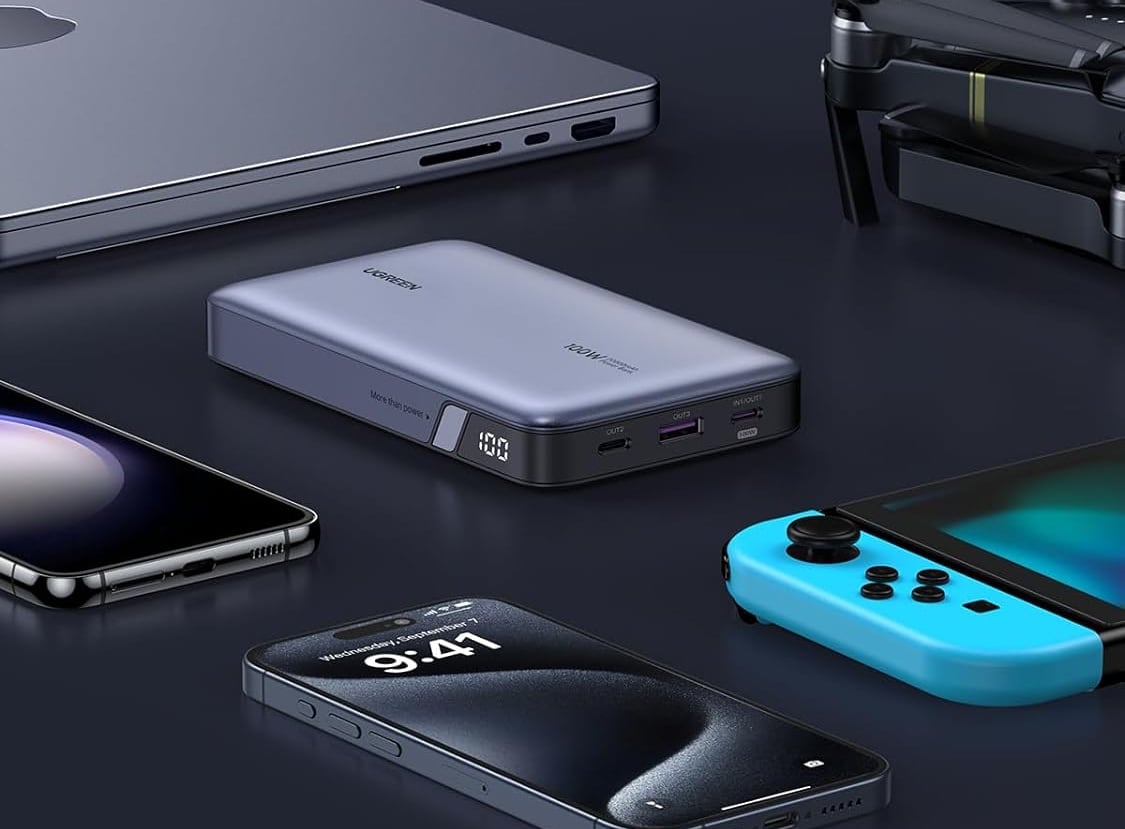
Ugreen 100W 20000mAh Power Bank
Ugreen's new power bank works with most devices and recharges itself in just a couple of hours.
Photo: Ugreen

The new Nexode 100W 20,000mAh Power Bank lets users fast-charge three devices at once on the go, the company said Tuesday.

And the portable charger’s 65W “rapid recharge” feature lets it fully power itself back up from an empty battery in just 2 hours.

Stunning view comes with top display and killer KEF sound [Setups]

By

David David Heinemeier Hansson's Mac mini setup with Pro Display XDR and KEF speakers.
Hansson's setup in Malibu, CA, features a Mac mini mounted behind a Pro Display XDR and a phenomenal set of KEF speakers.
Photo: [email protected]

Developer David Heinemeier Hansson, known for creating the Ruby on Rails web development framework, showcased his rather stunning Mac mini computer setup this week on X (formerly Twitter).

The extraordinary 6K graphics of his Studio Display XDR and the articulate sound of his highly recommended KEF speakers complement the ocean views through the glass walls of his California office.

iOS 17.3 beta 1: All the features and changes

By

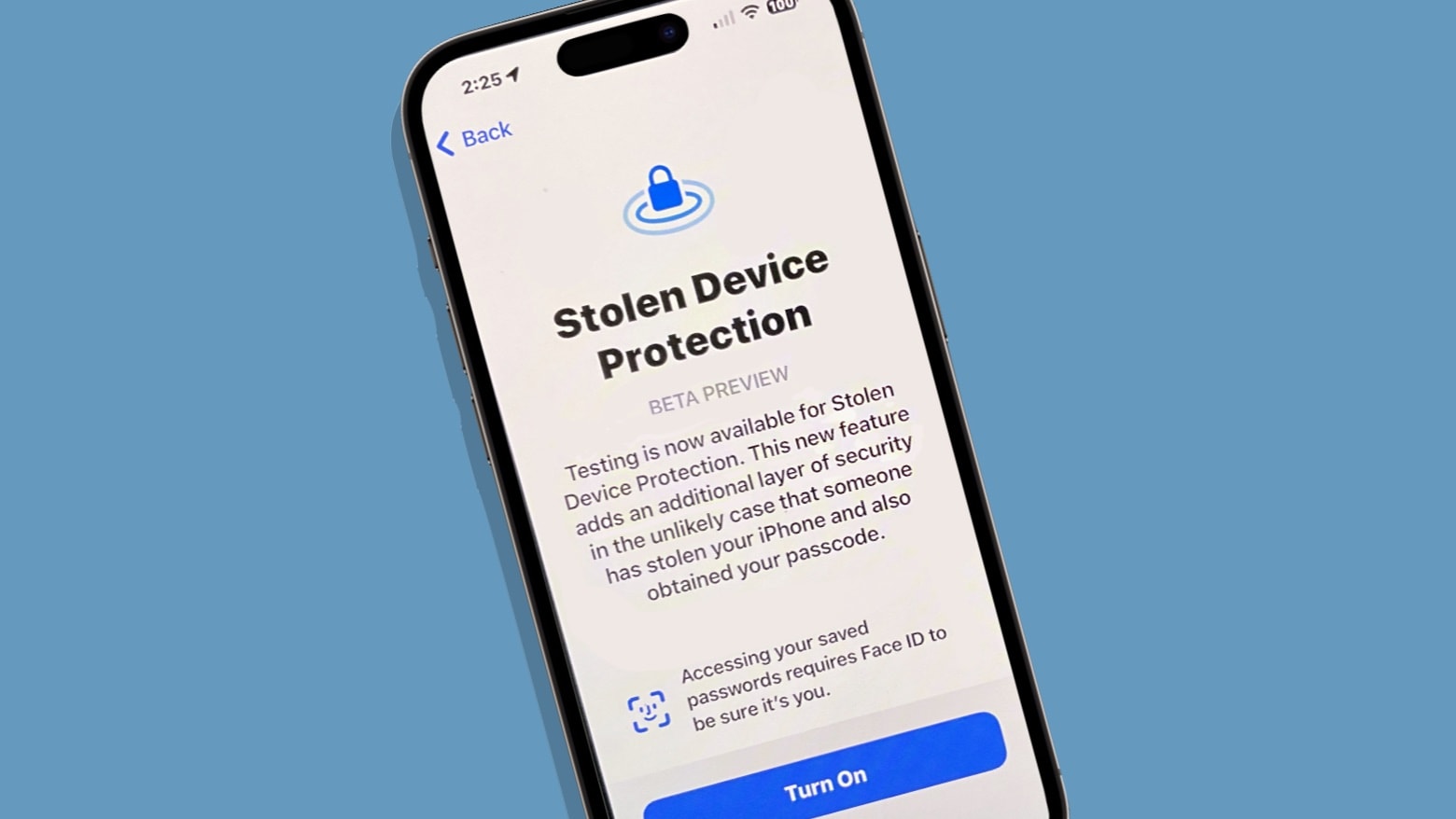
Stolen Device Protection in iOS 17.3 beta
Your iPhone can better protect itself from data thieves with a new iOS 17.3 feature.
Image: Ed Hardy/Cult of Mac

The first beta of iOS 17.3 is now available. It comes a couple of days after Apple released the stable iOS 17.2 update with plenty of new features to the public.

iOS 17.3 beta 1 does not pack many changes but brings an important new security feature to iPhones. Below are all the changes we have spotted in iOS 17.3 beta 1.

Macintosh buying guide: Choose the best Mac and accessories

By

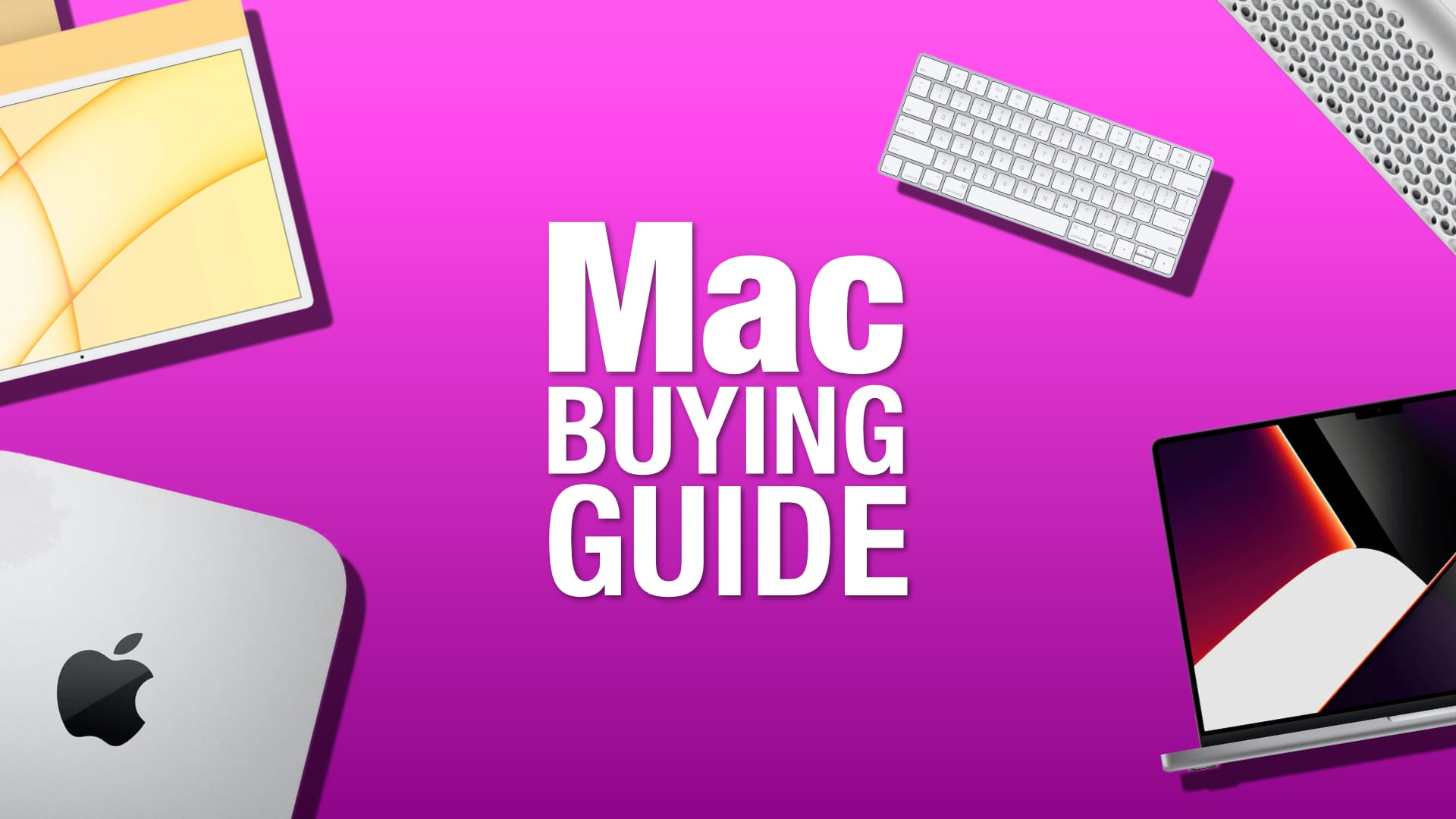
Mac buying guide: Choose the best model and accessories
We'll help you pick the perfect Mac.
Image: Killian Bell/Cult of Mac

When you buy a new Mac, you will spend a decent stack of cash. So, whether you’re shopping for yourself or someone else, ensuring you choose the best Mac is key. While every modern Mac can handle casual computing with ease, some are a much better fit for certain use cases.

In our Mac buying guide, we’ll look at all of the models offered by Apple today, as well as some of the best Mac accessories you can get to go with them.

Try App Store’s top apps and games of 2023

By

App Store
Find out which apps and games users downloaded most in 2023.
Photo: Graham Bower/Cult of Mac

Apple listed App Store’s most-popular free and paid apps and games of 2023, citing year-end charts in more than 35 countries and regions.

App Store’s Today hub lists all those popular choices (also below) as well as the 2023 App Store Award Winners.

M3 Pro 14-inch MacBook Pro gets a big $200 off in pre-Christmas deal

By

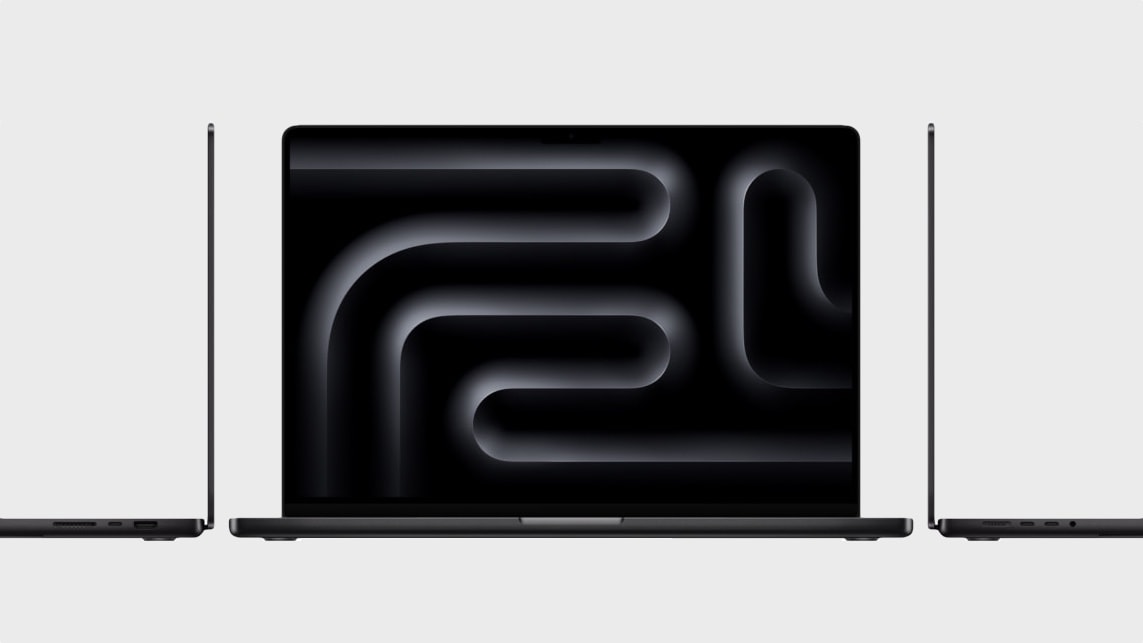
Late-2023 MacBook Pro with M3
Whether you can get your hands on the latest MacBook Pro with M3 chip on launch day depends on which configuration you want.
Photo: Apple

Apple’s late 2023 MacBook Pro lineup has been frequently on discount since its debut. And while Black Friday is over, the deals continue.

Amazon is knocking $200 off the 14-inch MacBook Pro with M3 Pro chip, dropping its price to an attractive $1,800.

Slammin’ Mac Studio is just the start of this rig’s massive upgrades [Setups]

By

M2 Max Mac Studio setup with two 4K displays
This user went from a 2012 Mac mini to an M2 Max Mac Studio plus a MacBook Air.
Photo: [email protected]

A big upgrade to a computer setup is a major boost to any user. And today’s featured rig, though it may look unassuming, got a doozy of a makeover. A Mac mini dating all the way back to 2012 finally retired after a long career. And a powerful new M2 Max Mac Studio took over, with a late-model MacBook Air riding shotgun.

But that’s not all. Read more about other bonuses in the rejuvenated setup besides the laptop, and check out the full gear list below.