Rose Byrne’s dark comedy Physical just got a release date: June 18. And Apple TV+ also dropped a teaser trailer for the show set during the exercise craze of the 1980s.
Get your first taste of the comedy/drama now:

Rose Byrne’s dark comedy Physical just got a release date: June 18. And Apple TV+ also dropped a teaser trailer for the show set during the exercise craze of the 1980s.
Get your first taste of the comedy/drama now:

Apple is being accused of engaging in sneaky behavior when it comes to its advertising strategy. According to a Wall Street Journal report, advertisers who are targeting iPhone users say they will “get more data about ad performance if they buy Apple’s ad space than if they buy through third parties.”
iOS 14.5 offers new privacy oriented features that let users opt out of tracking for personalized ads. However, Apple also sells ads itself in the App Store, News, and Stocks. It has recently been bolstering its efforts in this department.

 We want to help you master Control Center, one of the most powerful and underutilized features on Apple devices. Cult of Mac’s Control Center Pro Tips series will show you how to make the most of this useful toolbox on iPhone, iPad, Apple Watch and Mac.
You don’t need to keep the Calculator app on your iPhone’s Home screen just to make it easy to find when you need it. Add it to Control Center instead and you’ll be ready to do math anywhere, anytime with just a swipe and a tap.
We’ll show you how.
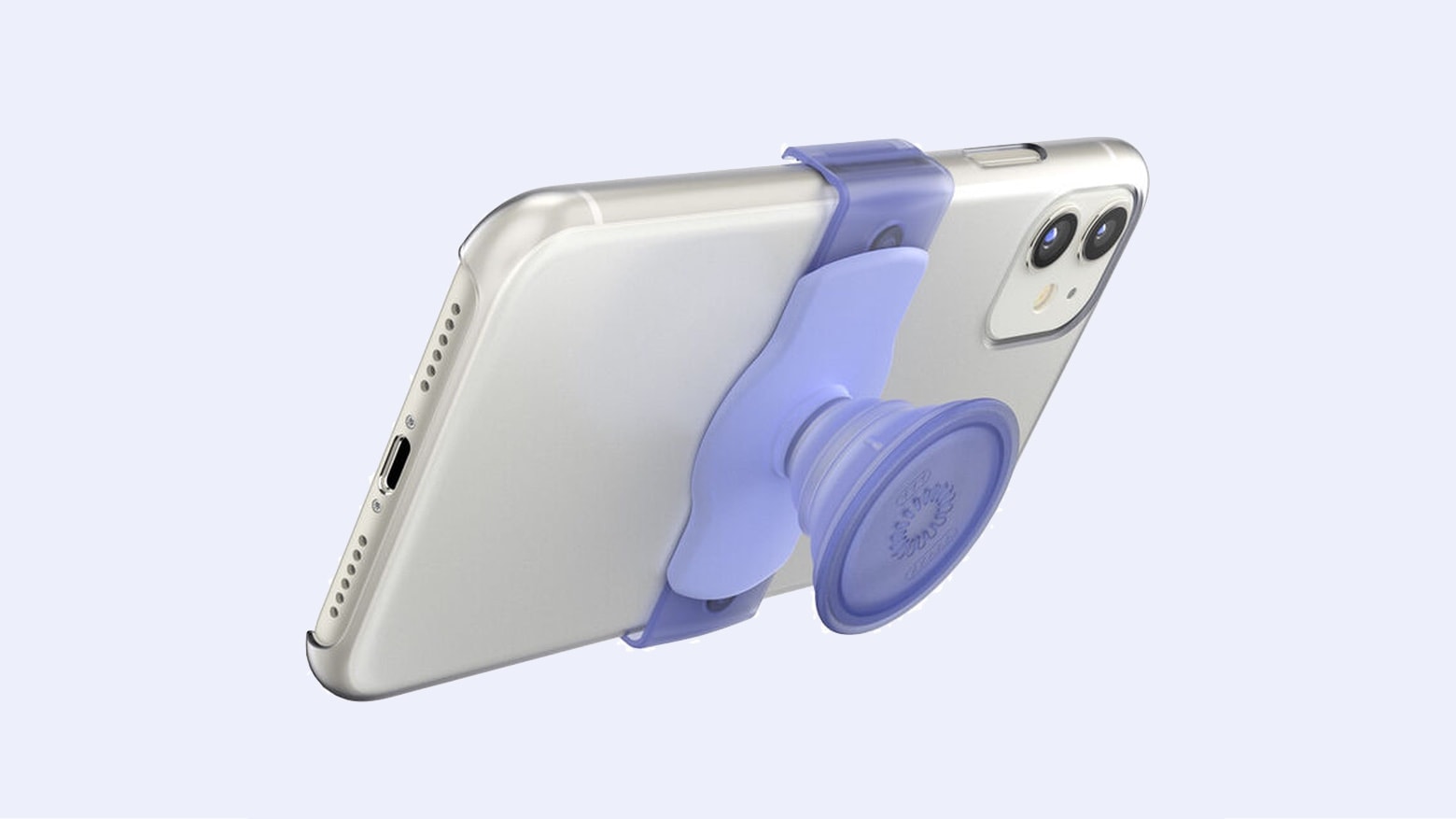
The just-released PopGrip Slide Stretch lets users keep a handle on their iPhone 12 without interfering with the MagSafe charging system. That’s because the new gadget from PopSockets lets the PopGrip slide back and forth on the back of the handset.
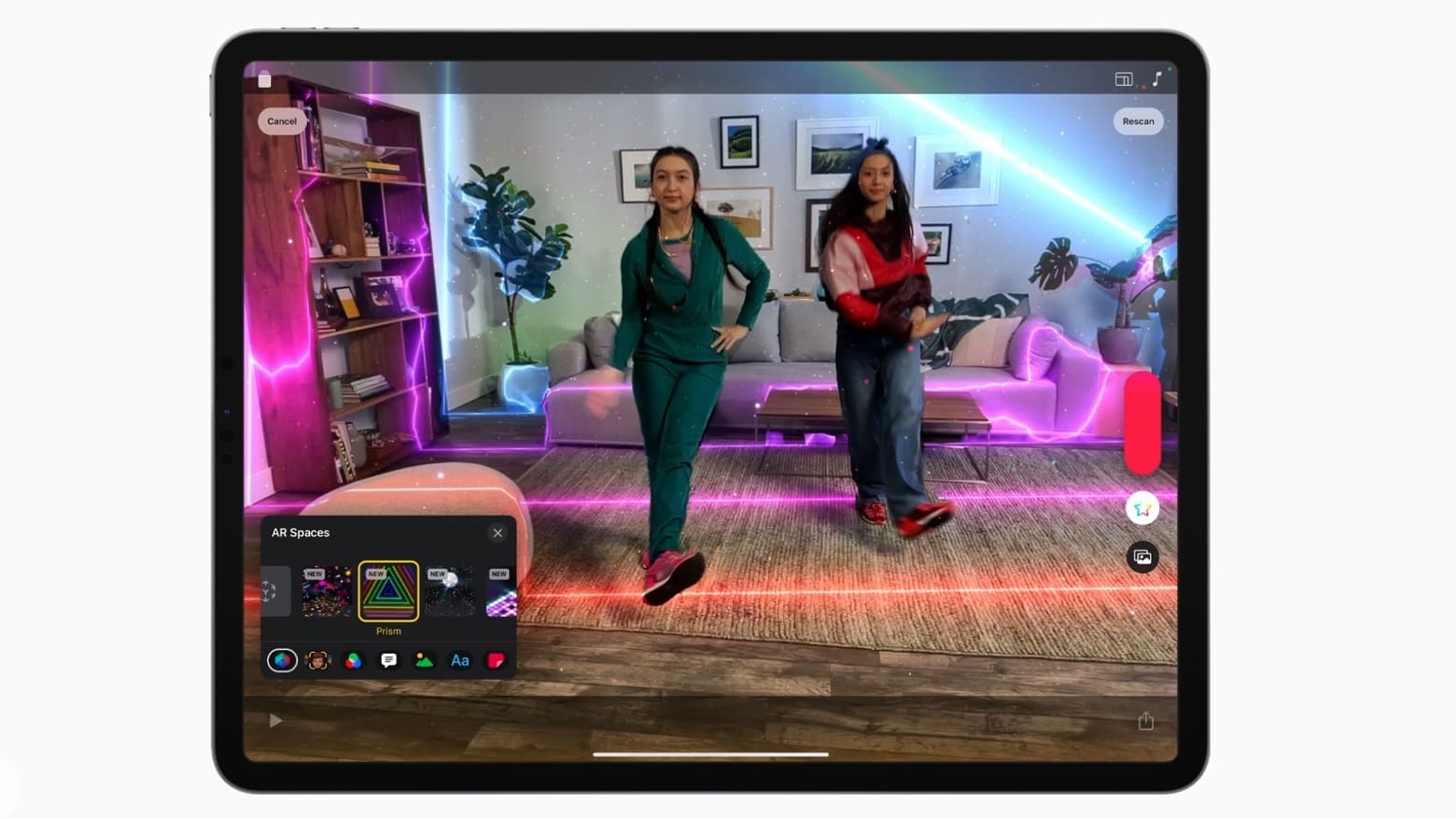
Apple Clips 3.1, a new version of the free video-creation app, adds fun augmented reality effects that map themselves to a room and the people in it. The goal is unique videos that people can then share on social media.
And Apple promised to start making monthly content releases with new filters, stickers and more.

Apple is ramping up its investments in the U.S., announcing Monday its plans to make “new contributions of more than $430 billion” as well as adding 20,000 new jobs across the country within the next five years.
According to Apple, it has breezed past its original five-year-plan, laid out in 2018, for investing $350 billion in the U.S. economy. It is now increasing this — with a particular focus on next-gen chip development, AI, and 5G innovation.
We want to help you master Control Center, one of the most powerful and underutilized features on Apple devices. Cult of Mac’s Control Center Pro Tips series will show you how to make the most of this useful toolbox on iPhone, iPad, Apple Watch and Mac.
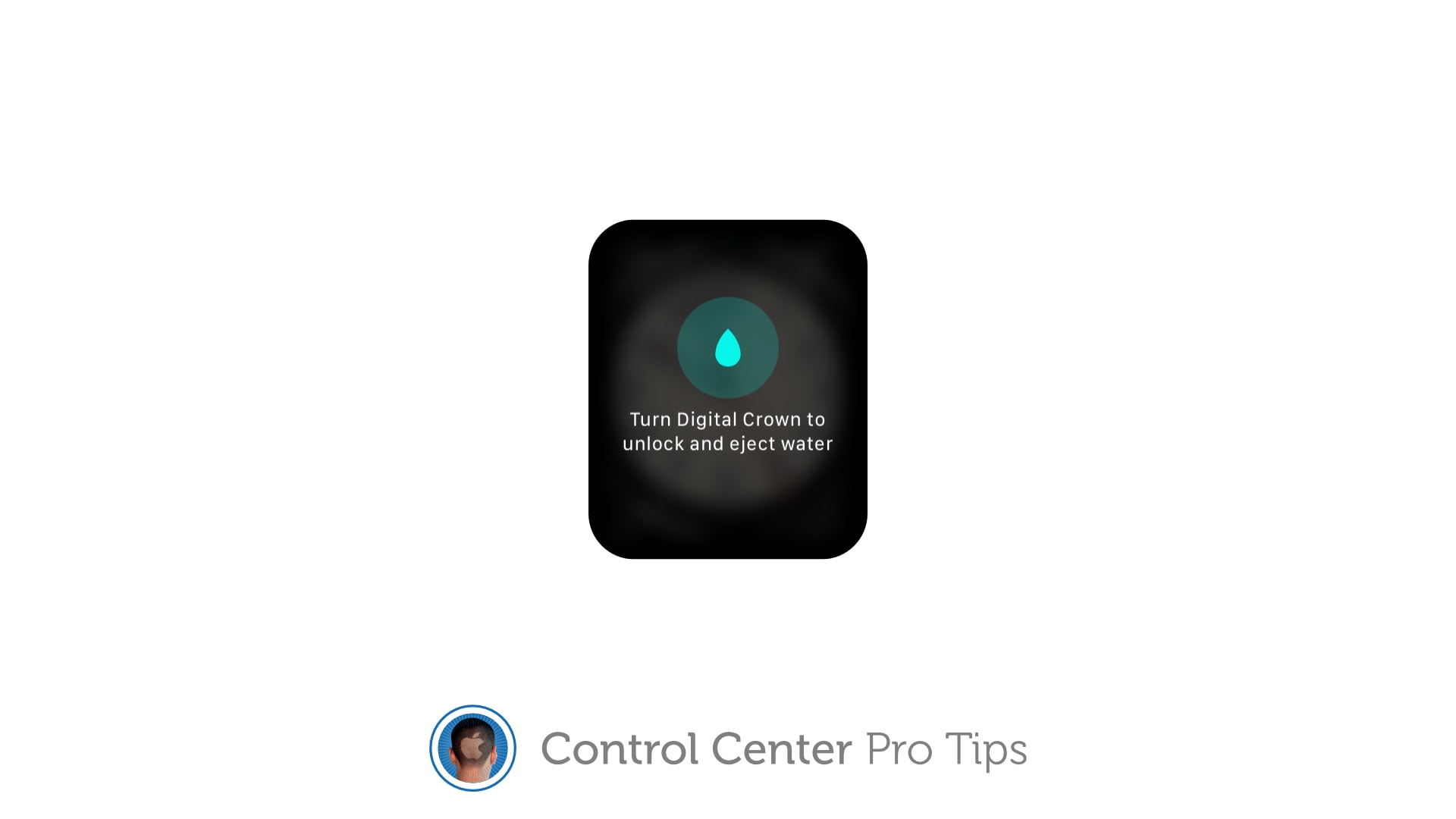
Have you noticed your Apple Watch isn’t sounding so good after getting wet? That’s likely because there is liquid lodged inside its speaker. But don’t worry — you can quickly clear it with just one tap in Control Center.
We’ll show you how.
We want to help you master Control Center, one of the most powerful and underutilized features on Apple devices. Cult of Mac’s Control Center Pro Tips series will show you how to make the most of this useful toolbox on iPhone, iPad, Apple Watch and Mac.
Want to capture what’s happening on the screen of your iPhone or iPad. Apple’s built-in screen recording feature makes that incredibly easy, and you can activate it with just one tap inside Control Center.
We’ll show you how.
We want to help you master Control Center, one of the most powerful and underutilized features on Apple devices. Cult of Mac’s Control Center Pro Tips series will show you how to make the most of this useful toolbox on iPhone, iPad, Apple Watch and Mac.
On iPhone, iPad, Apple Watch and Mac, the Control Center puts vital tools at your fingertips. And while most people probably are familiar with some preset options, like Airplane Mode and Do Not Disturb, a world of customization awaits anyone willing to spend a few minutes digging deeper into this underutilized tool set.
All week long, we’ll show you how to get the most out of Control Center — and thus squeeze even more sweet utility out of your Apple devices. With this series of quick and simple Control Center tips, we’ll show you how to add useful buttons that make common tasks easier than ever.

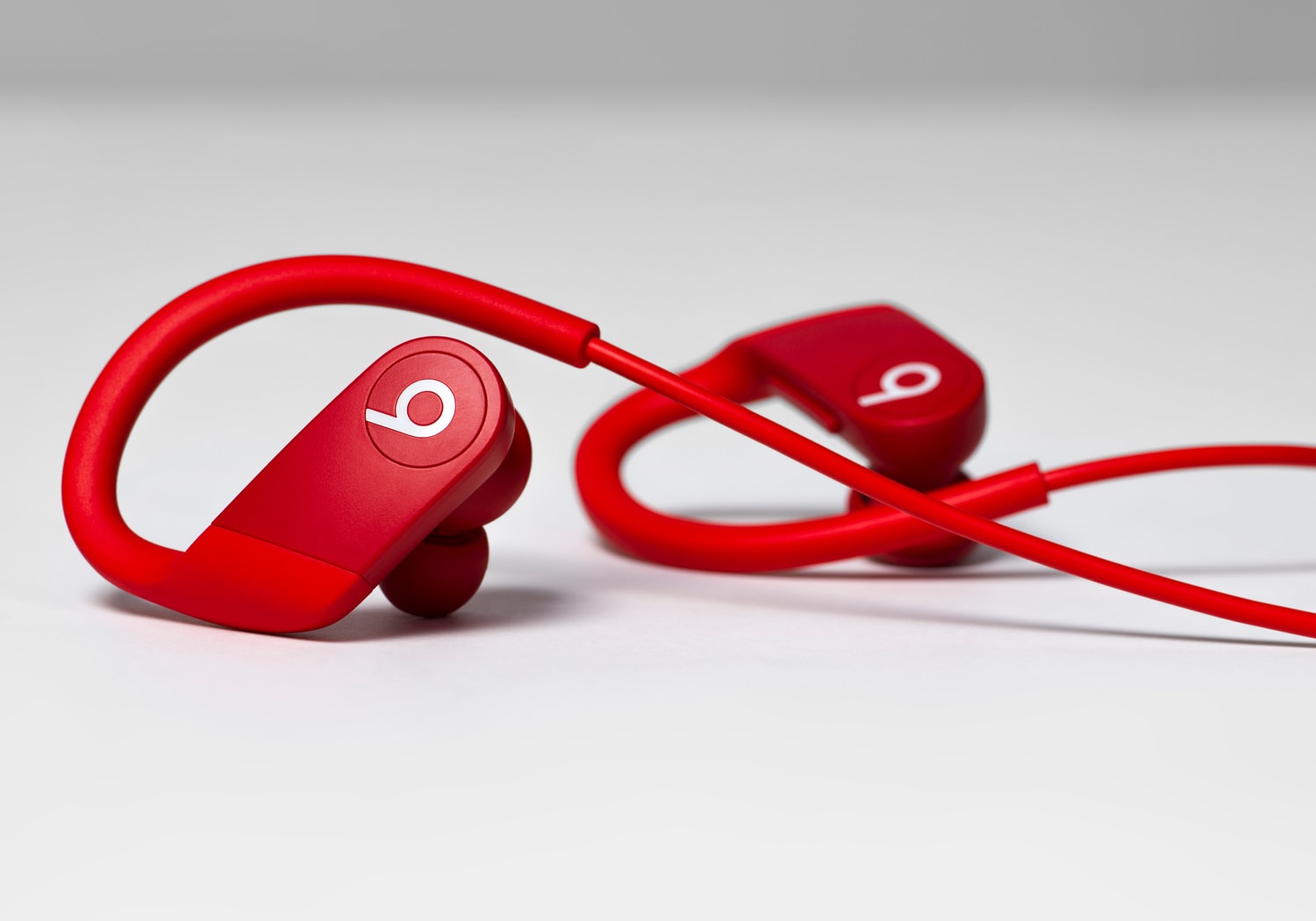
Apple’s newest Powerbeats headphones can now be yours at their lowest price to date. Order them in black on Amazon today for just $79.99 — a generous $69.96 off the usual price.