Mobile menu toggle

Search results for: "iPhone 5"

Everything you need to know about iOS’ crippling ‘Error 53’

By

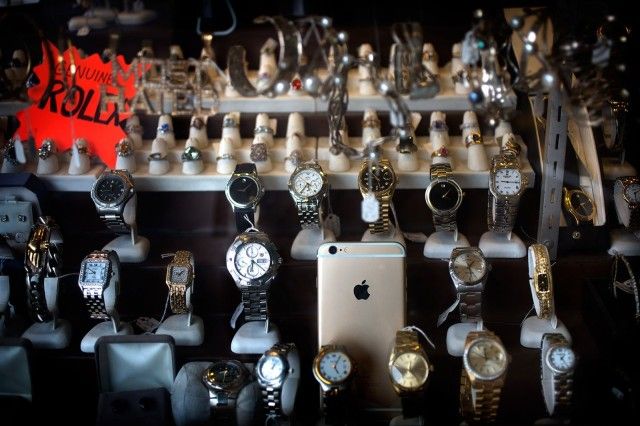
Error 53 makes gold iPhone  worth s***.
The dreaded "Error 53" can turn an iPhone into a shiny brick.
Photo: Jim Merithew/Cult of Mac

Apple is in the midst of an all-new controversy, thanks to the mysterious “Error 53” message that is bricking iPhones without warning.

The problem can hit DIY types or anybody who has ever had a Touch ID sensor (or other iPhone hardware) replaced by a repair shop not authorized by Apple. When they update iOS, the device locks down, displaying the cryptic Error 53 message and rendering the iPhone virtually worthless.

Apple says Error 53 is actually a security feature of iOS 9 that keeps your personal information secure, but customers aren’t convinced. Cult of Mac talked to iPhone repair and and parts experts to find out what exactly is going on. The truth is that Error 53 has plagued many iPhone owners, not just those who have replaced Touch ID — and it’s not totally clear why.


Apple’s rumored March event: Catch our hardware expectations on The CultCast

By

New Apple hardware in March?  Party time!
New Apple hardware in March? Party time!
Photo: Kickboxer, Lionsgate

This week: New hardware, incoming! We’ll tell you our hardware expectations for Apple’s rumored March 2016 event, and there’s a lot to discuss. Plus: Why the next iPad Air could be the best one yet; iPhone 7 may have far fewer features than expected; and, is Apple making a move into virtual reality?

Our thanks to Squarespace for supporting this episode. It’s simple to build a website that looks beautiful on any device that visits at Squarespace.com. Enter offer code CultCast at checkout to get 10 percent off.

How to create perfectly sized iPhone and iPad wallpapers

By

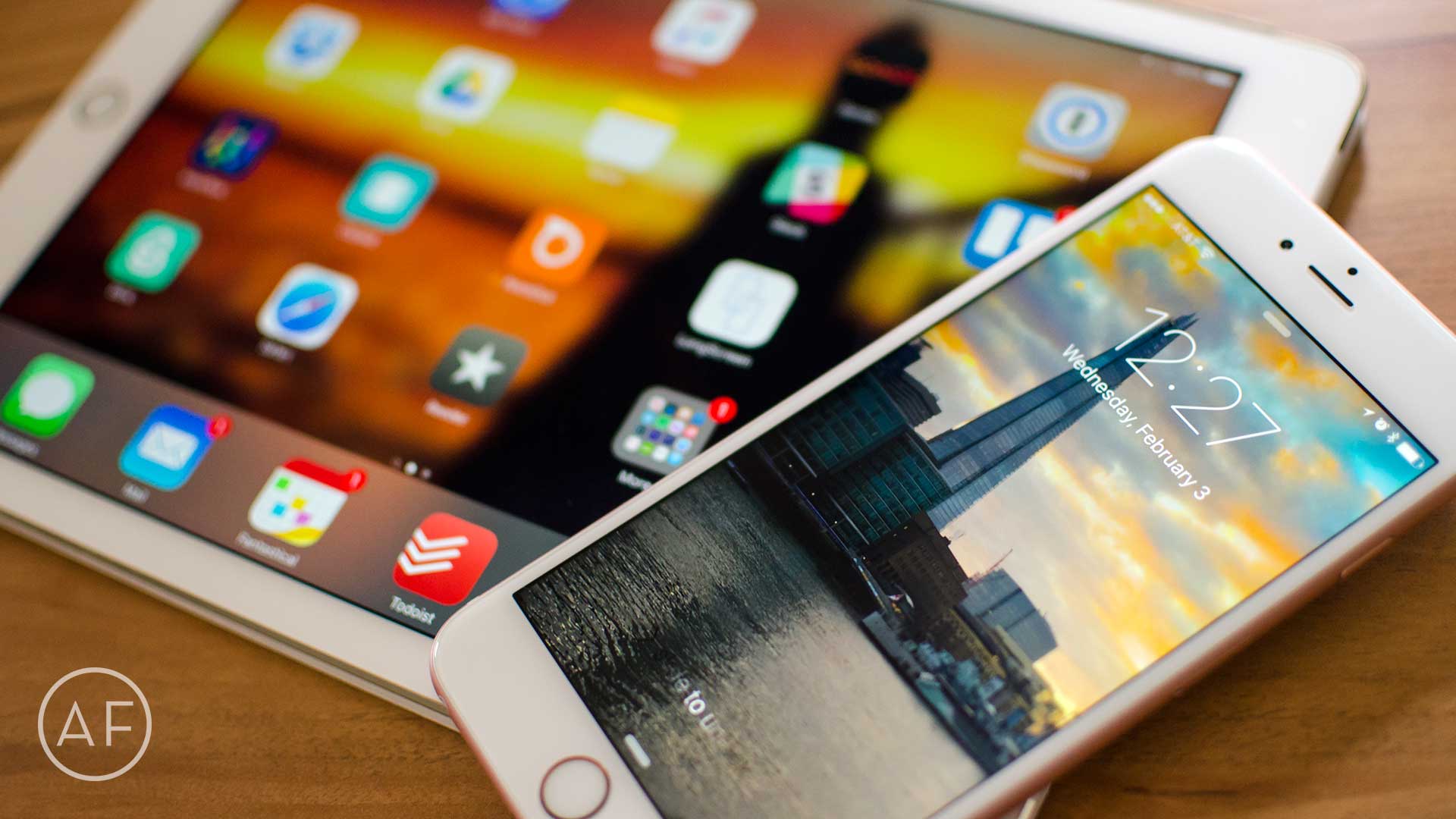
Tired of parallax or landscape photos ruining your wallpaper? Pixelmator can help!
Photo: Ally Kazmucha/The App Factor

app-factor-logo-thumbnailAnyone who knows me in real life would tell you I’m a bit of a wallpaper nut when it comes to my iPhone and iPad. While I can normally get my fix via Google image search, that sometimes doesn’t cut it. Sometimes I come across a photo that isn’t sized correctly. Luckily, as long as you know iPhone wallpaper size, or iPad for that matter, Pixelmator can help you create a perfectly sized wallpaper in no time.

Apple lets you trade in broken iPhones

By

apple-iphone-cracked-security-mac-ios-malware-flaw
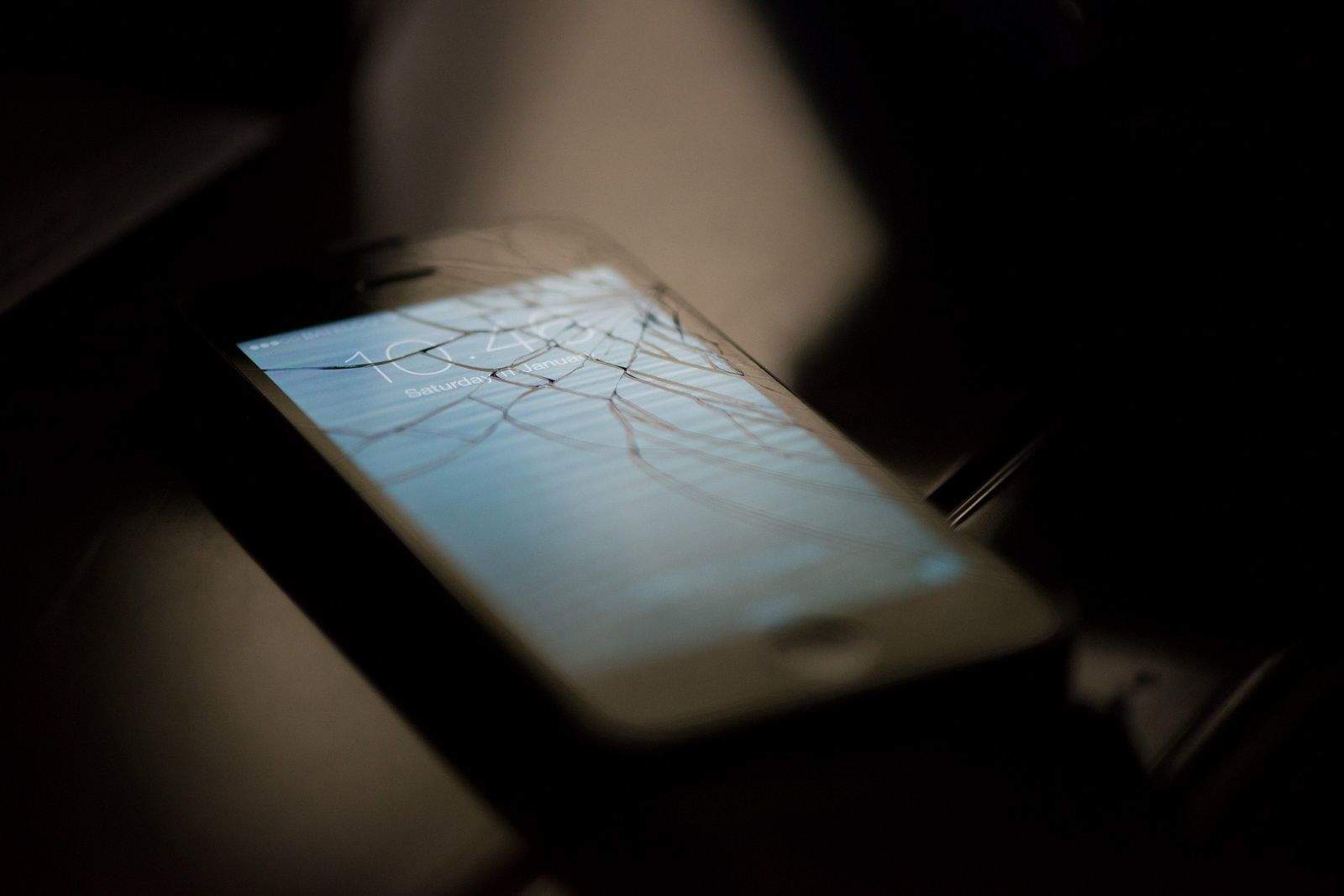
Apple's new trade-in program won't discriminate against cracked iPhones.
Photo: Faris Algosaibi/Flickr CC

Apple is rolling out several new programs in its retail store locations that will give credit for iPhones with pretty severe damage, according to a report. The program will allow customers with a cracked screen, damaged buttons or damaged cameras to trade in their faulty device without issue. Apple previously wouldn’t accept this kind of damage in its Reuse and Recycle trade-in program.

Best iPhone camera accessories for iPhone 6s

By

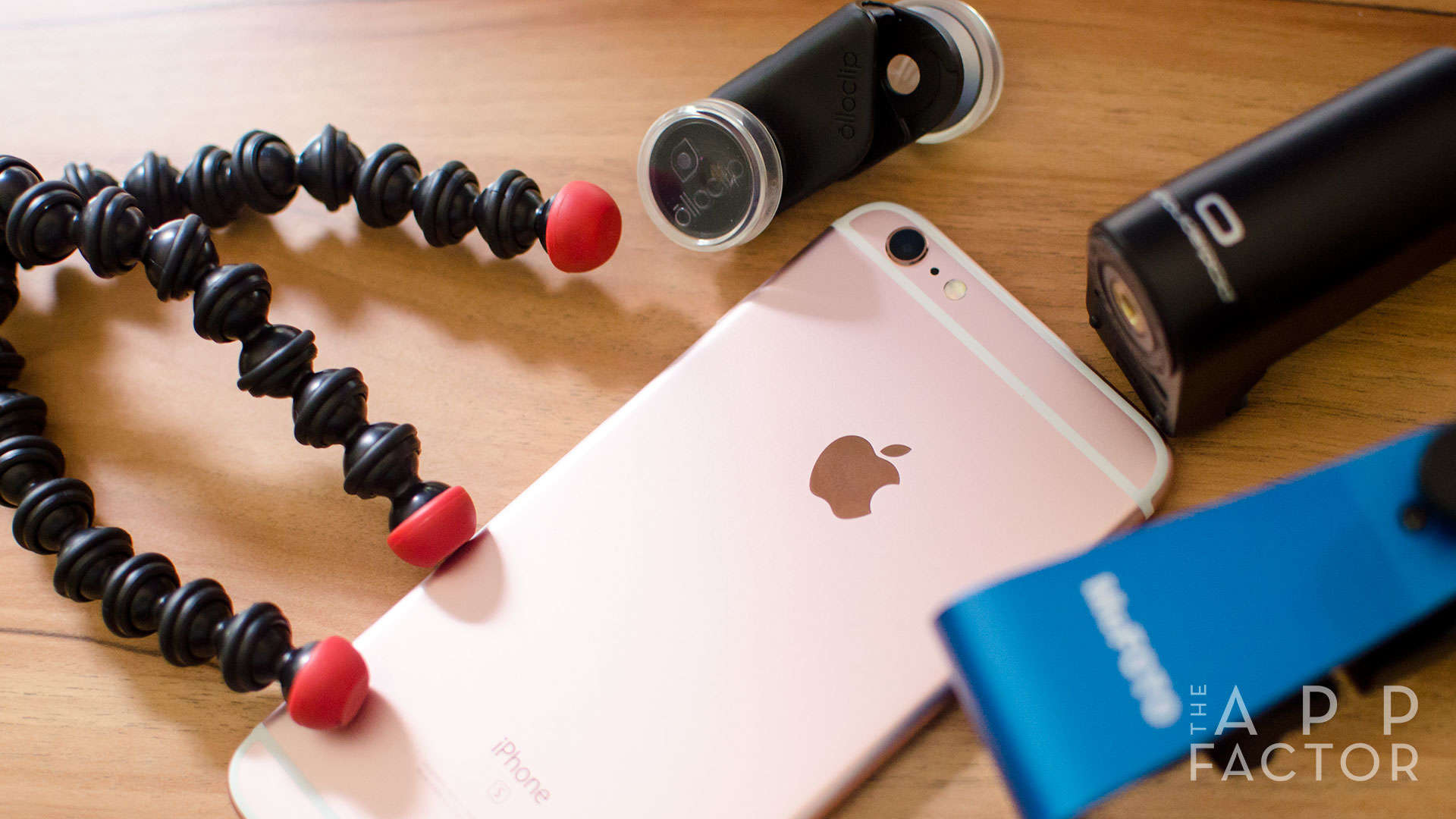
If you want to take your iPhone photography to the next level, these accessories will help you get the job done.
Photo: Ally Kazmucha/The App Factor

app-factor-logo-thumbnailFor many of us, the iPhones in our pockets have long since replaced the need to carry around a regular DSLR or point and shoot camera. While the iPhone itself is typically all you need to start capturing great photos, there are a few iPhone camera accessories that can help take your iPhone photography to the next level.

These are some of my current favorites, all of which are compatible with the iPhone 6s and iPhone 6s Plus:

Apple Watch may get an ‘S’ upgrade in March

By

Apple Watch
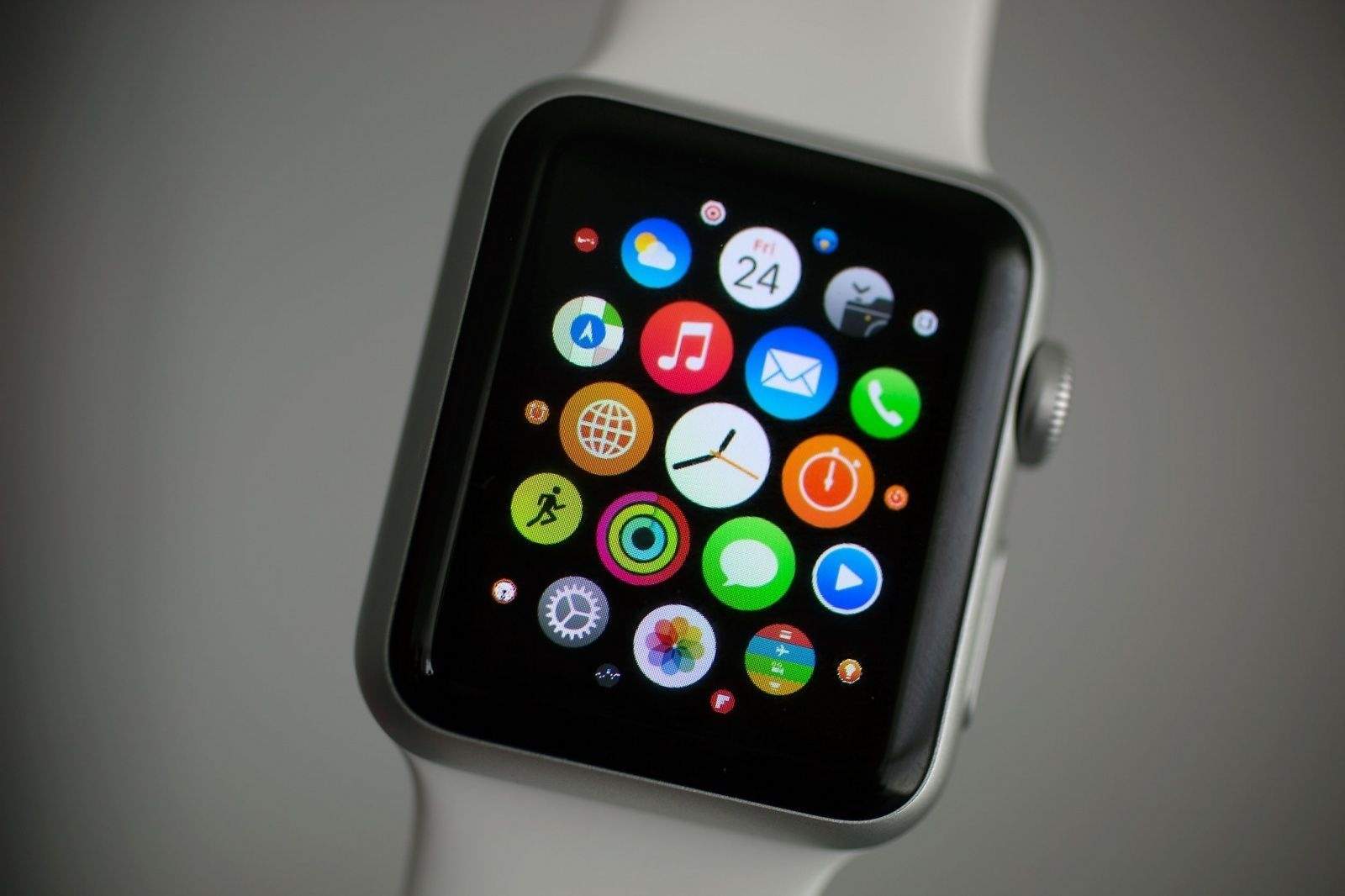
Get your Apple Watch ready for your new iPhone.
Photo: Jim Merithew/Cult of Mac

The iPhone might not be the only device getting an incremental upgrade at Apple’s next keynote, which is rumored to take place March 15.

In a note to investors this morning, Apple analyst Gene Munster claims Apple Watch may get a slight hardware upgrade this spring that will include a better processor, improved battery life and other new internal components.

Best iPhone, iPad, and Apple Watch accessories for frequent travelers

By

7 must-have accessories for the iPhone, iPad, and Apple Watch owner on the go.
Photo: Unsplash

app-factor-logo-thumbnailI travel frequently, both for work and for pleasure. Over the past few years I’ve found certain accessories I just can’t live without. Whether I’m walking out the door to a coffee shop or I am getting on a plane and need to pack more serious gear, these are the travel accessories I couldn’t live without when it comes to iPhone, iPad, and Apple Watch.

Schematic reveals iPad Air 3 will be slightly thicker than iPad Air 2

By

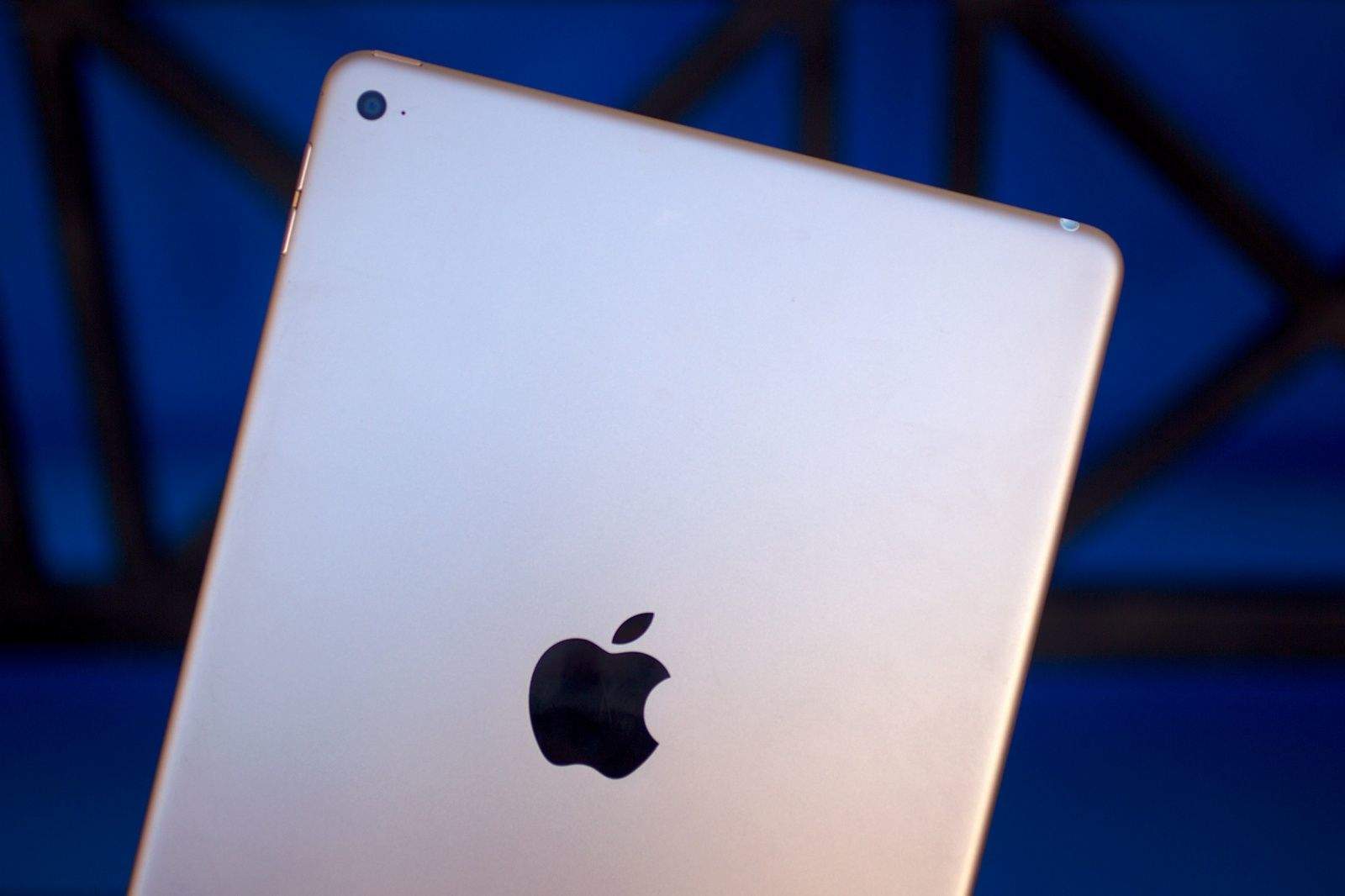
iPad Air 3 will be the smartest iPad yet.
Photo: Jim Merithew/Cult of Mac

The iPad Air 3 is poised to be the biggest upgrade the iPad lineup has ever seen, but all those new features might come with a price of extra thickness.

An alleged schematic of the iPad Air 3 has been leaked that shows the upcoming device’s exact dimensions. The schematic also appears to confirm that the iPad Air 3 will use the Smart Connector found on the iPad Pro.

Check it out:

4 out of 5 most popular gadgets on Facebook are made by Apple

By

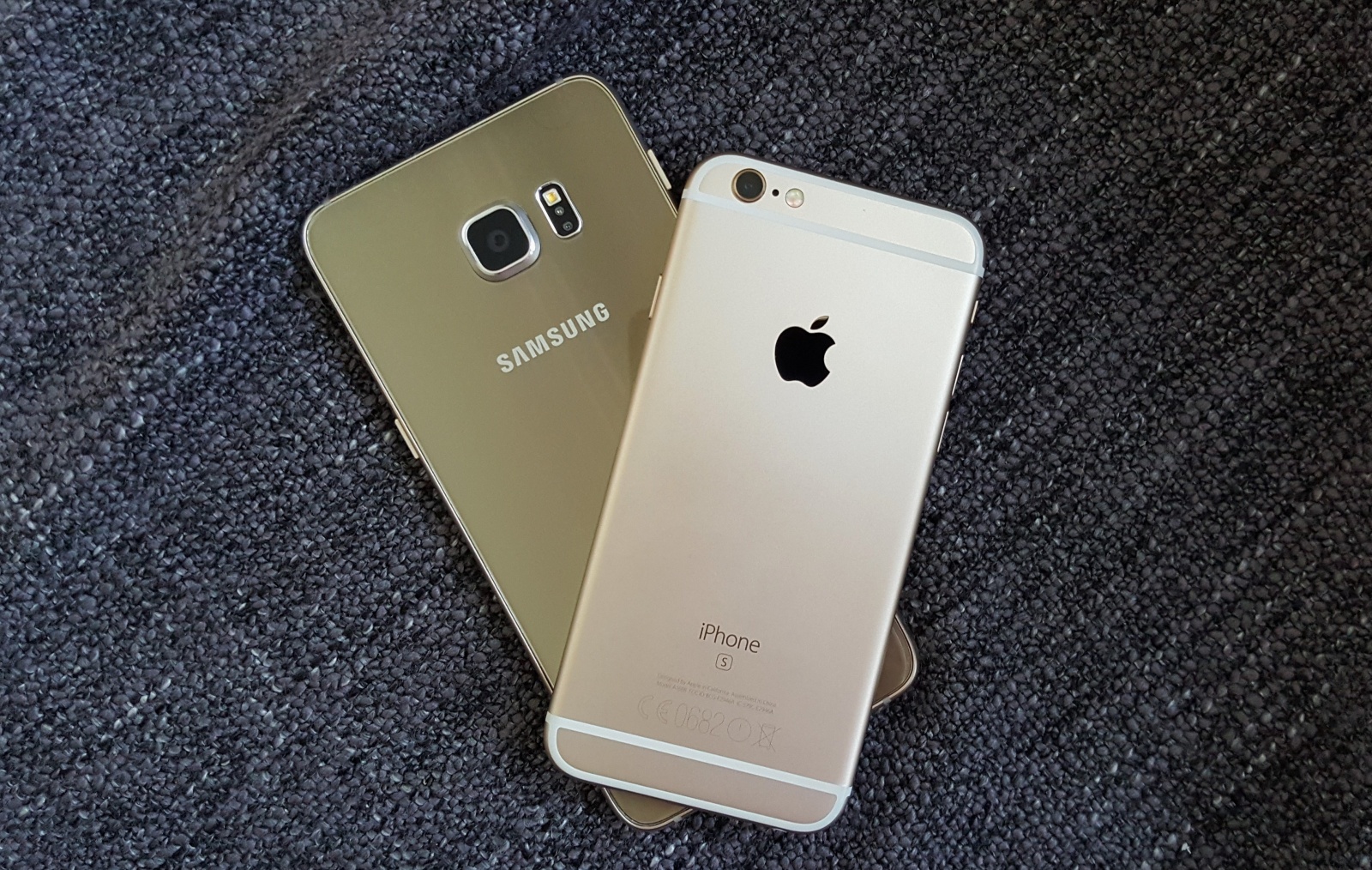
4-out-of-5-most-popular-gadgets-on-facebook-are-made-by-apple-image-cultofandroidcomwp-contentuploads201602Galaxy-S6-edge-iPhone-6s-jpg
Surprise, surprise! Photo: Killian Bell/Cult of Android

Four out of the five most popular gadgets on Facebook are Apple devices, according to the social network’s new Preferred Audience tool. Unsurprisingly, the iPhone tops the list with more than four times as much interest as fourth-placed Samsung Galaxy.

How to record guitar with an iPhone or iPad

By

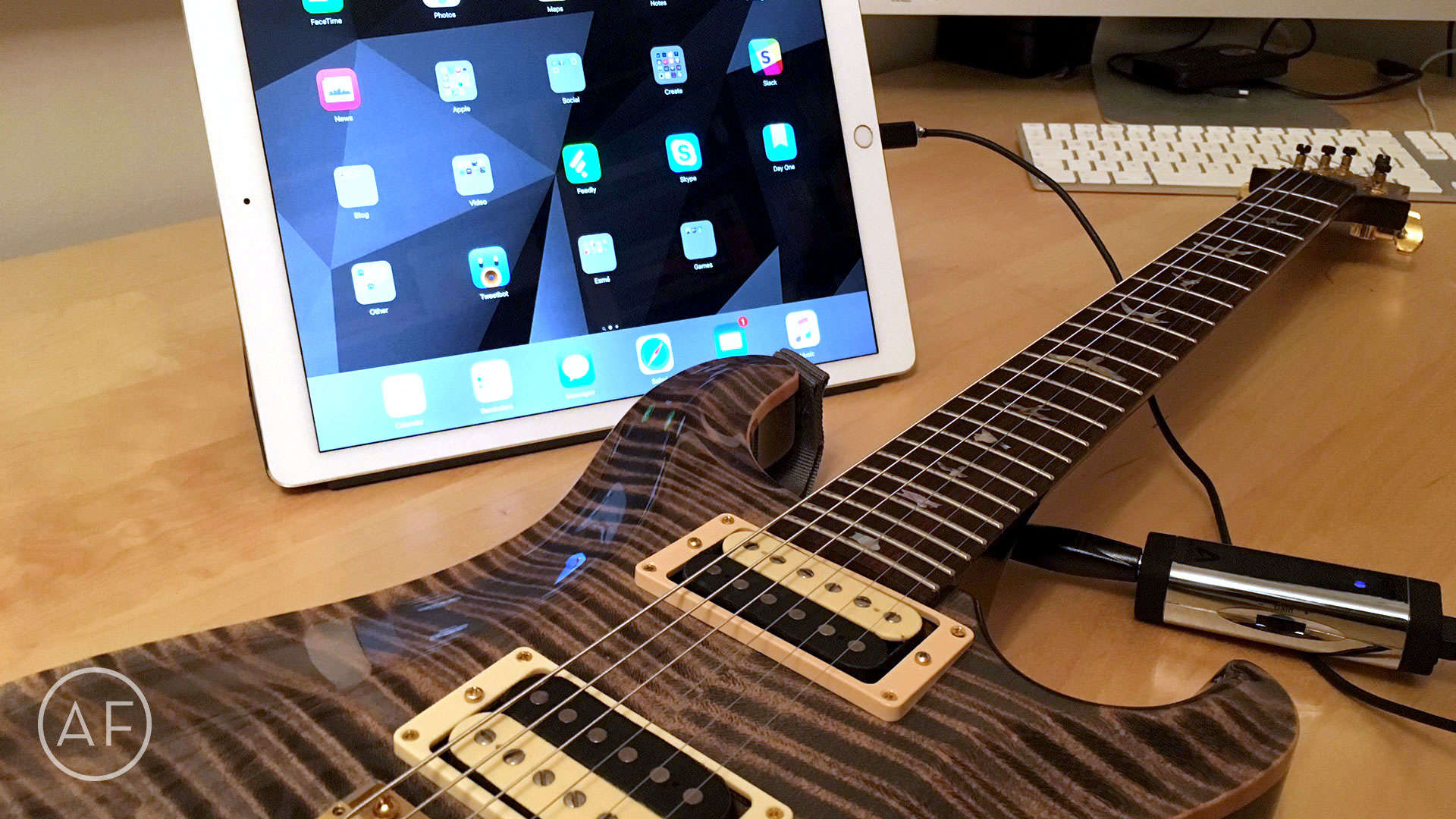
You don't need expensive equipment to record your guitar, an iPhone or iPad will do just fine.
Photo: Lee Peterson/The App Factor

app-factor-logo-thumbnailAs someone who plays guitar and records my own music, I’ve been really keen on trying to record an EP using iOS only. I’ve done it on a Mac before, but since the introduction of the iPad I’ve been wanting to record on a touch interface. I’ve used an iPad mini, and it worked well, but with the introduction of the iPad Pro, I wanted to give it another go. Here’s what I’ve learned so far.