Mobile menu toggle

Search results for: "MacBook Air"

Finally, a portable battery designed for the MacBook

By

view-side

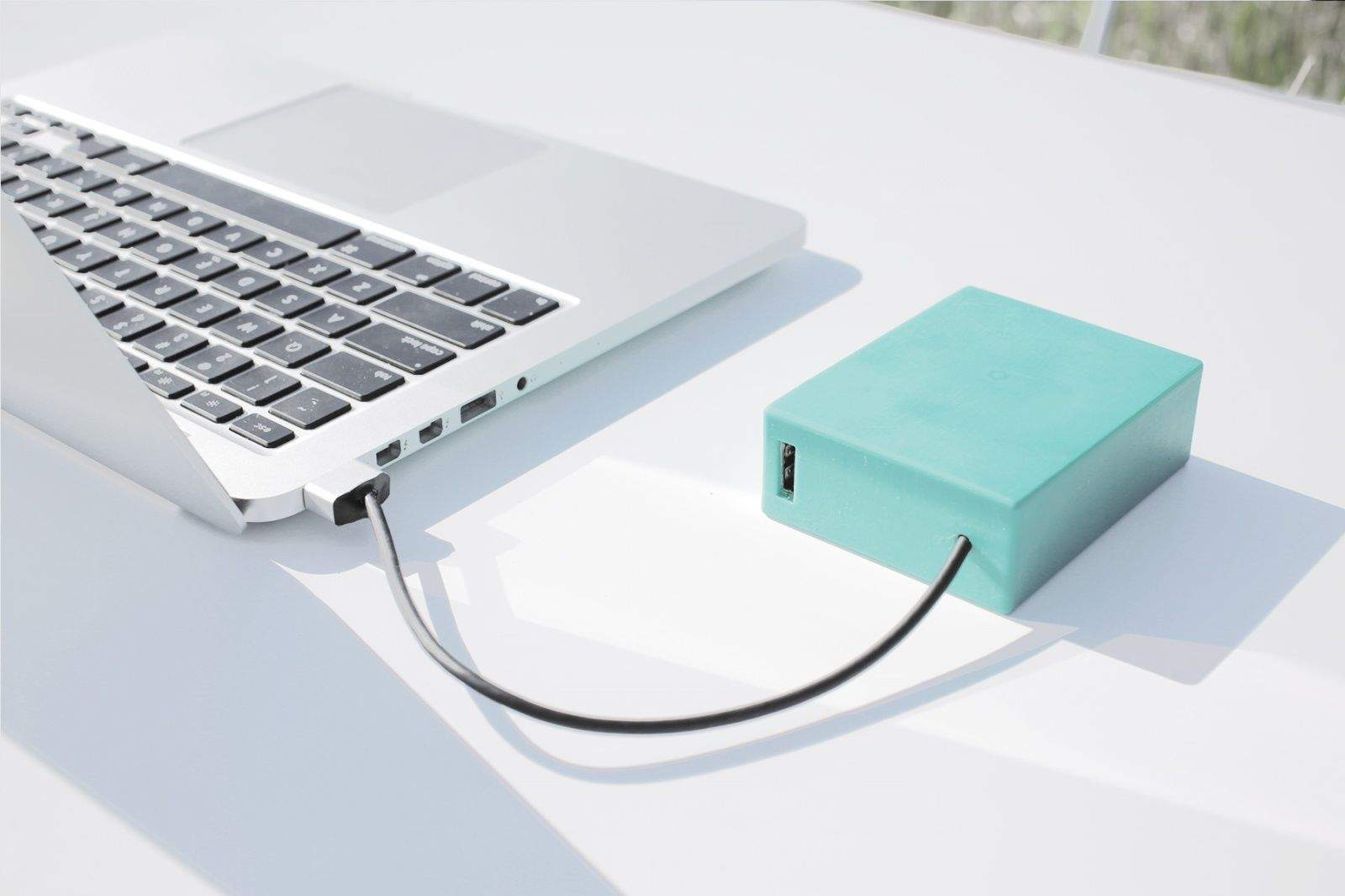
What if you had a Mophie-like battery pack for your MacBook? Available for preorder now, the BatteryBox is exactly that.

The box itself is about the length of a credit card and packs a whopping 12,000mAh battery. That equates to about 12 hours of extra juice for the MacBook Air and 6 hours for the Pro. The BatteryBox can charge any device over USB, and it has its own MagSafe2 connector.

Grovemade’s beautiful bendy wood-and-wool cases

By

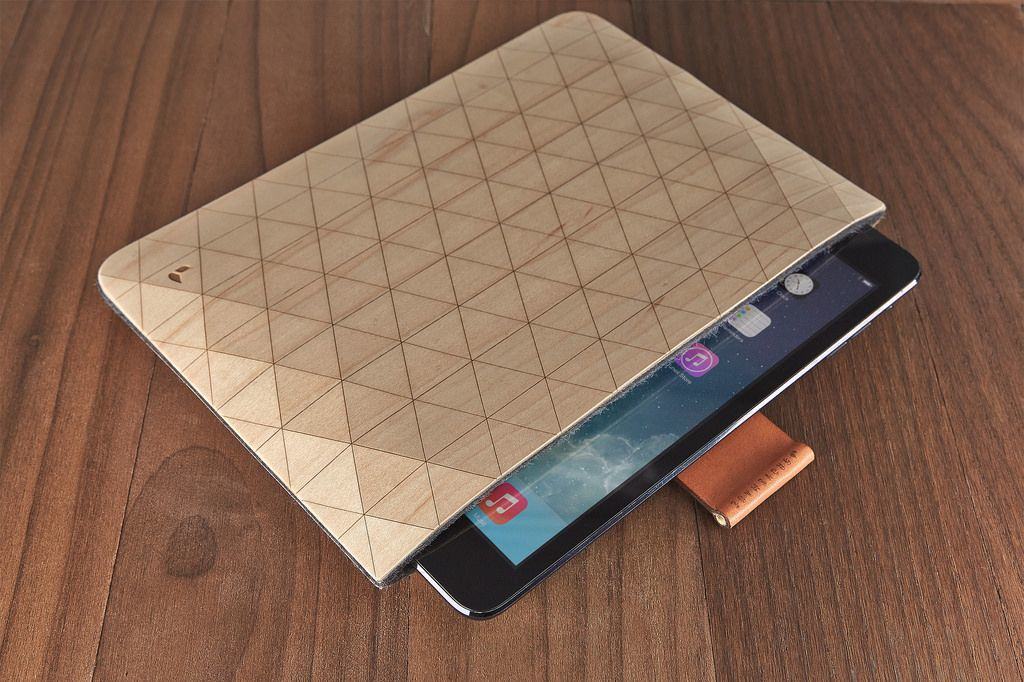
These new flexible wooden sleeves from Grovemade are amazing. Look at them. Just look.

They’re made from veneers of maple or walnut, lined with felted wool and have leather and brass straps to pull out the MacBook or iPad within in one easy yank.

Review roundup: Best MacBook docks

By

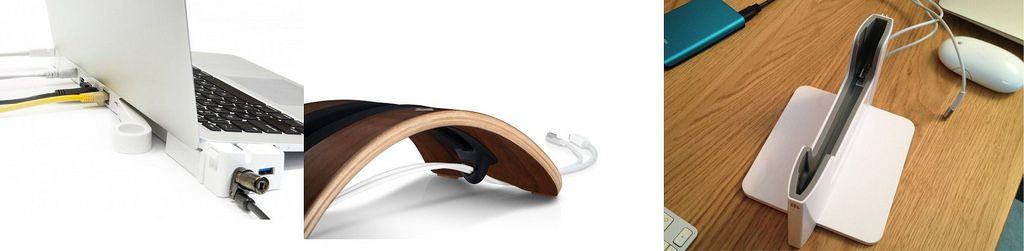
This week we look at docking stations for the MacBook. Docks let you stow your laptop out of the way. With its lid closed, and yet still use its brain to power a monitor and hook up to a mouse and keyboard.

Some docks are simple dumb stands, others offer hookups that the modern MacBook lacks, like HDMI and Ethernet ports.

Let’s take a look at three of the best.

Apple offers to replace faulty iPhone 5 on/off buttons for free

By

iphone5

Does your iPhone 5 suffer from a dodgy power button? If so, Apple will repair it free of charge, according to a new announcement made by the company.

“Apple has determined that the sleep/wake button mechanism on a small percentage of iPhone 5 models may stop working or work intermittently,” Apple states. “iPhone 5 models manufactured through March 2013 may be affected by this issue.”

iPhone users experiencing the problem can visit Apple’s website, enter their phone’s serial number and — hey presto! — see if their device is one of the faulty ones Apple is referring to.

SlateGo AirDesk, a portable laptop lapdesk

By

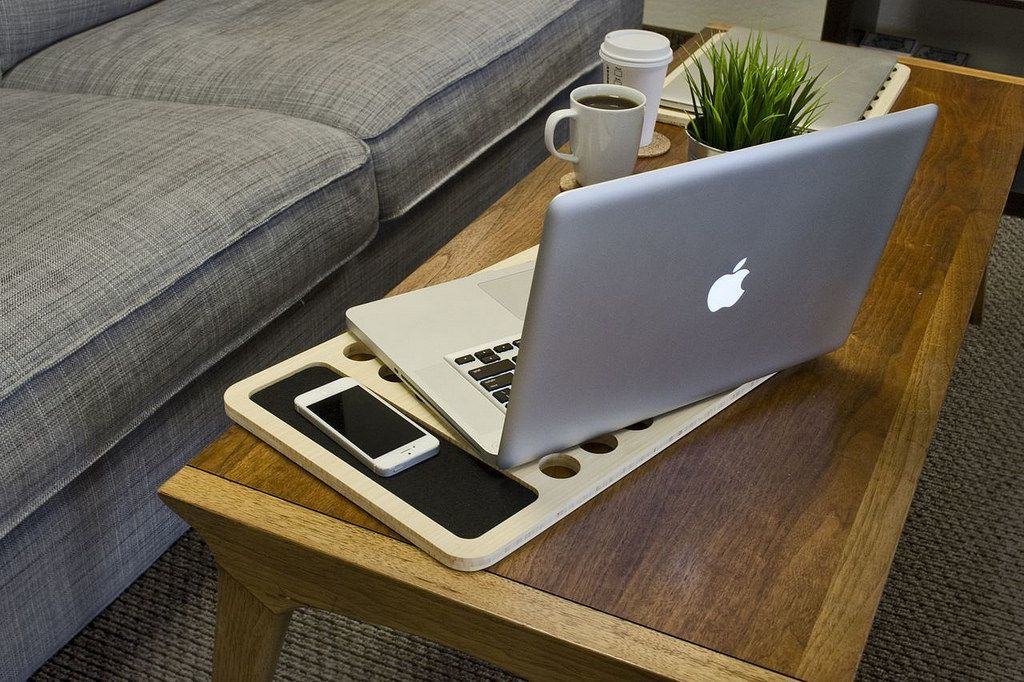
Remember the Slate Mobile AirDesk, which I described as resembling a “neatly-drilled chopping board”? Did you look at it and think “I like that. I could see myself using one of those, if only it was a little smaller, so I could carry it in my bag.”

If the answer to either of these is yes (or to the second question, mostly), then you will be ecstatic at the news of the SlateGo, a slightly smaller version of the laptop lap-desk.

Mujjo Low-Key Macbook Sleeve Is Full Of Understated Style [Review]

By

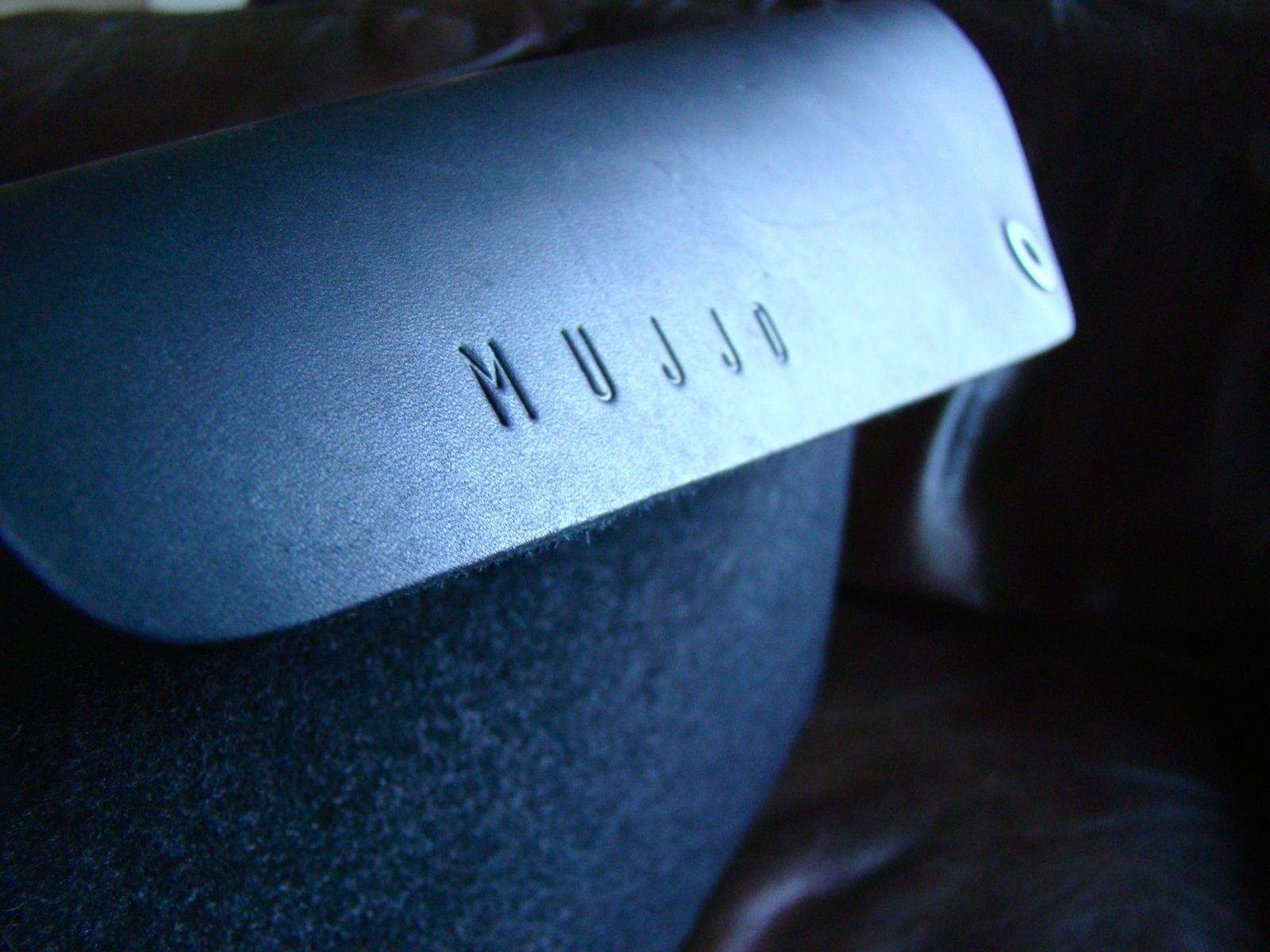
Photo: Rob LeFebvre/Cult of Mac

Not everyone has a fancy computer backpack or messenger bag. Some folks just have non-techie backpacks, bags, or luggage, and they’re perfectly fine with that.

13-inch Macbook Sleeve by Mujjo
Category: Macbook Cases
Works With: Macbook Pro, Macbook Air 13-inch
Price: $69

However, most of those folks would benefit from a sleeve or two to cover and protect their precious technology. And, if you’re going to go that route, you might as well go all the way and get something that’s special.

The Mujjo Low-Key Macbook Sleeve is angling for just that “all the way” look and feel.

Rough Rider Bag Will See You Through The Coming Apocalypse [Review]

By

Rough Rider by WaterField
Category: Bags
Works With: Anything
Price: $335

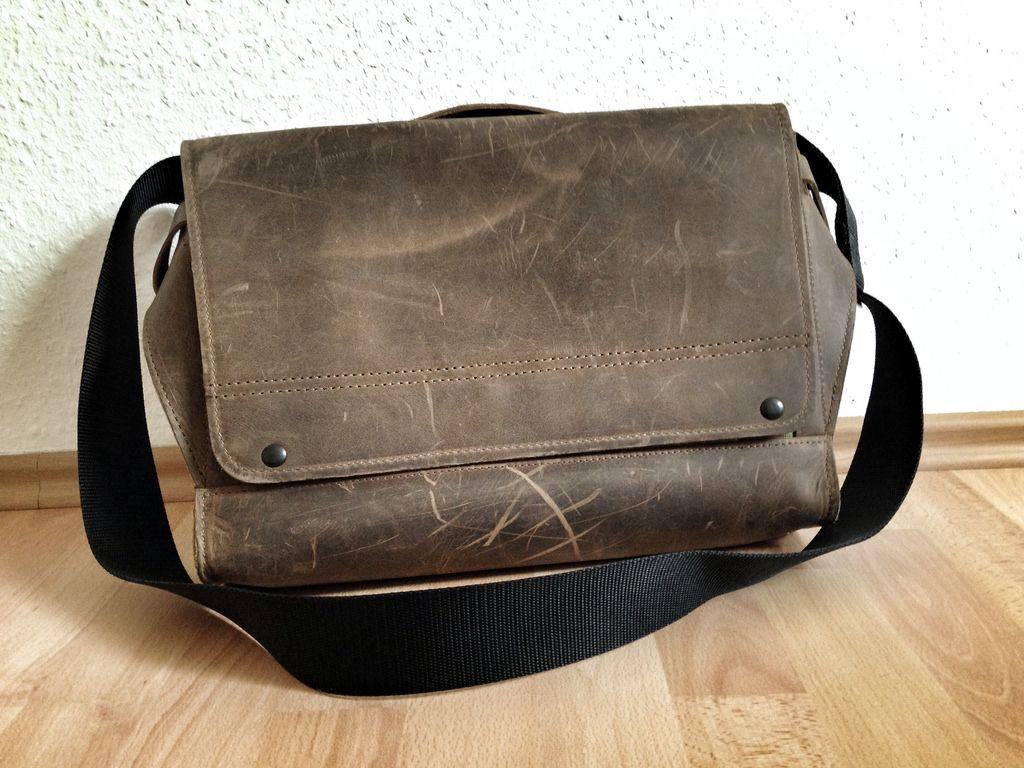
WaterField’s Rough Rider is just about the best looking leather bag I’ve hung over my shoulder. It’s also the toughest. And it’s also one of the heaviest. So you see, the bag may be perfect for you, or it may not.

Lightroom For The iPad Is Straight Up Amazing

By

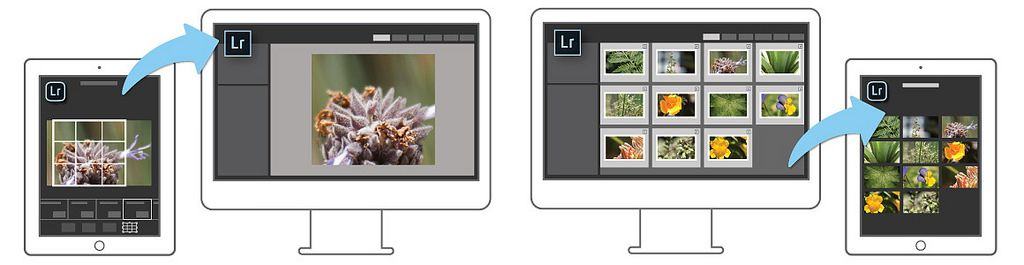
Lightroom for the iPad is here. It’s called Lightroom Mobile, and it runs smoothly on anything down to an iPad 2 (or first-gen mini). You can use the app to edit and organize any photos in your Lightroom collections, and it syncs automatically (and near instantly) with Lightroom on your desktop (you’ll need to upgrade to v5.4).

And the price? It’s free, but only if you already subscribe to Adobe’s $10-per-month Photoshop Photography Program, which also gets you the desktop versions of Photoshop and Lightroom. There’s also a 30-day free trial to check it out.

So how does it work? Lets take a nice long look.

Spring Cleaning: Use Spotlight To Find Huge Files [OS X Tips]

By

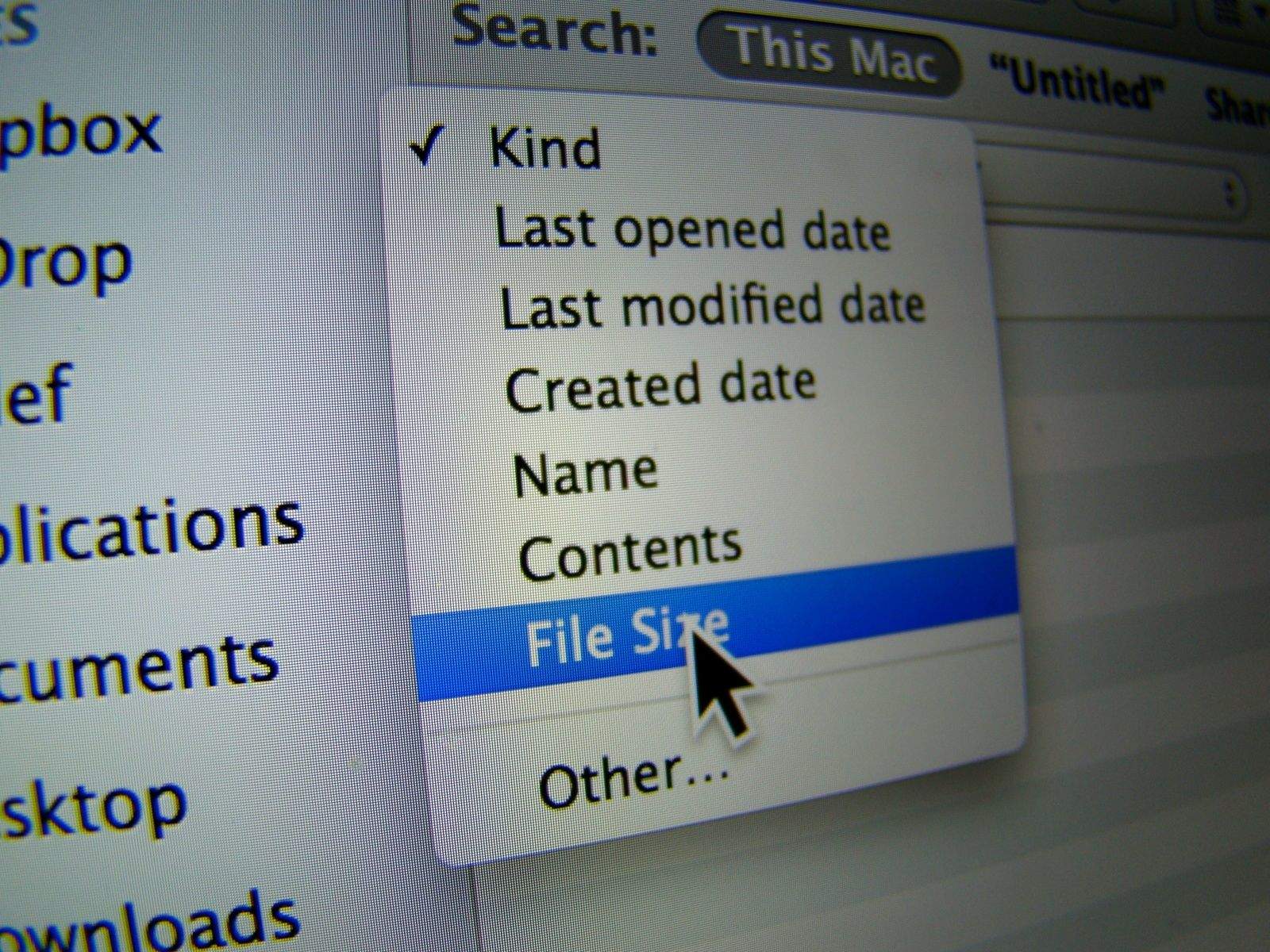
File Size Photo

I’m kind of a stickler for a clean hard drive, especially since I started using Macbook Airs a few years back, what with their tiny little SSD units. I’ve moved most of my music to the Cloud and my iPhoto library to an external hard drive, but there’s still a ton of cruft that ends up on my system.

So, once a month or so, I sort my Movies, Applications, and Downloads folders by size, and delete the biggest things I don’t need anymore. Or I move them to an external hard drive for access later.

What I’ve never done before is use Spotlight to find these files easily across all my folders.