Mobile menu toggle

Search results for: "MacBook Air"

First-time MacBook fan runs a tight ship, sees M1 on horizon [Setups]

By

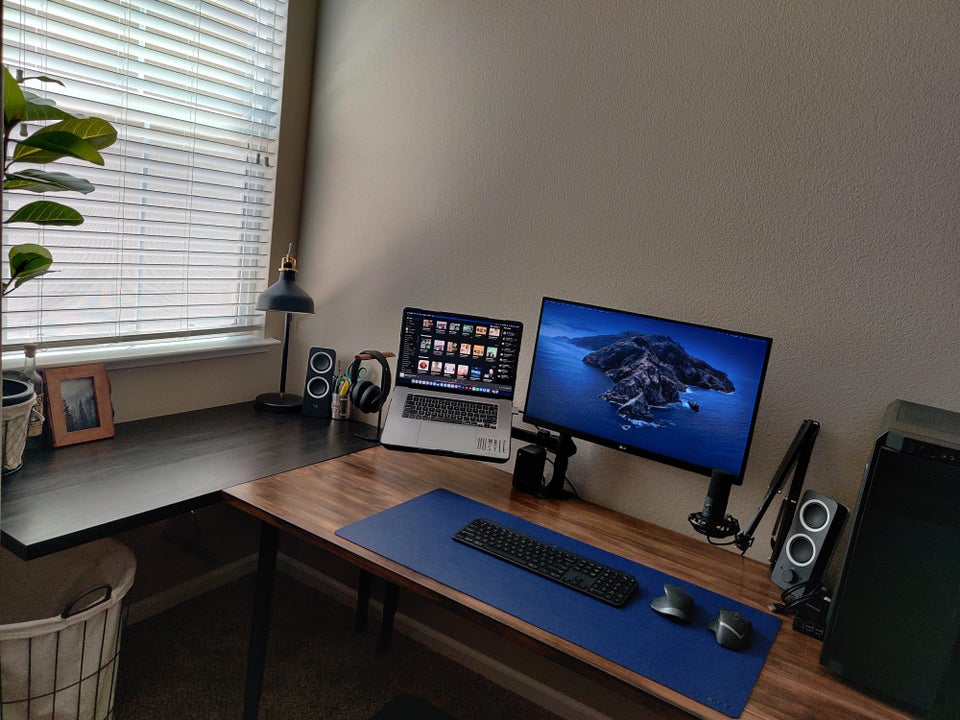
And now for an M1 Mac and a long arm for the laptop stand.
Photo: KhanathanJr

These days, the M1-processor Macs are calling to a lot of people, and Redditor KhanathanJr is no exception. He’s a first-time MacBook fan wielding a formidable 2019 16-inch MacBook Pro packing an 8-core Intel i9 processor, 16 GB of RAM and a reasonably good graphics card, but … you know.

It may not retain its commanding position in the setup for much longer.

Apple Silicon is driving down Intel’s computer market share

By

Apple silicon will power future Mac desktops and laptops
Apple Silicon is good for Apple and its customers. Bad for Intel.
Screenshot: Apple

Intel will experience a big decline in market share in 2022 as Apple further shifts away from Intel processors to Apple Silicon, Digitimes reports. It suggests that Intel will lose close to half its Apple orders this year. This is en route to Apple ditching all its Intel orders in the near future.

AppleCare+ for MacBooks just got more affordable

By

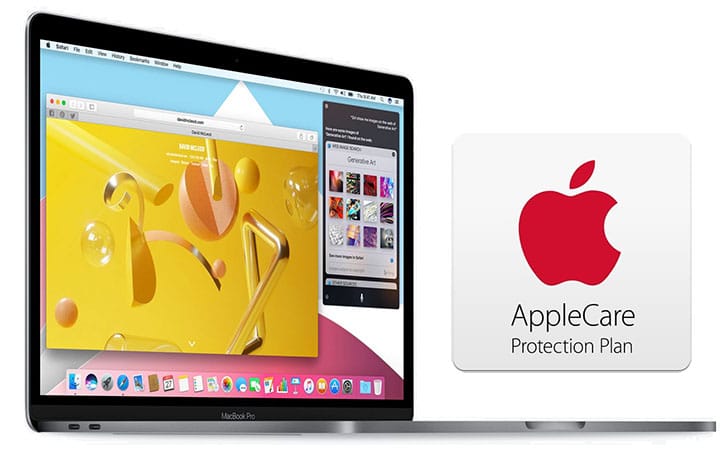
2016 MacBook Pro with Touch Bar and AppleCare
It now costs less to insure several MacBook models against breakage with AppleCare+.
Photo: Apple

Apple dropped the cost of AppleCare+ breakage insurance plans for MacBooks with the M1 processor by up to $50.

These plans offer deeply-discounted repairs on two accidents for every twelve months of coverage.

Let there be lighted Zoom calls [Setups]

By

You, too, can have a clean, well-lighted place for Zoom calls.
Photo: UGenya806@Reddit

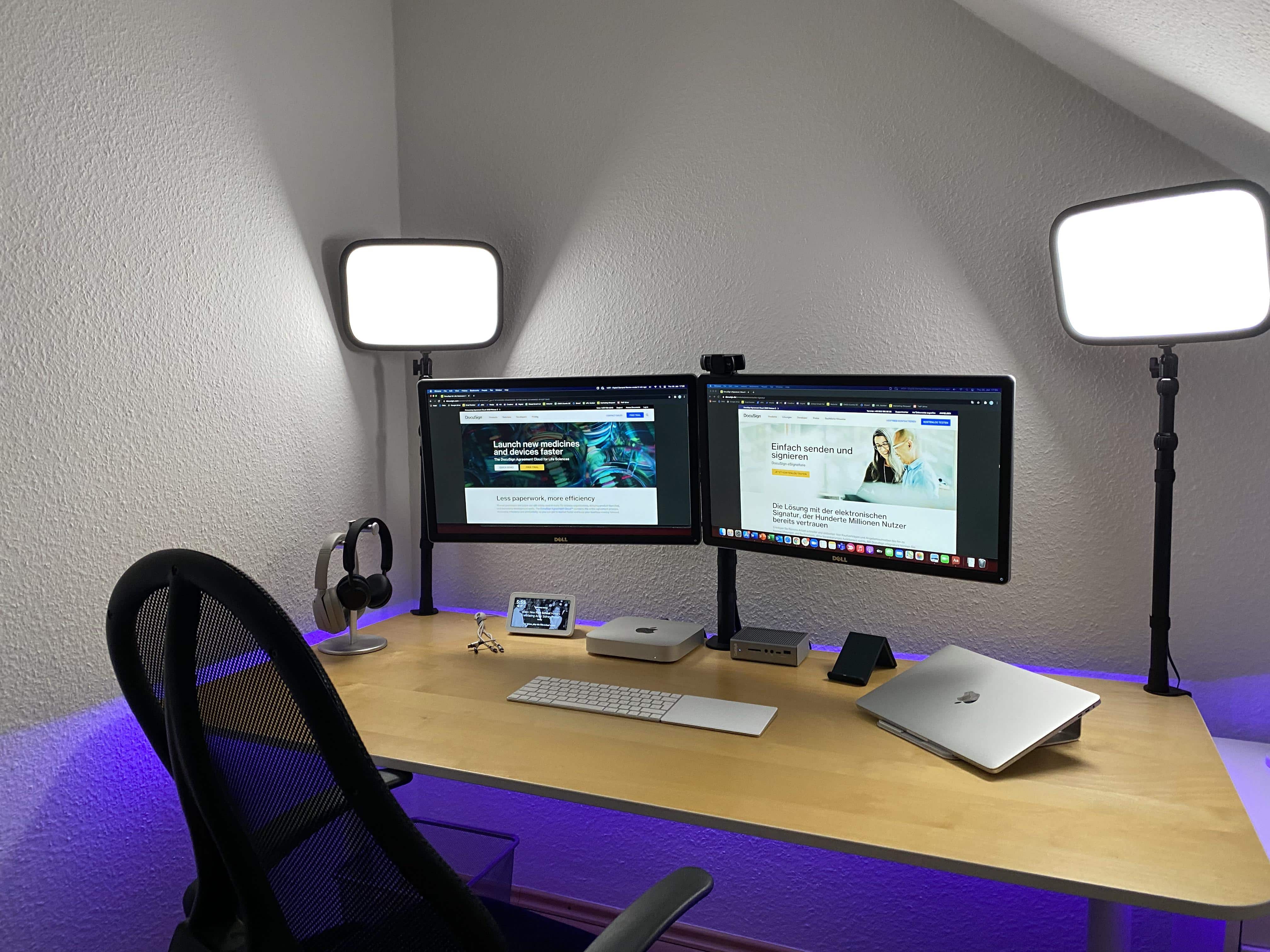
Redditor UGenya806, who works in marketing for San Francisco-based DocuSign in Germany, takes appearances on Zoom calls seriously. After all, their job has always been remote and will remain so, even when others return to offices following the COVID-19 pandemic.

UGenya806’s setup centers on an M1 Mac mini tethered to dual Dell 24-inch 4K monitors and a CalDigit TS3 Thunderbolt 3 Dock. The mini is connected wirelessly to a Magic Keyboard and a Magic Trackpad.

A stand-mounted MacBook Air rounds out the mix, but is usually used separately as a standalone machine, not with the peripherals.

How to enable spatial audio for Apple Music on iPhone, iPad and Mac

By

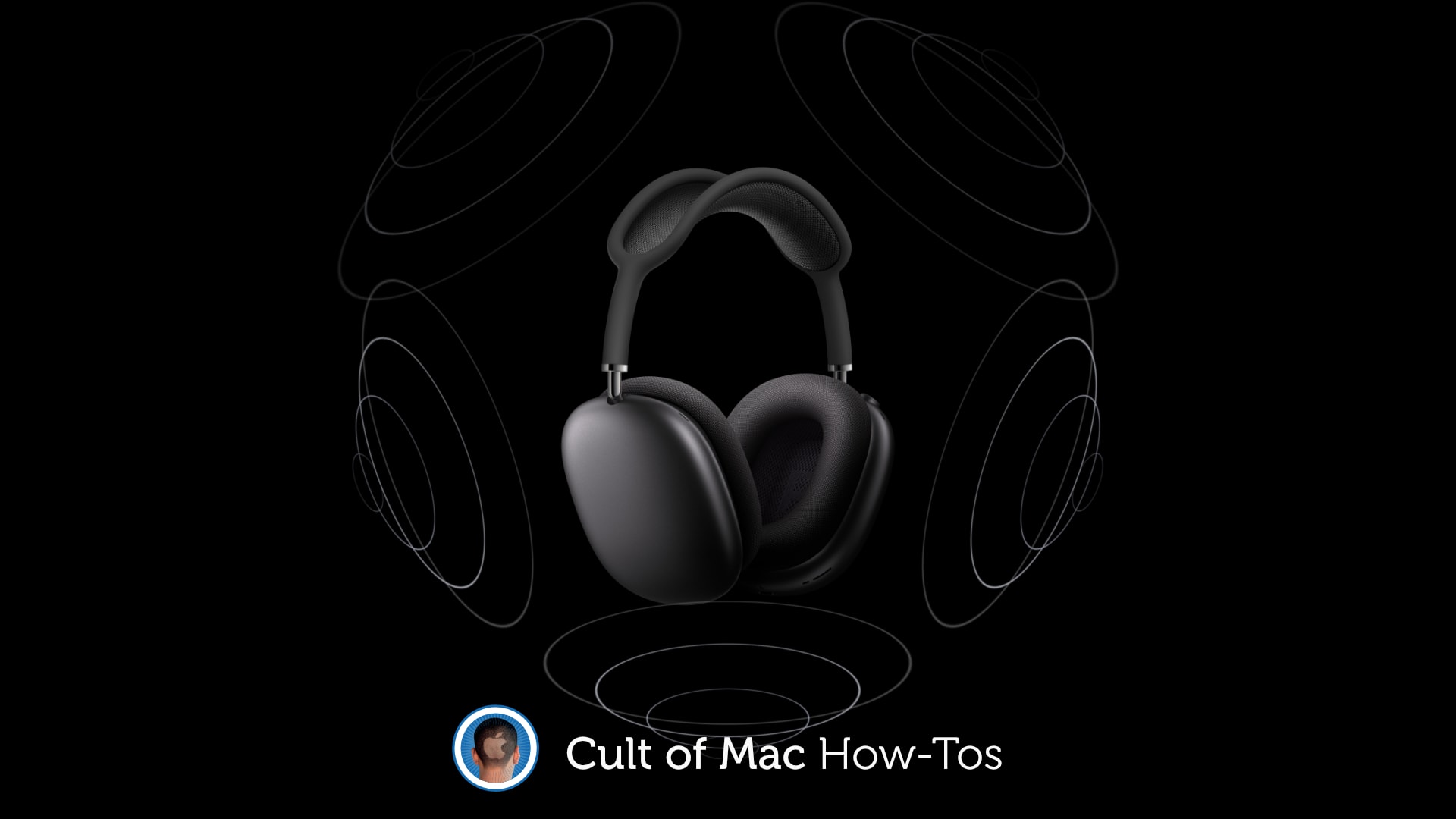
How to enable spatial audio
Any old headphones will do.
Photo: Apple/Cult of Mac

You’ll need some special equipment to enjoy high-resolution lossless audio tracks inside Apple Music. But spatial audio with Dolby Atmos is available to everyone who has a set of decent headphones.

Here’s how to enable it on your iPhone, iPad, Mac and Apple TV.

macOS Monterey lets you use a second Mac as an external display

By

macOS Monterey turns a second Mac into an external display
And you can USB for reduced latency.
Photo: Apple

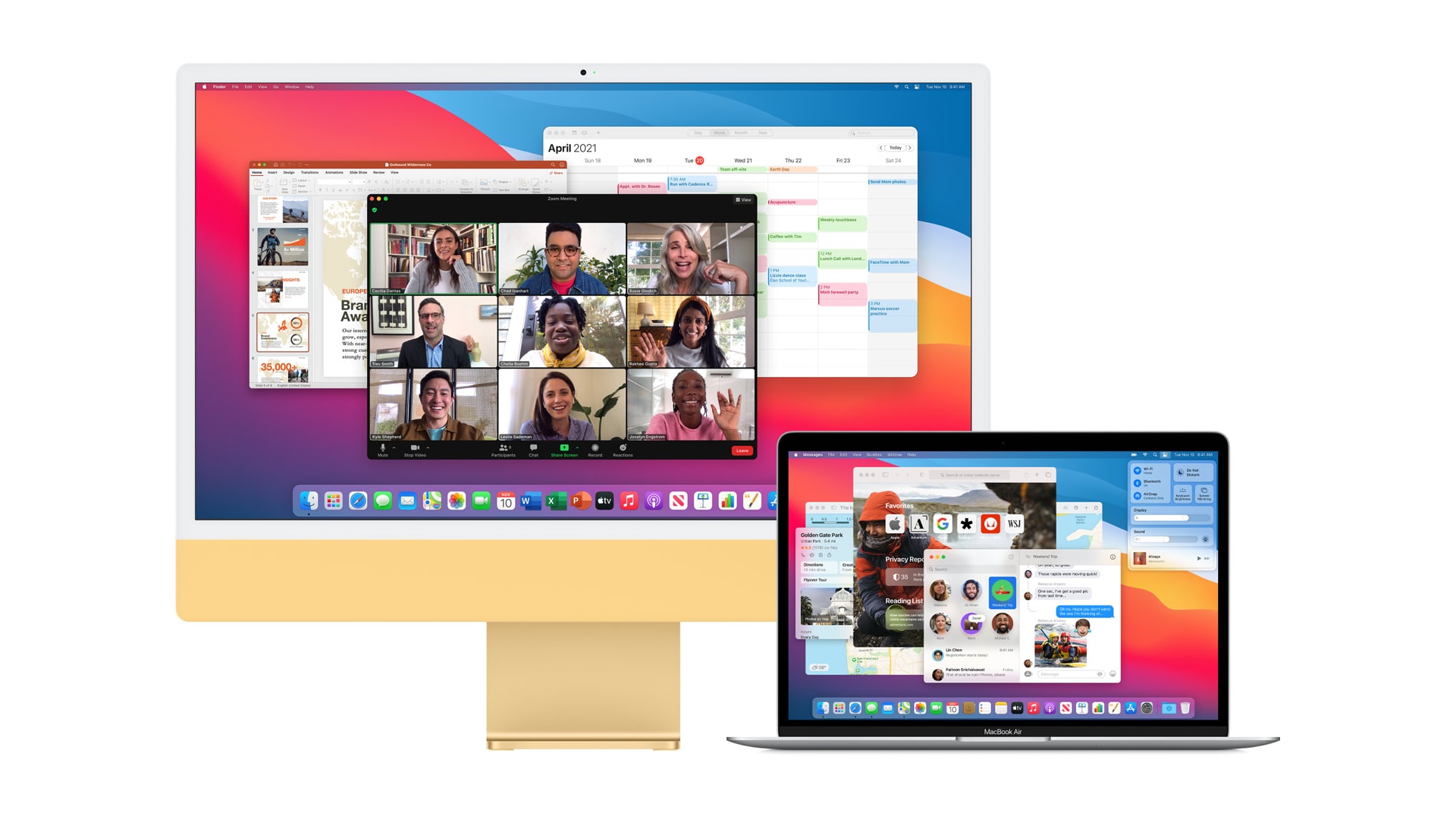
macOS Monterey gives newer Apple computers the ability to send content to a second Mac over AirPlay. You can also use the feature for screen mirroring, turning a spare machine into an external display.

What’s more, unlike on your TV, AirPlay in Monterey lets you connect two macOS devices with a USB cable, greatly reducing latency and removing the requirement for a wireless network.

Nice rig. Here are 28 ways to make it better. [Setups]

By

If you want suggestions for how to improve a computer setup, just ask.
Photo: No-Top-5065@Reddit

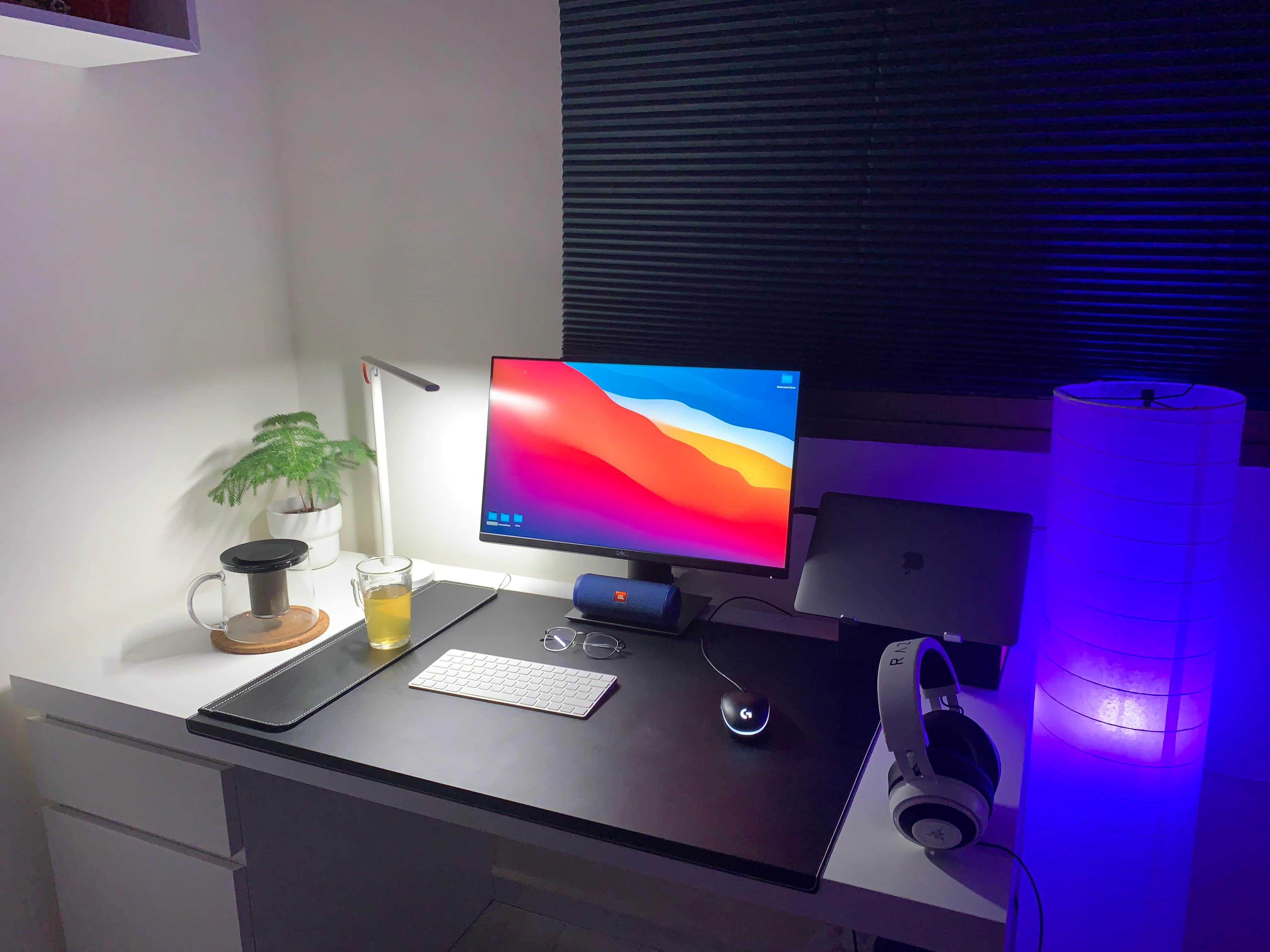
To be fair, when Redditor No-Top-5065 posted pics of their MacBook Air-based computer setup, they asked for suggestions on how to improve it.

“Any recommendation on how can I improve my desk setup? Not into gaming, work and study most of the time,” said the post’s headline.

Retired DJ and TV writer rocks head-spinning gear list [Setups]

By

Three setups in one makes for hot fun in the Arizona sun.
Photo: Tyler Botha

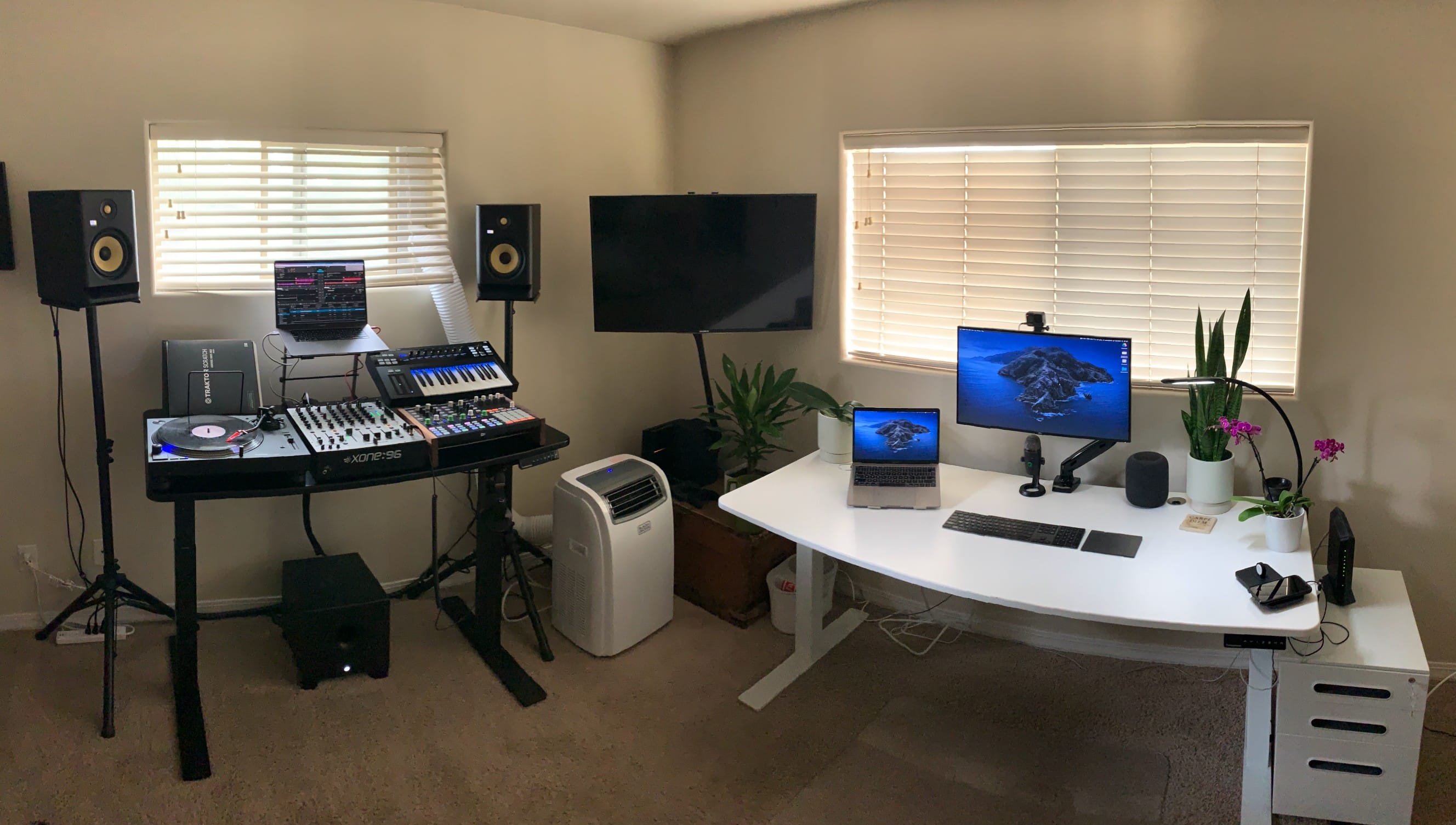
Arizona-based Tyler Botha, aka theallseeingeye on Reddit, is a TV-focused copywriter for a San Francisco startup and a retired pro DJ. The setup and epic gear list he sent to our attention does triple duty with a capable “WFH Desk,” a powerful “Gaming Corner” and a remarkably complete “DJ Desk.”

Talk about “complete.” Botha’s gear list, represented in the links below, is probably the longest one ever published in a Cult of Mac Setups article. You don’t have to be a DJ to appreciate it, but it helps.

How to play classic GameCube and Wii games on an M1 Mac

By

Play GameCube and Wii games on Mac
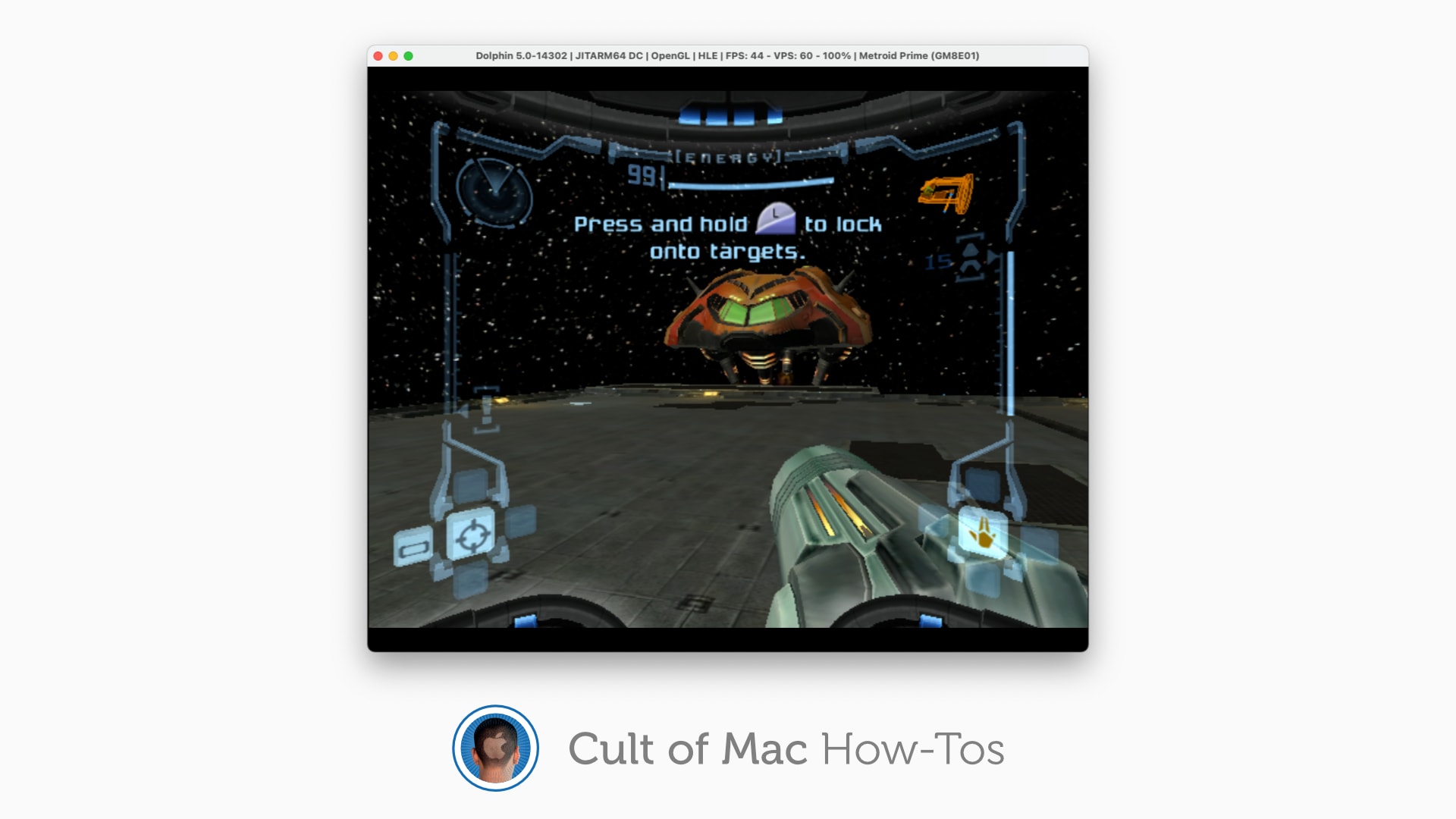
Who doesn't want to play Metroid Prime on Mac?
Image: Killian Bell/Cult of Mac

You can now enjoy classic GameCube and Wii games on an M1 Mac. The excellent Dolphin emulator now runs on Apple’s latest machines, and its creators say it is “powerful and excels” under Apple Silicon.

Here’s how to install Dolphin and play GameCube and Wii games on your own M1 iMac, Mac mini, MacBook Air or MacBook Pro.

It’s all in the swanky details and DIY touches [Setups]

By

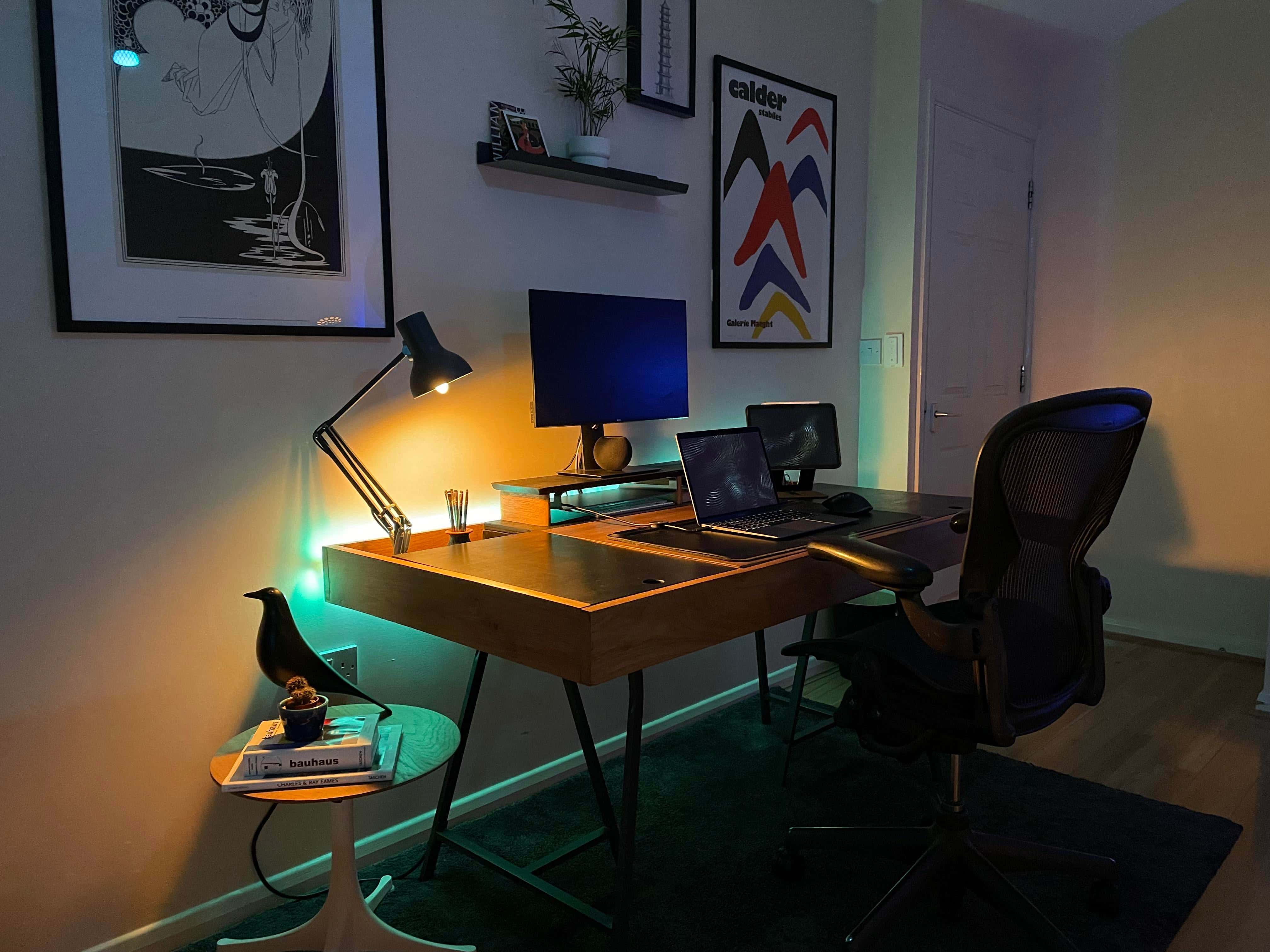
Some DIY touches and nice decor top off a highly functional setup.
Photo: callum-edw@Reddit

While London-based dental student and Redditor callum-edw studies how to fix your teeth, maybe you should study how he builds a classy computer setup with solid tech plus a few swanky details and DIY touches.

Callum’s rig centers on a MacBook Air M1 tethered to a 24-inch Dell U2419HC UltraSharp external monitor.