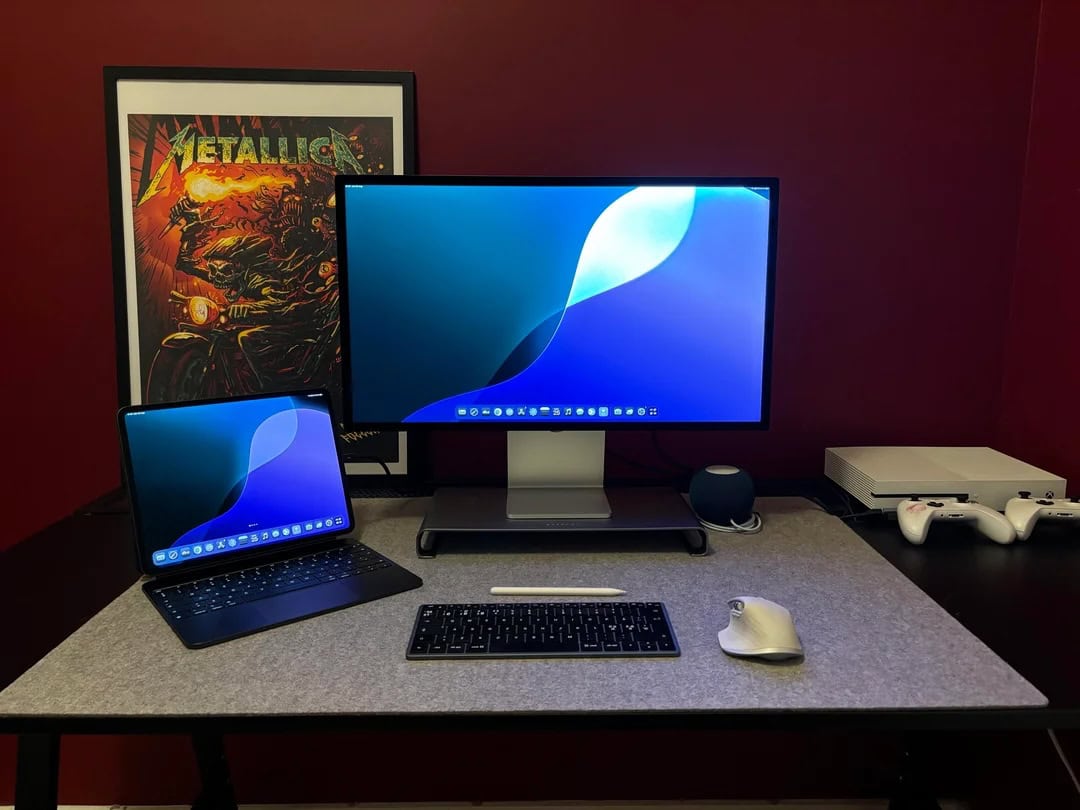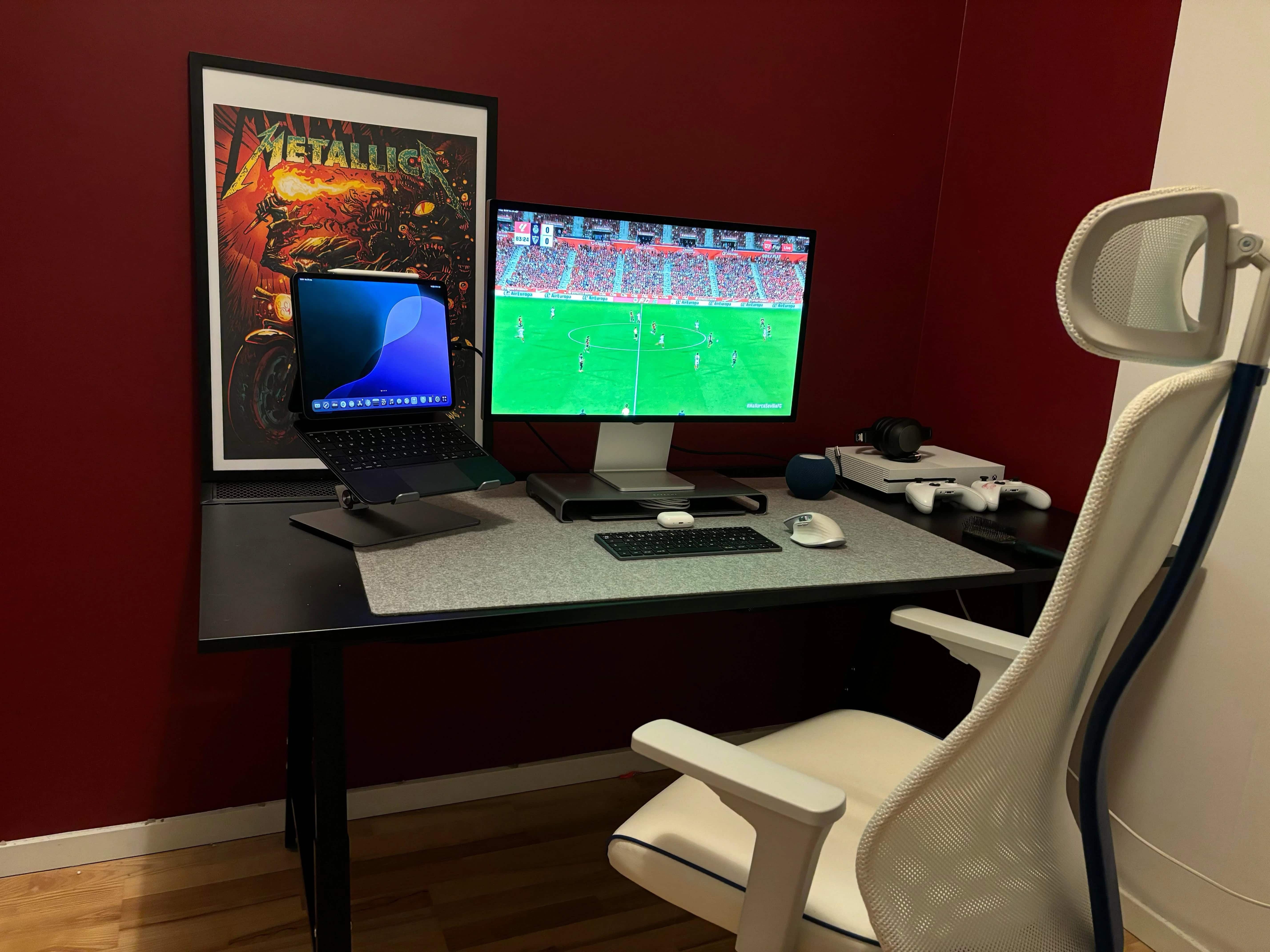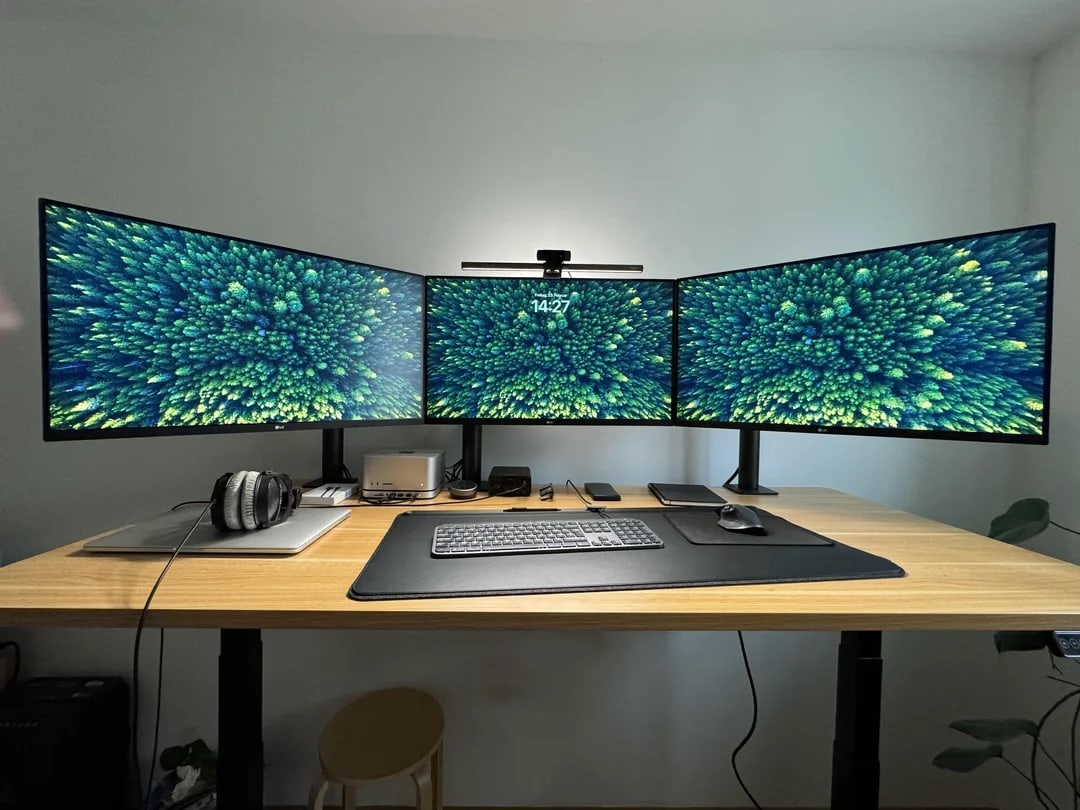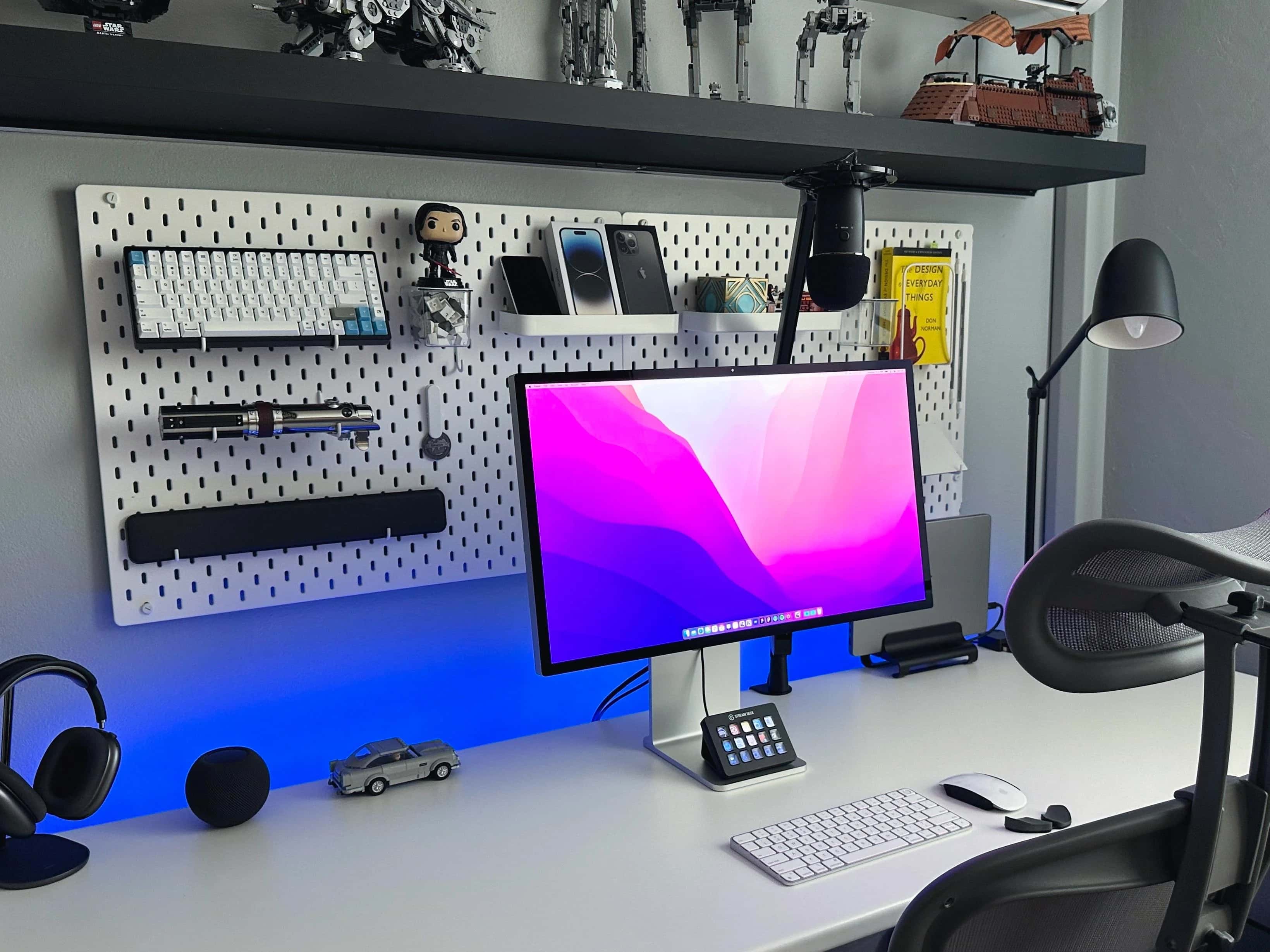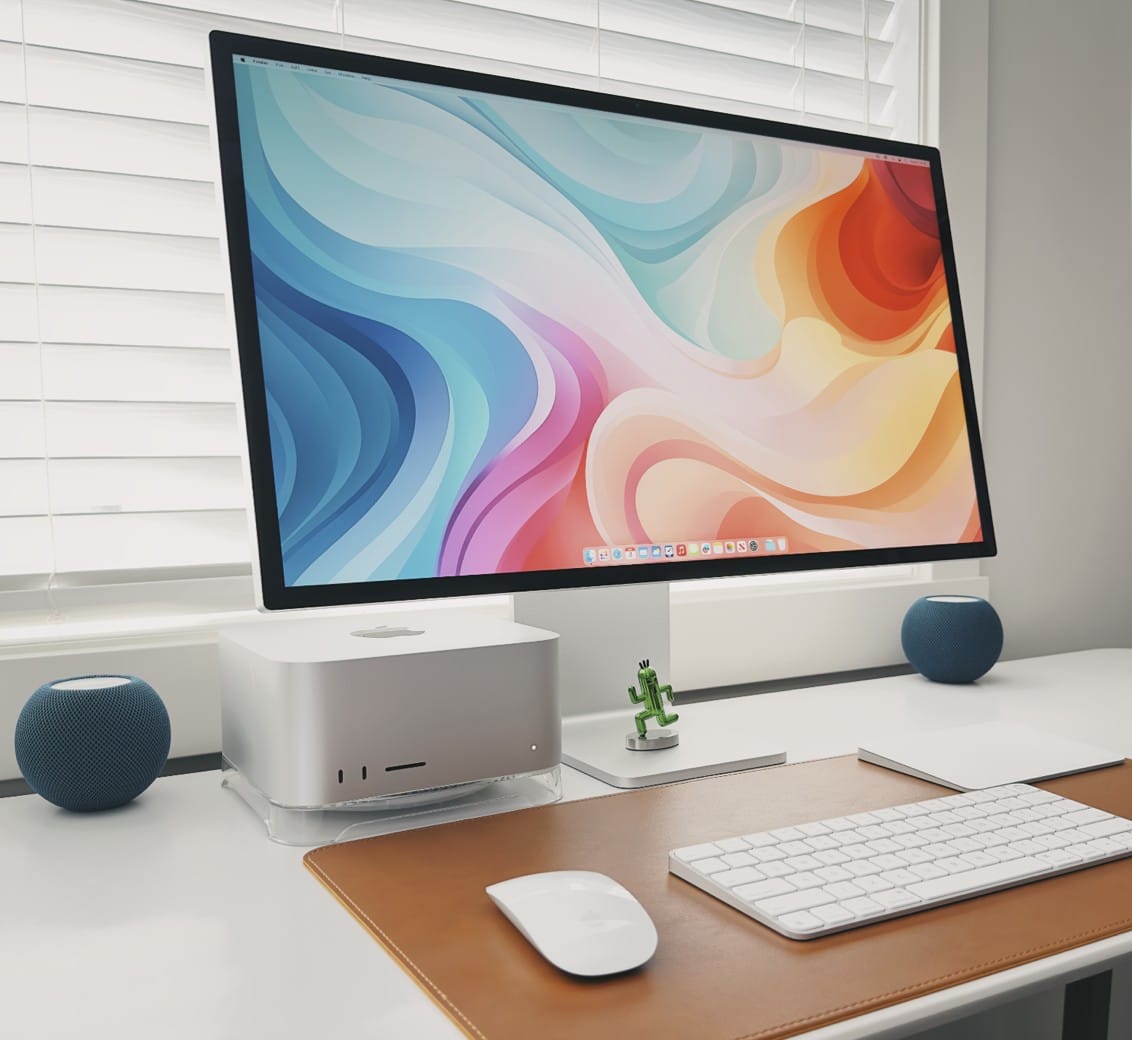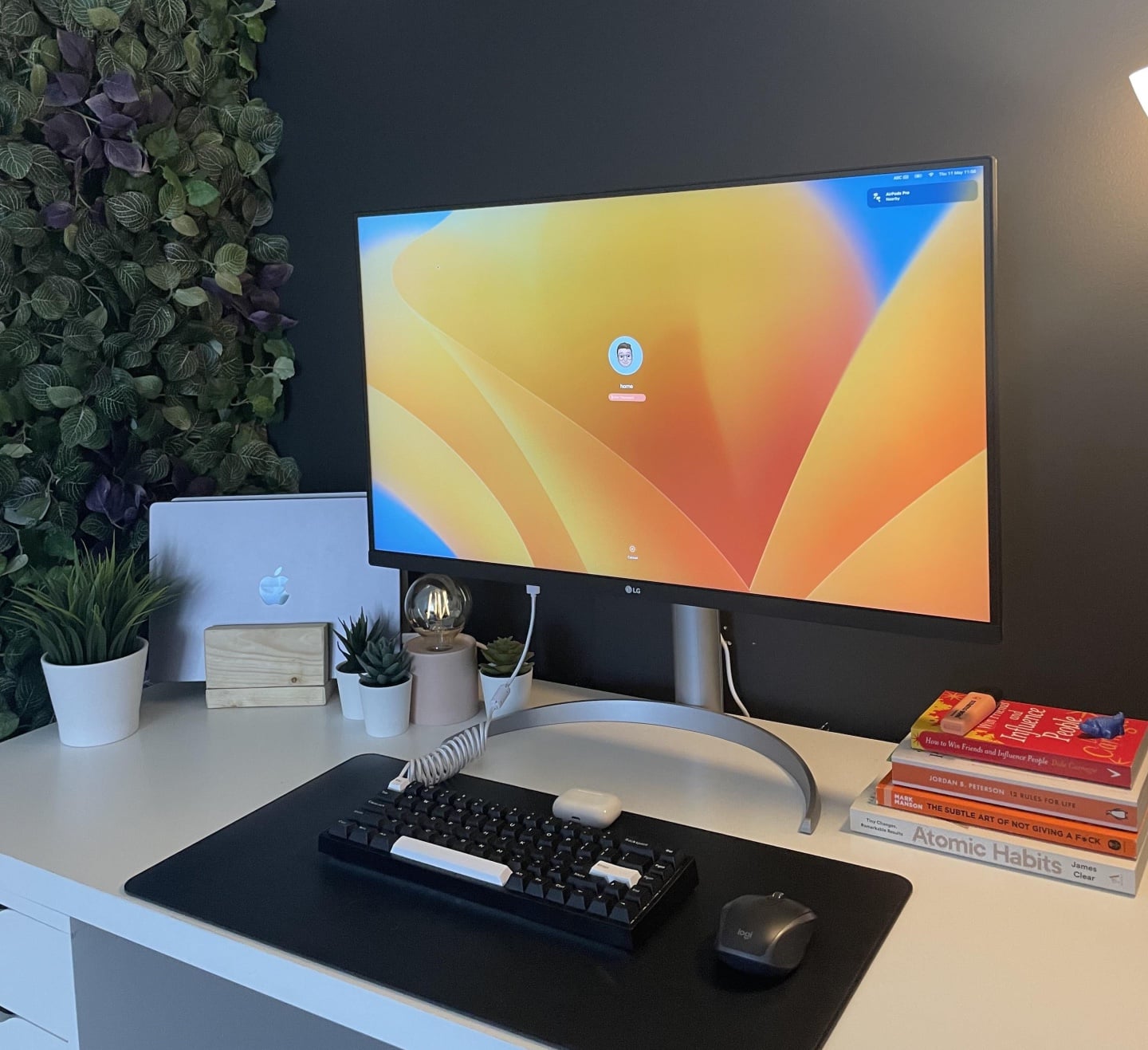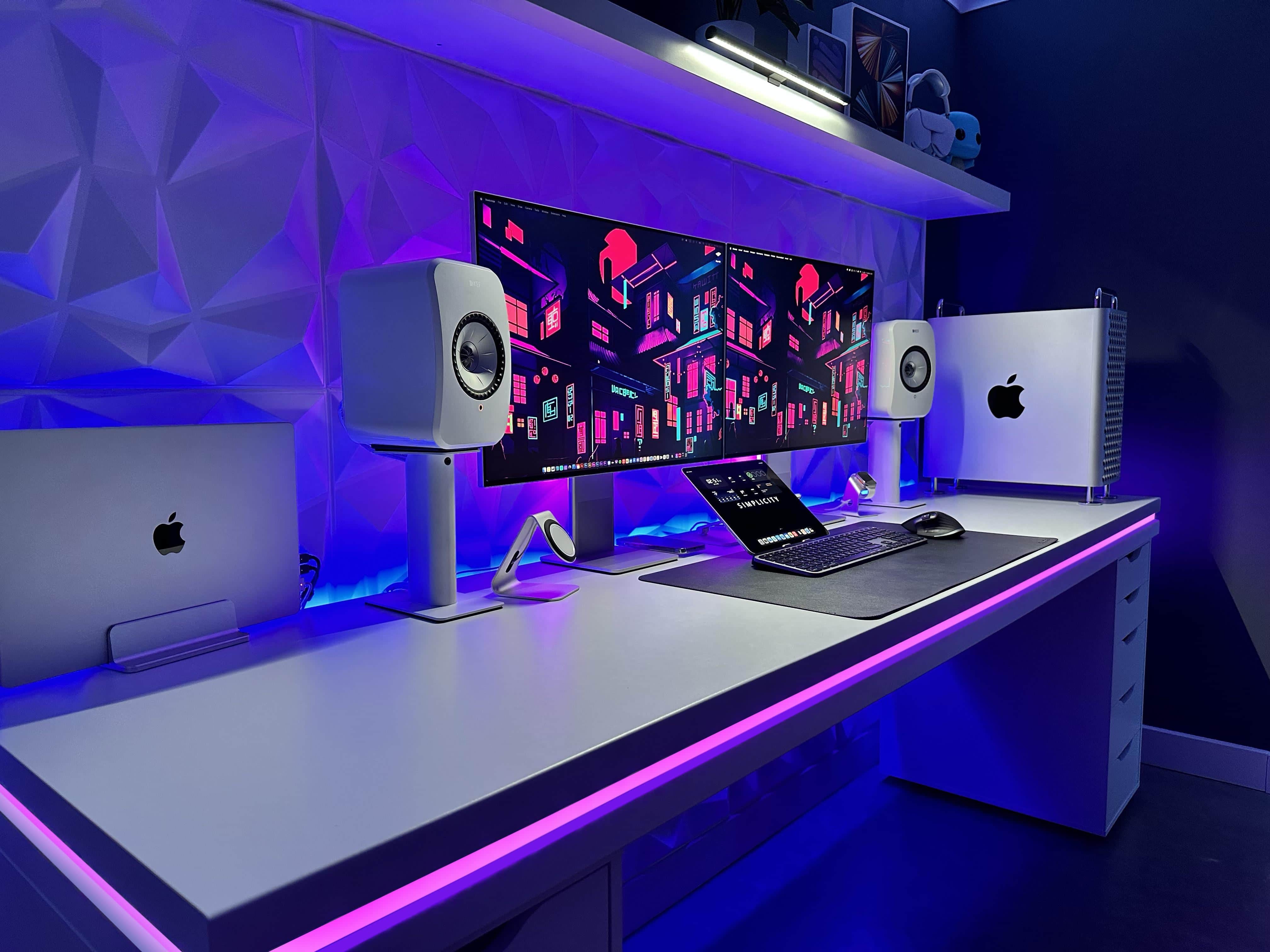
Macs have gained ground in the gaming world with the rise of Apple silicon chips, as those M-series chips massively boost performance. But sometimes you just want to play on a console rather than your computer. Today’s MacBook Air user switches to Xbox One for gaming. And he gave simple advice, below, to curious commenters who wanted to know how he gets the system to work with his Studio Display. He describes his method below.
This trick makes Xbox play nice with Studio Display [Setups]
Photo: [email protected]
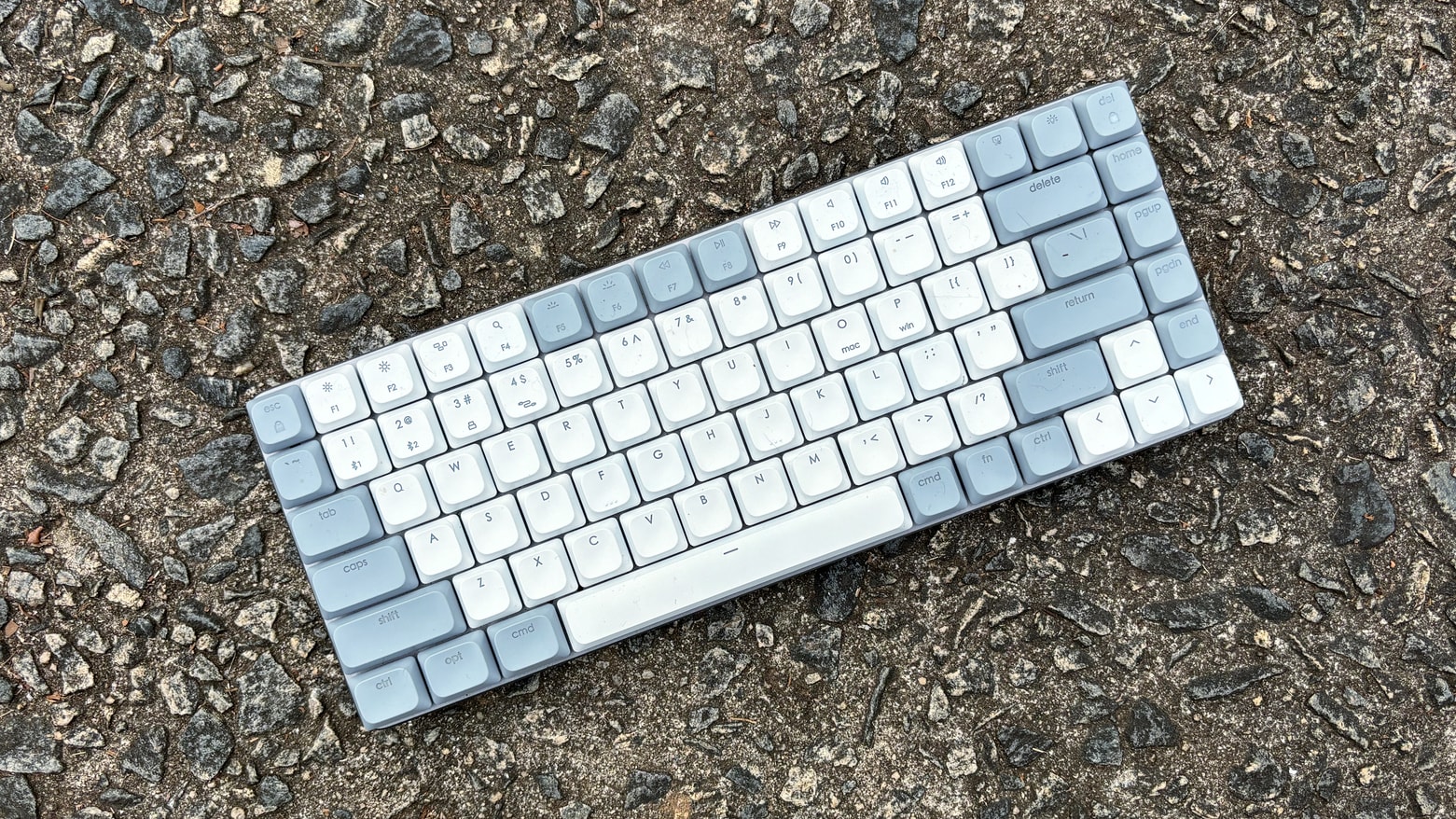
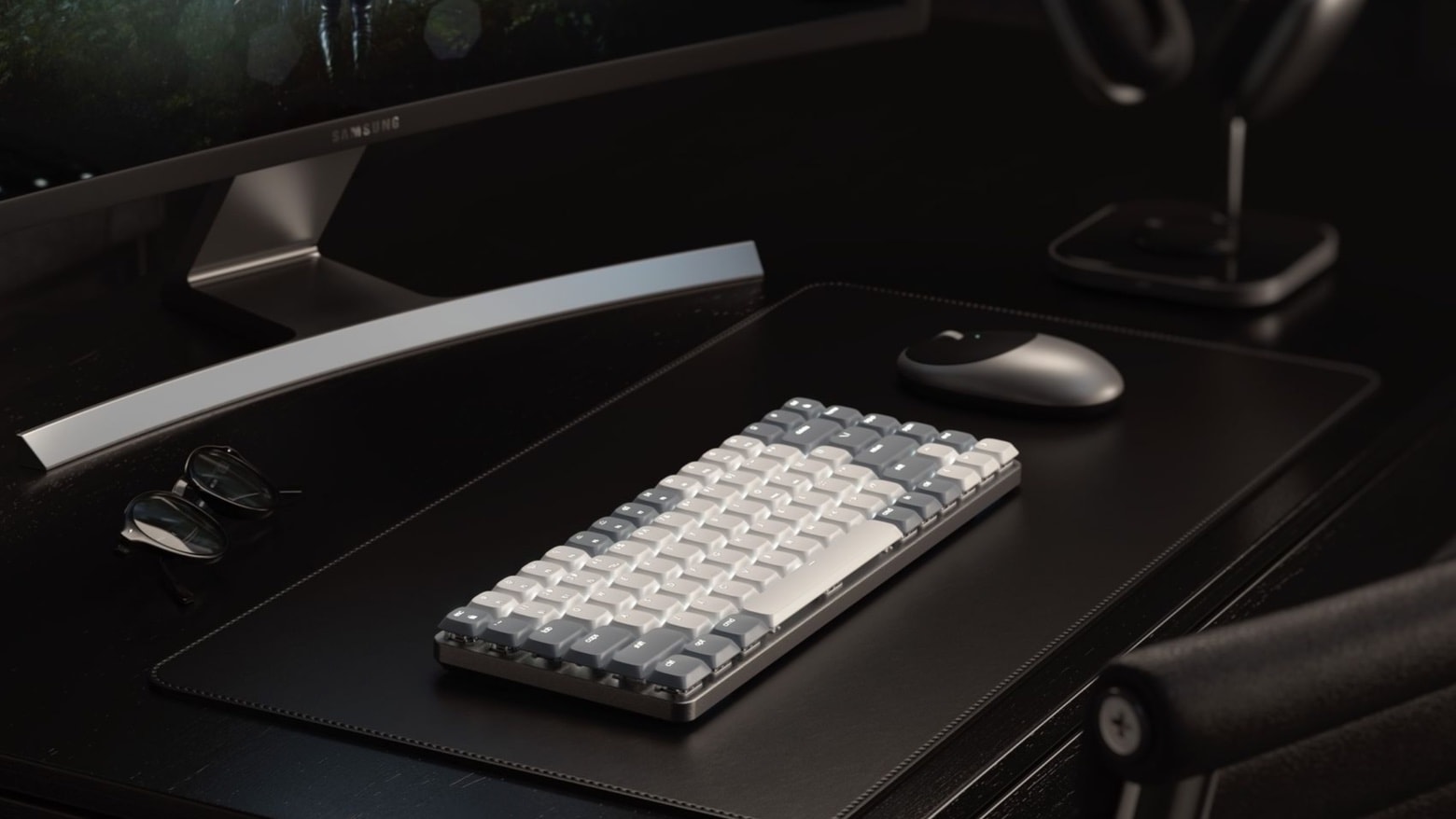
![Mechanical Mac keyboard packs useful features into small package [Review] ★★★★☆ Satechi SM1 Slim Mechanical Backlit Bluetooth Keyboard review](https://www.cultofmac.com/wp-content/uploads/2024/02/Satechi-SM1-Slim-Mechanical-Backlit-Bluetooth-Keyboard-review.jpg)
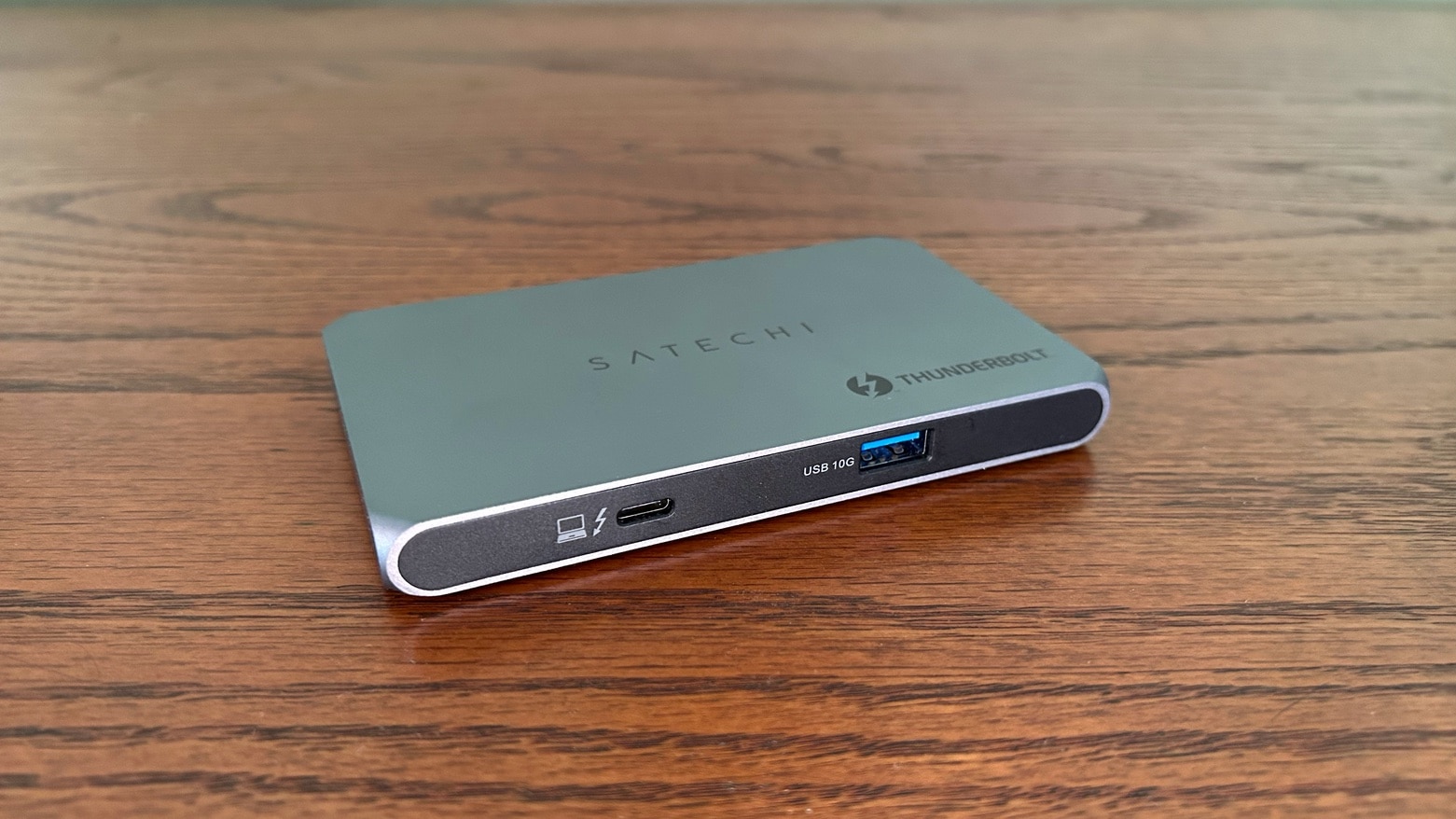
![Add 3 high-speed ports to Mac with this svelte Thunderbolt hub [Review] ★★★★☆ Add 3 high-speed ports to Mac with Satechi Thunderbolt Slim Hub](https://www.cultofmac.com/wp-content/uploads/2023/04/Satechi-Thunderbolt-Slim-Hub-Front-View.jpg)
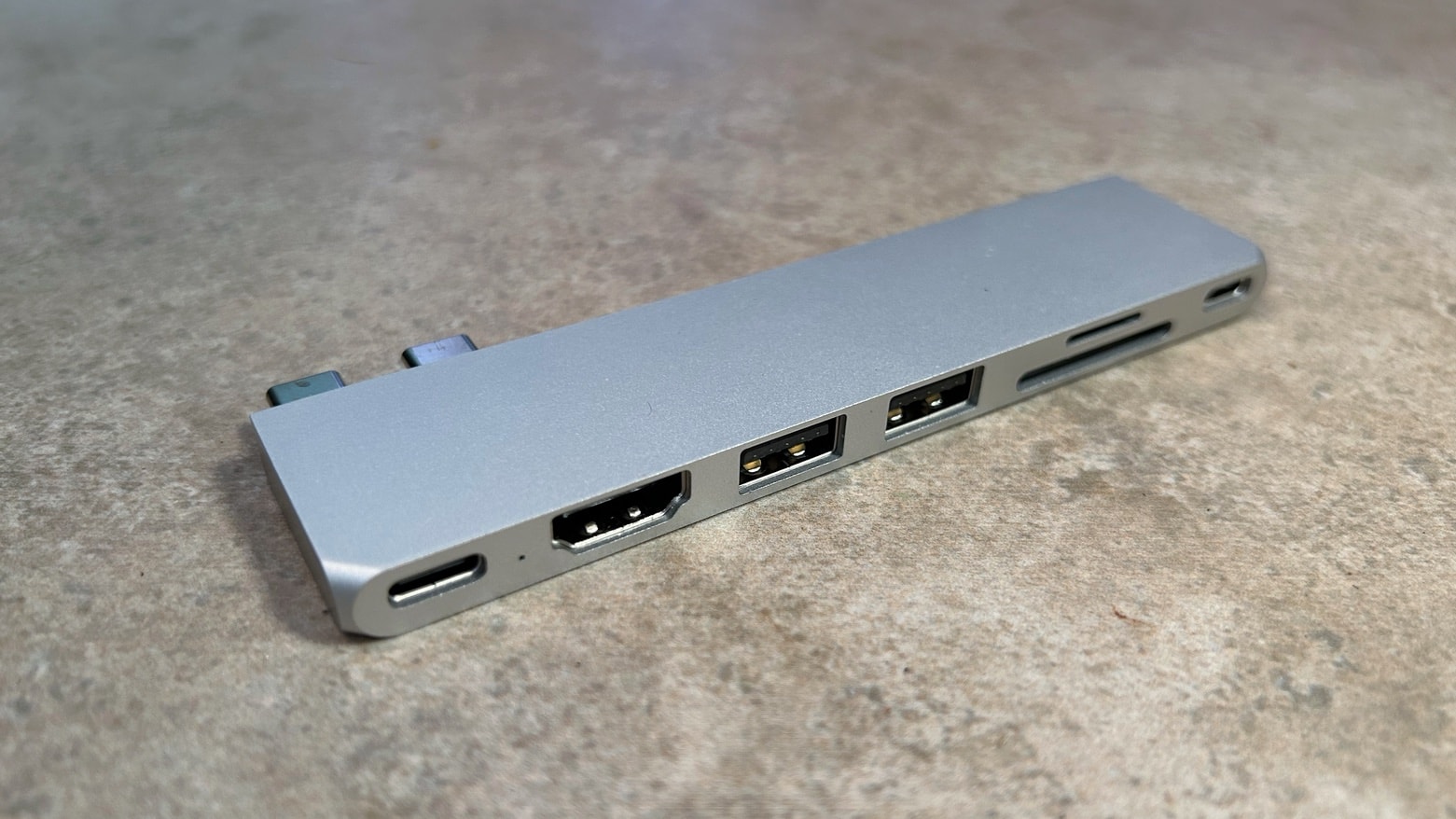
![Super-slim new hub adds the ports a MacBook needs [Review] ★★★★★ Super-slim new hub adds the ports a MacBook needs](https://www.cultofmac.com/wp-content/uploads/2023/02/Satechi-Pro-Hub-Slim-Review.jpg)
![Add 6 ports to your iPad with this tiny, clip-on hub [Review] ★★★★☆ Add 6 ports to your iPad with this tiny, clip-on hub [Review]](https://www.cultofmac.com/wp-content/uploads/2022/12/Satechi-USB-C-Mobile-Pro-Hub-SD-review.jpg)