Hands up if you like counting things. Keep still while I count you all. Wait – arg. This isn’t working. How can I keep count? Maybe Tallywag will help me.
Tallywag Keeps Tally Of Almost Anything [Review]
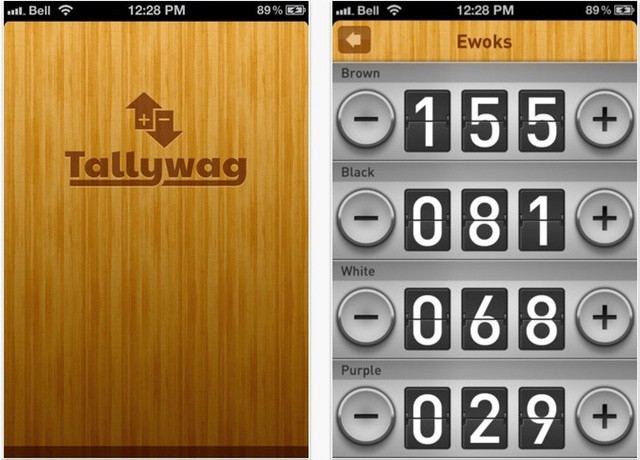

Hands up if you like counting things. Keep still while I count you all. Wait – arg. This isn’t working. How can I keep count? Maybe Tallywag will help me.

If you’re planning to visit London for the Olympic Games later this year – or for any other reason, come to that – you need to grab a copy of Black Plaques London before you go. It’s a fascinating, gruesome, wonderful app that gives you a rats-eye view of the darker side of the city’s history.

Inpaint4 is an image editor for OS X, available for $10 from the Mac App Store. It’s designed for a specific task – removing unwanted visual elements from photos. That tourist who walked through the background of your snapshot, that hanging camera strap that spoiled an otherwise good image, or that weird bit of junk you just want to take out of shot. Unfortunately it is let down too often by unreliable results.
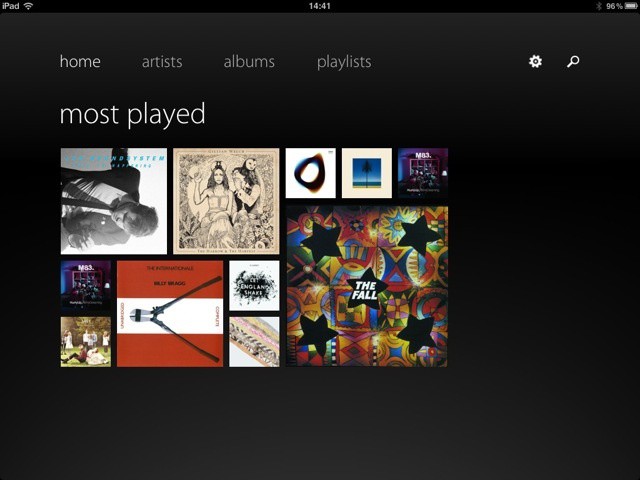
Everyone knows that Apple leads and others follow, right? It’s iOS that people are copying elsewhere. No-one would ever dream of making a music player for iOS that uses the same UI as Microsoft’s Metro) mobile OS design language. Would they? Wait – would they?

Custom molded headphones are — it turns out — pretty great. But what a pain to visit an audiologist and get silicone injected into your ear-holes. What if there was a fun, geeky way to do it yourself, in the comfort of your own home?
Thanks to SonoFit Eers, there is. I tested out the $300 PC250 headphones and found the fitting process to be kind of freaky and fun, and the results to be quite excellent. Read on to see just how they work, and how good they sound.
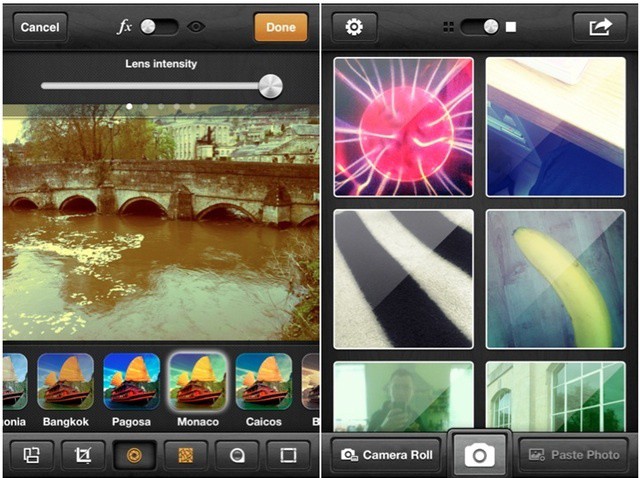
We’re spoilt for choice for camera apps these days, so any newcomers on the scene have to prove themselves somewhat. They face tough competition.
Bright Mango’s Wood Camera, despite its odd name, stands up to its rivals well. It’s a useful multi-function camera with live image filters and an understated, speedy interface.
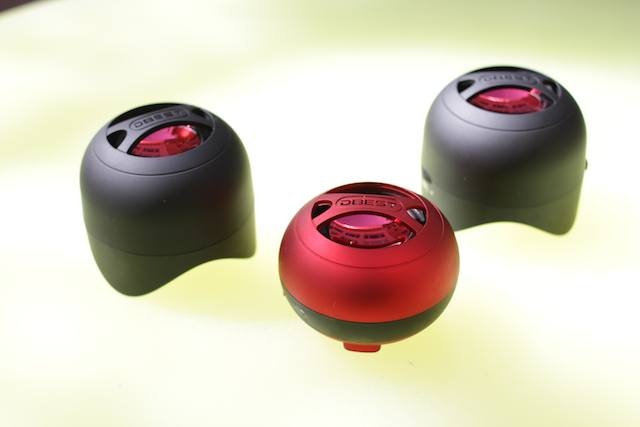
Let me begin this review by admitting that seeing the words “electric” and “British” close together always seems to conjure up images of an MG or Triumph on fire, with flames pouring out of the engine compartment (apologies to British readers, co-workers, editors or friends I may have offended with this statement. Also my mom).
UK-based DBest’s tiny single, and stereo, Bluetooth speaker models — respectively named PS4001BT ($60) and PS4003BT ($70) — didn’t spark; in fact, apart from a lack of sophistication, the tiny dynamos were surprisingly powerful, packing a powerful audio punch into an almost unbelievably minuscule package — especially in the case of the single-speaker unit, the clear winner of the two models.
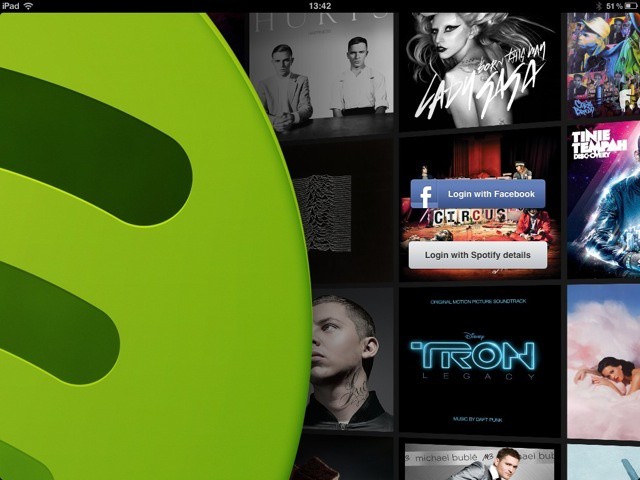
It’s been a long time coming, but Spotify has finally arrived fully optimized for iPad. But if you’re a newcomer to Spotify on iOS, be warned: you need a Premium account to really get the most out of this app.

The Gary Fong Puffer ($22) has one function: diffuse your popup flash’s harsh light, making it softer, more eye-pleasing, and eminently more usable. It mostly delivers on that promise, but will it cure my distain for actually using popup flash? Doubtful.
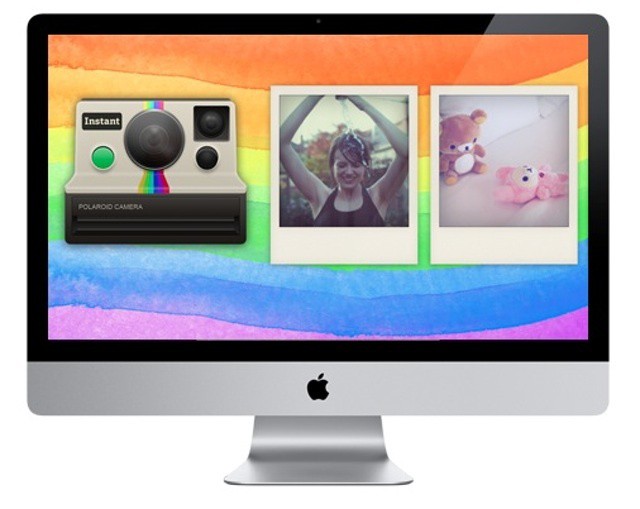
Instant is a five-dollar retro photo filter app for OS X, replicating the look and feel of a Polaroid camera, and it does the job with style.

Readers, your desperate wish to have Monty Python in your pocket everywhere you go has finally – finally – been granted. With Python Bytes on your iOS device, you need never be far from a quick spurt of Pythonism whenever you feel the need for it.
So whether you must hear the Parrot Sketch while waiting for the bus, or would like to pass the time in dull corporate meetings by watching Michael Palin do the Lumberjack Song, or simply enjoy seeing John Cleese in a pink bra; whatever the circumstances, this is the app for you. Possibly.
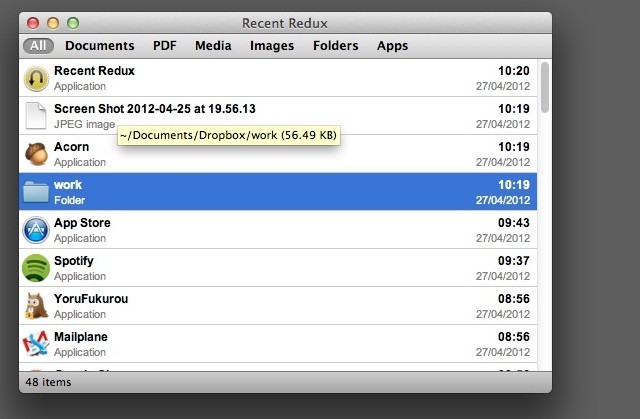
Tim Schroeder has created two similar, but slightly different, apps for getting your hands on stuff you’ve used recently on your Mac.
Recent Redux is a more full-featured app, priced at $3.99 on the App Store. Recent Menu is its cheaper little sibling.
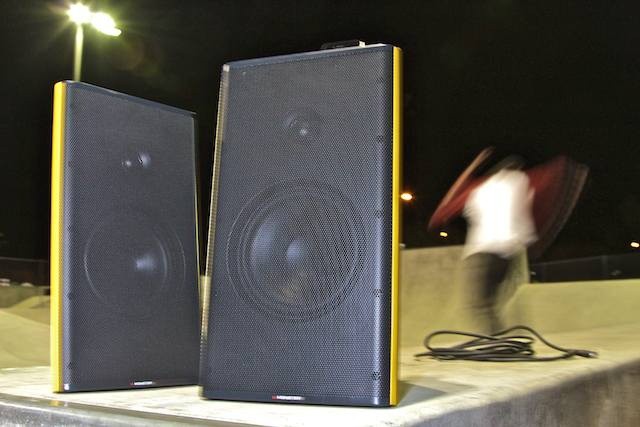
Let’s say you like music. And parties. In fact, let’s say you like partying and music so much, you flit around from house to house, grooving away each night, mesmerising your friends with your iPhone’s fabulous playlists. Sound like you? Then you’ll probably go nuts over Monster’s dock-equipped, super-portable, no-fuss Clarity HD Model One speakers.
Monster really zeroed in on designing this set as a portable party. Each cabinet has a top carrying handle, and the right speaker sports a recessed 30-pin iPod/iPhone dock with a power button and volume knob nestled nearby. If you forget your iDevice at home, there are three other input options to choose from.

Facevault is a one-dollar photo archive app that can only be unlocked by one person – the one with the right face.
It sounds neat, and yes, it works. But the face recognition features come at a price, and are hindered by a flaw that affects other apps using the same technology: it can’t tell the difference between real faces, and photos of real faces.

I don’t know about you, but I’ve never really got my head around LinkedIn. It does the connections thing very well, but I’ve never considered it as a social networks. It’s not a place I go to, you know, faff about. So do I want it on my iPad? Ummm.
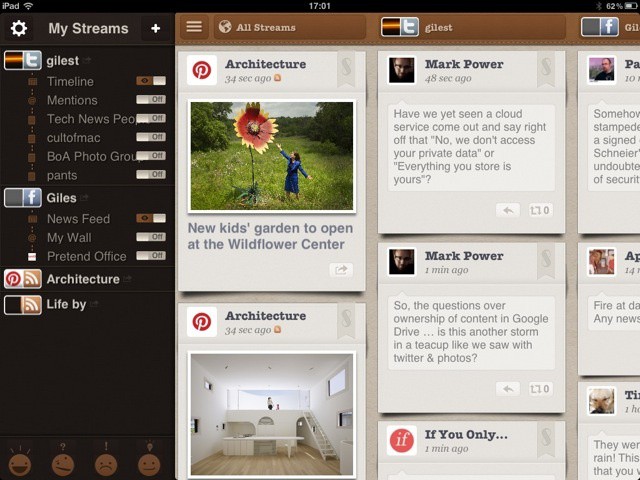
Streamified is a social media client for iOS, giving you an all-in-one overview of all your networks, plus RSS and blog feeds from elsewhere. The aim is to simplify everything, but in testing it can become a bit overwhelming.
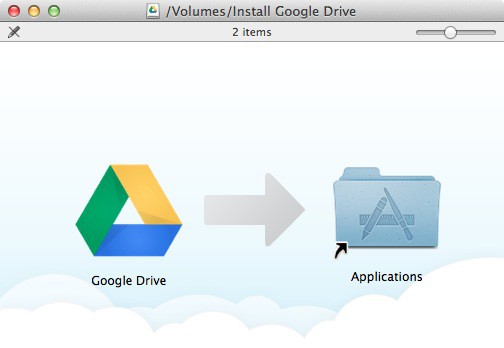
Google Drive was announced yesterday, and we’ve spent some time putting the OS X client software to the test. How does it stand up against the list of rivals (which seems to be growing by the day)?

This is Fragile Earth, an interactive photo gallery designed to teach you a little about ecology, conservation and the natural environment.
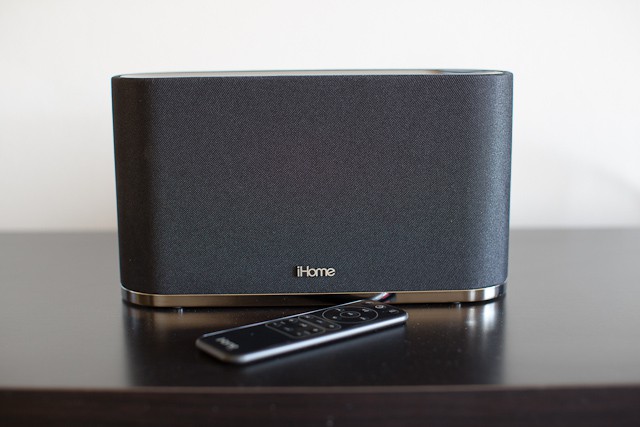
iHome’s new iW2 ($200) is an AirPlay-enabled speaker that allows you to send audio from any iOS (4.2 and up) device right to it with the click of a button. It has finally untethered me from my white-wired earbuds, and transformed my living room into a place of musical bliss.
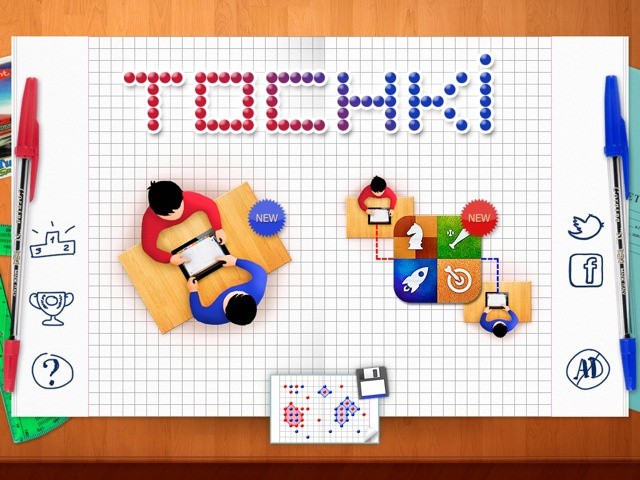
An email arrived at Cult of Mac headquarters the other day: “Can you please let me know if it possible to make a review of our game on cultfomac site?”
It was from Andrey Uchaev, one of the team at Russian developers Manera Software, letting us know about a free iOS game called Tochki Online. We don’t often do reviews of free, ad-supported games, even less often about ones like this that we’ve never heard of and that have no user reviews in the App Store. So why are we reviewing this one? Because it’s fun.
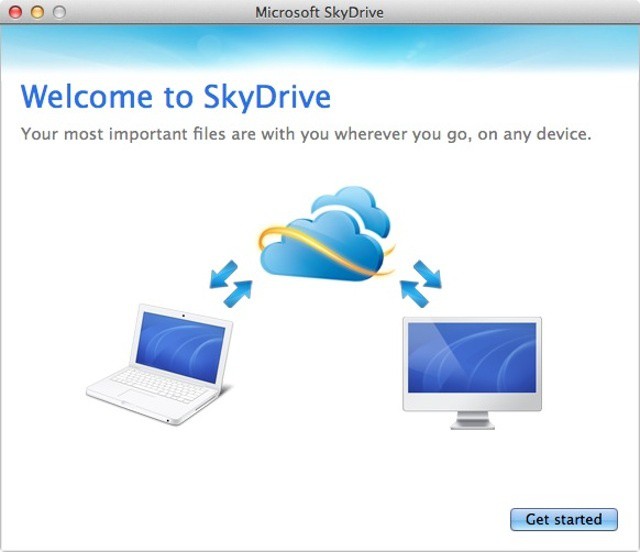
Microsoft’s online file storage service SkyDrive, got a boost today with the announcement of some new features, including a native Mac client app for OS X Lion. While SkyDrive might lack some of Dropbox’s more advanced features on OS X, it does offer something only a giant like Microsoft can afford: 7 GB of free space for everyone, and up to 25 GB if you already have a Windows Live ID and sign up fast enough.
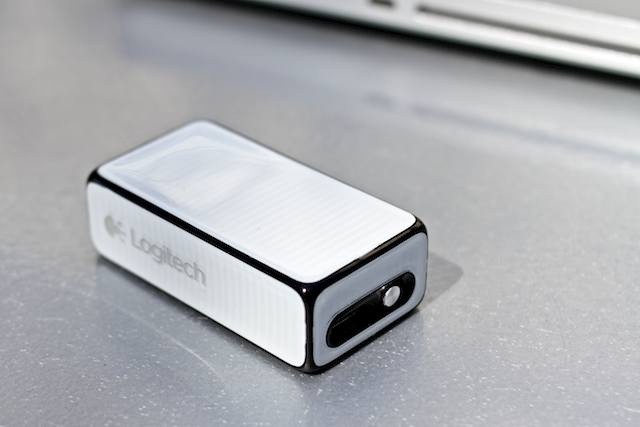
Boy, can press releases be deceptive. When we recieved the email and photos from Logitech earlier this year unveiling the outfit’s cool new mouse/presentation device, we had the impression the little brick was much bigger than it actually is. In fact, the $70, wireless Cube is tiny — so tiny that it almost seems designed for the hands of a five-year-old.
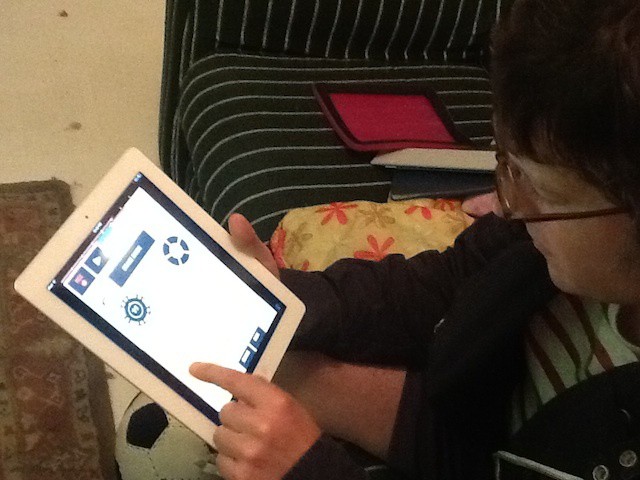
Note: Since posting this article we received the following sound advice from app designer Propellerhead regarding the issue of latency we experienced with this app: “Try re-booting your iPad!” And it worked! The time delay reported herein seemed like a fun dimension intrinsic to the app, but this is not the case. My bad.
Figure is a new music-making app for iOS that allows users with a few minutes to spare to come up with electro / synth-pop grooves quickly while on the go. It’s a load of fun and sounds great, and you will never know what you are going to create next… really.
Minimalism is a fascinating thing. Our world is getting increasingly loud and busy, yet many are starting to want more minimal and distraction-free experiences. Apps specifically are another way that the minimalism trend can be observed; more and more applications are getting back to the roots by cutting away superfluous effects and features.
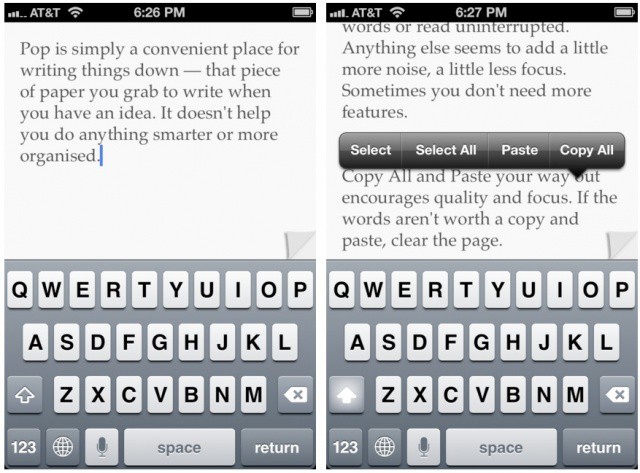
Pop is a perfect example of how minimalism manifests itself in a basic iOS app. Unlike other writing apps for the iPhone and iPad, Pop is just a blank pad to jot down text. Nothing else. Nothing at all… But really, that’s all there is.
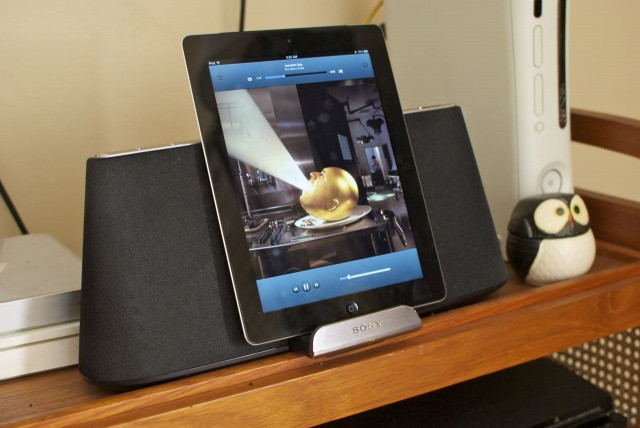
For the price, the Sony RDP-X500iP is a hell of a lot of sound. In fact, it’s the best-sounding iPhone, iPod or iPad dock we’ve seen in its price range, and it even manages to match the audio quality of some speaker docks that cost $100-$200 more. If you’re looking to buy one, though, you should be aware of a couple of niggles before you drop your dough.