Display
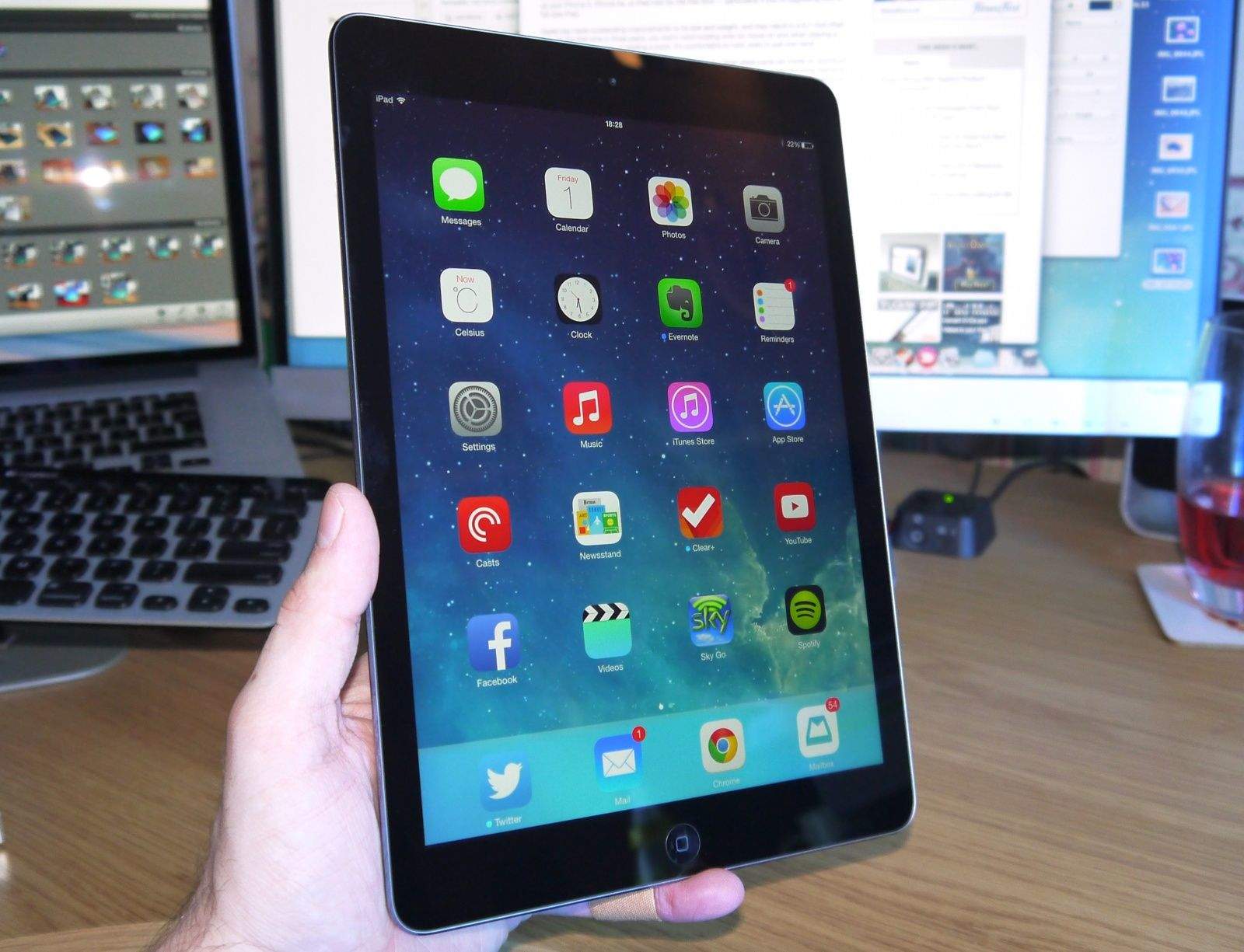
If you owned a third- or fourth-generation iPad, you’ll already be familiar with the iPad Air’s Retina display, because it’s exactly the same. And you’ll already know that’s a good thing. Its 2048-by-1536 resolution results in 264 pixels-per-inch, making text and images wonderfully crisp and clear. It’s also plenty bright enough, has great viewing angles, and terrific color accuracy.

According to Dr. Raymond Soneira, president of DisplayMate, the iPad’s Retina display “has virtually perfect intensity scale; the other [tablet] displays are either somewhat too steep or too shallow, which affects the image contrast in addition to the hue and saturation of color mixtures.”
If you’re upgrading from the original iPad, the iPad 2, or the iPad mini, then you’ll be delighted by the difference in the Retina display.
If you’re upgrading from the original iPad, the iPad 2, or the iPad mini, then you’ll be delighted by the difference in the Retina display. It’s like night and day, and once you’ve made the switch, you’ll struggle to go back. Pick up an iPad Air the next time you’re in an Apple store and you’ll never look at your iPad 2’s display in the same way again.
I think the difference is even greater now that we have iOS 7, which uses thinner fonts throughout the whole operating system. Apple’s also using thinner fonts inside its own iOS apps for continuity, and you’ll find more and more third-party developers will do the same as the months go on. This is where a Retina display really makes a difference.
At 9.7 inches diagonally, the Air’s display is the perfect size for a whole host of tasks, including watching movies and getting stuff done. It’s not too big to carry around — especially not after those design improvements — but it’s not too small for work, either. In fact, I’ve typed up this whole review on the iPad Air so far, and I would have struggled to do that on my iPad mini.

It’s also nice to have a larger display in apps like iMovie and GarageBand, when you’re browsing the web, and when you’re gaming — though it can depend on what kind of game you’re playing. For instance, I think titles like Bejeweled work better on smaller screens, because you can move around them quicker, but when it comes to games like Infinity Blade III and Real Racing 3, the bigger the better.

Killian Bell is a freelance writer based in the U.K. He has an interest in all things tech and also covers Android over at CultofAndroid.com. You can follow him on Twitter via @killianbell.

