Gain access to more than 50 channels of custom-curated music designed to help you focus. Photo: Cult of Mac Deals
One of the best ways to zone in on the task at hand it to give it a soundtrack. But not all music enhances focus — in fact, often it can be a distraction. Not so when you’ve got a playlist designed for staying productive.
The best and most useful apps for iPhone and iPad Photo: Ste Smith/Cult of Mac
With our 50 Essential iOS Apps series, the goal was to help you find some of the best apps for iPhone and iPad. Picking the finest offerings from the more than 2.2 million iOS apps in Apple’s App Store proved challenging. But we highlighted apps that offer excellent features or make life easier in various ways.
To wrap up the series, we’ve sorted the apps by category to make the list easier to browse. We’re also showcasing Cult of Mac readers’ alternatives to our picks.
(You’ll find reader faves linked at the end of this post. That’s especially helpful since one of our must-have apps is about to die an unceremonious death.)
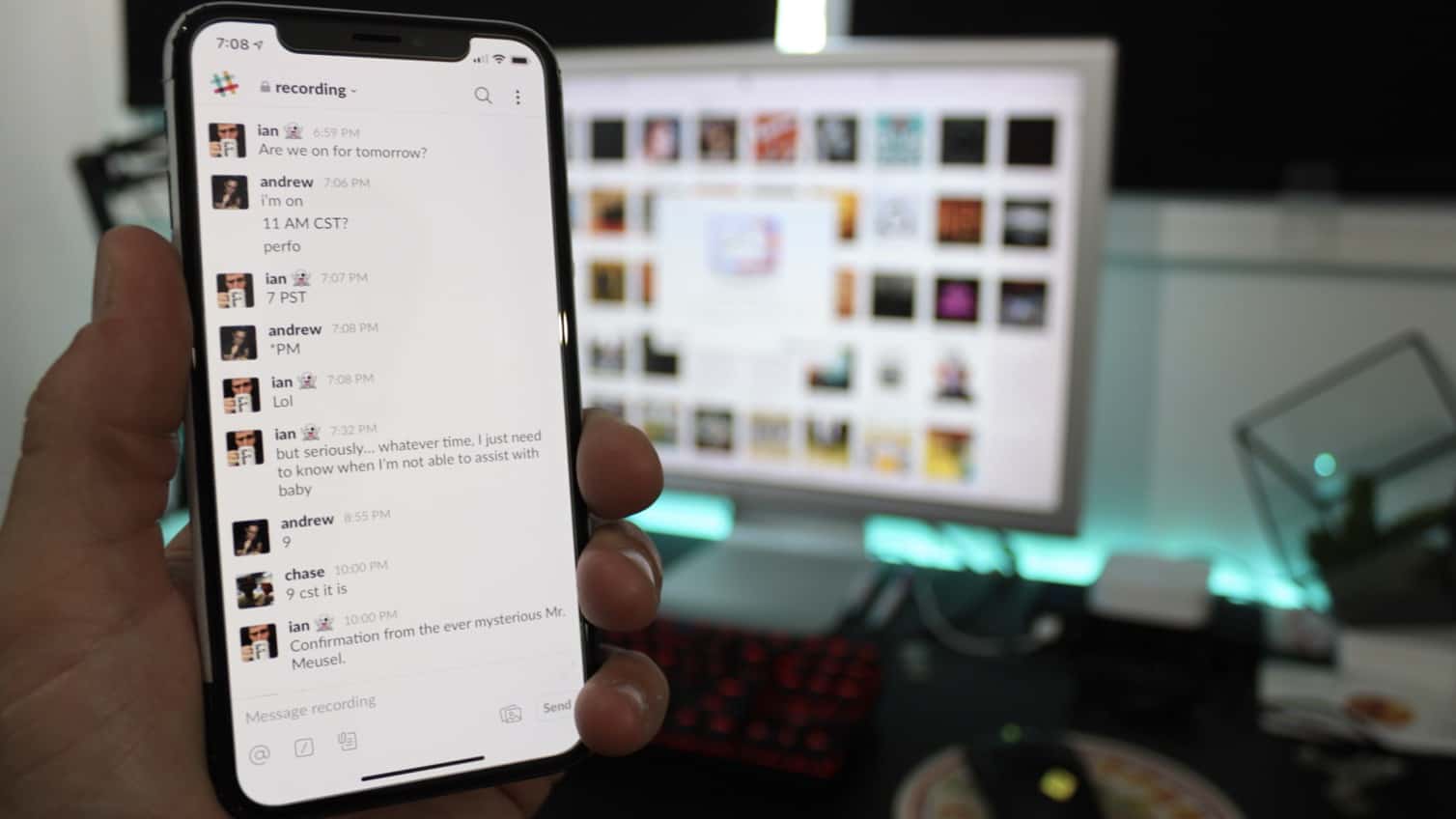
Slack helps you get work done by opening up direct lines of communication. Photo: Ian Fuchs/Cult of Mac
Email can be a total productivity bottleneck. Following conversations between multiple participants gets confusing. The unfortunate result of all this email chaos? Important tasks get lost in long email chains.
Luckily for collaborators everywhere, messaging app Slack replaces the need for internal email, allowing for real-time productivity and communication for teams. Instead of redundant threads and signatures, Slack strips away the cruft of the email inbox. It turns your communication into what it was meant to be — a conversation.
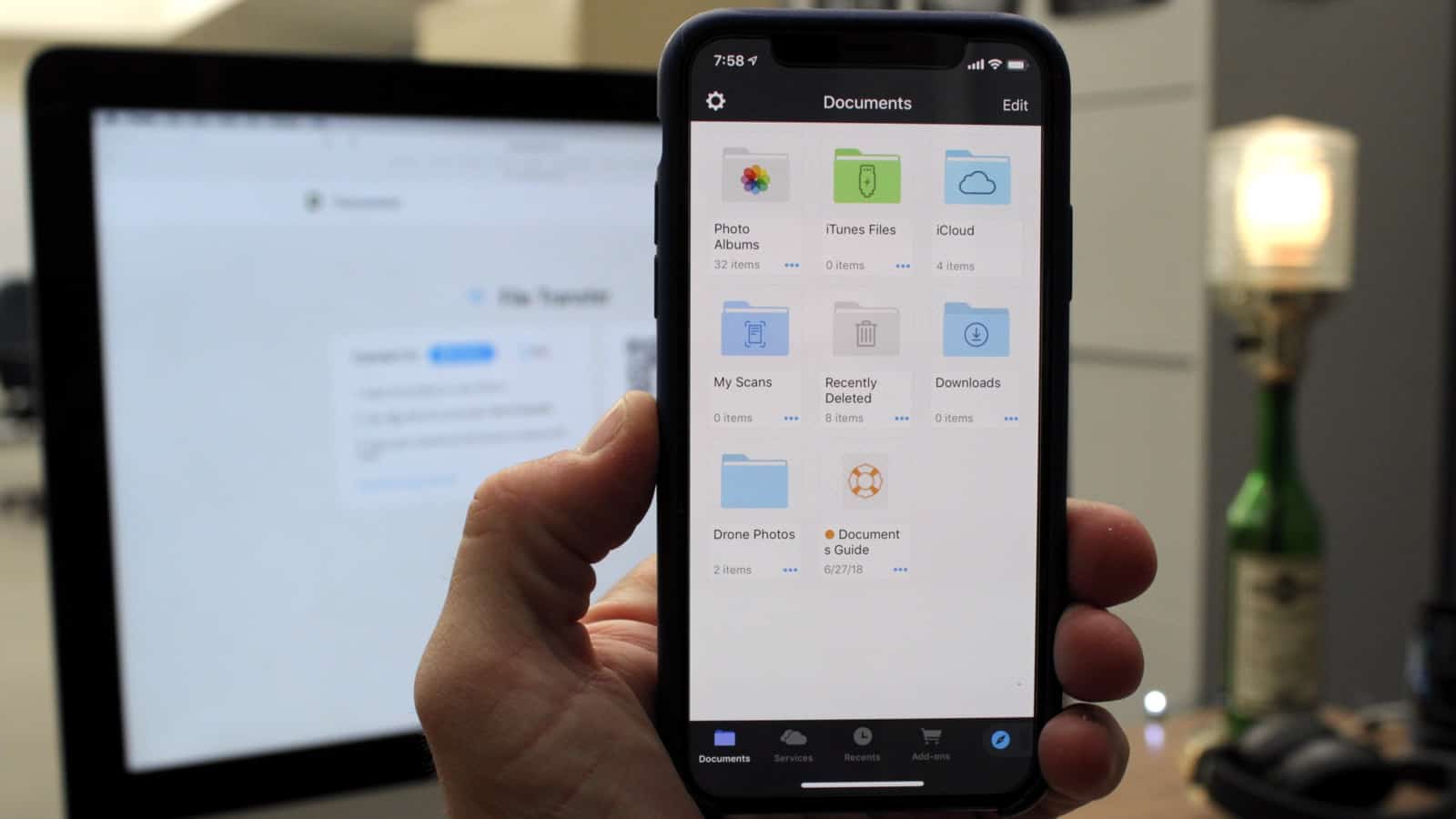
Documents offers mobile access to all your files, across your servers and cloud storage products. Photo: Ian Fuchs/Cult of Mac
For the last few years, discussions about whether you can do “real work” on iOS have circled the internet. One of the most commonly cited issues with iOS was the lack of a file browser. In iOS 11, Apple gave us the Files app, but it suffers from some major limitations. Documents by Readdle takes the file management on iOS to the next level.
Understanding your calendar, reminders, and events is fast and easy with Fantastical Photo: Ian Fuchs/Cult of Mac
Managing a busy schedule is something we all deal with from time to time. Relying on a calendar app makes it easier, but entering every meeting, project, or appointment can be a hassle. Fantastical is the best calendar app for adding events to your calendar and managing your schedule.
The best and most useful apps for iPhone and iPad Photo: Ste Smith/Cult of Mac
With a mind-boggling 2.2 million apps in Apple’s iOS App Store, how do you find what’s good? That discovery problem is why we’re starting the 50 Essential iOS Apps series, a curated list of the best iOS apps on the planet, with new apps added every Monday, Wednesday, and Friday.
Throughout this series, we will highlight essential iPhone and iPad apps in a variety of categories. We will show off apps that display excellent design, functionality, features and value. Or, most often, a combination of those desirable traits. Whether you’re looking to boost your productivity, take advantage of important data or just have a little fun, we’ll recommend great iOS apps to suit your needs.
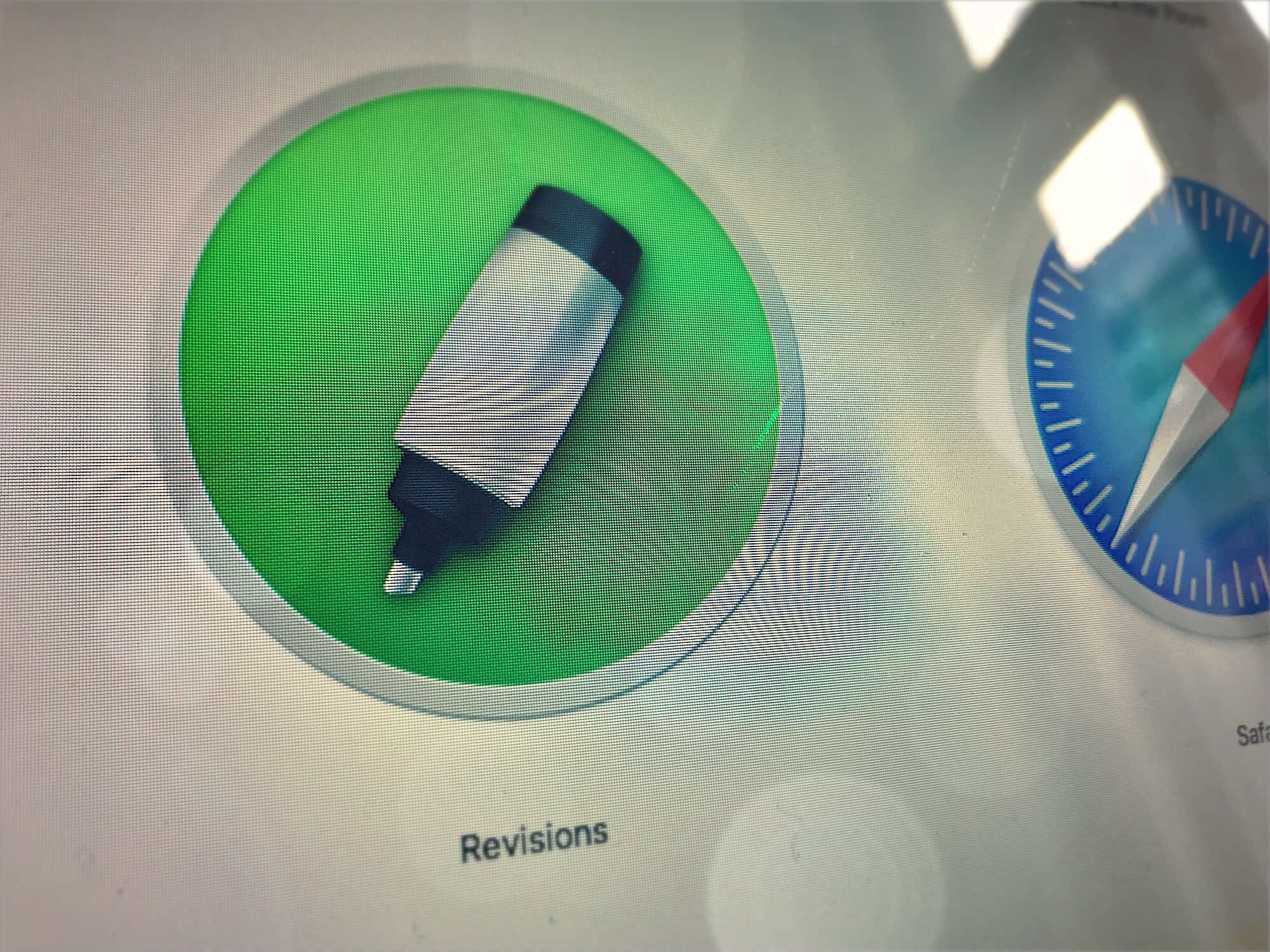
Revisions revises Dropbox's versions. Photo: Cult of Mac
Did you know that when you make changes to a file you have in your Dropbox, the cloud service actually remembers those changes? In fact, Dropbox retains unlimited versions of your files for 30 days.
That means you can go back and recover a single deleted sentence from a text file, for example, but this feature also has the potential to radically change how you work. With a free Mac app called Revisions for Dropbox, you can really dig in and use this Dropbox feature properly.
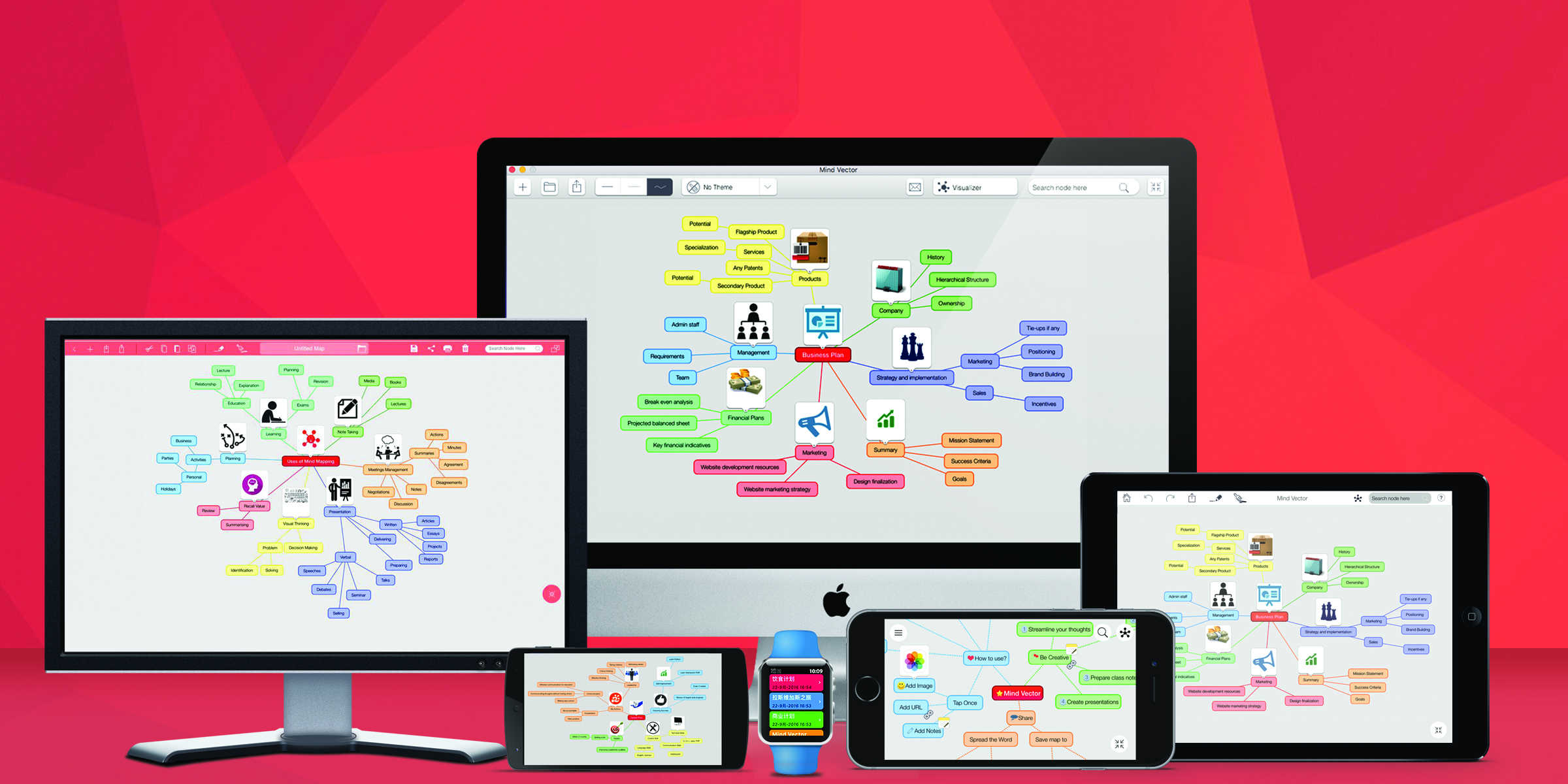
Many people blame technology for mind-warping things like short attention spans, rotten social skills and fidget spinners. However, technology also offers new ways of engaging with our minds and sharpening our thoughts. Take mind mapping, a popular technique for brainstorming and planning.
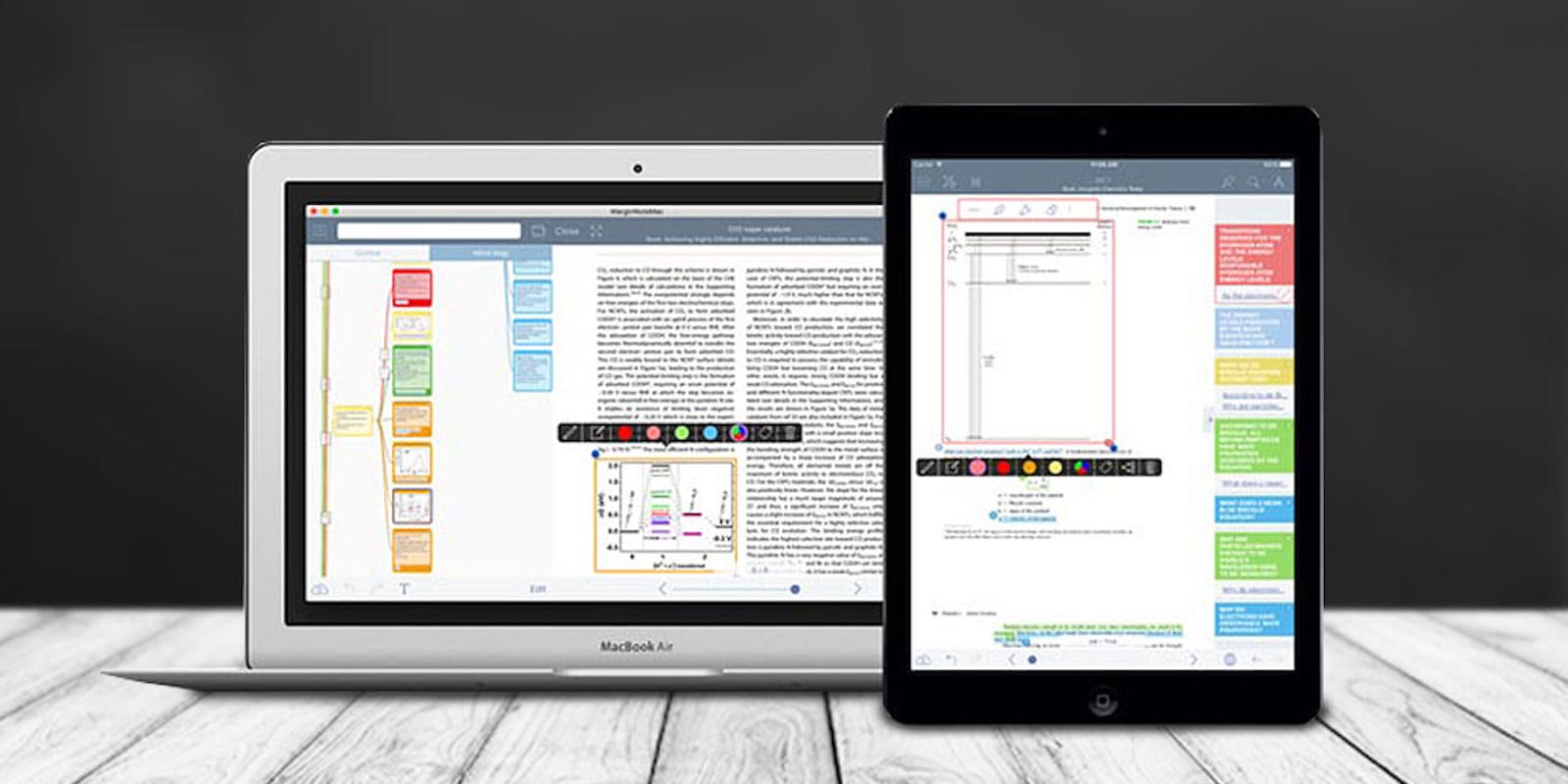
MarginNote lets you visualize and interact with your notes like never before. Photo: Cult of Mac Deals
Our devices are just as powerful as tools of distraction as they are for productivity. One way to return your devices to helpful status is to stuff them with apps like MarginNotes, a handy mind-mapping app that comes with a suite of tools that make it easier to organize and retain information while reading or studying.
It’s amazing the insights that emerge when you can see your thoughts and information laid out visually and interactively. MarginNotes is ideal for students, teachers, researchers, lawyers or anybody curious — no wonder it was named a Top 10 iOS app for 2016 by AppSo, and got 4 out of 5 stars from App Review Central. And right now you can get MarginNotes Pro for just $24.99 at Cult of Mac Deals.
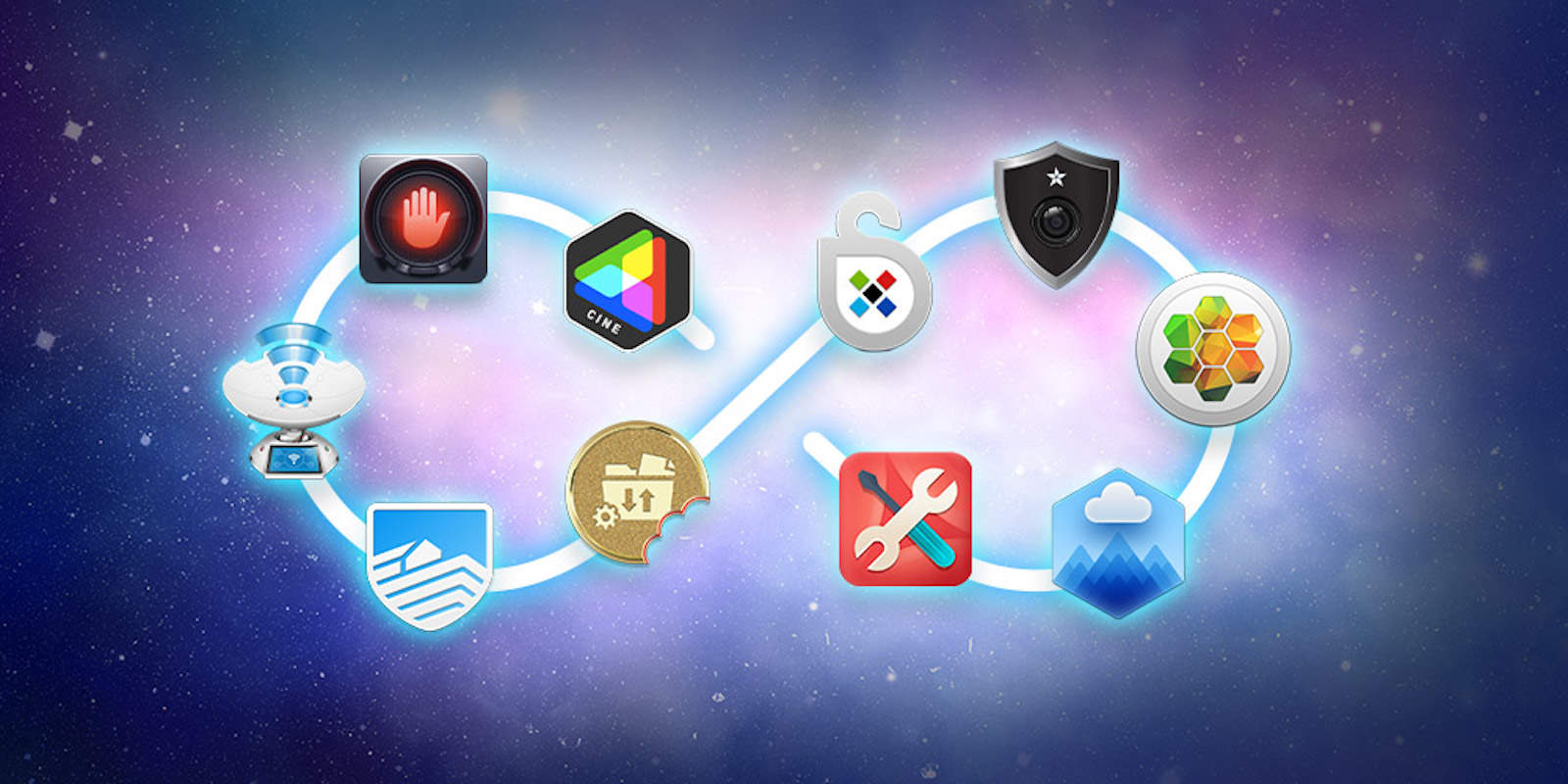
Instantly upgrade your Mac with this massively discounted bundle of 10 Mac apps. Photo: Cult of Mac Deals
Whatever you use your Mac for, you’ve got to get the right apps first. It can be tough to know what software you’ll need or where to get it, and that’s why The World’s First Lifetime Mac Bundle is exciting. It offers lifetime access, including all updates and upgrades large or small, to 10 super-legit Mac apps for about the price of a single standard app.
The apps are spread among categories of productivity, security and creativity. There is password management and tools for optimizing Wi-Fi networks, apps for photo and PDF editing, and lots more. This is your last chance to get this bundle at a whopping 96 percent discount, meaning you can get all 10 Mac apps for just $39 at Cult of Mac Deals.
Mac apps subscription service Setapp saves you time, effort and money. Photo: MacPaw
This post is brought to you by MacPaw, maker of Setapp and proven Mac apps.
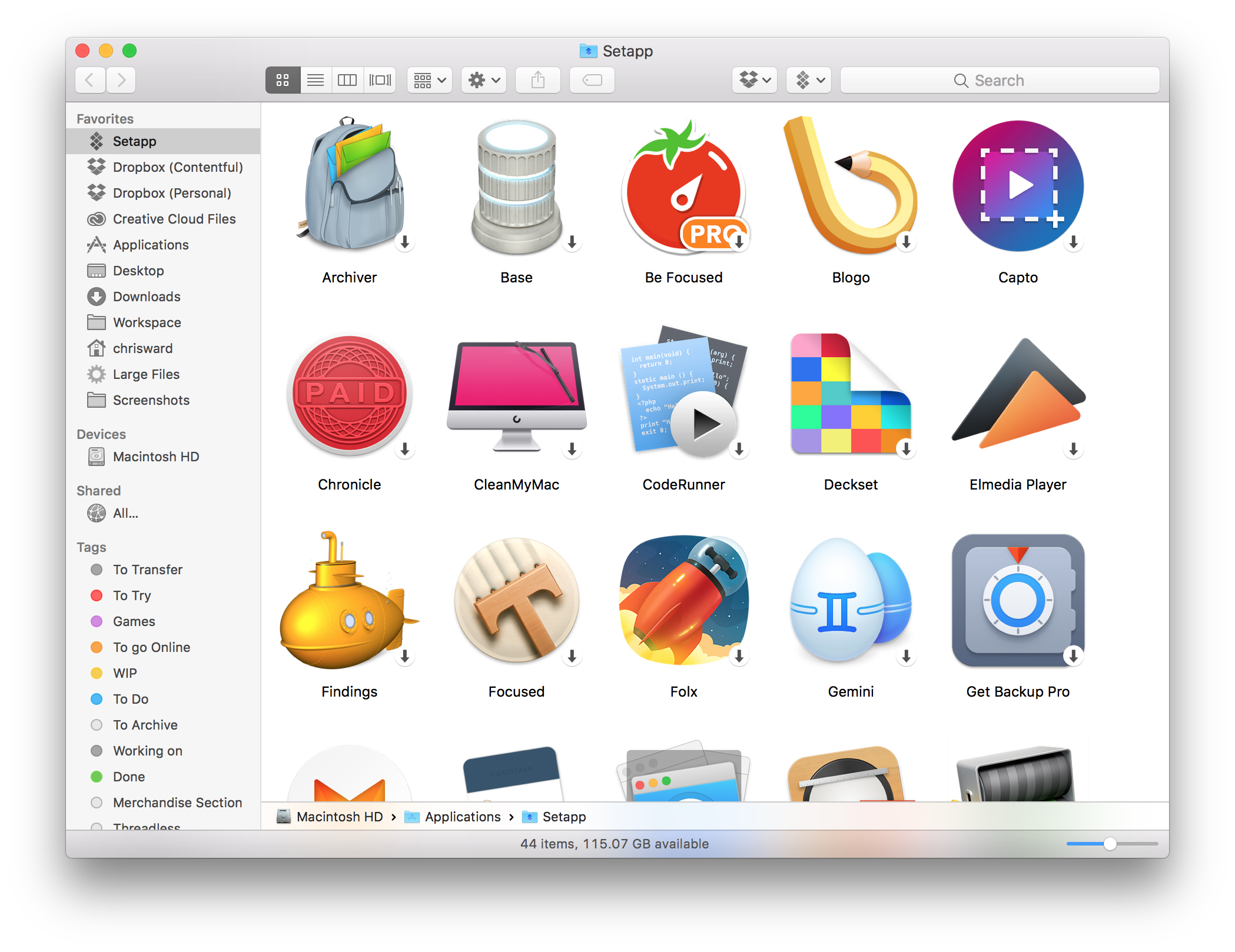
Setapp brings the Netflix model to Mac apps, offering access to dozens of legit apps for a modest monthly fee. While the new Mac app subscription service packs plenty of essential utilities, it also includes software designed to delight creatives.
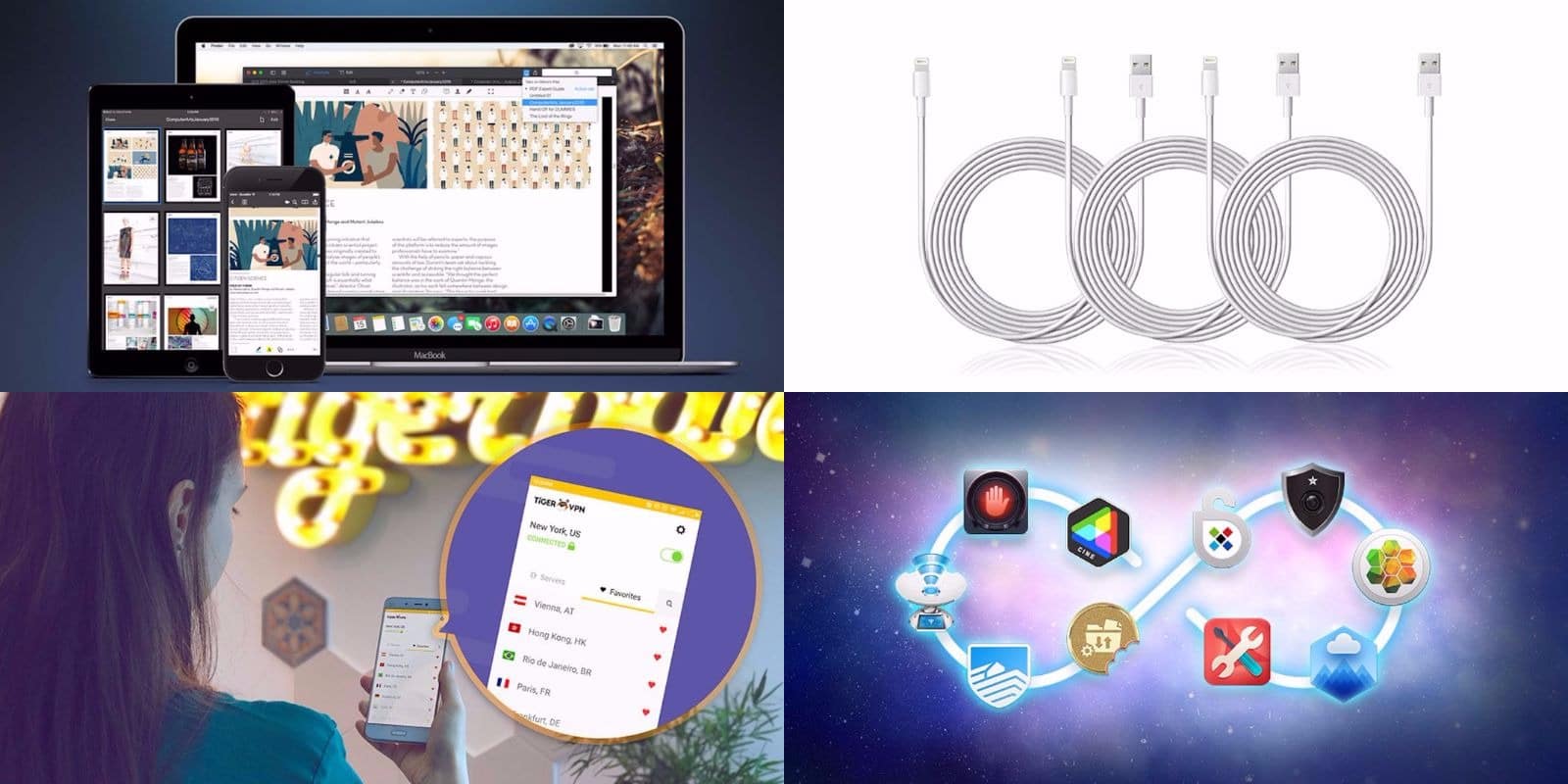
Get access to a massive library of Mac apps, comprehensive VPN protection, and lots more. Photo: Cult of Mac Deals
This year is off to a stressful start for many people, making the awesome gear and gadgets we get into the Cult of Mac Store every week a welcome relief.
As March comes to an end, we’ve gathered some of the best deals we’ve seen this month. They include a massive bundle of top-shelf Mac apps; a set of extra-long, MFi-certified Lightning cables; a powerful tool for unlocking PDFs; and a lifetime of VPN protection. There’s something here for everybody!
From comprehensive hard drive protection to streamlining your workflow, we've got the Mac apps you're looking for. Photo: Cult of Mac Deals
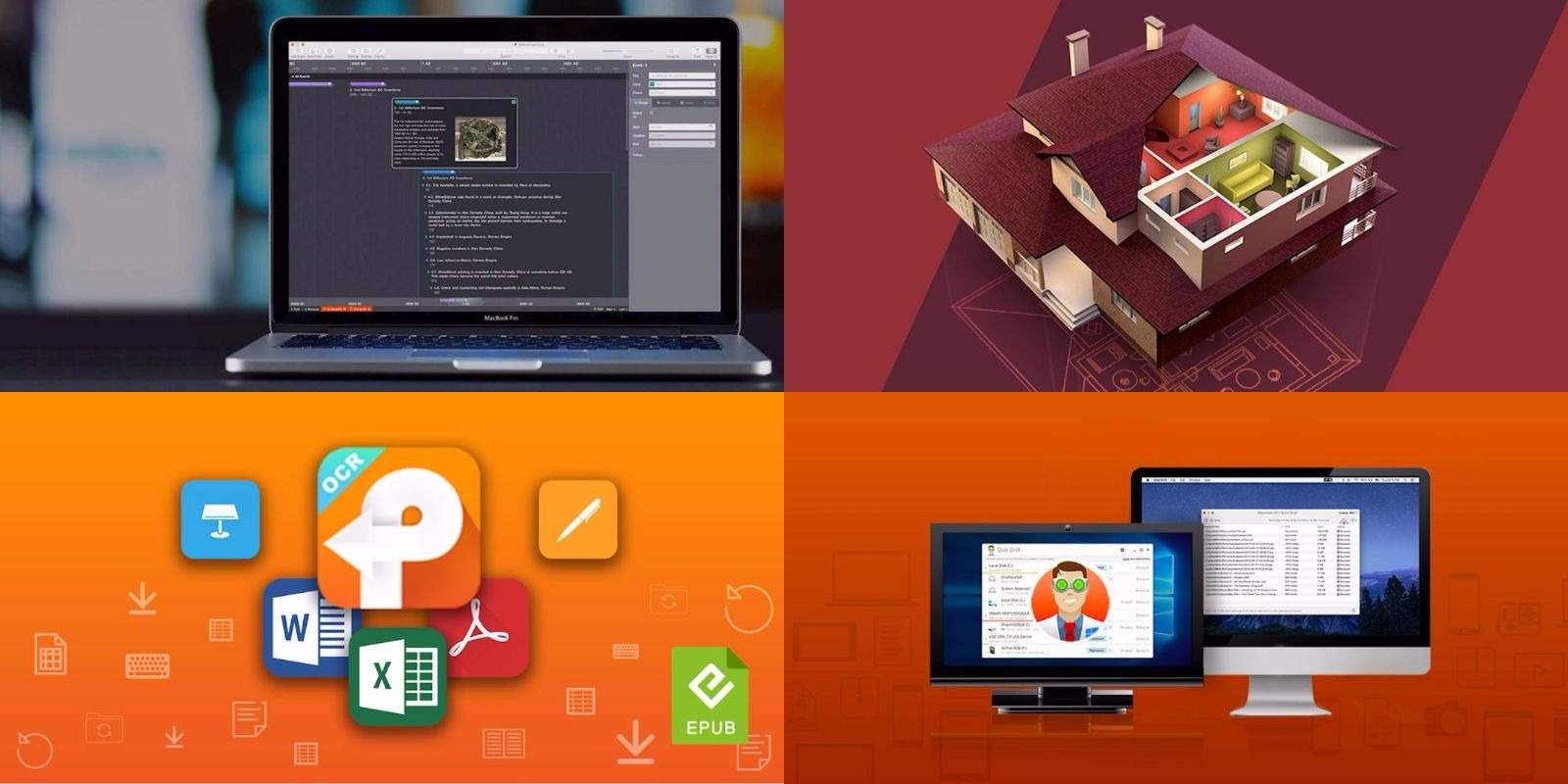
Your Mac’s a powerful machine, but it’s only as good as the apps you give it. That makes this bundle of top-shelf apps a must-see for any Mac owner. Included is a powerful app for maintaining and repairing your hard drive, a tool for digging deep into PDFs, a fun and useful 3-D designer for your house, and an amazing task-management platform.
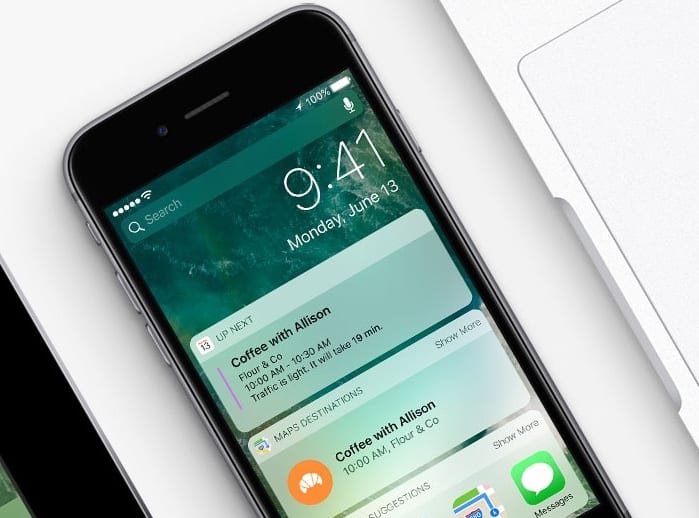
iOS widgets are a great way to check in on your day. Apple gave us its own take on widgets with the core apps built into iOS 10, but you can do better.
If you’ve never taken a look at some of the great third-party iOS widgets available, you’re missing out. Here are six of our favorite iOS widgets to replace the stock Apple widgets. (If you don’t know how to add widgets, go to the bottom of this post for instructions on adding and using them.)
If you're not using iOS widgets yet, it's time to get started. Photo: Apple
iOS widgets can put loads of useful data at your fingertips. A simple swipe to the right on your iPhone’s Home screen brings up the Today view, where widgets give you a quick glance at info pulled from your favorite apps.
If you’re using iOS 10 and you’ve never taken the time to customize your widgets list, you’re missing out. Here’s how to set up iOS widgets and keep your day on track.
Setapp currently offers more than 60 apps, with plans to expand. Image: Setapp
Apple’s Mac App Store is broken. For developers and Mac users alike, the online store just isn’t working.
It’s too hard for buyers to find good software. And, thanks to Apple’s picky restrictions, the Mac App Store can make life difficult for developers.
Setapp, a Netflix-style subscription service for Mac apps, offers an innovative alternative. Instead of buying apps individually, you rent a bunch of them for $9.99 a month.
While it might sound unnerving to anyone accustomed to the idea of buying Mac apps outright, after using the service for two months, I found it liberating. Setup is dead-easy. And the selection is fantastic. Setapp serves up more than 60 Mac apps, all handpicked by MacPaw, the Mac development company that dreamed up the service.
Setapp brings the subscription model of Netflix to Mac apps.
Photo: MacPaw
This post is presented by MacPaw, the software team behind Setapp and a variety of proven Mac apps.
These days, lots of us indulge in subscription services. From TV, movies and music to nerd paraphernalia and razors, subscribing to what you love is a great model for exploring many options at an affordable price. If you can name it, you can find a curated collection sent straight to your door or inbox — and now the subscription model is coming to disrupt Mac apps.
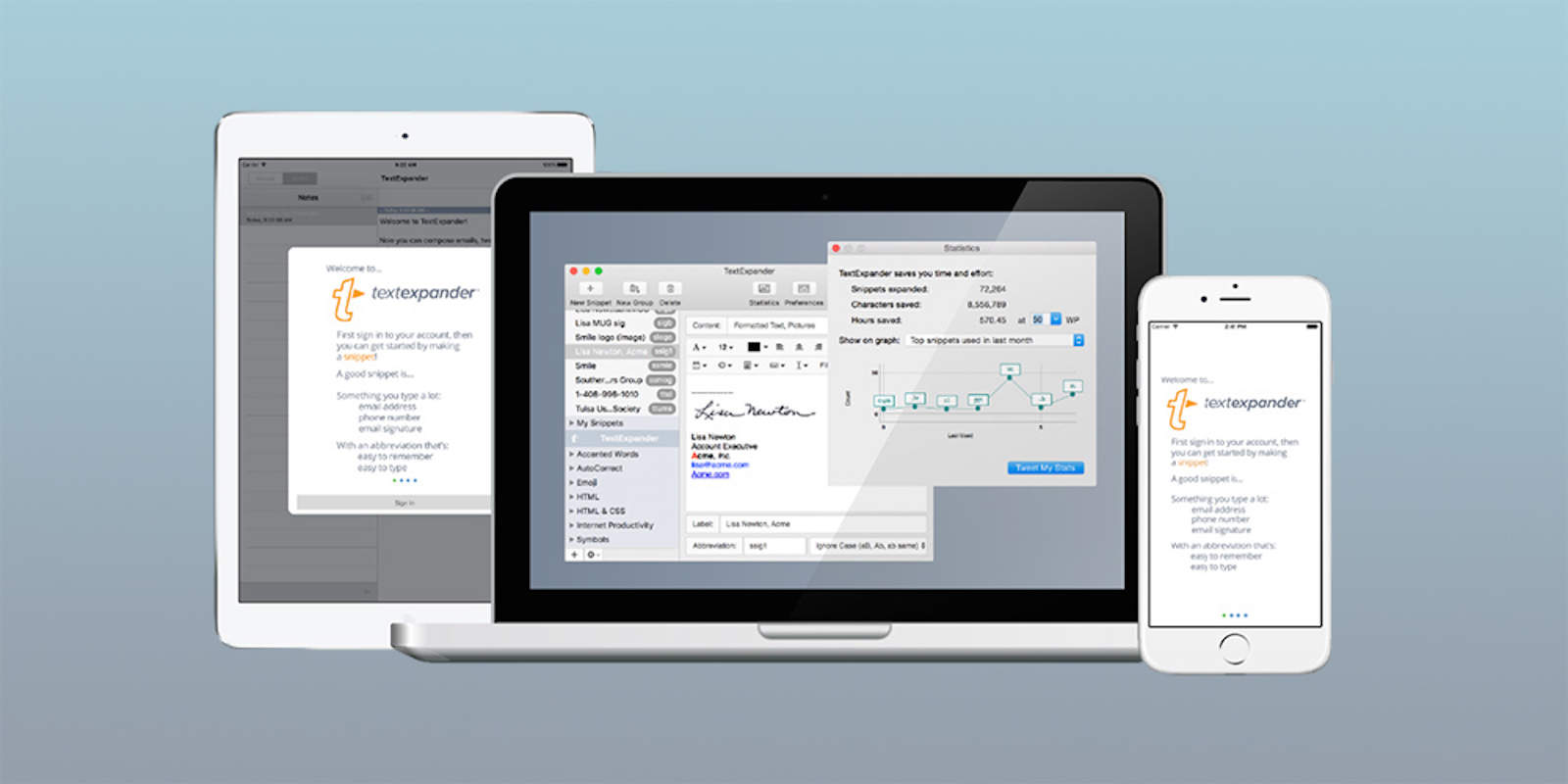
TextExpander takes (some) of the pain out of repetitive typing. Photo: Cult of Mac Deals
If you spend any amount of time at the keyboard, you’re wasting a surprising amount of it. Whether signing off on emails, filling out data fields, or writing a line of code, there’s a long list of phrases we needlessly write out repeatedly.
TextExpander is a tool for bypassing your most commonly used lines and phrases, making your writing more efficient to save valuable minutes and even hours. Right now at Cult of Mac Deals, you can get a year of TextExpander for just $19.98.
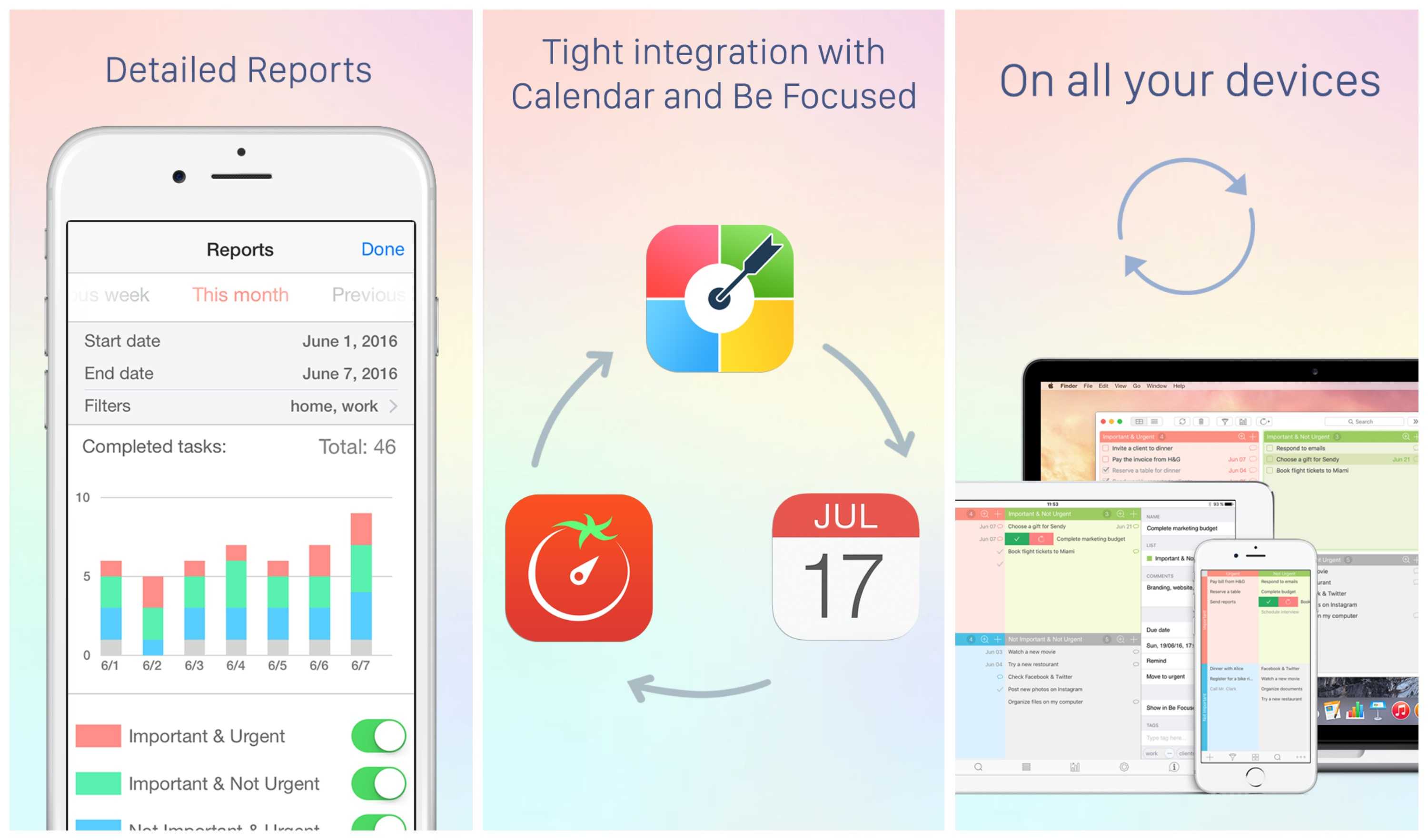
Focus Matrix brings simple yet effective time-management tools to iOS and Mac.
Photo: Xwavesoft
This post is brought to you by XwaveSoft.
“I have two kinds of problems, the urgent and the important,” President Dwight D. Eisenhower reportedly once said. “The urgent are not important, and the important are never urgent.” This idea underpins a way of organizing tasks named for the former general, using a grid to position tasks in the order they should be taken on.
Focus Matrix turns this time-honored approach to task management into a feature-rich app for both iOS and Mac.
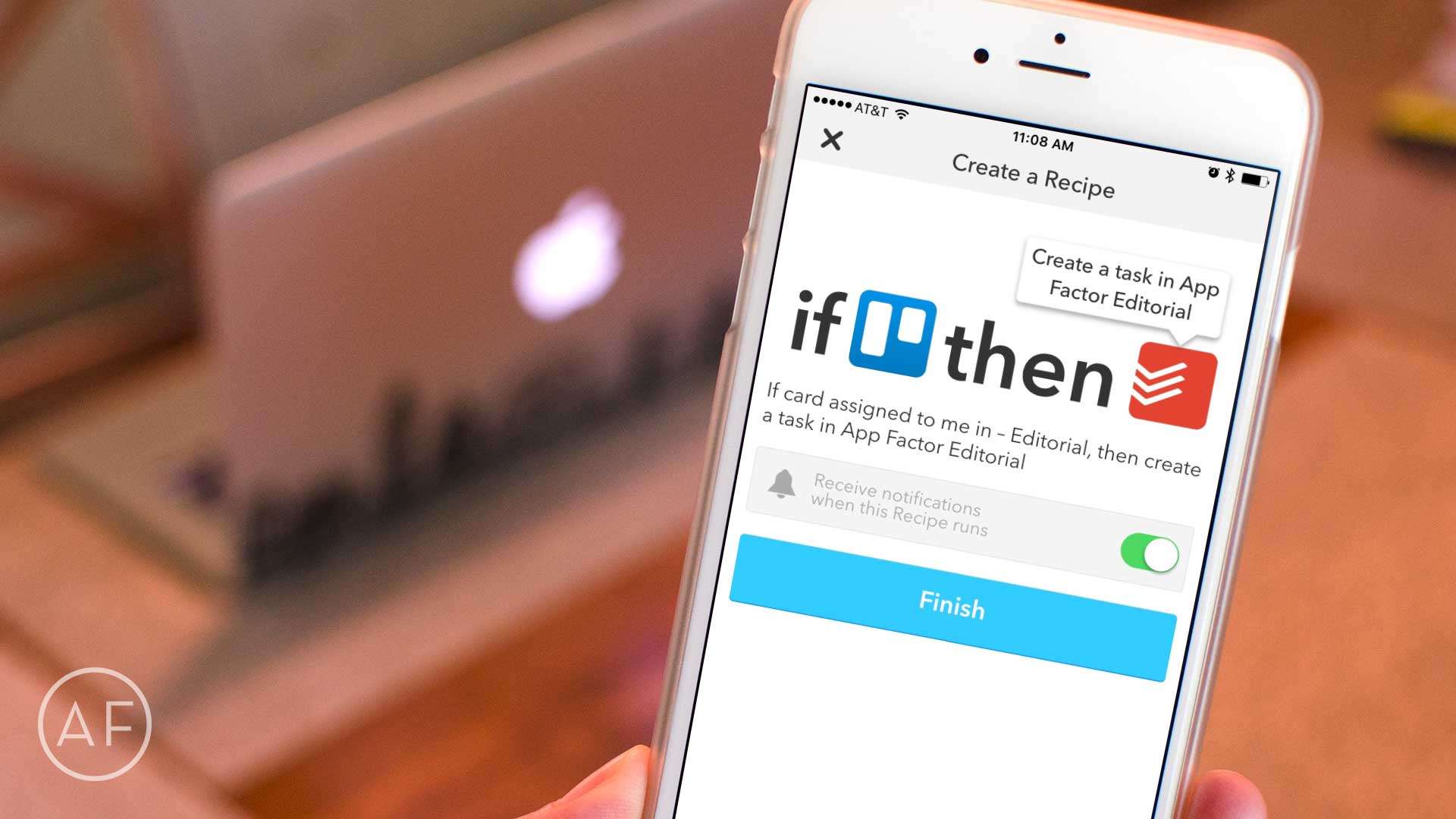
Cut a few steps out of project planning by letting IFTTT do the heavy lifting between Todoist and Trello! Photo: Ally Kazmucha/The App Factor
As you may have noticed over the last month or so, I’ve had a little bit of a fascination with workflow automation and iOS. While some of it is the aftermath of trying to go iPad-only, most of it is simply because I love using iOS to make managing tasks easier whenever possible.
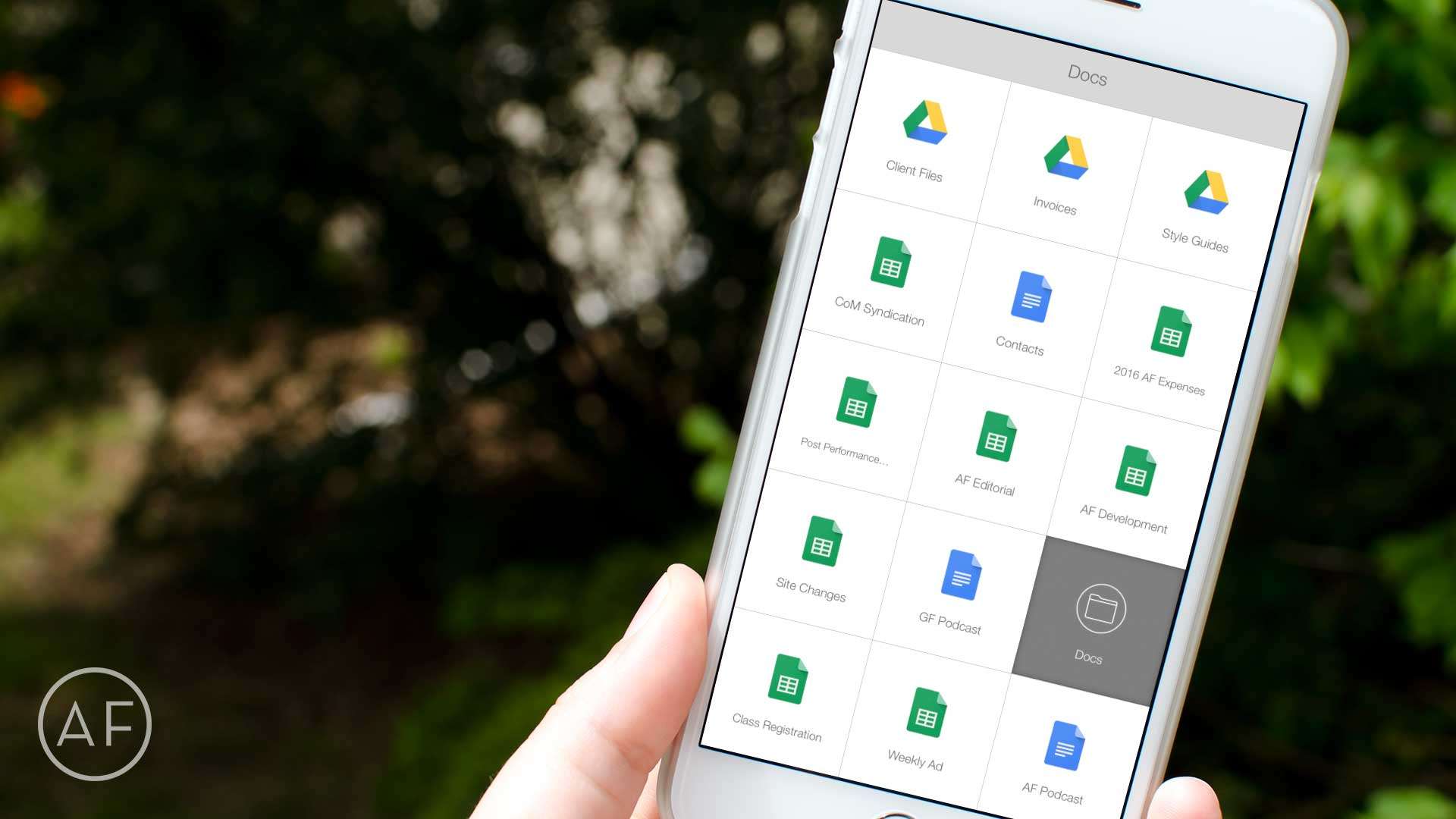
Want even faster access to your most-used Google Drive files? Let Launch Center Pro do the heavy lifting! Photo: Ally Kazmucha/The App Factor
Launch Center Pro has solved many workflow problems for me over the years. Most recently it’s been an immense time-saver when it comes to accessing Google Drive files I need often. While the Google Drive app itself is decent enough, it only acts as a hub to Google’s other apps, which is somewhat annoying.
That’s why I started using Launch Center Pro to speed up the process. Here’s how you can, too.
6 apps every project manager should have installed on their iPhones, iPads, and Macs. Photo: Allyson Kazmucha/The App Factor
Project management can get overwhelming quickly, especially if you’re juggling multiple initiatives and deadlines at once. From keeping your team on track to ensuring there is good communication and planning between you and your client, there are tons of project management apps available in the App Store to help you tackle even the most challenging of tasks.
I’ve been using my iPhone and iPad to help me manage teams and keep projects moving for the better part of five years now. While my workflow constantly changes as tools and apps become better and better, here are my favorite project management apps that I just couldn’t do without.
Lucidchart takes advantage of iOS 9's productivity upgrades to make digital diagramming simple. Photo: Lucid Software
This post is brought to you by Lucid Software, maker of Lucidchart.
Visual diagrams are one of the best ways of conveying complex ideas to audiences and collaborators. Making them is also an invitation to get frustrated by how little diagramming software has apparently advanced in recent years (people still use Visio?).
We live in an age of sleek design and intuitive user interfaces, so why is it still easier to scrawl a simple chart on a napkin than to draft one on a computer or iPad?
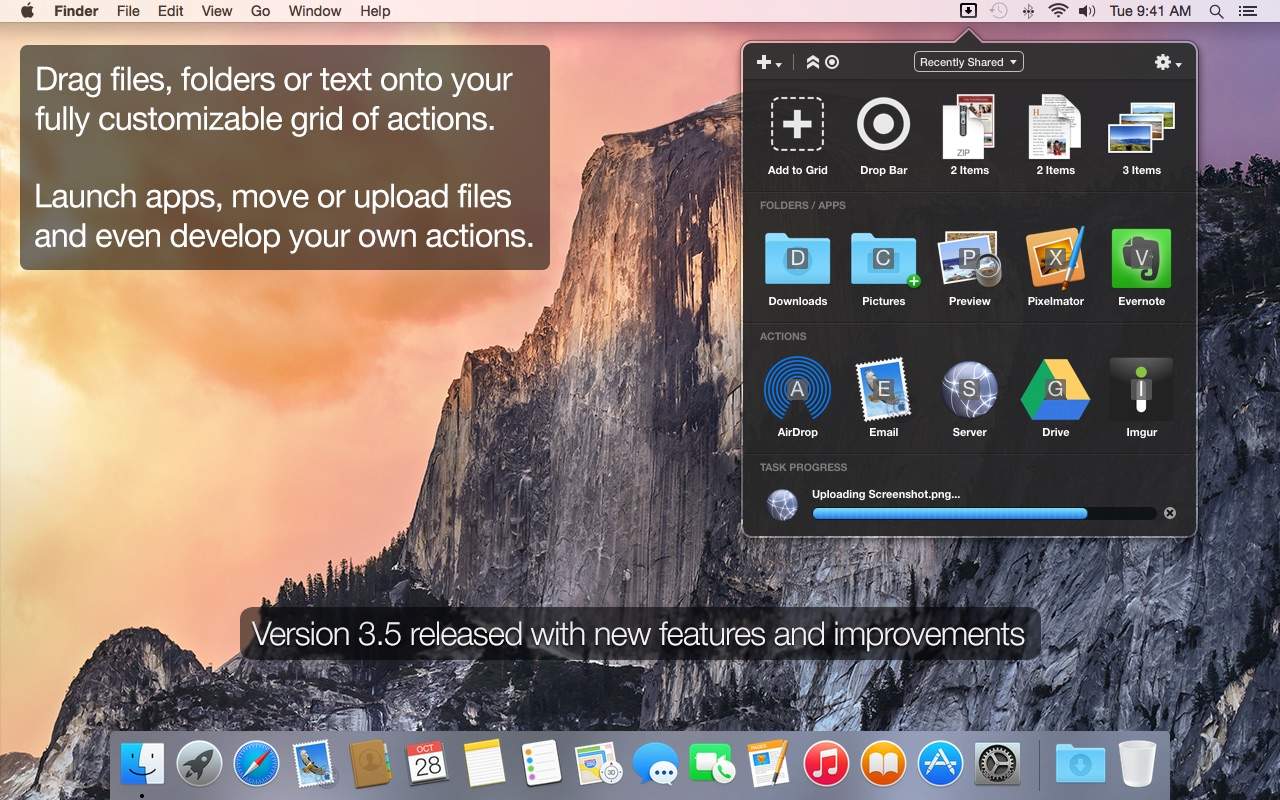
The latest update to Dropzone makes it even more useful. Photo: Aptonic
This post is brought to you by Aptonic Limited, maker of Dropzone.
Drag-and-drop functionality — which lets us quickly and easily move files from place to place, into apps, onto websites — might be the most fundamental way we interact with our computers. That’s why we’re impressed by Dropzone: It’s basically an upgrade of good ol’ drag-and-drop for OS X.
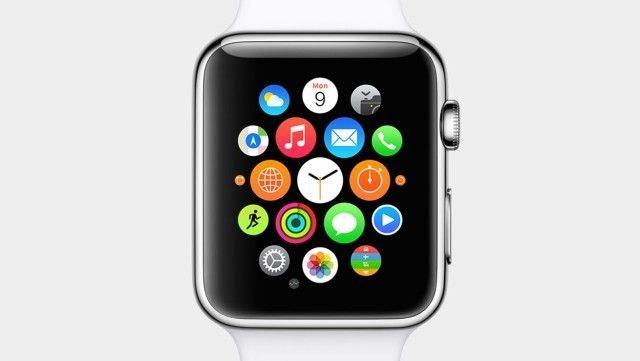
There are already more than 3,000 apps for the Apple Watch, which makes it difficult to find all of the hidden gems. How do you find the best Apple Watch apps?
Luckily, there are plenty of third-party Watch apps that deserve attention, whether they tell you when it’s going to rain or help you get stuff done. Apple is promoting Watch apps heavily in the App Store, and while the big players (Facebook, Instagram, Twitter, etc.) are obvious downloads, we’ve been on the lookout for some of the other apps for the Apple Watch you might not know about.
Here are some of the best Apple Watch apps to trick out your wrist.