Wow, iOS 13 is quite something. We got most of what we wanted, and a lot more. Proper USB support, an improved Files app, plus a radical new UI paradigm for the iPad. And what about that mouse support!
Let’s take a look at the main points. And over the coming weeks and months, we’ll be going extremely deep on everything that’s new in iOS 13.
Craig Federighi unveils macOS Catalina Photo: Apple
Apple is moving out of the deserts of macOS Mojave and onto the island of Catalina for the release of macOS 10.15.
macOS Catalina is one of the most important updates for the Mac in years. It packs tons of new features focused on privacy, accessibility and performance while also delivering some fresh UI changes and new apps.
iPadOS is the new name of the tablet version of iOS. Photo: Apple
Apple just unveiled some of the most significant changes to the iPad line ever as it continues making these tablets ever better computers for professionals. The company even went so far as to free them from iOS — from now on, they run iPadOS.
Other dramatic changes include allowing applications to open multiple windows, a home screen redesign, improvements to the Files app, and more.
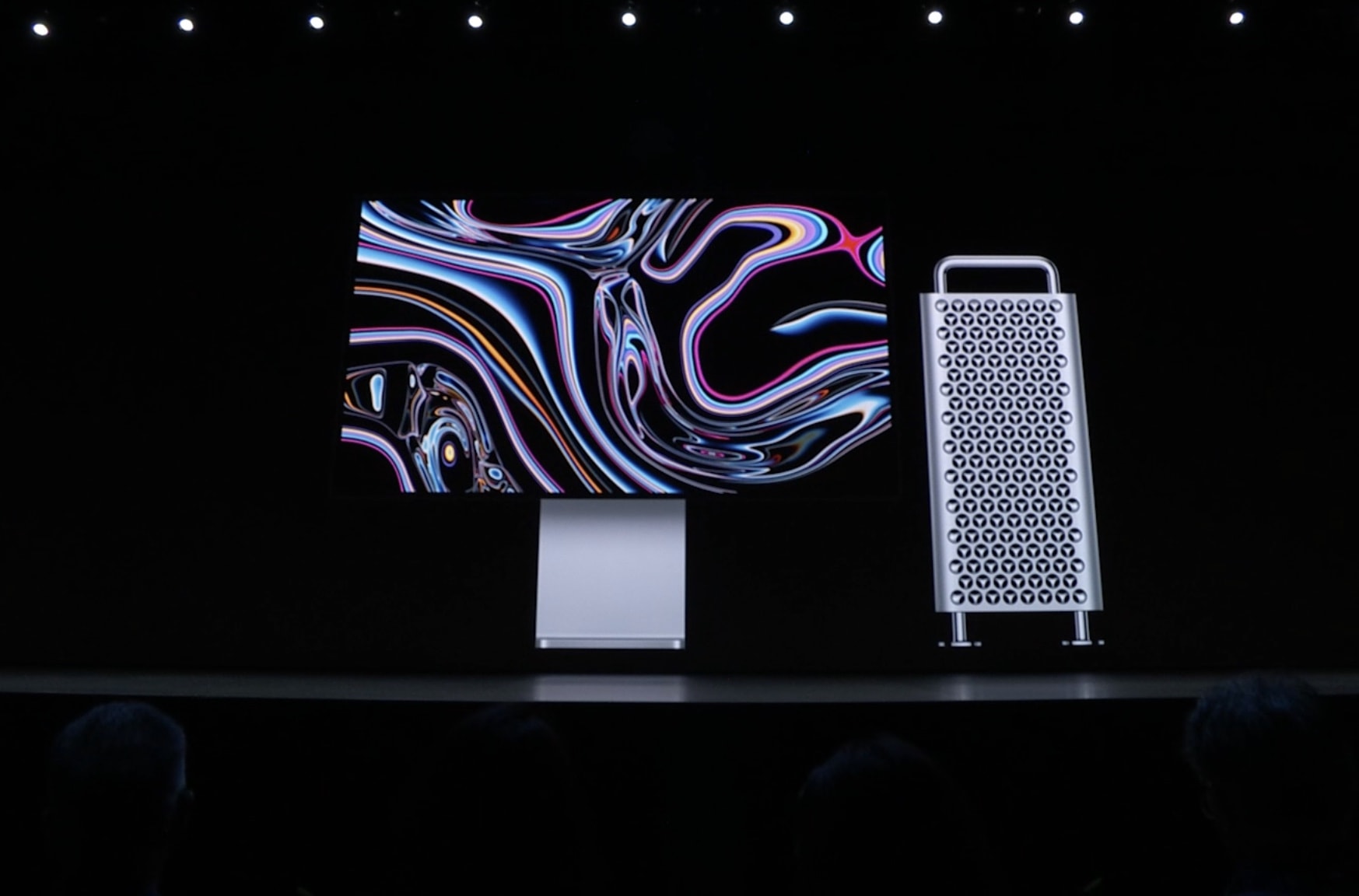
The new Mac Pro is a beautiful beast. Photo: Apple
Apple is taking the Mac further than its ever gone before with the brand new Mac Pro.
The company teased professionals two years ago when it announced that it was completely rethinking the Mac Pro and then when quiet about the project ever since. Today at WWDC 2019, Apple gave developers a preview of the new machine and it looks like an absolute beast.
Apple wants to be a big player to gamers. Screenshot: Apple
Apple promised support for PlayStation 4 and Xbox One game controllers when it releases a redesigned tvOS this fall.
CEO Tim Cook said Apple TV will be more “entertaining and personal” as he unveiled changes to the company’s video ecosystem Monday during the Worldwide Developers Conference.
At launch, tvOS 13 will also include full-screen previews of shows and individualized support for each person in the household to build their own lists of shows, movies and even Apple Music.
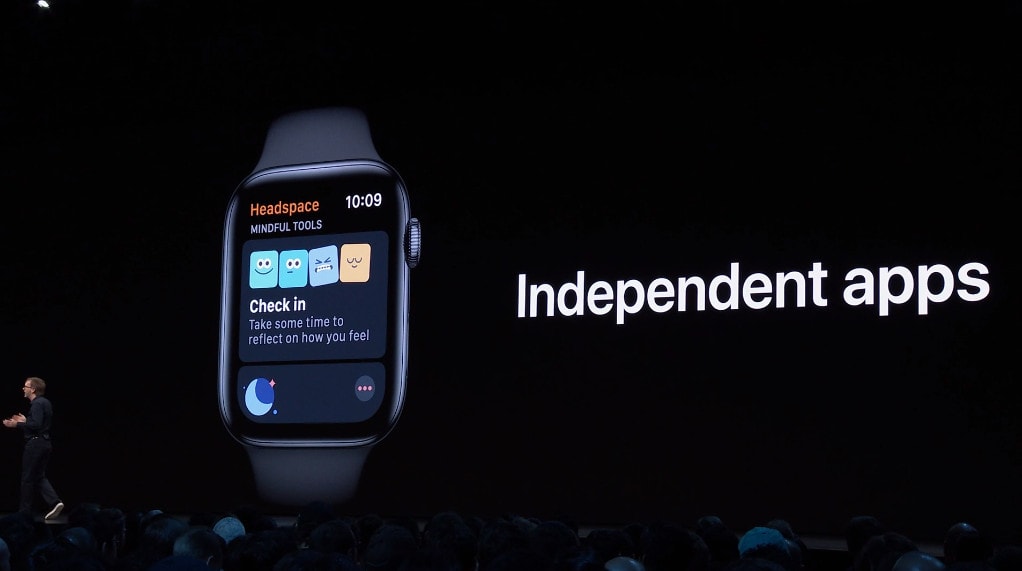
watchOS is huge, and it's coming this fall. Photo: Apple
Apple just previewed one of its biggest ever upgrades to watchOS at WWDC 2019.
Just as expected watchOS 6 makes Apple Watch less dependent on the iPhone with its very own App Store. It also brings brand news faces and complications — and new apps like Audiobooks, Voice Memos, and Calculator.
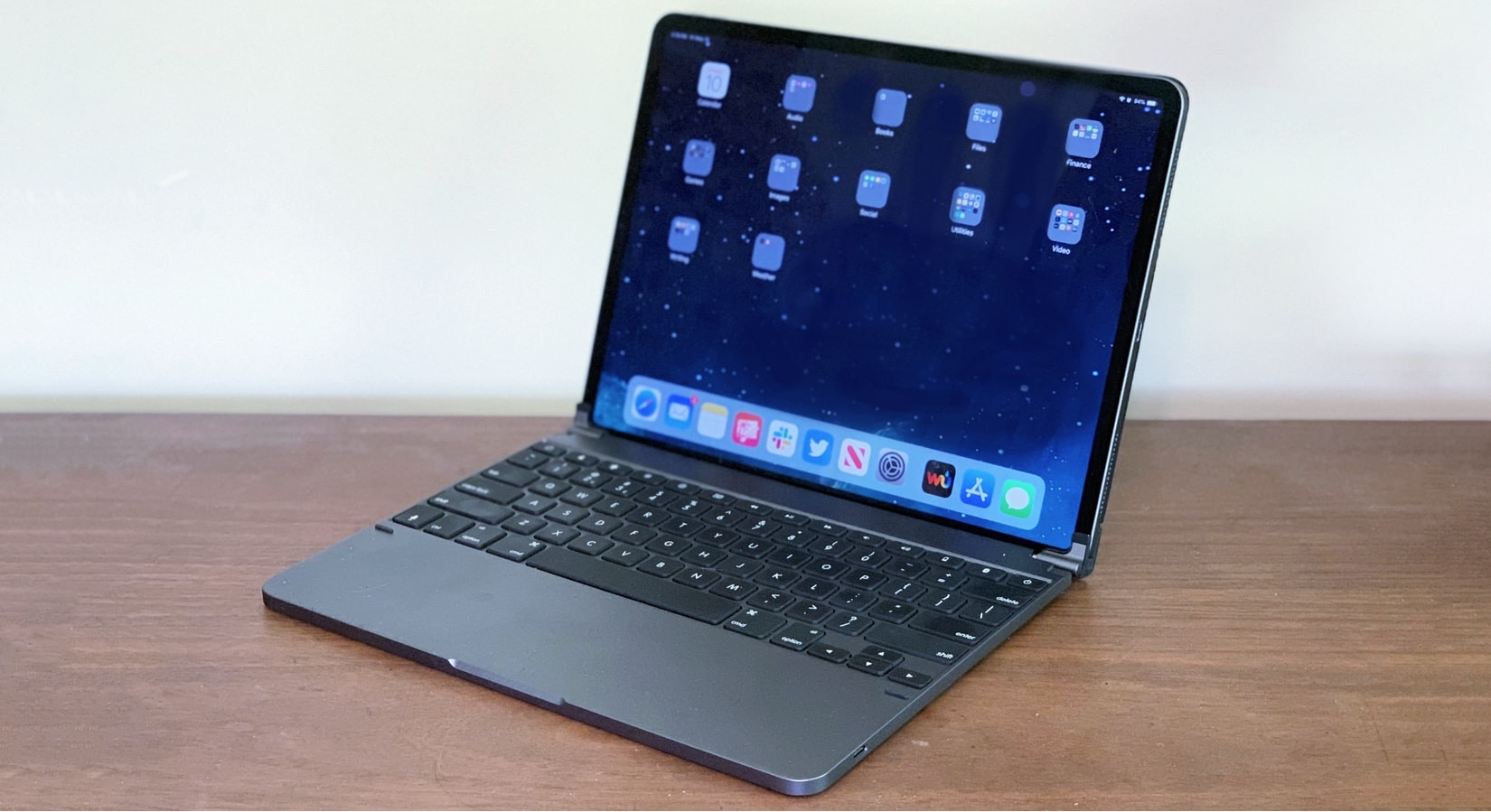
Make your iPad Pro into a tablet/laptop with the Brydge Pro. Photo: Ed Hardy/Cult of Mac
Apple won’t be bringing iOS 13 to the iPad — at least not with that name. Instead, its tablet will soon be powered by “iPadOS,” its very own version of Apple’s mobile operating system.
We’re about to get our first very look at it at WWDC.
The Flying Cholitas, "Shot on iPhone." Screenshot: Apple/YouTube
You don’t look at a Luisa Dörr photograph and wonder what kind of gear she uses. Her work is arresting.
But even Dörr recognizes that the kind of camera – the iPhone – has been integral to her work and getting her name on the radar of editors and art directors across the world.
Apple finally collaborated with Dörr on an enchanting “Shot on iPhone” project featuring the colorful female wrestlers of Bolivia know as the Flying Cholitas.
Let's get this party started right! Image: Killian Bell/Cult of Mac
Rather than just live-blogging today’s WWDC 2019 keynote, we’re throwing a watch party for our closest friends: you.
It’s all going down this morning in the CultClub’s Governor’s Lounge, the Discord channel we set up for our weekly podcast, The CultCast. All your favorite Cult of Mac staffers will be watching the Apple keynote live. And this time, we won’t be the only ones sharing our instant reactions. You can get in on the action, too.
While becoming a CultClub member is totally free, it’s usually quite exclusive. But we’re handing out passes like candy today so every Cult of Mac reader can join the party.
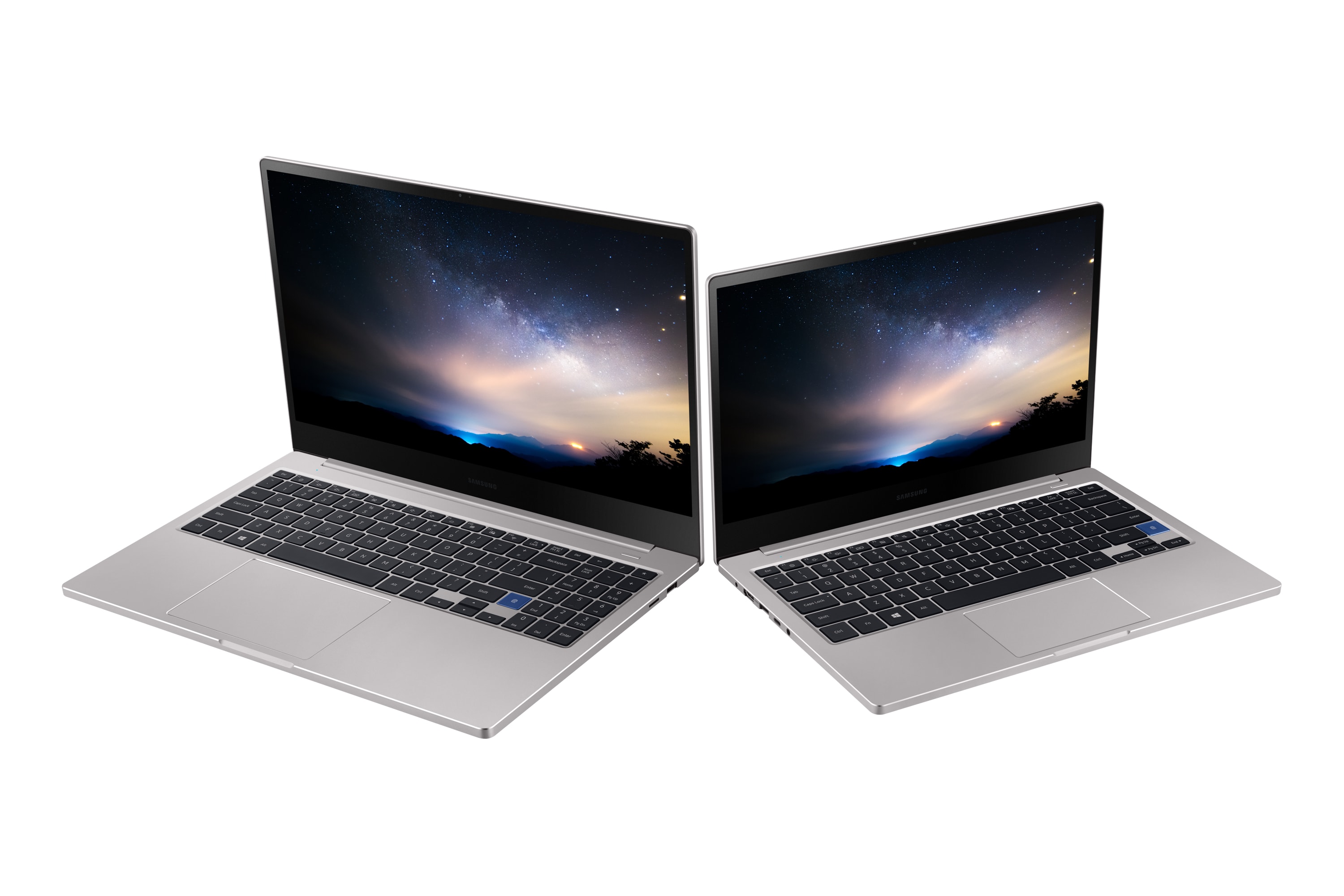
Samsung now sells a MacBook Pro powered by Windows.
It’s not actually a MacBook Pro, of course, but it’s so similar to Apple’s machine that some consumers won’t be able to tell the difference. It doesn’t have a Touch Bar — but it does have a fingerprint scanner.
Add a hands-free, head-up display to your car. Photo: Cult of Mac Deals
Phones have become a part of our everyday lives. That includes driving, so a good solution is just to keep the information you need in view. One way of doing that is to borrow tech from fighter pilots.
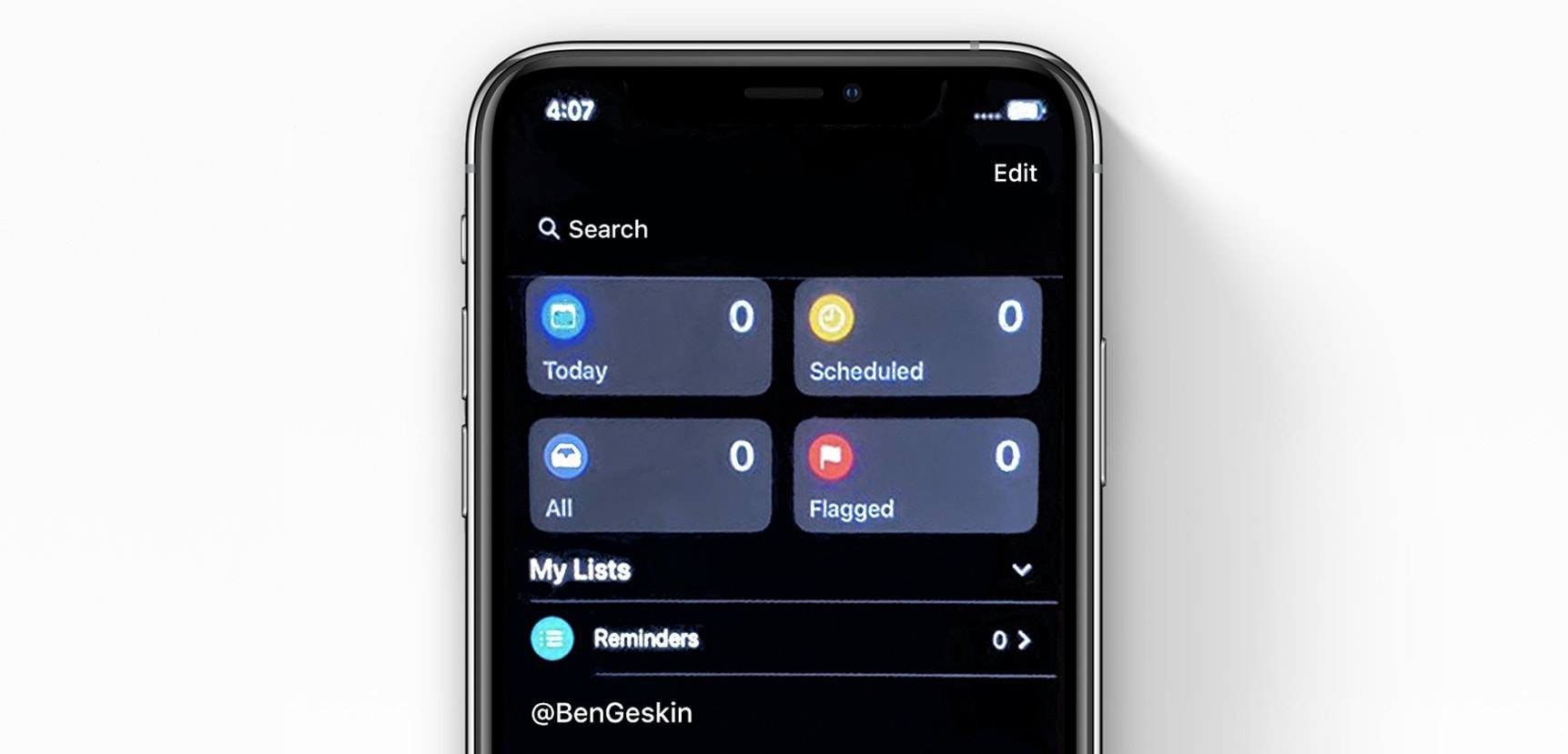
iOS 13 leaks continue to trickle in ahead of today’s big reveal at WWDC. The latest shows Apple’s revamped Reminders app for iPhone for the first time — and it’s in dark mode.
The WWDC keynote is one of Apple's biggest events. Photo: Charlie Sorrel/Cult of Mac
Today Apple will announce iOS 13, possibly the new Mac Pro, plus a slew of Mac and Apple Watch-related news. Cult of Mac will not be live-blogging the action — instead you can join our WWDC 2019 watch party or follow along on Twitter. And as always, you can watch the show live.
We’re expecting to learn all about the incredible new iOS 13, which many expect will turn the iPad into some kind of Mac Pro-beating powerhouse1. Also expected is a Marzipan update, and perhaps our first peek at the real new Mac Pro.
Whether you’re watching on your Mac, your iPhone or iPad, or your Apple TV, we’ll show you how to tune in.
You can even show up at an Apple Store and watch it on the big screen!
Millions of phone buyers might prefer iPhone to the non-Android handsets Huawei will apparently be forced to offer. Photo: Huawei
A decision by the Trump Administration forced Google to revoke Huawei’s Android license, and a respected analyst says that could cause millions of buyers around the world to get iPhones instead.
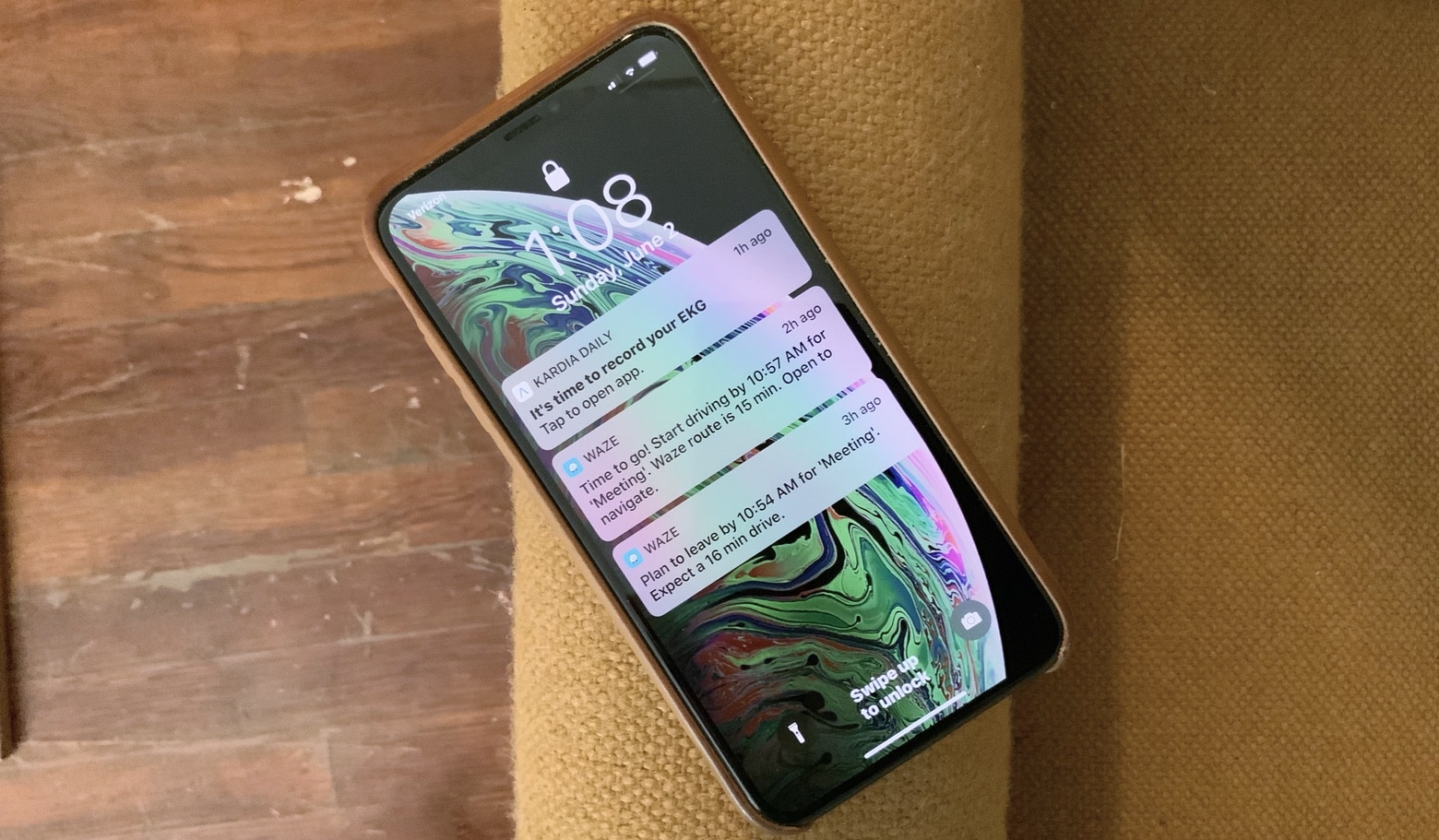
The two application links on the Lock screen are pre-set. iOS 13 really should allow users to choose these. Photo: Ed Hardy/Cult of Mac
Reports of significant changes in iOS 13 have been popping up for months, but there are plenty of minor modifications that would enhance day-to-day use of the iPhone and iPad.
Here are half a dozen we think Apple should include in the next iOS version when it debuts this fall.
Wait 'til you see the apps we have for you this week! Photo: Cult of Mac
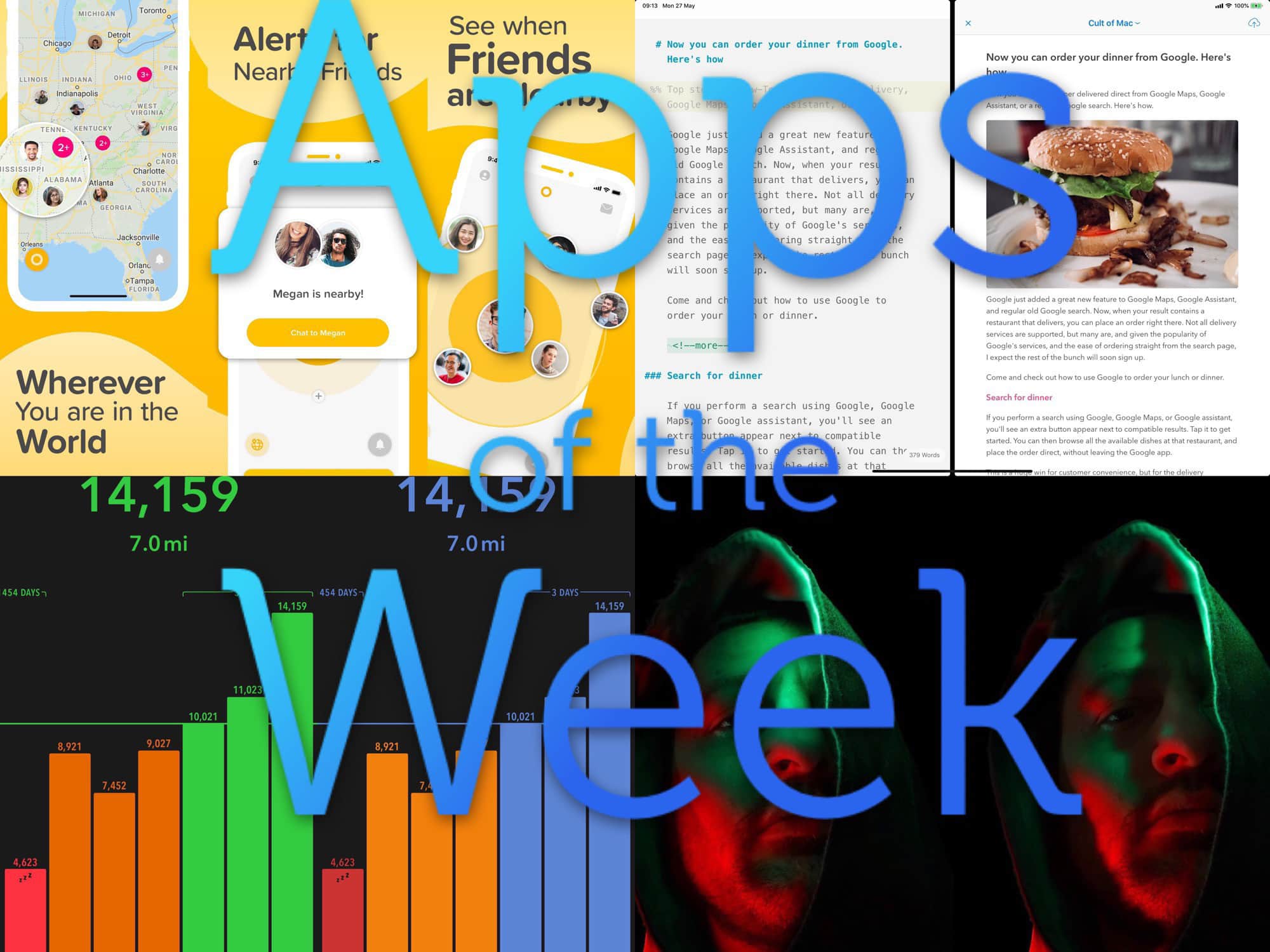
This week we find nearby friends with Yoke, count our steps with Pedometer++, add lights and shadows to our photos with Apollo, and enjoy Ulysses’ superior split view on the iPad.
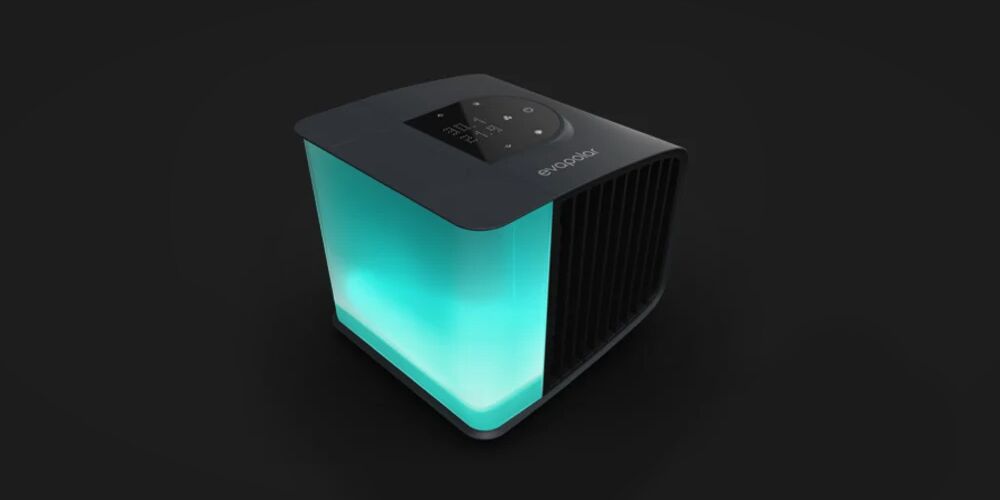
This futuristic, portable A/C uses evaporative principles to efficiently cool and clean the air. Photo: Cult of Mac Deals
Hanging an air conditioner half-way out the window is an effective, if noisy way to keep a room cool. But it’s also a technology that goes all the way back to 1902. This is the future after all, so now the air conditioner gets the smart home treatment.
Cult of Mac Magazine Cover No. 298 Cover: Cult of Mac Magazine
WWDC is less than a week away and there are already plenty of rumors doing the rounds on what new features Apple has in store for iOS and watchOS. Dark mode, a refreshed Reminders app and a new Find My app all look set to make an appearance.
But will Apple also be giving its operating systems a shot in the arm to improve their health and fitness as well?
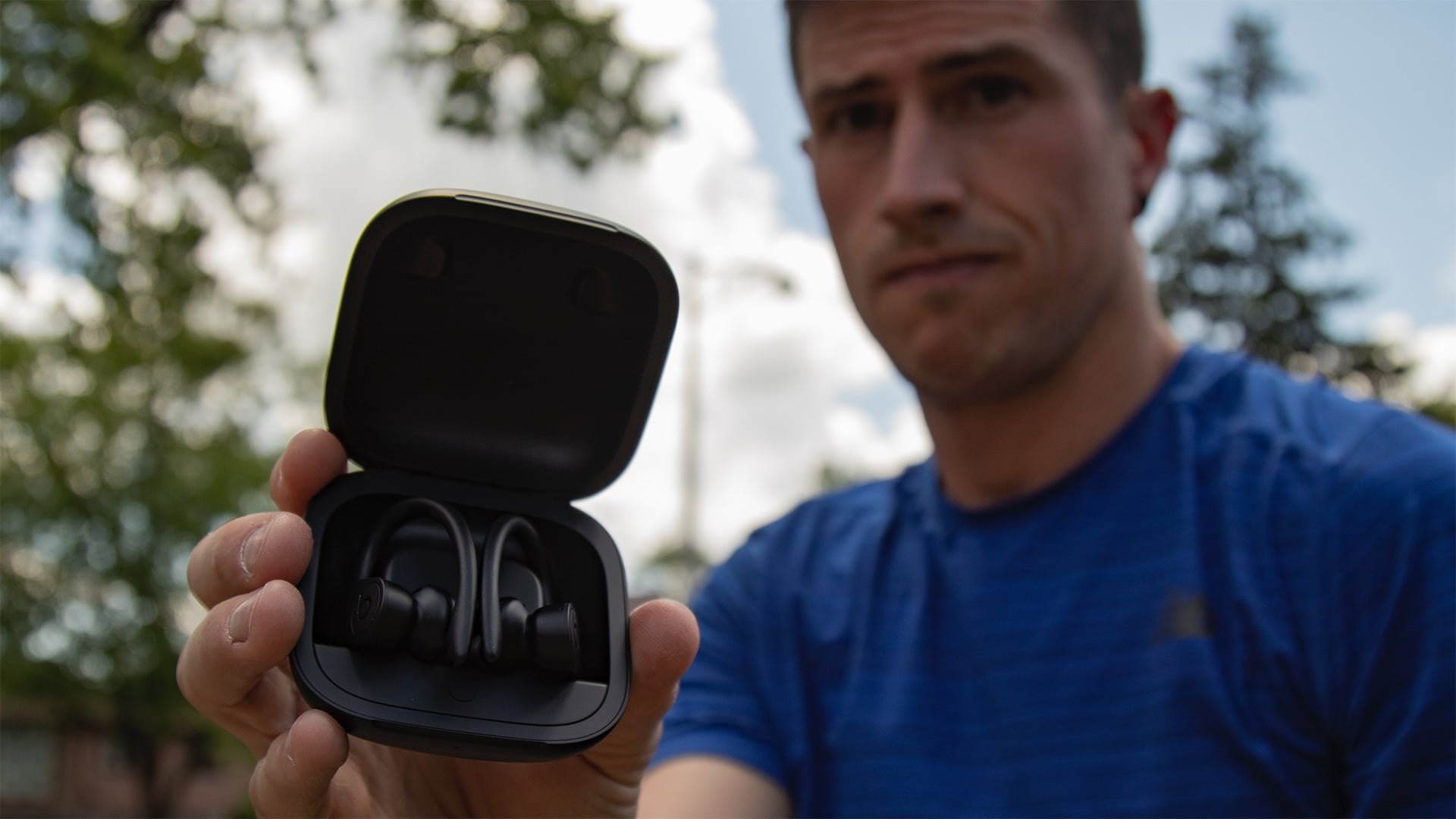
Back in 2014 – long before the AirPods – I picked up what would become my go-to fitness earbuds – the PowerBeats2. A year and a half later, the AirPods came out, replacing my PowerBeats2 that were literally falling apart.
Fast forward to now, and I’ve been using my AirPods – both my first gen, and more recently, my second gen – in almost every situation. I use them all the time and carry them almost everywhere I go. But sometimes I hate my AirPods. No matter how simple and convenient they are, they insist on slipping just a little when I wear them while exercising. And if there’s any background noise or wind, even the loudest volume is inaudible while wearing the AirPods.
Even with those minor drawbacks, they were my favorite headphones. Then I got the new Powerbeats Pro.
Apple’s annual Worldwide Developers Conference is just days away and it’s shaping up to be one of the most software-packed events in the company’s history.
New software for the iPhone, iPad, Mac and more will be shown off for the first time when Tim Cook takes the stage on June 3rd. Most of the event will be focused solely on Apple’s biggest software updates of the year, but there’s a chance we could see some new hardware too.
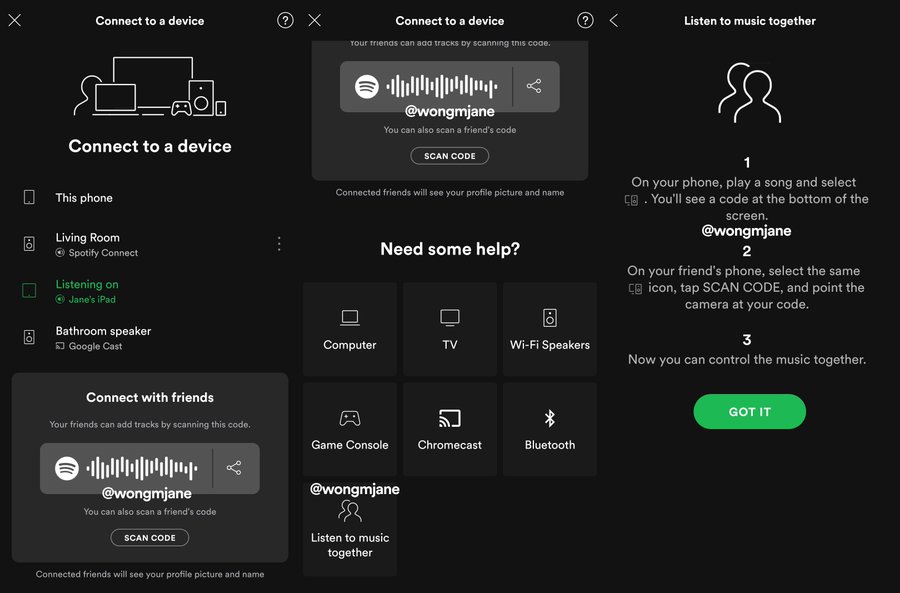
Screenshots of the upcoming Social Listening feature. Photo: Jane Manchun Wong
Spotify is about to make it possible to listen along to music with your friends, no matter where you’re at.
The new feature, called Social Listening, will allow users to connect to friends and listen to the same thing they’re playing. You’ll also be able to add your own tracks to the queue and control playback from your phone.
What could be more refreshing than a rhubarb and soda drink, with something in the background? Photo: Charlie Sorrel/Cult of Mac
Background refresh is what lets your iPhone and iPad download your email while your iPhone is sleeping, to update your weather app while you are sleeping, and to grab all kinds of data so that it’s ready before you need it — news feeds, notes-app syncing, and pretty much anything else.
However, as revealed this week by the Washington Post, plenty of bad apps are abusing the background refresh mechanism. They are using it to send your private data — you location, your email address, your phone number, and much much more.
It’s likely that this is happening to you, because background refresh is enabled by default for newly-installed apps. Fortunately, it’s an easy problem to fix. Today we’ll see how.
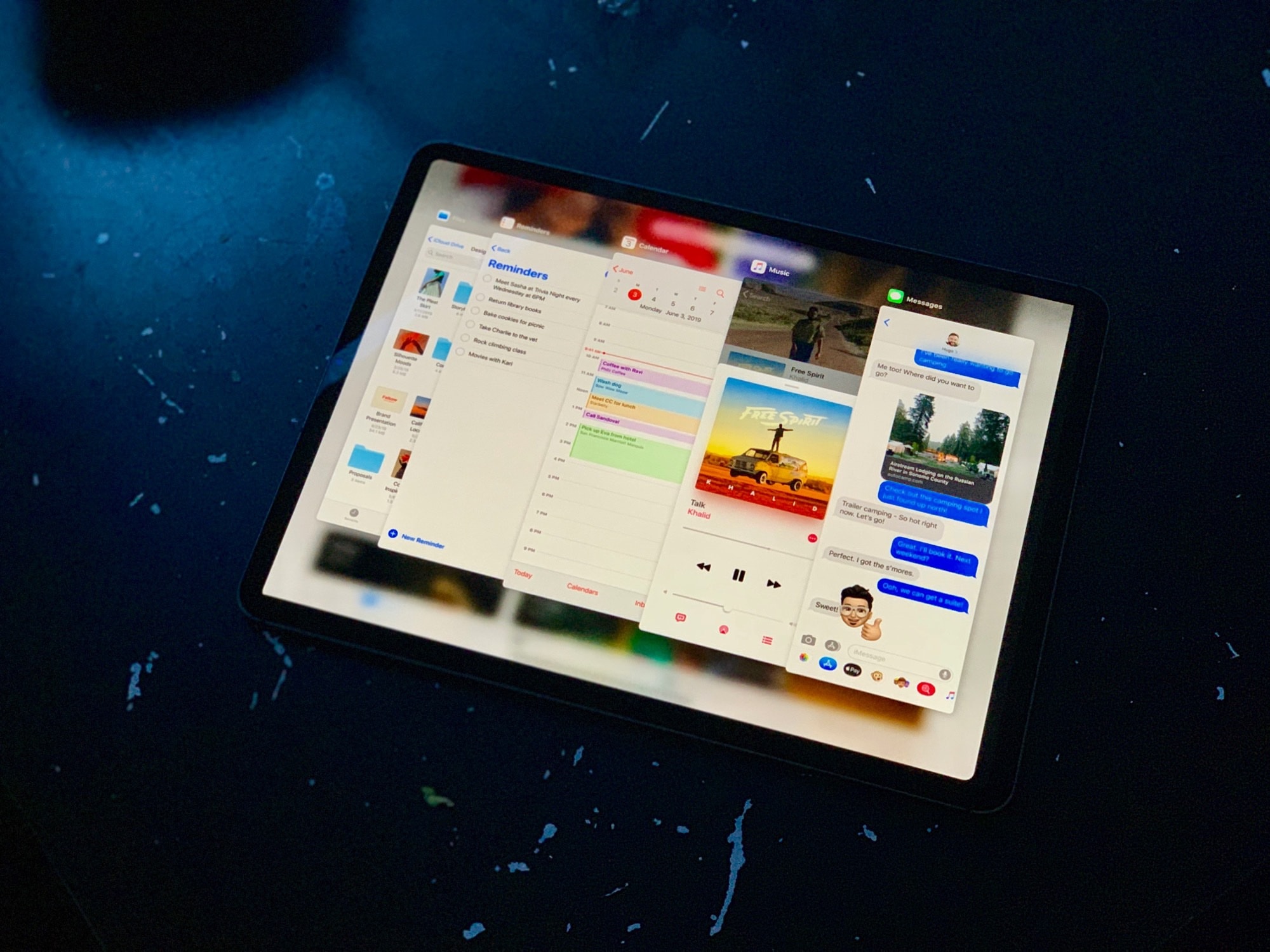
 Wow, iOS 13 is quite something. We got most of what we wanted, and a lot more. Proper USB support, an improved Files app, plus a radical new UI paradigm for the iPad. And what about that mouse support!