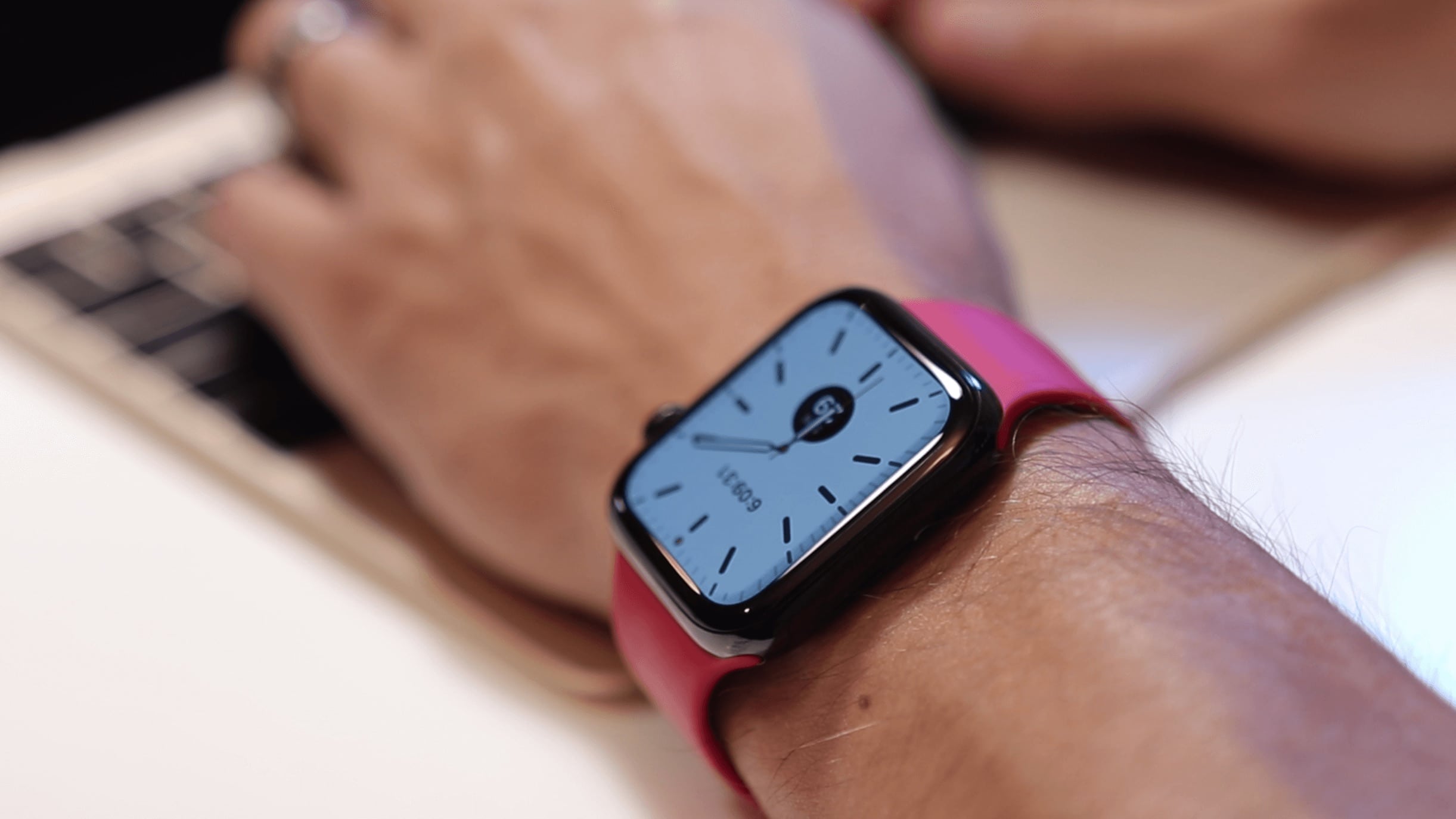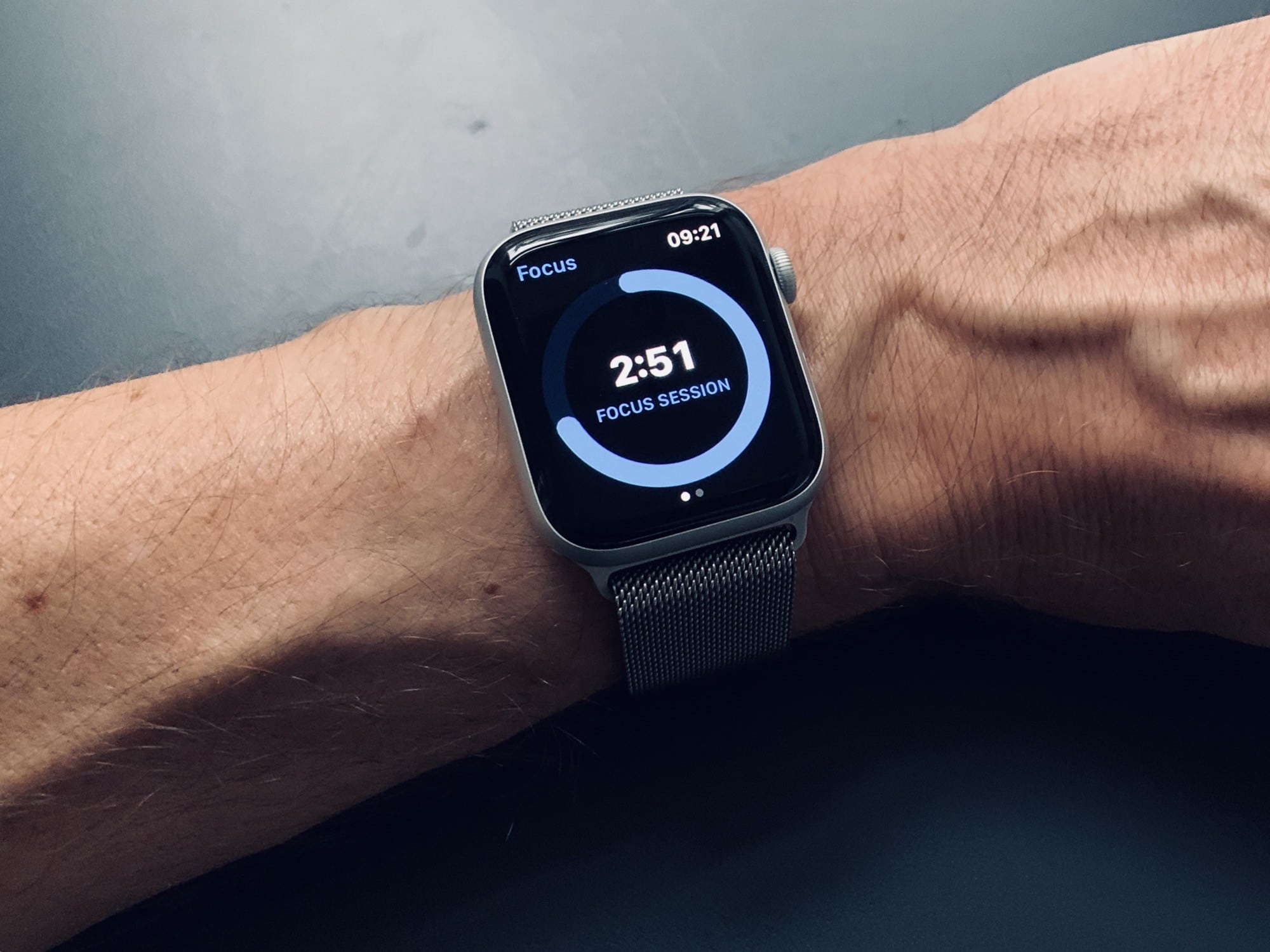
There are two buttons on the Apple Watch. You can press the Digital Crown, and you can press the side button. If you press the side button when your watch is displaying its watch face, then you’ll pop up the Dock. But what, exactly, is the Apple Watch Dock?
Just like the docks on macOS and iOS, it provides quick access to your most-used apps. But the Apple Watch Dock doesn’t work like the docks on Apple’s other devices. Here’s how to use it — and how to customize it.