Mobile menu toggle

How to use the Apple Watch to snap remote selfies

By

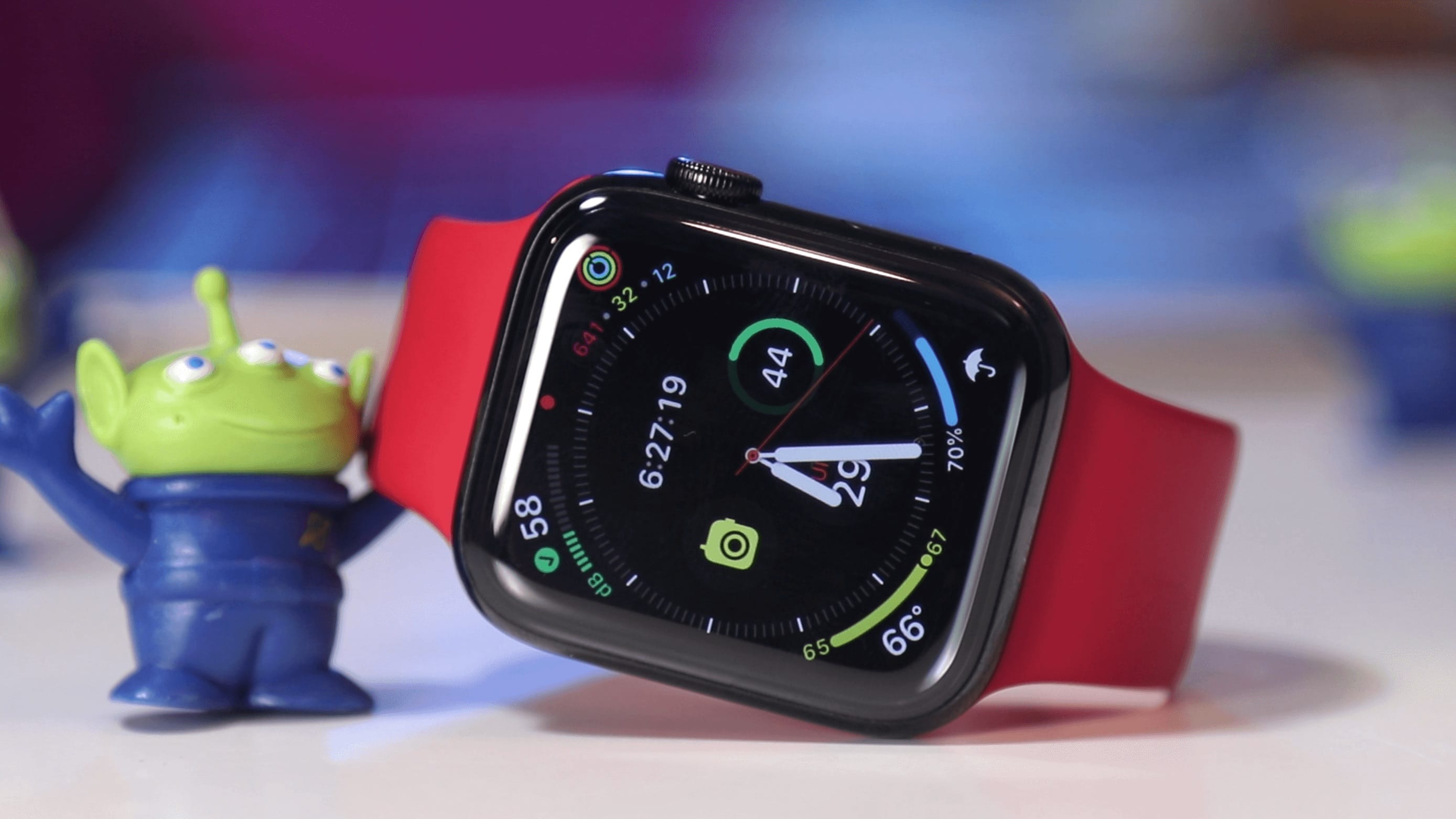
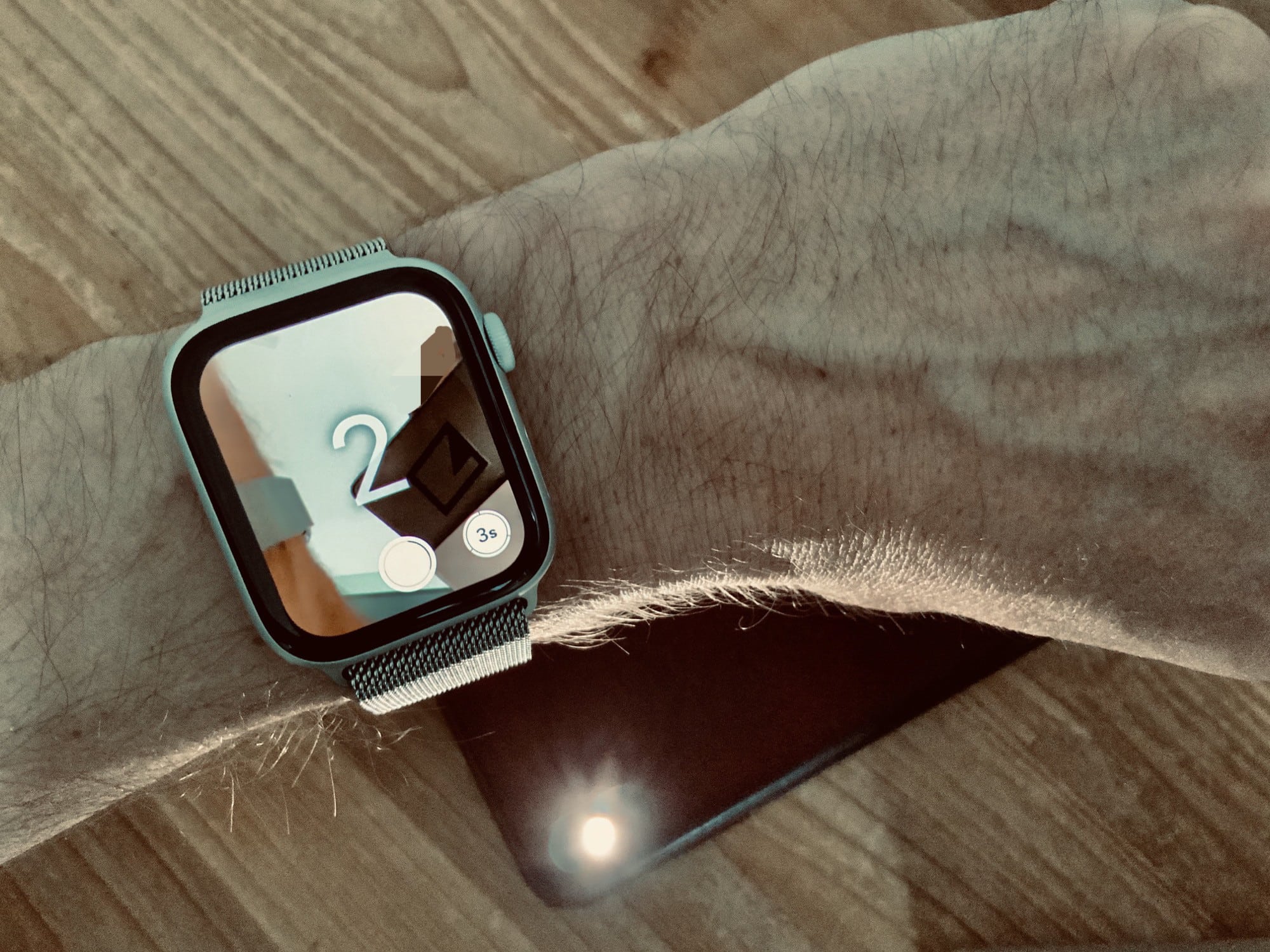
Apple Watch camera remote
Apple Watch camera remote inception.
Photo: Charlie Sorrel/Cult of Mac

The Apple Watch is an amazing fitness tracker, and a pretty good notification device. But it has other tricks — tricks that you maybe didn’t know about, or didn’t realize would be quite as useful as they are. One is the Camera app. The Apple Watch doesn’t have its own camera, but it does give you remote control of your iPhone’s camera.

This lets you trigger the camera’s shutter, or record a video, from anywhere in range of your iPhone’s Bluetooth radio. Why? Group self-portraits, without having to set the timer and run back to your friends in time to smile. Videos: I used the video camera function just this week to record my progress for my guitar teacher. Like I said, it might be more useful than you’d expect.

Here’s how to use the Apple Watch camera remote.

macOS Catalina is out with new apps, Apple Arcade, Sidecar and more

By

macOS Catalina is here. But proceed from Mojave with caution.
Photo: Apple

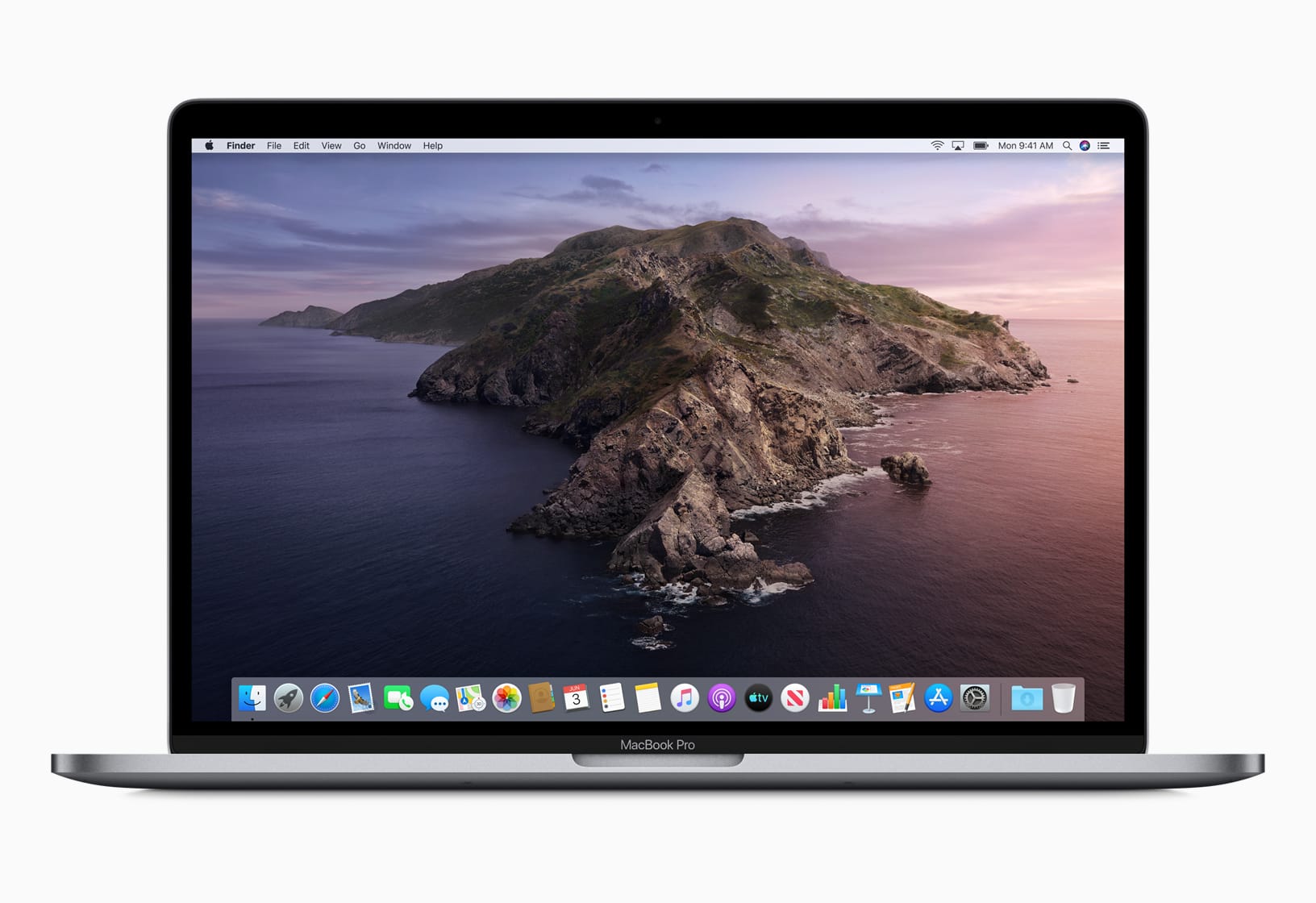
Apple’s big update for Macs, macOS Catalina, is finally out today bringing with it a host of new features, apps, privacy improvements, and much more.

Developers just received the gold master version of macOS Catalina last week, but today’s launch was a bit of a surprise. Anyone that has a compatible Mac can grab the new update from the Mac App Store for free.

Steelers’ QB faces fat fine for wearing Apple Watch during game

By

Apple Watch ActionSleeve
Some athletes are encouraged to wear an Apple Watch. Football players are not.
Photo: ActionSleeve

Ben Roethlisberger was hit with a fine for wearing an Apple Watch on the sidelines of the Steelers’ game last week. It’s against NFL rules for players or coaches to use devices that can transmit electronic messages unless they have been pre-approved.

This year’s crazy gold iPhone looks surprisingly tasteful

By

Caviar Victory Diamond iPhone
Diamonds, lots of gold and a $30,000-plus price tag.
Photo: Caviar

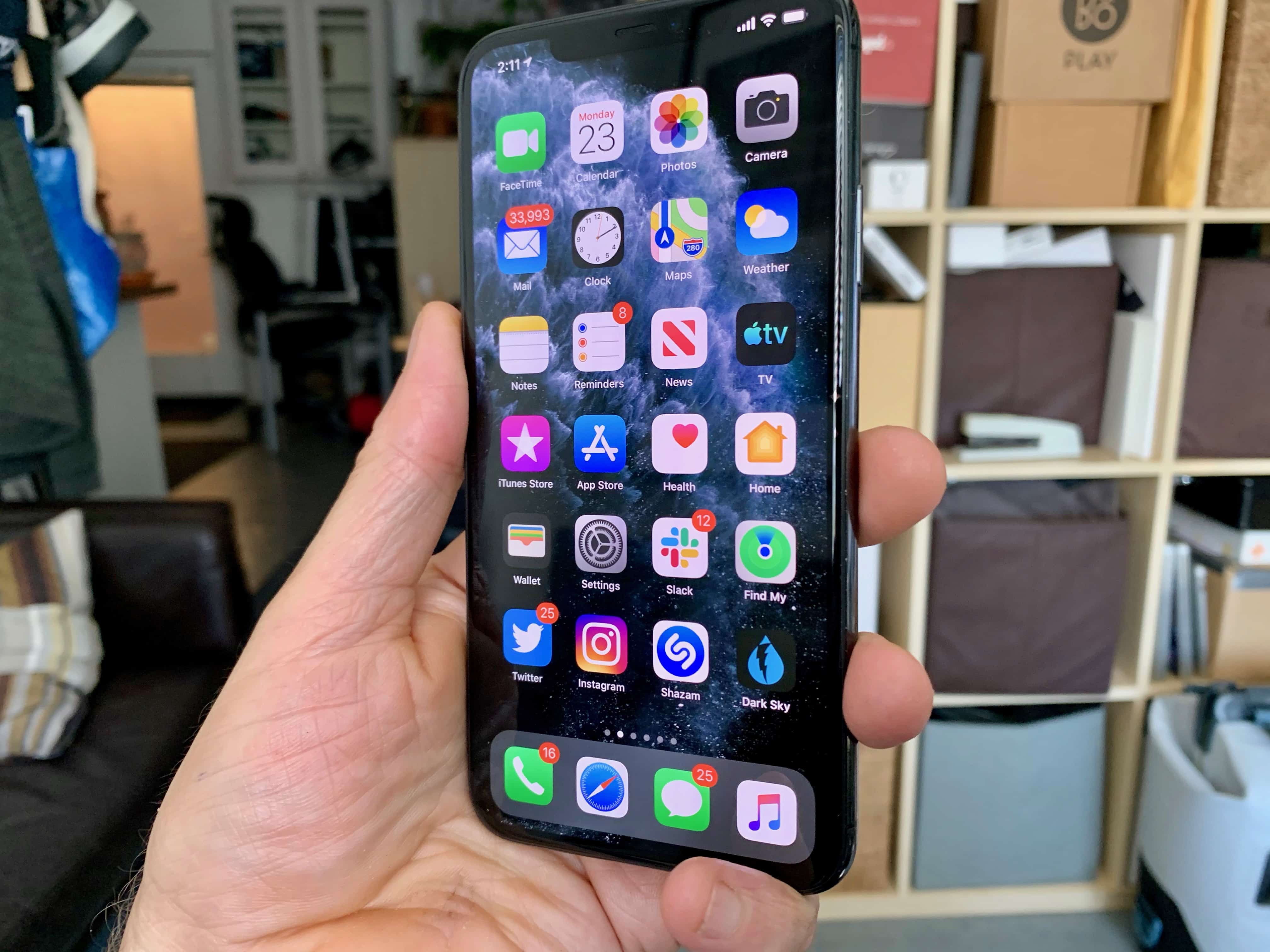
Caviar, a Russian jeweler known for its expensive smartphone modifications, may have created a fourth iPhone to go in Apple’s iPhone 11 line.

Behold, the iPhone 11 Pro Bling.

Bling is not the official title. It’s actually Victory. But once you see the exotic treatment Caviar gave to the already good looking iPhone 11 Pro, Bling is apropos.

Apple doubles investment to save struggling display-maker

By

Apple may buy factory belonging to struggling Apple display-maker
Photo: Apple

Apple has reportedly doubled its investment in struggling iPhone screen-maker Japan Display (JDI).

CEO Minoru Kikuoka expects the deal to be completed this month. It comes after an ¥80 billion ($750 million) bailout deal fell through in late September when the largest investor pulled its funding.

iOS 14 concept brings Split View to iPhone

By

iOS 124 with Sprit View concept
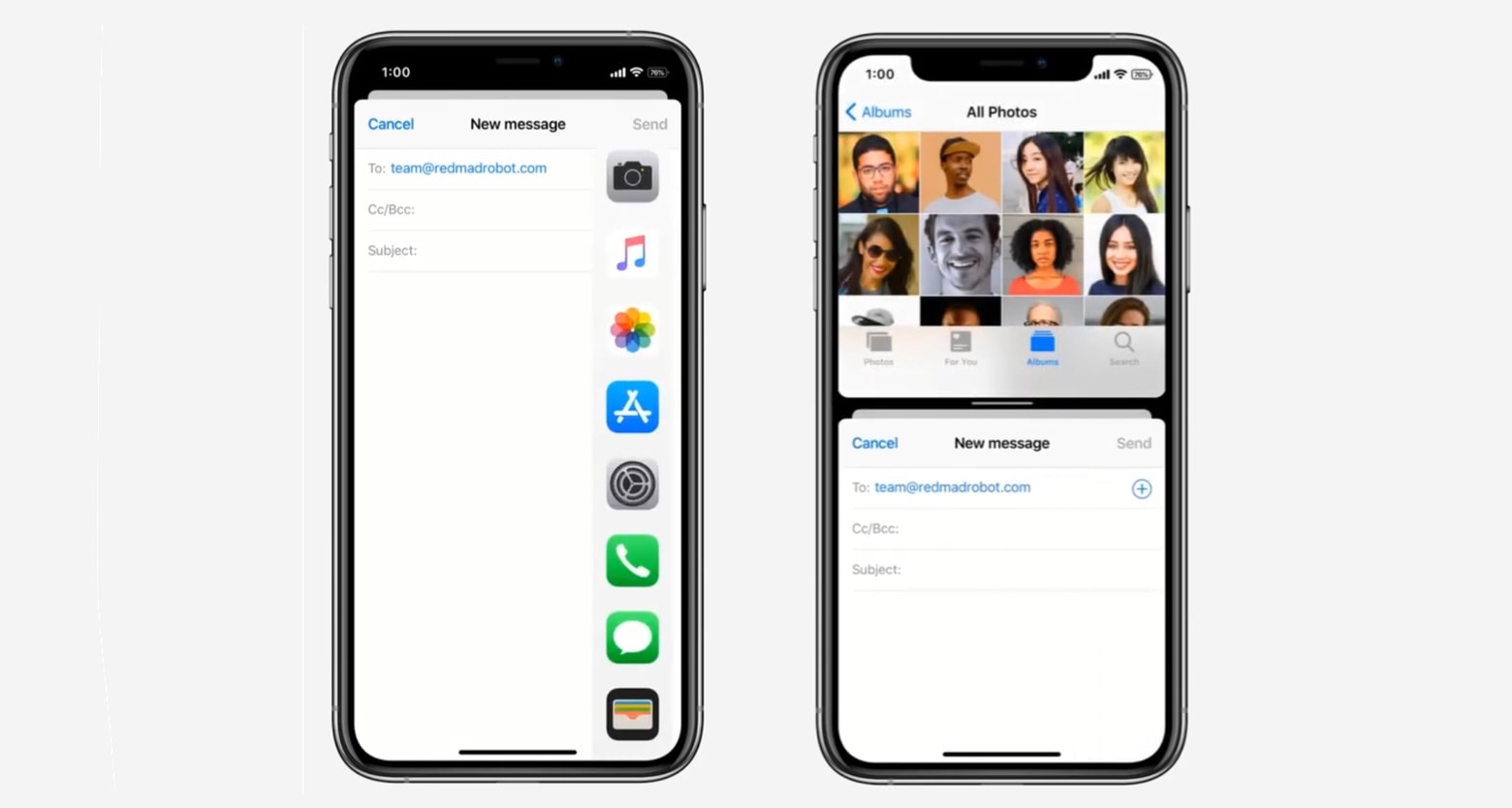
A concept video shows an iPhone with iPadOS’ Dock and Split View.
Photo: TechBlood

A new proposal imagines iPhones running next year’s iOS 14 able to display two applications side-by-side. Split View would enable users to, for example, look at a webpage while writing an email, and drag-and-drop items between them.

Watch a concept video of iPhone multitasking in action now:

Top analyst Ming-Chi Kuo expects big boost to iPhone sales in 2020

By

Ed Hardy/Cult of Mac
Is it any wonder people are keen to upgrade?
Photo: Leander Kahney/Cult of Mac

Critics dismissed the iPhone 11 as boring ahead of its release. But, according to renowned Apple analyst TF Securities’ Ming-Chi Kuo, the much-praised handsets could give Apple a nice sales boost to start 2020.

Kuo is expecting big things from the much-anticipated iPhone SE 2 as well.

OWC’s USB-C multiport hub is built like a tank [Review]

By

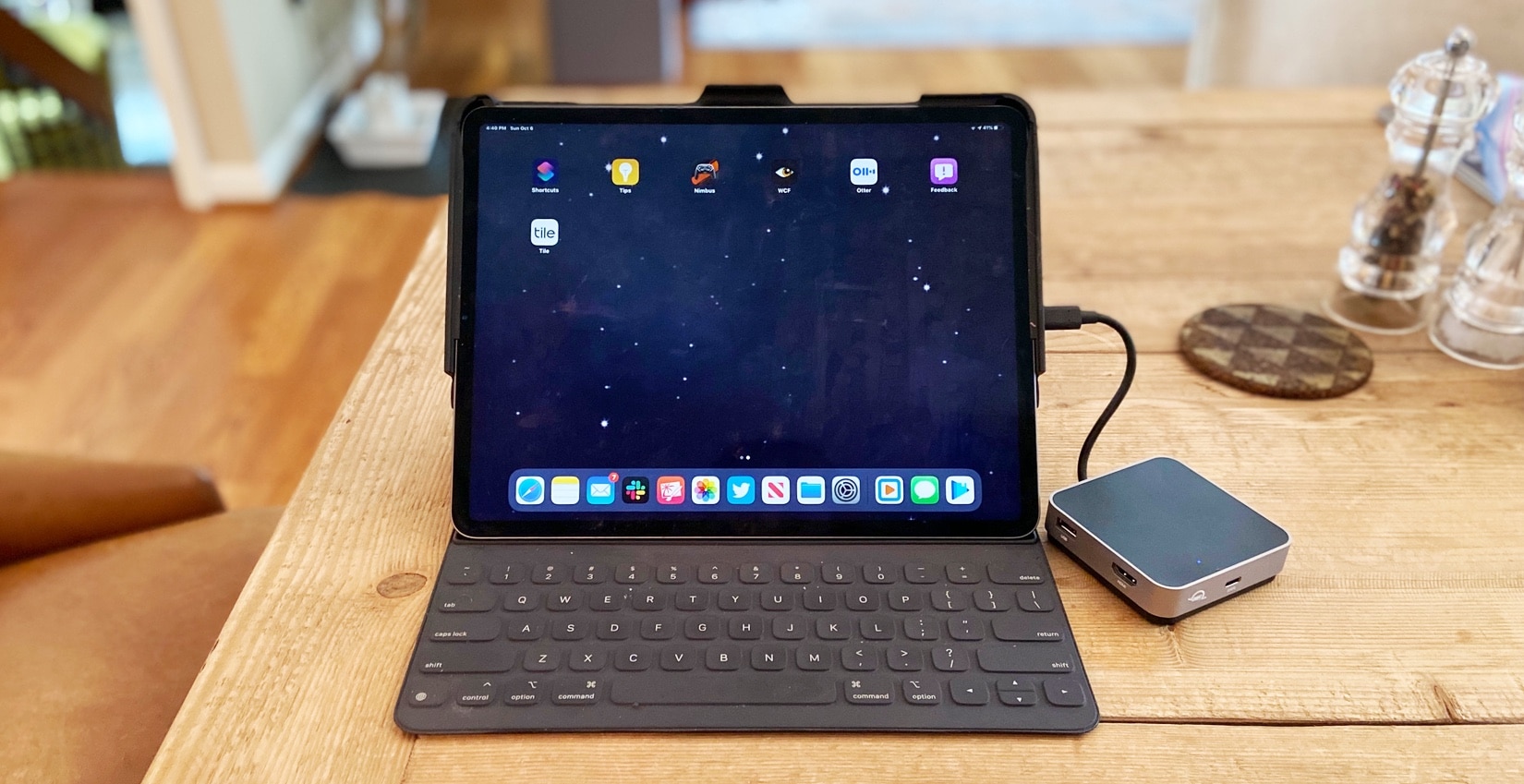
OWC USB-C Travel Dock with iPad Pro
The OWC USB-C Travel Dock adds multiple ports to an iPad Pro or MacBook.
Photo: Ed Hardy/Cult of Mac

The OWC USB-C Travel Dock has five ports to extend the capabilities of your MacBook or iPad Pro, including HDMI and dual USB-A. Wrapped around these is a casing of aluminum and plastic thick enough to stand up to the kind of punishment many of us subject our gear to. Yet it still looks professional.

We used this multiport hub on several business trips. Here’s how it came through.

Screen protector and thin case by Totallee seamlessly protect iPhone 11, 11 Pro and 11 Pro Max

By

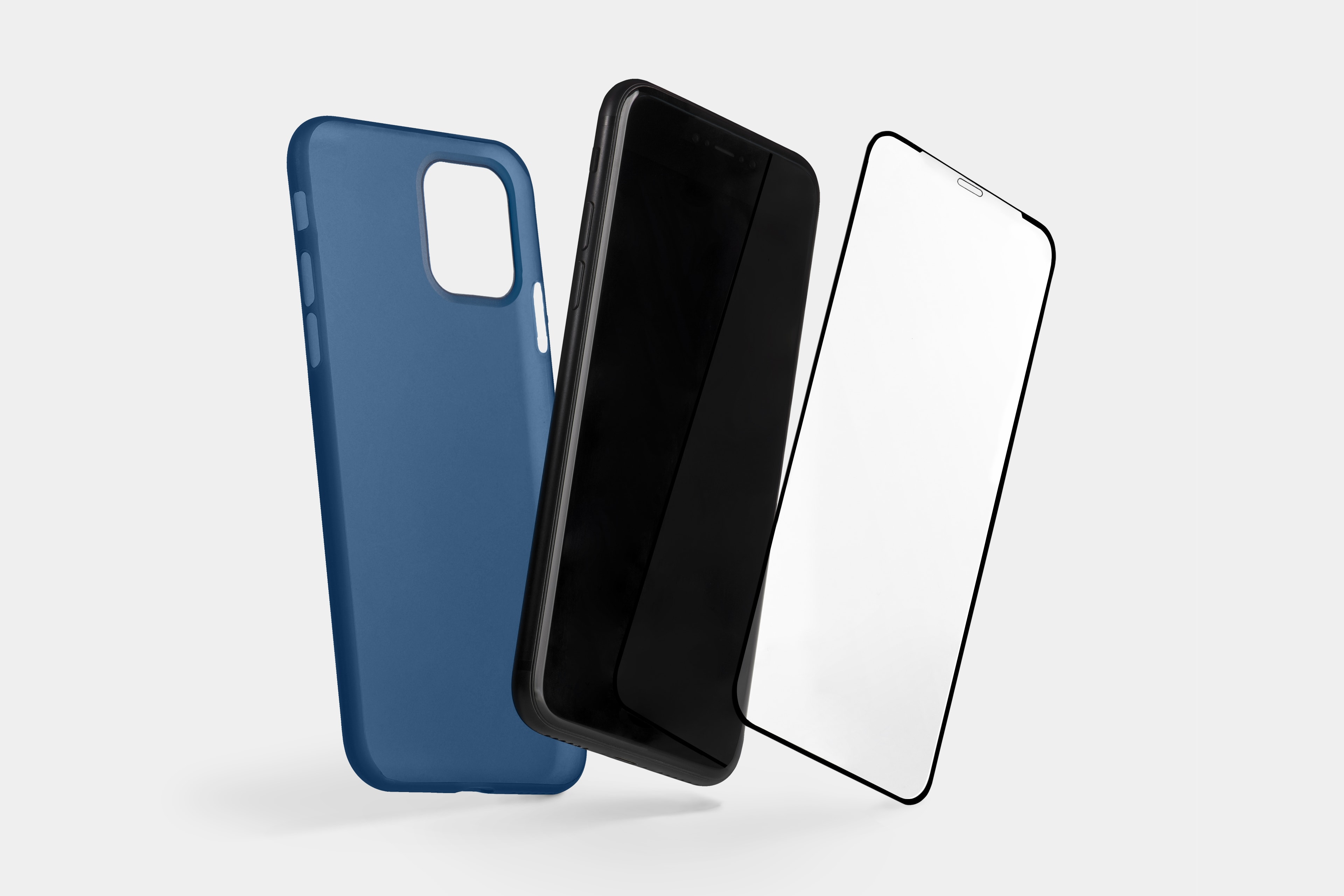
Totallee screen protector
Pair an edge-to-edge screen protector with a thin case by Totallee.
Photo: Totallee

This iPhone screen protector post is presented by Totallee.

After you’ve purchased your new iPhone 11, 11 Pro or 11 Max, it’s a no-brainer to buy a case for it. But that’s not all you need. Many smartphone cases don’t cover the device’s screen. So, to best protect against life’s drops, bumps and scratches, you should show some love for your iPhone’s screen, too. That’s why pairing a durable, edge-to-edge screen protector with a thin case from Totallee is such a good way to safeguard your investment.

Illuminate your life with LED smart bulbs [Deals]

By

iHaper Smart Bulbs
Upgrade your home or office with customizable smart bulbs.
Photo: Cult of Mac Deals

Lightbulbs are the symbol of invention and good ideas, but it’s not until the last few years that they’ve changed in a fundamental way. The LED bulbs are energy efficient, and full of possibility for customization. So if you’re looking to make your house or office smarter, these bulbs from iHaper are a great way to go.

Why iPad will never catch up to Mac [Cult of Mac Magazine 317]

By

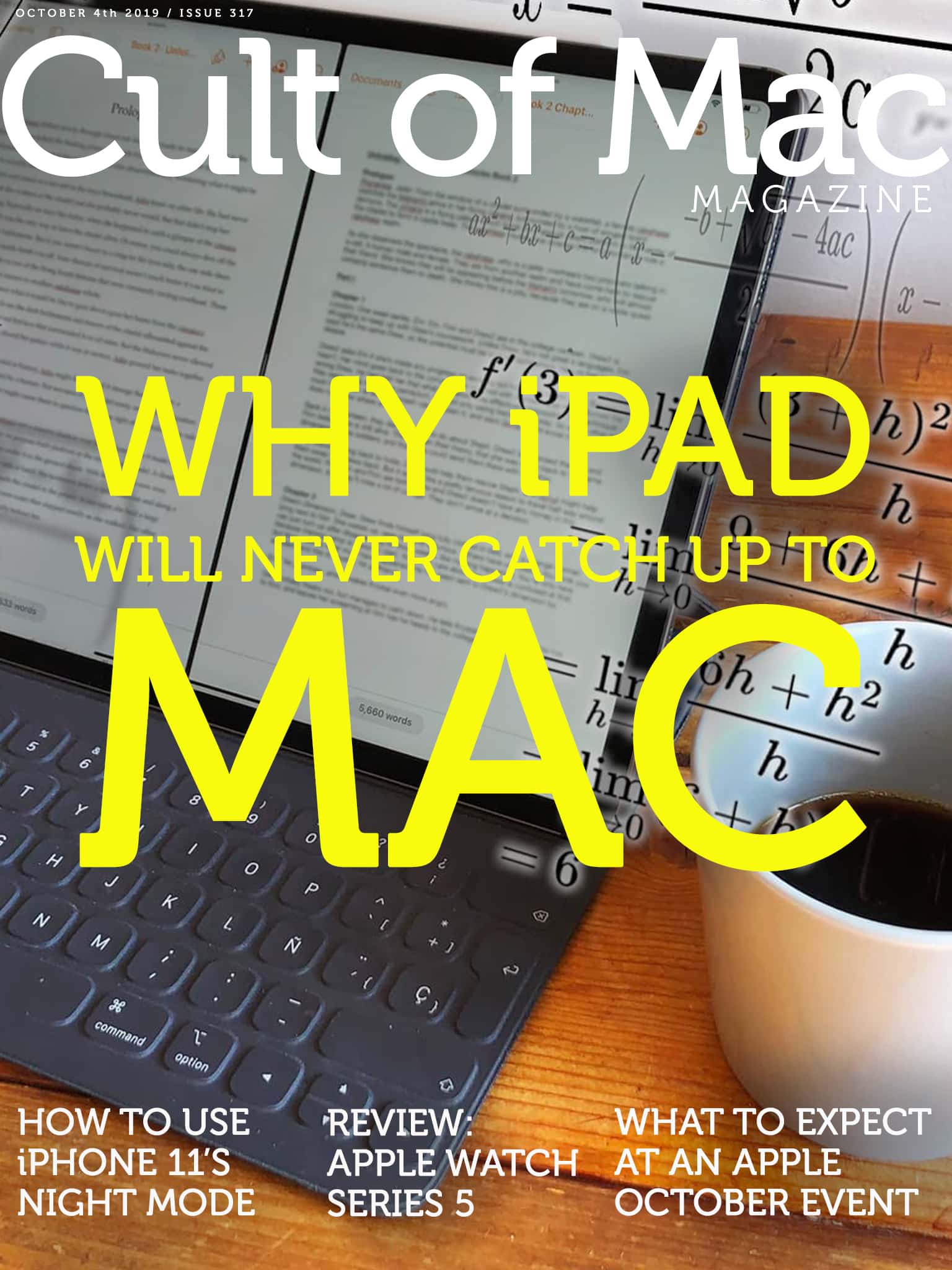
The iPad is perfect for simple tasks. For more advanced things? Not so much.
Cover: Leander Kahney/Cult of Mac

Even with all the new productivity features in iPadOS, the iPad still can’t touch the Mac when it comes to ease of use. The reason? It’s complicated.

Find out why Cult of Mac’s Graham Bower thinks the iPad user interface can never really compete with the Mac in this week’s issue of Cult of Mac Magazine. As usual, we crammed it full of Apple news and opinions. You also will find plenty of Apple how-tos and reviews. (Don’t miss our Apple Watch Series 5 review.)

Grab your free issue of Cult of Mac Magazine now from the iOS App Store. Or hit the links below to read in your browser.

Master all of Adobe Creative Cloud with 12 comprehensive courses [Deals]

By

The Ultimate Adobe CC Training Bundle
Get comprehensive lessons in the range of apps in Adobe's Creative Cloud.
Photo: Cult of Mac Deals

If you want to land your dream job, mastering all the apps in Adobe Creative Cloud is a smart move. Powerful Adobe apps like Photoshop and Illustrator are industry standards for creating quality visual and interactive media

However, the apps in Adobe CC suite are somewhat complicated. It can prove difficult to learn all the ins and outs of so much sophisticated software. But don’t give up hope. This hugely discounted bundle of Adobe Creative Cloud lessons lets you learn it all — at your own pace.

macOS Catalina testers get a sneak peek at Apple Arcade

By

Apple Arcade looks fantastic.
Apple Arcade games can already be played on iPhone, iPad, Apple TV and — for a fortunate few — Mac.
Photo: Apple

Mac users can start enjoying Apple Arcade, but only if they’ve installed the latest pre-release version of macOS Catalina. This move seems to be preliminary step in launching this big macOS upgrade.

If it isn’t obvious, this also means that Catalina didn’t debut today, as had been rumored.

Learn the ins and outs of Logic Pro X with this complete bundle [Deals]

By

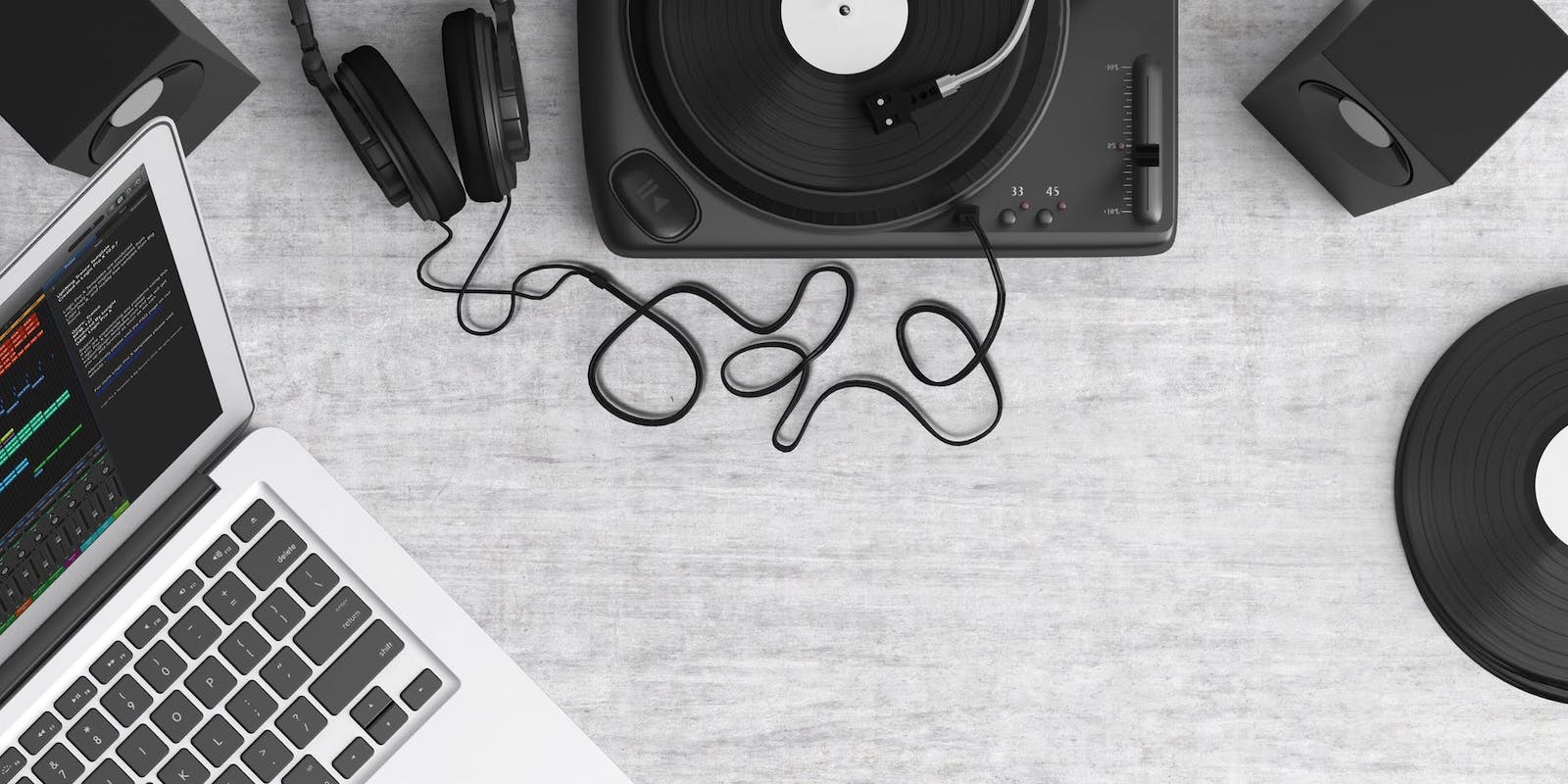
turntable-top-view-audio-equipment-159376
Learn the basics and the details of recording and mixing audio with Logic Pro X.
Photo: Cult of Mac Deals

When it comes to music production, Logic Pro X is the industry standard. So if making music or working with sounds is something you want to do, you’ll want to get fluent with Apple’s incredibly powerful platform. With this massive lesson bundle, you can do just that.

Amazon Prime Video mysteriously disappears from App Store [Update: It’s back]

By

Missing from App Store
For a while today, this was all you got if you tried to download the Amazon Prime Video app.
Photo: Ed Hardy/Cult of Mac

Update: The Amazon Prime Video app is back in the iOS App Store after mysteriously disappearing for much of the day. Why this high-profile app went missing for so much of the day remains unknown.

Whether its disappearance resulted from a simple glitch or some sort of quickly resolved dispute between Apple and Amazon isn’t yet clear.

Save 20% on this mountable charging pad + case for iPhone

By

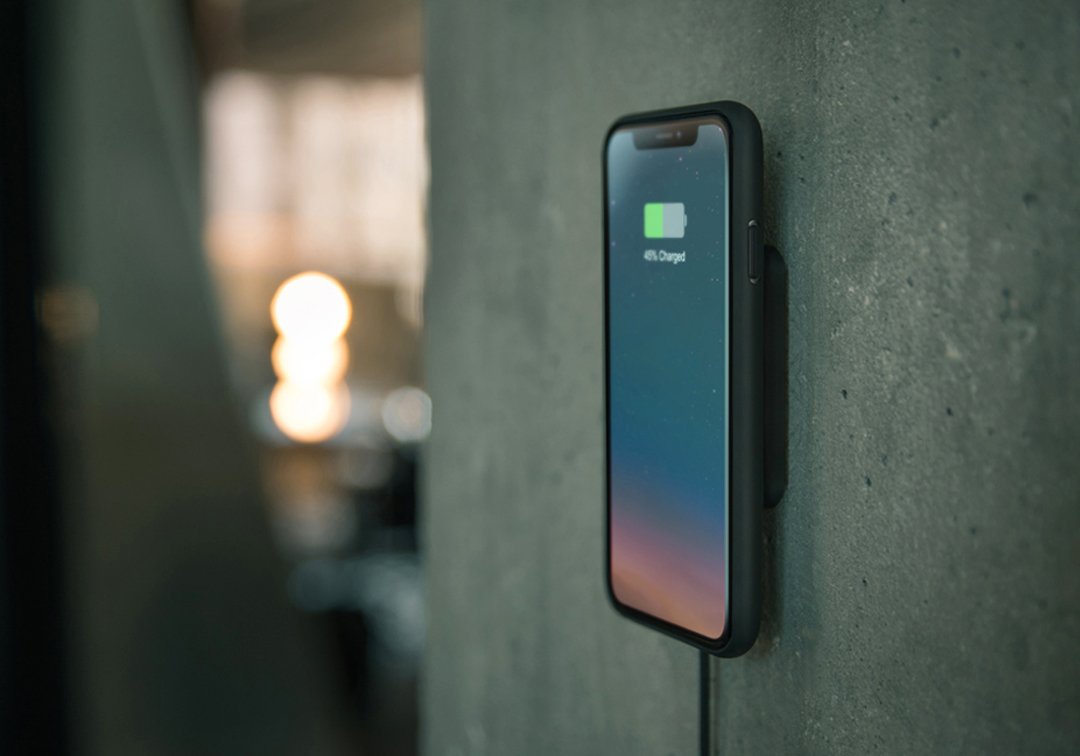
Xvida-mountable-charging-pad
Make your iPhone easily accessible while it's charging.
Photo: Xvida

Wouldn’t it be cool if you could slap your iPhone on the wall while it’s charging? You can with the magnificent mountable wireless charging pad from Xvida.

Built-in magnets inside the pad grab onto Xvida’s companion case for iPhone XR, XS, and XS Max to form a super-secure grip. And you can save big on both products today!

Congress asks Spotify for information on Apple’s antitrust behavior

By

United States Capitol by Jens Junge
All the major tech companies are under investigation.
Photo: Jens June/Pixabay

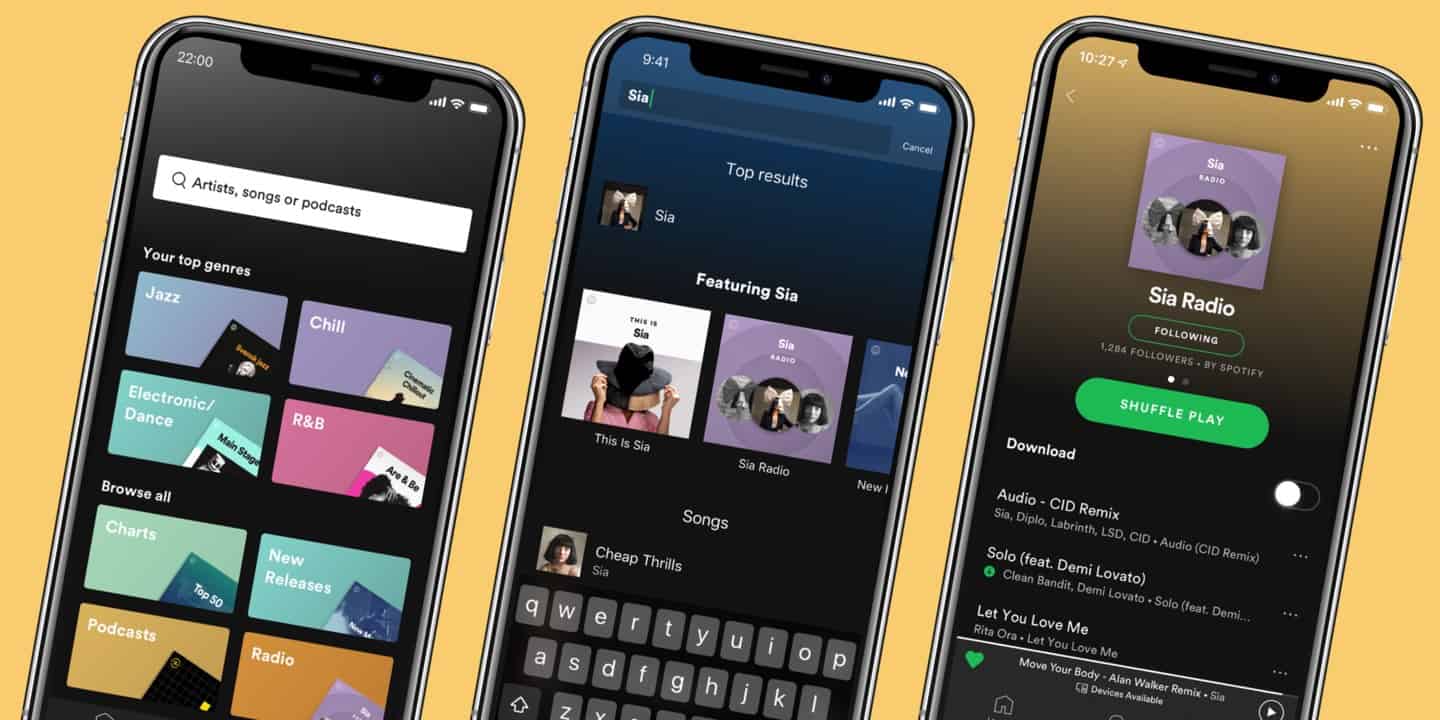
Spotify is reportedly helping the feds with their antitrust investigation into Apple’s App Store.

U.S. lawmakers asked Spotify to submit information related to an ongoing antitrust investigation into whether Apple engages in anticompetitive behavior. As one of Apple’s biggest critics, Spotify already helped with probes in Europe. However, this is the first news we’ve had of the company assisting investigators in the United States.

How to check (and block) apps that track you on iPhone and iPad

By

Protect iOS your privacy and data with a firewall app.
Photo: Capturing the Human Heart/Unsplash

Safari’s content blockers effectively block trackers and other Bad Stuff on the web, but that only works in Apple’s browser. Any other app you install on your iPhone or iPad can send all kinds of personal information to anyone, without you ever knowing. Your location, the details of your menstrual cycle, how long you spend asleep — pretty much anything.

So how do you stop this? Well, iOS 13 itself can help limit some abuses. But what you really need is an iOS firewall app that can detect and shut down any unauthorized connections.