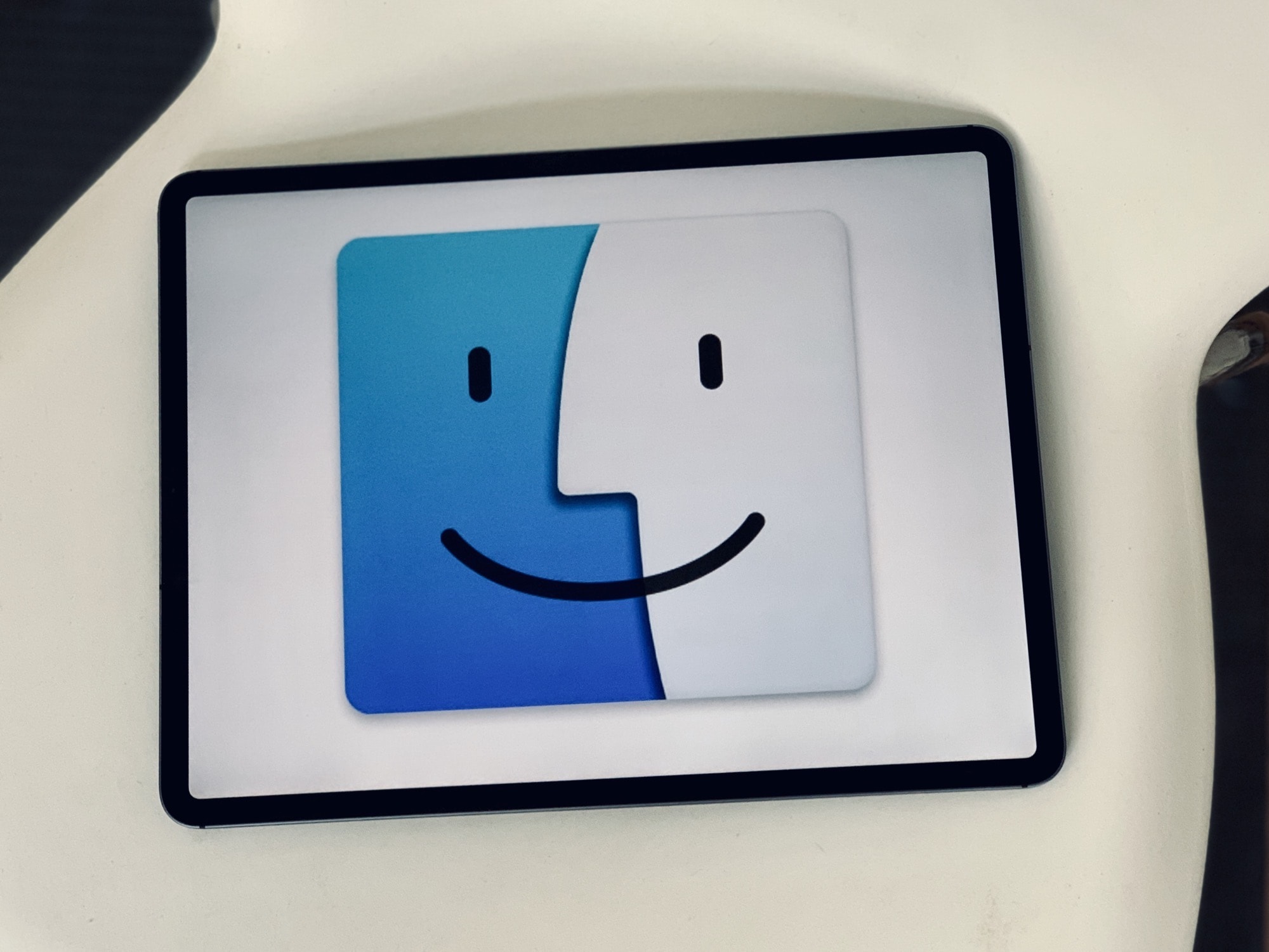
Ever since Safari 13, the Mac browser now prompts you every time you try to download a file. In this way, it behaves much like Safari for iOS. It’s a security feature, clearly designed to stop websites sneaking files onto your computer. But perhaps you value the convenience of uncontrolled downloads more than this added security? If so, you’re in luck, because you can turn this feature off. Better still, you can still block Safari downloads from “bad” sites, even while allowing new ones automatically.
How to stop Safari asking permission to download everything

Photo: Kelli McClintock/Unsplash





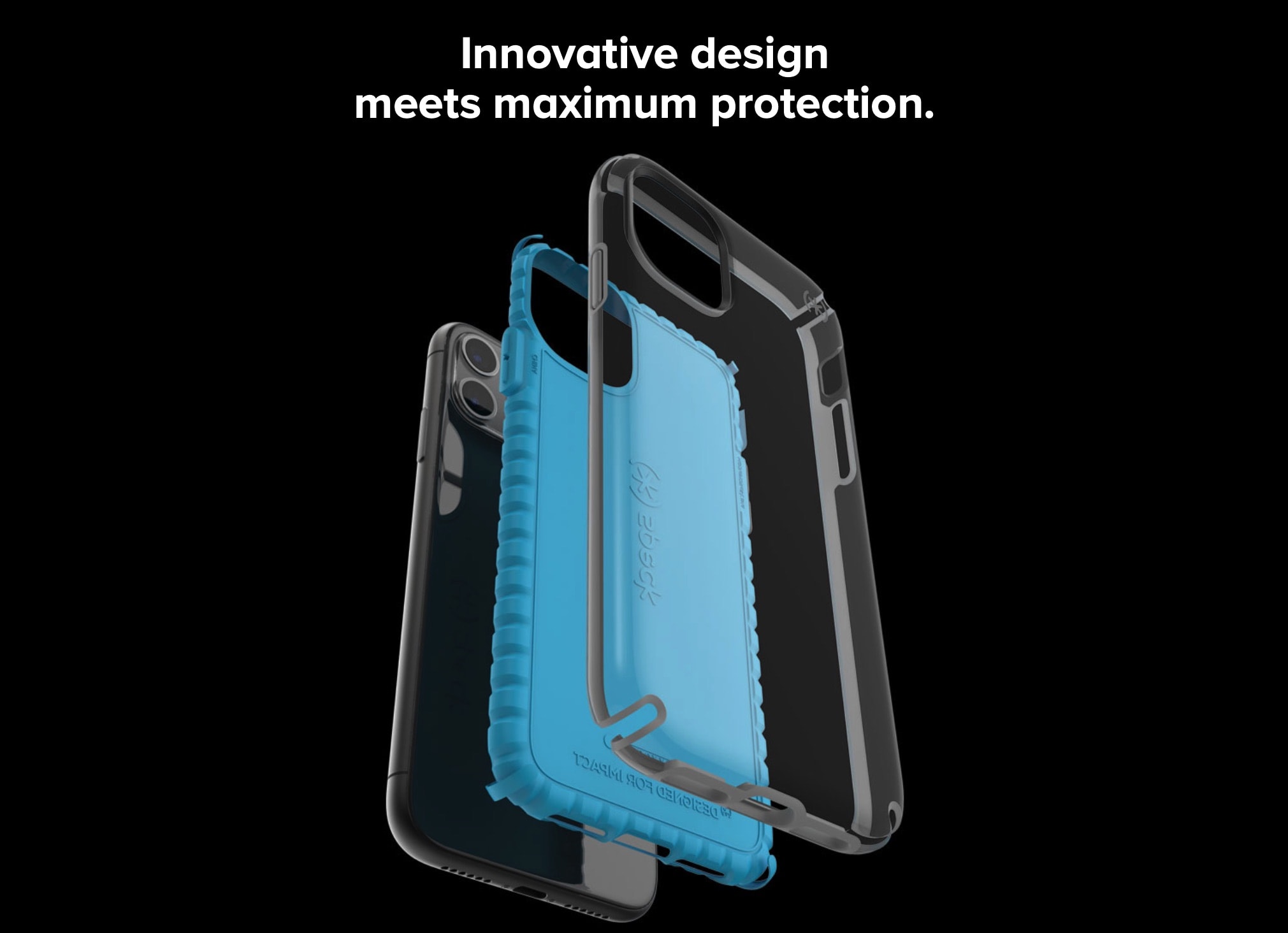
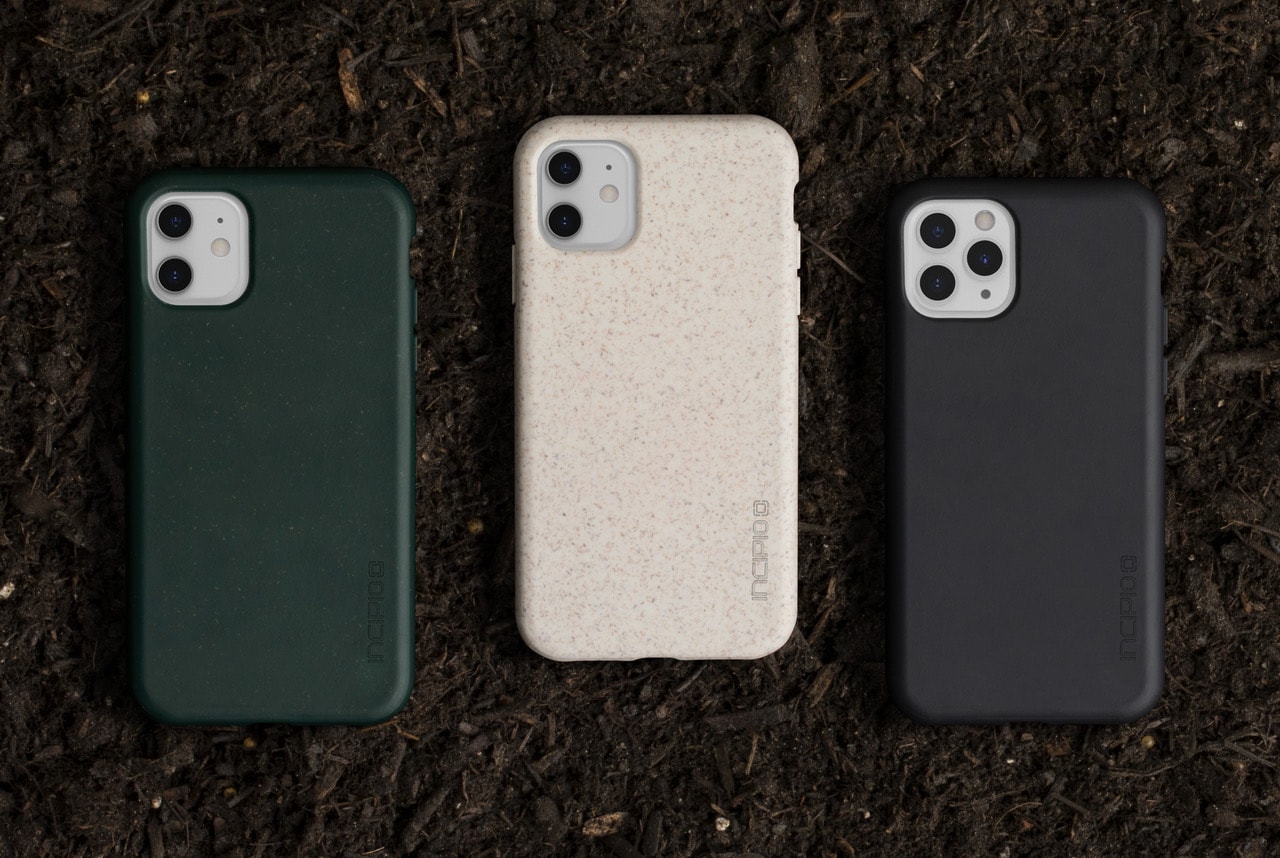
 Wish your precious iPhone had an airbag to protect it in the event of an accidental drop? Speck’s new line of Presidio2 iPhone cases promises to deliver a solution.