The release of iOS 14.5 gives iPhone and iPad users access to some fun new emoji. Photo: Emojipedia/Cult of Mac
The fresh emoji appearing in iOS 14.5 will set your heart afire. Or at least let you show that in texts. The new collection of pictographs also includes some new faces, and plenty of additional variations to show how we couple up in the 21st century.
iPad users get the same emoji thanks to iPadOS 14.5 and macOS 11.3, which also launched on Monday.
iOS 14.5 gives us the ability to unlock iPhone with an Apple Watch for the first time. It’s perfect for those who can’t get Face ID to work when wearing a mask.
Thanks to App Tracking Transparency in iOS 14.5, it’s up to your to decide whether third-party applications track you. Graphic: Cult of Mac
iPhone and iPad just got a significant new privacy protection, preventing third-party apps from tracking you without permission. App Tracking Transparency debuted in iOS 14.5 and iPadOS 14.5.
Here’s how to use it. And what to do about all the popups asking, “Allow [THIS APP] to track your activity?”
macOS Big Sur 11.3 is ready to be downloaded. It improves Safari and Reminders, and includes many new options for game controllers. Photo: Cult of Mac
macOS Big Sur 11 was apparently such a significant update that Apple doesn’t have much to add in follow ups. Version 11.3 launched Tuesday bringing a collection of tweaks but not big changes.
Starting with iOS 14.5, iPhone owners can use their Apple Watch to securely unlock their handset when attempting to use Face ID while wearing a face mask. Photo: Apple
Apple on Monday gave all iPhone users access to iOS 14.5. And iPad users can install iPadOS 14.5 Today’s updates bring a ton of new features, including unlocking an iPhone with an Apple Watch while wearing a mask.
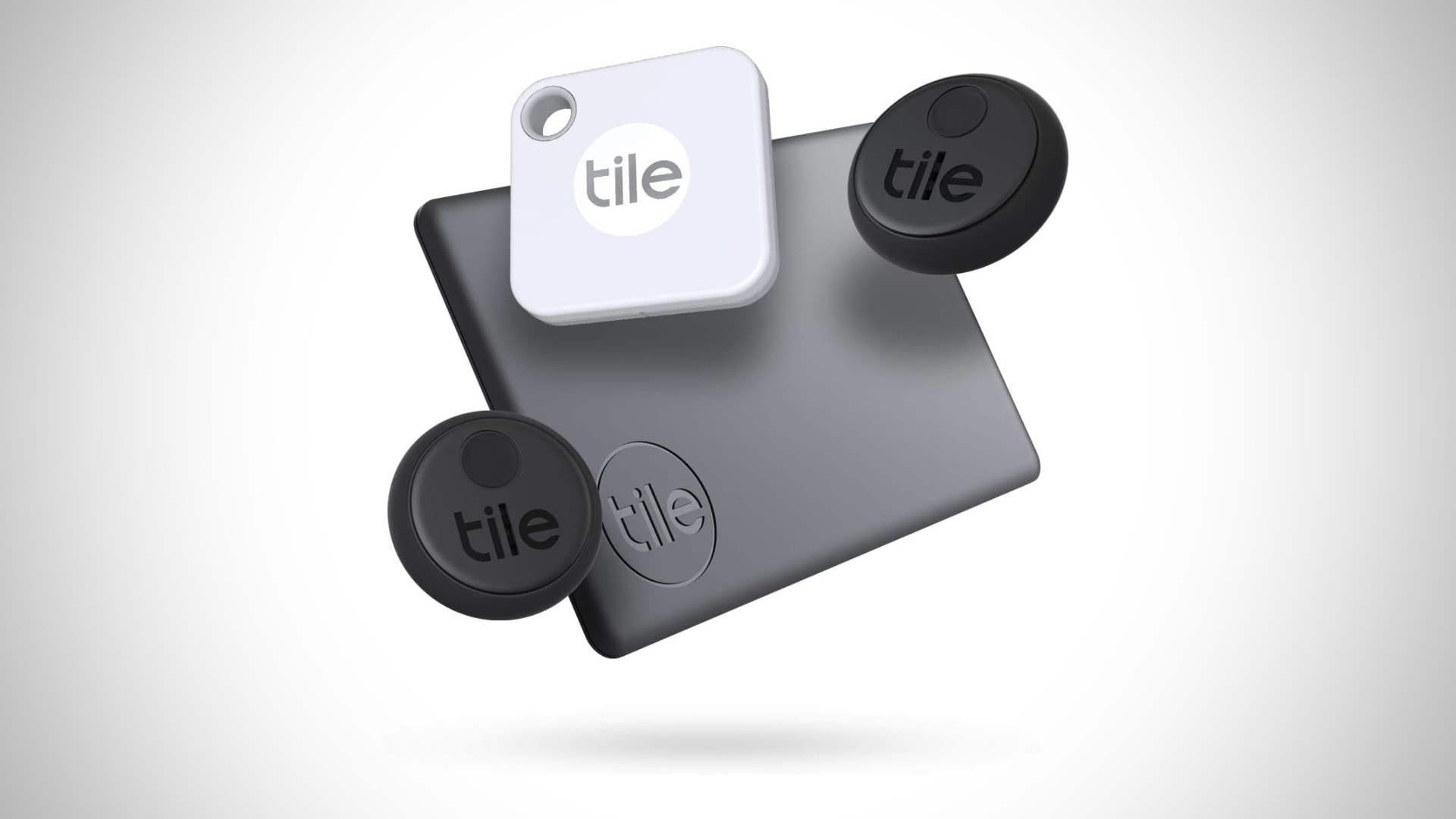
The OS updates also bring App Tracking Transparency, a controversial change that makes it harder for apps to track users for targeted advertising. Other upgrades include new emoji, fresh Siri voices, additional features for Apple’s news and map apps, support for the just-announced AirTag trackers and a wholesale redesign of the Podcasts app.
watchOS 7.4, which is necessary for the new mask-friendly Face ID feature, and tvOS 14.5 also became available today, along with macOS Big Sur 11.3.
A group of media, tech, and ad companies in Germany have made an official antitrust complaint about Apple’s App Tracking Transparency feature.
The group, which represents Facebook among other companies, is concerned about the effect the new privacy feature will have on the ad business. It also claims that the feature could wind up hurting users by making apps more expensive.
Which keyboard would you suggest for this setup? Photo: KunalBH@Reddit
Redditor KunalBH bought a compact, no-frills Anker keyboard to use with his iPad in 2017. Now he’s asking the universe for help finding a worthy replacement (or additional) keyboard for his MacBook Pro-based setup.
Passionate suggestions are pouring in. See below for some of the leading contenders.
Need an affordable Mac that can handle all your everyday tasks? Order a powerful Mac mini or MacBook Pro refurb from Woot and save hundreds. Prices start at just $589.99, but the sale is good for today only.
Apple plans to make new contributions of more than $430 billion in the US and add 20,000 jobs across the country over the next five years. Photo: Apple
Apple is ramping up its investments in the U.S., announcing Monday its plans to make “new contributions of more than $430 billion” as well as adding 20,000 new jobs across the country within the next five years.
According to Apple, it has breezed past its original five-year-plan, laid out in 2018, for investing $350 billion in the U.S. economy. It is now increasing this — with a particular focus on next-gen chip development, AI, and 5G innovation.
Tim Cook reportedly shocked Facebook CEO Mark Zuckerberg when, during a July 2019 meeting, he told the social media magnate that he should delete all user data Facebook had gathered outside of its core apps.
According to The New York Times, the meeting between the two had been called to try and restore peace between the Silicon Valley tech giants. Zuck had asked cook how he should respond to the then-current Cambridge Analytica scandal, during which many users had had data gathered about them without express permission.
AirBuddy lets you instantly connect your Mac's audio to your AirPods
AirPods are famous for their seamless multi-device syncing ability. But there’s one snag that can annoy Mac users: The AirPods experience is optimized for iPhones and iPads, not macOS.
Don't squint to read text on your iPhone and iPad. Image: Killian Bell/Cult of Mac
We want to help you master Control Center, one of the most powerful and underutilized features on Apple devices. Cult of Mac’sControl Center Pro Tips series will show you how to make the most of this useful toolbox on iPhone, iPad, Apple Watch and Mac.
Left your reading glasses at home? Switch system text sizes on the fly using Control Center to make text messages, emails, websites, and more easier to read on iPhone and iPad. We’ll show you how.
Get your Apple Watch sounding good again. Image: Killian Bell/Cult of Mac
We want to help you master Control Center, one of the most powerful and underutilized features on Apple devices. Cult of Mac’sControl Center Pro Tips series will show you how to make the most of this useful toolbox on iPhone, iPad, Apple Watch and Mac.
Have you noticed your Apple Watch isn’t sounding so good after getting wet? That’s likely because there is liquid lodged inside its speaker. But don’t worry — you can quickly clear it with just one tap in Control Center.
Capture sweet gameplays, top tips, and more. Image: Killian Bell/Cult of Mac
We want to help you master Control Center, one of the most powerful and underutilized features on Apple devices. Cult of Mac’sControl Center Pro Tips series will show you how to make the most of this useful toolbox on iPhone, iPad, Apple Watch and Mac.
Want to capture what’s happening on the screen of your iPhone or iPad. Apple’s built-in screen recording feature makes that incredibly easy, and you can activate it with just one tap inside Control Center.
The quick and easy way to change connections. Image: Killian Bell/Cult of Mac
We want to help you master Control Center, one of the most powerful and underutilized features on Apple devices. Cult of Mac’sControl Center Pro Tips series will show you how to make the most of this useful toolbox on iPhone, iPad, Apple Watch and Mac.
There’s no need to mess around inside System Preferences or the Settings app when you want to change Wi-Fi networks. Open Control Center on your Apple device and make the switch in a snap.
We’ll show you how on iPhone, iPad, Apple Watch, and Mac.
With a little bit of tweaking, Control Center can be a lot more useful. Image: Killian Bell/Cult of Mac
We want to help you master Control Center, one of the most powerful and underutilized features on Apple devices. Cult of Mac’sControl Center Pro Tips series will show you how to make the most of this useful toolbox on iPhone, iPad, Apple Watch and Mac.
On iPhone, iPad, Apple Watch and Mac, the Control Center puts vital tools at your fingertips. And while most people probably are familiar with some preset options, like Airplane Mode and Do Not Disturb, a world of customization awaits anyone willing to spend a few minutes digging deeper into this underutilized tool set.
All week long, we’ll show you how to get the most out of Control Center — and thus squeeze even more sweet utility out of your Apple devices. With this series of quick and simple Control Center tips, we’ll show you how to add useful buttons that make common tasks easier than ever.
No bigger than a USB flash drive, this high-speed portable SSD works with all your Apple gear thanks to its USB-C, Lightning and USB-A connectors. It weighs just 17 grams, making it the ultimate data storage device for travelers, digital nomads or anyone else who needs massive backup in a tiny size. Find out more about Rapid SSD.
Apple came up short at Sunday night’s Oscars, losing its Best Animated Feature nomination (for the great animated movie Wolfwalkers) to Pixar’s Soul.
As brilliant as it was (and Cult of Mac‘s resident reviewer hailed it as the best animated flick of the year) Wolfwalkers was very much a long shot. This would have been Apple TV+’s first Oscar. Instead, it was scuppered by Pixar winning its 11th (!!) award in the Best Animated Feature category.
Even beyond the better screen and processor, there’s a lot to like about the 2021 iPad Pro. But not every change is good. Photo: Apple
There are some changes in the 2021 iPad Pro that shouldn’t be overlooked, even as most of the attention has gone to the speedy M1 processor and gorgeous mini-LED display. Some of the differences are good, but not all.
Here are five things you shouldn’t miss about Apple’s new top-tier tablet.
Treat Mom (or yourself) to a very capable charger. Photo: TechButter
While our smartphones, smartwatches and earbuds are essential to a tech-savvy lifestyle, they can create quite a bit of clutter when scattered about. Charging multiple devices can use up several outlets, and it can even be easy to lose small earbuds without a proper resting place.
These burnt orange Apple Watch bands will fire up our winners' wrists. Photo: Monowear
This week, Cult of Mac is giving away three classy Apple Watch bands from Monowear. You have a chance to win the brand-new burnt orange Perforated Leather Band in your choice of two sizes.
Monowear’s Perforated Leather Band is made with the highest-quality leather. Finished with classy, motor-sport-inspired perforations, it will keep your wrist cool. And it makes you look cool to boot.
Previously available in black, brown and burgundy, Monowear’s perforated band looks great in the new burnt orange color. Known to promote motivation, orange is a color that radiates happiness and warmth. If your Apple Watch is in need of a vibrant pop of color, be sure to enter this giveaway.
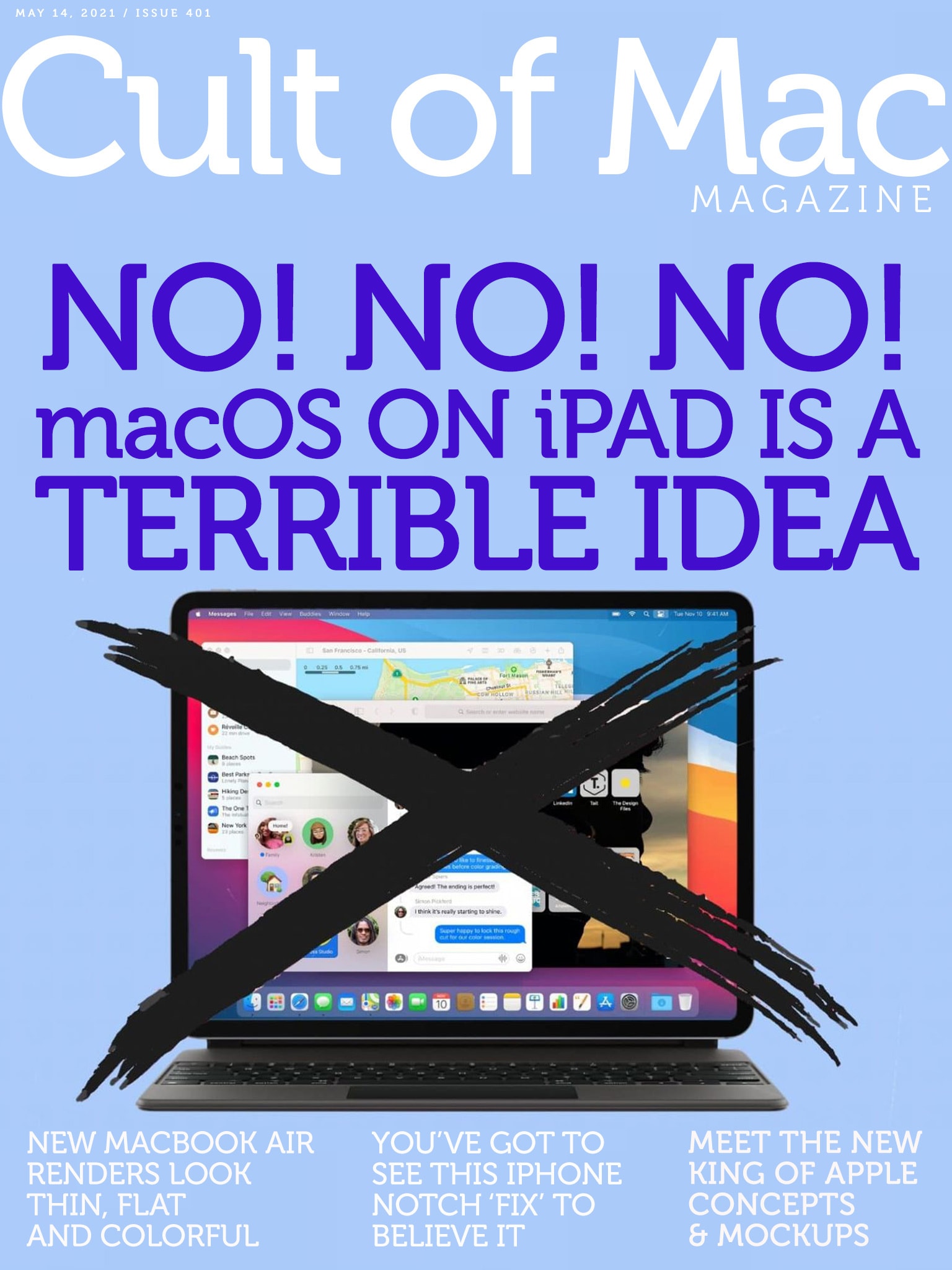
When Apple said its spring event would be "loaded," it wasn't kidding. Cover: Leander Kahney/Cult of Mac Magazine
iMac … iPad Pro … Apple TV 4K … AirTag …
So much new Apple hardware, so little time!
And that’s not to mention the purple iPhone or the upgrades and updates coming to Apple Podcasts, Apple Card and more. Jump right into all our coverage of this week’s big “Spring Loaded” Apple event in Cult of Mac Magazine. (And if you’re already caught up on that, you’ll find plenty of other Apple news, reviews and how-tos.)
Our iOS mag is free and makes reading easy and fun, but you also can find the headlines below.
This Mac app gives you the power to edit PDFs like a pro. Photo: PDF Technologies
Raise your hand if you’ve received an important PDF and needed to edit it, but couldn’t. Most of us have. Whether it’s filing your taxes online, editing a document for work, or filling out necessary health forms, there are a variety of reasons why you may need to edit a PDF as soon as possible — and find yourself unable to.
That’s precisely what PDF Reader Pro was made for. This Mac app allows you to edit PDFs to tweak text, replace images or annotate a few lines. Available at an additional 20% off for Mother’s Day with code WELOVEMOM, PDF Reader Pro is just $31.99 for a limited time.
Seems there’s might not be quite enough room in the original Apple Magic Keyboard for an iPad Pro that’s 0.5 mm thicker. Photo: Ed Hardy/Cult of Mac
The 12.9-inch 2021 iPad Pro unveiled April 20 is slightly thicker than its predecessor. And that’s enough to prevent the latest tablet from being a good fit with the Apple Magic Keyboard released last year. But apparently the fit is just close enough.
“The first generation of the Magic Keyboard (A1998) is functionally compatible with the new iPad Pro 12.9-inch (5th generation) with Liquid Retina XDR display. Due to the slightly thicker dimensions of this new iPad Pro, it’s possible that the Magic Keyboard may not precisely fit when closed, especially when screen protectors are applied.”
You can get a 20% discount on software activation keys at CdkeySales.com. Photo: CdkeySales
This software keys post is presented by CdkeySales.
In line with previous exclusive sales events, Cult of Mac readers now have another chance to benefit from a special 20% discount on the already-inexpensive software product activation keys available at CdkeySales.com.