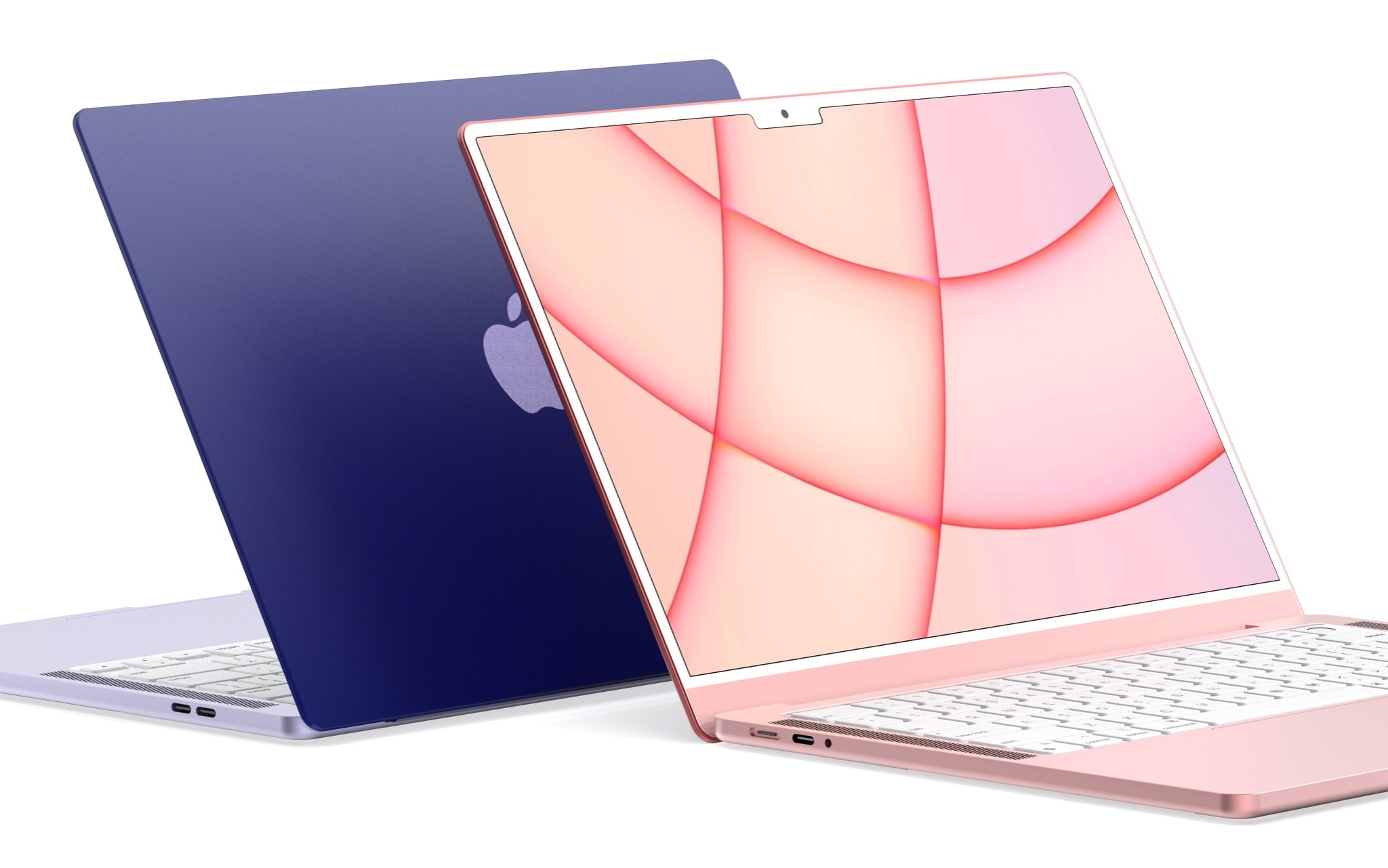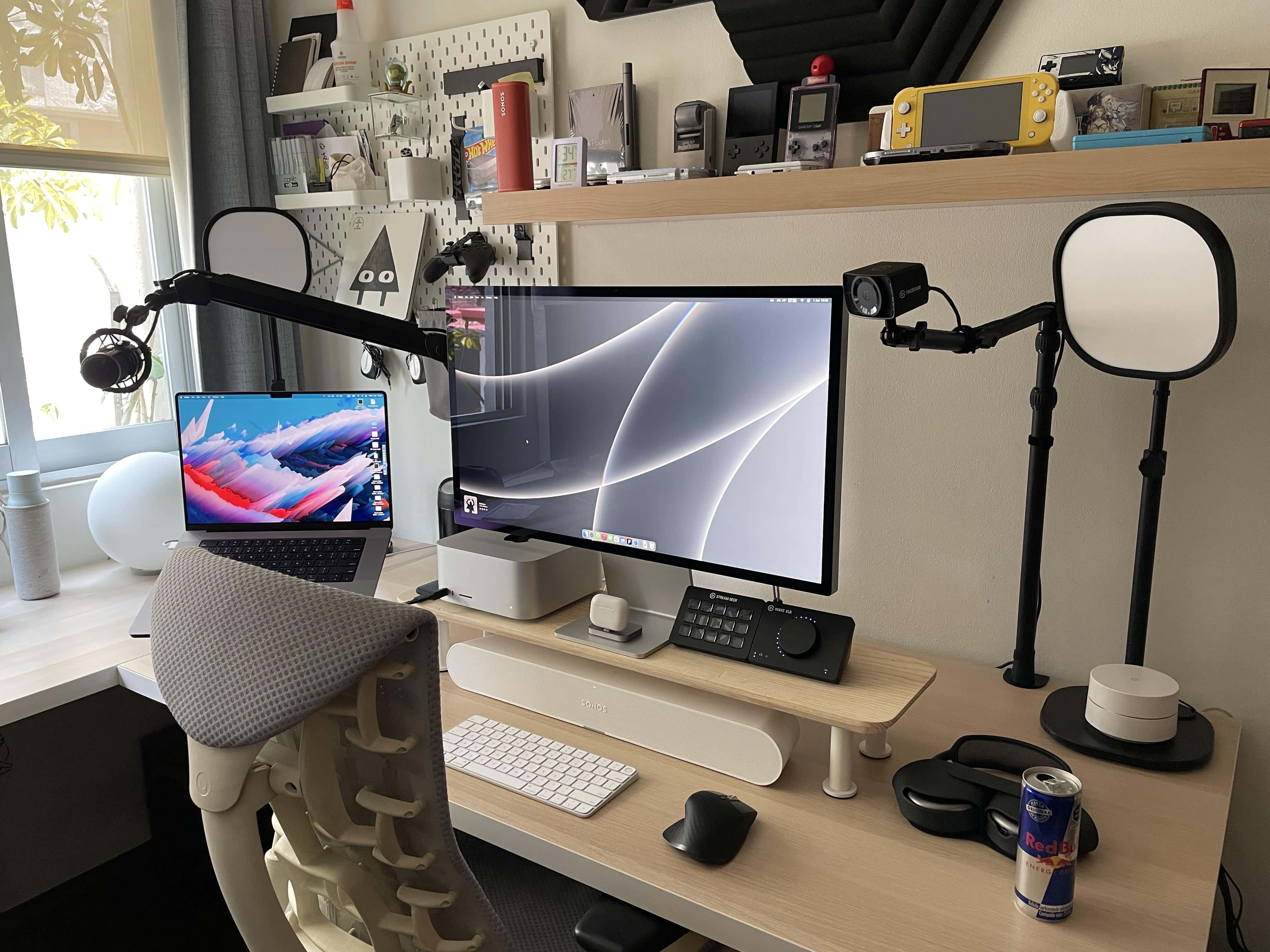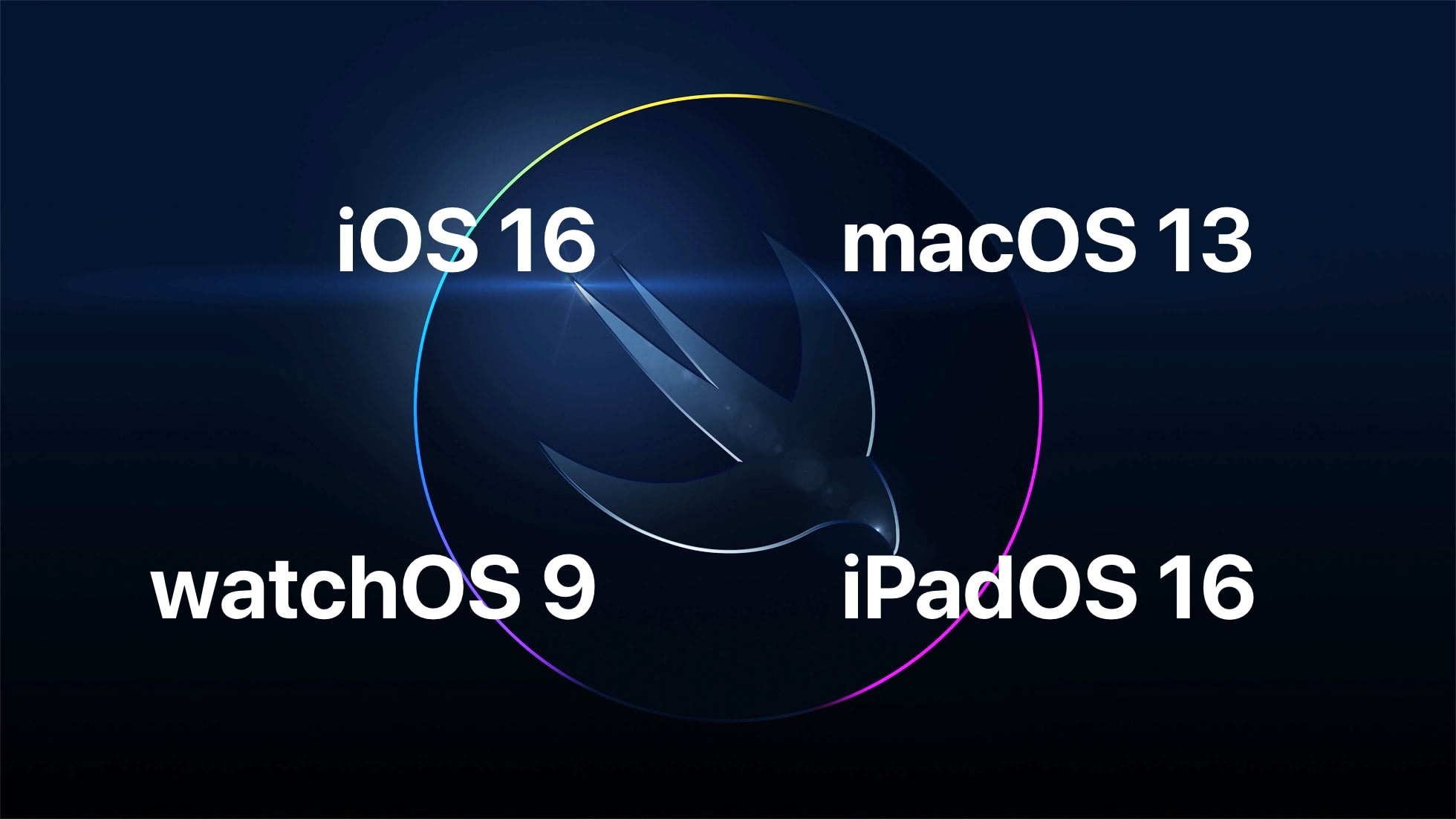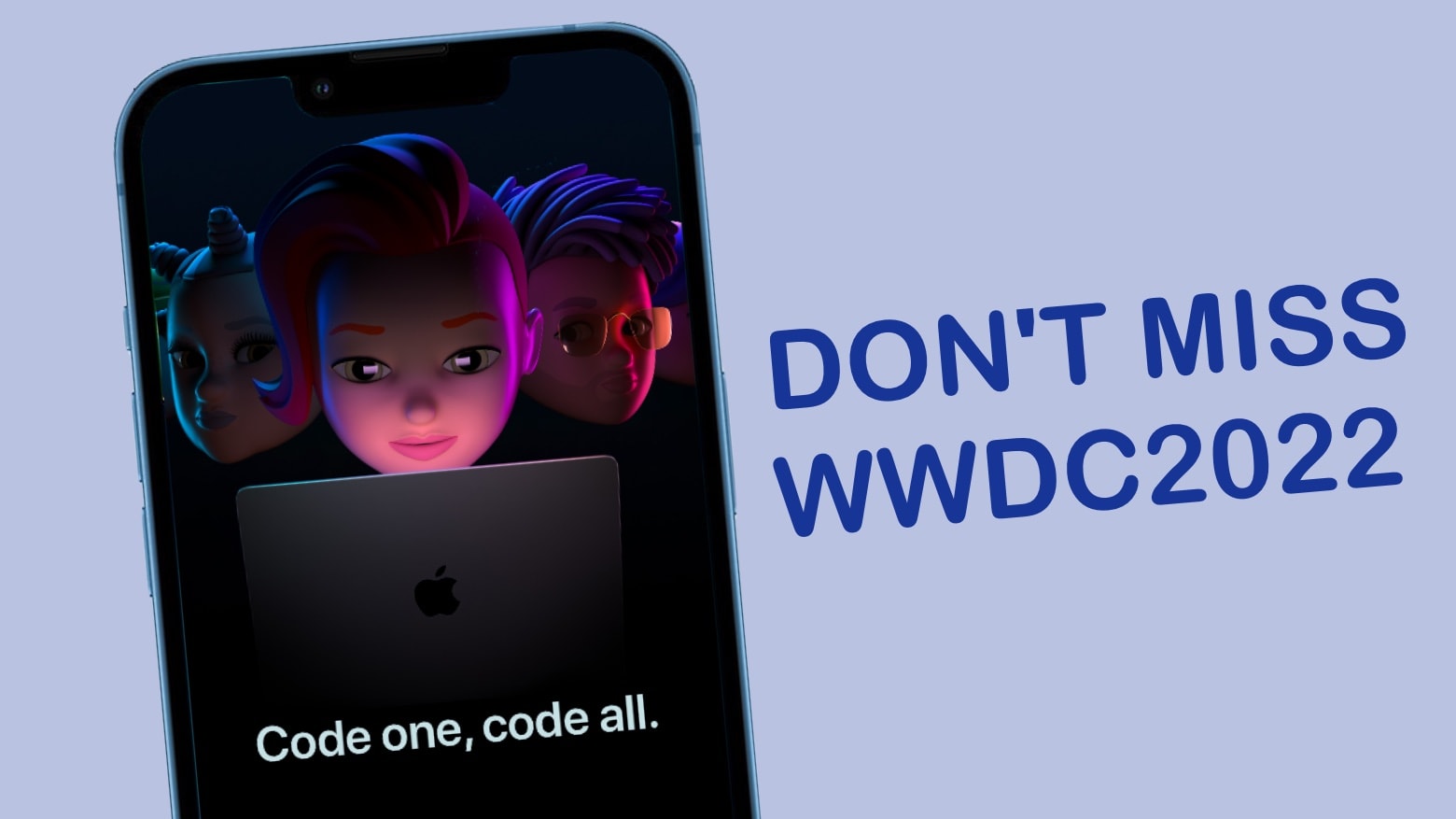
One of Apple’s biggest events is right around the corner. This year’s Worldwide Developers Conference keynote promises to deliver our first look at the company’s next-generation software updates for iPhone, iPad, Mac and more. And it’s all happening on June 6.
Just like past WWDC keynotes, this year’s will be streaming online, so you’ll be able to watch it in its entirety as it all unfolds. Here’s how.
Update: The WWDC22 keynote is behind us, but if you want to get caught up you can watch the whole presentation on YouTube. Or check Cult of Mac‘s in-depth coverage.