Erratic behavior with the glass trackpad on new Mac notebooks appears to be a growing concern for some Apple customers. A buyer emailed Steve Jobs over the weekend complaining the trackpad on his new MacBook Pro was not registering physical clicks consistently and received a telephone response from Apple support indicating the company is investigating the matter, according to a report today at AppleInsider.
A survey of the discussion forums on the Apple website indicates nearly 100 threads have been opened in the past week on the subject of “trackpad problem” for the new unibody aluminum notebooks, with most users complaining the trackpad does not always register a click when it should, while some also report the pad loses all functionality at its outer edges, and several believe the sensitivity of the trackpad leads to erratic, unpredictable behavior.
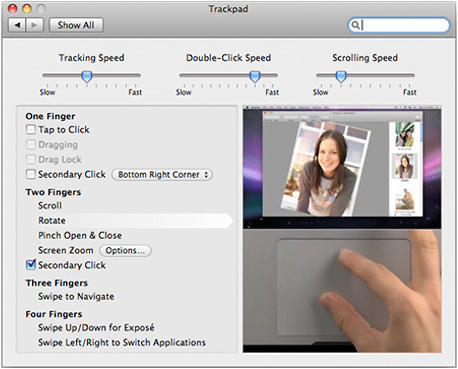
With any new product there is bound to be something of a learning curve while users become familiar with its capabilities, and the new trackpads certainly have been designed to support a wide range of two, three, and four-finger gestures that could be causing some users confusion and frustration.
I asked my colleague Pete Mortensen, who wrote glowingly about his new MacBook a couple of weeks ago, how he’s finding life with the new trackpad. “I actually do get some of those issues some of the time – not always, but sometimes,” he says, noting, “it’s worst in the bottom edge dead center. Moving up a little or millimeters to the side fixes it.”
How about you, dear reader? Have you found the new trackpads quirky? And if so, do you think it’s something you’ll get used to, or does Apple have a production issue on its hands?
I asked Pete if the trackpad behavior made him long for his 12″ PowerBook G4 and he replied, “I don’t miss my 12″ G4 at all!”