The Mac App Store is a great way to download apps to your Mac, as it takes care of the download, the install, and the post-install clean up for you. Sometimes, however, things can get a bit wonky, whether by accident or design, and you’ll want to go and download an app you think you’ve deleted.
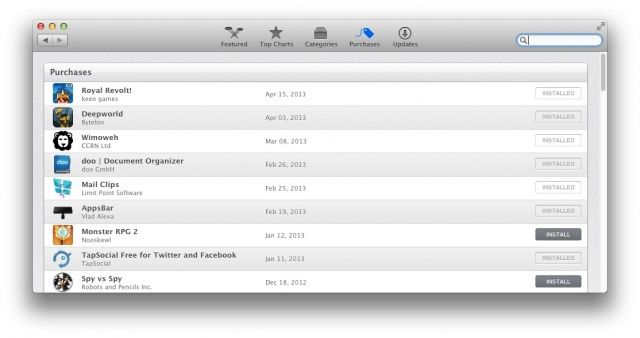
Sometimes the Mac App Store will think the app you’ve deleted is still on your Mac. Or, you’ll want to re-download an app that’s behaving weirdly. When that happens, there will be a “Downloaded,” or “Installed” button there that won’t let you do anything.
While not all Mac App Store apps will work the same way, here are a few things to try out.