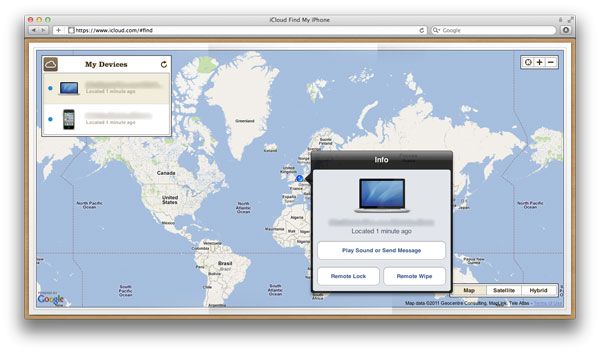
On a vacation with his wife and kids recently, Paul Deas opened his suitcase and found a rude surprise: his MacBook had been stolen. Not only that, but the thief had helpfully left him a note inside, telling him exactly who had robbed him: TSA Agent 5414.
Over the last few months developers and websites haven’t seen much iOS 7 beta traffic coming out of Apple’s set of IP addresses in Cupertino. However, over the last few days traffic from devices running iOS 7 has increased for a number of websites and apps.
Onswipe has reported that it has seen a big spike in traffic on its partner sites that run its HTML5 optimized mobile websites. Cult of Mac has seen the number of visits from iOS 7 users increase in our traffic logs, starting around April 29th as well.
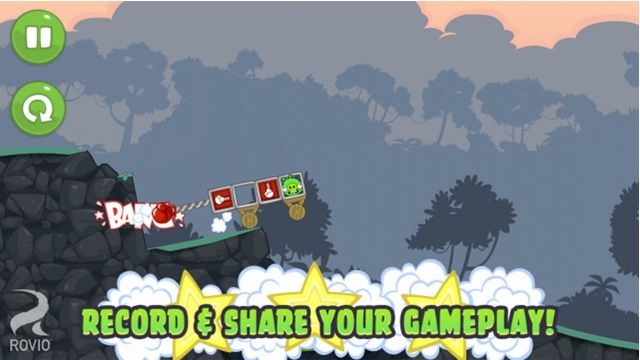
Rovio’s Bad Piggies game for iOS has today received a brand new update that delivers 15 new levels, new gadgets, and new features. Aside from the new levels, one of the biggest additions is the ability for gamers to record their best tricks and then share them through their favorite social networks.
Apple wants to see documents related to Android source code in its ongoing patent infringement suit against Samsung. The Cupertino company has asked U.S. Magistrate Judge Paul S. Grewal to force Google to hand over the information, which it is allegedly withholding improperly, Bloomberg reports.
We’re big fans of Clear, a simple and elegant to-do app by Realmac Software that has set entire new design standards across iOS apps thanks to its intuitive, easy-to-use swiping system.
The app itself is only $2, and worth every penny, but Realmac Software has teamed up with Starbucks this month to make the app free to all. Just follow the link below to get the app for free. Nice way to start the day, isn’t it?
Google has begun integrating its notification center into Chromium for Mac, paving the way for Google Now for OS X. The Chrome OS feature was first ported to Chromium and then Chrome Canary for Windows back in March, but this is the first time it has been spotted on Mac.
Readdle is great at regularly updating its popular productivity apps for iOS, and today PDF Expert app for iPad has today received more than 20 new features and improvements. Among some of the new additions is a selection tool, the ability to copy and paste annotations, and a custom keyboard that makes it easier to enter times and dates.
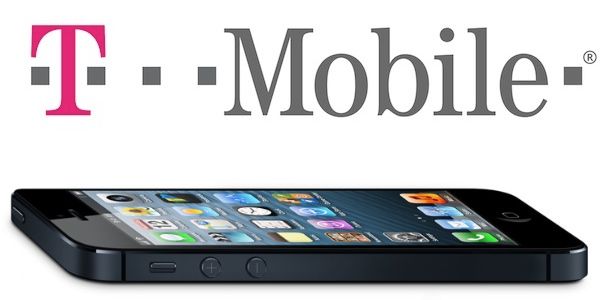
T-Mobile’s latest iPhone 5 ad is thoroughly in “The Internet is a series of tubes” territory. It’s kind of weird.
The advertisement shows fluorescent gak blasting from two massive PVC sewage pipes. These pipes are meant to represent “the Internet” while the gak itself is supposed to be, I guess, the brightly colored slime of the Internet’s data streams. T-Mobile says more electric kool-aid sewage can spray through their pipes because they aren’t as clogged up.
I guess what I find so weird about this ad is that not only does it pick a visual metaphor for data that was widely mocked when Senator Ted Stevens used it to describe the way the Internet works, but T-Mobile’s whole argument here seems to be: “No one subscribes with us, so you’ve got our whole LTE network all to yourself.”
Doesn’t exactly inspire a lot of confidence, does it?
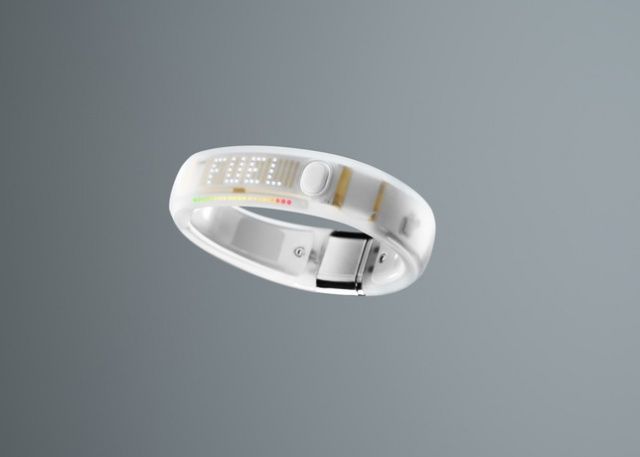
A lot of companies right now are banking on the notion that wearable fitness computing is going to be big business, and no company is taking that more seriously than Nike. Nike’s always been interested in blending mobile technology and fitness in various ways — consider the Nike+ functionality built into every iPhone and iPod — but the Nike Fuelband, released late last year, took that dedication to a new level.
The Nike Fuelband was a cool product that not only looks like a little bit of 2001 on your wrist, but helps you quantify your daily activity into a more objective picture of your overall health. But it had a few shortcomings, which Nike is now reportedly addressing. Get ready for the Nike Fuelband 2.
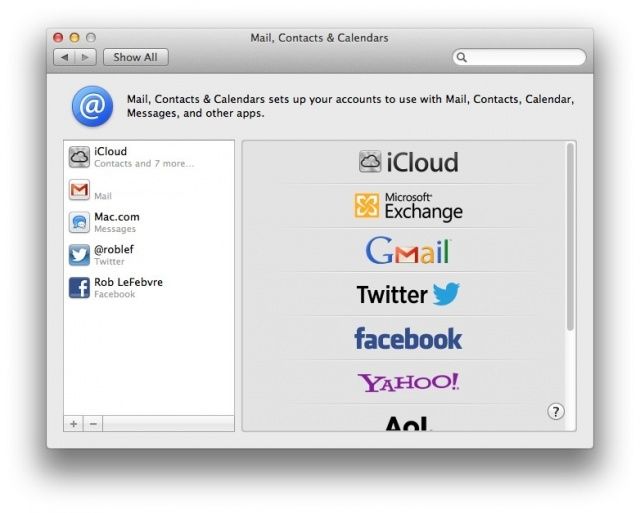
As Twitter reduces broad spectrum support for third-party apps, you may be looking for a way around using special apps to send out a Tweet from your Mac. Or, maybe you want to just send out a quick Facebook status update about something, but want to avoid the hassle of launching Facebook.com in a browser. Either way, you can send out tweets and update Facebook from Notification Center, starting with OS X Mountain lion.
You will have to enable these services, though, to make it all work. Here’s how.
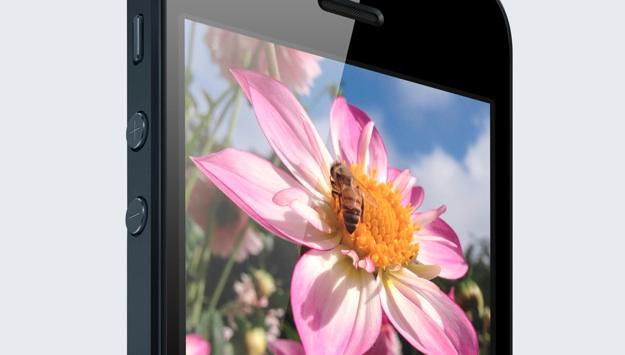
Every time Apple makes a new iPhone, it needs to go into production earlier and earlier to accomodate the bonkers-go-nuts launch demand for the latest Jesus phone.
No wonder, then, that iPhone 5S mass production is starting to kick off, with a new report saying that Sharp, one of Apple’s major panel providers, is revving up its engines to mass produce IPS LCD displays for the iPhone 5S, starting as early as next month.
T-Mobile finally started selling the iPhone back in April, and it has already been a successful move. In its financial report for the first quarter of 2013, which was published this week, the carrier reveals that it sold half a million iPhones in less than a month.
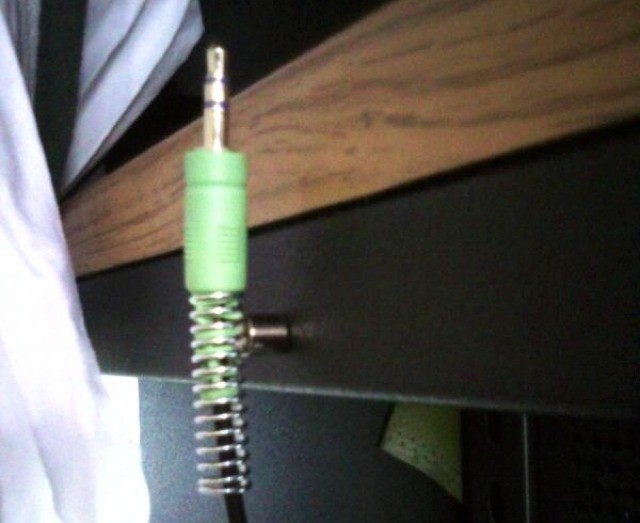
Cute and practical, that’s the Itomaki adapter from Softbank. The charger is shaped like a kind of smoothed-off cotton reel, and – surprise – lets you wrap the charger cable around it when not in use.
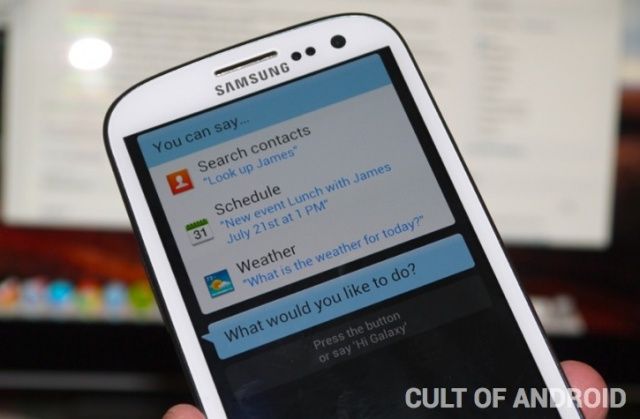
Samsung loves bashing its competitors, and it often does so in advertisements for new Galaxy products. So it’s no surprise that the Korean company has programmed its S Voice assistant to bash the iPhone. Ask it if it’s ever used Apple’s popular smartphone and S Voice delivers a scolding response.
They say that a picture is worth a thousand words, which is clearly nonsense. My mother’s family photos, for instance, are worth three (Flash. Too. Bright). But this simple photo, from LifeProTips on Twitter, really does explain everything…
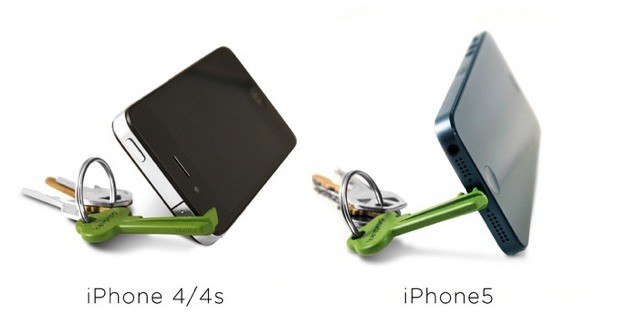
If you’re going to make an iPhone stand that slips onto a keyring, you may as well make it look like a key, amirite? Right? Hello?
Ok, so that part of the design is a little dumb, but the Keyprop itself is pretty ingenious, especially the way it manages to work with both the iPhones 4 and 5.
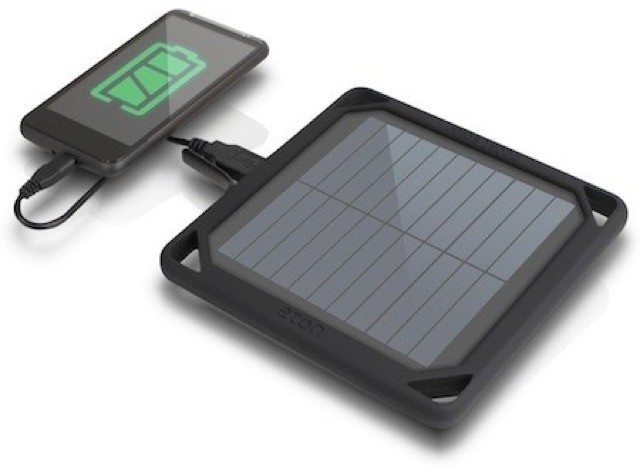
Eton’s new BoostSolar a) is here just in time for sunny summer and b) solves many of the problems usually present in solar chargers. It also looks pretty cool, and less like the utili-hippy designs beloved of rivals.
Process, the step-based photo-editing app for the iPad, has gotten bumped to version 4.0. With that update come live, almost full-res previews, blend mode support and – supposedly – less crashes.
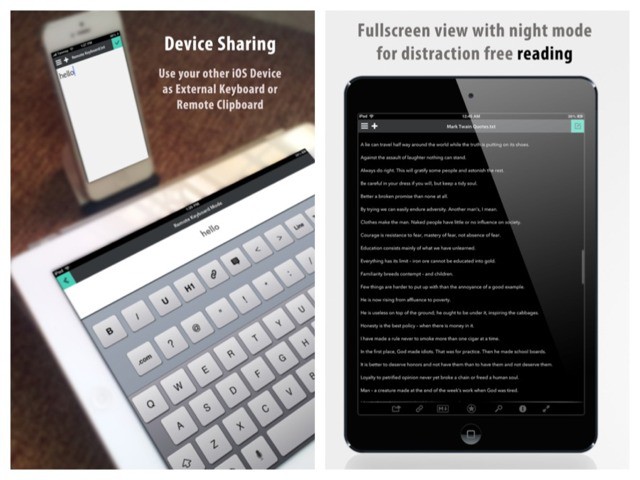
If I see another app which promises a "distraction free" mode, I’m gonna…. Wait. Where was I? Ah, yes. Write is now available for the iPad. You might remember the iPhone version of this text editor for its clever UI and stunning good looks. The iPad version has all this and some clever extras.
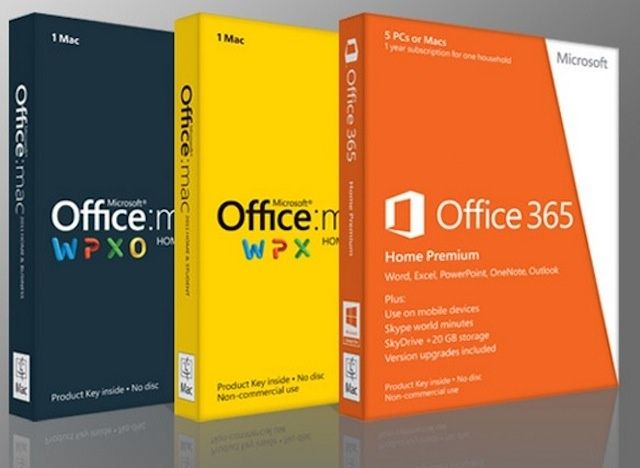
The venerable Microsoft office suite gets a new update today, bringing a bunch of new issue and bug fixes, an added font necessary for document sharing, and brings Office 365 closer to reality on the Mac, letting you move to a subscription model of Office software. Ooh, boy. The new update also adds an easier way to save Word files directly to SkyDrive and Sharepoint.
This is the single most important bit of news you will read all day: the artist formerly known as Snoop Dogg has a new game coming out for the iPhone. The d-o-double-g, who now calls himself “Snoop Lion” and pretends to be from Jamaica, will be releasing Way of the Dogg in an App Store near you very soon.
I often forget that the Do Not Disturb toggle in iOS 6 exists. It’s a great feature for quickly shutting out the noise, but the problem is that you have to open the Settings app to enable. Do Not Disturb feels like something that should immediately accessible.
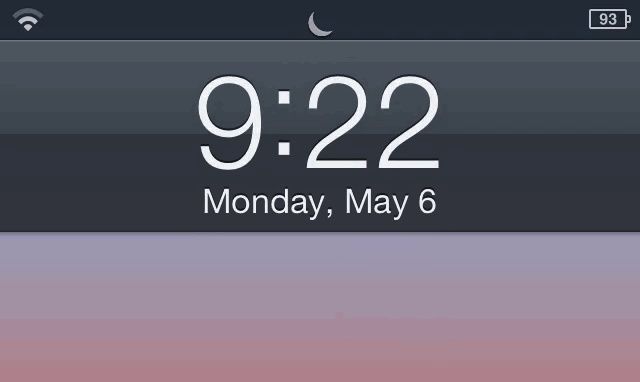
Luna is a new jailbreak tweak based on a concept we showed you at the beginning of the year. From the iPhone’s lockscreen, pull down on the time to enable Do Not Disturb. Pull down again to disable. It’s that simple.
I don’t use Do Not Disturb that often, but this tweak makes toggling it on and off incredibly fluid. When you want the notifications to stop pouring in, just swipe on the lockscreen. Genius.
Nintendo -- stamping on your hopes for an iOS port of Mario since 2007. Photo: Nintendo
Since the dawn of the App Store, and by extension, gaming on smartphones and tablets, one iconic brand has remained absent from the revolution: Nintendo. Perhaps the most beloved and historically innovative game maker in the world will have nothing to do with the idea of Super Mario Bros. for iOS.
The daring decision to not ride the success of the App Store is starting to come at a cost. Nintendo is bleeding money as sales of living room consoles like the Wii U plummet. And now the Japanese company is wanting mobile game developers to port their titles to the Wii U. Nintendo understands that mobile-centric games could help sell its traditional consoles, and yet we still aren’t getting any of Nintendo’s own games in the App Store. It’s a frustrating conundrum.
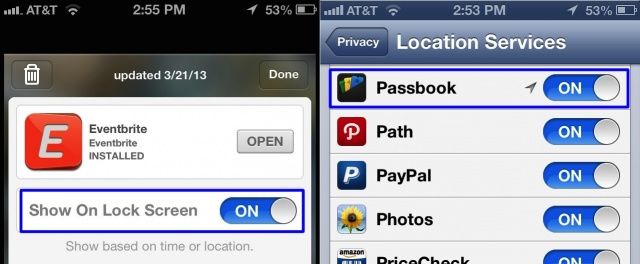
Apple’s Passbook app and system lets you use passes that contain time-sensitive or location-sensitive information. For example, you might have a pass that triggers when you enter a specific store, like Target. Or, you might have airplane tickets going through Passbook, if you use that specific airline’s iOS app.
The ideal here is that the passes show up on your lock screen, so you don’t have to launch an app. This doesn’t always work, however. What can you do when it doesn’t? I’m glad you asked.
After giving Gmail some link support for Chrome, YouTube and Google Maps yesterday, Google is now ready to help developers integrate Chrome for iOS into their apps.
Google just published a new blog post reminding developers of some new Chrome integration tools for iOS developers that will let users open a webpage in Chrome and then come back to the app with just a tap. Despite iOS’s closed system that doesn’t let users set a default browser, the new Chrome tools will let users have the choice to open a link in Safari or Chrome.