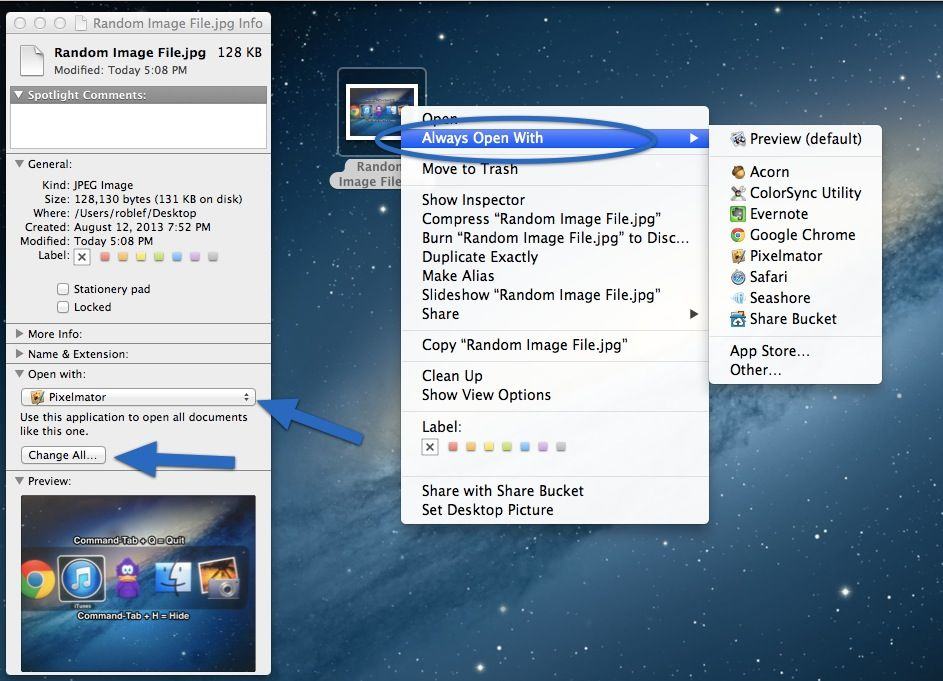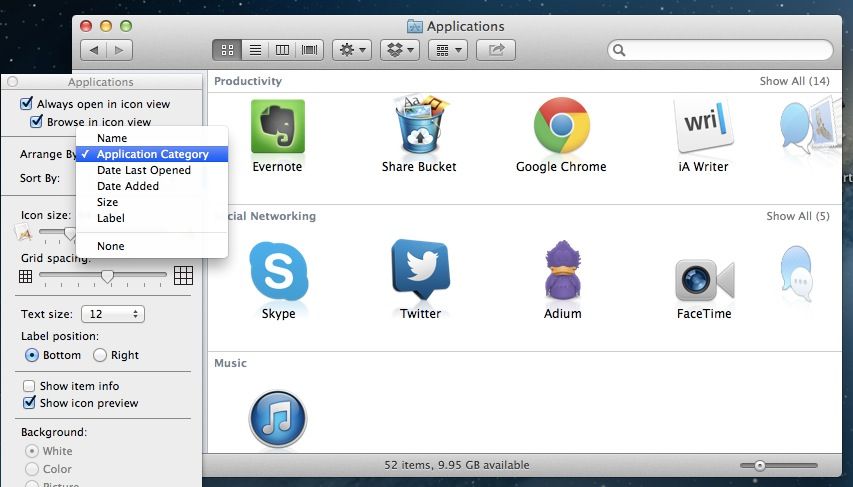
The Finder in Mac OS X is specifically designed to help you find stuff. In any Finder Window, you can arrange the icons or lists of files alphabetically by Name, by Kind of file, by the Application that opens that file, by Date Last Opened, Added, Modified, or Created, and also by Size and by Label.
In list view, you can also click on the top column title to sort the list in ascending or descending order. It’s a pretty comprehensive way to find your stuff in the Finder, without even having to search for it.
Did you know, however, that you can also arrange Applications by application type (Productivity, Social Networking, Music, Video, and so on)? I didn’t, so here’s a tip on how to do just that.