Remember that amazing trailer that Apple introduced on stage yesterday to show of its new iPhone 5s? It was Infinity Blade III, what Epic Games’ Donald Mustard called, “The conclusion of the epic Infinity Blade trilogy.”
If anything, the trailer below shows off just how amazing mobile gaming can look like. Just like the last two entries in the franchise, Infinity Blade III is pushing the envelope on environment size as well as visual and gaming performance. Here’s the video to feast your eyes on.
As the popularity of the Mac grows, so does the probability of malware and viruses being created and spread for the platform. Gone are the days where one can say that the Mac is not susceptible to these sorts of threats.
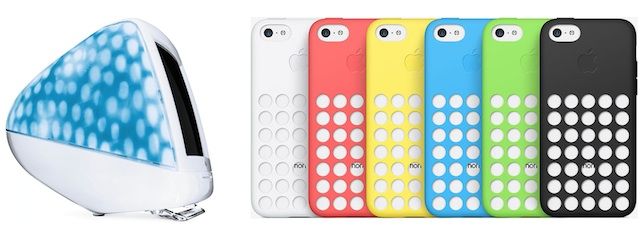
Spot the difference. Some ideas are good enough to use twice.
Sir Jonathan Ive likes to recycle good ideas, as the Counternotions blog notes with the image above. The “Blue Dalmatian” iMac from 2001 is “separated at birth” from the brand new iPhone 5c.
Likewise, Jony Ive wanted the original iPhone to be a glass-and-metal sandwich with the antenna running around the middle. But his design and engineering teams couldn’t get the electronics to work. Everything was too new and untested. The design was shelved until things could be made to work, and it was reborn four years later as the iPhone 4.
I’m going to get right to it here: The Room, an escape game by developer Fireproof Studios, is the best mobile title I’ve ever played. You can read the rest of the review if you want, but it’s basically going to be versions of that.
The Room by Fireproof Studios Category: iOS Games Works With: iPhone, iPad Price: Free
I know “best ever” is a bold statement, though, so let me back it up: The Room, which is available for both iPad and iPhone–the latter as The Room Pocket, I assume because it fits in your pocket and not because it’s about a pocket in which someone stores rooms–has beautiful graphics, clever puzzles, and simple, responsive touch controls that actually work.
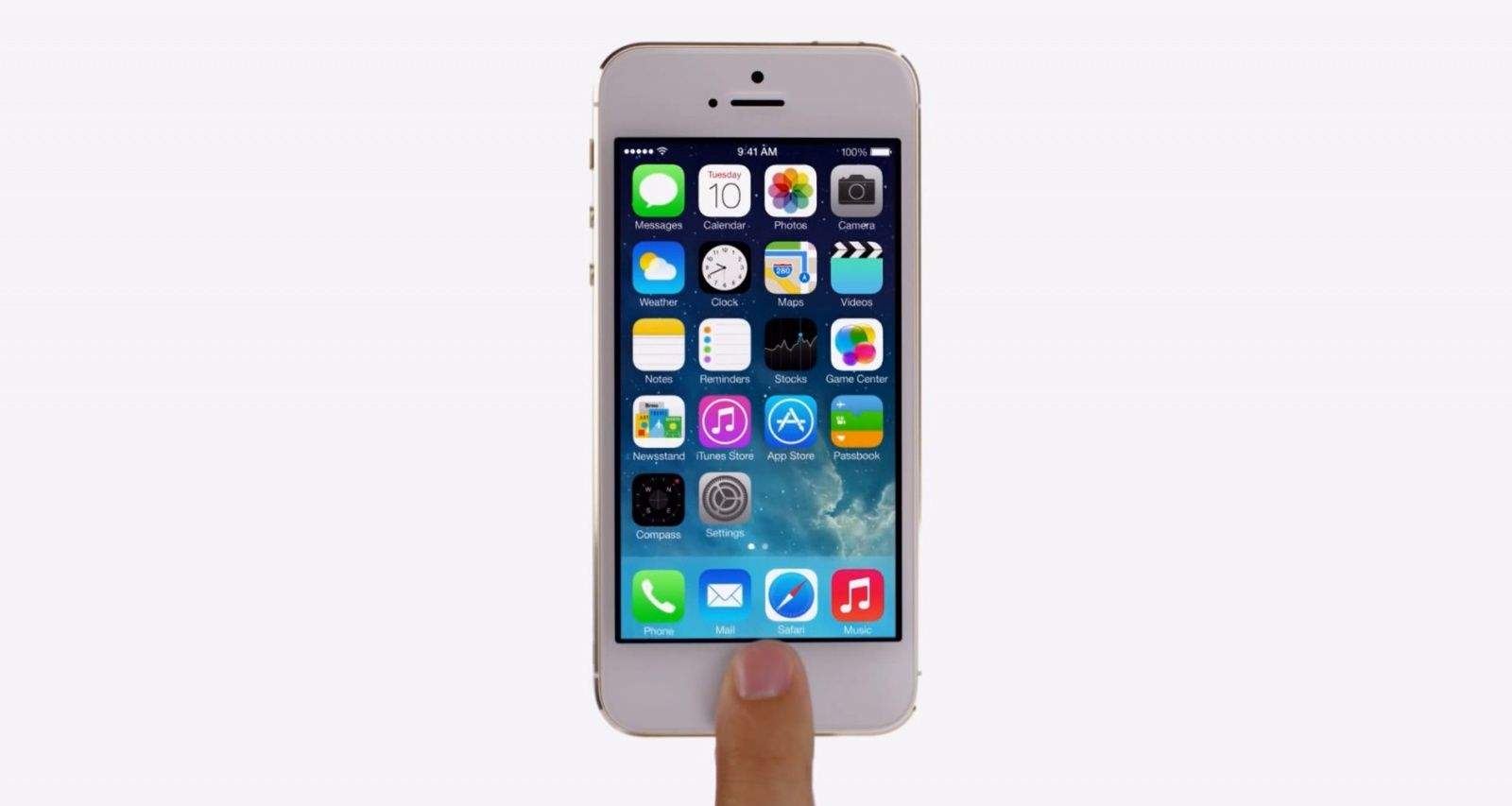
After announcing the new iPhone 5s and iPhone 5c at an event on its Cupertino campus on Tuesday, Apple released its first ads for both devices. One of them — the iPhone 5c one — was shown during the keynote, but the two iPhone 5s clips, which show off its fingerprint sensor and improved camera, were not.
But don’t worry, Apple’s uploaded all three to YouTube, so you can enjoy them when you want, as much as you want, in high definition.
When Apple updated its website on Tuesday and added the new iPhone 5s and iPhone 5c to its online store, we were surprised to see that it was only advertising support for two of the U.K.’s four 4G carriers — EE and Vodafone. But don’t worry, both Three and O2 have confirmed that the devices will support their new LTE networks, too.
Three has today provided us with more details on its 4G launch plans for the United Kingdom. The carrier aims to cover four major cities by the end of the year, but its new super-speedy service will really take off in 2014 when it increases the number of 4G locations to 42.
Over and over again over, most of the pre-launch chatter about the iPhone 5c was that this was Apple’s “budget” iPhone, meant to help Cupertino squeeze into the mid-range, and especially penetrate the emerging market in countries like China by being released at a price around $349.
So imagine China’s surprise when it turned out that the iPhone 5c wasn’t meant to be any more of a budget iPhone than the year-old iPhones Apple has sold before. In fact, in China, an iPhone 5c will cost, in dollars, more than what an iPhone 5s would cost an American unsubsididized. And the Chinese are underwhelmed, to say the least.
Installing XBMC on a jailbroken Apple TV unlocks the ability to play unsupported video formats, install third-party plugins, and more.
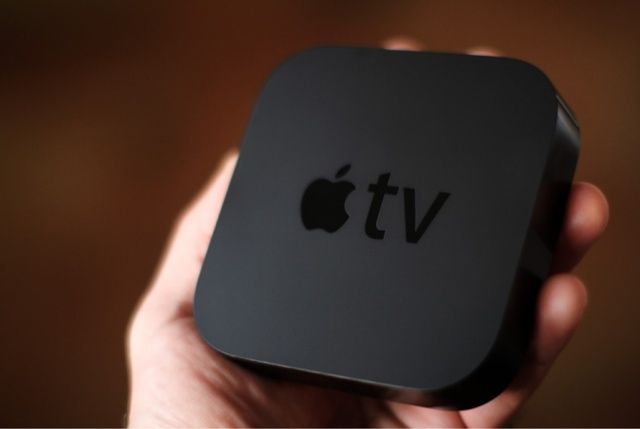
Although Apple didn’t show off an Apple TV refresh yesterday (despite the secret shipment of new Apple TVs they got in last week), it’s still coming in the form of a software update, and All Things D has some new details on what we can expect.
A much-anticipated iPhone deal between Apple and China Mobile looks even closer this week after the popular smartphone gained regulatory approval to run on the carrier’s wireless network. The new partnership will see the iPhone supported by the world’s largest network for the first time, opening it up to more than 700 million subscribers.
Way back in 2011, Apple unveiled Cards, a new app that allowed you to create beautiful cards on your iPhone, then Apple would print them out and mail it out for you.
I always liked the idea of Cards, and kept it around on my iPhone for the last couple of years, thinking someday I might have the opportunity to actually use it. That opportunity never really came around for me, though, and I guess I’m not the only one: Apple has just quietly killed Cards for good.
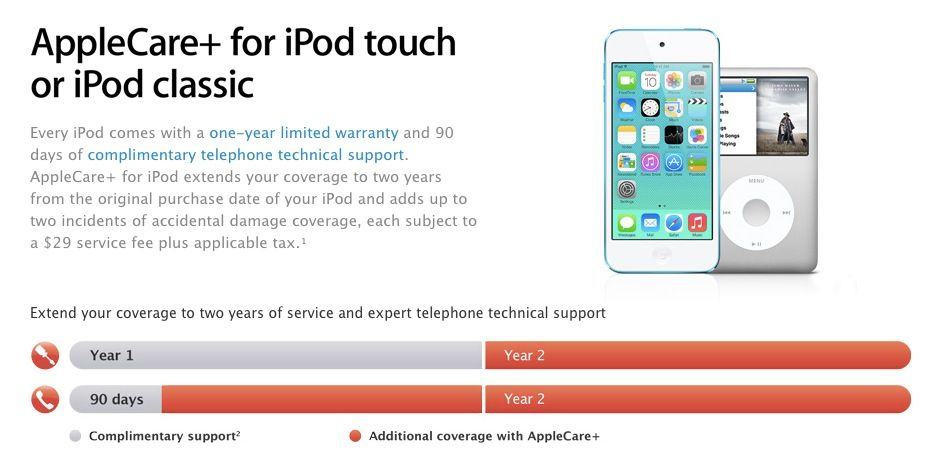
For Americans, AppleCare+ is a fantastic service that takes a lot of the background stress out of having an iPhone. For just $99 and $49 per incident, Apple will replace your iPhone up to two times for accidents or damages, due to clumsiness, accidents, or whatever. I replaced a completely watersoaked iPhone 5 through AppleCare+, and a screen-cracked iPhone 4s. It really takes a load off.
Until now, AppleCare+ was only available to Americans, and was only available for iPhones and iPads. But yesterday, Apple unveiled some big changes to AppleCare+ that makes it accessible to Europeans for the first time.
Apple released the iOS 7 GM to developers earlier today, and while the final version doesn’t have any major new features Apple did manage to toss a ton of new still and dynamic wallpapers into iOS 7, along with a completely new set of ringtones.
iOS 7 won’t be released until September 18th, but you can get your iPhone in the mood for all of Jony Ive’s upcoming changes by downloading the new wallpapers to your iPhone right now, thanks to our buddy Dom at MacMixing. Check them out:
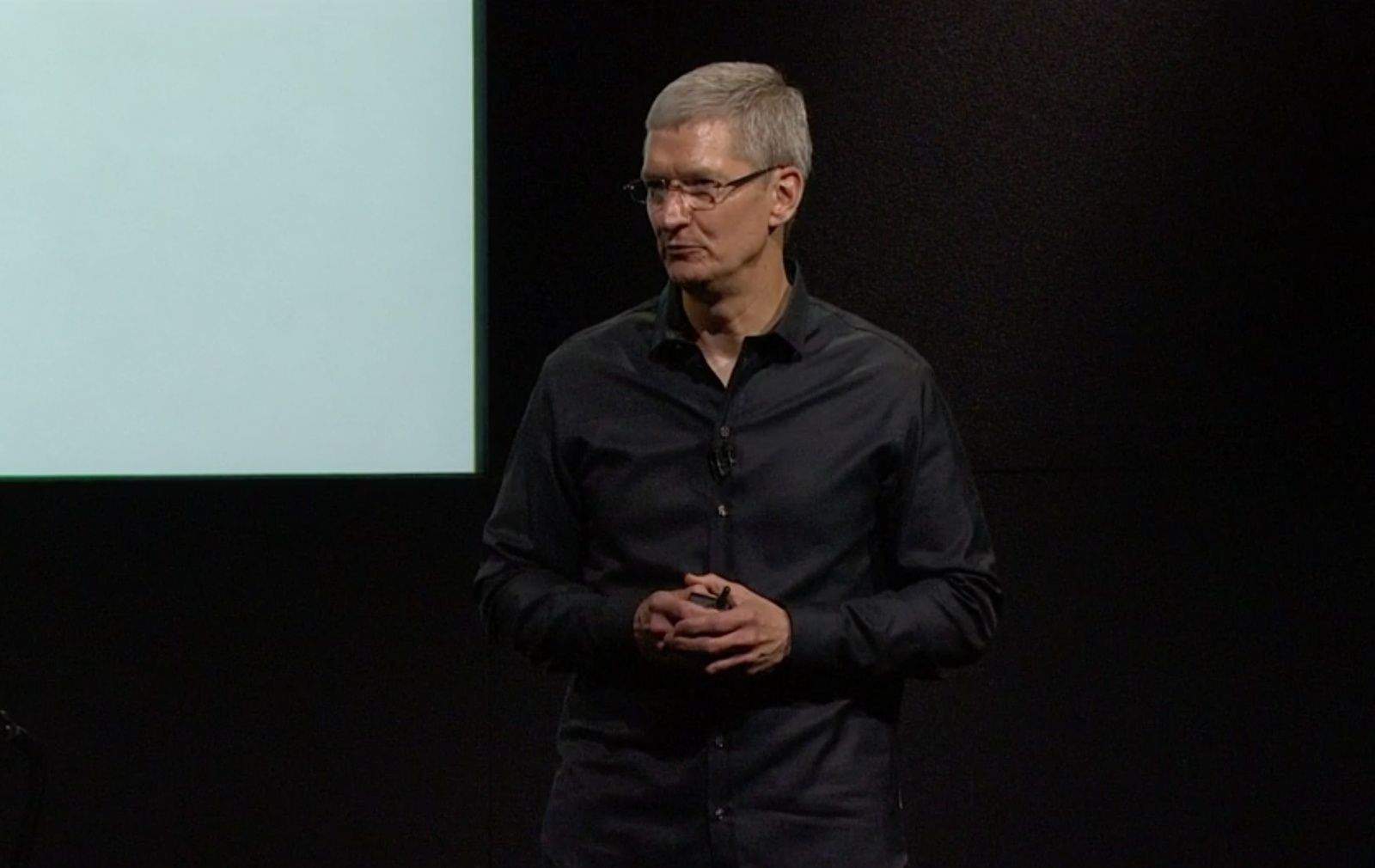
Tim Cook and company rocked today’s keynote. As expected, the iPhone 5s was announced with a new processor, fingerprint sensor and motion chip alongside the new cost-conscious and brightly-colored iPhone 5c.
Craig Frederhigi spent some time on Jony Ive’s upcoming iOS 7, running through the main features, most of which we’d heard back at WWDC in June, including Control Center, Search anywhere, more textured ringtones and the like.
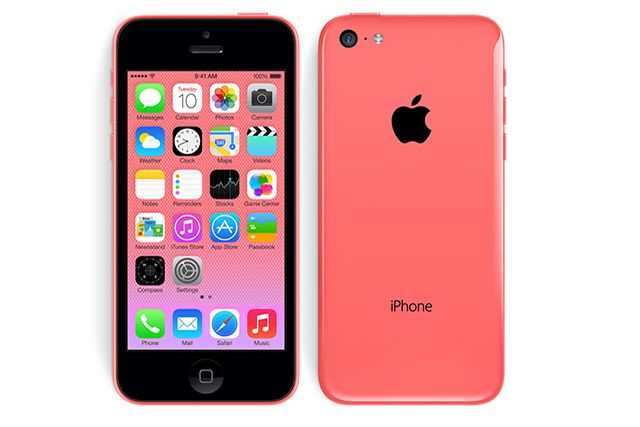
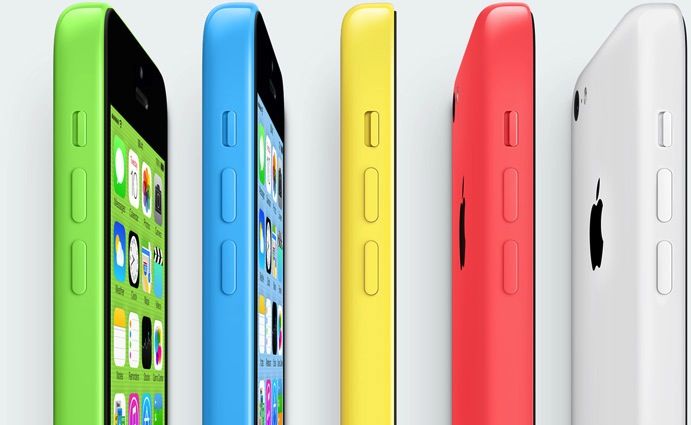
The two new models of iPhone were the focus of today’s event. CEO Tim Cook said that the iPhone business was getting so big they decided to replace the iPhone 5 with two new models. The iPhone 5c looks to aim directly at kids and perhaps budget-conscious consumers with bright colors and the ability to purchase contrasting soft rubber cases. The iPhone 5s is a tour-de-force of new technology, including the much-anticipated fingerprint sensor, Touch ID, and the new A7 and M7 chips.
The keynote was even more densely packed with info, of course, so we’ve broken everything down into tasty, bite-size nuggets of information so you can get essentials of what happened today without having to read 30,000 different blog posts.
Here’s everything that Apple announced at today’s keynote:
Apple’s keynote clocks in at a shorter-than-average one hour and 9 minutes this year, but even so, that’s too long. It’s been our habit to condense these talkfests into just the great bits, and today is no different.
Here, then, is the Apple iPhone 5c and iPhone 5s keynote, right from Cupertino, in just 90 seconds.
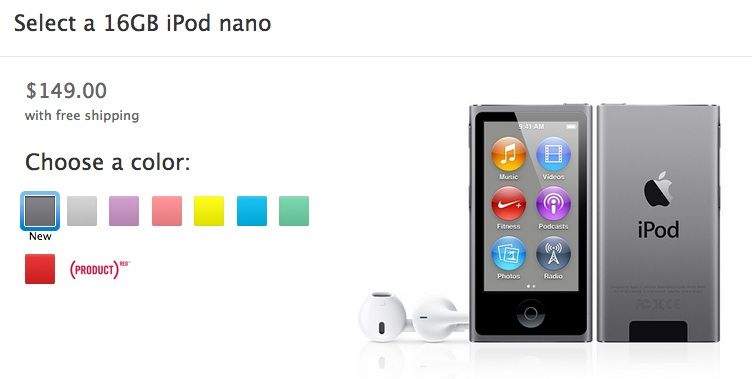
This morning’s keynote focused on the iPhone and iOS 7, but Apple pushed out a few quiet updates this afternoon as well, including a new color option for iPods.
Apple is now selling the iPod Nano, Touch, and Shuffle in the new Space Gray color option the iPhone 5S just received. The space gray iPod Touch won’t be available at Apple Stores until the iPhone 5S and iPhone 5C arrive on September 20th, but Apple.com says you should be able to pickup the new Nano and Shuffle as soon as September 12th.
Ok, so the iPhone 5C isn’t really as cheap as everyone was hoping for, but hey, it’s got some really cool ugly rubber cases to protect that $549 plastic iPhone. Wall Street hasn’t been too stoked about the iPhone 5c’s price either, but maybe if Apple introduced the iPhone 5F – with Snake! – that stock price would have went through the roof today.
We finally have an official release date for iOS 7, which means on September 18th, everyone’s iPhone and iPad is going to change dramatically and a bunch of iOS 6 skeuomorphic apps are going to look like crap in Apple’s new flat, parallax world.
To make the transition to iOS 7 easier, Apple has sent an email out to developers reminding them to reimagine their apps’ interface to match iOS 7 and submit them before launch. Apple also published a new developer guides on how to take advantage of the iPhone 5s’ 64-bit A7 processor, M7 chip, and OpenGL ES 3 capabilities.
It’s been only a couple hours since the keynote ended, but Apple has already made today’s event available for streaming on its website. The video will probably hit Apple’s event podcast feed later tonight. Readers are noting that the keynote is also available for streaming on the Apple TV.
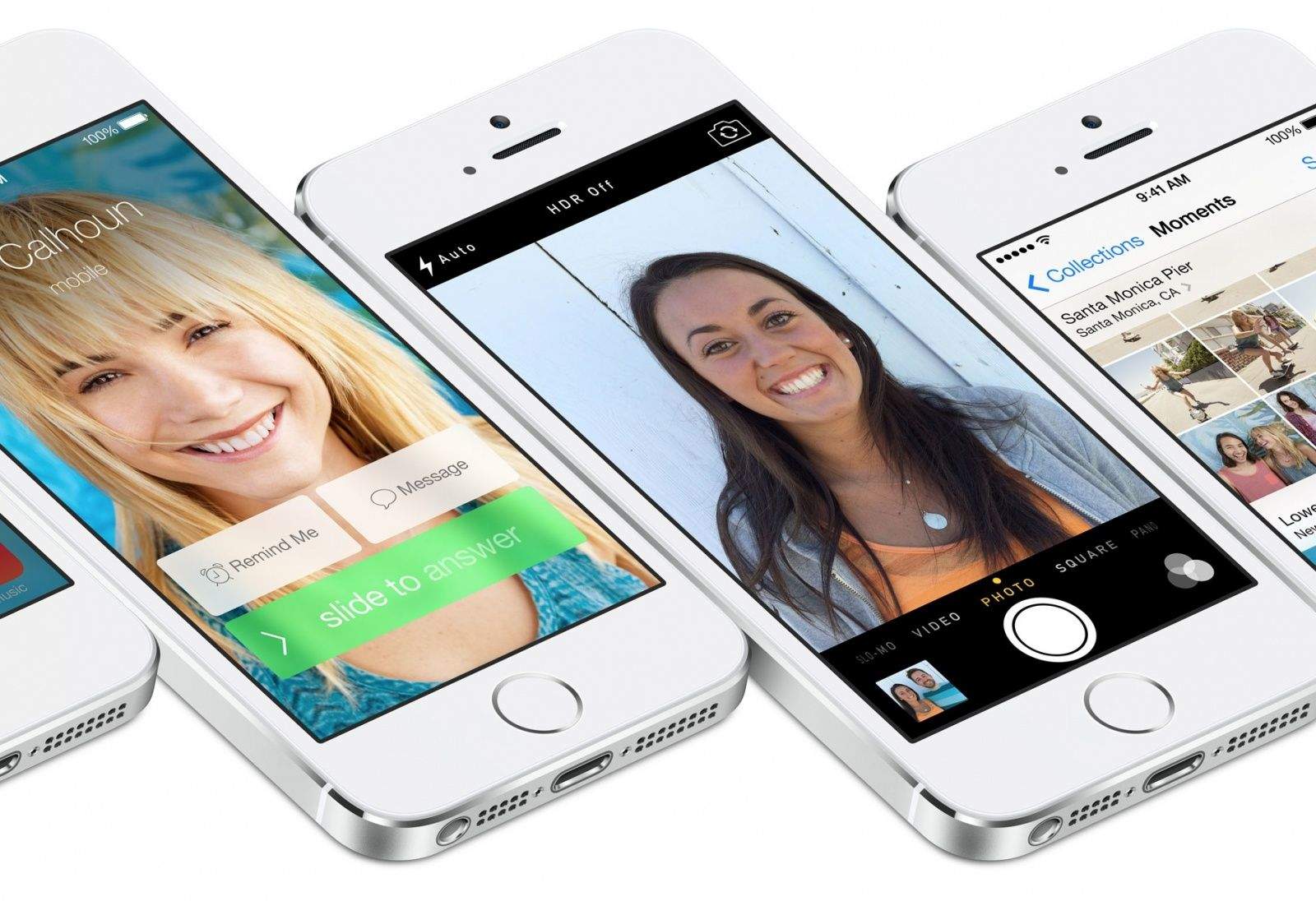
Today, Apple unveiled not one, but two new iPhone 5 models, the 5c with its colorful backing and lower price, and the flagship iPhone 5s, with amazing technology like a fingerprint sensor and motion-sensing co-processor.
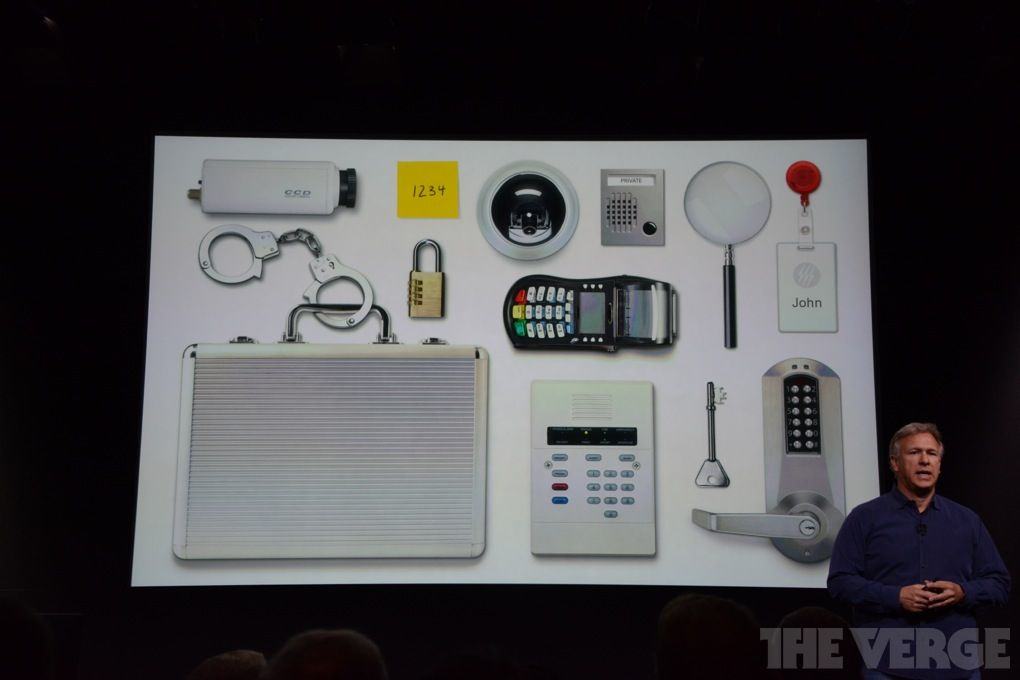
It’s all very exciting, of course, unless you happen to be one of makers of technology that is now rendered obsolete, or at least severely relegated to a niche market.
Here’s a quick look at several things that Apple has leapfrogged with its new announcements.
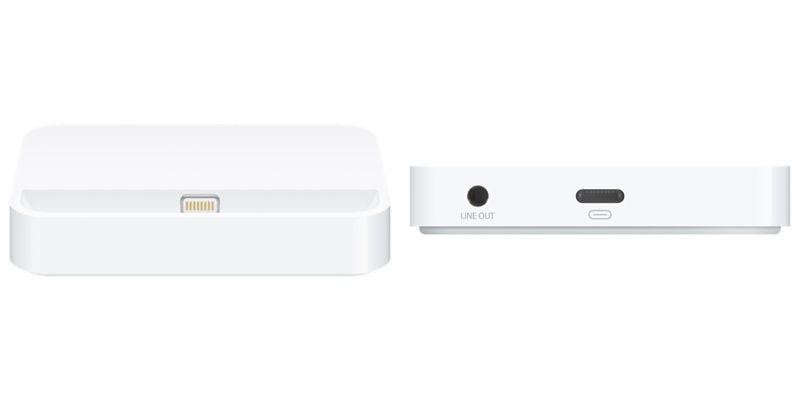
Apple hasn’t sold its own dock for the iPhone since introducing the Lightning connector on the iPhone 5, but it looks like the company has had a change of heart, and will start selling an iPhone 5s dock for $29 starting on September 20th at Apple retail stores.
Along with being able to charge your iPhone 5 or iPhone 5s, the new dock also has some “special audio porting” to make speakerphone calls clear while placed in the dock. An iPhone 5c dock will also be available for the same price.
iOS 7 has undergone 7 betas since its initial unveiling in June at WWDC, and today’s GM version marks the final iteration. The GM has historically been the same build Apple releases to everyone. Apple releases a GM to developers only in advance of the public release to allow time for final compatibility testing with apps in the App Store.
We’ll let you know what, if anything, has changed in the GM.
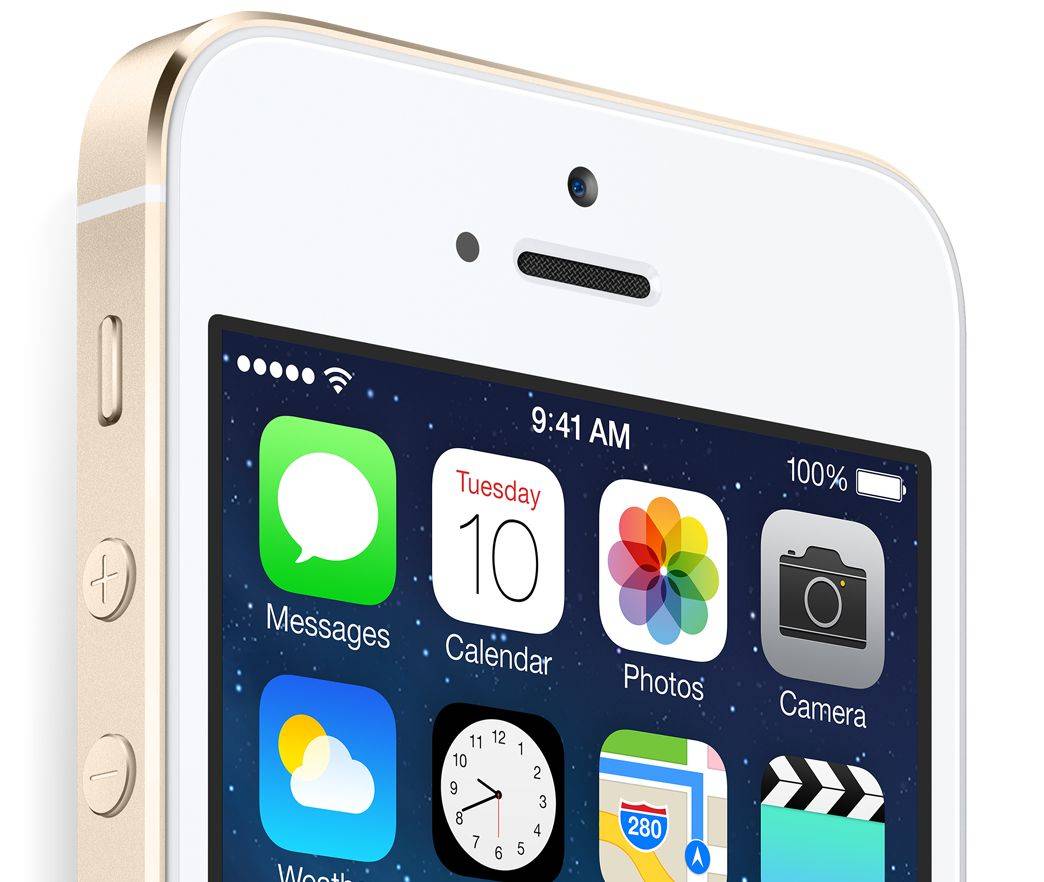
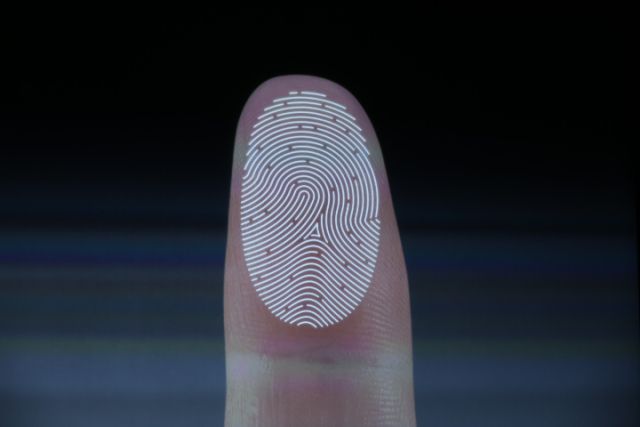
Apple’s new home button fingerprint scanner received a ton of attention at today’s keynote thanks to its sub-epidermal skin layers, 360˚ readability, laser cut sapphire crystal, and the fact that its going to make buying stuff with your iPhone painless as ever.
All that new tech is great and could lead to some really exciting and convienent uses for third-party apps, but after today’s keynote Phil Schiller told AllThingsD that iOS developers aren’t going to get access to Touch ID right now, if ever.
Usually after an iPhone announcement Wall Street goes crazy for AAPL stock, sending the price on the up-and-up. But after today’s announcement of the iPhone 5c and the iPhone 5s, AAPL is down nearly 3% as it’s dropped about 14.17 points.
There’s still some time left in the trading day, so the stock could rebound. While the drop isn’t catastrophic, it is a bit surprising as many viewed the iPhone 5c as Apple’s answer to satisfy Wall Street, but it appears that investors aren’t impressed with the iPhone 5c’s price point at $549 off-contract.
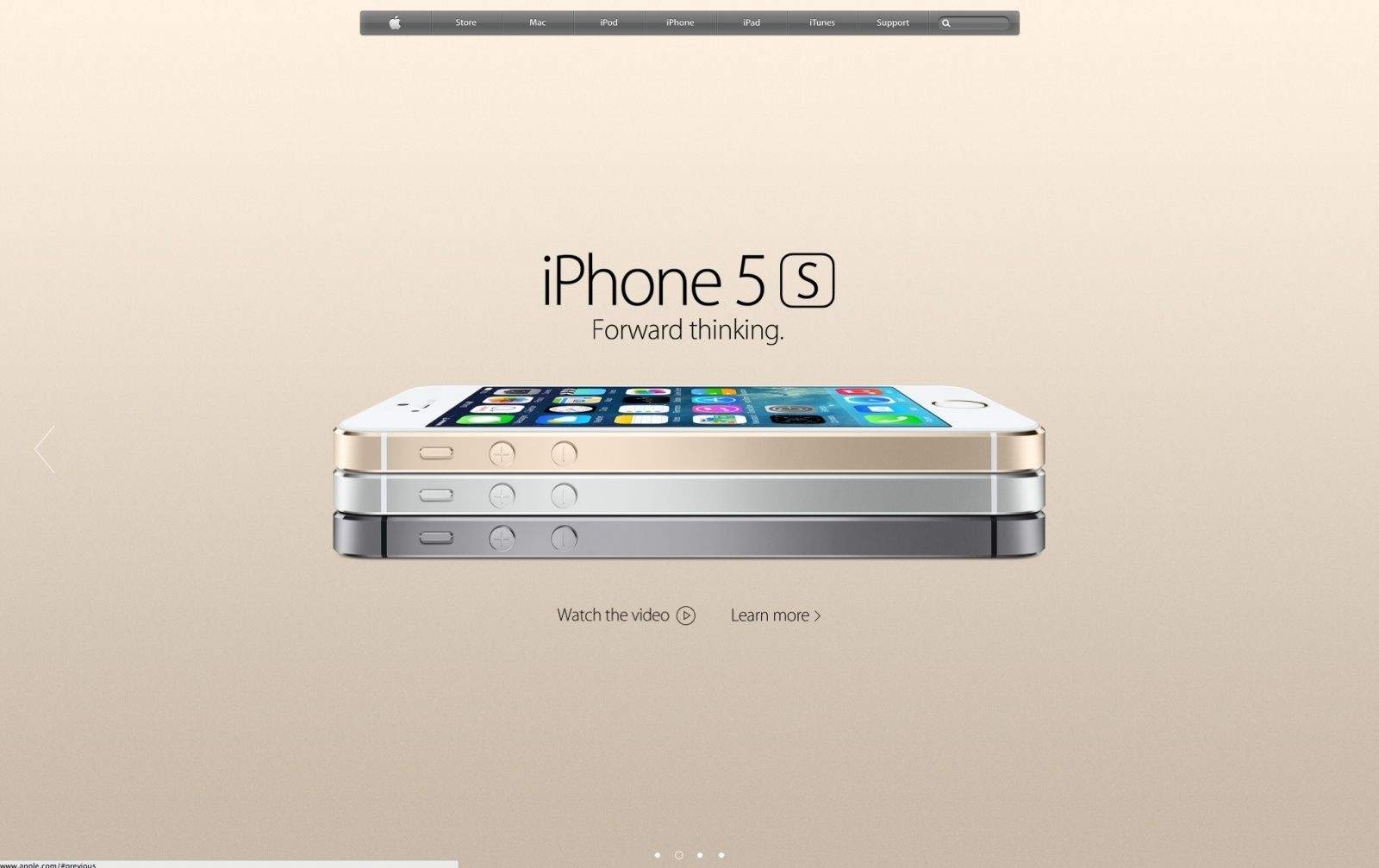
Like a bizzare flashback to the web of the 1990s, Apple has colored the background of its new iPhone pages, with a flat gold background for the gold iPhone 5s and light blue for the iPhone 5c.
While we certainly appreciate the appeal of new colors to grace our upcoming iPhones, we’re pretty shocked that someone allowed these two flat blank backgrounds to go unchallenged up on Apple’s site.
What do you think? Forward-thinking colors, or flashback web design?