You’re going to college, which means plenty of sleepless nights, lots of good memories, and maybe a little studying on the side. The truth is that college can be stressful, so it never hurts to be too prepared.
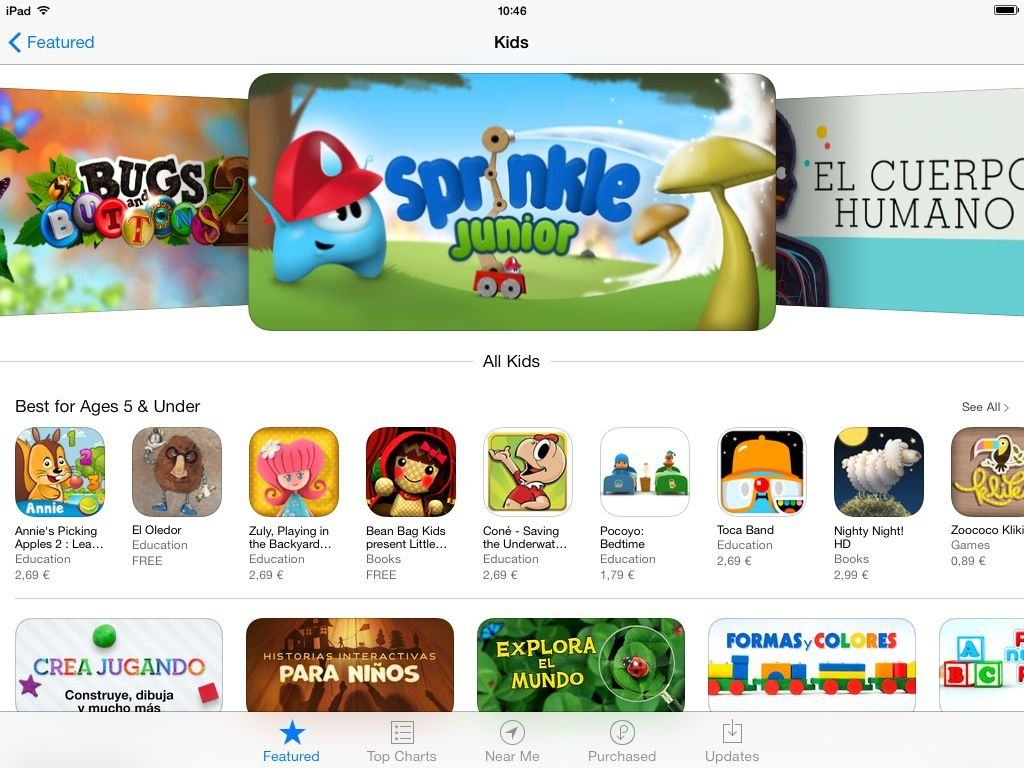
Luckily, there are tons of excellent apps out there on both the Mac and iOS to help you survive. Here are 10 of the best:
Dungeons and Dragons, the venerable tabletop role playing game that arguably started it all, is changing. Currently owned and operated by Wizards of the Coast, the entire game universe is transitioning from the 4th Edition rule sets to what they’re calling D&D Next, a holy grail of streamlined gameplay rules and mechanics that the publisher hopes to spread to all current media, including video games.
It’s with that bit of background that DeNA/Mobage announced the first teaser trailer for a mobile version of Dungeons and Dragons called “Arena of War.” Check it out.
This is #BackToSchool week at Cult of Mac Deals. There will be several new deals launching each day. Check in here each day for new deals for #BackToSchool. There will be a ton of apps, gear, gadgets, games, and more to buy just in time for the start of school, so be sure to keep your eyes peeled for deals that have school — and savings — in mind.
The last thing you want when you get back to school is to wade through tons of digital clutter. Not only does it slow you down, but it can slow your Mac down if you’ve maxed out its internal drive with music, photos, and documents.
So before you hit the books again, breathe some new life into your Mac by cleaning out your Mac and claiming back some of that much-needed space on your drive. Here are some of the areas you should focus just a little bit of time on so that you can return to school with a cleaner, more organized Mac.
An iPhone dock is a pleasant thing to have on one’s desk. It keeps things nice and tidy, while making it easy to holster your iPhone and juice it up without mucking around with wires.
Saidoka by BlueLounge Category: iPhone Dock Works With: iPhone 4, 4S, 5 Price: $29.99-$49.99
There is one way in which tethering your iPhone via cable directly to your computer is superior, though. It’s easier to actually use your iPhone that way instead of gorilla-arming it.
That’s the brilliance of the Saidoka: it’s an iPhone dock that lets you easily tap our text messages, answer calls, and even play games, all while your iPhone is charging and syncing.
The iPhone 5S and iPhone 5C are all but official at this point, but if you had any doubts that new iPhones are coming soon, The Wall Street Journalreports that Apple has told its supplier Hon Hai to start shipping the new iPhones in September.
Apple’s suppliers have been mass producing parts for the new iPhone since June, but are ready to ship them out this Fall. According to the report, Apple will announce both a high-end and low-end iPhone at an event in September, but the WSJ says it’s not clear whether they will launch on the same day, or if Apple will opt to showcase one device.
Apple is expected to announce the new iPhones at a media event on September 10th, as well as new iPads and the final version of iOS 7.
No, really, launch the Camera app, flip that iPhone onto its side, putting it into landscape orientation, and then hold it like a traditional point and shoot camera. Press down on the volume up button to snap a picture. Brilliant!
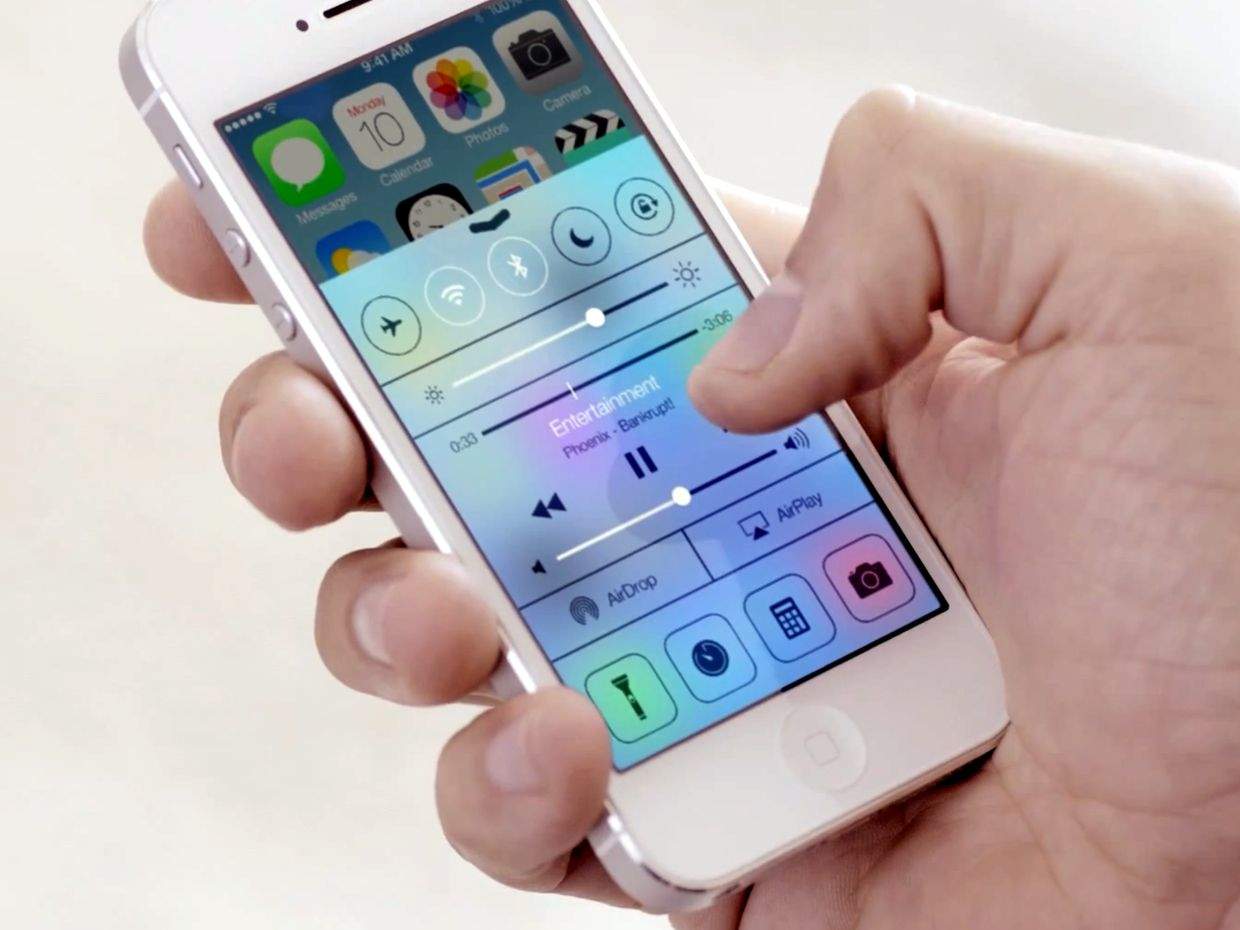
Camera+ was the first non-Apple app to use this control scheme, at least until Apple put a stop to it by rolling the feature into the actual operating system. Now, in iOS 7 beta, Apple’s added another little fun feature. Here’s how to activate it.
Alzheimer’s is a debilitating cognitive disease that currently affects an estimated 5.2 million people in the U.S. alone, a number that’s expected to triple in the next 40 years, according to a recent study. There is no known cure.
Clevermind, then, is a new iOS app that has been designed to help seniors, family members, and caregivers to better deal with the effects associated with Alzheimer’s. The app is available now in the App Store, and it’s free for a limited time.
Apple announced today that some changes are coming to its Affiliate Program for digital content, as a new partnership has been forged to help the company expand the program into new countries.
The affiliate program — which allows partners to make money off iTunes content sales by directing users to certain pieces of content via affiliate links — will now be managed by two networks rather than four, as Apple has struck a deal with the Performance Horizon Group (PHG) to become a new affiliate platform partner and push the program into new territories in Asia, the Middle East, and Africa.
Rubicon, the developer behind successful iOS game, Great Big War Game, announced its latest game in development, Combat Monsters, an interesting mix of tactical, 3D monster battles with deck building card game mechanics.
The game is coming to iOS, Android, Mac, PC, and (what?) Blackberry fairly soon, so we thought it would be a good time to catch up with the Rubicon development team. We chatted with Paul Johnson, managing director and co-founder of Rubicon, about Combat Monsters. Here’s what he had to say.
This is #BackToSchool week at Cult of Mac Deals. There will be several new deals launching each day. Check in here each day for new deals for #BackToSchool. There will be a ton of apps, gear, gadgets, games, and more to buy just in time for the start of school, so be sure to keep your eyes peeled for deals that have school — and savings — in mind.
With the start of school quickly approaching for many (and even quicker for some), the time to stock up on supplies is well underway. One of the key things any student needs is a backpack
When you’re looking for one of these it is no longer enough to find one that will carry enough books. Today’s backpack needs to be a bit more diverse considering that digital devices have become firmly entrenched in our lives.
So when looking for a backpack, here are 3 things to consider:
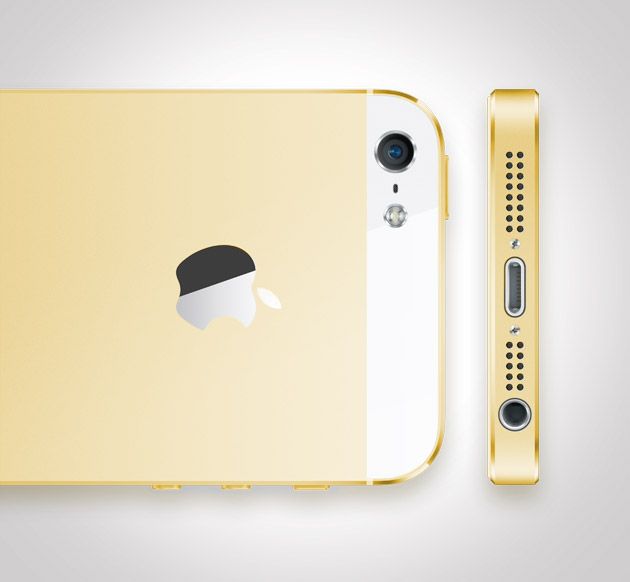
Rumors of Apple releasing a gold-colored iPhone have been hard for some to swallow, but according to AllThingsD’s sources, Apple plans to introduce a gold iPhone at the September 10th keynote.
While many Apple fans are worried that a gold iPhone would look too gaudy and doesn’t match the Apple design aesthetic, John Paczkowski’s sources says the gold iPhone will have a white face with a gold black plate and chamfered edging.
Rather than using a bold ingot gold tone many have feared, the gold iPhone will be more of a champagne color. No word on whether the gold iPhone will be priced differently than other models (we doubt it), but we’ll just have to wait and see the final product on September 10th.
Barnes & Noble’s efforts to become America’s next great tablet maker haven’t really gone too well, so the company announced today that it’s ready to try something new: iOS apps.
This morning, Barnes & Noble announced it’s bringing the Nook Video service to iOS, Android and Roku devices, giving users access to a wide range of TV shows and movie just incase offerings from iTunes, Hulu, Netflix, HBO Go, Amazon Prime Video, WatchABC, WatchESPN, MaxGO, Showtime Anytime, and Crackle just aren’t enough to get the fix for your media addiction.
The iPhone 5 has been on sale for almost a year now — in fact, its successor is right around the corner — and the award-winning physical puzzler World of Goo has finally been updated to support its larger 4-inch display. If you’re one of the many millions of people who love this title, this is a great excuse to play it all over again.
Apple is expected to make iOS 7 beta 7 available to registered developers today, just days after it released iOS 7 beta 6. This is expected to be the final beta before Apple seeds the Gold Master release early next month.
In OS X, all file types have a default application that opens when you double click on them. If you double click on a PDF file or a PNG file, chances are that your Mac will open it in Preview, Apple’s default PDF and image file app. If you’ve given an app like Adobe Reader, for example, permission to set itself as the default PDF app, then all PDFs will open in Reader.
Over time, you may have set apps as default that you no longer want to open your files. Conversely, you might want all JPG files to open in Preview, except one specific JPG file, which you’d like to open in Photoshop. Here’s how to make both of these situations work for you.
The most you can charge for an app on the iOS App Store is $999.99. In the early days of the App Store, a number of novelty apps came out, trying to make a quick buck by convincing gullible plutocrats to part with their money in the form of a $1,000 app download. The most notable example is I Am Rich, an iPhone app that literally did nothing except proclaim your affluence.
These days, though, the $999.99 club is made up of legitimate apps. Well, mostly.
If you bought an iMac between late 2011 and mid 2012 and your graphics have been acting up, you’re not alone… and Apple just might fix your iMac for free.
Remember Gameloft’s $80 Duo Gamer Controller? It was launched in October 2012 and it brought physical controls to our favorite Gameloft games on iOS — but it had a number of major flaws. The biggest one was that it was only compatible with Gameloft games, and that made its $80 price tag all the more bemusing.
But it’s not such a bad purchase at $6.36, which is all you’ll pay for it on Amazon right now.
Hey, did you see Jobs this weekend? If so, you probably saw it alone, in a theater completely empty except for yourself, a single loquacious cricket, and a theater usher sleeping one off. Why? Because Jobs absolutely tanked this weekend.
Set this once, and all your iPhone pictures will be auto-filed whenever you arrive home.
This post is as much for our Dear Leader Leander Kahney as much as it is for you, our wonderful and ever-curious reader. It solves a problem Leander struggled with for a full thirty seconds before tossing it to us minions in the Cult of Mac HipChat room.
The problem: How to get all the photos snapped by Leander’s twelve or so children into the same Photo Stream on the main family iMac.
For the solution, read on. Hint: it doesn’t need Photo Stream, and it uses a great feature of PhotoSync v2.0.
Bulk editing photos? There are a few ways to do it. You could rent Photoshop every month and create some automated Actions (actually a totally sweet and powerful way to do things); you could use the command-line tool ImageMagick and wrap it in various OS X System Services; or you could just spend $10 and buy PhotoBulk.
Having been teased and tempted by so many similar gadgets in the past, I can’t quite believe that the DigiPod could ever be real. But the folks at Indiegogo at least seem to have some faith in the new pitch on their site. The DigiPod is a little insert which slips into your film SLR and turns it digital.
Mind Maps are a great way to brainstorm and visualize ideas. And plain text is a great way to hammer out lists. And Markdown is a perfect tool for quickly adding hierarchy to those lists as you write them. If only there were a way to combine these three things…
And guess what? The fairy godfather of Internet tinkering, Brett Terpstra, has already done it for you. It’s an OS X System Service that takes the messiest of Markdown lists and turns them into a format suitable for most mind-mapping apps.
Y’all know Serious Eats, right? It’s the one place on the Internet where you can go to be entertained, educated and properly fed. I’m a fan of cooking, but I generally avoid recipes on the web because it’s hard to gauge their quality until it’s too late. Serious Eats is solid every single time.
And now there’s a Newsstand magazine, and — again — it stands out above the rest.