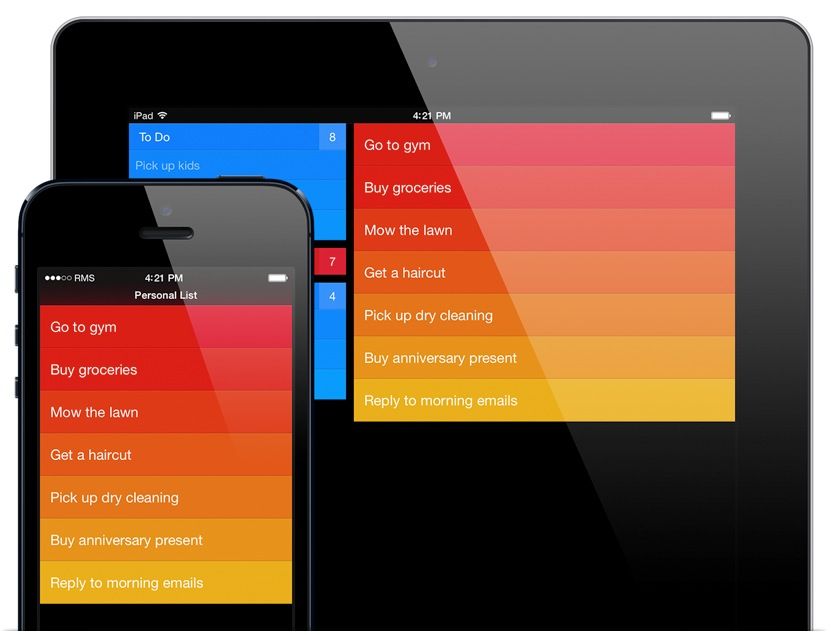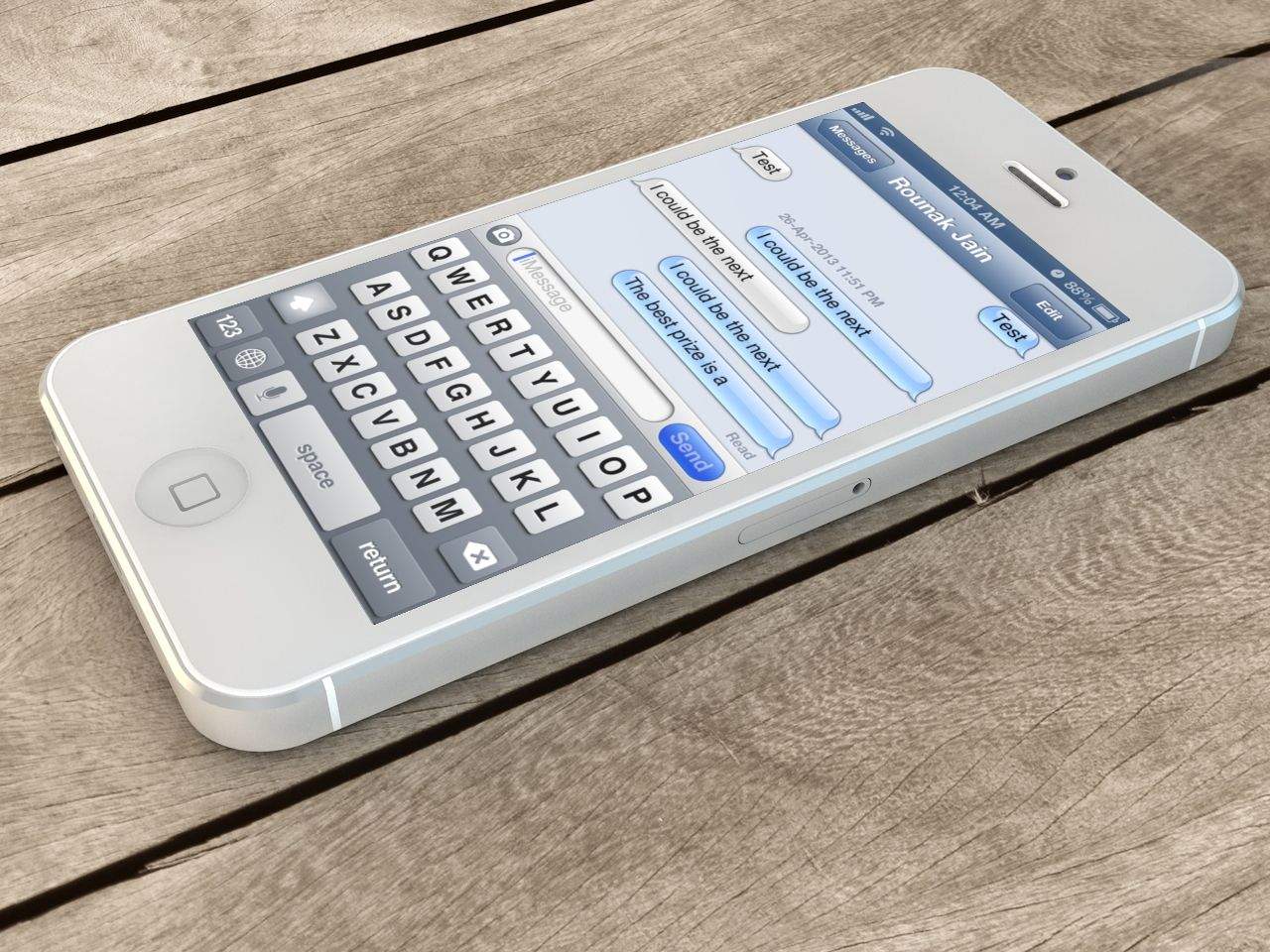
The new Instapaper is here for iOS 7, and it’s flatter. Betaworks has simplified the app’s layout to fit the design aesthetic of iOS 7, and it looks great.
Instapaper Goes Flat For iOS 7, Adds Smart Filters For Sorting Articles
The new Instapaper is here for iOS 7, and it’s flatter. Betaworks has simplified the app’s layout to fit the design aesthetic of iOS 7, and it looks great.
Twitter has released its big iOS 7 update in the App Store, and it’s a doozy. The design of the app, including its icon, has been redesigned look more at home on iOS 7. Twitter notes that users on iOS 6 and iOS 5 can continue to use the app.
Instacast by Vemedio has been my podcaster of choice since I threw up my arms in frustration at Apple’s Podcast app and abandoned podcasts in iTunes altogether. That was about six months ago, and I’ve been beta testing version 4.0 of the Instacast iOS client over the summer. It’s a radical departure from the previous design, and it’s right at home in iOS 7.
The new interface of iOS 7 has become one of the most polarizing Apple software releases since the iPhone came out six years ago. Some users think some of the UI elements look childish and boring, but there are a ton of new details and feature that make using iOS feel new again (for better or worse).
iOS 7 was just released to the public, but there are so many new additions it can be hard to keep track of it all, so we’ve complied this walkthrough of all the new little iOS 7 features, in GIF form:
The first thing you’re going to notice about the iOS 7 redesign is how drastically different everything looks. Apple completely renovated the iPhone’s interface. The familiarity in terms of usability is still there at a fundamental level, but the OS has taken a 180 in terms of aesthetics.
White space is everywhere. Animations look funkier. Colors are trippier.
Vimeo announced Wednesday that its video sharing app for iPhone, iPod touch, and iPad has now been updated for iOS 7. The new update lets you upload video directly from your iOS device camera, as well as offline instant playback of saved videos.
The app has been re-vamped to better match and work with iOS 7, as well, including a new video thumbnail feature, which shows live previews of video content in the smaller navigation thumbnails.
Better yet, you can now share any Vimeo videos on your device with other iOS 7 devices using AirDrop.
We’ve already brought you an iOS 7 review roundup from everyone else, but you may have noticed that the Cult of Mac team published our own iOS 7 review today, too. It’s split up into separate parts to make it easier to digest, and this handy roundup will help you find each part and what it covers.
We’ve taken a look at all of the new features — including Control Center, AirDrop, and iTunes Radio — and all of the improvements Apple made to existing ones, like the Camera app and Notification Center. We’ve also got some tips and tricks that will help you get accustomed to iOS 7 in no time.
Pocket has received its big iOS 7 update. The app already looked pretty iOS 7-friendly to begin with, so the design tweaks in today’s update are more subtle. It’s likely that you won’t even notice them on an iOS 7 device. The biggest additions are what Pocket is calling Instant Sync and a more fine-tuned reading experience.
The wait is finally over. iOS 7 is now available to download, three months after it got its first unveiling at WWDC. You can download and install it either via iTunes on your Mac and PC, or by using the over-the-air Software Update feature baked into iOS 6.
Apple made iTunes 11.1 available for download. The new update includes Apple’s long anticipated iTunes Radio feature that allows users to create personalized music stations based on an artist, genre, or song. Also included in the update is a new Genius Shuffle feature, Podcast stations, and the all important ability to update your iOS 7 devices.
You can grab the new update from Apple’s website or by checking for updates in iTunes.
It’s been over three months since iOS 7 got its first unveiling at WWDC, and in just a couple of hours, it will be made available to the public. It’ll be completely free to download — no matter which iOS device you’re using — and Apple’s confident it will quickly become the world’s most popular mobile operating system.
iOS 7 is the biggest change to iOS since the original iPhone, introducing a colorful new design for the first time, and bringing lots of new features — including Control Center, improved multitasking and Notification Center, iTunes Radio, and AirDrop.
So should you be rushing to download and install it on your iOS devices as soon as it becomes available, or can you wait until all the fuss has died down? Well, we’ll be bringing your our review in stages over the course of the coming days, but to help make your decision super simple, we’ve trawled through the biggest and best iOS 7 reviews out this week and put together a helpful roundup.
iOS has seen an enormous amount of change over the last few years. When the first iPhone was released, the most entertaining thing to do was to watch YouTube videos and try to find a few web-based games. This was a time before apps, multi-tasking, or folders. Looking back, it’s amazing to see how iOS has transformed from a simple touch operating system, lacking a lot of key features, to a true computing behemoth with more features and tools than one user could possibly need.
Today, the latest version of iOS, iOS 7, is set to arrive. Let’s take a look at how things have changed in Apple’s mobile operating system over the last few years.
iOS 7’s Photos and Camera apps have been completely redesigned. Or rather, the Photos app has, with the Camera app getting some great updates, but changing very little functionally (A good thing, too – it was always easy to use).
So what’s changed? Pull up a beanbag, put on your favorite Barry White playlist and pour yourself a glass of delicious wine, while we take a look at everything new.
Some of the more flashy features of iOS 7 like iTunes Radio, Multitasking, and Control Center have received a lot of the attention with iOS 7, but Apple has packed a couple of really neat features into AirDrop, Safari, and the redesigned App Store, that promise to completely change the way you use your iPhone.
Oh, hey! You got the new iOS 7 for your iPhone, iPod touch, and iPad–congrats! Wondering what to do with it? Looking for the best tips and tricks to get the most out of Apple’s pastel-and-parallax-flavored operating system for that amazing mobile device?
Well look no further than Cult of Mac for your iOS 7 needs. We’ve been working through the iOS 7 features and options since the first beta came out, and we’re here to give you the best of them.
iOS 7 is much more than a pretty face. Early “news” reporting focussed on the new look provided at the last minute by Jony Ive and team, but the inner workings of the new OS have clearly been under development for a lot longer. So, try to look past the bright colors, blurred popovers and beautiful parallax for a moment, and join us as we take a tour of the best new features of iOS 7.
With every new version of iOS, Apple generally leaves some legacy devices behind, but with iOS 7, Apple’s only leaving the iPhone 3GS totally abandoned. That’s not to say that every iOS device is equal in the eyes of iOS 7, though: if you’ve got an older device, you’re going to find some of iOS’s features missing.
Our good friend Camillo Miller over at The Apple Lounge put us together this fantastic chart to show how compatible iOS’s varying devices are with iOS 7. And it looks pretty good! B
Basically, the only things you miss out on if you don’t have a device made in the last year is AirDrop, and if you have any iPad, you don’t get Panorama, which is the same as it was. Apple’s doing a pretty good job keeping iOS 7’s features compatible with every past device, don’t you think?
Source: The Apple Lounge
Before making iOS 7 available to the public, Apple is updating some of its apps with the new iOS 7 look and feel. The Apple Store app and AirPort Utility just got new icons this morning, along with iOS 7 optimization and a refined user interface. As far as new features go, there aren’t any that we’ve spotted yet, and nothing in the release notes indicate these are anything more than a fresh coat of paint.
Source: iTunes
Hate the fact that your wireless carrier keeps your smartphone locked? President Obama does too. The White House has filed a petition with the Federal Communications Commission asking that wireless carriers be required to unlock all mobile devices.
A new rear shell for the second-generation iPad mini has appared online, and yup, it comes in one of Apple’s new favored iDevice colors: space gray.
Juicy external battery packs are definitely the way to go for the globetrotting nerd – I have had my bacon saved a few times by the 12,000mAh battery pack I carry with me on trips – they’re not only good for the iPhone, but the iPad min, a Kindle, and even USB bike lights (this is the best unknown use for these chargers).
But you know what would be even better? A ruggedized, waterproof battery pack. And – surprise – that’s exactly what I’m just about to tell you about.
Do you use Google’s excellent Chrome browser for the iPhone or iPad? If so, you might want to update it and check it out: Google has just introduced a new feature to Chrome that can reduce mobile data usage by over 50%. But it’s invite-only, for now.
Ready for another weather app for your iPhone? Me too! I love WeatherPro on the iPad, but the iPhone version (despite today’s new iOS7 update) is almost impossible to read on the smaller screen. So I’m excited for Perfect Weather, which promises to make all the info I need available in a neat card view. Or rather, I would be excited if it was available outside the U.S.
BlackBerry Messenger is close to becoming a cross-platform messaging service for the first time, but when will you be able to download the app on your Android and iOS devices? BlackBerry has been pretty quiet about launch dates up until now, but a new rumor claims BBM will hit Google Play this Friday, September 20, before landing on the App Store a day later.
Although since the iPhone 4S, Apple has launched new iPhones in the fourth fiscal quarter of every year, that’s not where the quarter they sell the most iPhones. It’s simple logistics: not only does Apple usually only have a couple weeks left in the fourth quarter to fit as many sales as possible into, but supplies of new iPhones tend to be constrained.
That’s not to say, though, that this won’t be a banner quarter for Apple. Thanks to the iPhone 5S and iPhone 5C, Apple will see year-over-year sales of iPhones increase by 28%, says one analyst.