Mobile menu toggle

Learn To Play Like A Pro With GarageBand For Mac [OS X Tips]

By

music lessons garageband

While the latest version of Apple’s fantastic (and free!) music production suite, GarageBand, has lost some functionality like podcasting and Magic GarageBand, it still has plenty to recommend it for those new to music or old vets alike.

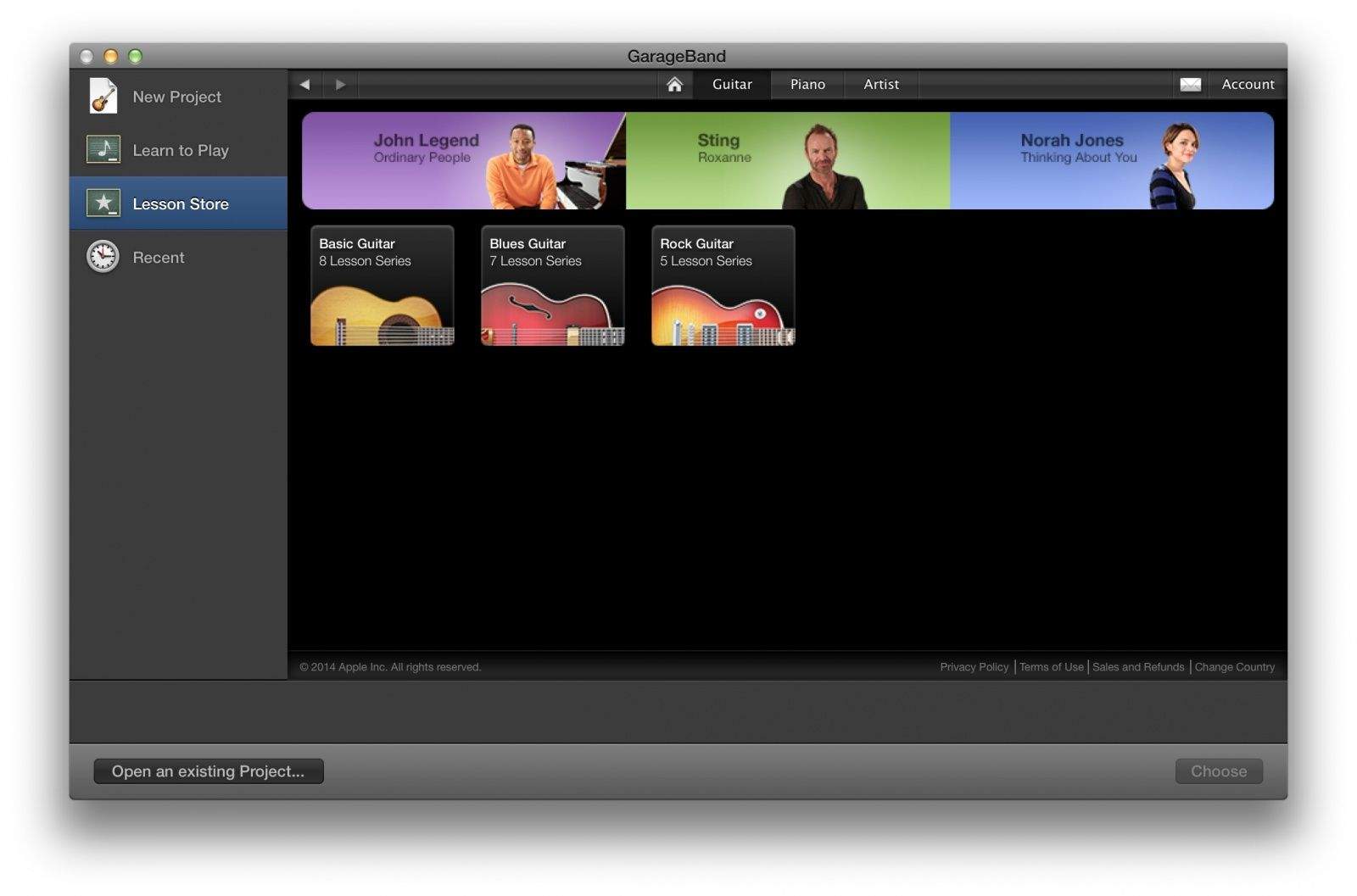
One of these cool features is the Learn to Play function, which has some pretty good basic music tutorials baked right in, along with the capability to purchase videos from hit artists like Sting and Norah Jones, who teach you how to play some of their famous songs.

It’s a pretty heady set of music learning; here’s how to access it. Getting really good at your instrument will take more than watching a video or three, but this is a great start if you want to try your hand at the guitar or piano.

What Apps Will Look Like On The 4.7-Inch iPhone 6

By

iPhone-6-mockup-Martin-Hajek-004-1024x768-640x480

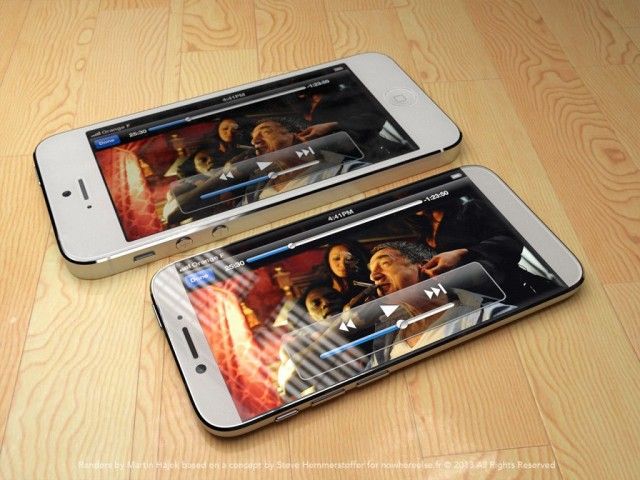
In the past, when Apple has grown the screen of an iOS device — for example, with the transition from the iPhone 4s to the iPhone 5 — Apple has taken pains to keep the pixel density the same. The Retina Display on the iPhone 5 is 326 pixels per inch, just like the iPhone 4s. This makes it easier for developers and helps prevent the widespread fragmentation seen in the Android operating system.

With many rumors pegging the forthcoming iPhone 6 as having a much bigger 4.7-inch display, a practical issue presents itself: what would that mean for resolution and pixel-density? If Apple increases the display size, will they increase the resolution to compete with the likes of HTC and Samsung’s 1080p Android smartphones? And if so, what does that mean for app developers?

PDFpen Scan+ Does Searchable PDFs Better Than Ever

By

pdfpen

Gone are the days when simply taking a photo of a document was enough. Today, if you care enough to scan or photograph a piece of text, chances are you’re also going to want to edit it.

This is where a tool like Smile’s popular PDFpen Scan+ app comes in — which has just been updated for iOS 7.

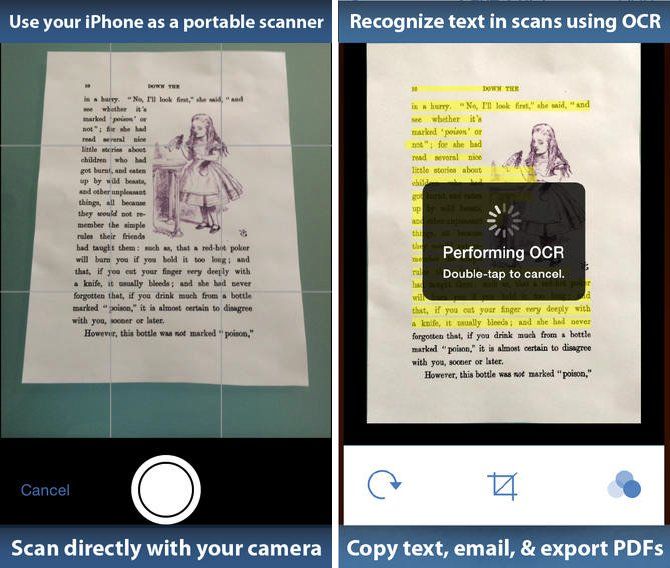
PDDpen Scan+ differs from rival apps like Scanbot by performing optical character recognition (OCR) to create creating fully-searchable PDFs. The app’s latest update — Version 1.3 — adds an enhanced user interface, new paper sizes for scanned documents, the ability to preview OCR text as page overlays, and many more new features.

Why Angela Ahrendts Is Stalling Apple: Money

By

Angela-Ahrendts

Apple’s incoming SVP of Retail, Angela Ahrendts, is one of Cupertino’s most widely anticipated hires in ages. The CEO of popular fashion chain Burberry, Ahrendts is so well-suited to lead Apple’s retail ambitions, and such a powerhouse executive in her own right, that many have wondered if Tim Cook is planning to have her replace him as CEO when he retires.

But when is Ahrendts going to join Apple officially? She was originally expected this month, but it’s now looking like she might push her start until June.

Why? Why else. Money.

How Google Swiped Apple’s Hot New PrimeSense 3-D Tech For Project Tango

By

cYAUUZSRMctNcBEs

In November 2013, Apple acquired PrimeSense, a 3-D technology sensing company that could hint at the ability for future iPhones, iPads and Macs to have a Kinect-like ability to sense where users are and react to their movements.

Given the acquisition, you’d think Apple would be the first company to use one of PrimeSense’s hot 3-D imaging systems-on-a-chip, maybe in the iPhone 6, but no. Google has beaten Apple to the punch, using PrimeSense’s Capri PS1200 3-D imaging SoC in the experimental Project Tango device, the world’s first motion-sensing smartphone.

iOS 8 Will Let Users Ask Siri, ‘What Song Is Playing?’ [Rumor]

By

OriginalNipper

Want to ask Siri what song is playing and get a definitive answer? In iOS 8 you might be able to, according to a new report.

Apple will reportedly partner with Shazam for a song-recognition feature in the next version of its mobile operating system. For those who don’t know, Shazam has been operating its own song-identification app (a personal favorite of mine) for years.

The app pulls in data from an iPhone or iPad’s microphone, sends it to the cloud for processing, and then returns results to users — allowing you to track down those hard-to-find tracks, without having to spend ages googling lyric fragments.

Marissa Mayer Wants Yahoo To Be Safari’s Default Search Engine

By

marissa_new4

Having seen its shares jump recently, Yahoo CEO Marissa Mayer has another plan she hopes will continue her company’s turnaround: convincing Apple to adopt Yahoo as the default search engine for Safari on iOS.

Yahoo has reportedly been working on two secret projects designed to build “a viable mobile search engine and monetization platform to convince Apple to make Yahoo the default search engine on its Safari browser on the iPhone and iPad,” according to a new report from Re/code.

Codenamed “Fast Break” and “Curveball,” the projects will be the subject of an upcoming presentation Mayer will make to Apple at some point in the near future — with the aim of getting the company to ditch Google as its search partner.

Weird Prototype Case Hints at Cheaper, Plastic iPhone 6c

By

post-274790-image-28875eef3e726bb60d340ab768015e94-jpg

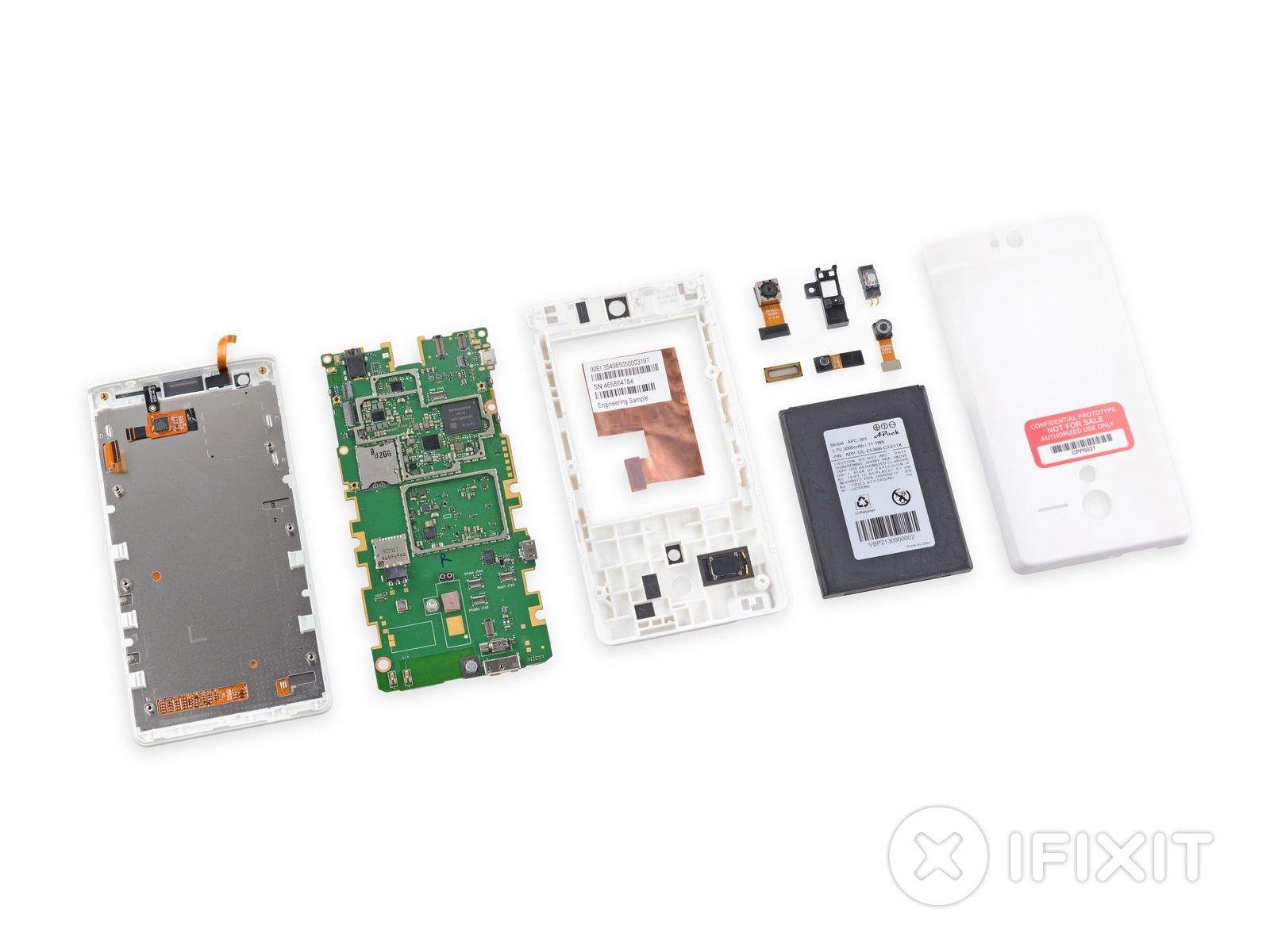
This mockup of a case suggests that Apple might be working on a successor to the iPhone 5c, the cheaper iPhone that supposedly flopped.

On display at the Hong Kong Electronics Fair, the case appears to be designed for a large-screen iPhone. But that phone does not appear to be the iPhone 6, which is all but officially confirmed to be bigger than current models. The Hong Kong case has a slot on the back only for a single camera flash, suggesting that it’s designed for a successor to the iPhone 5c, which is equipped with a single flash. The iPhone 5s has a double flash.

Would You Wear This Rugged iWatch Design? [Concept]

By

i-watch

With so much buzz about the possibility of Apple’s expansion into the wearables sector, it’s no surprise that we’re not exactly short of iWatch concept designs.

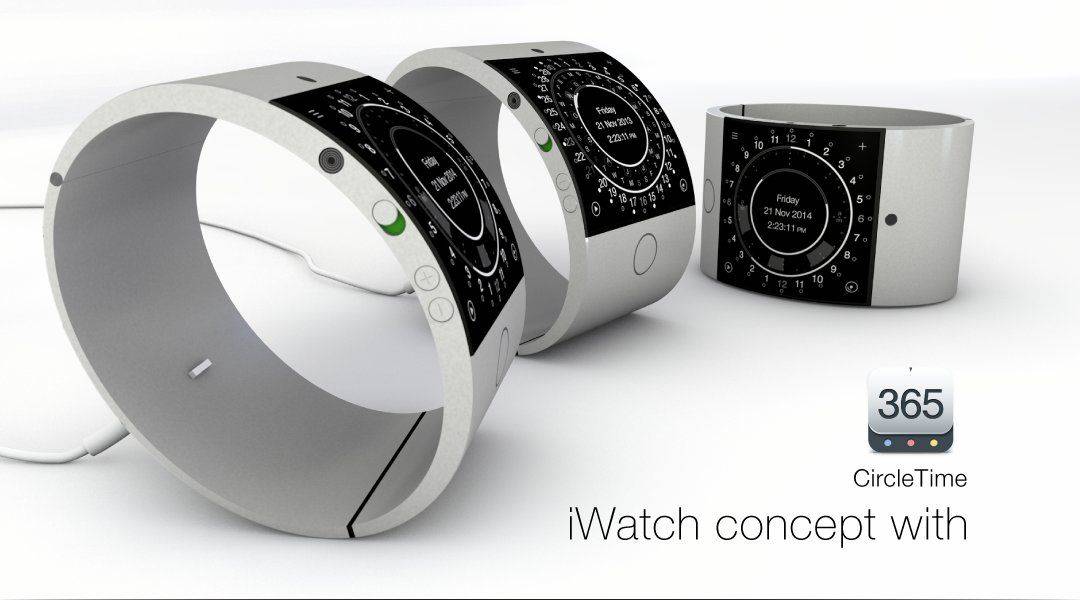
The folks behind the universal CircleTime app have added another one to the pile, though — and it’s certainly eye-catching.

“Available” in black and silver, and featuring a 2-inch display with curved anti-scratch glass, full version of iOS, and a Li-ion battery that last seven days before needing to be recharged, HedgeHog’s design is more robust and high quality than some of the other variations out there — even if it does somewhat resemble the heavy duty bracelets worn by He-Man in Masters of the Universe.

Union, The Best Image-Blending App Around

By

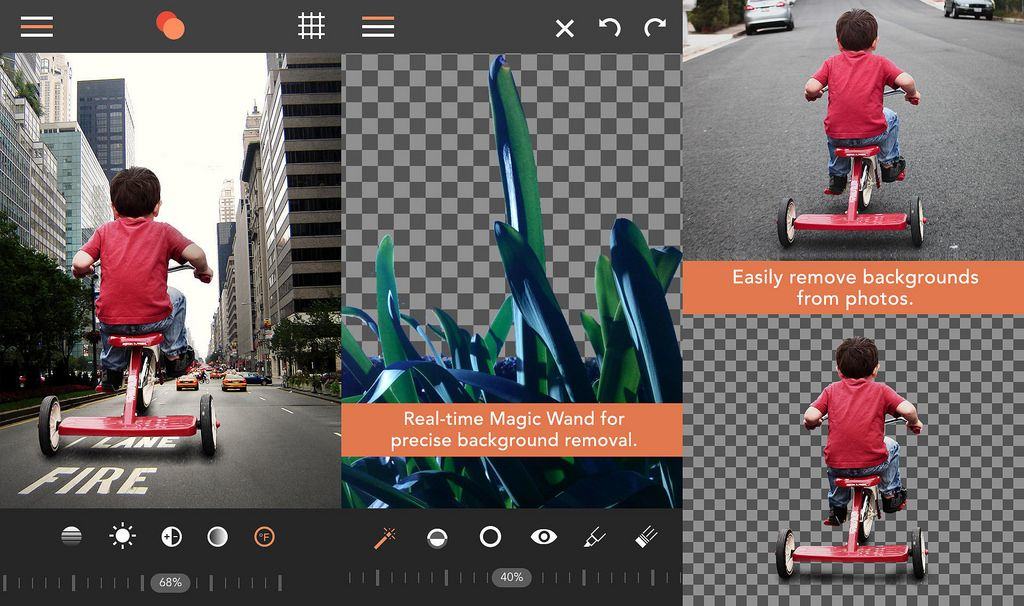
You might as well delete all the layer-blending apps on your iPhone or iPad right now, becasue Union is better than all of them. It comes from Pixite apps, the developer behind Unbound, LoryStrips, Flickring, Tangent and more, and it lets you stack images, then blend and manipulate them to stunning effect. How stunning? Take a look:

‘Peacekeeper’ Bluetooth Alarm And Flashlight Douses Humans With Pepper Spray

By

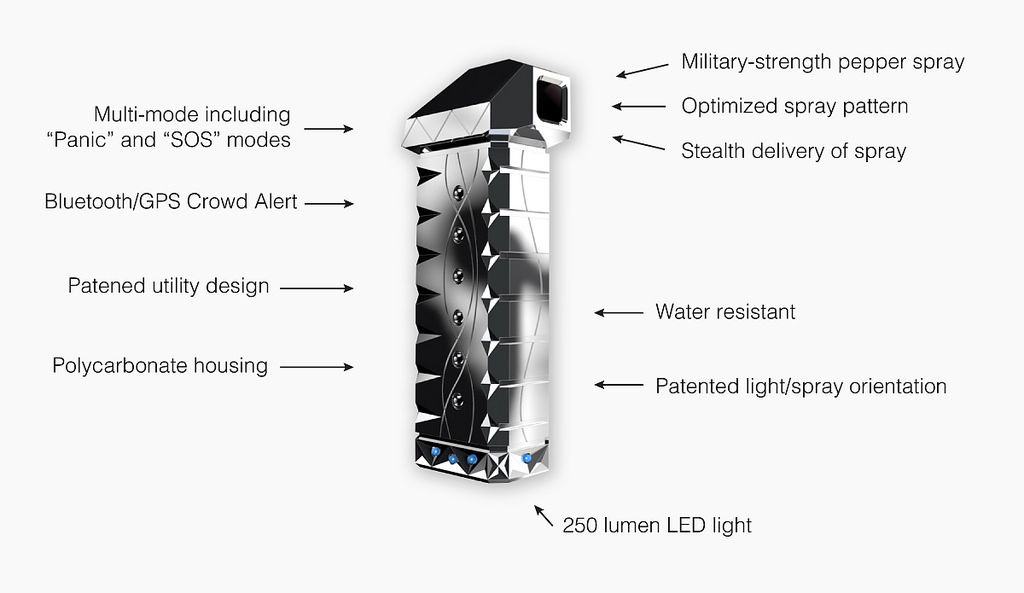
This combined Bluetooth attack alarm, flashlight and pepper spray is called the Peacekeeper. LOL.

The Peacekeeper keeps the peace by letting its user deliver a does of “military-grade” pepper spray into the face of another human being. Here’s what that means, according to a paper from the European Parliament Scientific and Technological Options Assessment (STOA).

The effects of pepper spray are far more severe, including temporary blindness which lasts from 15–30 minutes, a burning sensation of the skin which lasts from 45 to 60 minutes, upper body spasms which force a person to bend forward and uncontrollable coughing making it difficult to breathe or speak for between 3 to 15 minutes.

Power Vault: Keep Power Locked Away Until You Need It [Deals]

By

redesign_pv_mf3

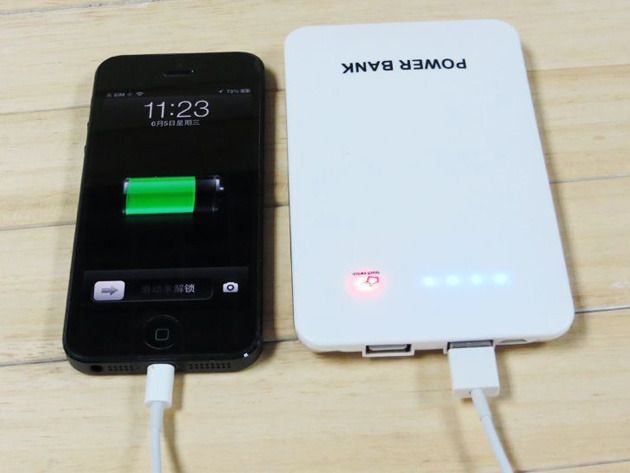
The Power Vault features a polished design and reinforced protective case power-packed with an unparalleled rechargeable 10,000mAh battery. The dual USB ports allow for any two devices (smartphone, tablet, USB-­connected devices) to be rapidly charged within minutes, all the while allowing you to enjoy your gadgets without interruption.

Keep your battery power locked away and ready to be used any time you run low. The Power Vault is like Fort Knox except your holding another valuable resource…pure, unadulterated energy. And Cult of Mac Deals has it for 65% off the regular price – only $33.99!

How Apple Should Fix iOS 7.1’s Horrible Shift-Key

By

iOS7keyboardfixed
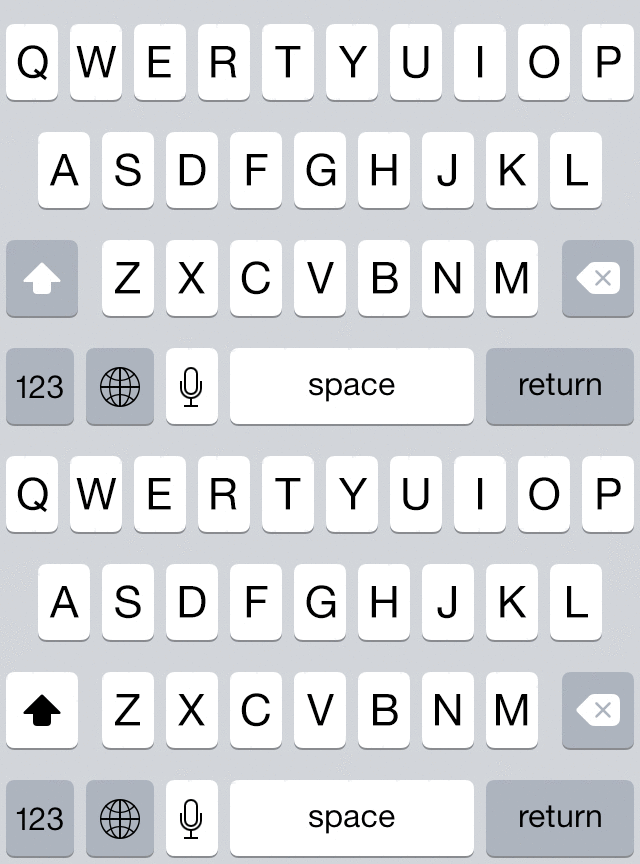
Current iOS 7.1 keyboard - is the Shift key on or off?

Among Jony Ive’s many changes brought to iOS 7 was the tinkering of the keyboard’s Shift key which has inexplicably gotten worse over time.

Streaks of successfully guessing whether the shift key is on or not should be award with showers of iTunes credits, but as designer Geoff Teehan points out, Apple could fix its keyboard woes with one simple change.

Check it out:

Google Glass Sells Out In First One-Day Sale

By

post-274658-image-56a1c407151ac337b483492f01933fa9-jpg

On Tuesday, Google began selling Google Glass to residents of the United States for a 24-hour period.

Costing $1,500 (plus tax), and coming bundled with either sunshade lenses or a prescription lens frame, Google warned in advance that numbers were limited.

They were quite right, according to new reports, since by Wednesday morning when the sale ended, the entire stockpile had been snapped up.

Burds Brings Puzzling Fun Amongst Fowl App Store Releases [Video Review]

By

post-274696-image-6a6e7e889d83217862bc33f99cb1e47d-jpg

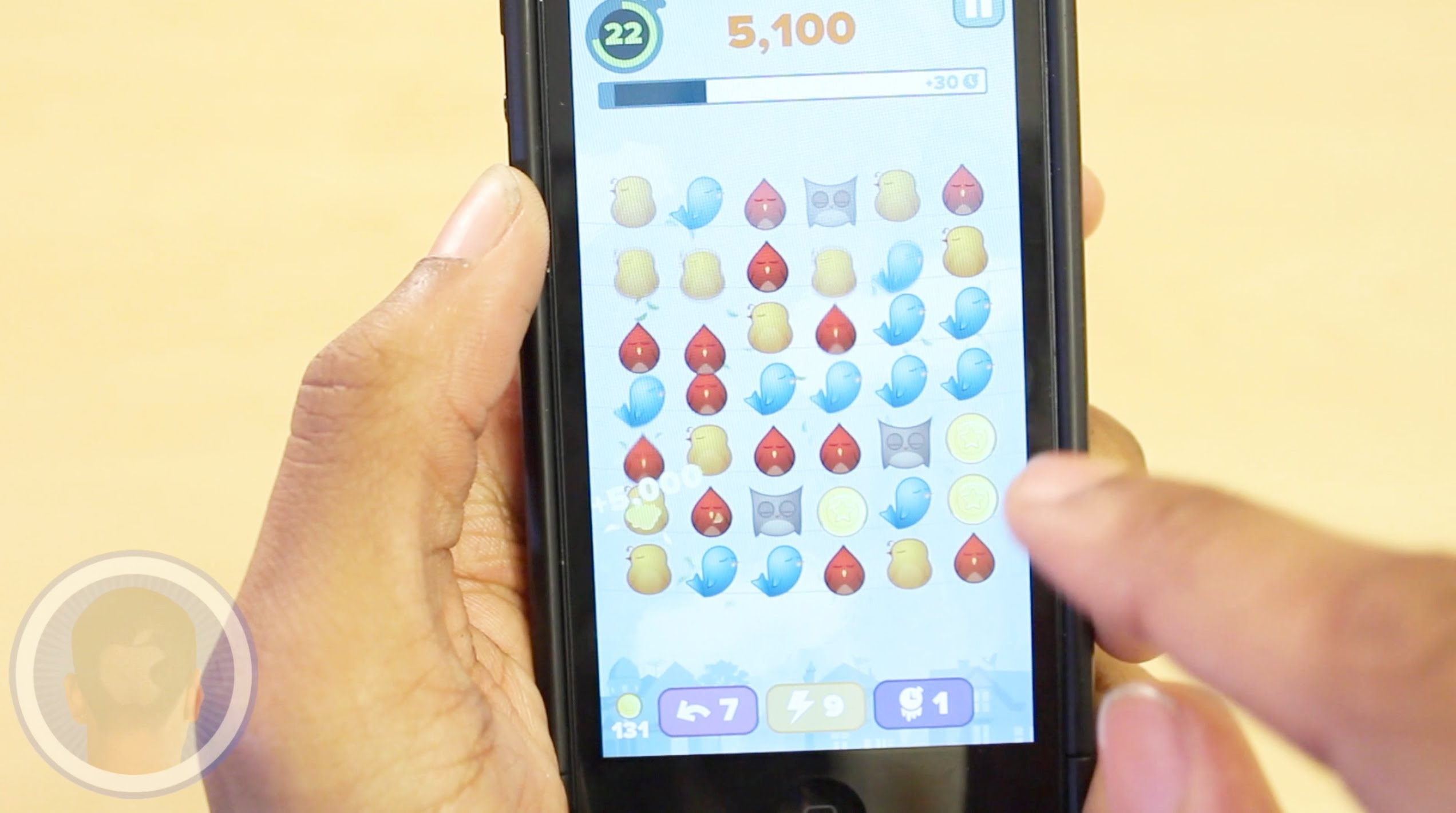
One of the most popular trends in app store gaming is incorporating birds into gameplay. While developers have created games based off of angry and flappy birds, one of the newest additions Burds keeps it plain and simple. Swipe and remove like colored birds from the board while coming across bombs, coins and so much more. Do you think you can handle this fast-paced race against the clock?

Take a look at the video and see what you think.

How To Get Media Into iTunes Faster [OS X Tips]

By

iTunes Easy Add

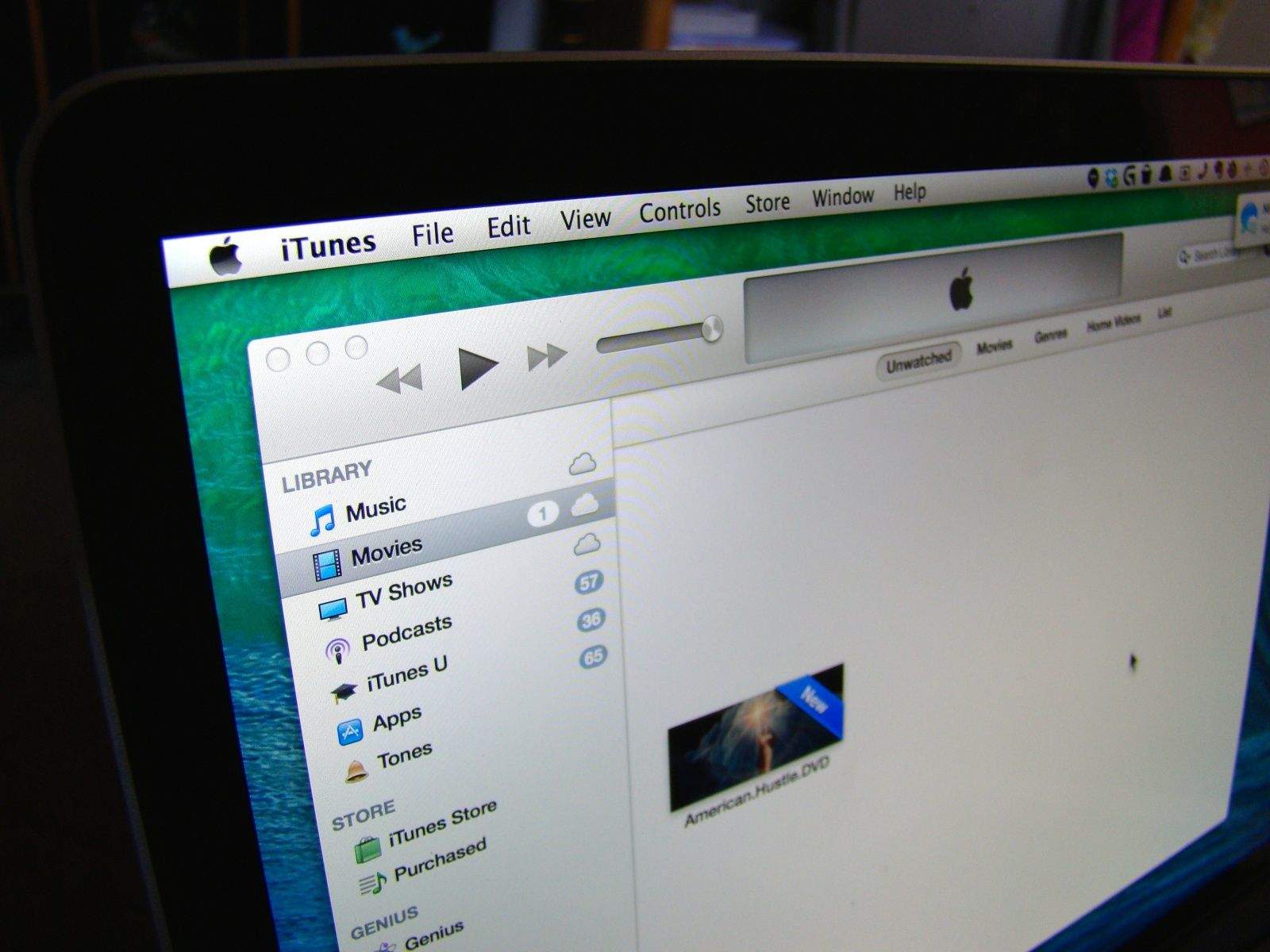
I’m all for getting my stuff into iTunes more efficiently, aren’t you? Jordan Merrick is, too, and he’s come up with a brilliant way to do just that. He’s also got a great site full of clever tips there as well. Really, go check it out.

The default way, says Merrick, for media to get to iTunes is like this: drag and drop a folder full of music or a video you’ve converted from DVD to iTunes. iTunes takes said media, copies it, and places it into its own special folder structure.

What happens in this case is that you’re left holding two copies of that album or video — one in your iTunes folder and one wherever you pulled it from. That’s kind of silly, if you ask me, especially if you back up regularly. No one needs two copies of anything on their hard drive.

Luckily, there’s a cool folder in your iTunes folder that lets you add stuff directly to iTunes. Sadly, it’s pretty buried, but Merrick will show you a better way.

Pelican Voyager Provides Rugged Style With Less Added Bulk [Review]

By

photo: Jim Merithew, Cult of Mac

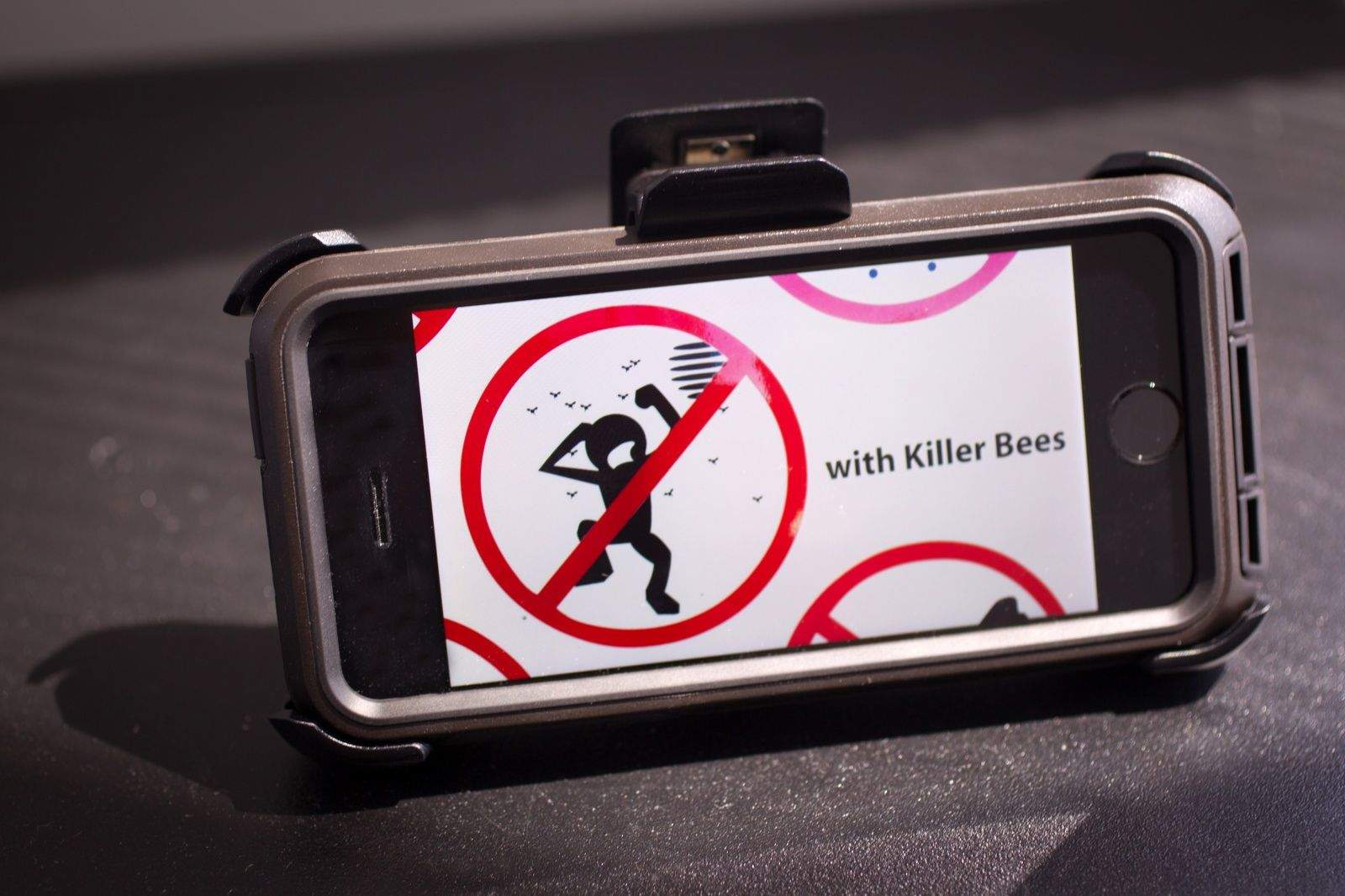
Sometimes you just want an iPhone case that protects that beloved all-encompassing communications and gaming device from the vagaries of your crazy life, for sure.

Voyager by Pelican ProGear
Category: iPhone Cases
Works With: iPhone 5/5s
Price: $50

There are numerous options for those of us who tend to the “drop our gear constantly” school of gadget ownership, but most of them end up being incredibly bulky and difficult to use. Some even provide a screen guard that is less than touchable, as it were.

The Voyager series for the iPhone 5 and 5s, however, aims to provide similar drop, screen, and debris protection as many of these other cases, all for a more affordable price.

I took the case out for a spin to see if it could, in fact, protect my iPhone 5 without trouble, and whether the added bulk is worth the trade off in protection.

Samsung Email: Steve’s Dead, Let’s Attack iPhone

By

steve

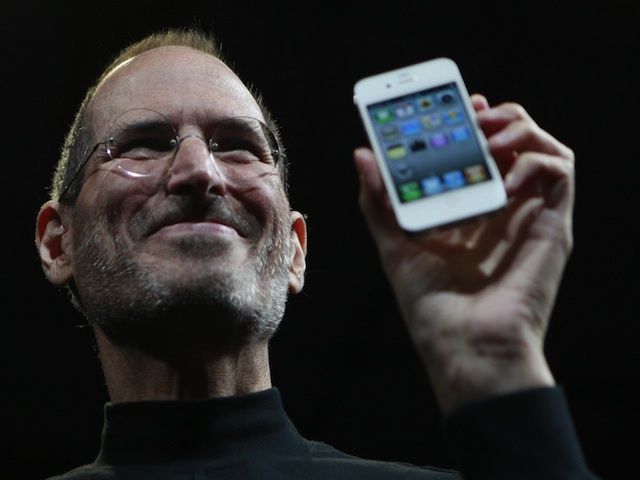
The Apple vs Samsung legal battle has been full of low points for both companies as they spare for global domination, but an email from Samsung’s VP of Sales fired off just two days after Steve Jobs’ death shows how heartless the war has gotten.

Shortly after Jobs’ passing in 2011, Michael Pennington, head of national sales for Samsung Telecommunications America, told company leadership in an email acquired by CNET that Steve’s death was the best opportunity Samsung was going to get to attack the iPhone.

Here’s the full email:

‘Blink’ Knows That Sometimes You Don’t Have Time To Swipe

By

Blink

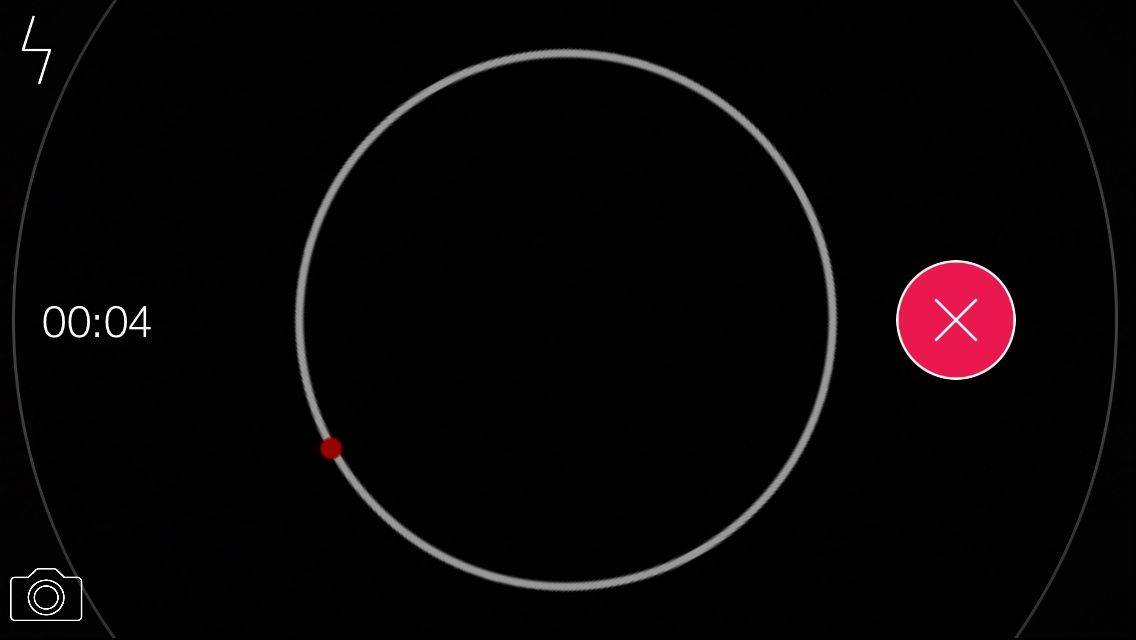
I don’t know if I’m just ridiculously clumsy or what, but I’ve had times where I saw something happening that I wanted to record, and by the time I got my camera app up and switched over to video, that thing had stopped happening. And regret is a powerful thing.

So Blink (or [Blink], if you’re super fancy) is a new app that starts recording the instant you open it; it also lets you take still photos while capturing with a single button press. And that’s slightly faster than opening your iPhone’s camera and then fumbling my stupid, giant thumb around trying to switch to video.

I feel like the black-and-white parts of an infomercial when that happens.

Source:[BLINK] – Free | James Munro

Shatter Alley Hates Bricks And You Equally [Review]

By

Shatter Alley

Video games have always had some weird vendetta against bricks. That paddle in Breakout, Mario, Simon Belmont in Castlevania … they all busted up blocks like they caught them stealing their lunches.

Shatter Alley by Dojotron
Category: iOS Games
Works With: iPhone, iPad
Price: $2.99

To be fair, Simon Belmont often found entire hams and stuff hidden in the walls of Dracula’s castle, so maybe some food thievery had happened. I don’t know; you tell me how those hams got there.

Regardless, Shatter Alley wants to bring the blockpocalypse back, and it does so in frantic, retro fashion.