iPad users can look forward to a less expensive version of Apple’s Magic Keyboard, according to information leaking out of Apple. The goal is apparently a variant more appealing to buyers of entry-level tablets.
Expect a launch in 2025.
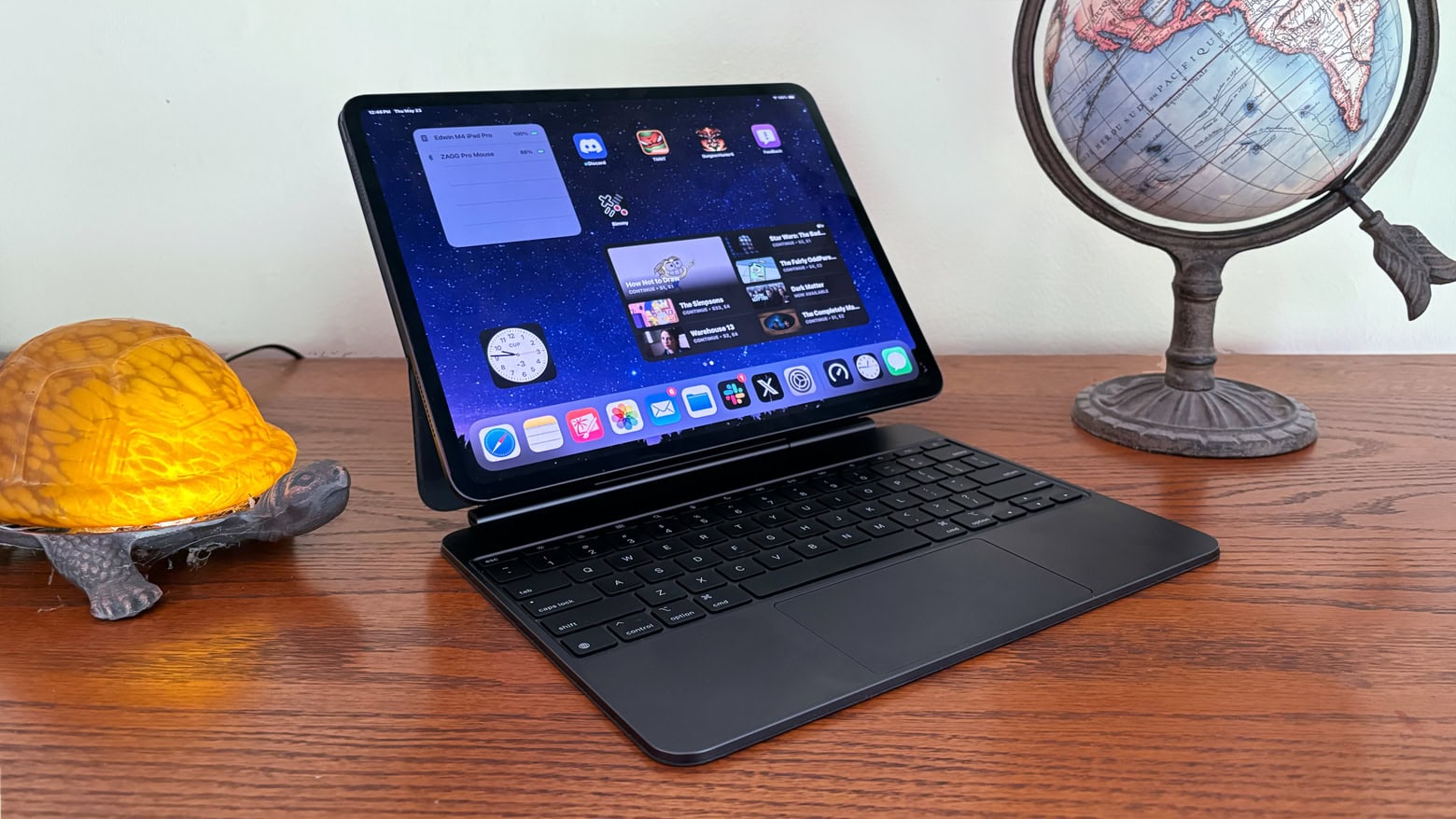
iPad users can look forward to a less expensive version of Apple’s Magic Keyboard, according to information leaking out of Apple. The goal is apparently a variant more appealing to buyers of entry-level tablets.
Expect a launch in 2025.

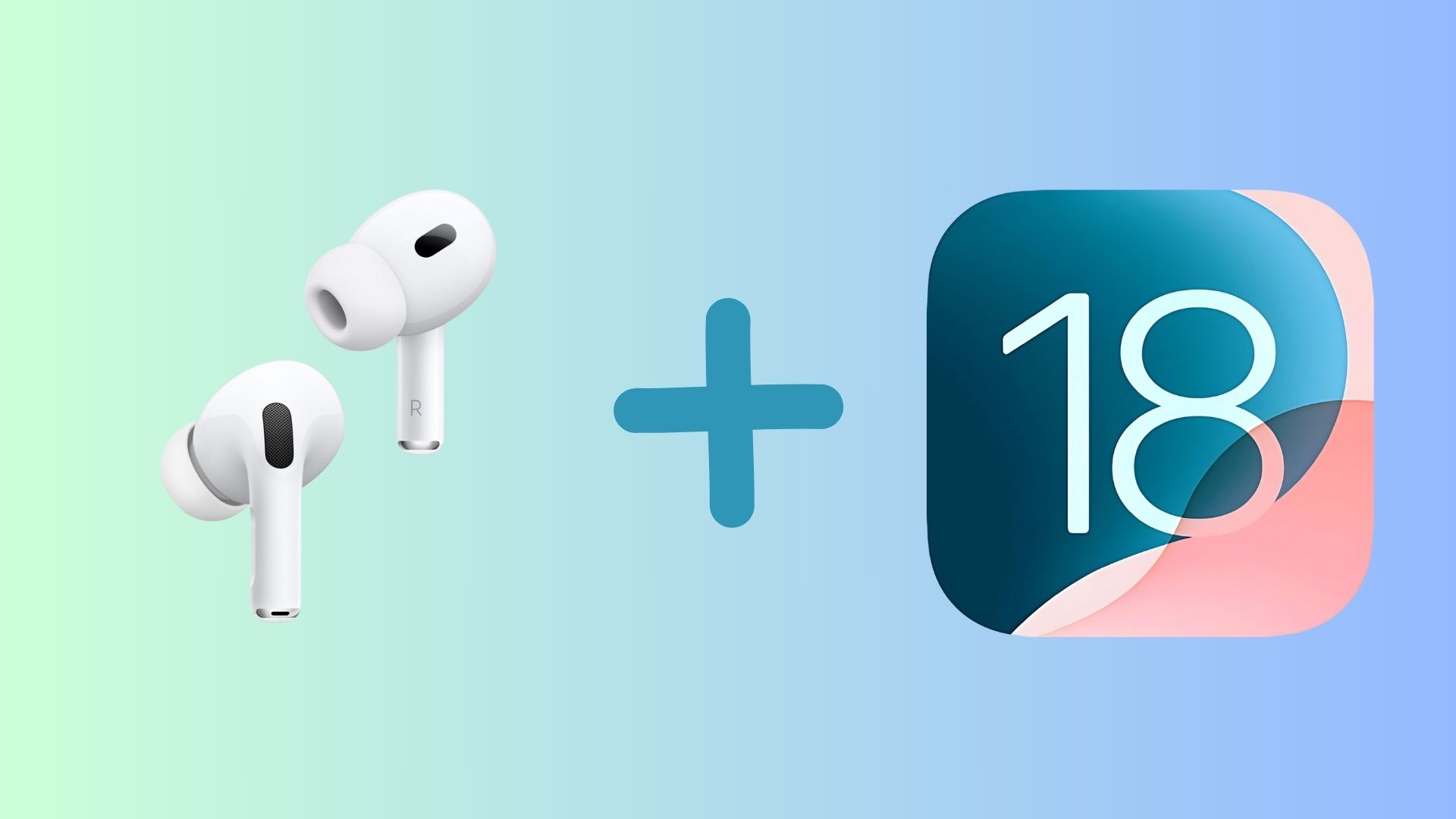
Like iPhones, Apple regularly updates AirPods with new features. iOS 18 will continue that trend by introducing several enhancements for Apple’s earbuds. They include interacting with Siri using head gestures, lowering audio latency while gaming, and more.
Read on to see what new AirPods features iOS 18 will bring to further improve the best earbuds for Apple fans.
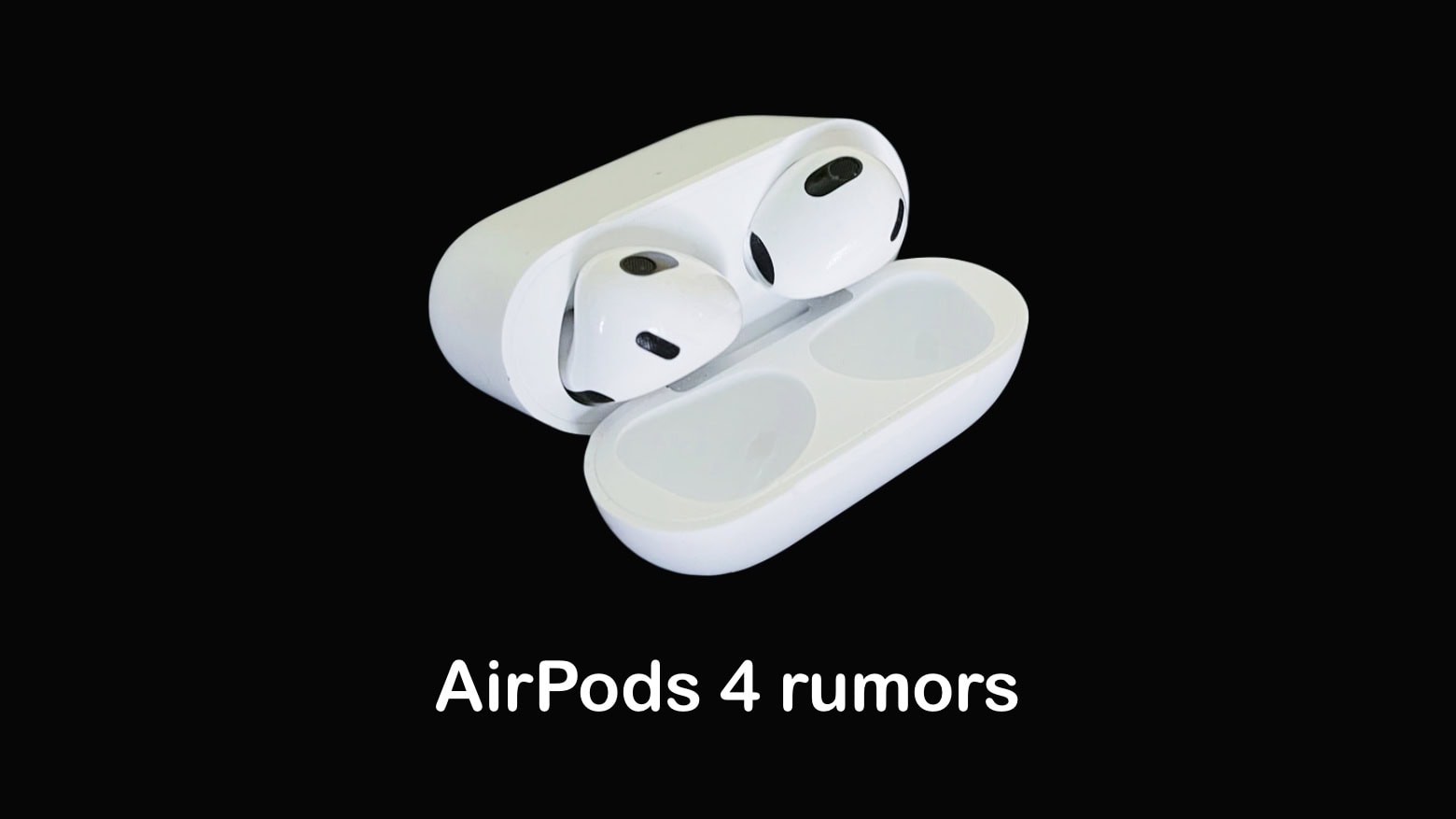
AirPods 4 could launch in just a few days to replace two models of wireless earbuds now in Apple’s lineup. Rumors indicate the new version will borrow a feature from the Pro models: Active Noise Cancellation.
And AirPods Max 2 could be in for a revamp next Monday, too. Probably not so for AirPods Pro 3, though.
Here’s what to look forward to in new AirPods variants when they’re unveiled at the “It’s Glowtime” event on September 9.
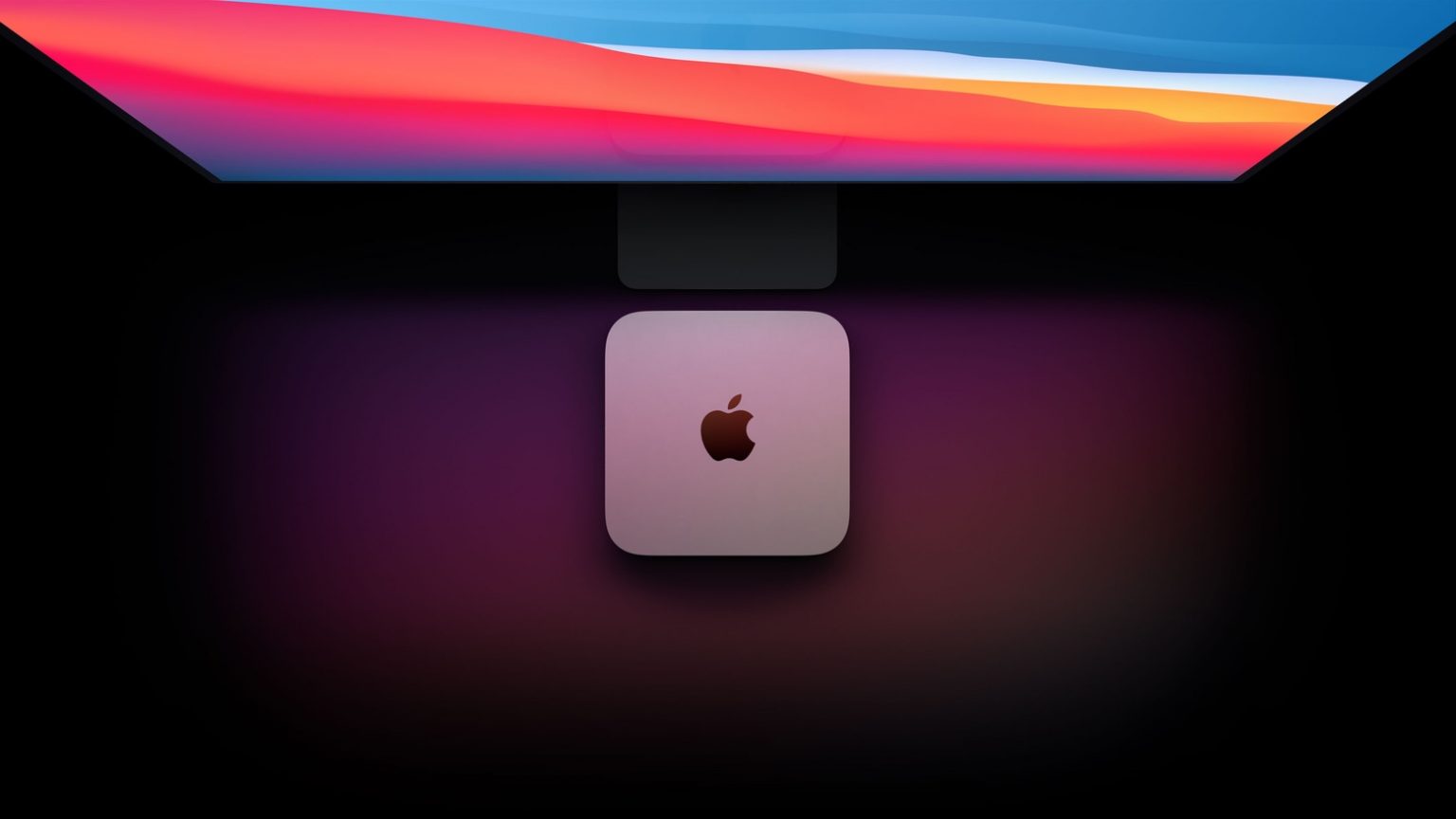
Apple could go all-in on USB-C with its upcoming M4 Mac mini. As a part of the machine’s major design revamp, the company might ditch USB-A ports for good.
The Cupertino company should unveil the M4 Mac mini later this year.

Want Photoshop’s photo editing capabilities without Adobe’s monthly subscription fees? This Mac software bundle combines Photoshop Elements and Adobe Premiere Elements to give you plenty of creative firepower for life — all for one low price. It’s the Photoshop Elements sale the subscription-averse have been waiting for!
Jump on this deal to make your photos and videos look better than ever.

This week on Cult of Mac’s podcast: We finally know exactly when Apple’s iPhone 16 event will happen. It’s “Glowtime” on September 9 … and now it’s time to talk about what’s in store.
Also on The CultCast:
Listen to this week’s episode of The CultCast in the Podcasts app or your favorite podcast app. (Be sure to subscribe and leave us a review if you like it!) Or watch the video live stream, embedded below.
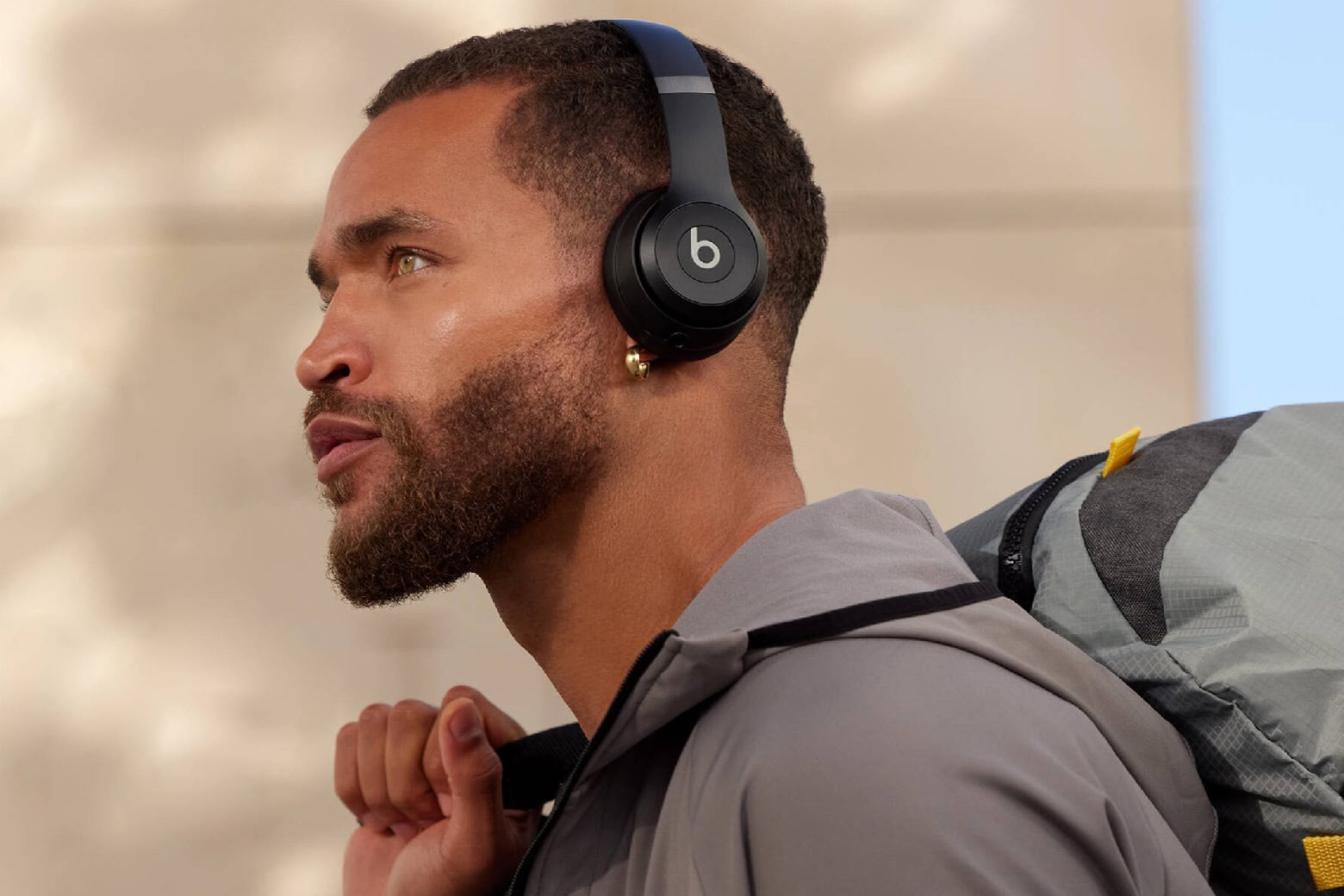
We’re not judging you for still using wired earbuds or headphones, but it’s 2024. You deserve audio accessories that free you up and make it feel like you’re enjoying a personal concert, like these Beats Solo 4 wireless headphones.
If you want an audio upgrade, these headphones’ ultra-plush ear cushions and custom 40mm transducers will do the trick. And while they list for $199, you can get a pair of Beats Solo 4 headphones for just for $129.99 with our new, open-box sale.
iOS 18 is packed full of great features Cult of Mac has covered at length — but the upcoming iPhone software update packs many more tiny features and small improvements that Apple did not mention or talk about. If you know to look out for these features, they’ll make the everyday interactions with your phone faster and easier.
Here’s a roundup of 18 little changes and useful features in iOS 18. Keep reading or watch our video.
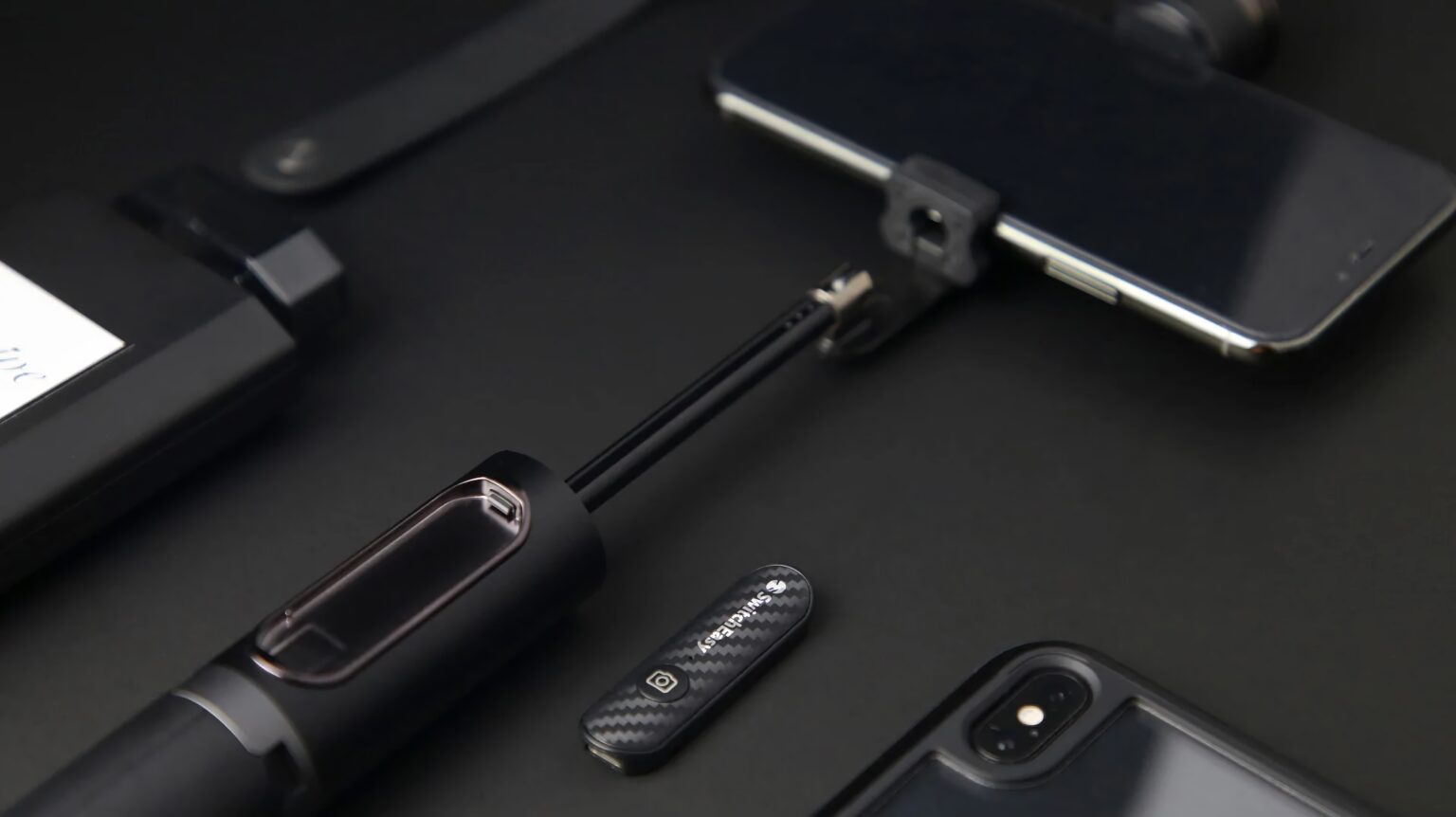
Labor Day weekend is a great time to kick back, take a rest from work — and be thankful for the paycheck that lets you buy tons of Apple Labor Day sale items. The Cult of Mac Store marks the holiday this year by taking 20% off everything from SwitchEasy.
That’s 100 products to choose from! The company makes a wide variety of cool accessories for Apple Watch, AirPods, AirTag, iPhone, iPad, MacBook and more, like various chargers. So whatever Apple gear you have, check out these Labor Day deals on SwitchEasy Apple accessories.
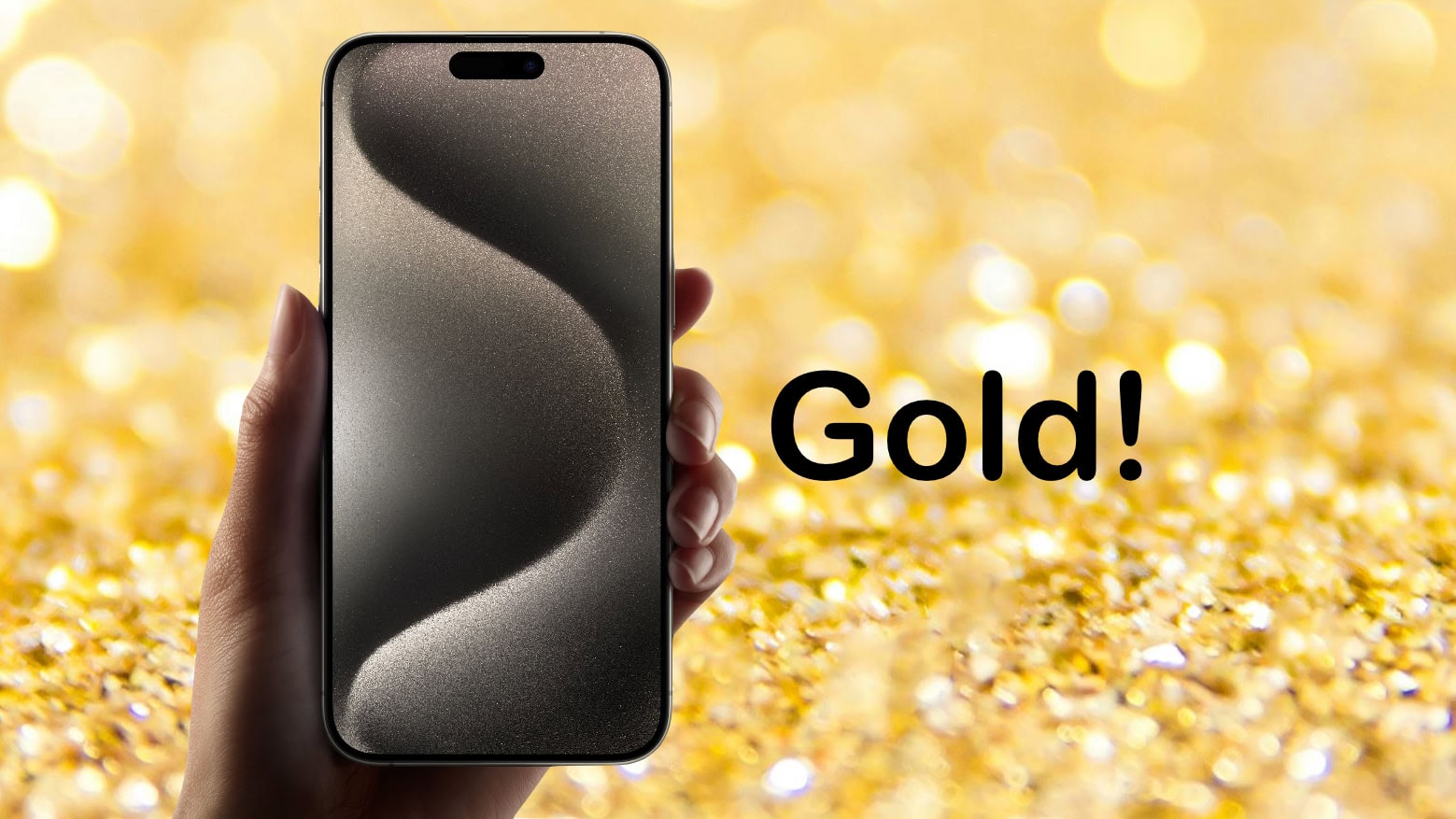
A new render shows the iPhone 16 Pro in a gold titanium finish. Rumors suggest the new color option will replace the blue titanium shade in Apple’s 2024 iPhone Pro lineup.
The mockup also shows a cutout in the iPhone 16 Pro’s case near the Power button, supposedly for the new Capture button.

An Apple TV+ documentary brings a whole lot of gritty reality to dreams of becoming a Korean pop star. K-Pop Idols features interviews with young singers that reveal the enormous amount of effort needed to make their performances look effortless.
The trailer for the series includes one of its young stars saying, “I thought being a K-pop idol was going to be all great and beautiful, but that’s not the reality.”
UPDATE: The new docuseries premiered on Apple TV+ on Friday. All six episodes are ready to stream now.

You might not be thinking much past a barbecue on Monday. But you should be thinking about nabbing incredible Labor Day deals on M3 MacBook Pro. Both Amazon and Best Buy are pulling out the stops for Labor Day. Savings run up to $500 — or even $1,000 (but that’s only for Best Buy members … so you might want to sign up).
This post contains affiliate links. Cult of Mac may earn a commission when you use our links to buy items.
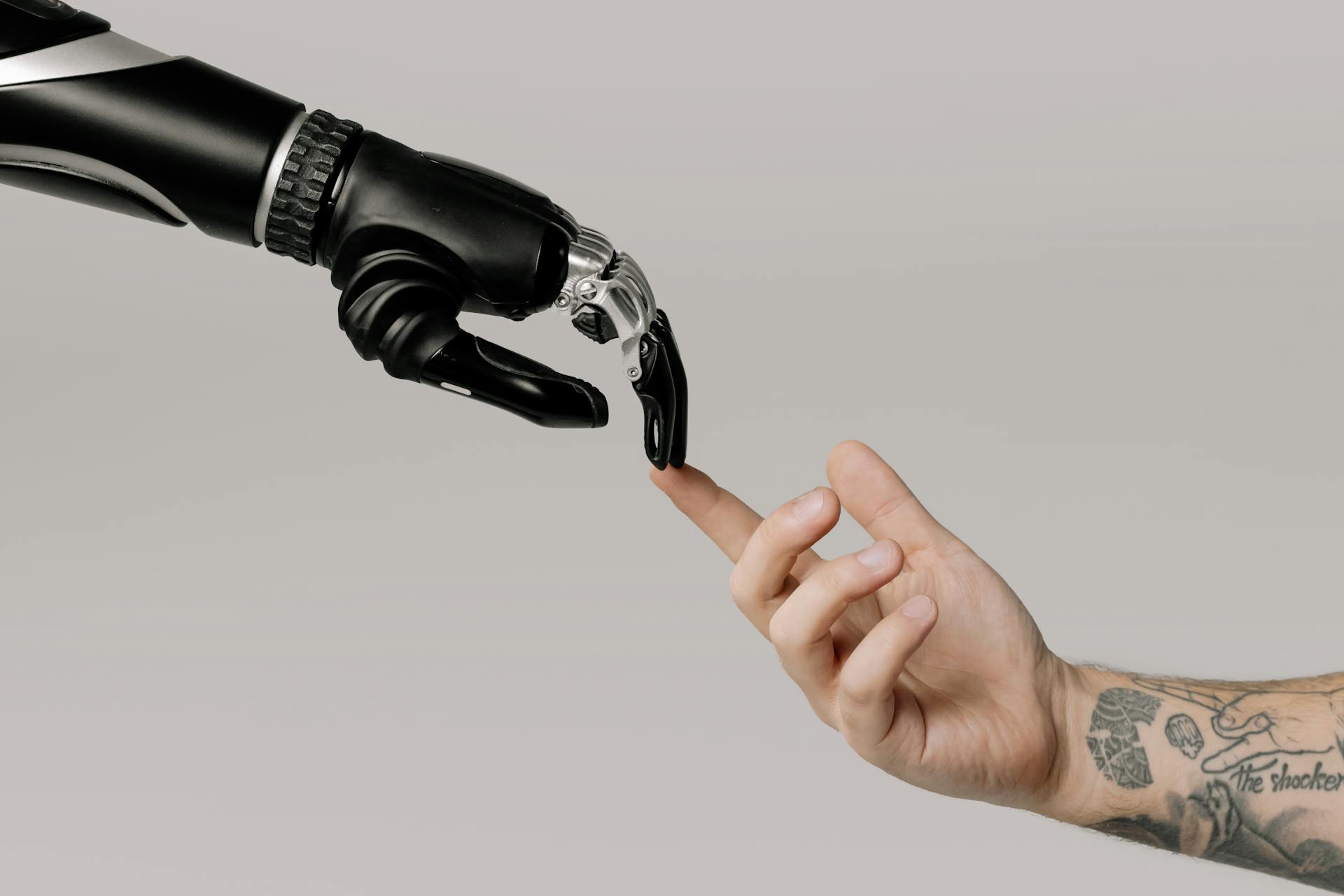
California’s legislature passed a hotly contested AI safety bill Thursday — the groundbreaking Safe and Secure Innovation for Frontier Artificial Intelligence Models Act (SB 1047).
The controversial bill, which awaits Governor Gavin Newsom’s signature before it can become law, introduces the first major AI regulations in the United States. It could have far-reaching implications for tech companies and users alike.
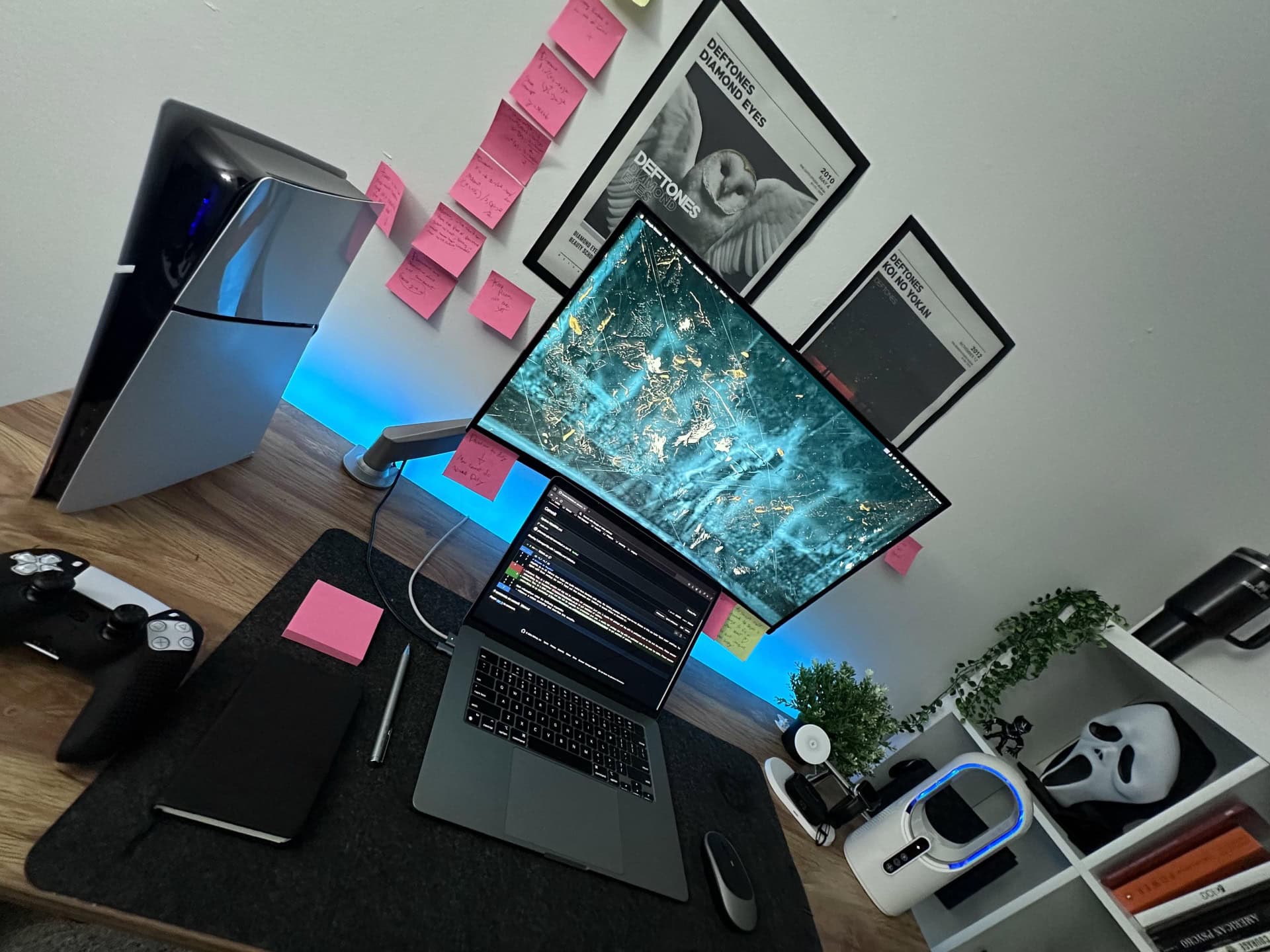
On Wednesday we drooled shamelessly over an M2 Ultra Mac Pro driving a Pro Display XDR and two Studio Displays, a rig that prices out somewhere around $20,000. So on Friday it’s back to financial reality for us, none too soon. And in today’s MacBook Pro setup from a college student, part of that thrifty reality means deploying a ridiculously affordable SupTek Monitor Mount for the external display. The user recommends it. Why? It just works.
 ★★★★☆
★★★★☆
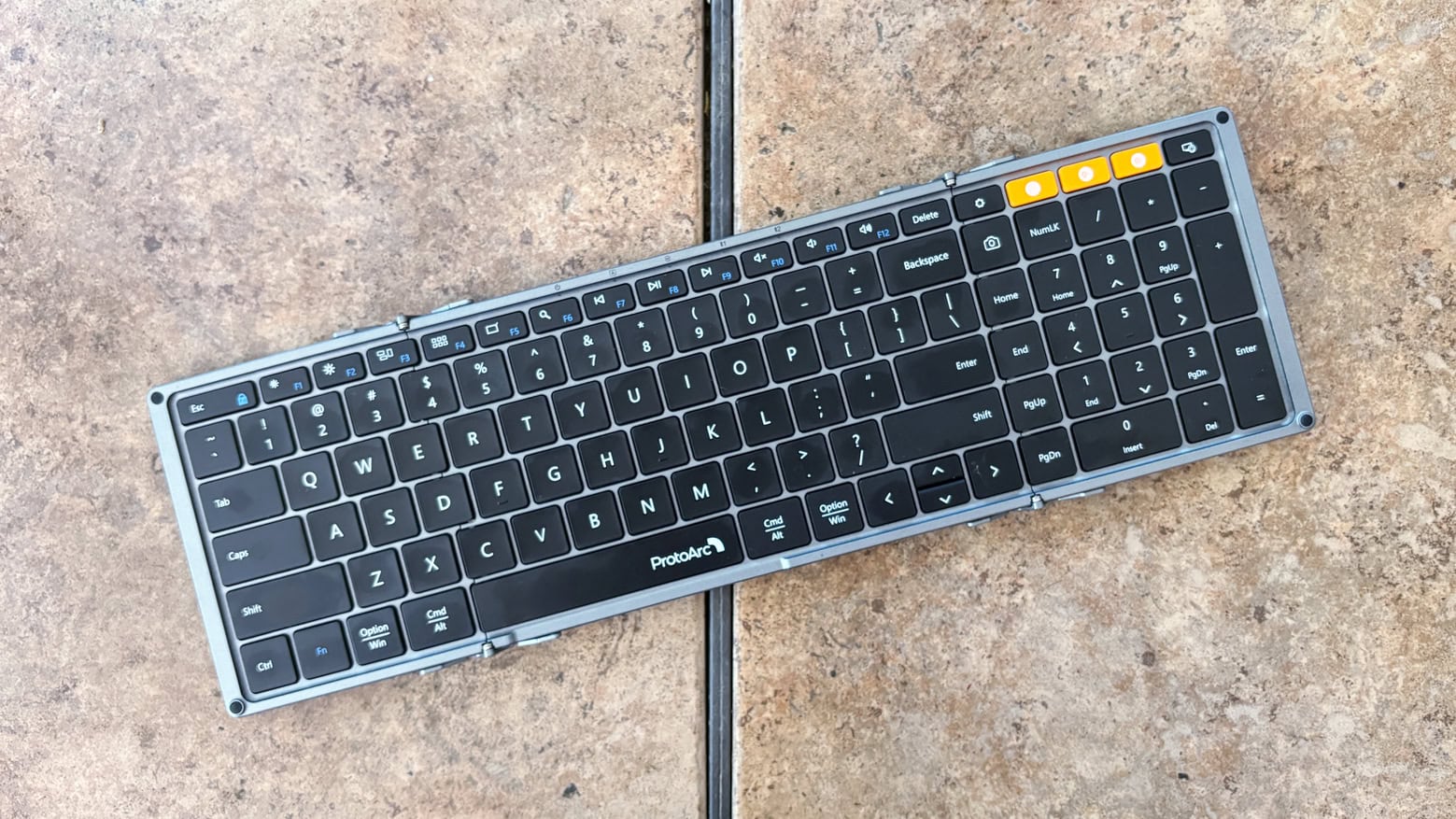
The ProtoArc XK01 Tri-Fold Bluetooth Keyboard is ready to make your business trips more productive. It’s full size, with a numpad and function keys, too. But it folds down to fit easily in a briefcase.
It’s available solo, or with a travel mouse, or as the centerpiece of a bundle with the mouse plus a USB-C hub and multi-port wall charger.
I fully tested the folding keyboard with my 13-inch iPad Pro, plus the other components, too.

Why carry multiple chargers and/or battery backups when you can top up your iPhone, Apple Watch and AirPods with a single power bank? This sleek, lightweight, multidevice charger can handle all three, and it costs just $34.99. That’s 41% off the regular price of $59.
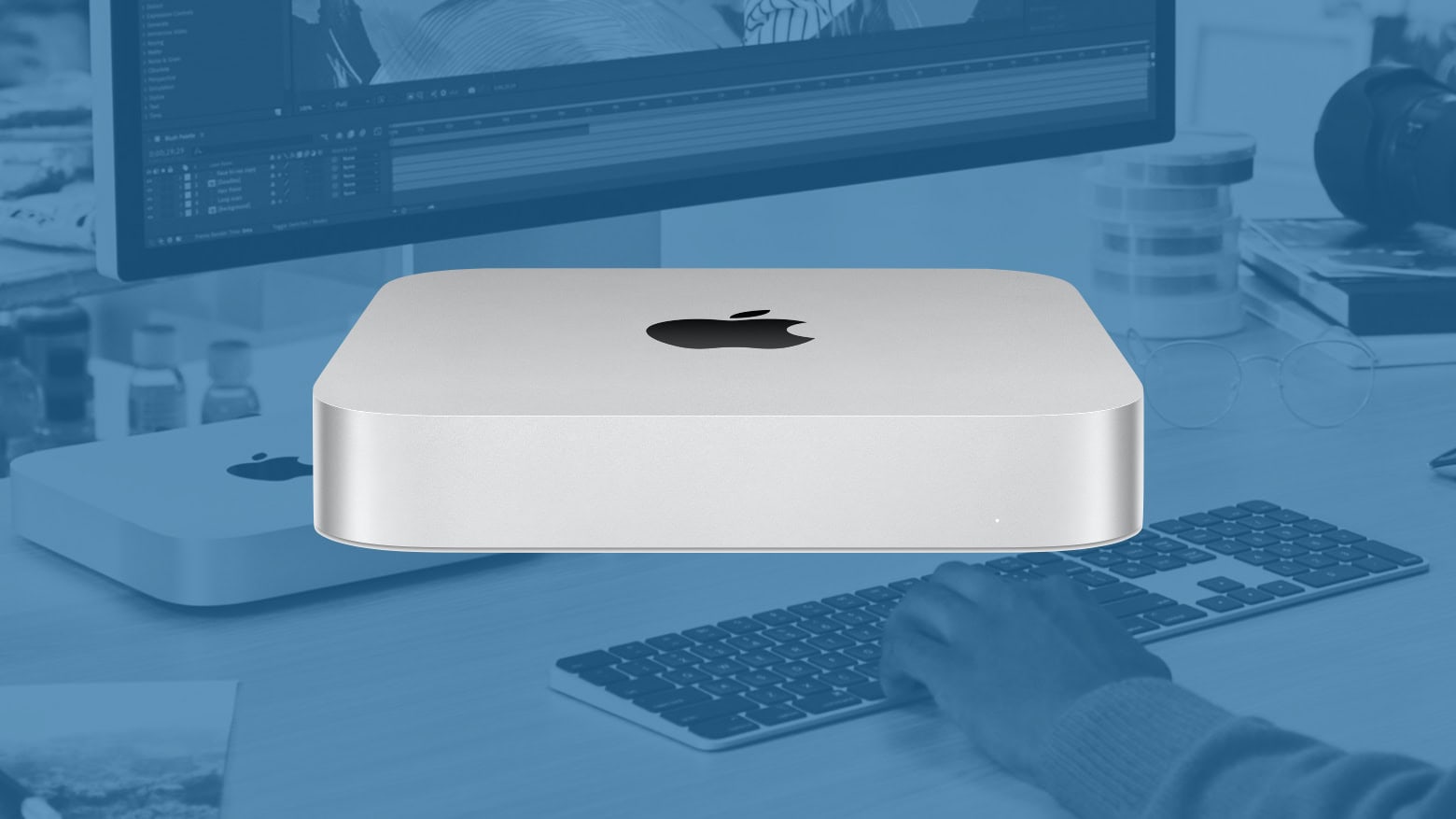
Guess what percentage of Mac buyers choose the Mac mini. Whatever your estimate is, the real number is probably lower. Much lower.
Despite selling so very few of them, it seems likely Apple keeps making and updating the tiny macOS desktop because many of them go to young buyers just starting on a lifetime of buying Apple products.
Spotify users can no longer control the volume of Spotify Connect devices using their iPhone’s volume button. Instead, they must use the workaround: an in-app volume slider.
The company is making this change because Apple discontinued the technology behind this feature.
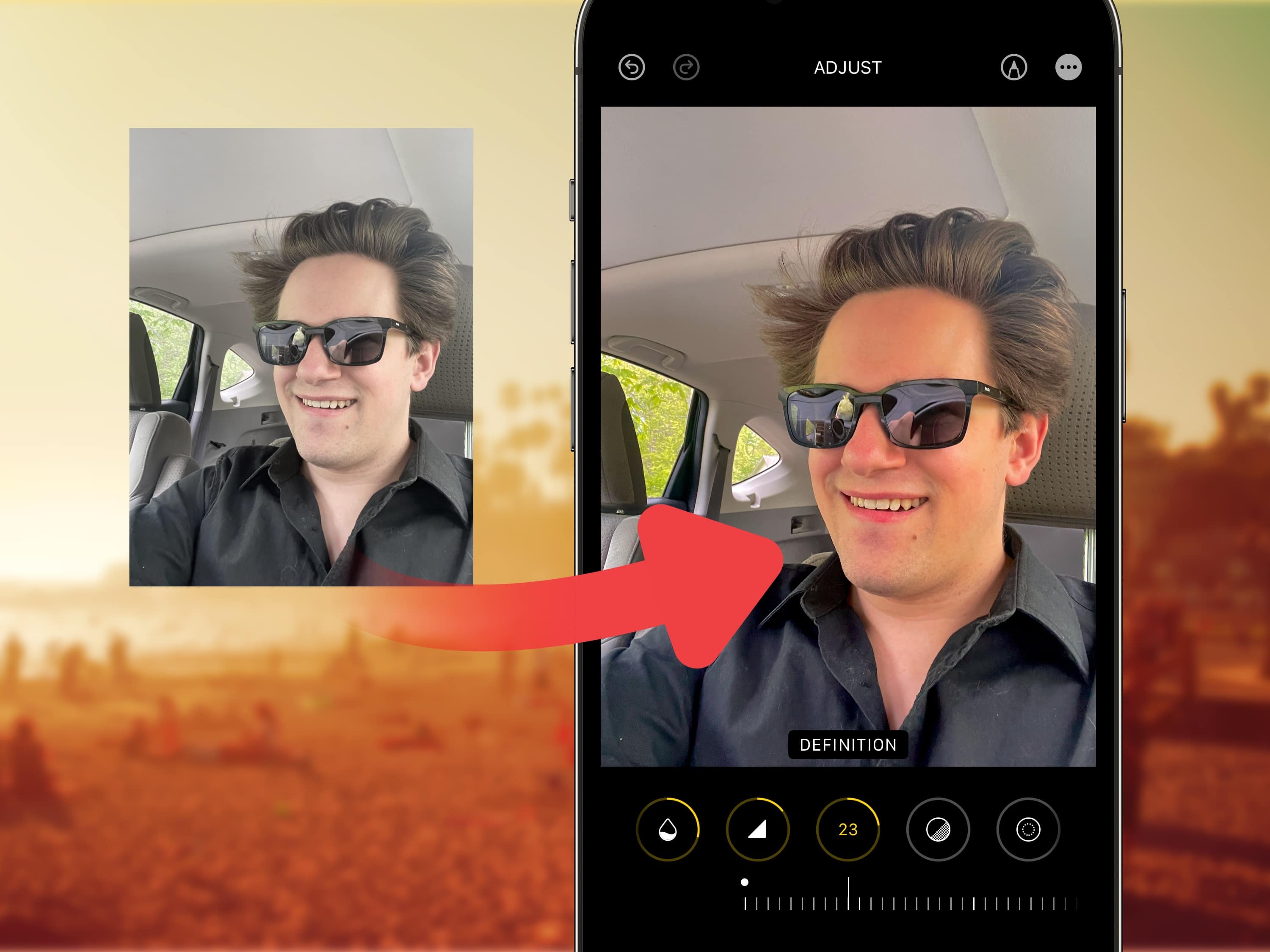
Viral clips on TikTok show how to edit selfies for a more stunning, popping image on your iPhone. I live in a part of Ohio that’s perpetually overcast, but you would think I’m on my way to the beach, given the warm hues this method imparts upon your pictures.
Read on for detailed instructions on how to use TikTok’s winning selfie formula and how to apply the same filters in bulk on all the pictures from a photo shoot. Plus, I’ll tell you about my recommended selfie stick for taking great group shots and landscapes.

The new AI-powered Clean Up feature in the Apple Photos app got people raving about the magical ability to “fix” pictures — and posting examples of when things go horribly wrong. The positive experiences sound great, but the negative ones look like pure nightmare fuel.
Apple added the Clean Up feature in iOS 18.1 beta 3, released Wednesday, and users put the new photo touch-up tool to the test immediately. The results, posted on X, show a wide range of outcomes, including some hilarious misfires.

Before Napoleon hit theaters in late 2023, director Ridley Scott promised a longer, more complete cut would follow on Apple TV+. The streaming service fulfilled that promise on Thursday.
The original lasts 2 hours and 38 minutes, while Napoleon: The Director’s Cut brings nearly an hour more of Joaquin Phoenix as the infamous French emperor and conqueror of much of Europe.

Sports fans can enjoy new features in the free Apple Sports iPhone app, some in time for football season and others coming soon, Apple said Thursday. The app launched earlier this year with an emphasis on simplicity to help fans easily track scores and stats.

Many prominent news outlets and social media platforms have opted out of Apple’s AI training data collection via website scraping, according to a new report Thursday.
Apple does it through a new tool called Applebot-Extended, which the iPhone giant introduced less than three months ago. If major content websites opt out of Apple AI scraping, that could have implications for the continuing development of Apple Intelligence.

The new Vagabond Mobile Gaming Controller transforms iPhone, iPad mini and Android devices into full-fledged gaming consoles, Elo Gaming Limited said Tuesday. It called the device suitable for casual and pro gamers alike.
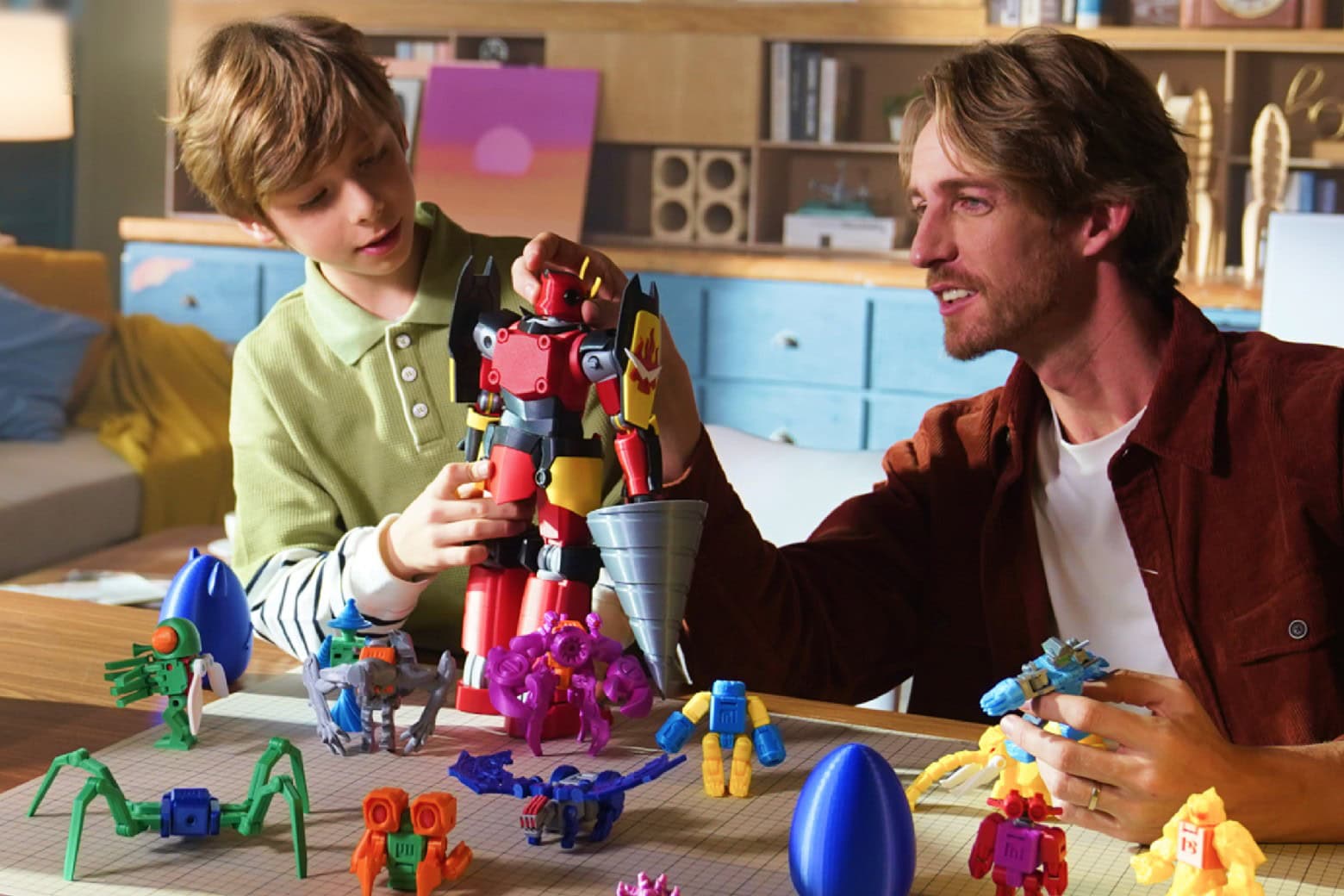
You can’t take home the whole toy store, no matter how many times your kids ask for something new. However, what you can do is bring home the means to make any toys your kids want. Get the X-Maker Joy, a 3D printer for beginners that’s easy to operate and already enjoys a huge catalog of toys your kids can print if they aren’t ready to design their own.
The X-Maker Joy 3D printer might be the last toy you need to bring home for a while, and it’s on sale now at 28% off.