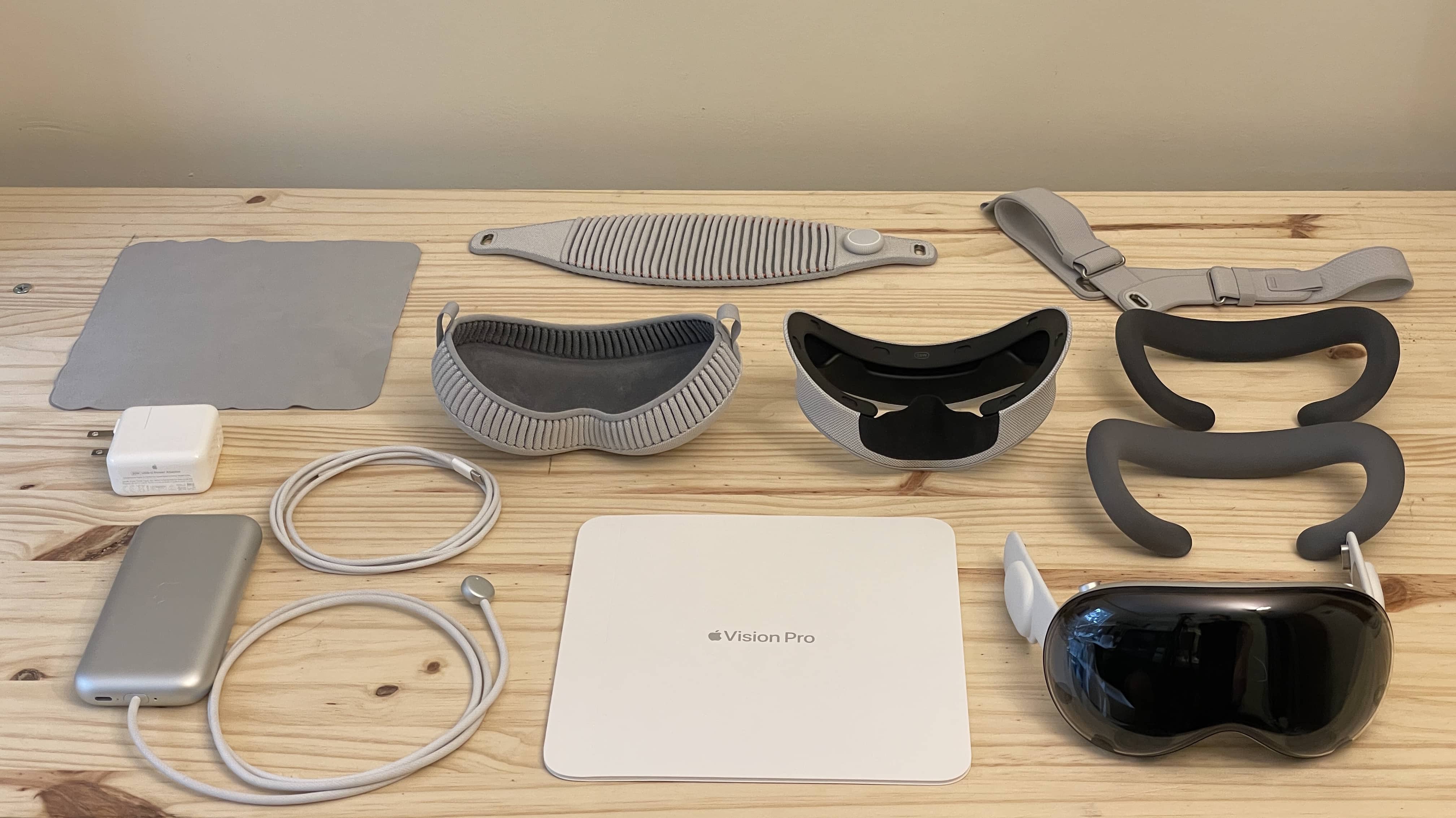
Apple soon might have all the Vision Pro inventory it’ll ever need. Photo: D. Griffin Jones/Cult of Mac
Apple reportedly might end production of the Vision Pro by the end of the year. That doesn’t mean the mixed-reality headset is about to be discontinued, however.
Still, Cupertino apparently now has its focus on the cheaper Vision version that could launch in 2025.
This season two promo image has been out for a while. The new teaser trailer gives a clue as to why he's carrying balloons with his face on them. Photo: Apple TV+
Fans of hit Apple TV+ series Severance — call it a surreal workplace thriller — would expect nothing less than to have their heads exploded by the season two trailer. And without too much exaggeration, that’s pretty much what they get with the video Apple TV+ dropped on YouTube Wednesday.
It leaves you with nothing but tantalizing questions. Like: What the hell are they doing? Well, whatever it is, we want in. The January 17 streaming date can’t come soon enough. Watch the teaser trailer below.
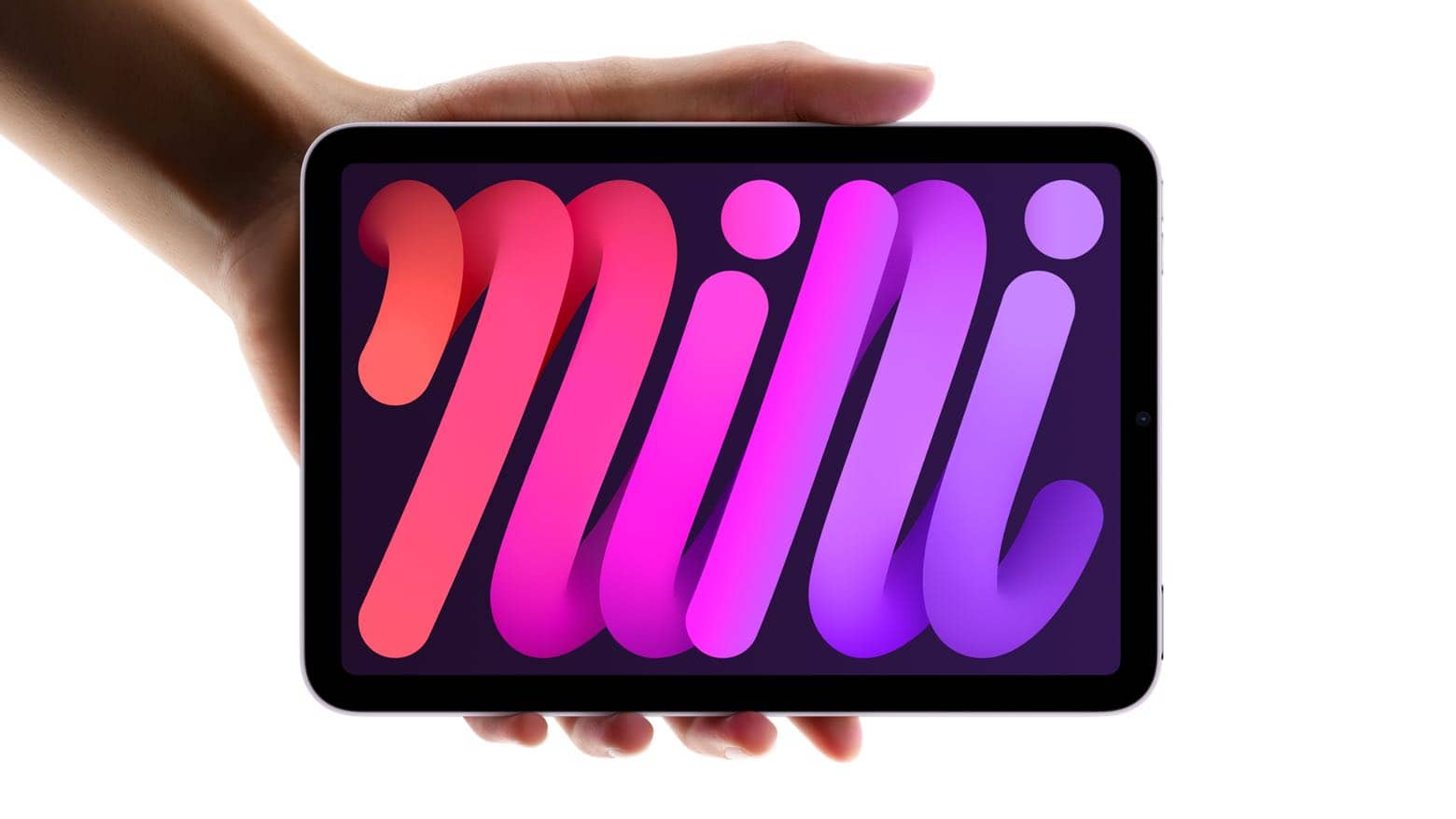
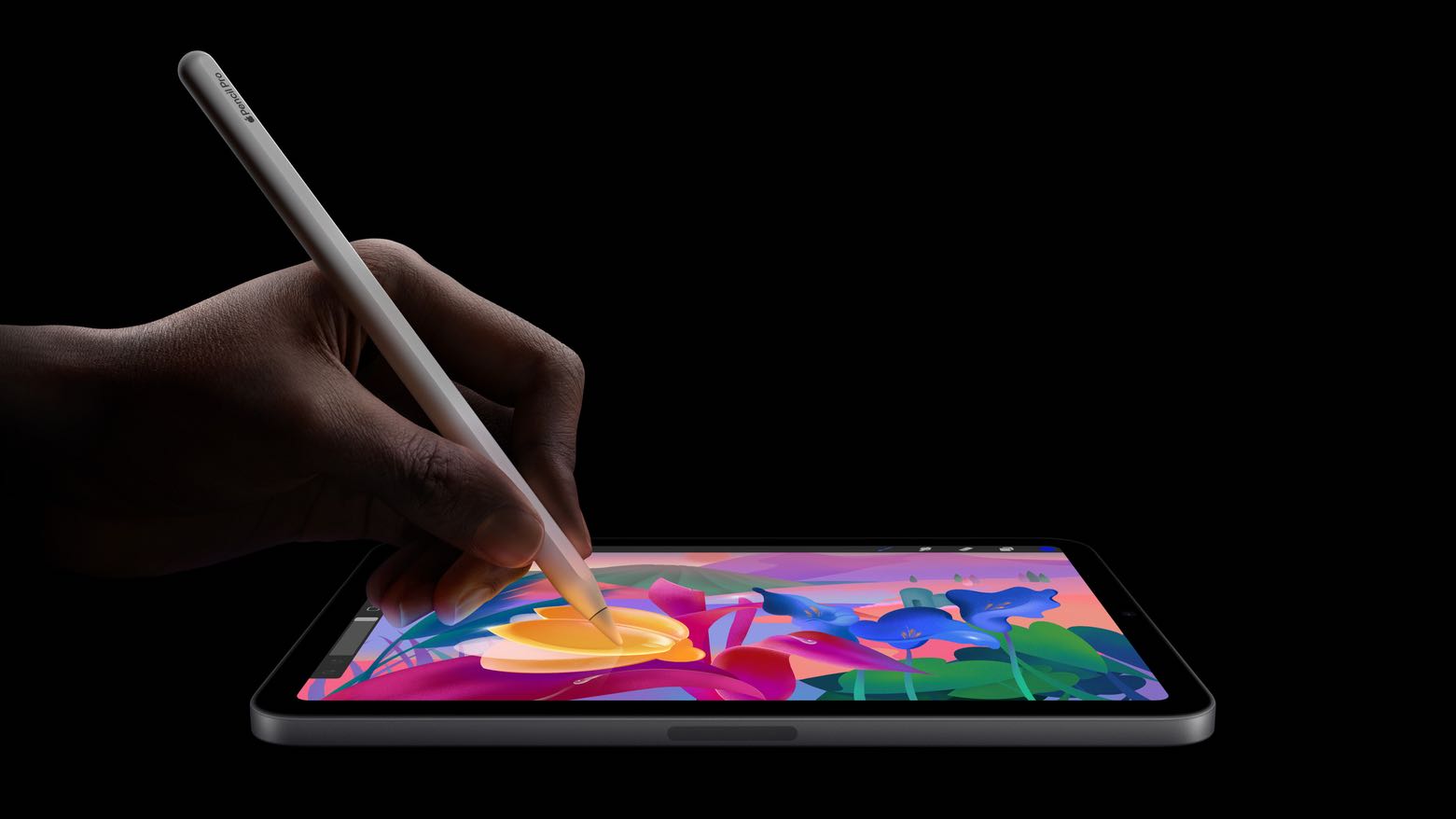
The new iPad mini looks just like the old one. Photo: Apple
Apple’s new iPad mini with Apple Intelligence support is now on sale. Announced on October 15th, the iPad mini 7 sports an A17 Pro chip.
Despite Apple Intelligence being a key highlight, the new iPad mini will launch with iPadOS 18, meaning buyers must wait a few days to get the new AI-powered features.
Find My is the built-in way to share location on iPhone. Image: Apple/D. Griffin Jones/Cult of Mac
Location sharing is an incredibly versatile feature of iOS that makes coordinating with others much easier. Whether you’re meeting up with someone, exploring a new place, or spending the day out with friends, it’s a breeze to share your location. This feature is especially helpful in large public spaces, such as malls, amusement parks, and stadiums. If you’re wondering how does sharing location work on iPhone, you can check out this detailed guide:Everything You Need to Know About Location Sharing in iOS.
Giving directions on precisely where to pick up someone along a street block or in a parking lot is made much easier by sending a pin in an iMessage chat. With Family Sharing, I can see if my wife is on her way home without first sharing her ETA in Apple Maps. Another benefit is that I can use Find My to ping her phone if it’s lost in the house.
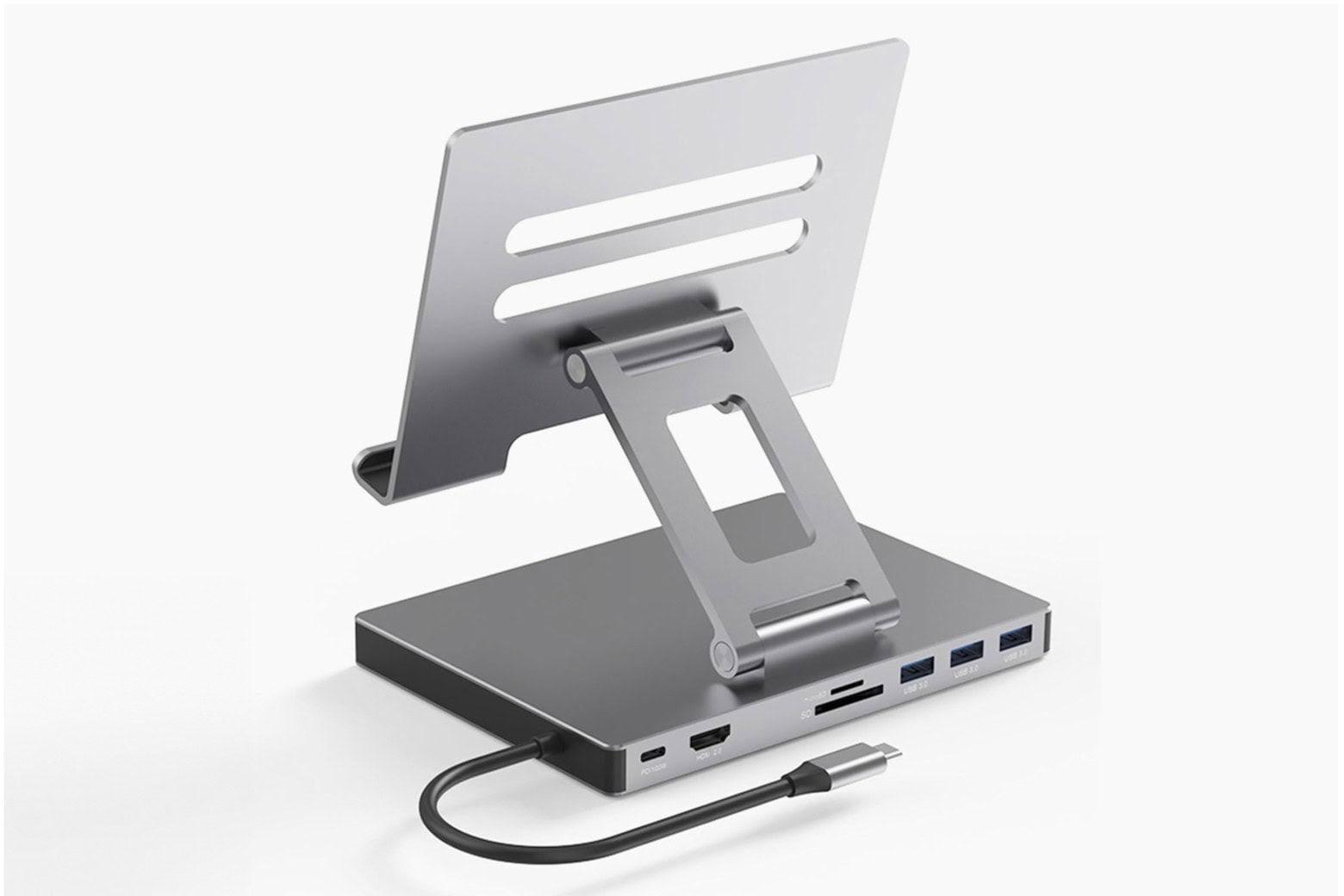
This tablet stand's array of ports can improve your iPad's connectivity for only $55. Photo: Cult of Mac Deals
UGR Tech’s 8-in-1 Tablet Docking Stand is an adjustable tablet stand with built-in ports for charging, data transfer, screen mirroring and more, all attached to an adjustable tablet mount. Constructed of a tough aluminum alloy, this docking station for iPads and other tablets looks modern — and can take some wear and tear during transit.
★★★★☆
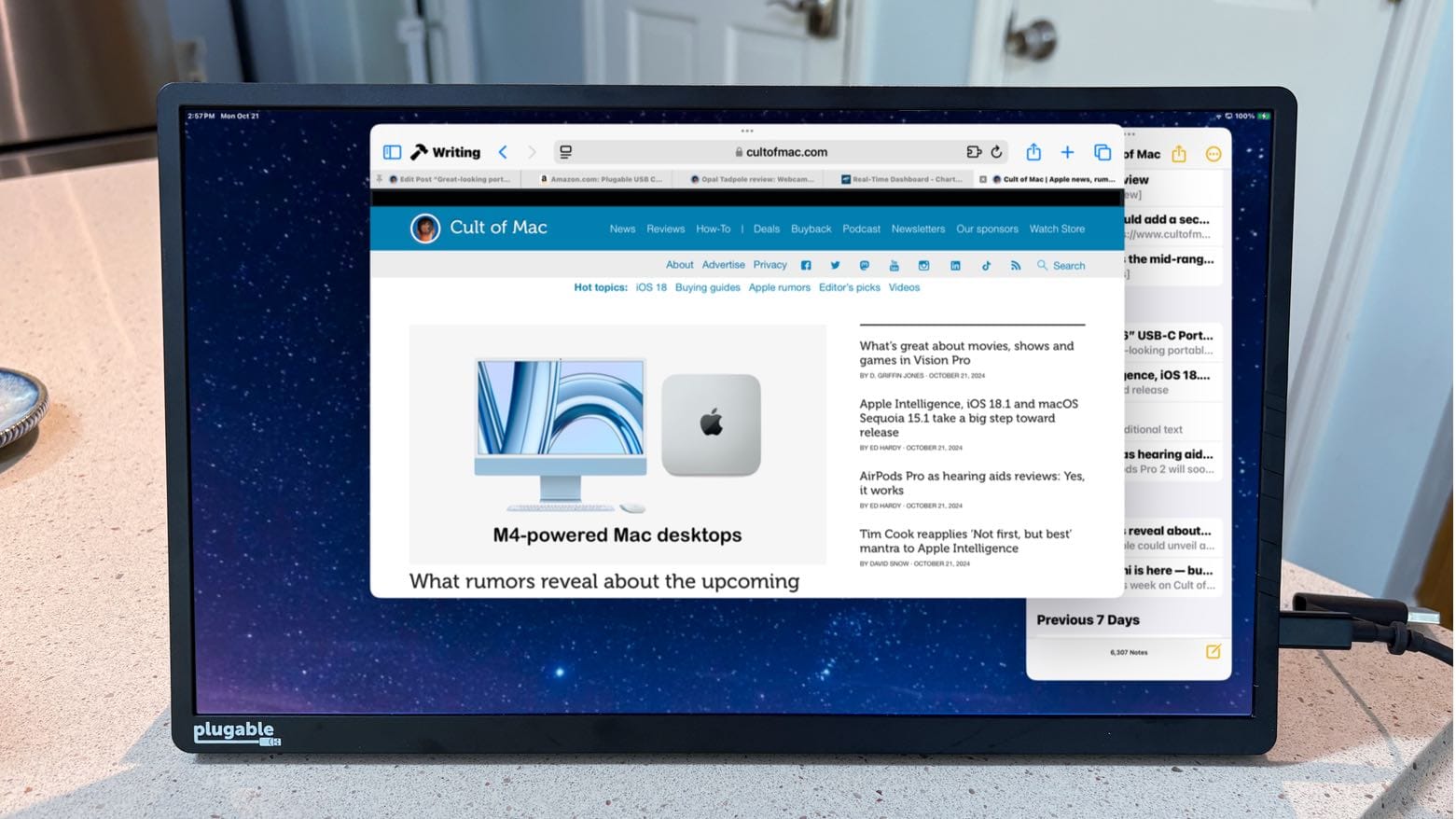
You might not need a USB-C hub if you use this great-looking portable monitor. Photo: Ed Hardy/Cult of Mac
The Plugable 15.6” USB-C Portable Display connects to MacBook or iPad to add more screen space, but that’s only the start: it’s also a hub with a pair of high-speed USB-C ports available for external drives, a keyboard, etc.
As a person who regularly works outside of the office with an iPad Pro, I’m more than qualified to test this accessory for road warriors who are perpetually short of USB-C ports. Here’s why I love it.
Reviewers got their hands on the iPad mini 7. Photo: Apple
Early reviews of the iPad mini 7 praise the faster processor, additional storage and support for the upcoming Apple Intelligence AI features on the way to the tiny tablet when it launches on Wednesday. Reviewers are also happy that a screen problem in the previous version got fixed.
As the Engadget review says, the new iPad mini “looks the same on the outside but has some notable upgrades on the inside.”
Read on for more comments about Apple’s latest tablet.
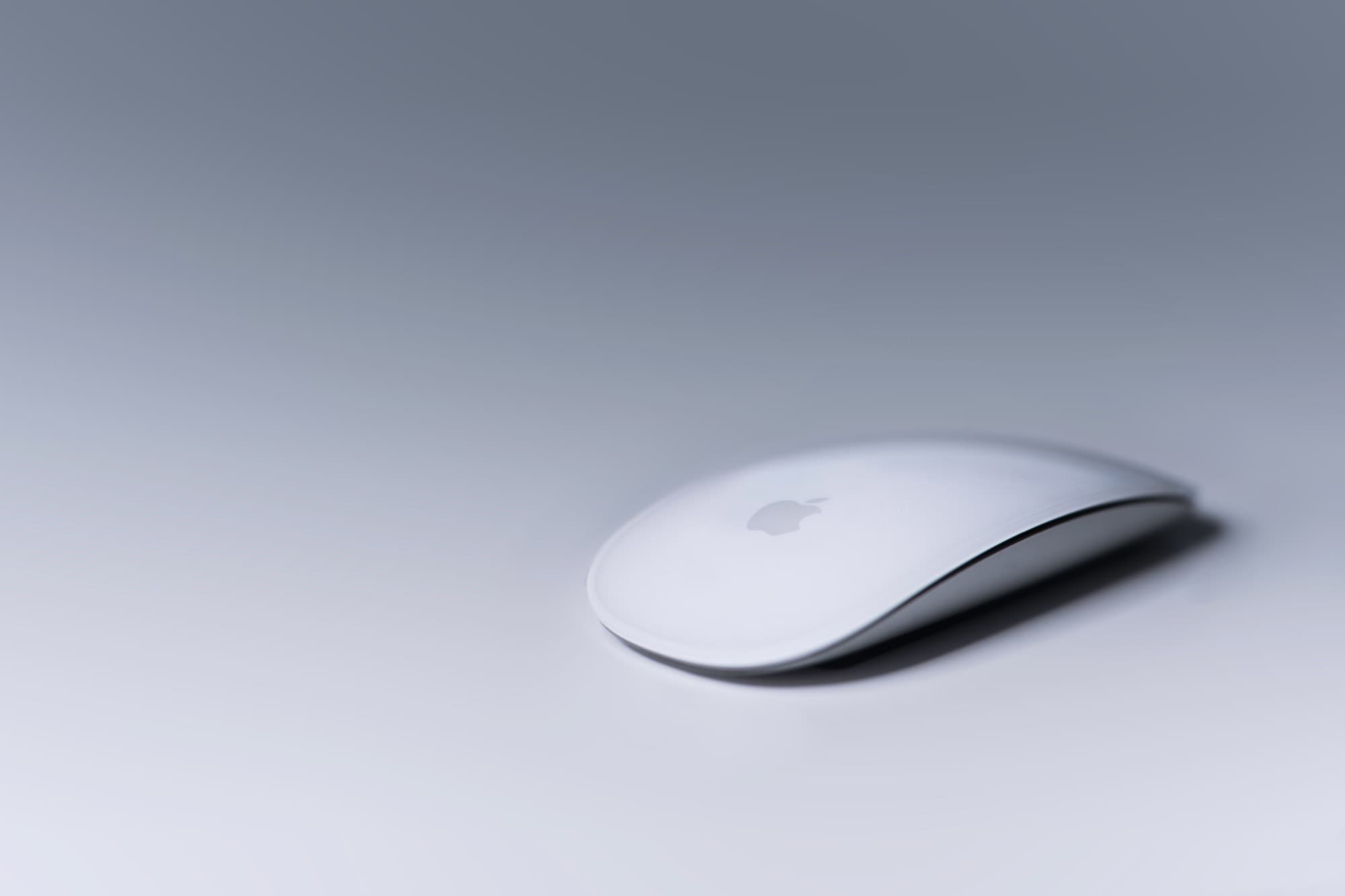
The Magic Keyboard, Magic Mouse, and Magic Trackpad are the only accessories in Apple’s lineup that use a Lightning connector. But that seemingly won’t be the case for long.
The latest macOS Sequoia 15.1 RC contains references to Apple updating its Magic lineup of Mac accessories, possibly with USB-C.
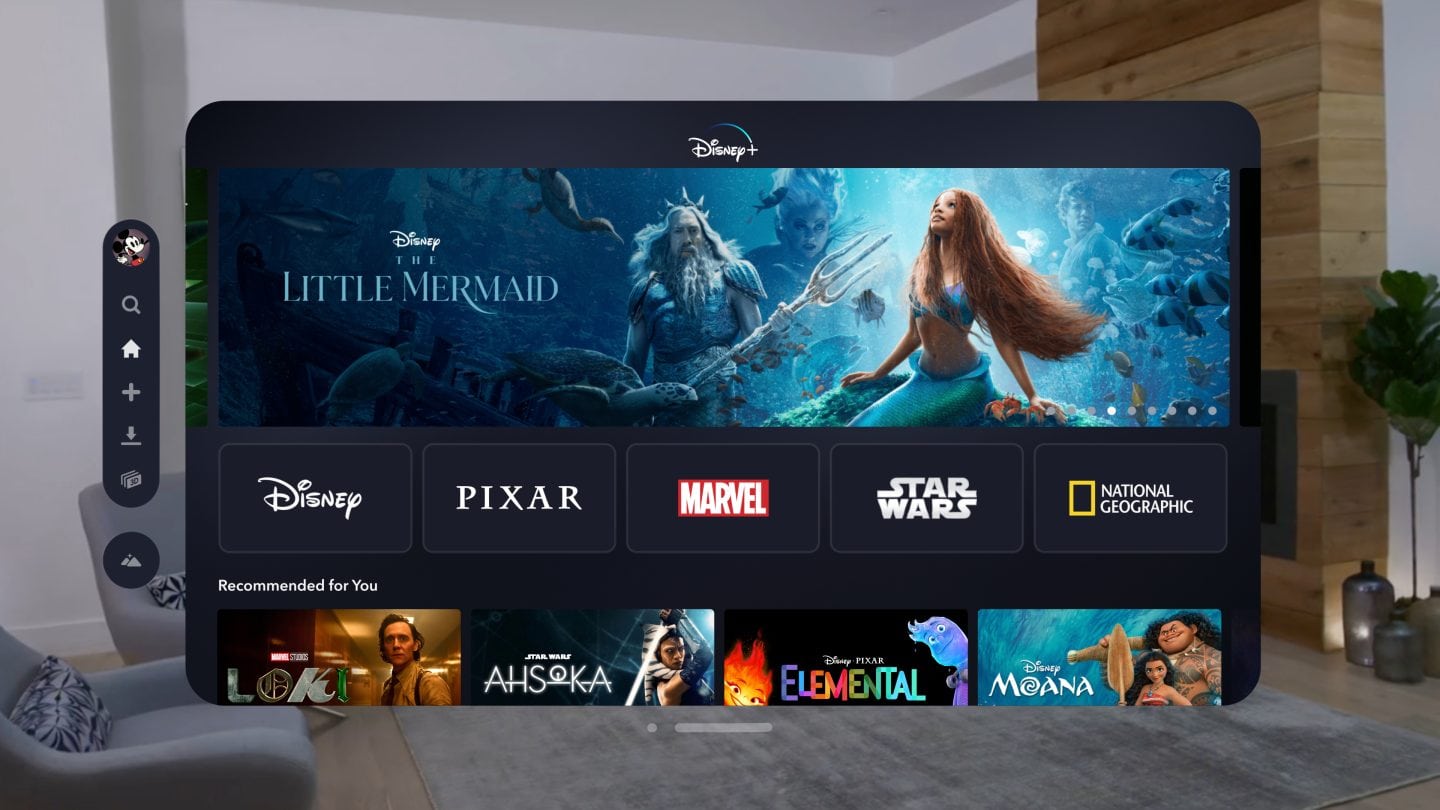
Disney+ and Hulu discontinue App Store signup support. Photo: Disney
Disney+ no longer accepts user subscriptions through the App Store. This change also applies to Hulu. Instead, Disney and Hulu redirect users to their respective websites to sign up for a subscription.
The move is about commission fees, not technology.
Ducking autocorrect. What a shot piece of software. It’s such an overcorrecting dock. Image: D. Griffin Jones/Cult of Mac
Here is how to stop your iPhone from autocorrecting swear words. It’s not a simple toggle switch in Settings, unfortunately — but it’ll only take you a few minutes to fix it once and for all.
Apple presents an annoyingly family-friendly image. It doesn’t want the iPhone to autocorrect a swear word to protect the innocence of children. It doesn’t want porn on the App Store (even if it’s a tap away in Safari).
Luckily, for the adults in the room, it’s all surface-level means of protection. Here’s how you can get your iPhone to let you swear again.
The iOS 18.1 release candidate means Apple Intelligence for iPhone is about a week away. Image: Ed Hardy/Cult of Mac
Apple gave developers access to the release candidates of iOS 18.1, iPadOS 18.1 and macOS Sequoia 15.1 on Monday. This is the last round of testing before introducing them to the public, which means Apple Intelligence will finally launch in about a week.
Release candidates for tvOS 18.1 and visionOS 2.1 also went out. However, watchOS 11.1 RC is not yet available.
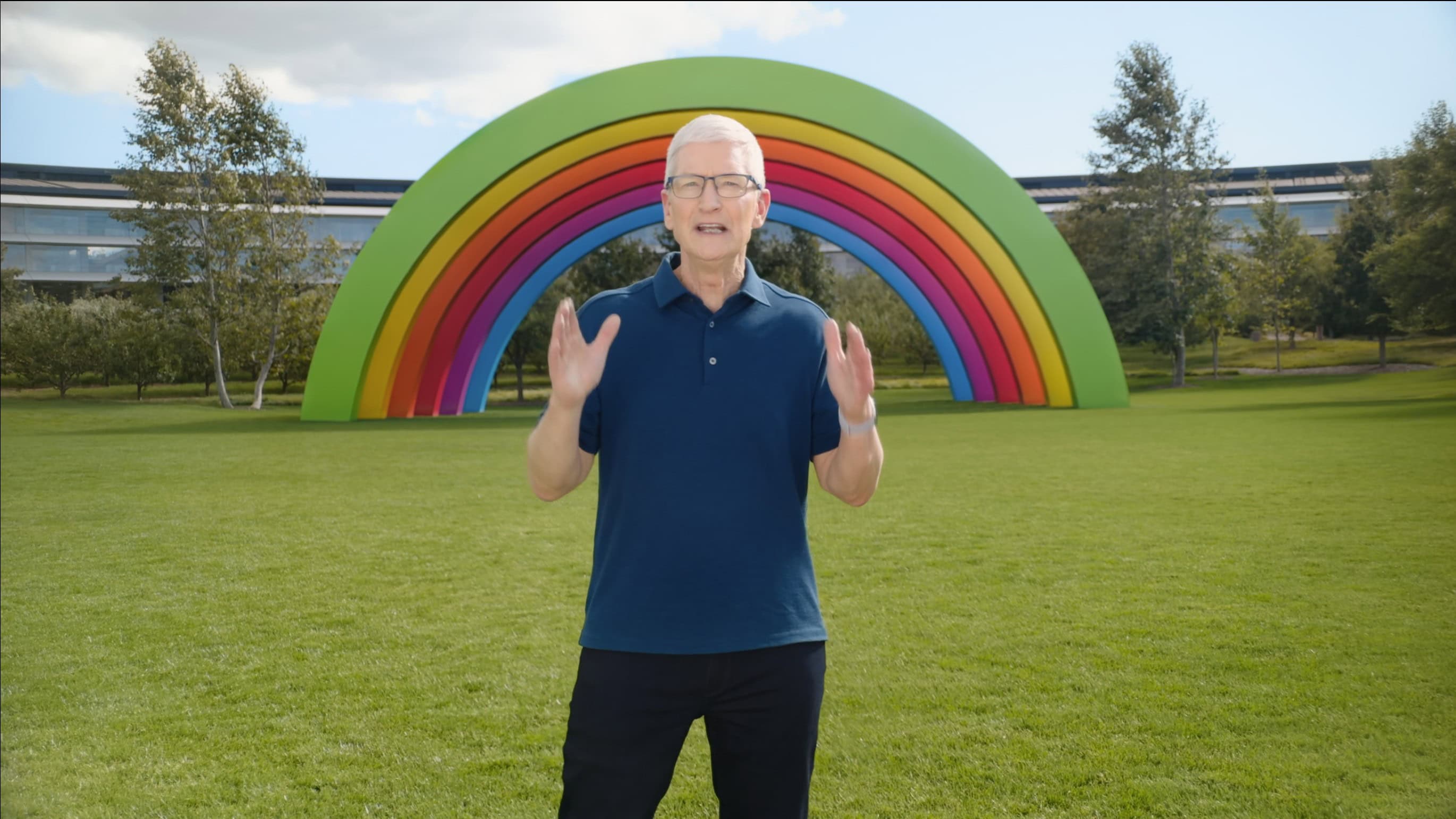
Tim Cook spoke recently at Apple Park during the "It's Glowtime" event. Photo: Apple
You can encapsulate Apple’s approach to innovation in four words, according to a new profile of CEO Tim Cook: “Not first, but best.” It’s not a new sentiment, but Cook doubles down on it in a long magazine article that came out over the weekend, complete with interesting tidbits about his life and his journey with Apple, past and present.
And in a colorful side note: The man apparently loves Diet Mountain Dew. And yet Apple Park doesn’t stock it, so he doesn’t get to drink it as much as he used to. (Theory: Cook banned it himself in an act of self-discipline.)
AirPods Pro 2 act as real, legit hearing aids. Graphic: Apple
Apple gave reviewers early access to a soon-to-be-released software update that allows AirPods Pro 2 to go beyond providing entertainment to become hearing aids. They report that the wireless earbuds really do help people with mild to moderate hearing loss.
There’s also a huge cost advantage, but there are limitations that keep AirPods from being the right solution for everyone.
Underneath and behind that Studio Display and MacBook Pro lurks a key cable-management practice that even RGB lighting can't reveal. Photo: [email protected]
It’s another thrilling Monday, so we thought we’d sex things up with everybody’s favorite scintillating subject — cable management. Sarcasm aside, it’s high on the list of things folks only love having done, not planning (and dreading) or actually doing (in half-assed ways). Anyone who’s ever been forced to clean their room can relate. So today’s easily digestible tidbit comes from a MacBook Pro user offering one simple and effective MacBook Pro cable management tip.
Immersive Video feels like you’re surrounded by the scene. Image: Apple
After a full day of toiling inside Vision Pro, I often keep my headset on for evening entertainment — shows, games or looking at photos. Vision Pro has almost completely replaced my television. It enables a new way of watching videos as well; I watch video all around the house as I wander about doing chores.
The Vision Pro also excels for perusing my photo library. It’s the best way to view photos ever — and by a huge margin. Spatial photos are unbelievable. Videos look fantastic. Panoramas, a largely forgotten feature, are mind-blowing.
In other areas, Vision Pro disappoints. I’ve played some super fun games, but gaming isn’t a serious thing on Vision Pro yet. And while Apple’s own immersive 3D movies on Apple TV+ are super cool, it feels like we’ve only been given an appetizer.
Updates to consumer desktop Macs should be here soon. Graphic: Apple/Cult of Mac
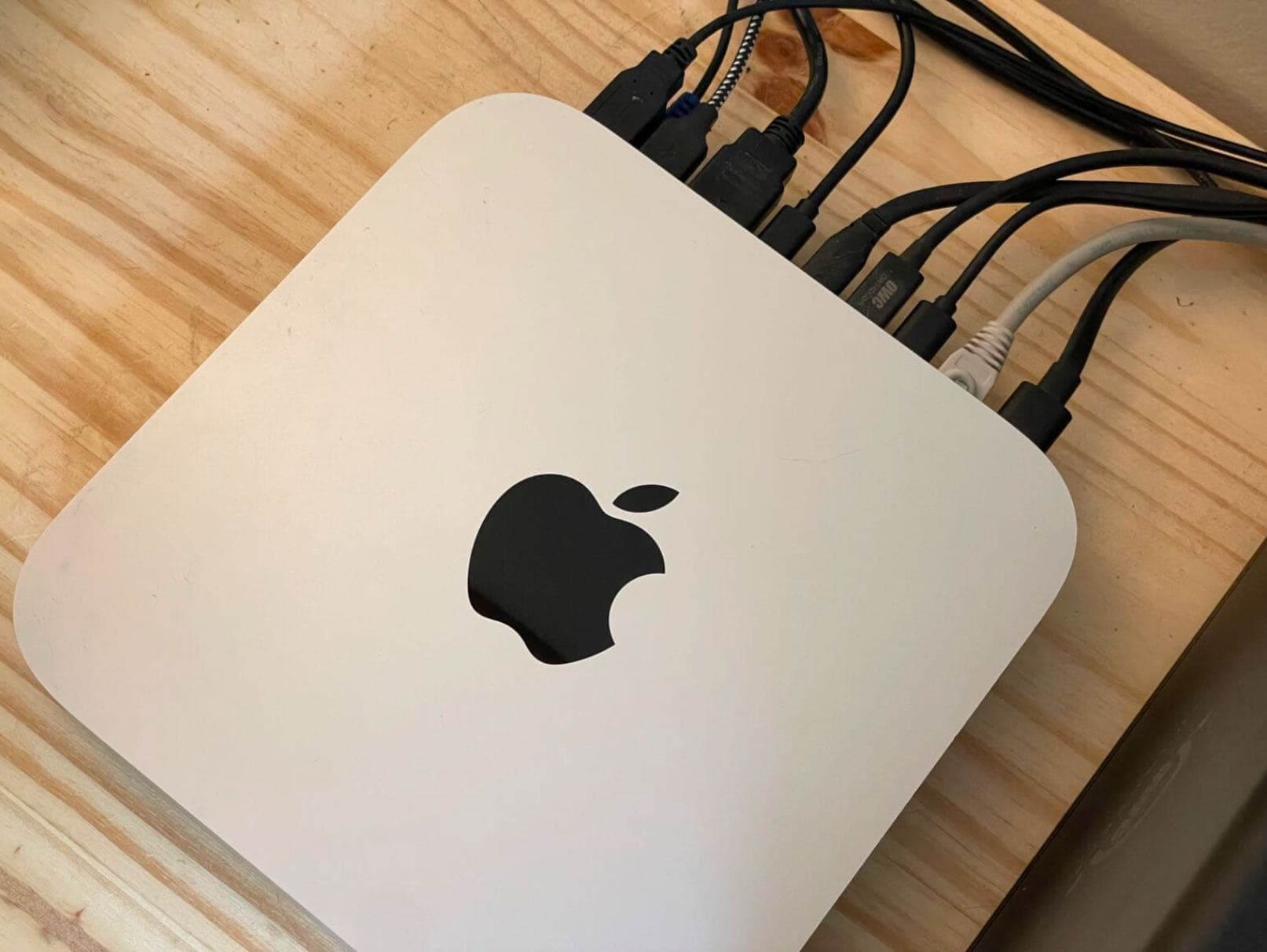
Apple could unveil a pair of hotly anticipated upgrades for its consumer-oriented desktops this week. The Mac mini and iMac are both likely to get enhanced with the powerful M4 processor, plus there’s supposedly a major design change coming to the mini.
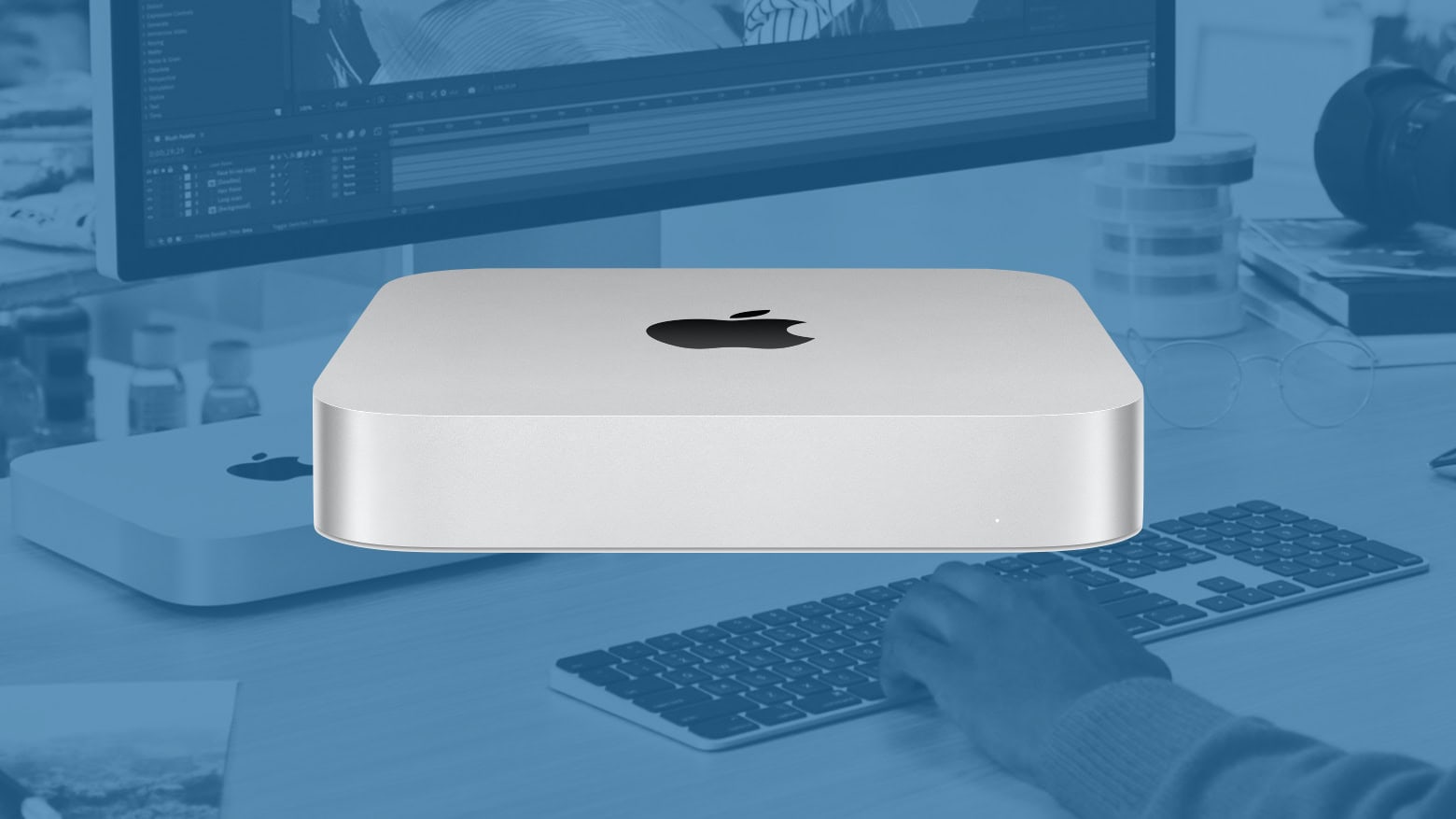
Don’t pass up these Mac mini deals. Image: Ed Hardy/Cult of Mac
To heck with “go big or go home” because there’s never been a better time to go mini: these Mac mini deals are the cheapest way to buy a new Mac.
The Mac mini is a desktop computer, so you’ll need to supply your own display, keyboard and mouse. It seamlessly replaces an aging PC and its diminutive size fits on any desk.
And even though Black Friday sales are still weeks away, now is an ideal time to buy. Apple’s smallest Mac carries big discounts. The entry level (and current) M2 and M2 Pro models at least 12% off, while the prior M1 model can be had for $400.
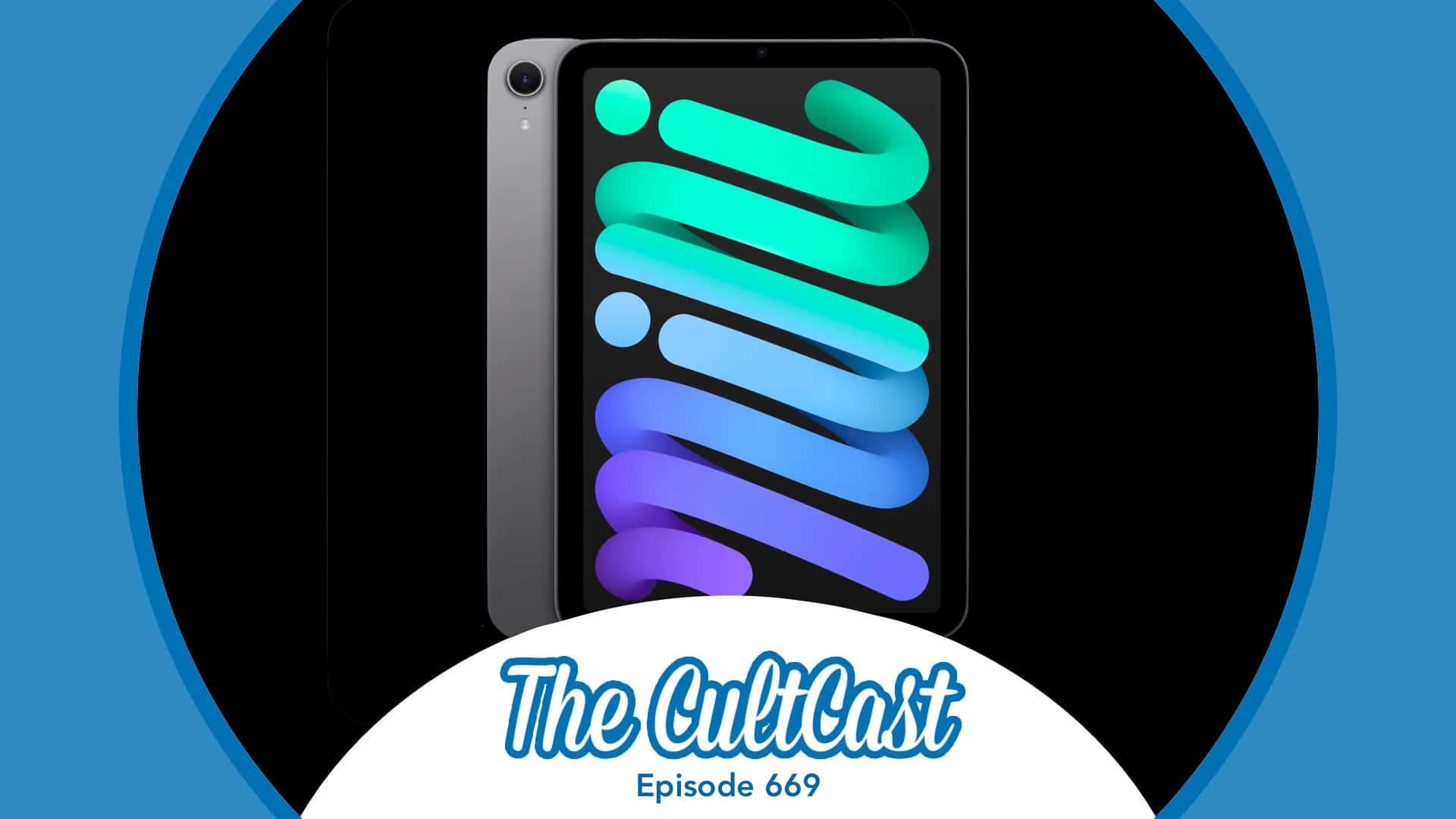
iPad mini 7 raises questions about Apple’s October plans. Image: Cult Of Mac
This week on Cult of Mac’s podcast: iPad mini 7! But does this mean Apple canceled its October Mac event? And if so, are updated M4 Macs still coming this year?
Also on The CultCast, we discuss a “Cheaper” Vision headset, what Steve Ballmer is up to, plus Apple’s smart home strategy.
Listen to this week’s episode of The CultCast in the Podcasts app or your favorite podcast app. (Be sure to subscribe and leave us a review if you like it!) Or watch the video live stream, embedded below.
Apple’s AI efforts are significantly behind Google, Meta, and OpenAI. Reportedly, some inside the company believe it is “more than two years behind the industry leaders.”
Apple previewed Apple Intelligence at WWDC 24. However, the public will only get a taste of its AI efforts when iOS 18.1 drops later this month.
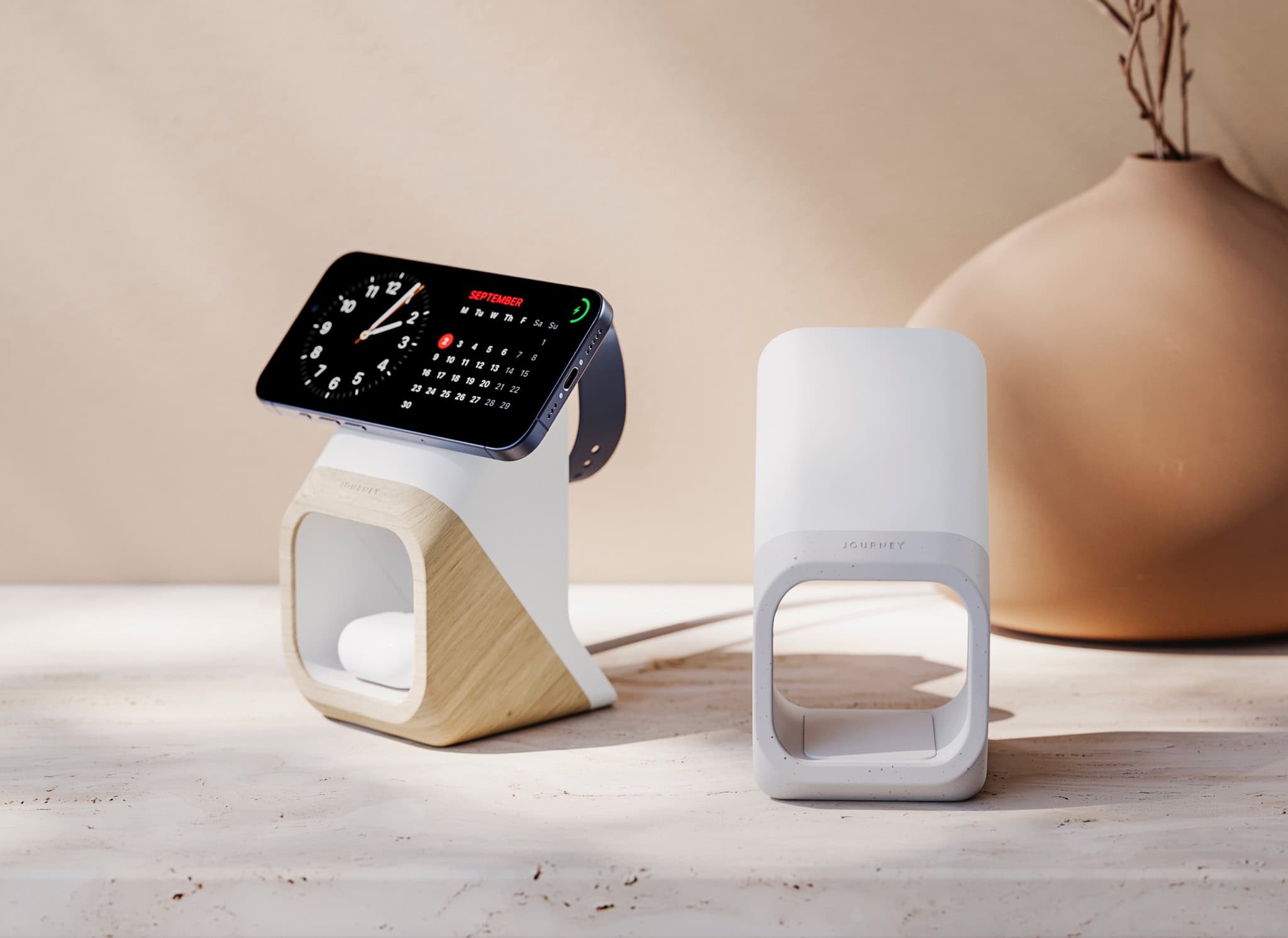
The new Journey Nova 3-in-1 fast charger carries a distinctive look. Photo: Journey
Multi-device chargers for iPhone, AirPods and Apple Watch come and go, but Journey just rolled one out that really catches the eye: the Journey Nova 3-in-1 Fast Charging Station. It’s available for preorder now.
“Our designers envisaged an anti-tech aesthetic for Nova,” said a Journey spokesperson. “The exterior complements decors much like a vase, chair or pot plant might.”
A pot plant, they say! Well, that is a good aesthetic model to emulate, although it being on the “anti-tech” side seems debatable.
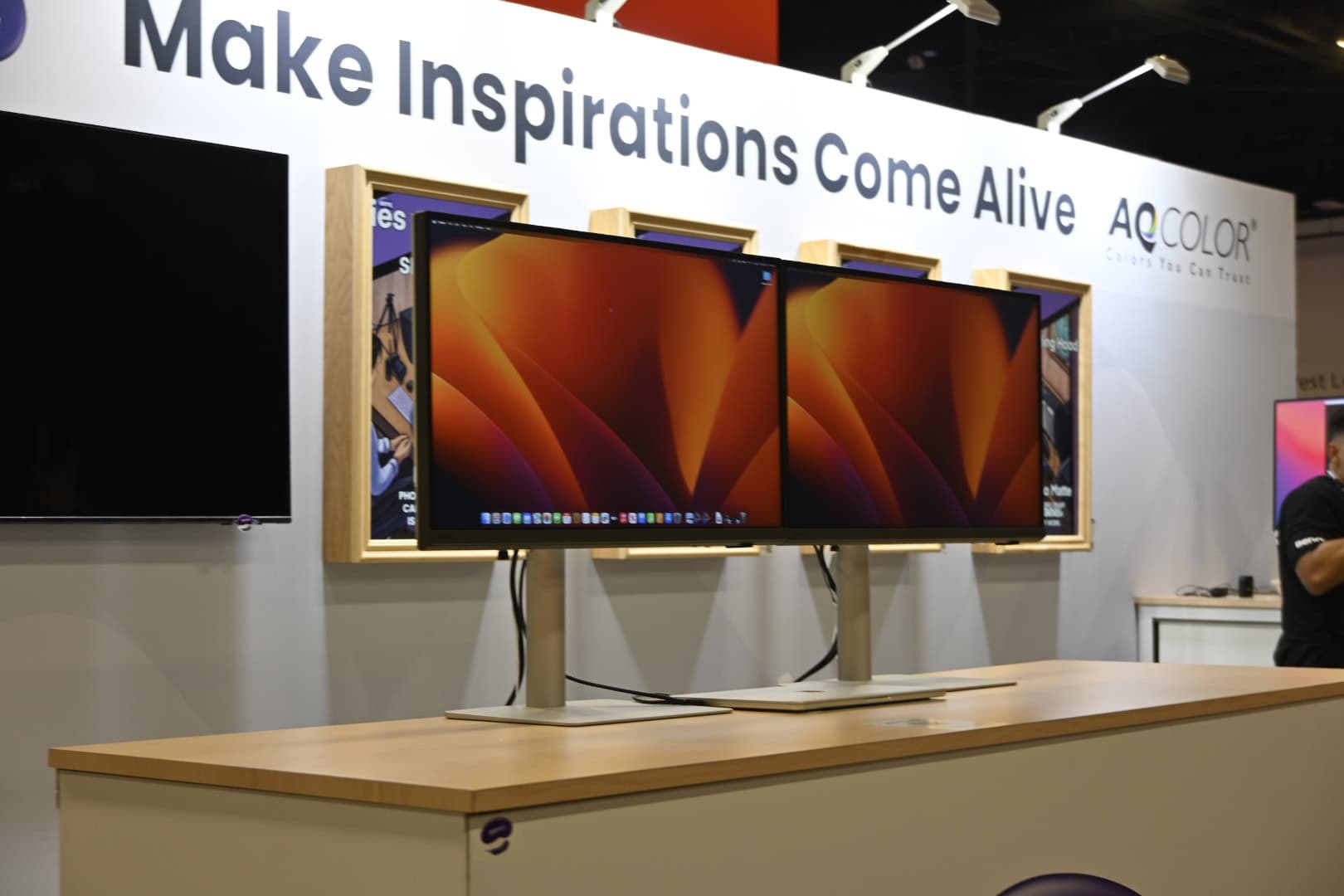
BenQ showcased two new displays, one with 5K resolution and one with 4K and a speedy refresh rate. Photo: BenQ
Two new external monitors BenQ showcased this week at Adobe MAX in Miami cater specifically to Mac and MacBook users — especially creative professionals. PD2730S and PD3226G, part of BenQ’s DesignVue PD series, promise to deliver exceptional color accuracy and performance for designers, illustrators and content creators.
“BenQ has meticulously gathered feedback from professionals to design monitors that precisely meet their requirements with always accurate and consistent colors,” said Houston Wei, senior director of BenQ North America. “The new PD2730S and PD3226G were designed with both Mac and PC users in mind to provide unparalleled color features with invaluable new software including Display ColorTalk and Palette Master Ultimate.”
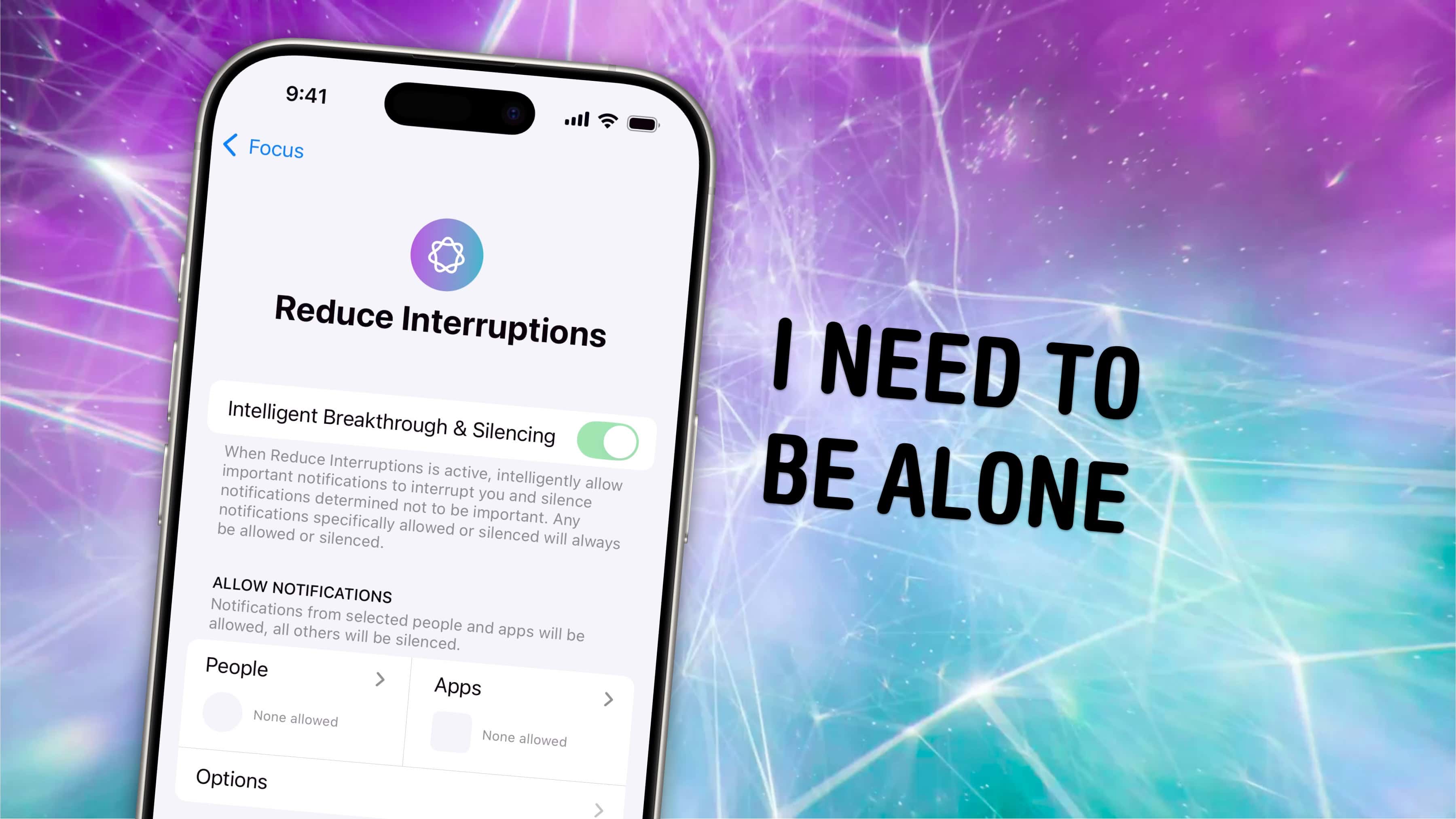
Do Not Disturb continues to get smarter in iOS 18. Image: D. Griffin Jones/Cult of Mac
Reduce Interruptions is a new Focus in iOS 18 that judges on the fly which notifications seem important, using Apple Intelligence.
Setting up a Focus mode by hand is a bit of a chore. You need to know exactly which contacts and apps you want to silence and let through. You need to keep maintaining them as you add new contacts and download new apps.
Reduce Interruptions is a new Focus mode that’s a slightly smarter Do Not Disturb. There’s no work necessary. And, if you do have a highly customized existing Focus, you can add its smarts on top of your existing rules and customizations. Here’s how to make the most of it.