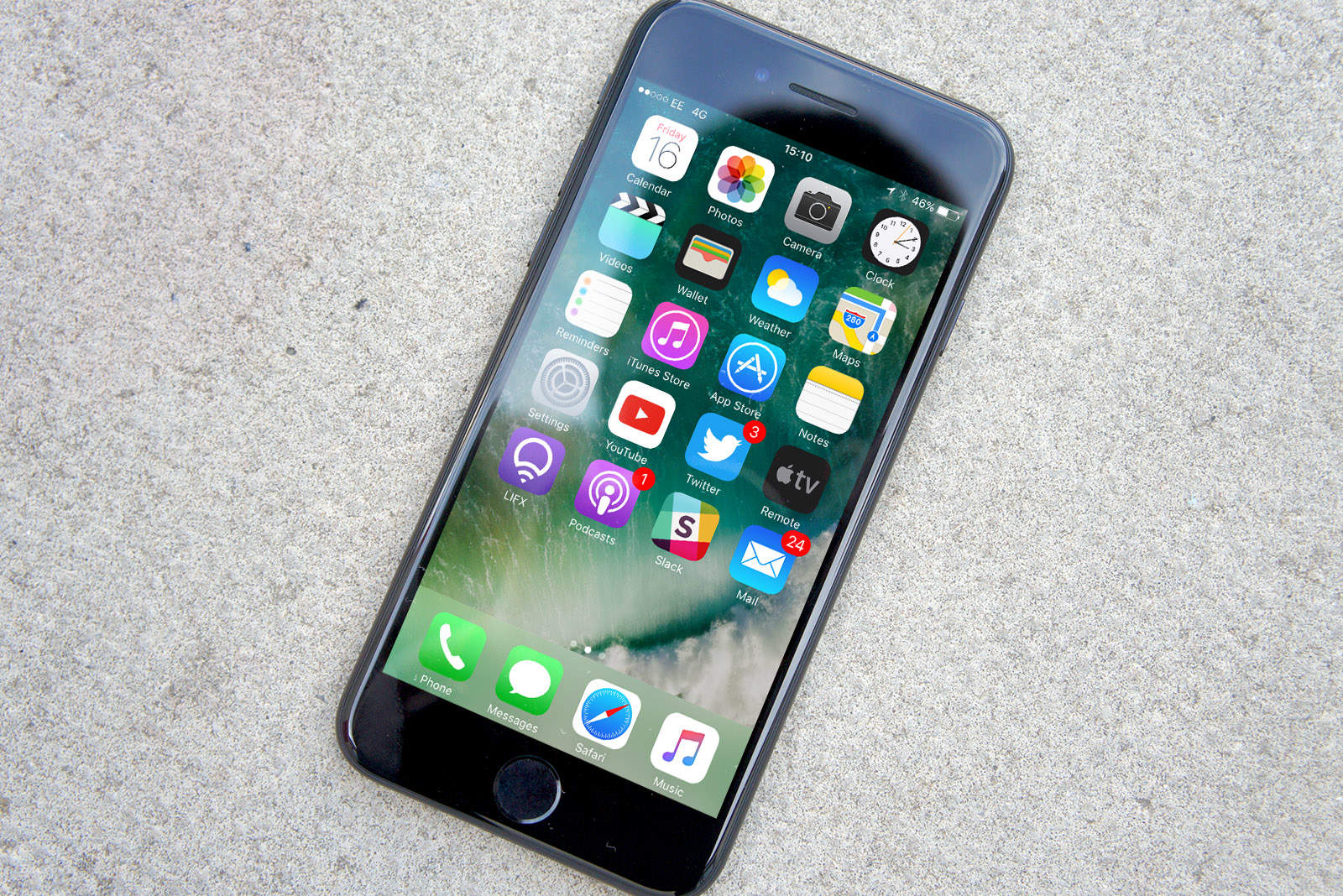
It pays to experiment with 3-D Touch, the feature that lets you press harder on your iPhone’s screen to get extra functions. But while we may be used to force-touching app icons, there are all kinds of other spots where it works. For instance, you press on the row of icons at the bottom of the Control Center to access some fantastic shortcuts.
Quick Tip: 3-D Touch Control Center icons for some surprising shortcuts
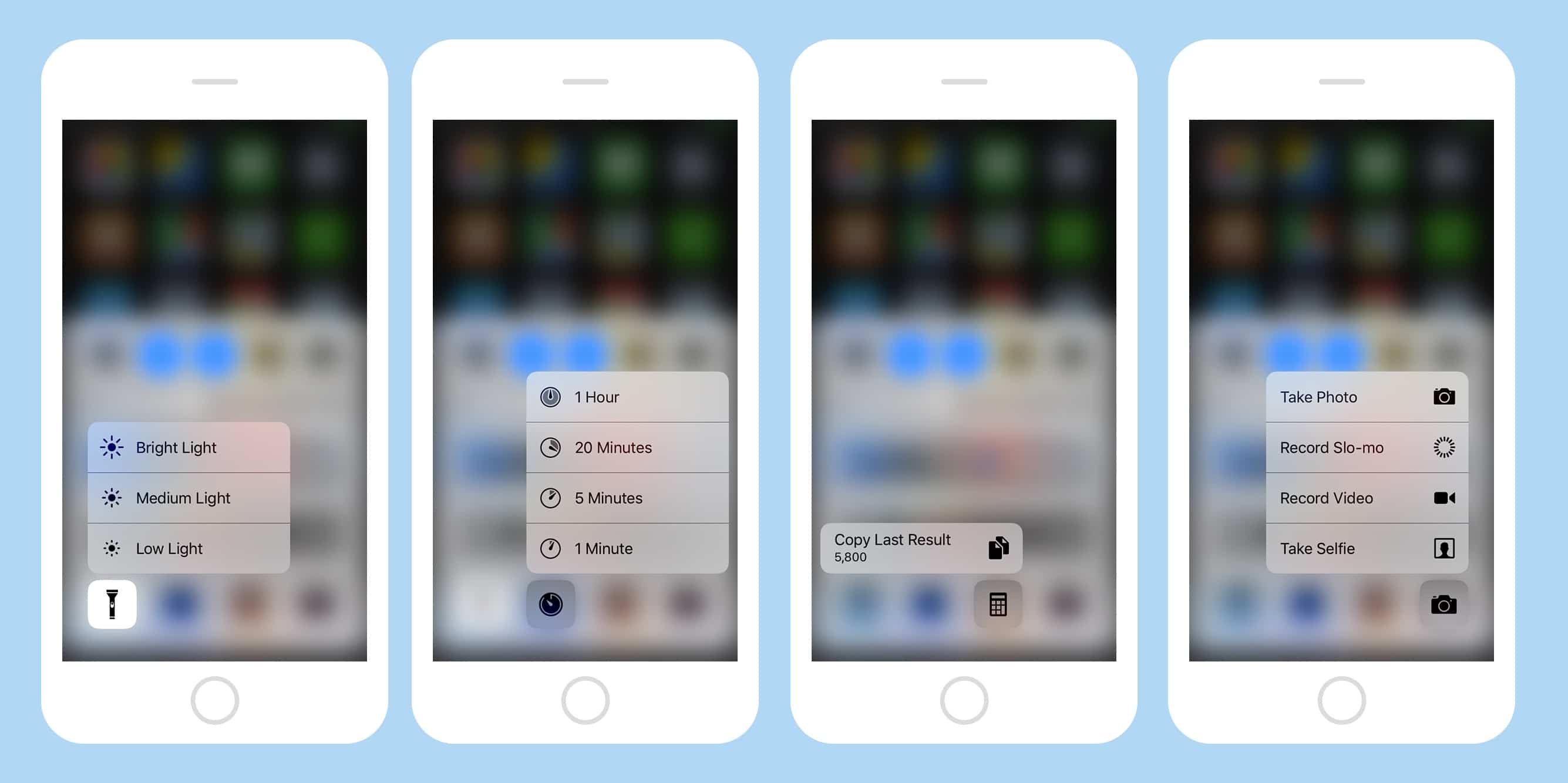
Photo: Cult of Mac