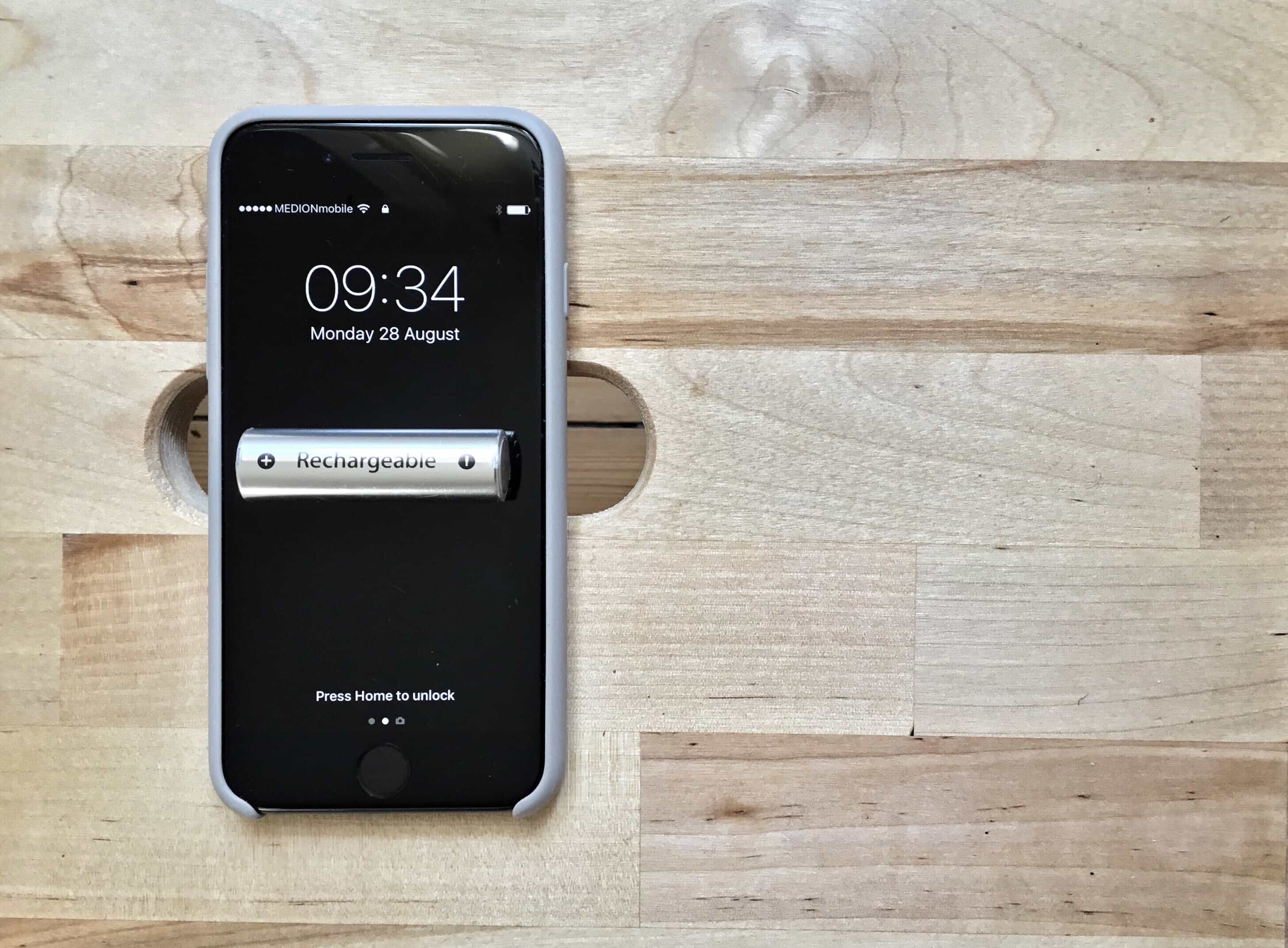
Sometimes an app gets out of control and eats up your battery, even while it doesn’t seem to be active. Once, I had an iPad drained almost completely by a runaway instance of Skype. Or you may have an app that is supposed to run in the background — a synthesizer, or another music app, for example — and you forget you left it running, draining your iPhone battery.
Or perhaps you just want to see how much battery your various apps use. In any of these cases, you can open up a Settings screen that will report which apps have used how much battery, and for how long, over the past day or week. It’s a very handy screen indeed.