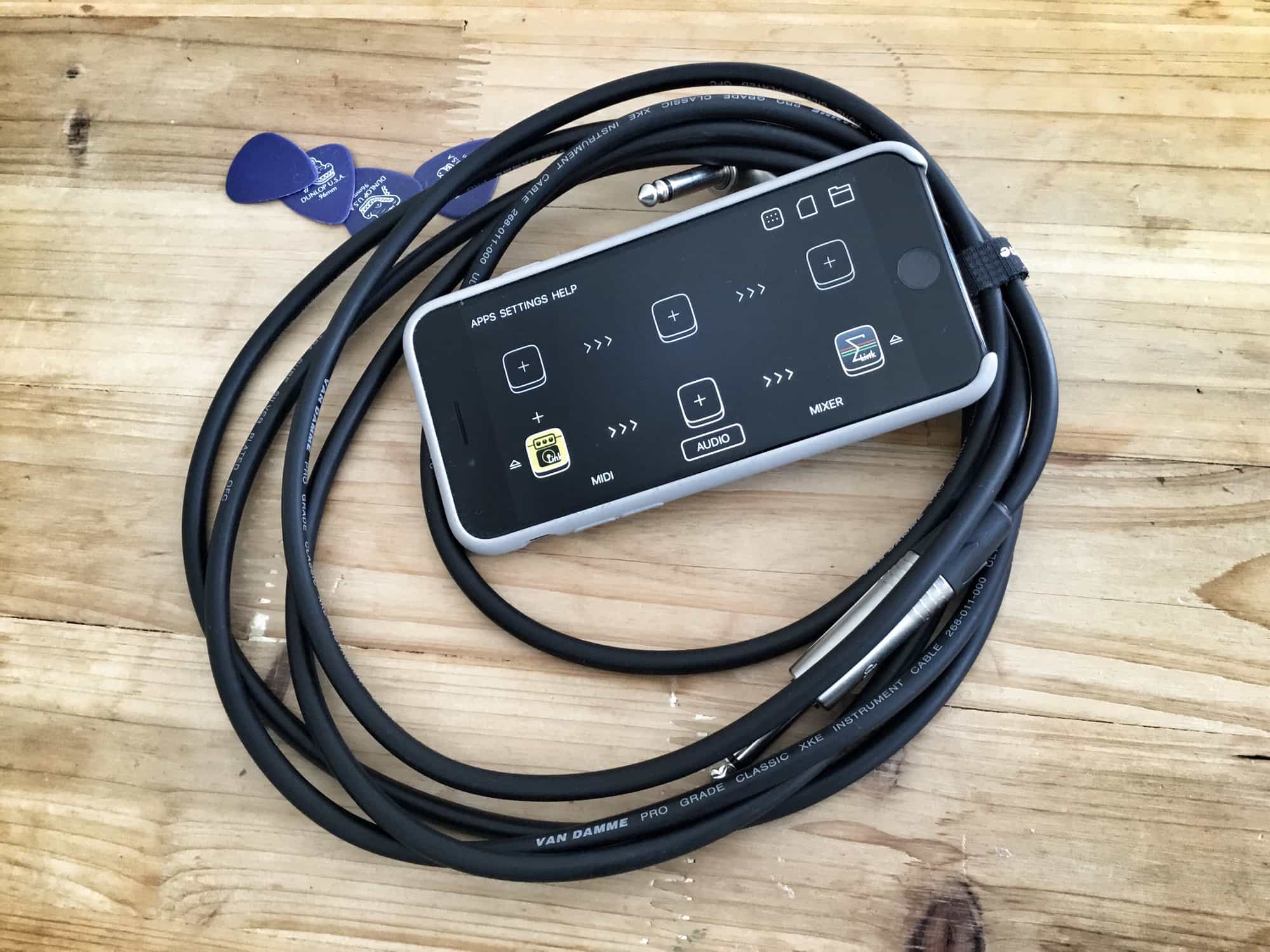
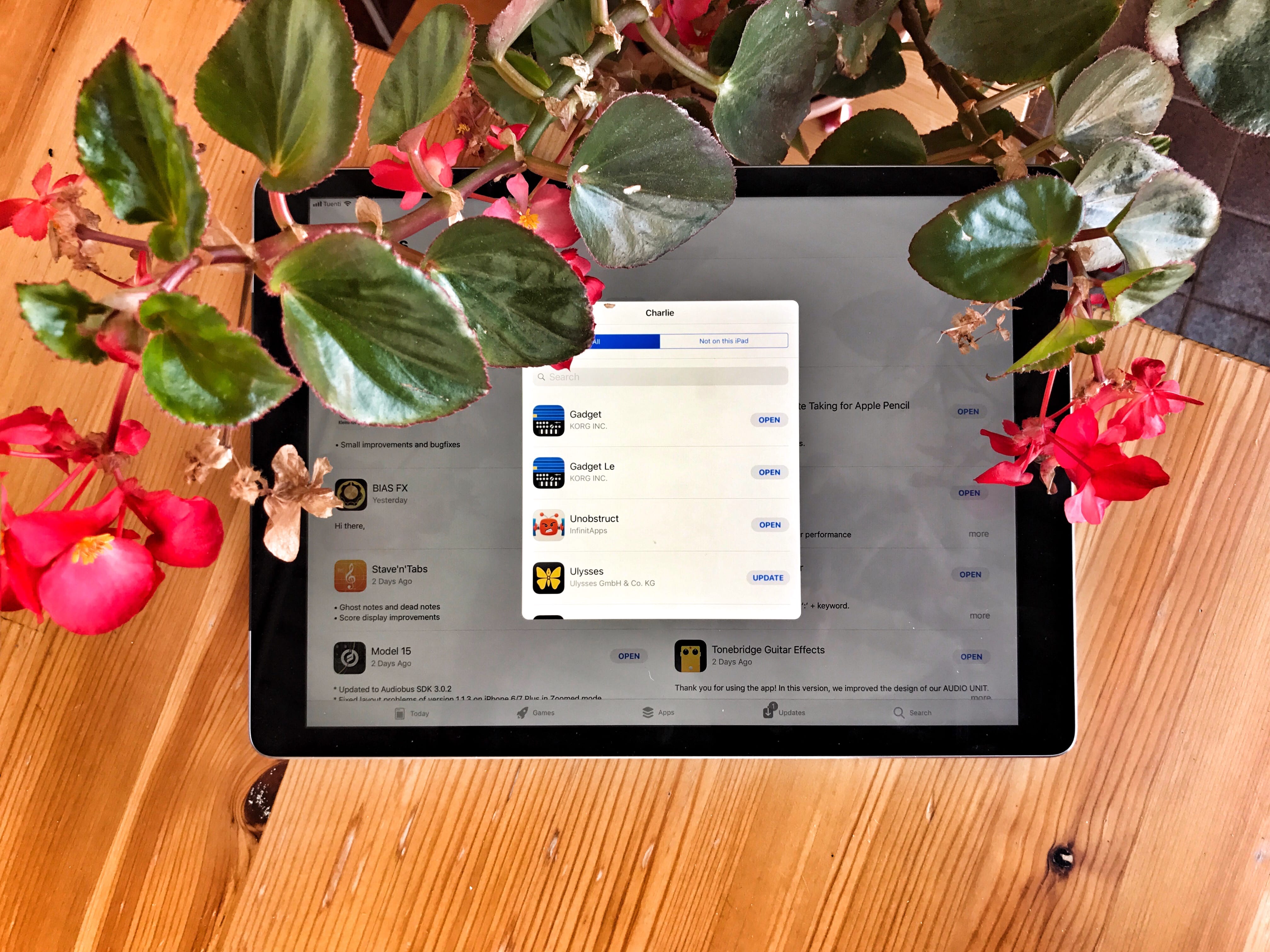
Audiobus now syncs with all other apps using Ableton Link. Photo: Charlie Sorrel/Cult of Mac
Audiobus, the iOS app that lets you route audio between apps on your iPad or iPhone, just got an update. The version number is 3.0.5, which belies the fact that Audiobus 3 just got one huge new feature: support for Ableton Link, which means that it will now keep tempo with all the other music apps on your iDevice.
Tim Cook witnessed the devastating impacts of the KKK while growing up in Alabama during the '60s. Photo: Apple
Apple CEO Tim Cook revealed to employees in an email this week that Apple will make $2 million worth of donations to organizations “who work to rid our country of hate.”
The donations come as a response to the tragic events of Charlottesville which Cook told employees have been deeply troubling for him personally. Cook, who has first hand experience with the devastating impacts of the KKK, took aim at President Donald Trump in his letter for supporting the white supremacists and says that Apple plans to play an important role in bringing about positive change.
This USB-C hub turns your MacBook's single port into six. Photo: Cult of Mac Deals
When you get a new MacBook, you get a powerful machine with one connection for peripherals. Simplicity is great, but let’s be real: Nobody uses USB-C exclusively. That makes having a single USB-C connection severely limiting.
Apple Park as it appears today. Photo: Matthew Roberts
A new August drone flyover video of Apple’s spectacular Apple Park campus shows a headquarters on the verge of completion.
The video, by drone photographer Matthew Roberts, depicts both the circular Apple Park main building and its central garden as virtually complete — with most of the construction vehicles now gone. There are also looks at the Steve Jobs Jobs Theater, visitor’s center, and more.
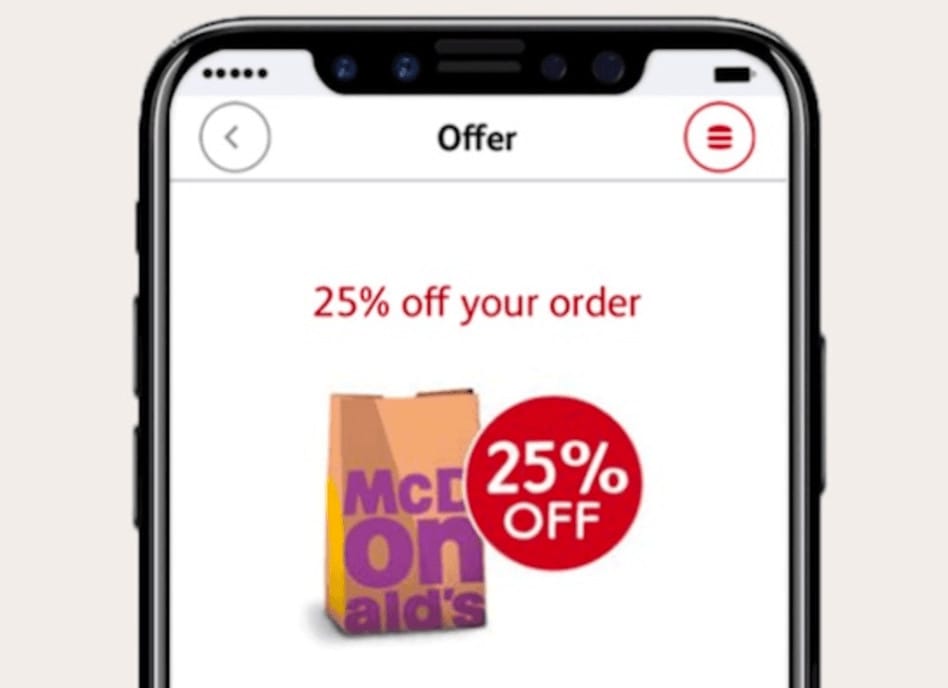
Would you like an iPhone 8 with that? Photo: McDonald's
What’s the best way to generate interest in your latest ad campaign? Include pictures of the next iPhone before it’s even announced, of course!
That’s exactly what McDonald’s has done, using an unofficial iPhone 8 render created by Benjamin Geskin, for a campaign to promote its new mobile ordering app down in Australia.
New photos of apparent iPhone 8 components once again corroborate rumors that the device will finally deliver wireless charging. We’ve already seen an image of its wireless charging coil, and now we have a charging circuit to go along with it.
Netflix is spending an enormous amount on programming. Photo: Netflix
Apple may be planning to spend a massive $1 billion on acquiring and producing original video content in 2018, but according to Netflix Chief Content Officer Ted Sarandos, Netflix’s 2018 spend will dwarf Apple’s — with plans to shell out enormous $7 billion on content in the next year.
Apple is fighting back against Nazi websites. Photo: Jim Merithew/Cult of Mac
In its stance against hate speech, Apple has disabled Apple Pay support on three websites selling sweaters with Nazi symbols, “White Pride” paraphernalia, and other offensive items.
While Apple hasn’t issued an official statement, it has highlighted guidelines for Apple Pay, forbidding its use on sites which promote hate, intolerance, and violence.
Zipping is so last century, but you can still do it easily enough on iOS. Photo: Charlie Sorrel/Cult of Mac
Zipping files is easy on the Mac. You just right-click on one or more selected files in the Finder, then click Create Archive. The files get turned into an easy-to-handle .zip file.
On iOS, it’s a bit trickier. Even in iOS 11’s new Files app, you’ll find no built-in support for zipping files into a single package (or for unzipping them). To zip files in iOS, I use Readdle’s excellent Documents app. Lots of one-shot iOS apps will also do the job, but I like Documents because it’s also where all my documents live.
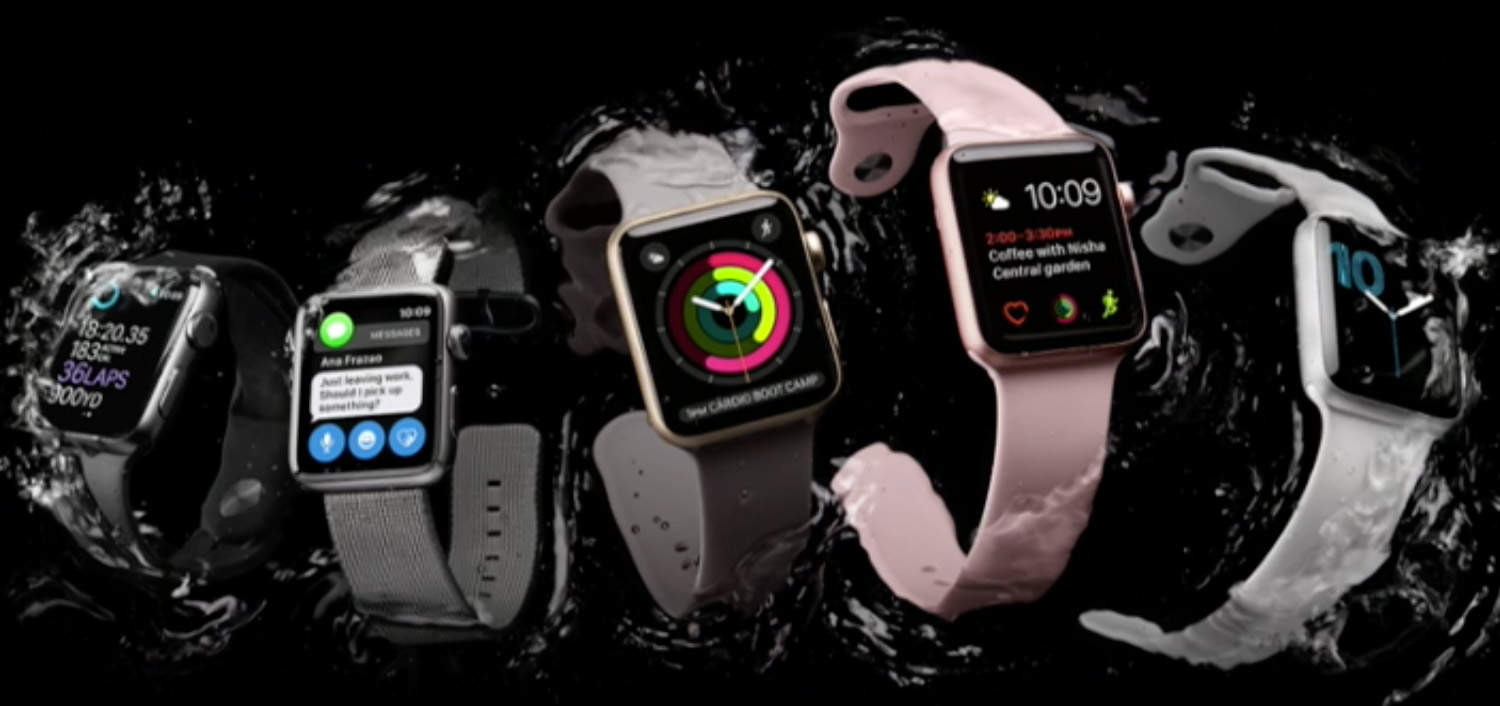
Apple Watch Series 3 might add LTE (in addition to other cool features). Photo: Ste Smith/Cult of Mac
The rumored Apple Watch with LTE may not work for phone calls, according to new research from a reliable Apple analyst. Instead, Apple will focus on improving the user experience with the untethered wearable.
That’s the main takeaway from KGI Securities analyst Ming-Chi Kuo. However, his Wednesday research note offers other predictions about the upcoming hardware update.
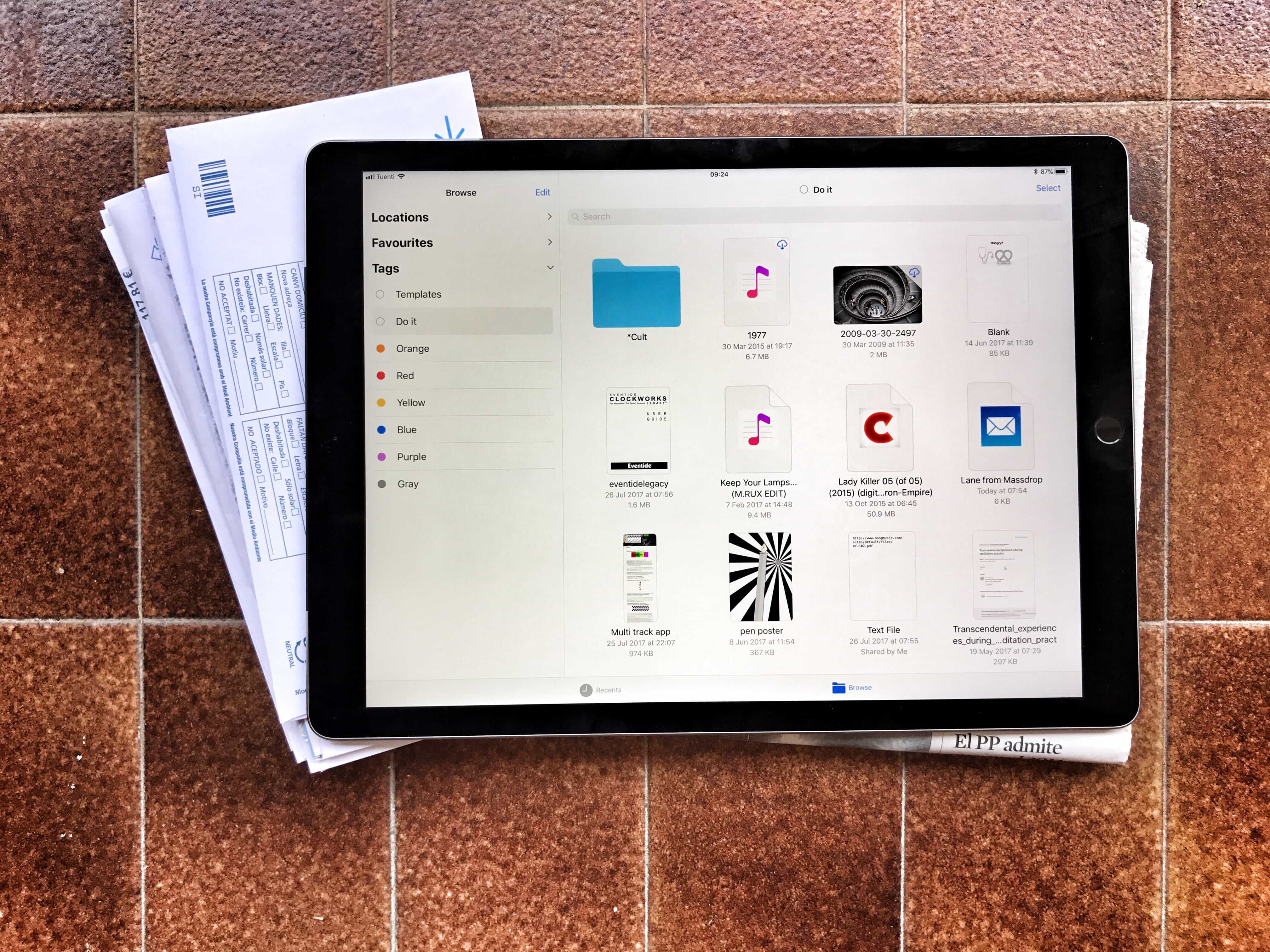
Tagging files is a powerful and easy way to tidy up your files, but it’s currently limited to the new iOS 11 Files app. Photo: Charlie Sorrel/Cult of Mac
One of the most useful features in iOS 11’s Files app may turn out to ta tagging files. Tagging lets you gather pictures, folders, documents and any other files from all across your iPad and iCloud storage by giving them the same tag.
This means you can organize files without moving them — you could create a Vacation tag, for example, to collect maps, a PDF with your Airbnb info, your boarding passes, and even related emails. Then, when the vacation ends, you can delete the tag. The grouping disappears but the files never get moved.
Tags are also synced between the Mac and iOS, so your collections can group files from both platforms. You can also apply many tags to the same file, including it in as many “projects” or lists as you like. The tagging functionality is built into the Files app at a deep level, making it easy to use wherever you are. Here are all the ways you can use tags in iOS 11.
Taiwan relies on Apple business a whole lot. And vice versa. Photo: Ste Smith/Cult of Mac
Three iPhone component manufactures experienced an unexpected — and unwanted — disruption this week, when a major power outage in Taiwan temporarily brought production to a halt.
Advanced Semiconductor Engineering, PowerTech Technology and ChipMOS Technologies are all chip assemblers and testers, which make a variety of components for Apple — including the iPhone’s Wi-Fi, baseband, fingerprint chips, and more.
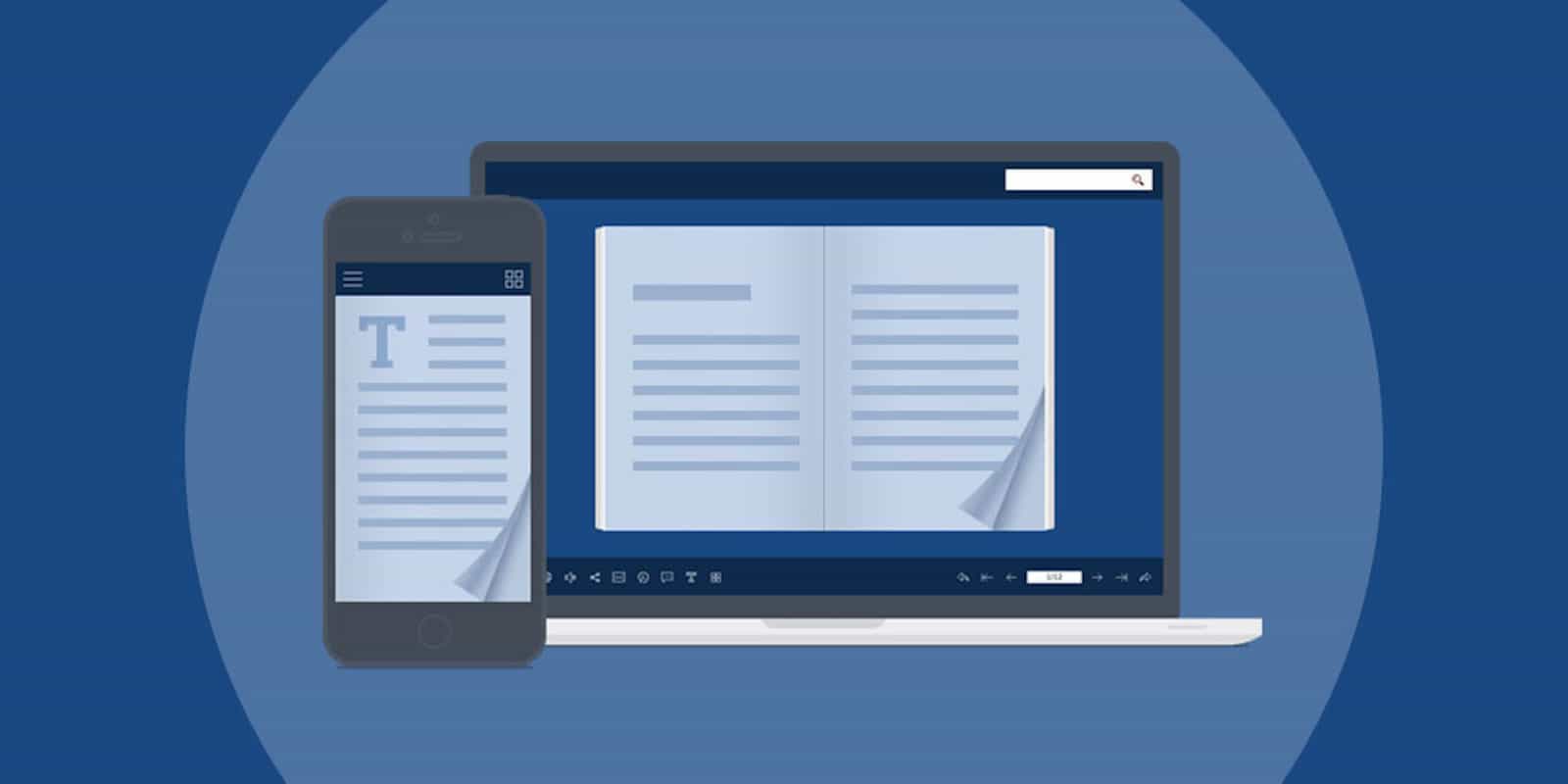
This app lets you present your regular old PDFs as lovely, interactive digital flipbooks. Photo: Cult of Mac Deals
If you work with a computer, you probably work with PDFs. The familiar file format graces everyone’s computer desktop. But you can do a lot more with PDFs than you might think.
When you want to keep an eye on multiple games at the same time, you need ESPN’s updated tvOS app.
Thanks to a new feature called MultiCast, you can enjoy up to four live streams simultaneously from across all of the network’s programming options on your Apple TV.
Maisie Williams and Sophie Turner are stars of HBO's Game of Thrones. Photo: Apple
To hype its new Carpool Karaoke series on Apple Music, Apple has debuted two new teaser ads, offering a preview of what fans can expect from the show.
One ad features Game of Thrones stars Maisie Williams and Sophie Turner as they belt out Justin Bieber’s “Sorry” and Miley Cyrus’ song “Wrecking Ball,” and get ready to prank fans. The other ad includes Ariana Grande and Family Guy creator Seth MacFarlane singing show tunes.
The future of TV is blurry, apparently. Photo: Benjamin Geskin/Twitter
Blurry images that popped up online supposedly show the testing of an Apple OLED television set of around 60 inches in size. The photos were shared on Chinese social media before being circulated by mobile leaker Benjamin Geskin on Twitter.
And, just like that, longstanding rumors of an Apple TV set reignite!
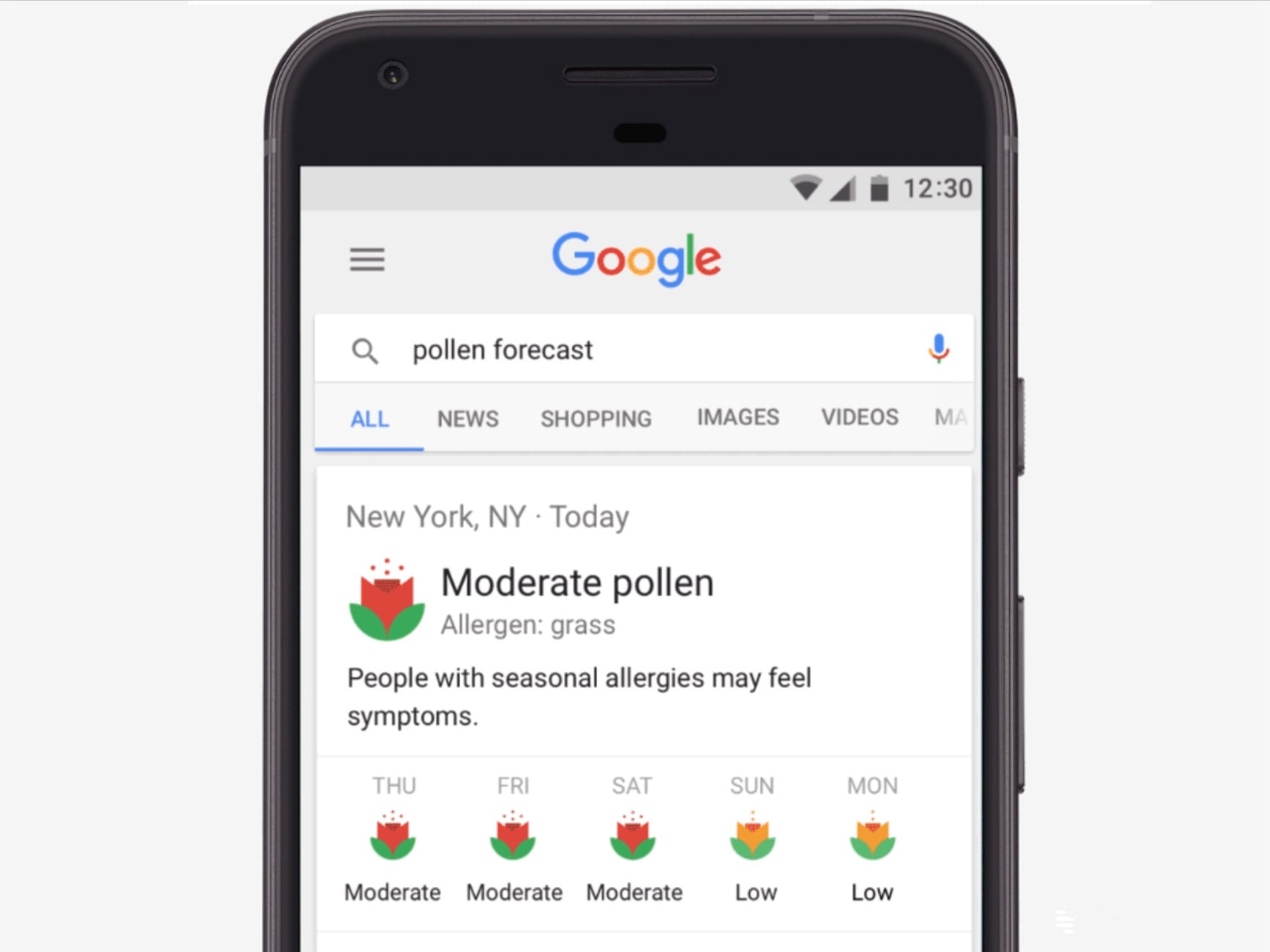
Pollen forecasts right inside Google search. Photo: Google
Google just became an even more useful place for pollen allergy sufferers. You can now view a five-day pollen forecast right inside your search results when using a mobile device to find pollen or allergy information.
To compete with Netflix, Apple's ready to pull its wallet out. Photo: Ste Smith/Cult of Mac
Apple is reportedly preparing a $1 billion “war chest” which it will spend on acquiring or producing original content over the next year.
That sum is around half of what HBO spent on production last year. The jewel in HBO’s crown is Game of Thrones, which it has aired since 2011. Apple SVP Eddy Cue is reportedly aiming for Apple to offer up to ten new shows, which could rival Game of Thrones in scope.
Matt Cherniss will oversee Apple's new worldwide video unit. Photo: WGN America
Apple has hired former WGN America and Tribune Studios chief Matt Cherniss as it looks to bolster its original video efforts.
Cherniss will reportedly oversee the company’s new worldwide video unit, serving under Zack Van Amburg and Jamie Erlicht, the former presidents of Sony Pictures Television, who joined Apple back in June.
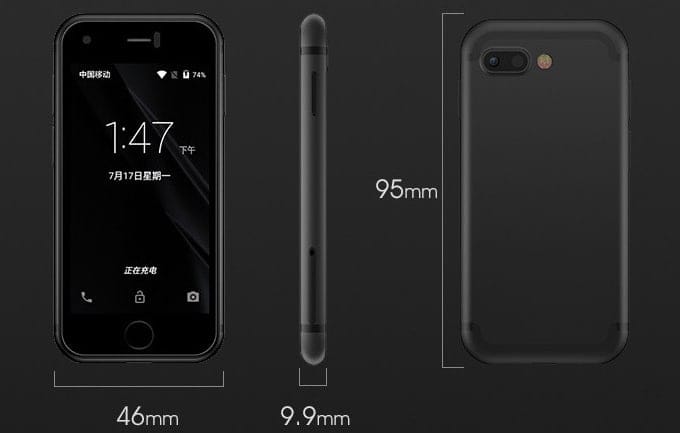
The cutest iPhone clone money can buy. Photo: Soyes
Apple is expected to make its flagship iPhone even bigger this year, so what do you do if you prefer smaller devices? You could check out the Soyes 7S, a super-cute iPhone 7 Plus clone that has a miniature 2.54-inch display.
Your purchased apps haven’t gone in iOS 11 — they’ve just been hidden. Photo: Charlie Sorrel/Cult of Mac
The Purchased tab in the iOS App Store may seem to have disappeared in iOS 11, but don’t worry — it has only moved. And got a little less useful. Whereas in iOS 10 and prior, your previously purchased apps were found in their own dedicated App Store tab (iPad) or above the list of app updates (iPhone), now they’re accessed by tapping the little silhouette of a head in a circle, which indicates your user account.