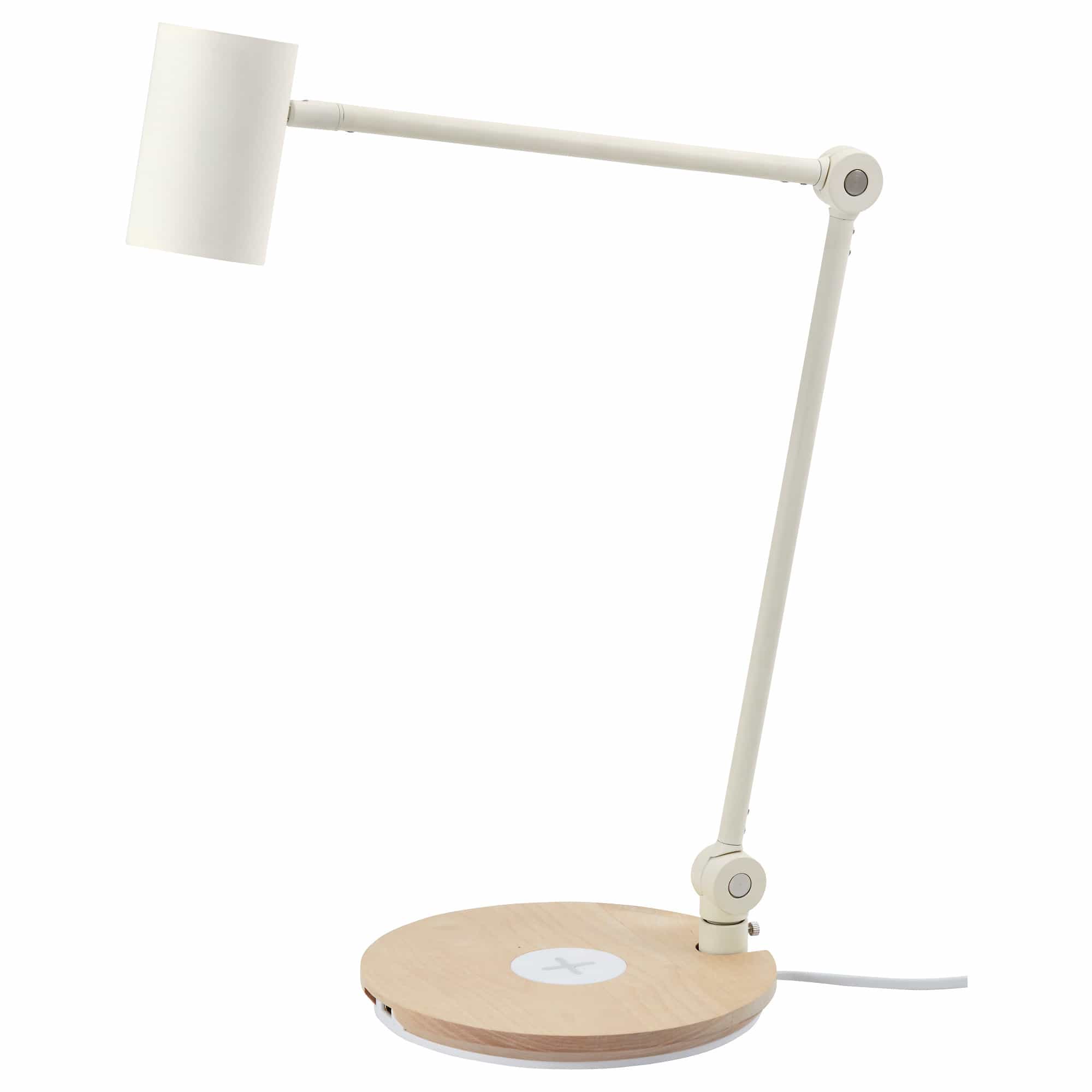
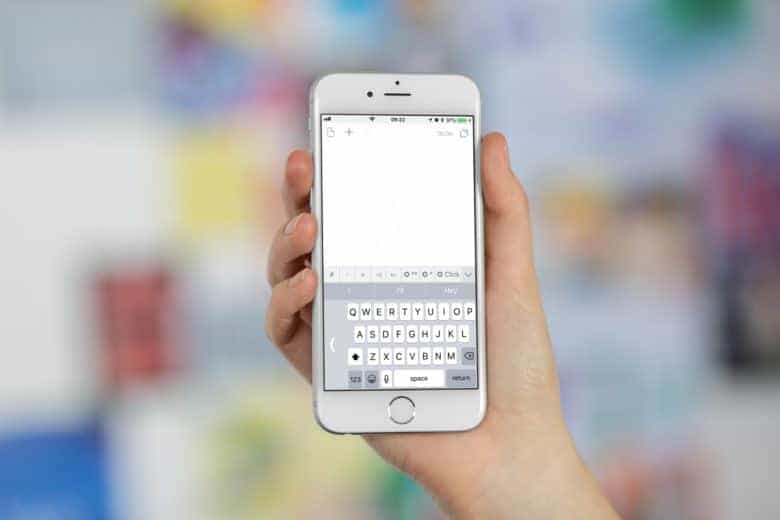
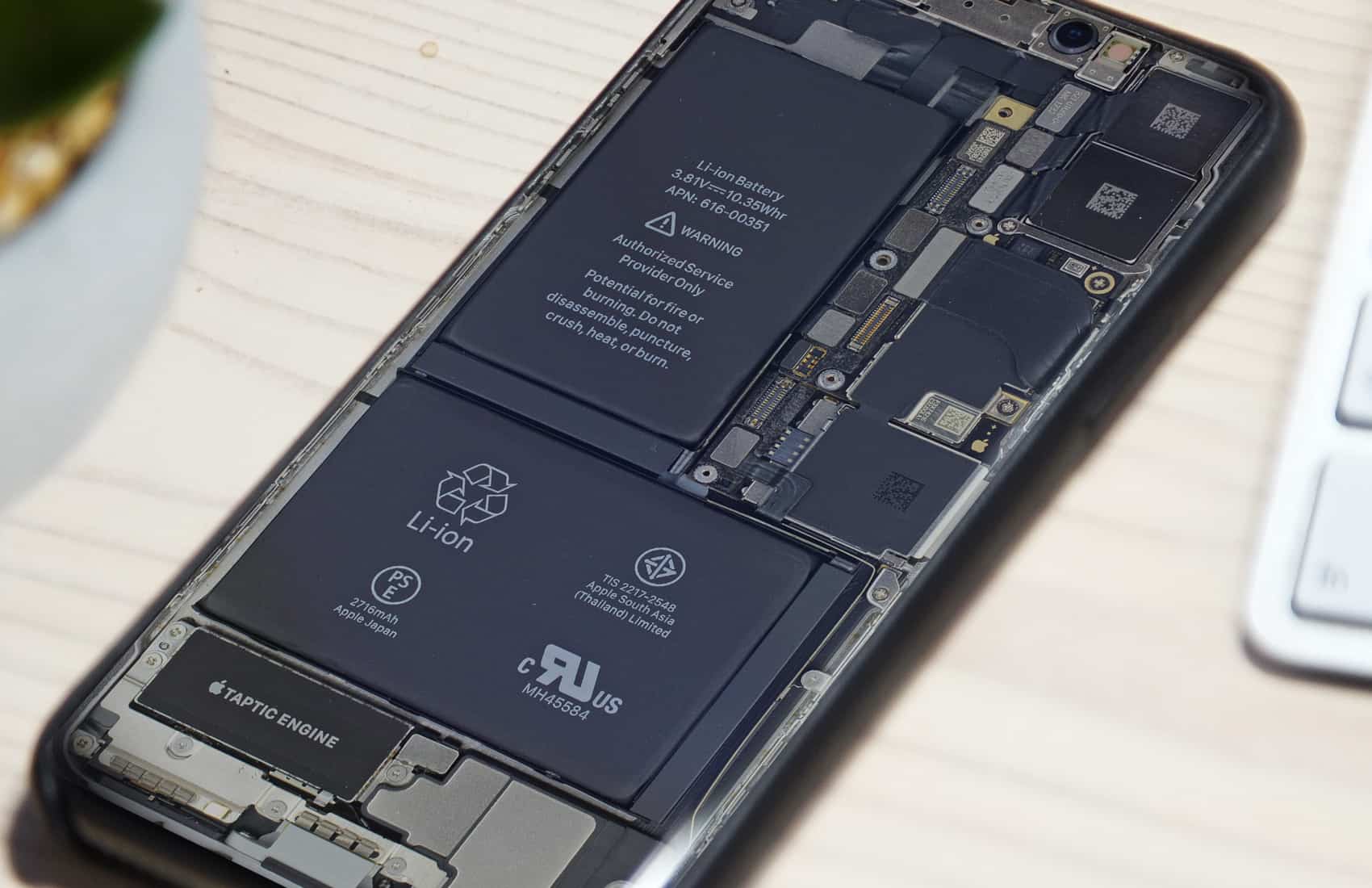
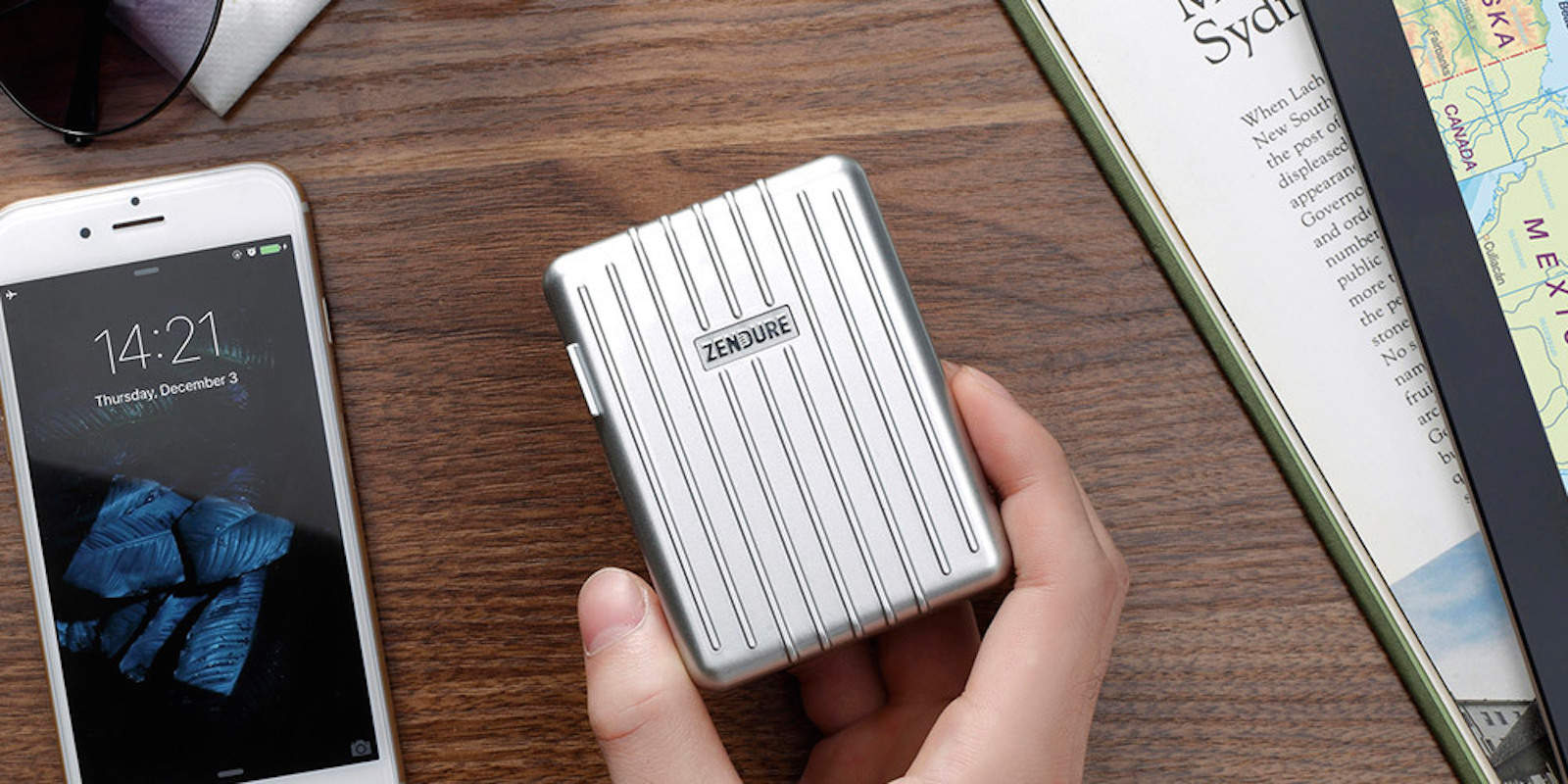
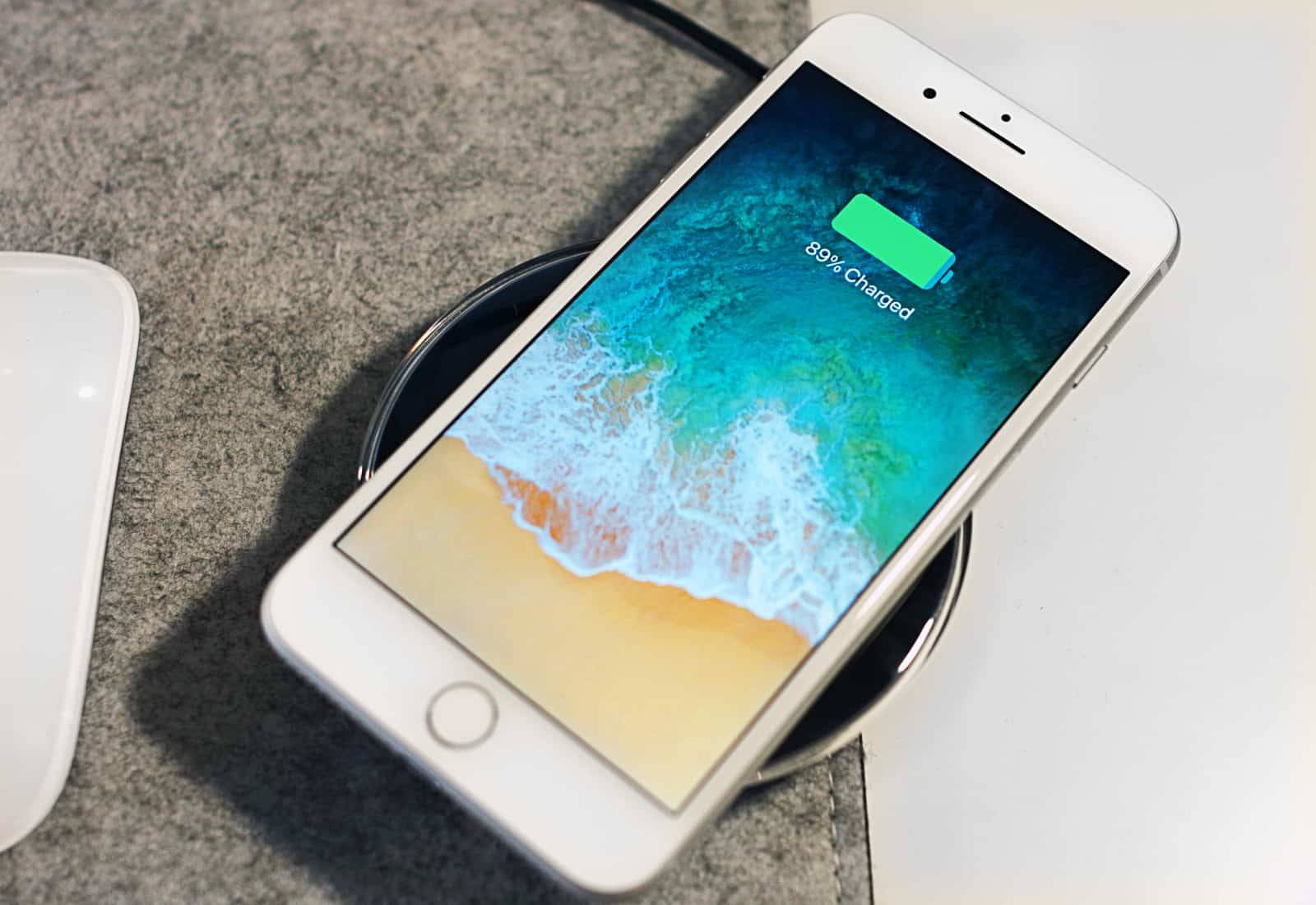
Welcome to another new week, and another round of great deals on gear and more at the Cult of Mac Store. This week’s best deals include an update for your Mac’s Dock, and a powerful lens attachment for iPhone. Plus, we’ve got days of coding courses and a slick car mount for your phone. Everything is discounted by a third off or more. Read on for more details:
Updates for your Mac dock, iPhone camera and more [Week’s best deals]
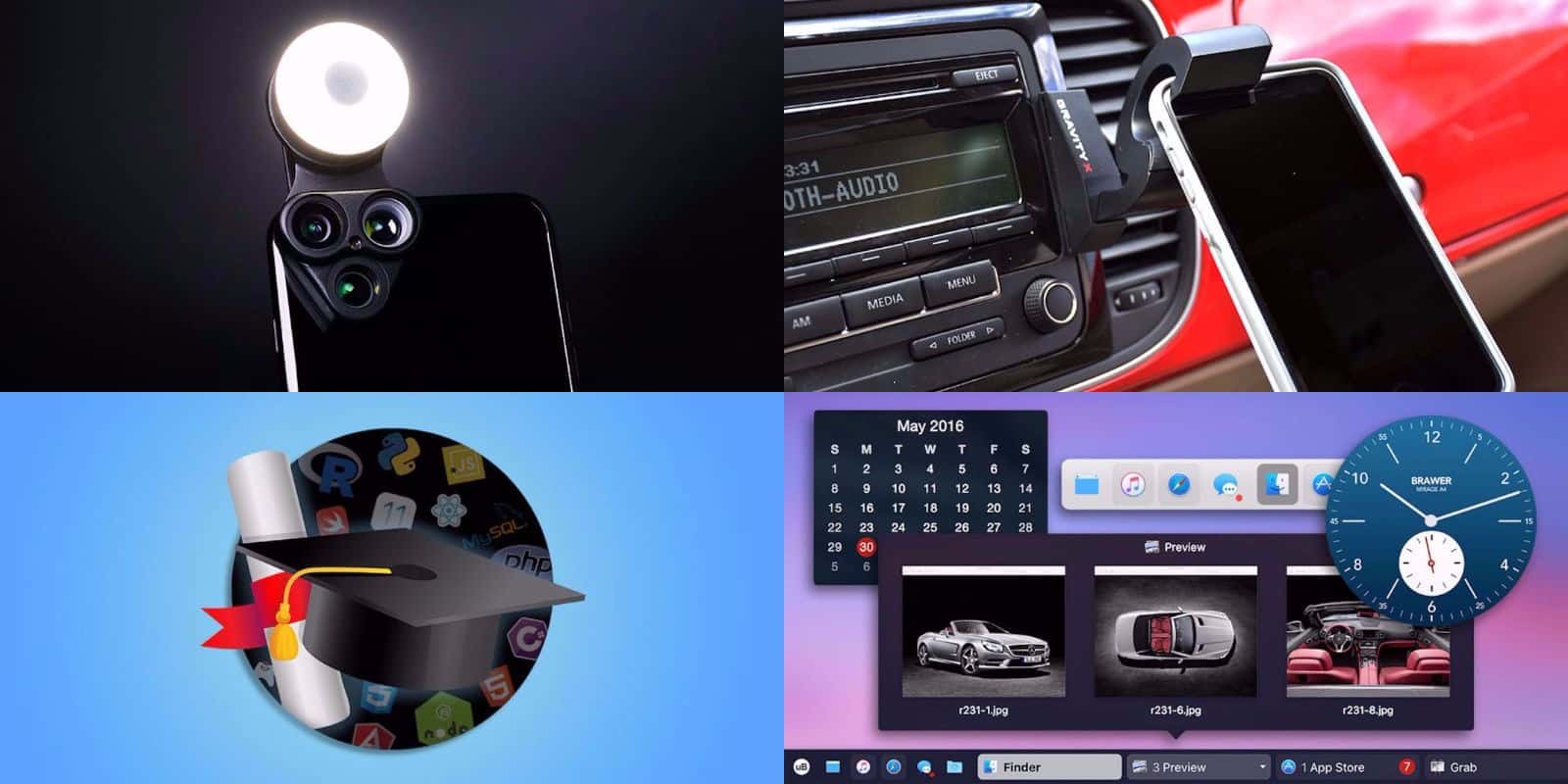
Photo: Cult of Mac Deals