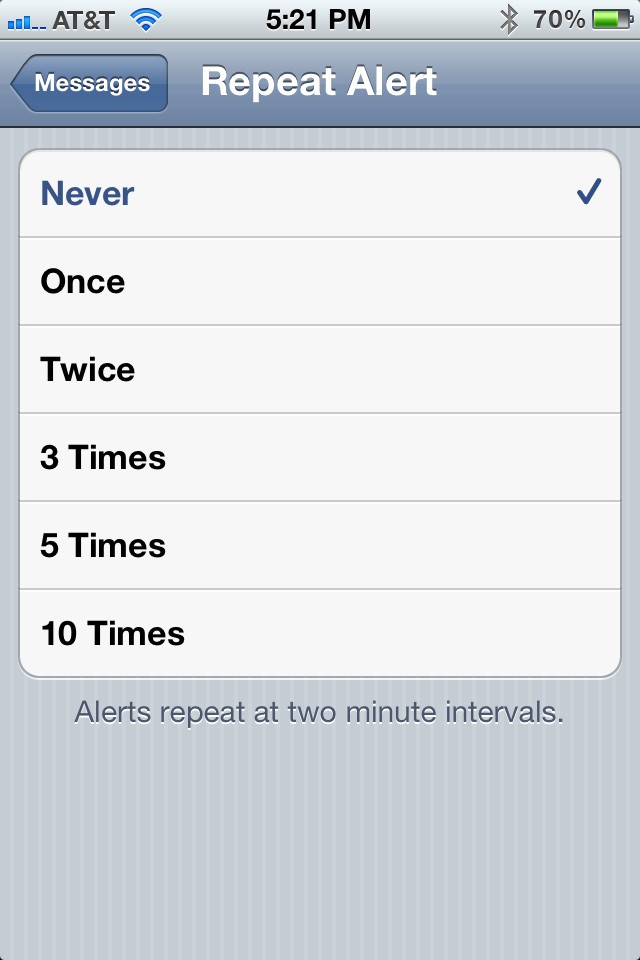

It’s nice to know when you receive the latest urgent text message from your significant other, but seriously do you need a reminder after each one comes in after receiving the first alert? I don’t think so and you’ll agree if you are like me, since I receive a lot of text messages.
Launch the Settings app.
Tap Notifications.
Tap Messages.
Tap Repeat Alert.
Tap Never.
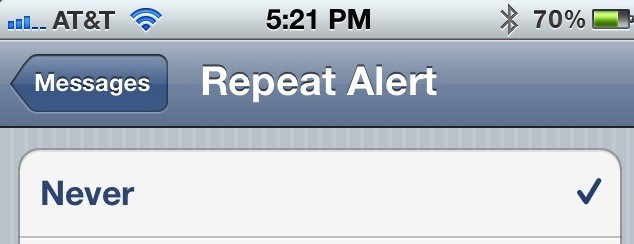
Now you’ll never receive a duplicate alert for every future text message you receive in the Messages app. If you receive as many text messages a day as I do you’ll be glad that your incoming messages only alert you once and not twice by default.

David W. Martin has more than 20 years of experience in the industry as a programmer, systems and business analyst, author, and consultant. David has written for CNET’s iPhoneatlas.com, MacLife.com, CultofMac.com, BYTE.com and recently for aNewDoman.net. He comes to Cult of Mac’s website with deep knowledge and passion for the all things Apple. Follow David on Twitter @david_w_martin or see what he’s up to now at davidwmartin.com.

