GyroScan is a little intimidating.
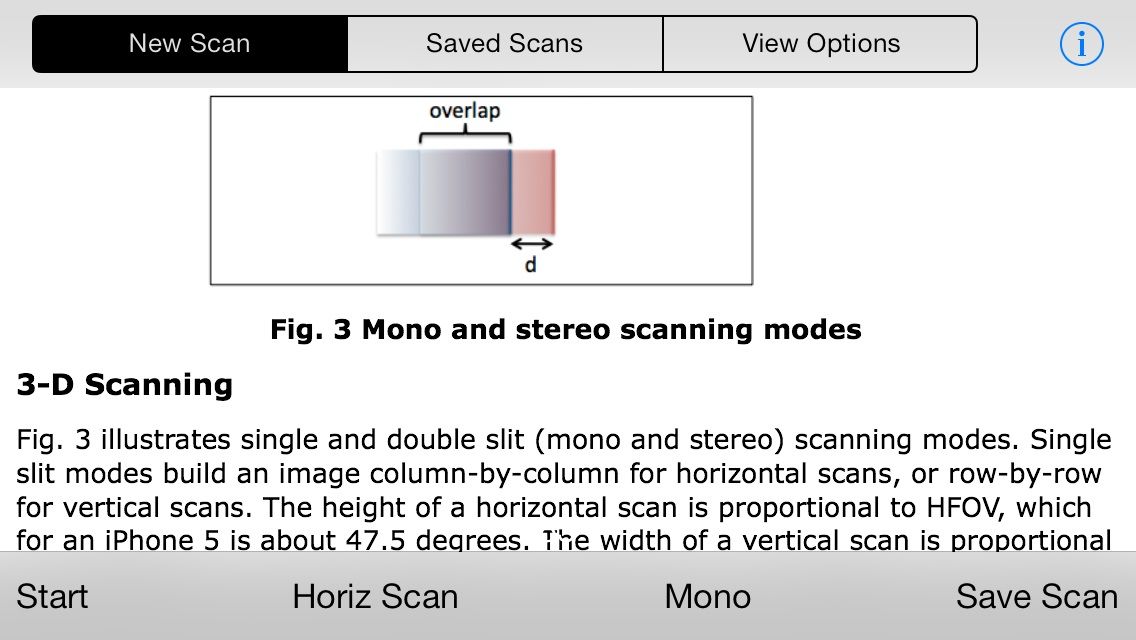
It works a lot like the panorama function on your iPhone’s camera, but you can capture a complete 360-degree image either horizontally or vertically by spinning in a circle or rotating your phone up or down. When you look at the instructions, it all gets very technical, but once you work with it for a little while — and maybe rig something up to keep your phone still — you can get some really good results.
You can also scan in “stereo mode” and make 3D pictures, but that’s just showing off, GyroScan.
Source:GyroScan – $0.99 | Intelligent Gadgets

Evan Killham is a freelance writer who lives in Nebraska and isn’t interested in football, so he has plenty of time to play and think about video games. He has written for Bitmob and GamesBeat and sometimes, he even goes outside. But not too often because he’s heard there are bees out there. Occasionally, companies send free units for review. Evan subscribes to Cult of Mac’s Reviews Policy and also does not keep the items he receives for possible coverage.

