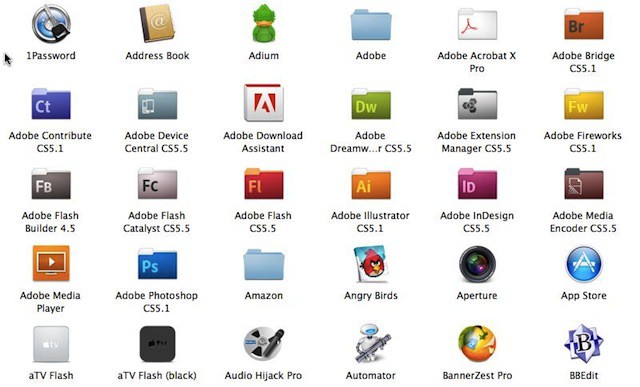

Apple has added a restriction to the Applications folder on your start-up disk that versions of Mac OS X didn’t have before the release of Lion. The new restriction prevents you from moving apps out of the Applications folder, but this tip will show you how to get around that.
Mac OS X Lion won’t allow you to arbitrarily drag apps from the Applications folder on your start-up disk to another folder on the same disk. If you drag an app to another folder by default it will create an alias icon for that app. You can use the alias to launch the app by double clicking it.

Now if you drag the application to another folder on the same disk while holding the Command key the app will actually be moved to that folder and it will not create an alias.
This restriction doesn’t apply when you are copying the app to another disk as long as that disk isn’t your start-up disk. In this case you don’t have to hold the Command key to copy the app to the folder on the other disk. An alias isn’t created in this case either. On the other hand if you want to move the app to the other disk you’ll need to use the Command key while clicking and dragging the app to the new folder.
Although this isn’t rocket science a bit of experimenting will help you to understand how all this works, but this isn’t a tip for most users since moving apps isn’t recommended unless you know what you are doing. If you move certain apps they might stop working or you might experience other problems.

David W. Martin has more than 20 years of experience in the industry as a programmer, systems and business analyst, author, and consultant. David has written for CNET’s iPhoneatlas.com, MacLife.com, CultofMac.com, BYTE.com and recently for aNewDoman.net. He comes to Cult of Mac’s website with deep knowledge and passion for the all things Apple. Follow David on Twitter @david_w_martin or see what he’s up to now at davidwmartin.com.

