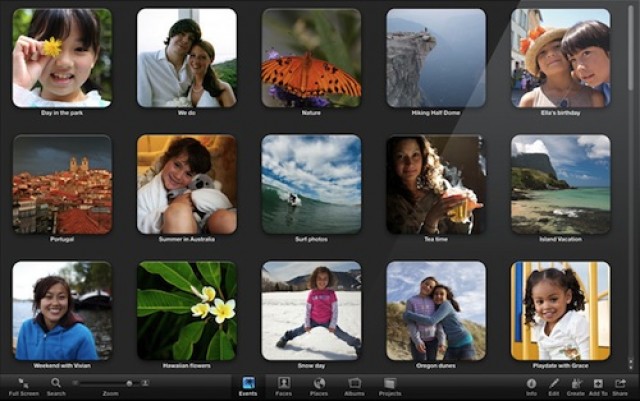
Apple has released an update to iPhoto bring it to version 9.2.1. This update primarily addresses the complaints about iPhoto quitting unexpectedly that we’ve received from Cult of Mac readers.
The update is available now via Software Update on your Mac. Check out the complete details about iPhoto after the break.
Per Apple:
What’s New in iPhoto 9.2.1
• Addresses an issue that could cause iPhoto to quit unexpectedly on Macs with the 3ivxVideoCodec plug-in installedIncluded in version 9.2
• Addresses compatibility with iCloud and iOS 5
• Left and right swipe gestures can now be used to navigate between photos in Magnify (1-up) view
• Previously imported photos are now displayed in a separate section of the Import window
• Book/calendar themes and card categories can now be selected using a pop-up menu in the carousel view
• Resolves an issue that could cause some pages of books to print incorrectly
• Rebuilding a library now correctly preserves saved slideshows and booksThe update is recommended for all users of iPhoto ’11.

David W. Martin has more than 20 years of experience in the industry as a programmer, systems and business analyst, author, and consultant. David has written for CNET’s iPhoneatlas.com, MacLife.com, CultofMac.com, BYTE.com and recently for aNewDoman.net. He comes to Cult of Mac’s website with deep knowledge and passion for the all things Apple. Follow David on Twitter @david_w_martin or see what he’s up to now at davidwmartin.com.

