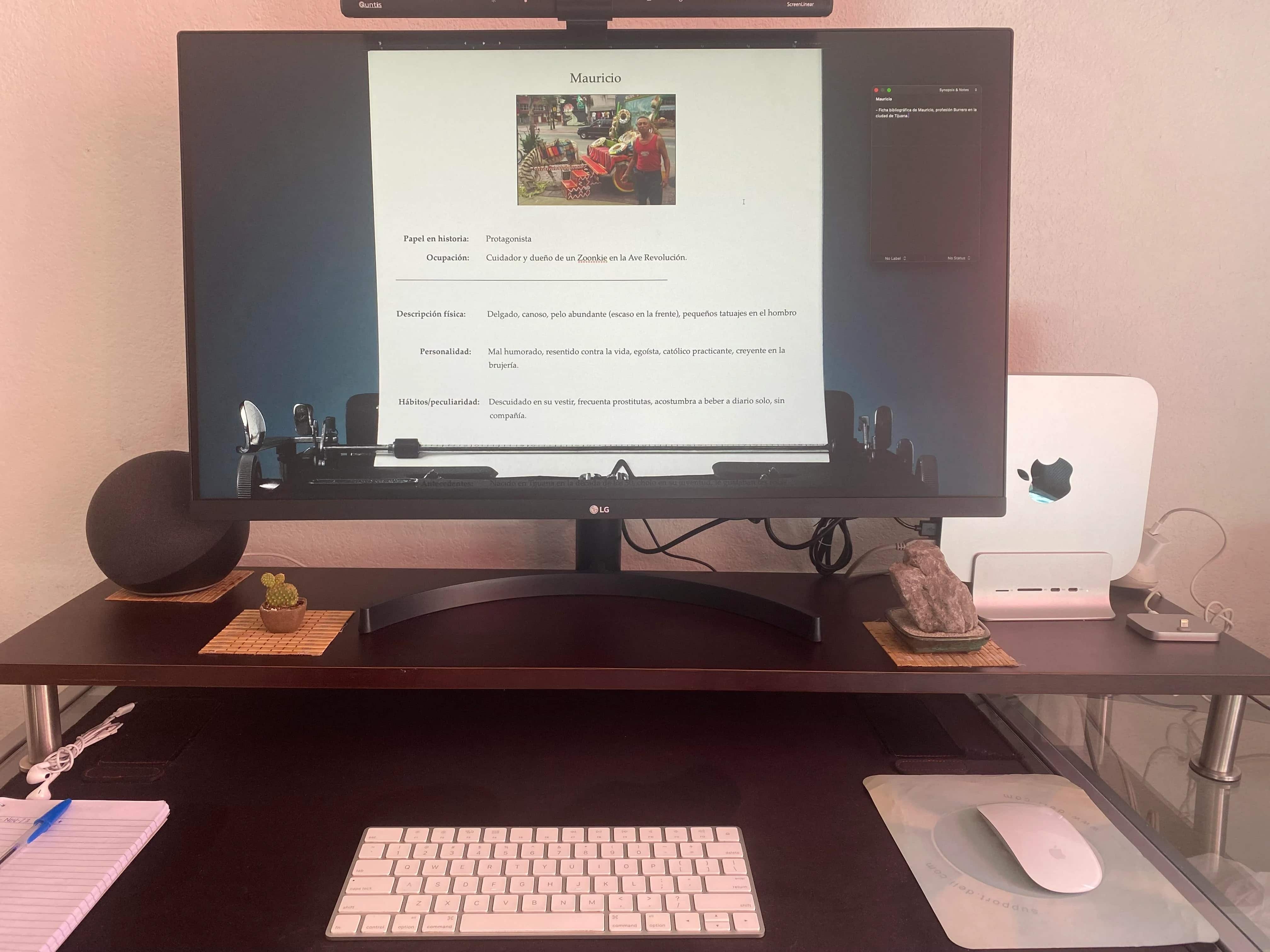
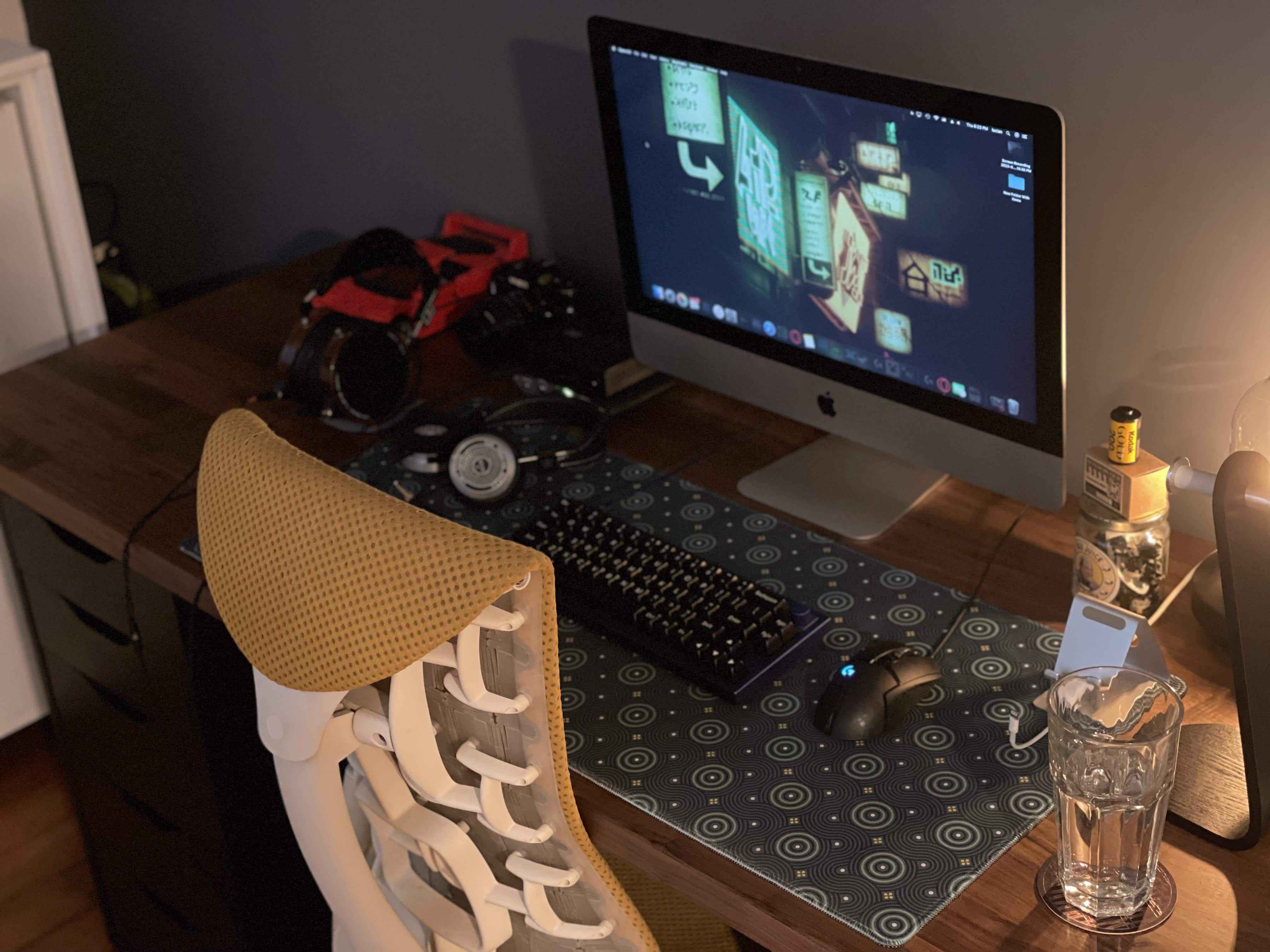
The programmer likes his Logitech Mini mechanical keyboard. Photo: [email protected]
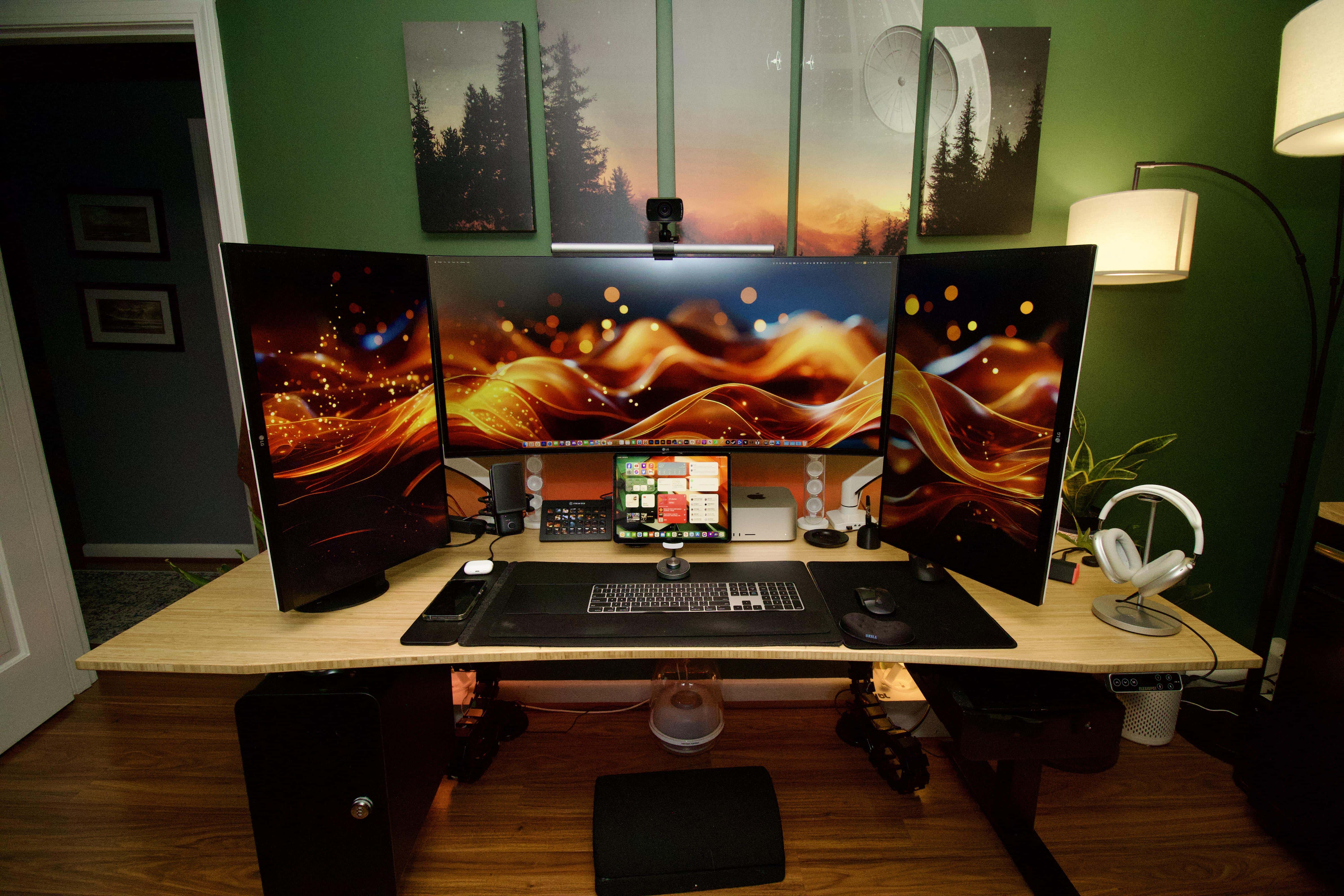
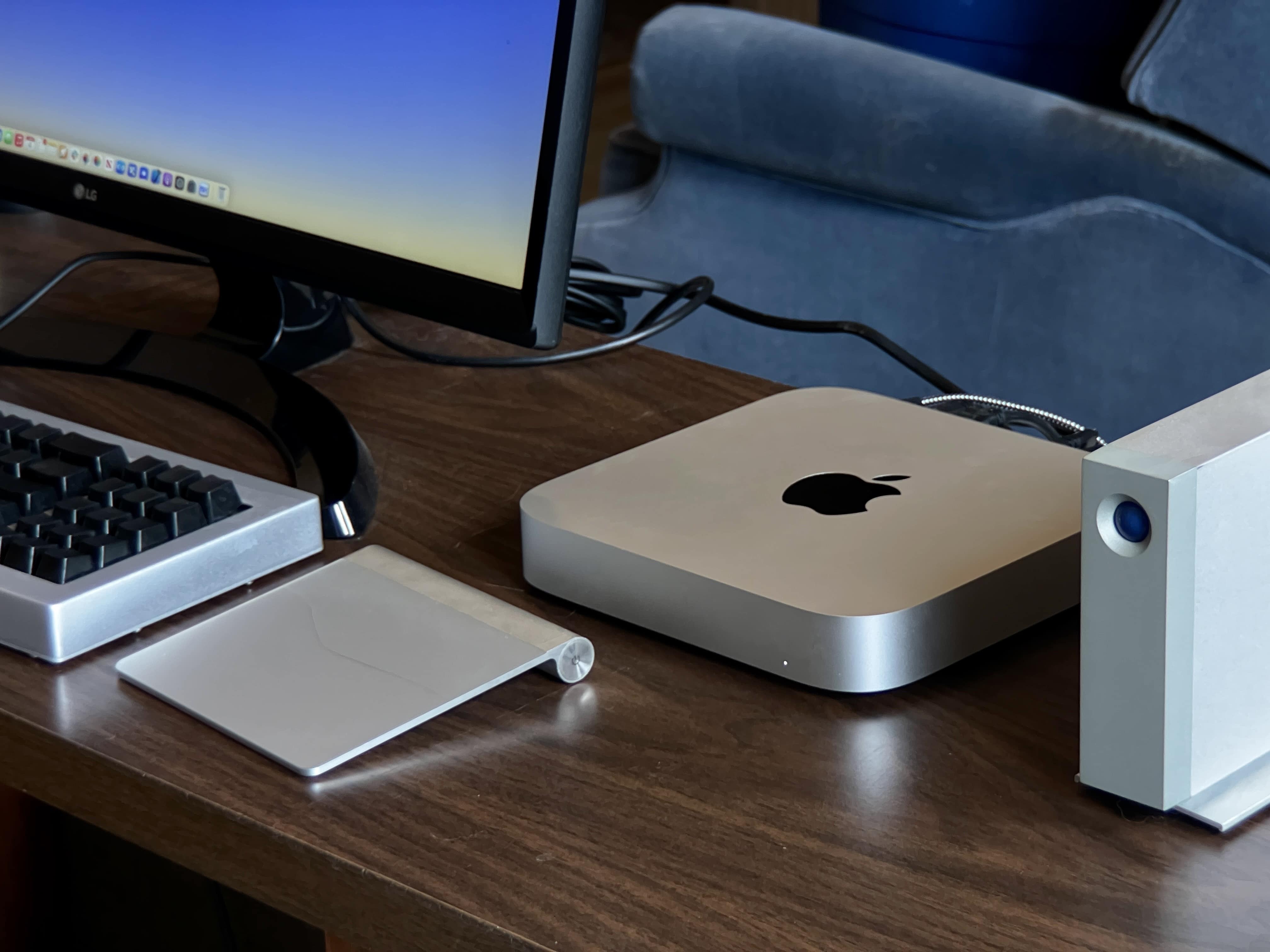
Before reading past the jump, take a look at today’s featured M1 Mac mini computer setup in the photograph above and see if you can quickly identify the two items that aren’t from peripherals giant Logitech — other than the main computer, display and furniture.
Both items are on the small side, so it might take a hard look to spot them. Answers below in the post and at the bottom just above the gear list.
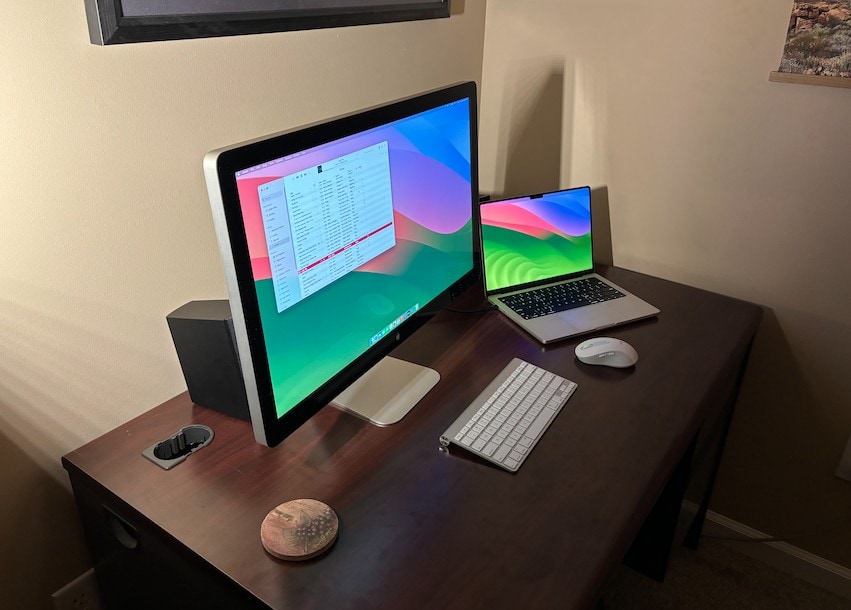
The user learned how to convert the 5K iMac display from a video. Photo: [email protected]
It’s great that Apple put out a high-quality display that costs a lot less than the $5,000 Pro Display XDR. But the Studio Display, at $1,600, is still too pricey for many folks. If you’d rather have a 5K display for way less than a grand, today’s featured M2 Pro Mac mini setup is for you if you’re willing to do some work.
Following an instructional video included below, the user converted a 5K iMac to a 5K standard USB display for about $700.
Apple crams a whole lot of computing power into the Mac mini. Image: Cult of Mac
This week on Cult of Mac’s podcast: The M2 Pro-powered Mac mini is a dream machine for creative types, according to our reviewer D. Griffin Jones. He joins us to sing the praises of this pint-size powerhouse. (It’s quite an upgrade from the 2015 MacBook Pro he used before.)
Also on The CultCast:
It’s just two months until we’ll see Apple’s mixed-reality headset. We can’t help thinking this pricey “star product” is gonna flop hard, even as it points the way toward the future.
A free book coming next week will reveal Steve Jobs “in his own words.”
Will the next version of watchOS really bring big changes?
Erfon knows where you can find a steady supply of genuine Apple accessories at cut-rate prices.
Listen to this week’s episode of The CultCast in the Podcasts app or your favorite podcast app. (Be sure to subscribe and leave us a review if you like it!) Or watch the video live stream, embedded below.
Our sponsors: Hello Fresh and Mylio
Hello Fresh is America’s No. 1 food kit! Go to HelloFresh.com/cultcast50 and use code cultcast50 for 50% off, plus your first box ships free!
Mylio is the easy way to manage all your photos on all your devices. Try it at Mylio.com/cultcast.
★★★★★
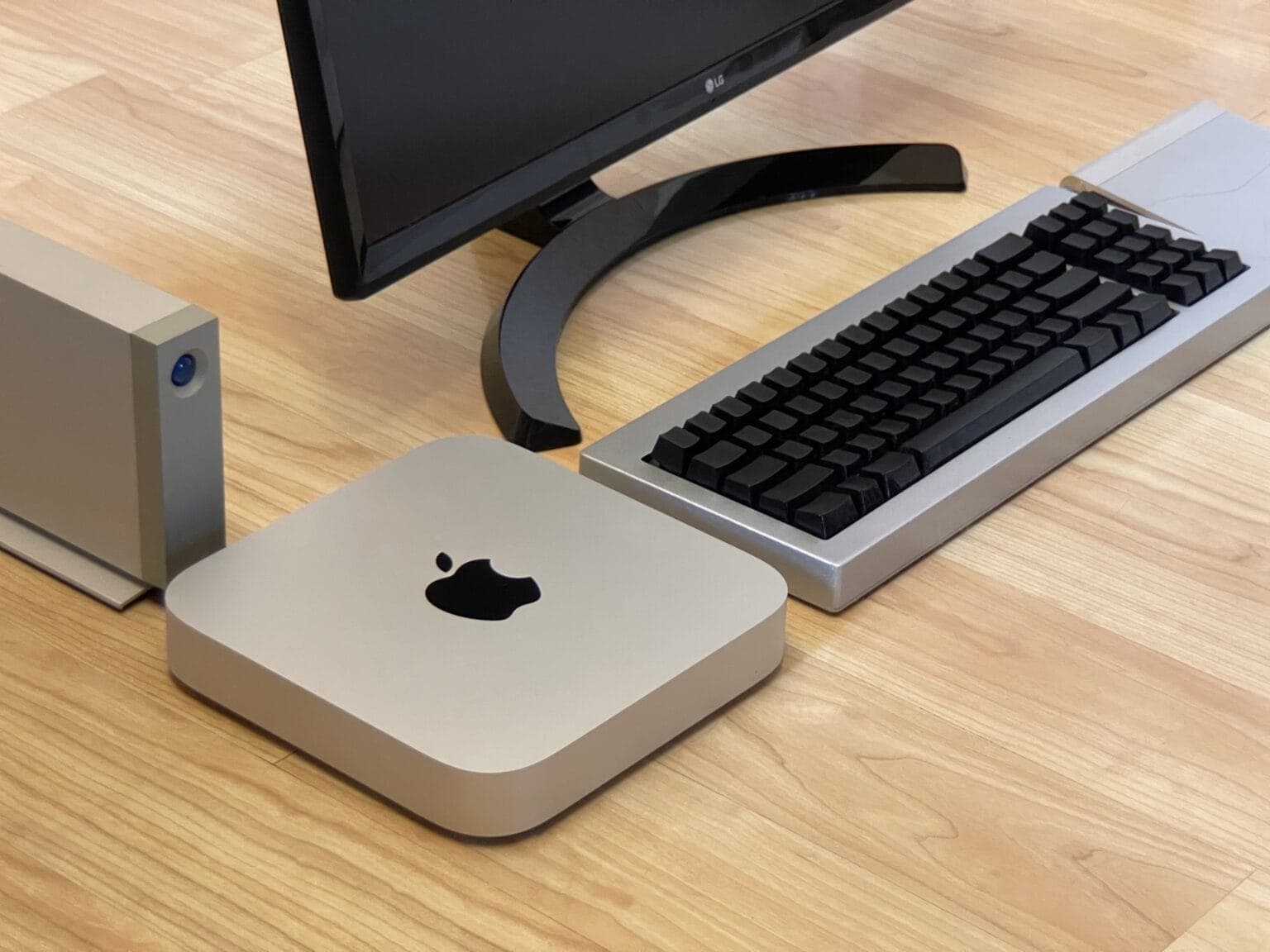
Here’s your classic product shot with everything sitting directly on a floor without anything plugged in. Photo: D. Griffin Jones/Cult of Mac
The new Mac mini is the best value in the entire computer industry, point blank. It’s a $700 computer that won’t break a sweat editing high-resolution video, exhaustively long podcasts or giant graphic design projects — all at the same time. The M2 Pro model takes it even further.
Because of my job here at Cult of Mac, I wear a lot of hats. In a typical week, I edit videos, record a podcast, dabble in graphic design, compile open-source projects in Xcode and research topics for my writing. I’m basically all the creative professional stereotypes Apple loves to put in their promotional videos rolled into one.
After living with the new Mac mini for over a month, I can confidently say this is a fantastically powerful machine within the reach of independent creators, small businesses and schools.
Wow: get the 2023 Mac mini at $100 off. Already. Photo: Apple
The new Mac mini with M2 processor is a bargain at its regular price, and $100 off makes it an even better deal. That cuts the price of Apple’s newest desktop to less than $500.
Some people seem to an M2 Mac mini and an M1 MacBook Air in one setup is overkill. Others wouldn't have it any other way. Photo: [email protected]
Are two Macs better than one in a computer setup? People’s opinions differ. What’s overkill to one person could be a perfectly sensible use of resources to another.
Until recently, today’s featured setup ran just an M1 MacBook Air. But then the user added an M2 Mac mini. To discover all the reasons why — especially if you need an excuse to add a desktop machine to your laptop setup or vice versa — read on. If you’re looking for ways to streamline your workflow, you might also want to explore how to control MacBook with iPhone, which can enhance productivity and device integration.
In the "after" shot, the desk is a little more clear because the M1 Mac mini is nowhere to be seen. Photo: [email protected]
There’s much to be said for hiding stuff under your desk. And we don’t mean cramming it down there like you shove junk under your bed. We mean mounting it properly out of sight. It gets said stuff — computers, docks, cables — off the desktop for a cleaner look to your setup, not to mention a more-efficient workspace.
Today’s featured setup uses an inexpensive acrylic mount to stash an M1 Mac mini and connected cables under the desk. Below you can see images of the mount itself as well the “before” shot of the setup. The “after” shot appears above.
One commenter thought the Mac Studio stacked on the old Mac mini looked like a Pixar robot character. Photo: [email protected]
This just in from the Things That Look Like Other Things Department: a Mac Studio desktop computer sitting on top of a Mac mini “looks like a small robot from Wall-E or one of the [other] Pixar films.”
Today’s featured setup sports the unintentional character in the form of an old Mac mini acting as a server and a stand for the much-newer Mac Studio. It’s pretty cute. You can imagine it rolling around, beeping and maybe firing off a laser blast.
M2 Mac mini gets its first discount on Amazon. Photo: Apple
Apple’s powerful M2 and M2 Pro Mac mini are available with their first-ever discount since launch. Depending on your configuration, you can save between $19 to $49 on the 2023 Mac mini.
Three Macs and a KVM switch with a big external monitor can be the perfect solution. Photo: [email protected]
Today’s featured computer setup employs three separate Macs — MacBook Pro, M1 MacBook Air and M1 Mac mini — connecting two of them to a big external monitor using a KVM docking station.
KVM switches are handy when you don’t want to switch cables from different computers using the same monitor and input devices. But there’s another reason the user, Greg Coit, chose the method.
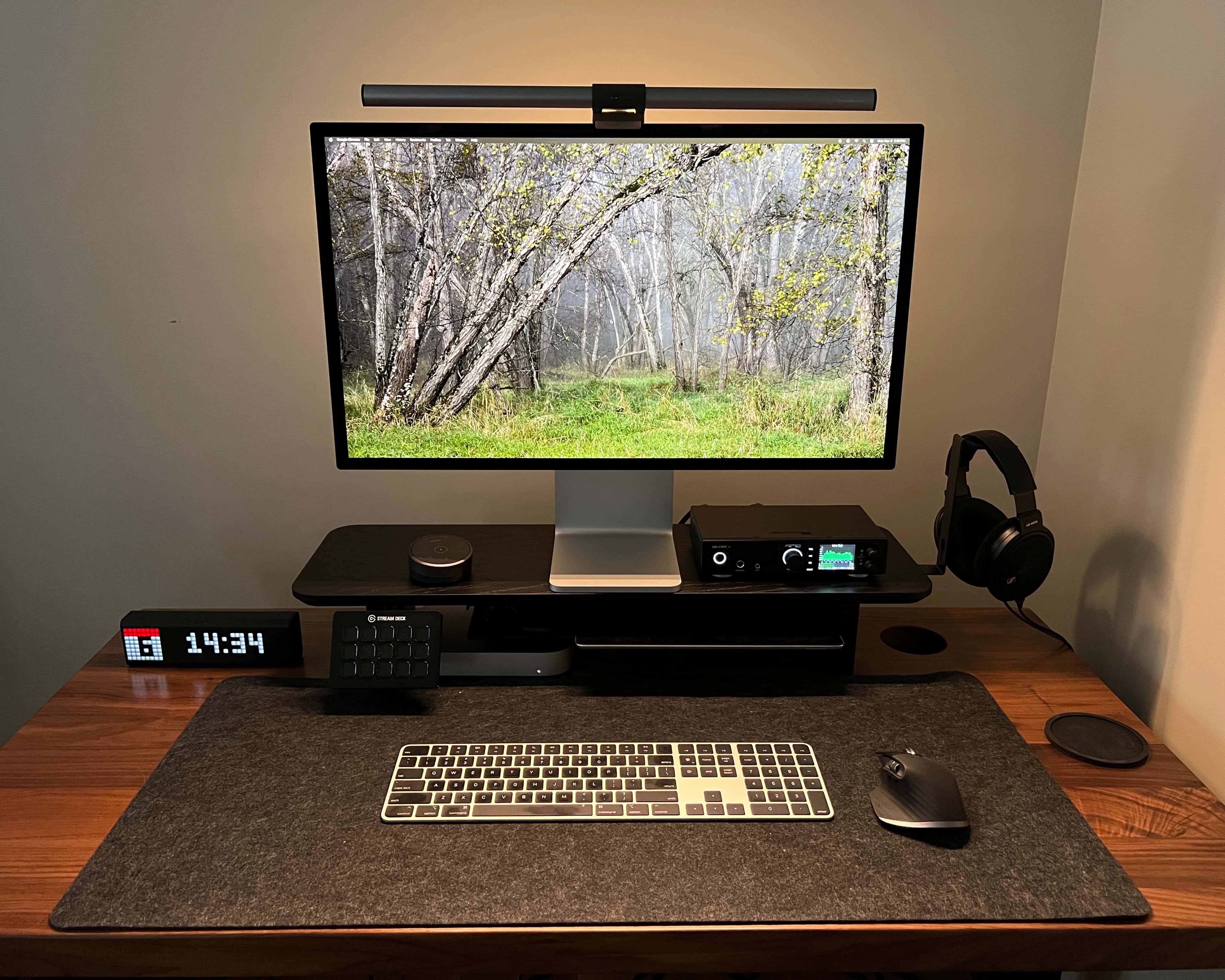
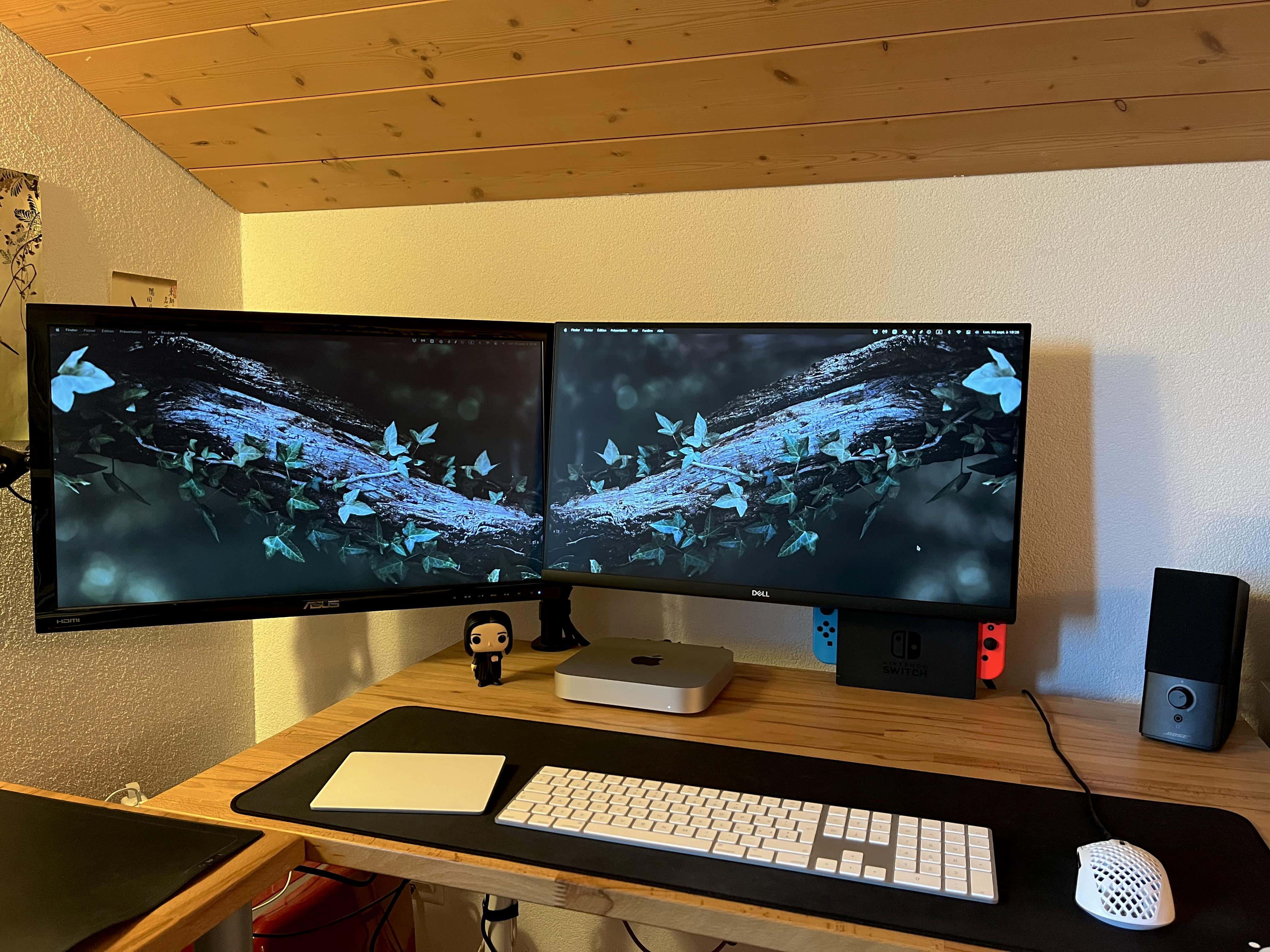
This user enabled dock-free dual-display use by adding an M2 Pro Mac mini. And note the can of Death & Taxes black lager, a serious adult beverage. Photo: [email protected]
“How many external displays can I easily run with my Mac and how” is a common question, and some Macs make it much easier to run more than one external monitor than others.
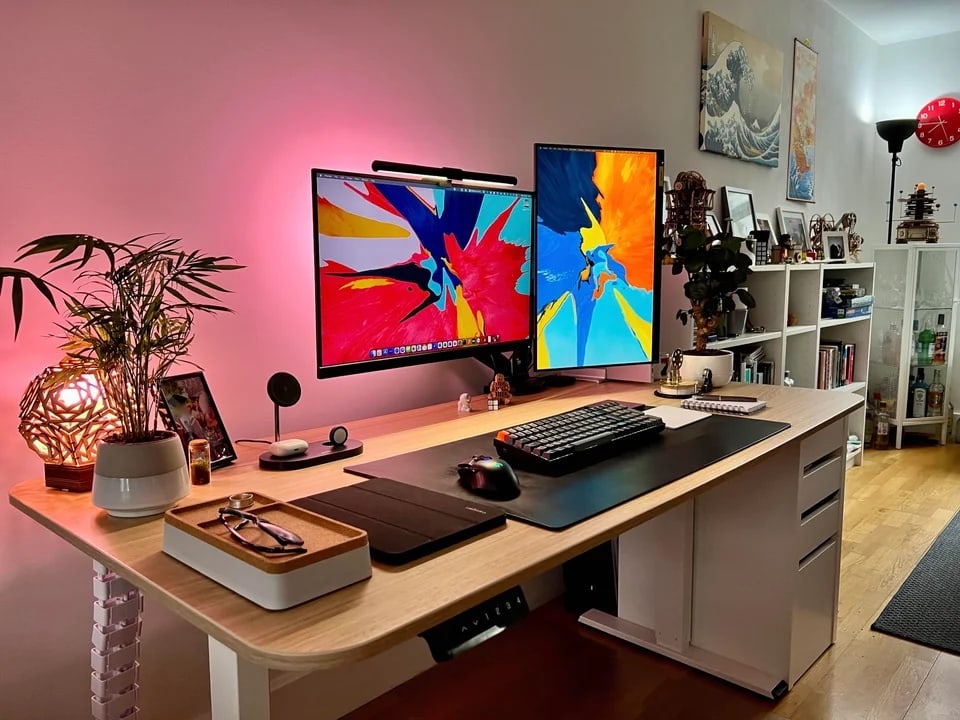
In today’s featured computer setup, a software developer went out and bought a new M2 Mac mini specifically for its generosity in that regard. It really helped his highly portable setup, which features a Studio Display and an LG 4K screen.
We're talking the many pros and a couple of cons about the brand-new MacBook Pro Mac mini and HomePod models Apple just released. Image: Cult of Mac
This week on Cult of Mac’s podcast: The first reviews and early benchmarks reveal impressive performance boosts from the new MacBook Pro and Mac mini. We’re talking the pros and cons of upgrading — including one very important “buyer beware” scenario.
Also on The CultCast:
What’s new in iOS 16.3, iPadOS 16.3 and macOS Ventura 13.2? We walk through the updates.
A great giveaway from Goldenerre, maker of fine Apple Watch bands.
Our beloved old-school HomePods just got some upgrades — including one Erfon’s been dreaming of for years.
Listen to this week’s episode of The CultCast in the Podcasts app or your favorite podcast app. (Be sure to subscribe and leave us a review if you like it!) Or watch the video live stream, embedded below.
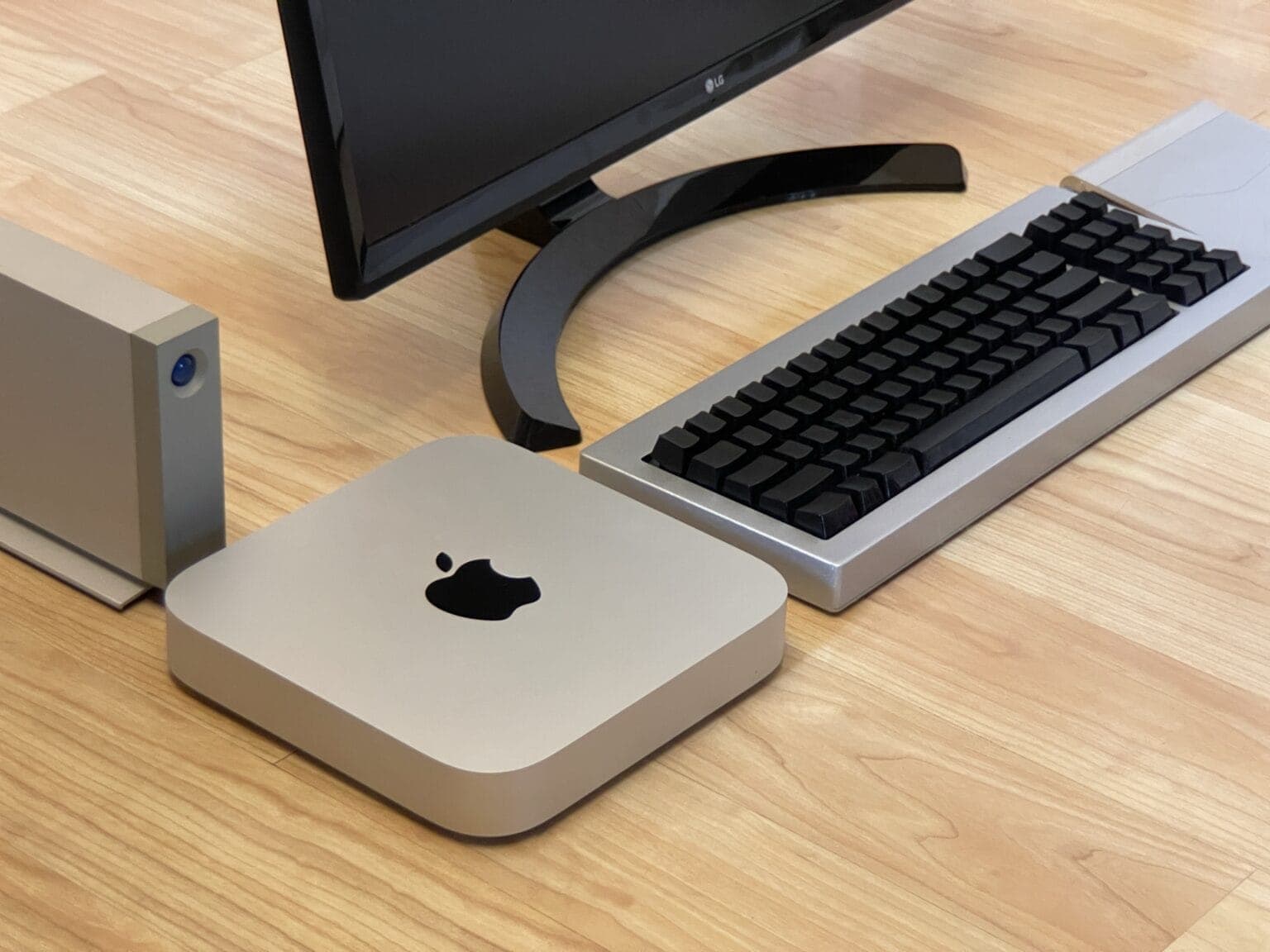
An Intel Mac mini sits atop Satechi hubs to the left of the LG 4K display. An eGPU with a potent graphics card stands to the right. Photo: Hal Howell
Retired Navy Chief Petty Officer Hal Howell recently shipped his computer setup to Cult of Mac for inspection, so to speak. He emailed photos and words, anyway.
He runs an Intel Mac mini with an outboard engine of sorts on it for extra graphics processing power, plus Satechi USB-C hubs with extra ballast (er, storage).
Check out the full manifest of the Navy man’s gear below.
M1 Mac mini is better than the M2 Mac mini in this department. Graphics: Rajesh/Apple
Apple’s new entry-level M2 Mac mini and 2023 MacBook Pros ship with significantly slower SSDs than their predecessors. This could negatively impact read/write-intensive workflows.
The slowdown is because Apple uses a single flash chip solution on the 2023 models. For comparison, the M1 Mac mini and 2021 MacBook Pros used two flash chips.
Should you upgrade to the new MacBook Pro, Mac mini or HomePod? Image: D. Griffin Jones/Cult of Mac
The new Mac mini and the high-end MacBook Pro are the first Macs to receive Apple’s powerful new M2 Pro and Max chips. But should you upgrade to the new MacBook Pro (or Mac mini) or not?
That depends on what Mac you already have. Our charts and video will walk you through the decision-making process if you’re considering buying a new Mac. (Bonus: We also break down the pros and cons of the new HomePod versus the original and the HomePod mini.)
Reviewers heartily recommend the M2 and M2 Pro Mac mini models for different types of users. Photo: Apple
With the new M2 and M2 Pro versions of Mac mini released last week and expected to ship Tuesday, reviewers are showing a lot of enthusiasm for the new compact desktop machines.
Starting at $599, the Mac mini remains the cheapest Mac, but with performance upgrades and a powerful M2 Pro version on offer, the machines are more than capable of meeting the needs average users and pro creatives alike, reviewers said.
We know the second-gen HomePod comes with fewer tweeters. Will it still tickle our ears? Image: Cult of Mac
This week on Cult of Mac’s podcast: The new Mac mini is a steal. The new MacBook Pros are a spec bump. And the new HomePod is … interesting. We’re such fans of the original, we can’t wait to wrap our ears around Apple’s (possibly) upgraded smart speaker.
Also on The CultCast:
Should you buy a new MacBook Pro or wait till next year’s M3 chips arrive?
HomePod mini’s secret sensor is about to go live.
We know Apple cut some corners to make the new HomePod. The question is, will the new version bring the boom like the OG HomePod?
And Cult of Mac writer D. Griffin Jones makes his CultCast debut.
Listen to this week’s episode of The CultCast in the Podcasts app or your favorite podcast app. (Be sure to subscribe and leave us a review if you like it!) Or watch the video live stream, embedded below.
Laura Metz, the
director of Mac Product Marketing, details the 2023 MacBook Pro in a product-launch video. Screenshot: Apple
Those who prefer to get their Apple announcements via video don’t have to feel left out. Although the 2023 MacBook Pro and Mac mini didn’t get a big, glitzy press event, and were instead unveiled Tuesday via press release, Cupertino created a launch video much like the ones put out with previous products.
Watch as John Ternus, SVP for Hardware Engineering, plays host to announce the latest macOS notebook and desktop.
“With its powerful media engine with ProRes acceleration, Mac mini with M2 Pro delivers unbelievably fast video processing.” Photo: Apple
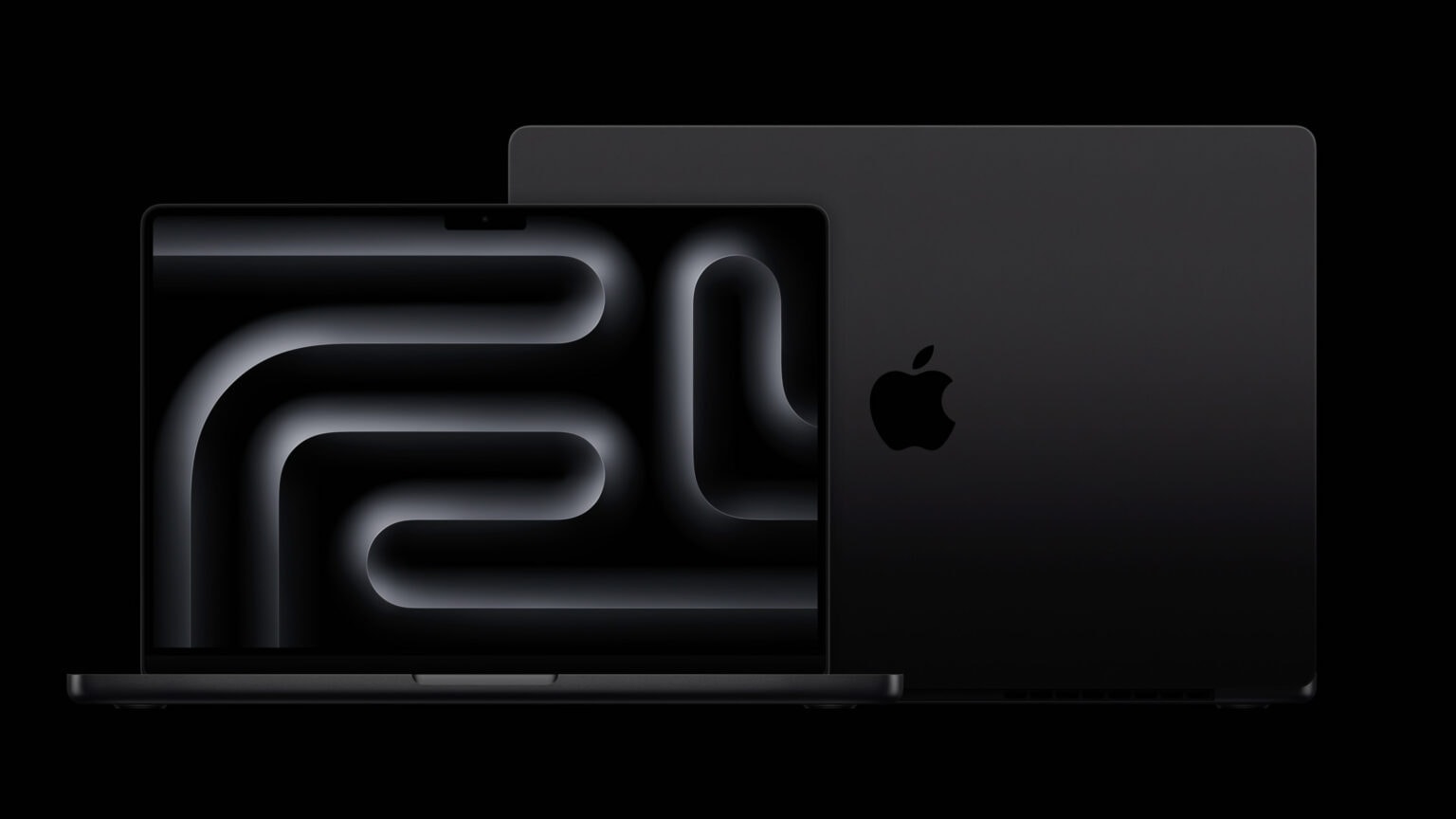
Apple launched a new Mac mini Tuesday, an upgraded model that uses the M2 chip seen last summer in the MacBook Air and MacBook Pro. A higher-end version runs on the brand-new M2 Pro chip, which also powers the new 14-inch and 16-inch MacBook Pros, also introduced today.
“Bringing even more performance and a lower starting price, Mac mini with M2 is a tremendous value,” said Greg Joswiak, Apple’s senior vice president of worldwide marketing, in a press release. “And for users who need powerful pro performance, Mac mini with M2 Pro is unlike any other desktop in its class.”
The computers are available to preorder today and will arrive January 24.
Apple's next-generation M2 Pro and M2 Max SoCs are its fastest chips yet. Photo: Apple
Apple’s next-generation M2 Pro and M2 Max chips went official on Tuesday. The new processors power Apple’s brand-new MacBook Pro lineup and, for the first time, the Mac mini.
Both SoCs deliver better CPU and GPU performance than their M1 predecessors, along with faster image processing.
Rumors suggest Apple is preparing for a quiet release of new Mac computers as early as Tuesday. These will include updates to the 14-inch and 16-inch MacBook Pro models in addition to the Mac mini. The updates reportedly will be minor, bringing the new M2 chips to the computers.
There won’t be an Apple event — the company will announce the new computers by press release, if the rumors prove correct.