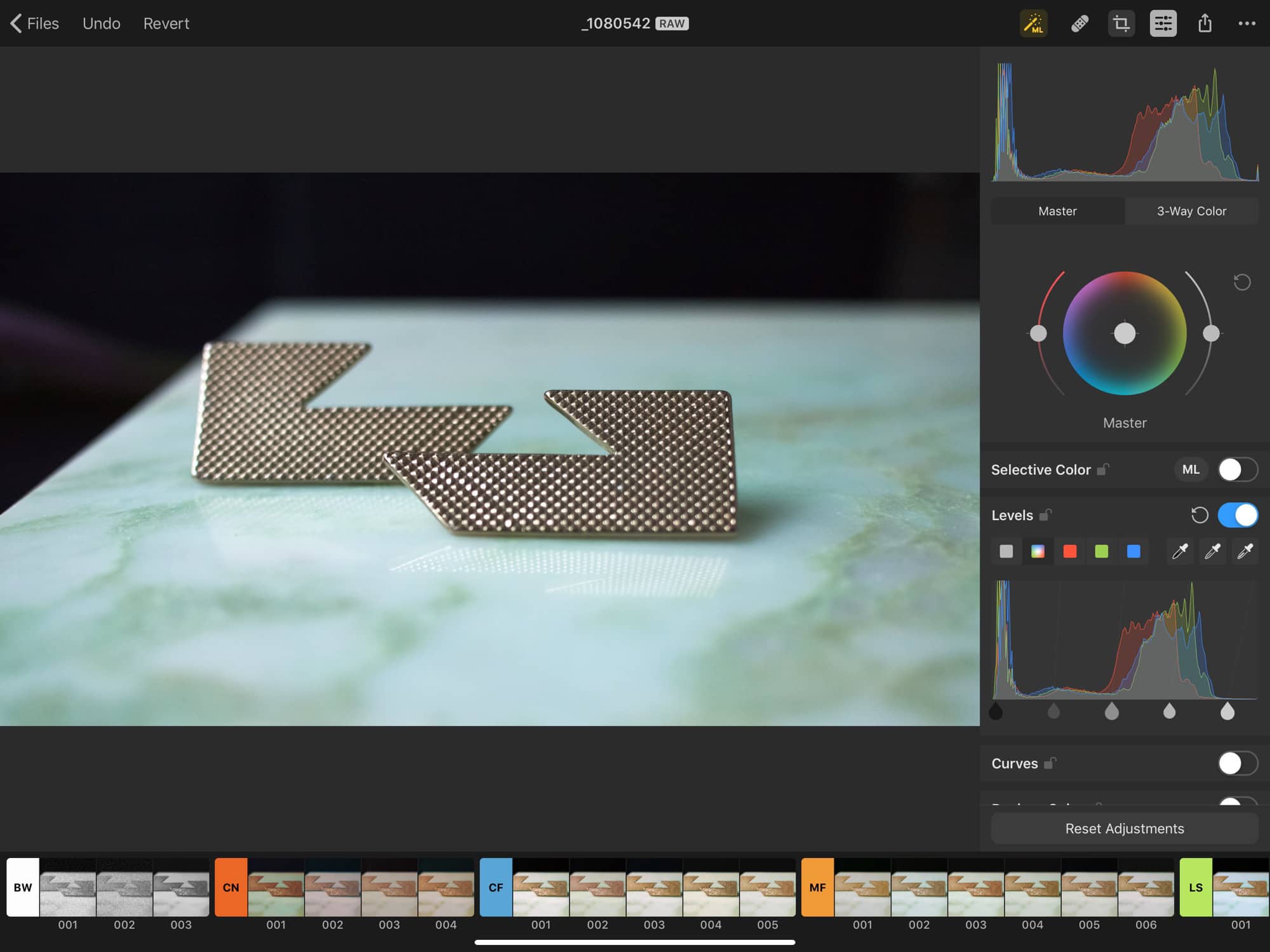
macOS Catalina is here. But proceed from Mojave with caution. Photo: Apple
Catalina the island is a paradise. Catalina, the Mac operating system, could be hell for some creatives, including DJs, writers and photographers if they immediately upgrade.
Adobe, makers of Photoshop and Lightroom, are telling users to hold off on updating to macOS Catalina until it can iron out a number of compatibility issues.
With iMazing, you can manage your iOS devices in ways that iTunes just can't. Photo: Cult of Mac Deals
When you use more than one device, making sure your data and media is where you want it can feel like a juggling act. Most of us default to iTunes to manage our mobile data, but there’s more than one way to stay synced.
Save big on private phone numbers, VPN protection and more for your iPhone. Photo: Cult of Mac Deals
Your iPhone comes out of the box full of potential. But a lot of that potential requires having the right apps. To put you on the right track, we rounded up some of the best iOS apps around — and all at the best prices.
From consuming content offline, to staying safe and anonymous online, to getting a secondary “burner” phone number and more, these top apps give your iPhone new capabilities. And they’re all going for anywhere from half to more than 90% off their usual prices.
We've rounded up some of the very best deals in the Cult of Mac Store this week. Photo: Cult of Mac Deals
This has been a banner week at the Cult of Mac Store, so we’ve rounded up some of the best deals we saw. Below you’ll find massive discounts on refurbished Magic Mouse and Keyboards, 12-minute book summaries, access to vast stock photo libraries, and a powerful personal finance tool. You’ve gotta see these deals …
One app offers greater depth, dimension, and control over your Mac's audio output. Photo: Cult of Mac Deals
It’s amazing what your Mac can deliver through a single headphone jack. Stereo audio is great, but to experience its full potential, you’ll need a little help.
Use Dashlane to double down on iPhone security. Photo: Leander Kahney/Cult of Mac
This iPhone security post is presented by Dashlane.
To say the least, Google Project Zero’s recent surprising report on the iPhone’s two-year vulnerability to website hacks dented Apple’s vaunted reputation for nearly bulletproof smartphone security.
To say the most (or something like it), this latest news of iPhone vulnerability deeply alarmed all of us. Or if it hasn’t, it should. It’s a reminder that threats are ever-present, potentially catastrophic — and not just for Android users anymore.
Get instant access a vast library of customizable, searchable fonts. Photo: Cult of Mac Deals
If you’ve got a taste for text, the capacities of the Mac keyboard can feel stifling. But with the right tool, the possibilities for characters and fonts are nearly endless.
Easily manage and stream pretty much any kind of video or audio content. Photo: Cult of Mac Deals
Today, we’re awash in formats and delivery systems for content. That means it can be hard to keep track of how to play what. So if you’re playing high-bandwidth video and audio from a bunch of different sources, it’s helpful to have one player to handle them all.
Processing 4K video doesn't have to take forever. Image: Digiarty
This post is presented by Digiarty.
Macs are mighty machines, but if you work with video, you discover their limitations pretty quickly. And if you’re thinking a decked-out Mac Pro or other powerhouse computer might be the answer, you’re talking prices that rival down payments on a car or even a house. The best (and most affordable) answer might be to get better video processing software.
This app makes capturing and editing images and video from your desktop a cinch. Photo: Cult of Mac Deals
Whether you want to share content with colleagues, demonstrate an app or process to your audience, or just remember something for later, being able to record your Mac desktop is handy.
When it comes to summer, travel is the reason for the season. To help you get the most out of your wanderings, we rounded up some of our favorite Mac apps for taking summer travel to the next level. You’ll find tools for keeping currencies straight, recording your experiences, learning from your surroundings and more.
Kick things up a notch with the Mighty Mac Bundle. Photo: Cult of Mac Deals
Ready to mix things up with your Mac? One great way to do that is to bring some new apps on board. This massively discounted bundle comes with 10 top-tier apps and resources, so there’s something to bring new capabilities to any Mac.
Easily remove or rearrange the contents of your photos with this powerful, intuitive editor. Photo: Cult of Mac Deals
In the age of always-on digital cameras, it’s easy to get photobombed. That could be a person, an object or a background element that you’d rather didn’t make it into the frame. This simple app makes it so you don’t need a graphic editing suite to fix it.
When data goes missing, turn to AnyRecover. Photo: iMyFone
This post is presented by iMyFone, maker of AnyRecover.
When your computer crashes, or you accidentally format a drive or encounter another common data headache, you’re not out of luck. With the right recovery tool, you can recover your lost data.
There are tons of data-recovery tools on the market. Some are targeted at iOS devices, or are billed as iTunes alternatives. What we like about AnyRecover is that it offers a way to snatch many kinds of files back from oblivion.
The best deals of this week include massive bundles of Mac Apps, digital marketing lessons, terabytes of backup, and lots more. Photo: Cult of Mac Deals
This week, the Cult of Mac Store got some massive new deals on useful apps, instruction and digital tools. Below you’ll find a bundle of 10 Mac apps, to a tool for converting websites to searchable text, 10 terabytes of backup storage, and more. Deals range from 50% to 98% off, so read on for more details:
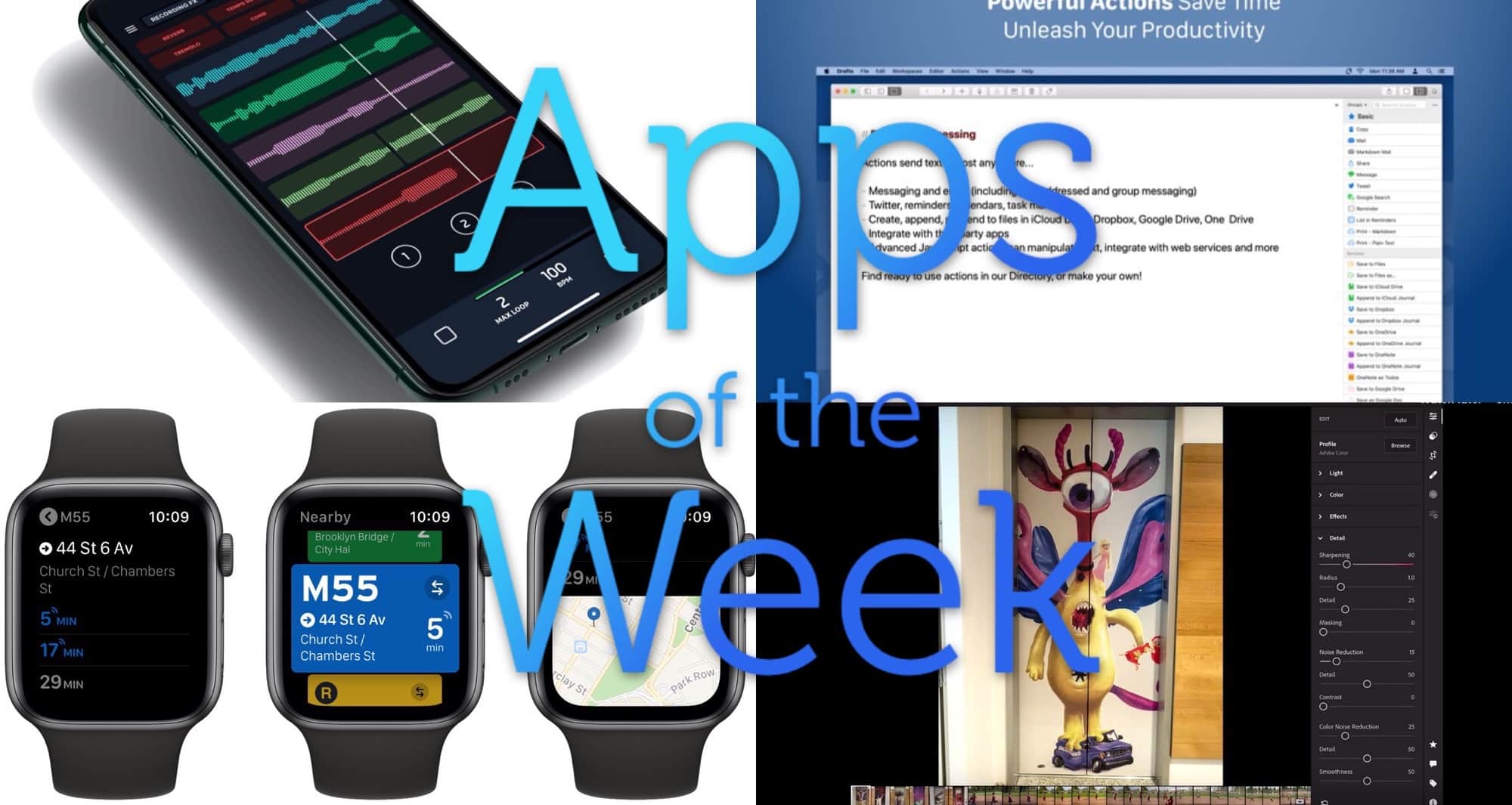
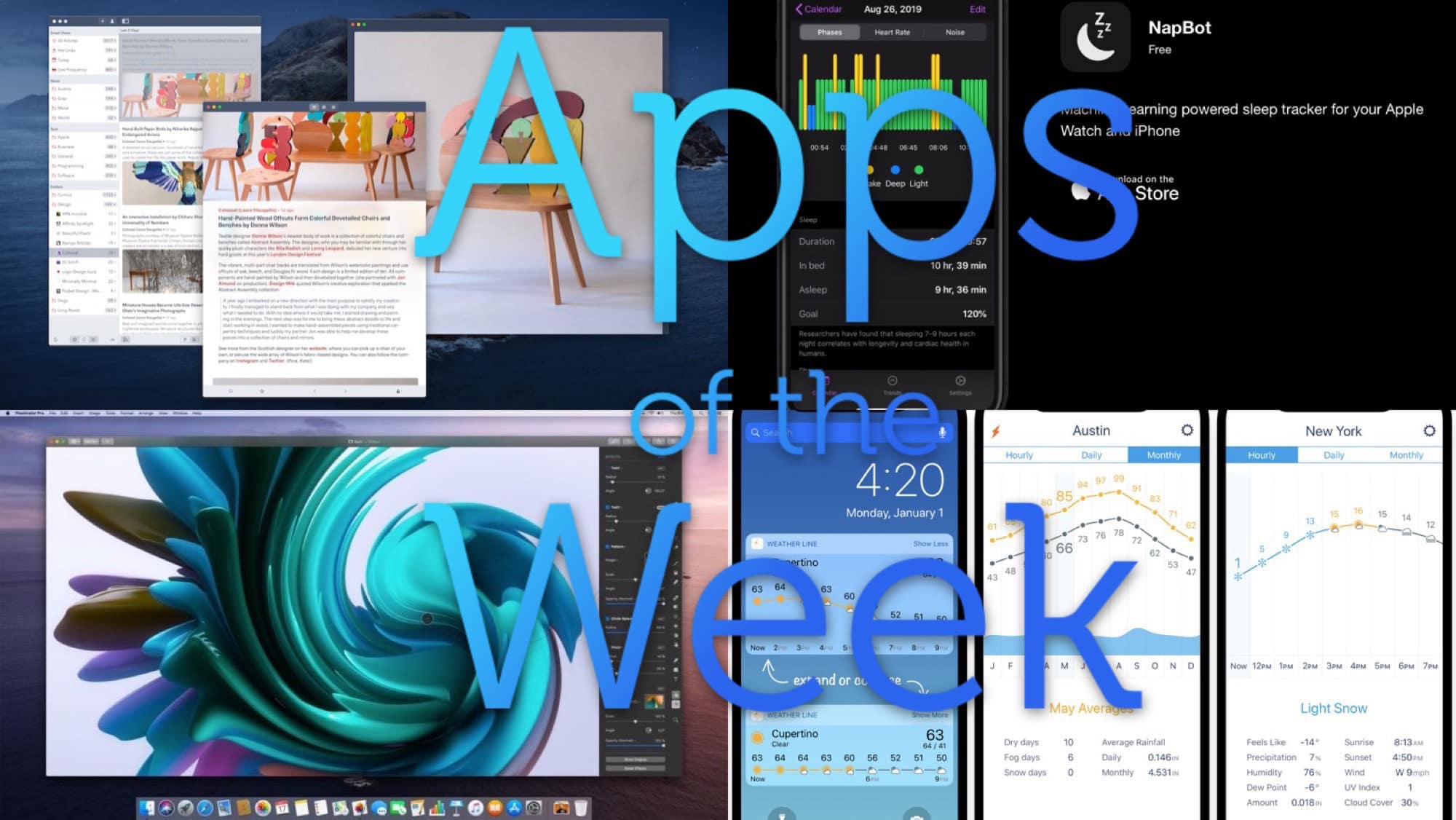
What a bevy of beautiful apps we have this week. Photo: Cult of Mac
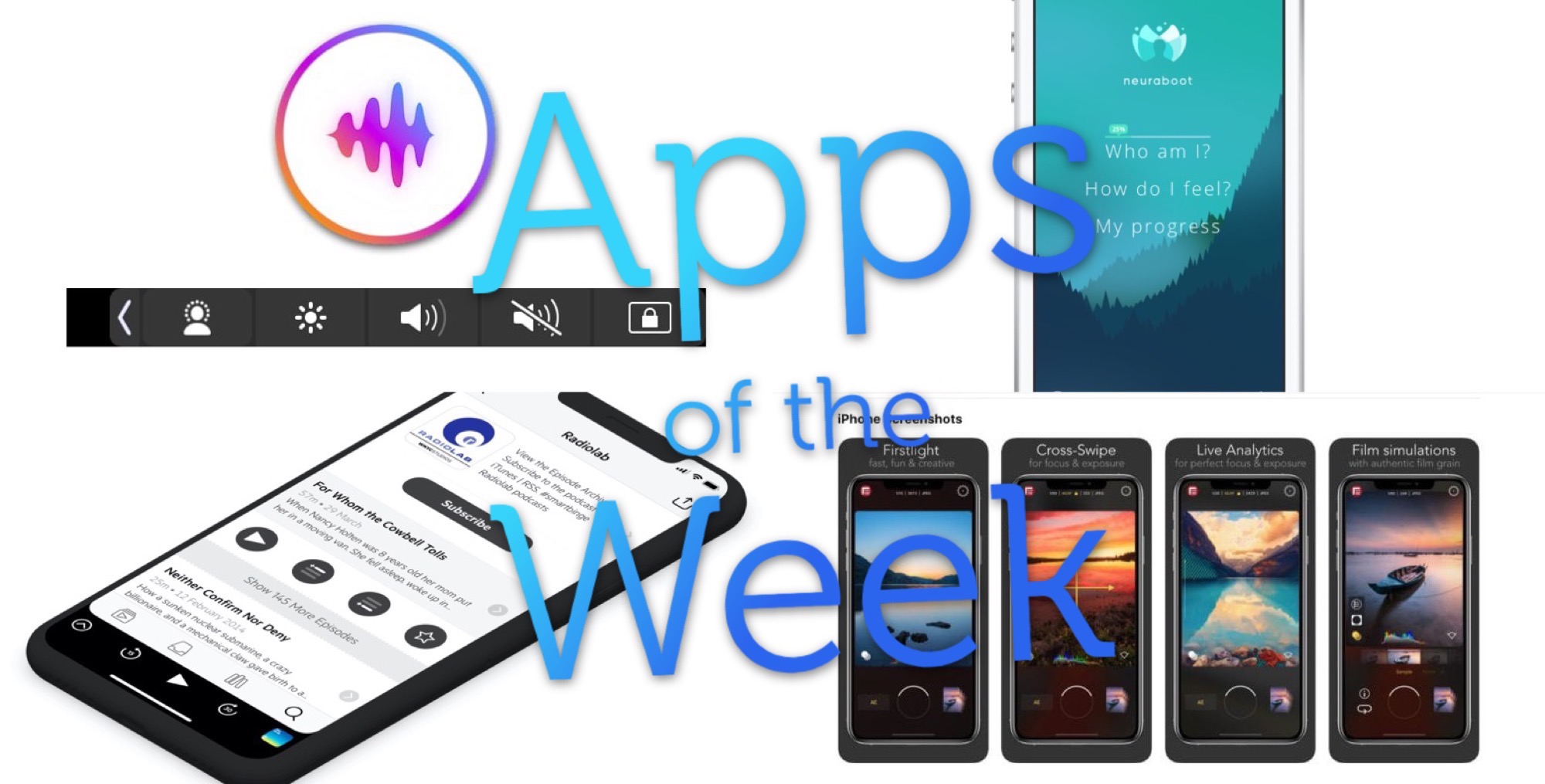
This week we embed YouTube videos in music apps, do kind deeds with the Awesome social network, and never search for files again on the Mac (thanks to Hook).
Hooks, on cranes. Photo: Charlie Sorrel/Cult of Mac
Imagine that you’re working on a document on your Mac. At some point, you’ll need to take a look at those emails about the project, or check that photo you snapped of the whiteboard. Maybe you have them all open already, in your perfectly organized workspace. But what about when you come back to that document tomorrow, or next month?
What if you could tap a key, and a panel would pop up, with all those linked documents listed? You could just click on one to open it. That’s what you get with Hook, a new Mac app that links documents together so you never need to go searching for them again.
Score 10 Mac apps that will help you stay more organized, efficient and productive. Photo: Cult of Mac Deals
Macs are mighty productivity machines, but they’re only as useful as the apps you install. It can be hard to know where to start, so this massively discounted bundle of top-tier productivity apps offers an easy choice for any Mac user.
Check out this week's barrel of excellence. Photo: Cult of Mac
This week we create smart playlists with Miximum, let anyone use our internet connections with HotSpotMe, put our MacBook’s Dock in the Touch Bar with Pock, and more.
Pock is a very neat little utility for folks with Touch Bar MacBook Pros. All it does is replace the Touch Bar’s tools with swap-in “widgets,” or sets of tools. One of these puts the Mac’s own Dock into the Touch Bar, which is an amazing idea. But there are several other widgets available, with more to come.
What a sweet suite of apps we have this week. Photo: Cult of Mac
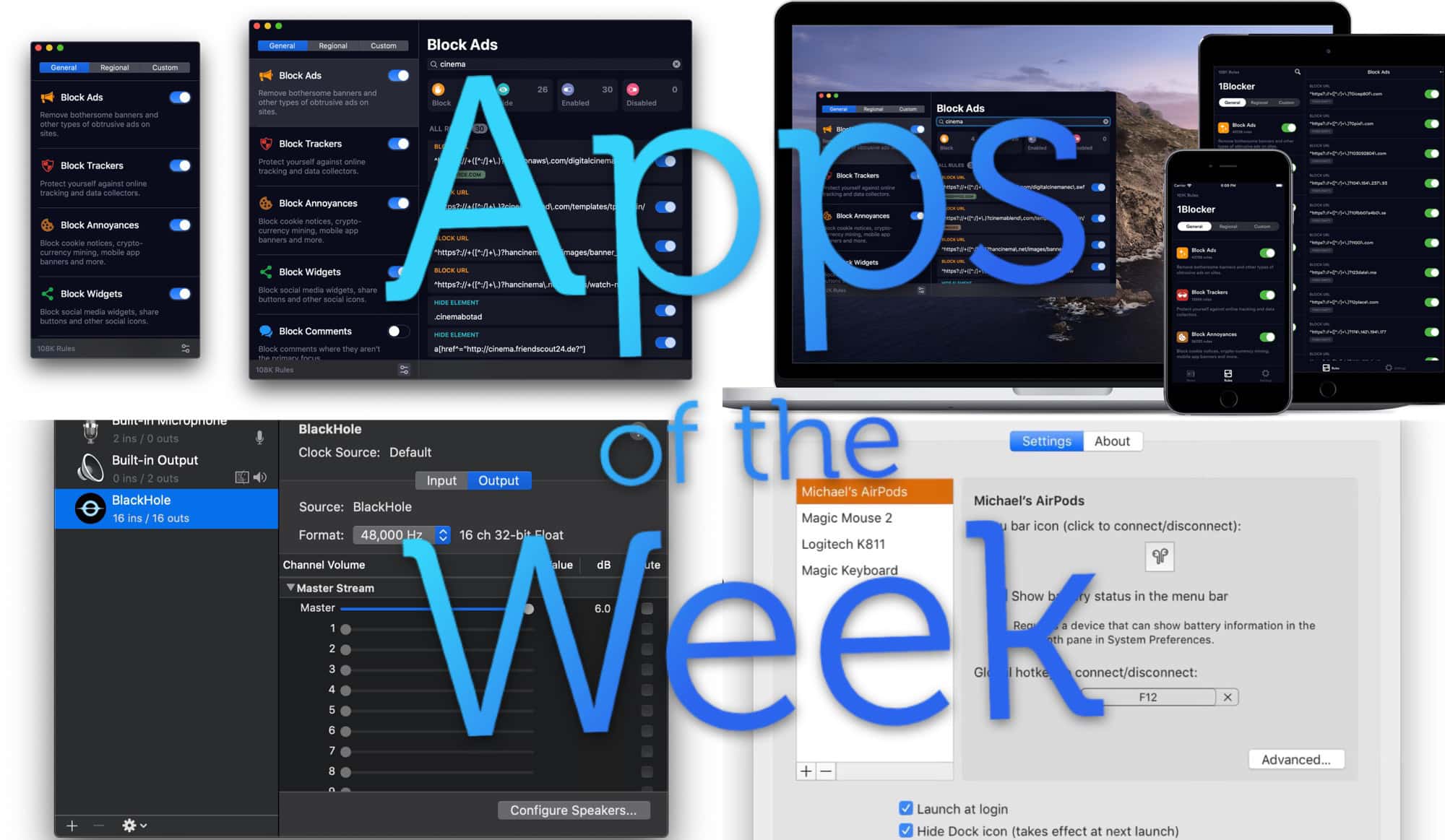
This week, we remix memes with Meme Machine, sync SSH in iOS with Secure ShellFish, and go two-up in the Finder with Commander One. And more. As usual.