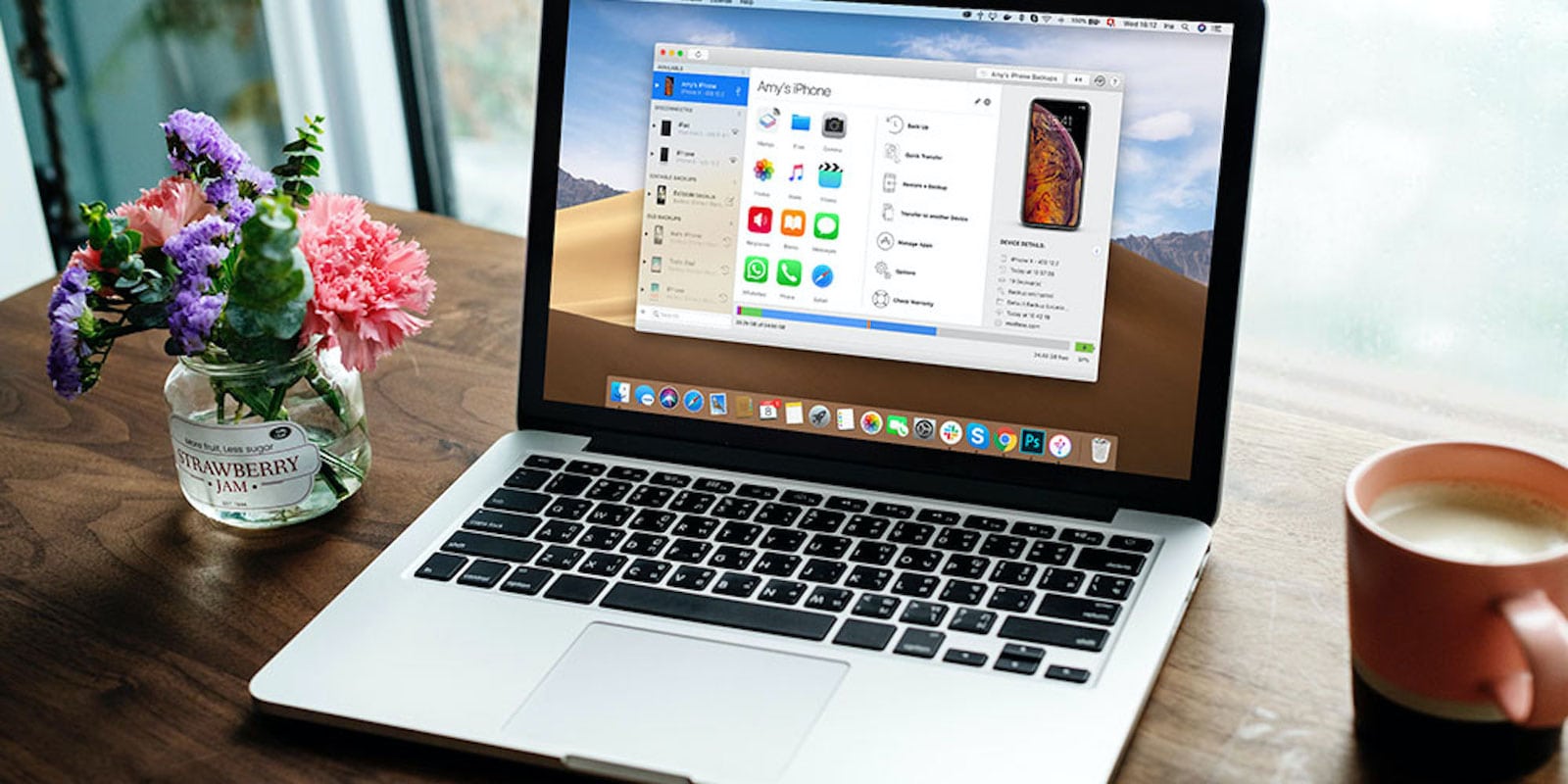
Manage all your iPhone data easier with iMazing. Photo: Cult of Mac Deals
Ever plug your iPhone into iTunes and realize you have no idea how to get your music from one device to another? You’re not alone. iTunes is clunky and confusing. Luckily, apps like iMazing stepped in to offer easier and more intuitive iOS management.
Right now, you can get this powerful tool at a gigantic discount.
Stay productive and keep the hustle alive at home with these four great apps for entrepreneurs. Photo: Cult of Mac Deals
Being stuck at home doesn’t mean you can’t hustle. In fact, you might be hustling more than ever. We rounded up four great entrepreneurial Mac apps to up your game, and we’re slashing the prices on all of them by 50% or more.
Normal calculator apps are so last century. Photo: Charlie Sorrel/Cult of Mac
Soulver is my favorite Mac calculator app, because it doesn’t act like a normal calculator. Imagine that you have a piece of paper on which you jot calculations. Then, the paper works out the results for you. Soulver is like that — you type in the sums, and it solves them. You can rework the problems, just like you could on paper, and you can save the whole sheet. And now, in v3.3, the app’s maker added a brand-new Spotlight-like QuickSoulver popup panel that lets you perform instant calculations.
Who needs to leave the house any more? Photo: Ableton
If you’re a stuck-at-home musician, or just someone who would like to learn to make music with their Mac, then maybe you’ve just downloaded the generous, lockdown-era, three-month free trial of Ableton Live. And if you’re a GarageBand (or Logic Pro X) user, you may be feeling a little lost.
Fear not. I did the same thing last year. At first I was overwhelmed just trying to do basic stuff, like routing my guitar into Ableton or trying to work out why the app offers at least three record buttons.
So, as a relatively fresh Ableton user, I thought I’d make a list of handy tips for new users coming from Apple’s music apps.
Remo Mac Data Recovery Software lets you preview results before you buy. Photo: Remo Software
This Mac data recovery post is presented by Remo Software.
You may prize your Mac for its security and reliability, but that doesn’t mean you’ll never face a need to recover data. Damaged and corrupted hard drives happen. And sometimes it pays to supplement Apple functionality with third-party choices. That’s why you need an award-winning product like Remo Mac Data Recovery Software.
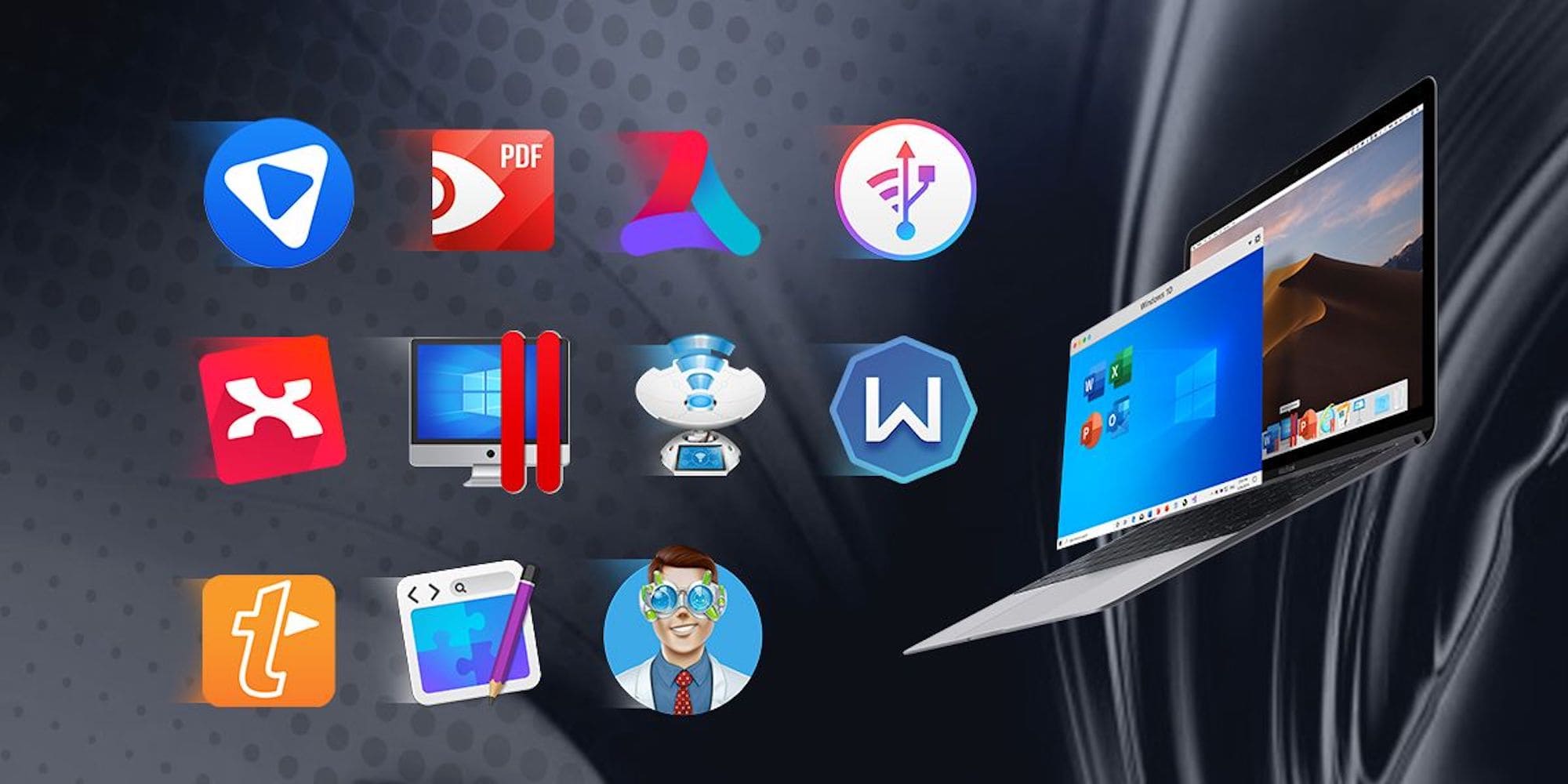
Work smarter, not harder with this great collection of 9 Mac apps, for PDFs, graphics, productivity, VPN protection and more.
Photo: Cult of Mac Deals
Let’s face it, staying productive is hard these days. We’re all spending our time at the computer, so that’s where adding new time-saving tricks and tools can make a real difference. This bundle of 9 Mac apps has something for anyone looking to make more of their daily screen time.
Grab it now from the Mac App Store. Photo: Facebook
The all-new Facebook Messenger app for macOS made its official Mac App Store debut on Thursday at a perfect time for those working and interacting more from home.
Messenger for the desktop first appeared in early March, almost a year after Facebook announced it at its F8 conference, but was then on offer in only a handful of countries. It is now open to all — and free to download.
Warp for macOS, now in beta, promises a fast and free VPN. Photo: Cloudflare
Cloudflare on Wednesday began beta testing a macOS version of Warp, its virtual private network currently offered only on iPhone. The VPN encrypts all internet traffic for the Mac it’s installed on, helping to protect the user’s privacy.
VPNs add security, but are often slow. Cloudflare promises its service is fast. And it’s free.
Pixelmator Pro 1.6 replaces the Colors window with a new color picker. Photo: Pixelmator Team
A fresh update to Pixelmator Pro, an affordable macOS alternative to Photoshop for everyday users, includes an all-new color picker intended to let users choose and manage colors more easily. Plus, version 1.6 also makes it easier to select multiple objects.
The popular Pixelmator for iPad app is also getting its own update soon.
Clean up all the tiny text errors that take up way too much time. Photo: Cult of Mac Deals
When you work with text from various sources, it’s easy for little errors to slip in. Extra punctuation marks, misspellings, useless characters, miscapitalized letters and similar sneaky slip-ups can make your text look less than professional. And correcting errors can take as long as writing itself.
Highly rated Mac app TextSoap removes unwanted text, fixes carriage returns and sorts out loads of other text-based formatting problems. Grab this time-saving tool now — and a hefty discount — and let it take care of those nasty text artifacts for you.
If you sit in front of an iPad typing up Apple-related how-tos all day long, then working from home is no problem. In fact, it’s simply the next step up from “working from bed.” But for some professions, like musicians, working from home is difficult if not impossible. You might have a home studio, but you still need to get the band together to record them.
Or do you? ConnectionOpen is an app that lets musicians play together over the internet. The wild thing is, it’s a standard plugin for Logic, Ableton, Pro Tools and other audio-editing apps. And now, it’s also available for the iPad.
On Tuesday, we looked at five great iOS apps for working from home. While all of those (apart from the game, perhaps) work on the Mac, let’s take a look at five Mac apps that will help you be more productive behind your front door.
ViDL is a YouTube download app for Mac. It comes from Ole Moritz, developer of the amazing Pythonista and Editorial iOS apps. ViDL is a simple wrapper for the youtube-dl command-line tool, so if you already use that, you don’t need this. But the app is far easier to use than a command-line tools. Plus, it offers a built-in browser, in case you need to log in to a site to get access to the target videos. There’s even a ViDL Safari extension.
These nine productivity Mac apps will make it easier to work from home. Photo: Cult of Mac Deals
Whether your Mac is new or well into its useful life, you can breathe fresh life into it when you add the right apps. This massive bundle from Cult of Mac Deals comes with nine Mac apps, so there’s something for anyone.
The 2020 Mac Productivity Essentials Bundle comes with apps for PDFs, graphics, productivity, VPN protection and more. And you can get them all for just $26 if you use our special promo code.
This week we “watch” our to-dos with Things, read the news really, really fast with NetNewsWire, make Keynote-style presentations with Markdown, and more.
Snag these deals from the Cult of Mac Store before they disappear. Photo: Cult of Mac Deals
The Cult of Mac Store is full of so many deals that some must leave for others to come in. Among our outgoing deals you will find deep discounts on language lessons, cloud backup, six-month phone plans and intuitive website-building tools.
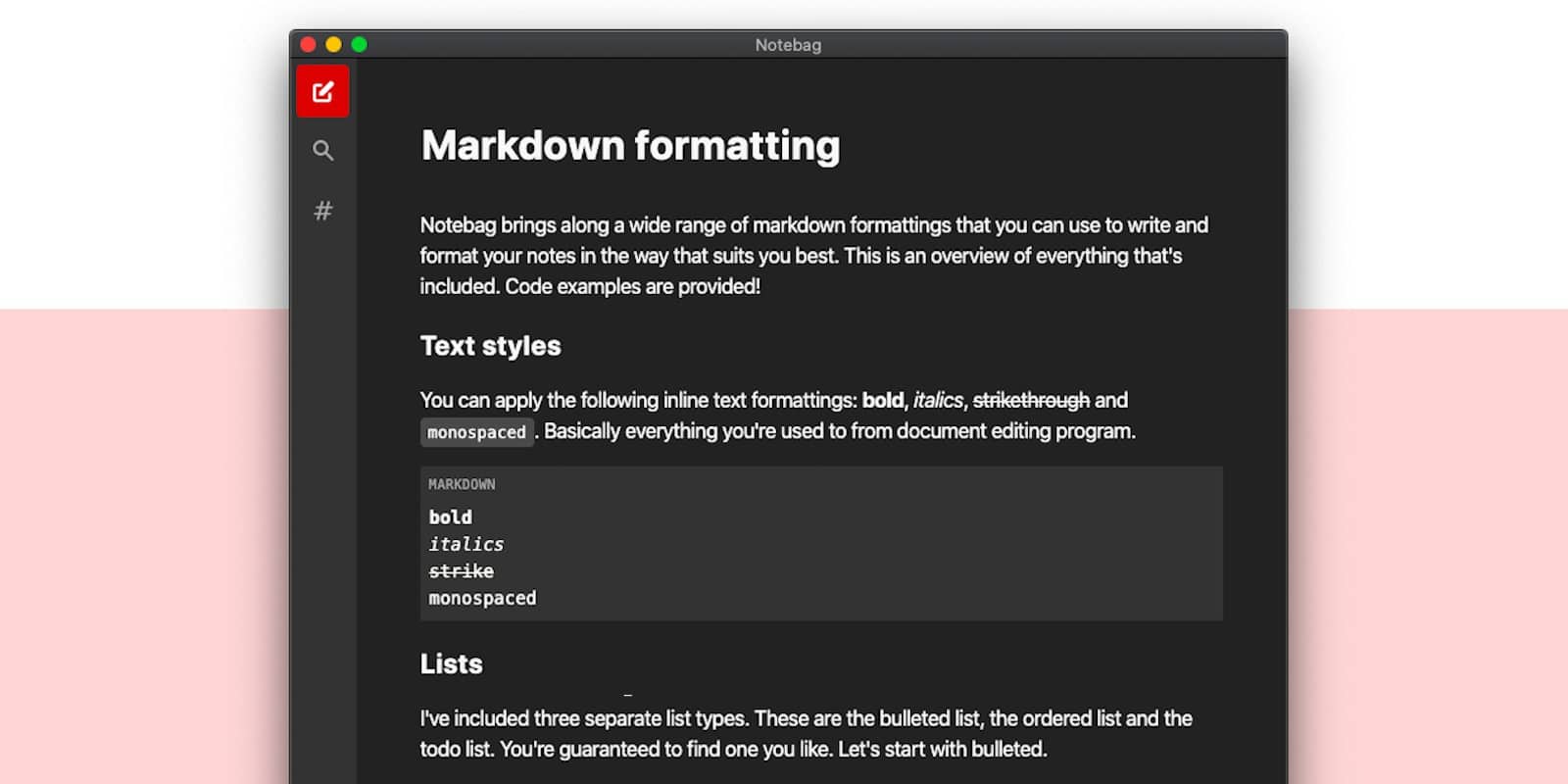
Slideas is a new Mac app that turns Markdown text into fancy, stylish presentations. It’s like Keynote, only entirely driven by typed text. And like Keynote and PowerPoint, you can add videos, charts, images and more. How does it work?
Make your Mac run like new with a highly rated app that removes junk files and malware to boost performance. Photo: Cult of Mac Deals
Like everything else, Macs get cluttered over time. With our houses and cars, clutter can cause trouble finding stuff or embarrassment when a visitor drops by. With our computers, it costs performance, so it’s extra-useful to keep a clean machine.
Nerds of a certain age will have a warm place in their dorky hearts for NetNewsWire. First released in 2002, for years it was the best RSS newsreader on the Mac. At some point, a terrible version turned up on iOS, then withered and died. Now, original developer Brent Simmons is back in charge, and a new, free iOS version of NetNewsWire just launched for iPhone and iPad.
It's finally here, almost a year after it was confirmed. Photo: Mac Generation
A brand-new Facebook Messenger app has finally landed on Mac. It gives users the ability to more easily keep on top of their conversations across different devices, and it supports a whole host of useful Messenger features — including group video chat.
You might not be able to download it where you live just yet, however.
Stay secure, anonymous, and free of annoying content restrictions for three years, and on all your devices. Photo: Cult of Mac Deals
Here at Cult of Mac, we’re big fans of VPNs. That’s because they not only keep us secure and private online, they also bypass annoying location-based content restrictions, so you can stream your favorite content anywhere you go. With this great deal, you can get VPN protection on all your devices for three whole years.