How good is the iPhone 5s camera? Good enough for National Geographic. And Apple’s own Phil Schiller is getting braggy about it on Twitter.
National Geographic Does iPhoneography With The iPhone 5s


How good is the iPhone 5s camera? Good enough for National Geographic. And Apple’s own Phil Schiller is getting braggy about it on Twitter.
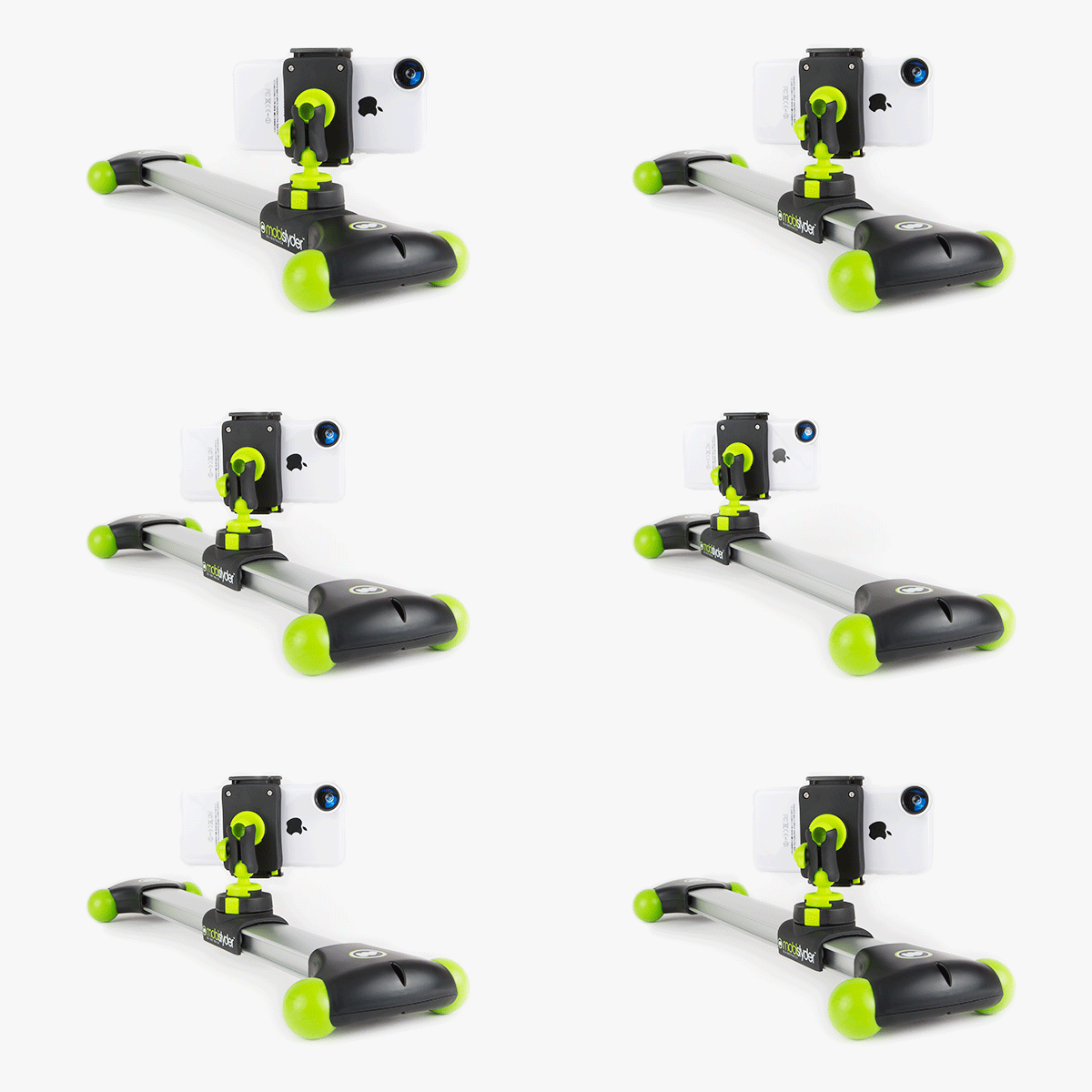
Sadly, the “Mobislyder” isn’t a way to make delicious, tiny steamed hamburgers with your cellphone, but it’s almost as good: It’s an aluminum track rail for your mobile phone, letting you make amazing tracking shots when shooting video with your iPhone.
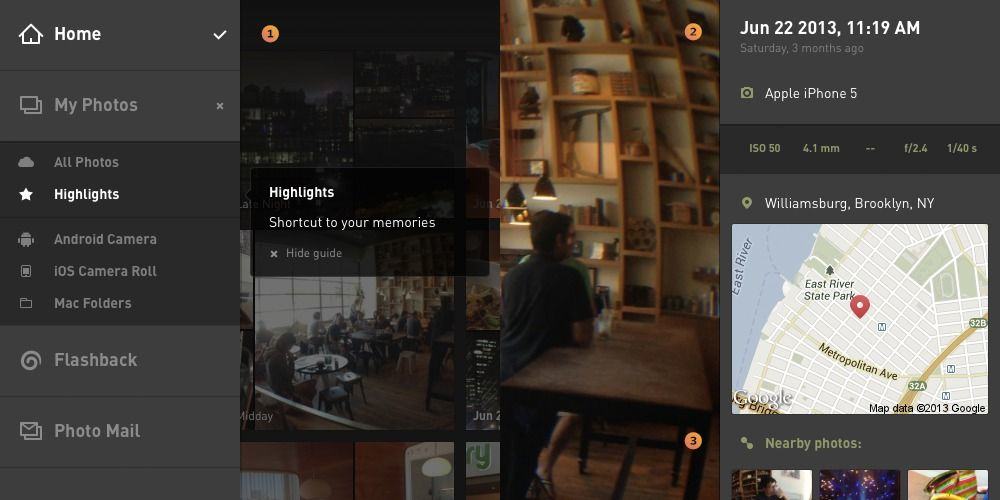
Everpix – in case my constant droning on and on about it wasn’t clear enough – is my favorite cloud photo service by far (I’m currently auditioning Picturelife as a possible alternative, but so far it’s not close). Now the web app has been updated to make it even easier to use. So easy and fast, in fact, that you could use it to replace iPhoto on your Mac.
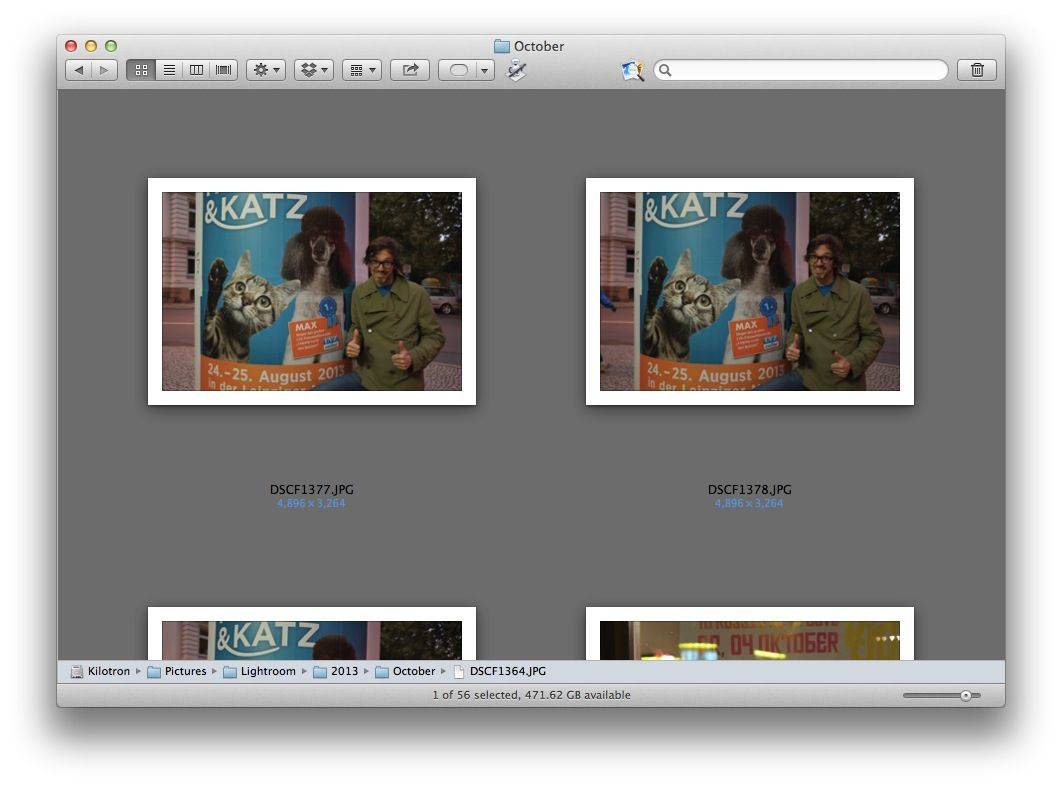
There’s a lot to be said for organizing your photos into folders in the Finder. In fact, if you’re using an app like Lightroom to organize your photos, then you’re already doing this, albeit with a super-helpful cataloging and editing application laid on top.
But you need some sort of organization, right? And that’s where the amazing Dr. Drang comes in, with a couple of shell scripts do the work for you.
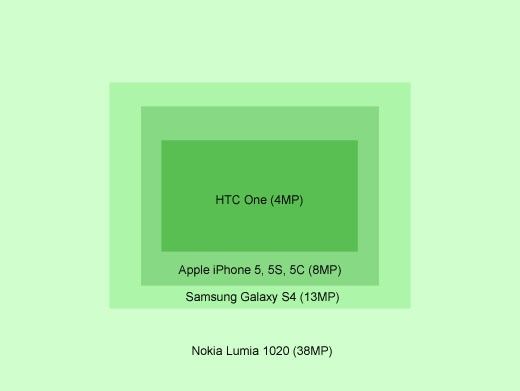
Whatever it is you want to know about cellphone camera sensors, you’ll probably find it in DP Review’s absurdly in-depth article on the subject. It details not only the common misconceptions about megapixels, but also many real world differences. And it contains the diagram shown at the top of this post, showing the size differences between the sensors in various phones, measured in pixels.
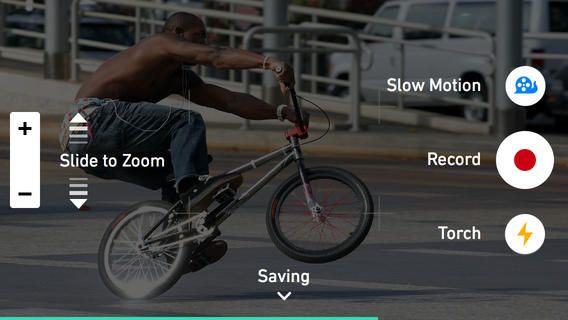
Lusting after an iPhone 5S for that sweet slo-mo camera? Don;t worry, because there’s an app that’ll add the same function to your lame old iPhone 5. Well, kinda – it’s not 120fps, but it’s close bad.

Cult of Mac reader Rishi Kaneria e-mailed to tell us about his amazing slow-motion video, shot on – you guessed it – the iPhone 5S, at 120fps. Not bad, huh?
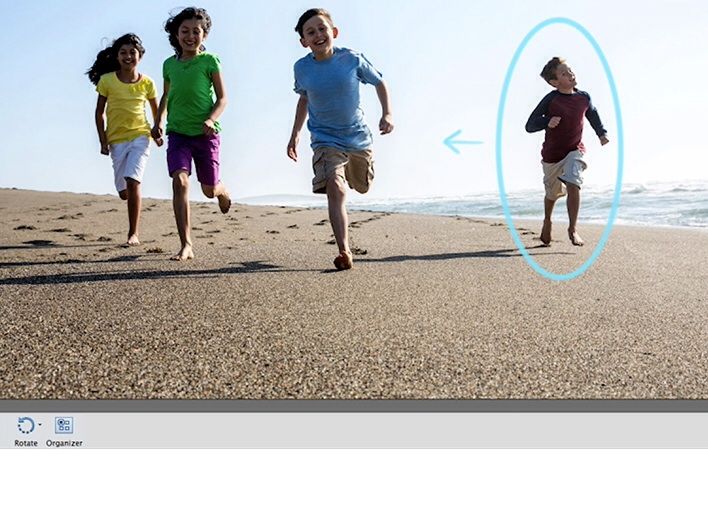
There’s one feature in Adobe’s new Photoshop Elements 12 which demonstrates exactly the market that the app is aimed at: Pet Eye Correction. That’s right: if you’re the kind of person who takes flash photos of their pets with a shitty compact camera, and yet is willing to spend around $100 on an application which will help organize and edit your photos, then Elements 12 is for you.
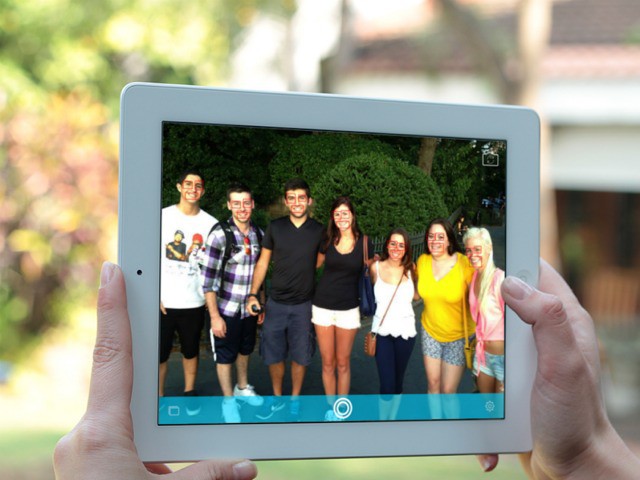
It’s a bittersweet irony that while The Lady looks as stunning in photographs as she does in real life, in fully 80% of those photographs she has her eyes closed, or half closed. That’s right – she’s a blinker.
Usually I get around this by snapping way more photos that I actually need, but inevitably the one picture that has her opened-eyed and not making some weird expression is the same photo that has captured somebody else mid-blink.
And that’s whre Perfect Shot comes in.
<!–more–>
Perfect Shot is a new iOS 7-only app (universal) which has smile and blink detection. You toggle either one or both of these and then point the camera at your group. The app looks for their eyes (using face-recognition) and watches everyone. The moment they are all bright-eyed and (optionally) smiling, the shutter fires.
It’s a little disconcerting as the app just takes the picture without you even tapping the shutter button to activate it. There’s also no shutter sound, so you have to rely on animations to let you know the picture has been taken – a real problem if you’re also in the shot and the iPhone/iPas is sitting unmanned.
The app is somewhat obviated by the burst mode in the new iPhone 5S, but as almost nobody actually has a 5S yet then this is still pretty useful. Available now.
Source: Perfect Shot
Thanks: John!
There’s no getting around the fact that you look like a total dork when taking photos with your iPad, a problem only slightly mitigated by using the iPad Mini. But id you start shooting video with the Padcaster Mini, all bets are off. Even with my finely-tuned DorkDar (like a radar for nerdiness), I have no idea whether the Padcaster Mini will make you look awesome or utterly ridiculous.
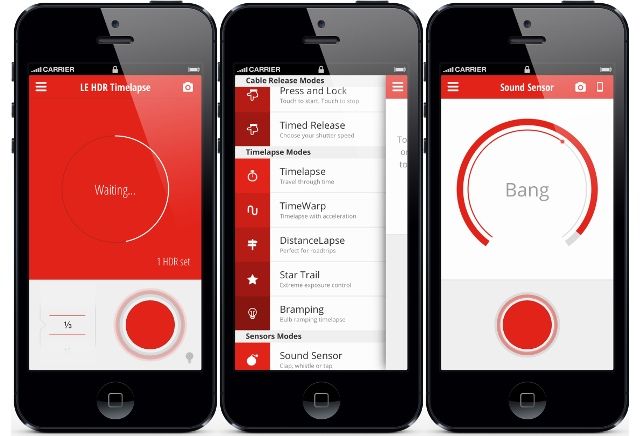
Triggertrap Mobile has just released v2 of its camera-controlling software, allowing you to hook it up to any of 300 camera models by wire, and fire the shutter remotely.
Of course, that’s not all it does: Triggertrap can use any and every sensor in your iPhone to trigger the camera, along with timers.
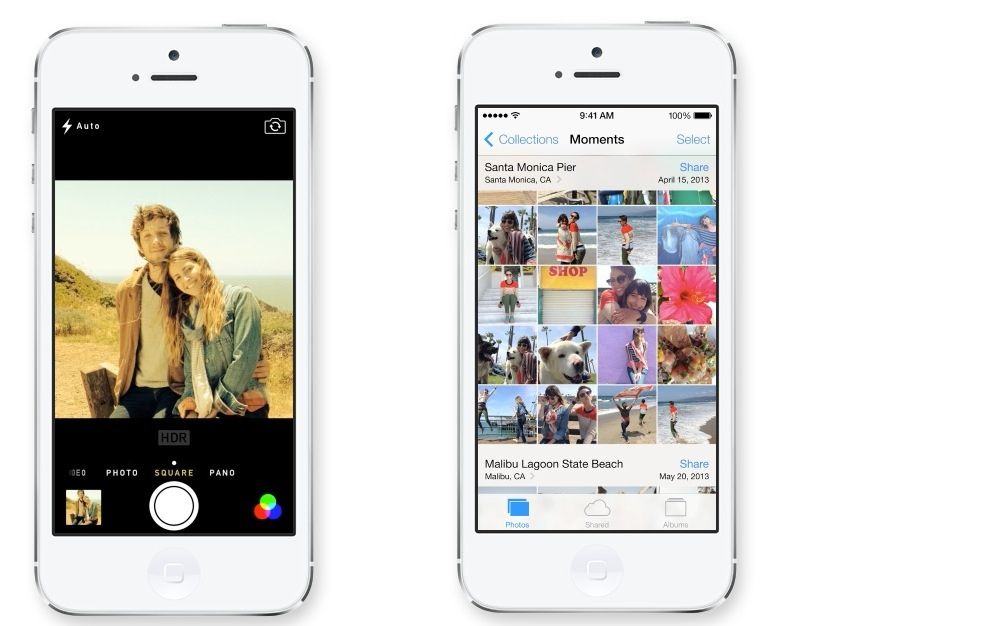
iOS 7’s Photos and Camera apps have been completely redesigned. Or rather, the Photos app has, with the Camera app getting some great updates, but changing very little functionally (A good thing, too – it was always easy to use).
So what’s changed? Pull up a beanbag, put on your favorite Barry White playlist and pour yourself a glass of delicious wine, while we take a look at everything new.
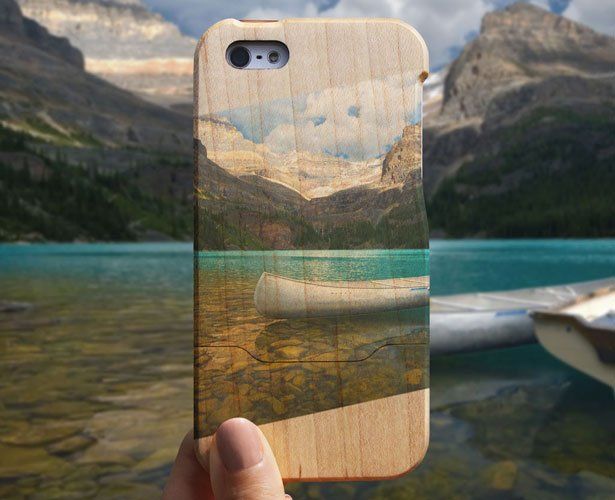
It’s hard to argue with the awesomeness of Grove’s Wood Print case, a maple shell for your iPhone 5 with one of your own Instagrams printed on the back. Who wouldn’t want that?
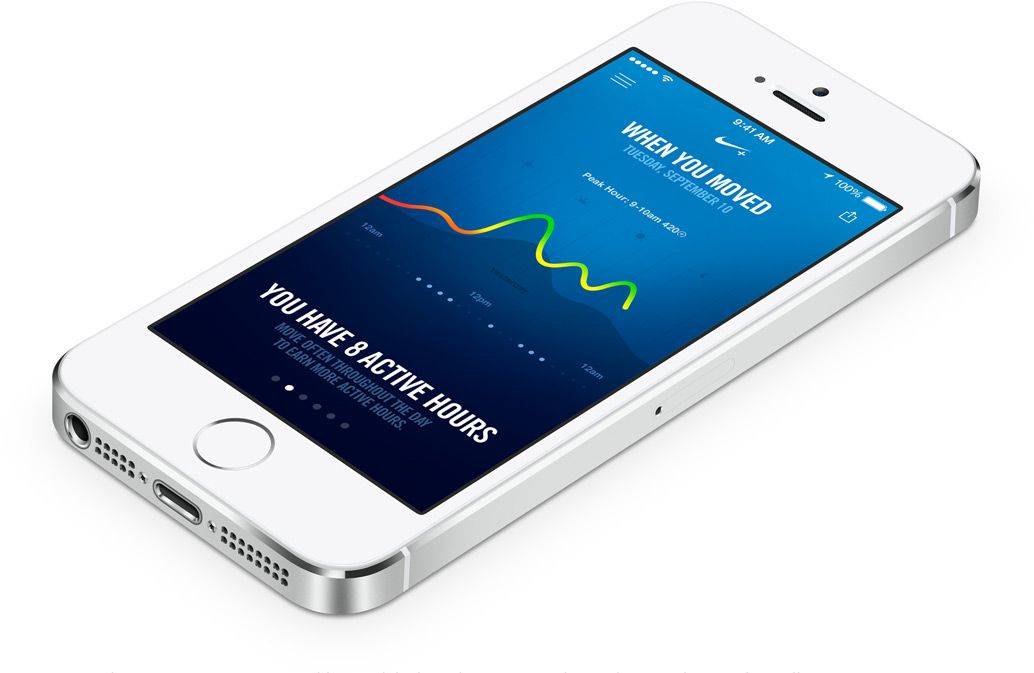
The M7 Motion Coprocessor (MoCoPro?) in the iPhone 5s is something of a mystery beast. It’s function is clear – it is an always-on low-power chip that processes data from the accelerometer, gyroscope, and compass in your iPhone – but its eventual purpose is still a little unclear. So why don’t we do some speculation?
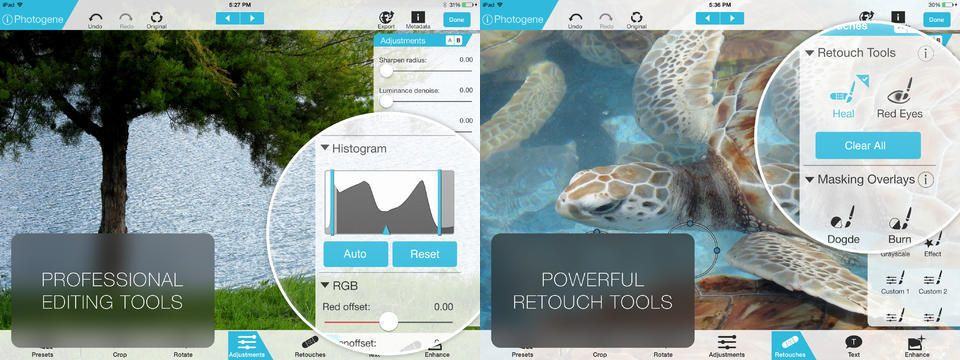
Photogene has long been one of the top photo-editing apps on iOS, beating out Photoshop Touch in so many ways it’s not funny (not funny for Adobe anyway – it’s still pretty funny for me, and I laugh about it every time I use something by Adobe and am forced to wonder if they hired chimps to write their installers).
Anyhow, now Photogene 4 is out, and it’s a big update. To begin with, it’s now universal (previously there were separate apps for iPhone and iPad), and it works with full-res RAW images.
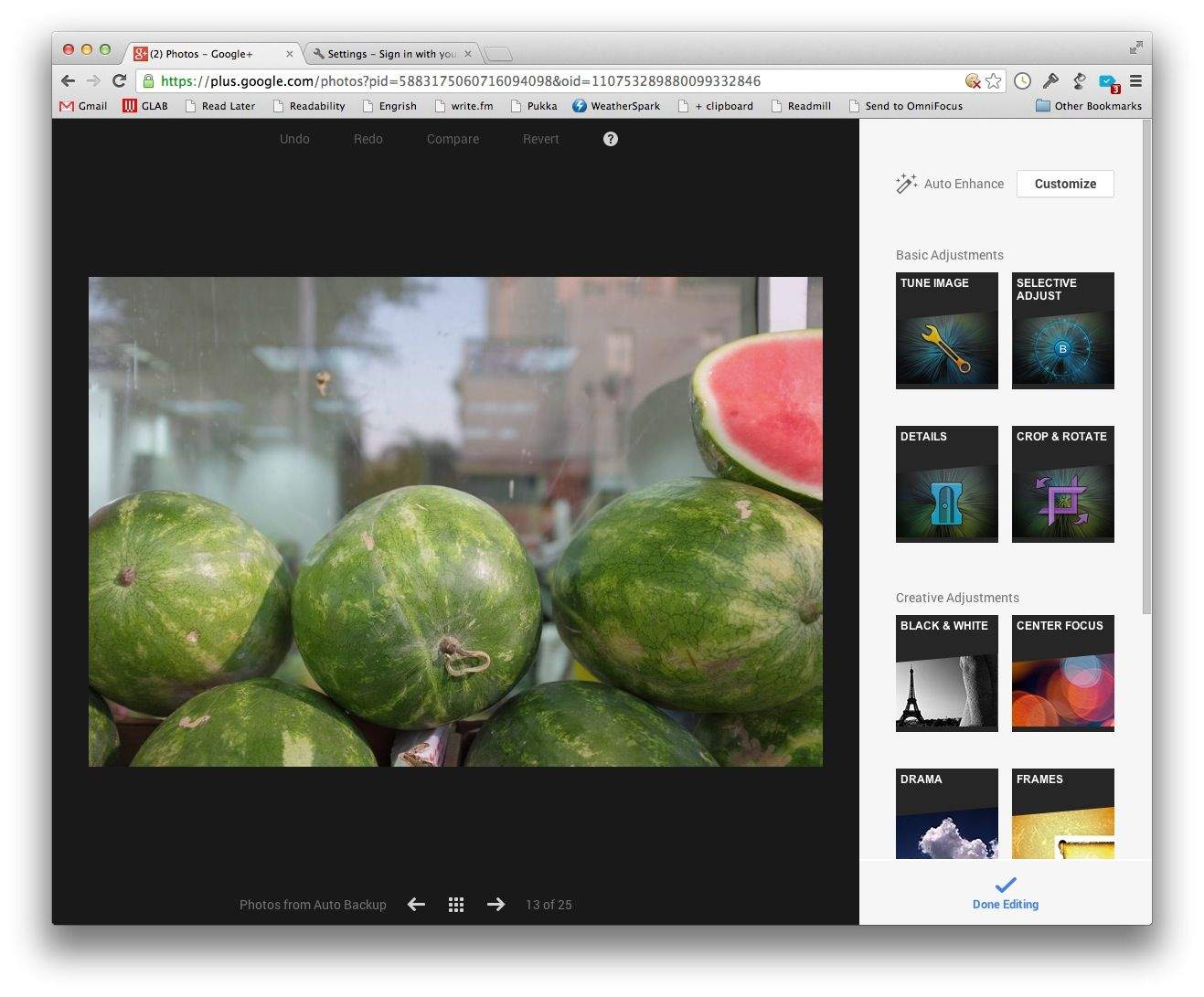
If you never downloaded the free Snapseed app for OS X before Google axed it, then you have a second chance – as long as you;re using Google’s Chrome browser anyway. Google+ added a browser-based version of Snapseed to its flailing social network.
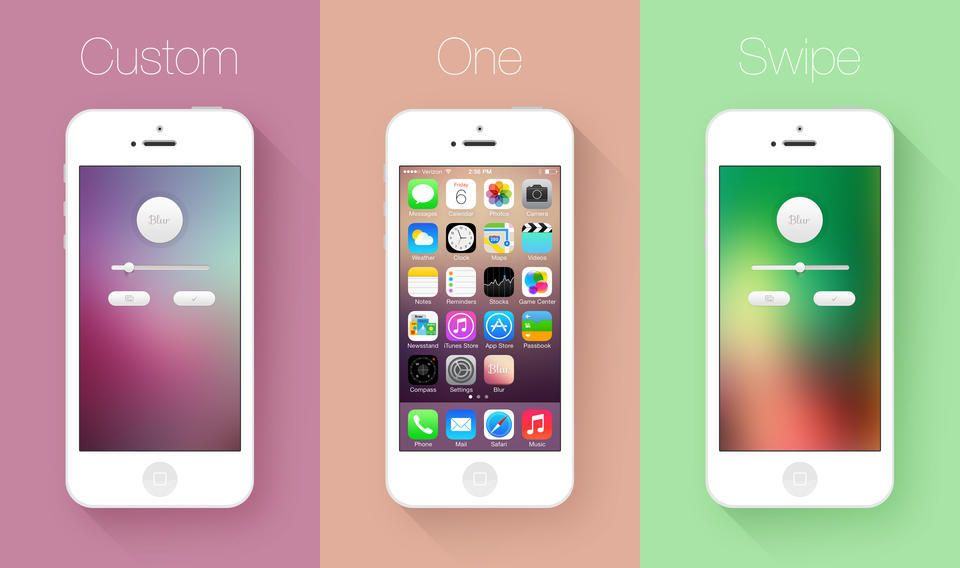
Blur is a universal iOS app which does one thing: blurs your pictures for use as wallpapers. But it’s single-function design doesn’t mean that it can only be used for one thing.
The iPhone 5S is looking fantastic for photographers. It has a new, bigger sensor, a color-mixing flash and some crazy image-processing software to make your pictures even better, right before you feed them into Instagram and undo all the good work.
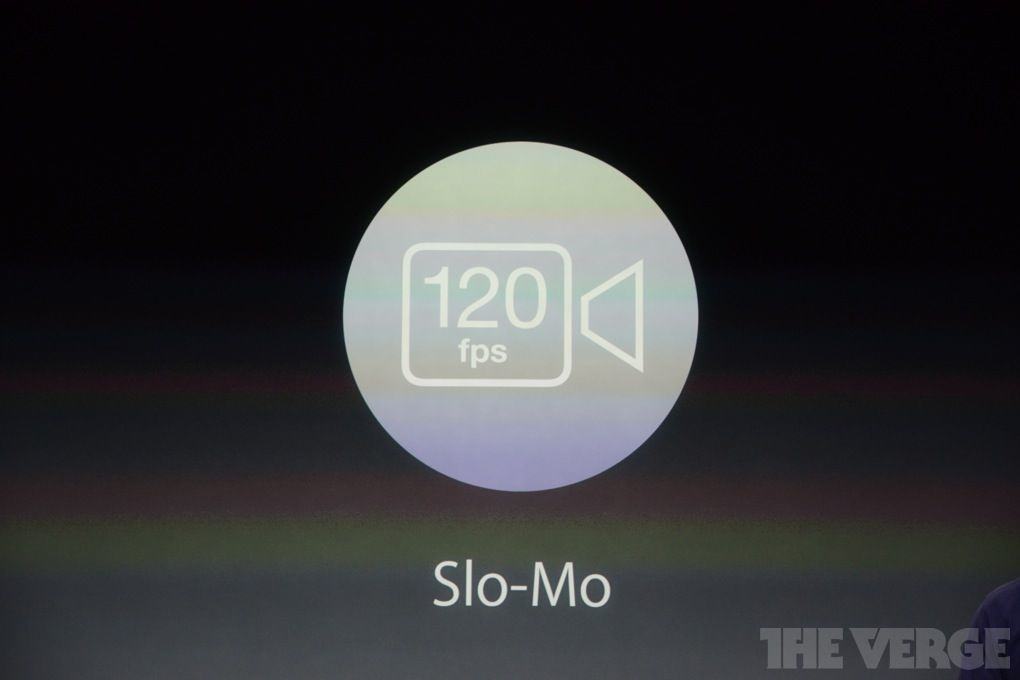
Oh,and the camera just Sherlocked GoPro, with a 120fps slo-mo mode.
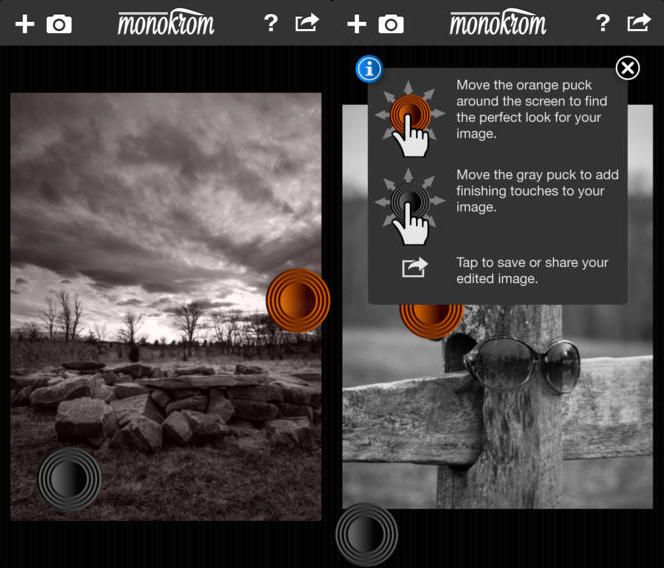
Monokrom is a pretty neat B&W conversion app for the iPhone. I uses colored filters to do the converting, so you can get some dramatic effects, just like if you were to use colored filters on your lens whilst shooting B&W film. Unlike most iPhone B&W apps, though, the range of available filters is unlimited – it uses the colors of the image itself.
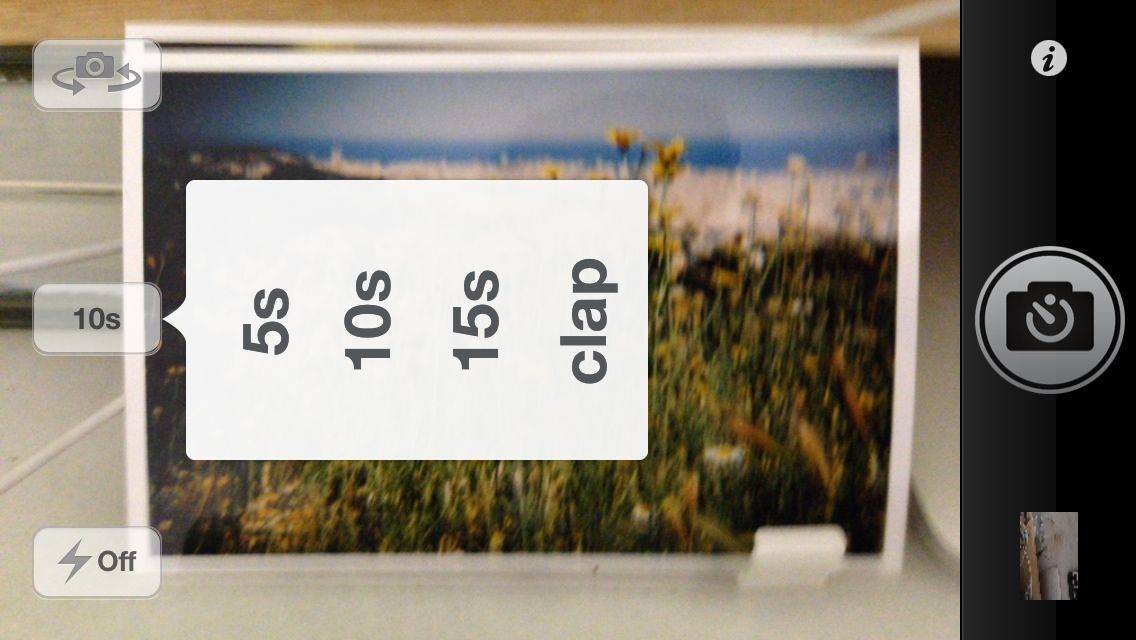
From the department of “One Thing Well” comes KeyCam, an iPhone app which takes photos with a timer. Or a clap, which I guess makes that “Two Things Well,” but still.
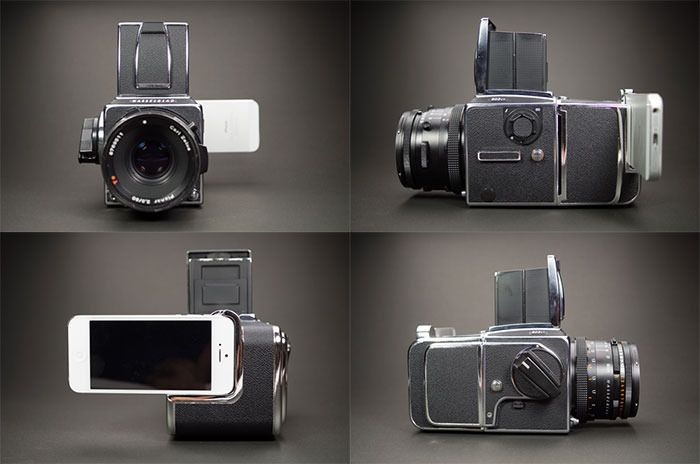
There’s something beautifully absurd about the Hasselnuts Kickstarter project, which mounts your iPhone on the back of a Hasselblad 500-series film camera and uses it as an 8MP sensor for a camera that – in analog form – was considered hi-resolution enough to take photos on the moon.
Then again, if you do have an old Hassy lying around, then why not drop $250 just to get it working again?
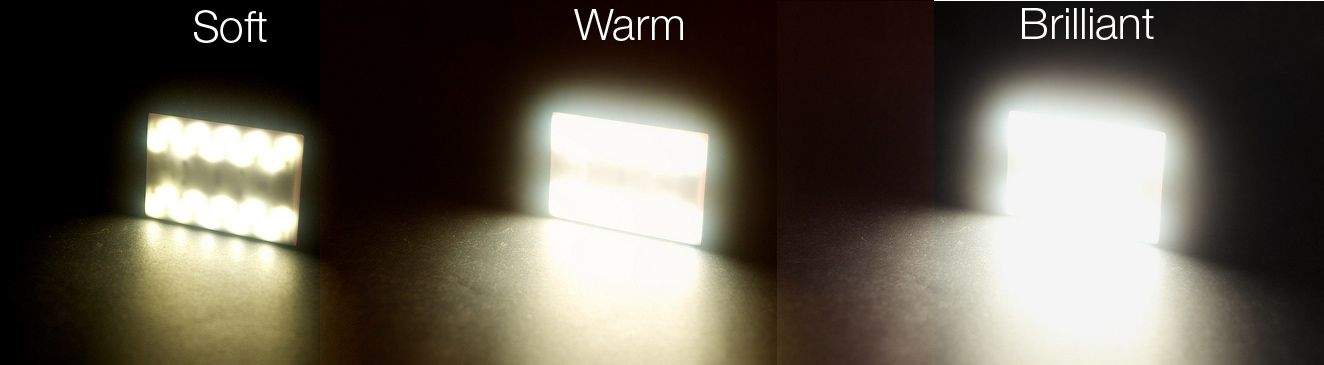
The Nova is yet another external “flash” for your iPhone, only this one is different in a few ways: It’s Bluetooth, it’s iPhone-controlled, and it fits in your pocket or even your wallet.
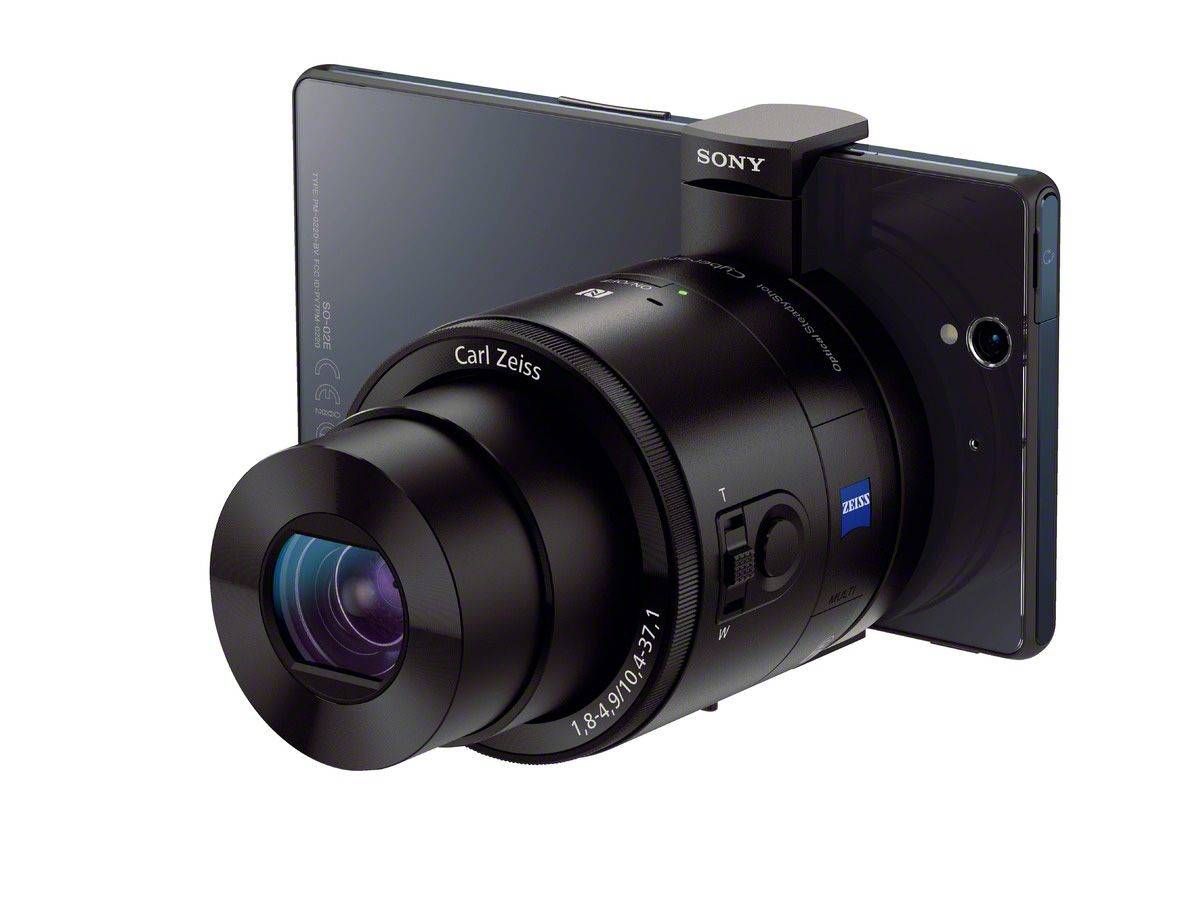
At last, the Sony QX “lens cameras” are officially official. They’re a pair of regular compact cameras built-into lens-shaped bodies, and they’re made to pair with your smartphone, using it as both a viewfinder and a controller.
The lenses connect via Wi-Fi, and if you’re using an Android phone then they’ll pair with it using NFC.
The details follow:
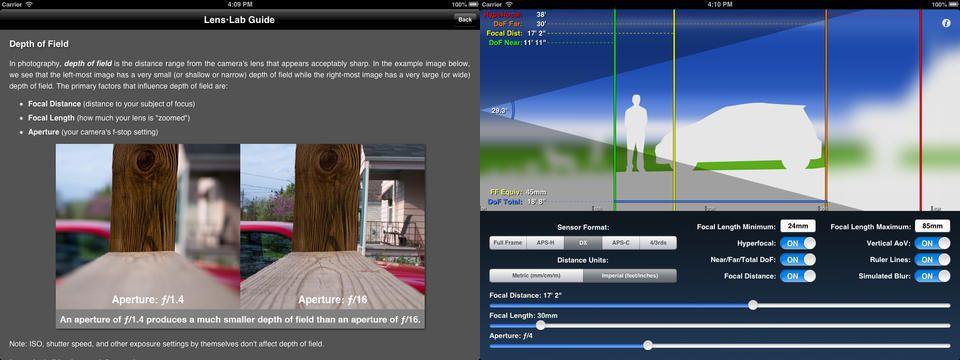
Being a nerd, a pedant, and a Virgo, it’s painful to me to see terminology misused. Like when people say that a lens or photo has “a lot of depth-of-field” when they really mean a “shallow” depth-of-field, for instance.
I am destined to go through life constantly disappointed (and of course making my own dumb mistakes), but at least the depth-of-field problem has now been solved: there’s an app for that, and it’s called Lens•Lab.
If you take a lot of pictures on your iPhone, I can highly recommend the Canon Selphy CP900, a dye-sub photo printer which spits out 6×4 prints, and connects wirelessly to iPhones, iPads and Macs.
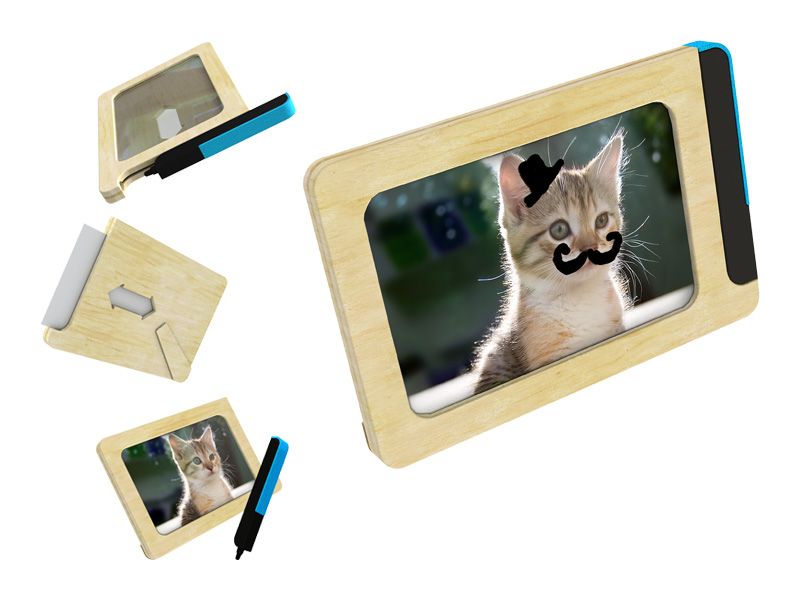
I’ve had one for a couple months, and the result is that I have a bunch of iPhonographs littering the apartment. It’s addictive, but now I don’t know what to do with all these prints. This graffiti-ready picture frame, though, might provide an answer.