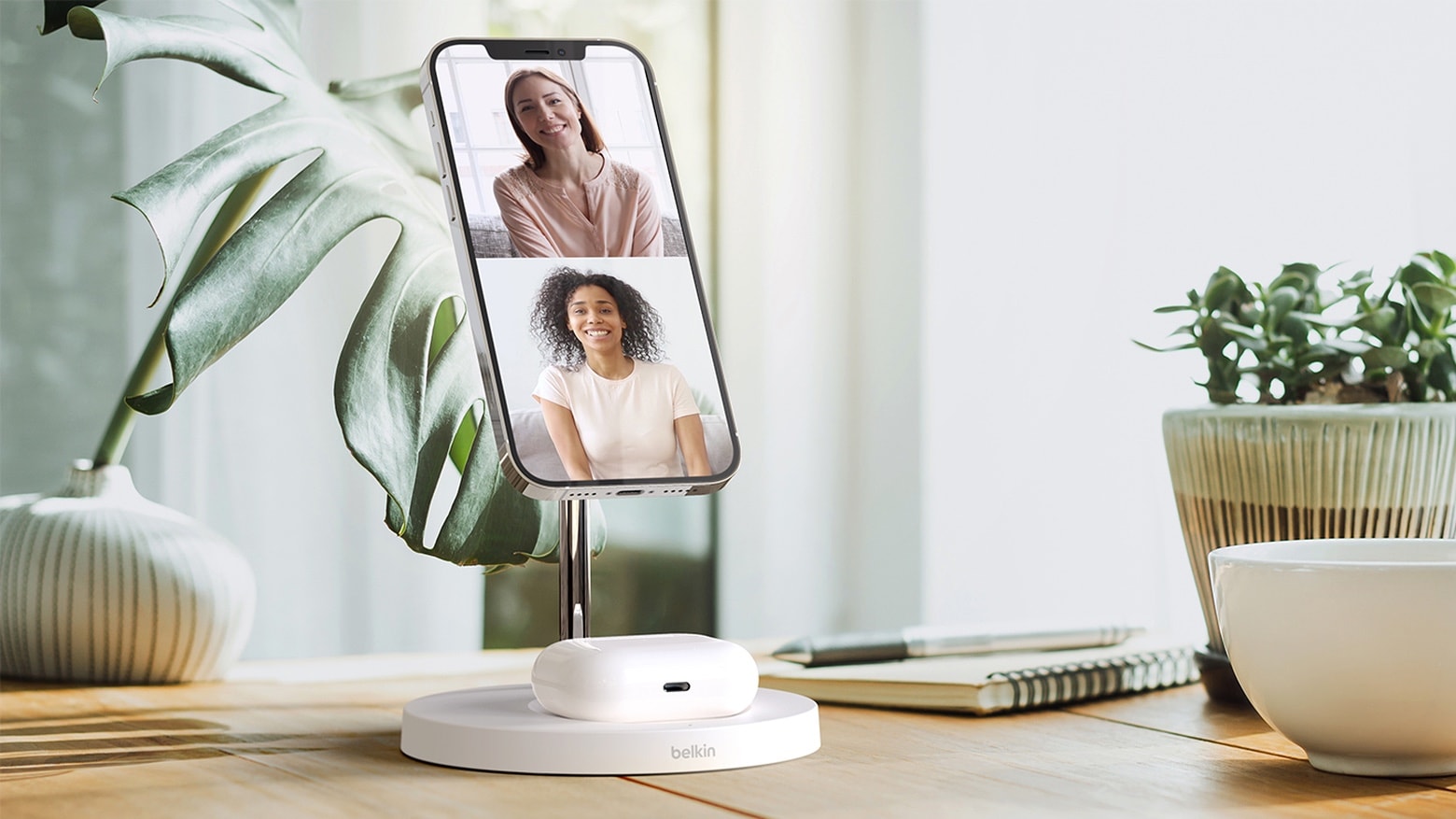
Easily make FaceTime calls with Belkin’s new charging stand that supports the iPhone 12 series’ MagSafe system. Photo: Belkin
The short list of truly MagSafe-compatible accessories grew a bit on Tuesday, as the Belkin Boost↑Charge Pro 2-in-1 Wireless Charger Stand can now be preordered. This holds up an iPhone 12 for easy viewing, and includes a pad for AirPods cases that support wireless charging.
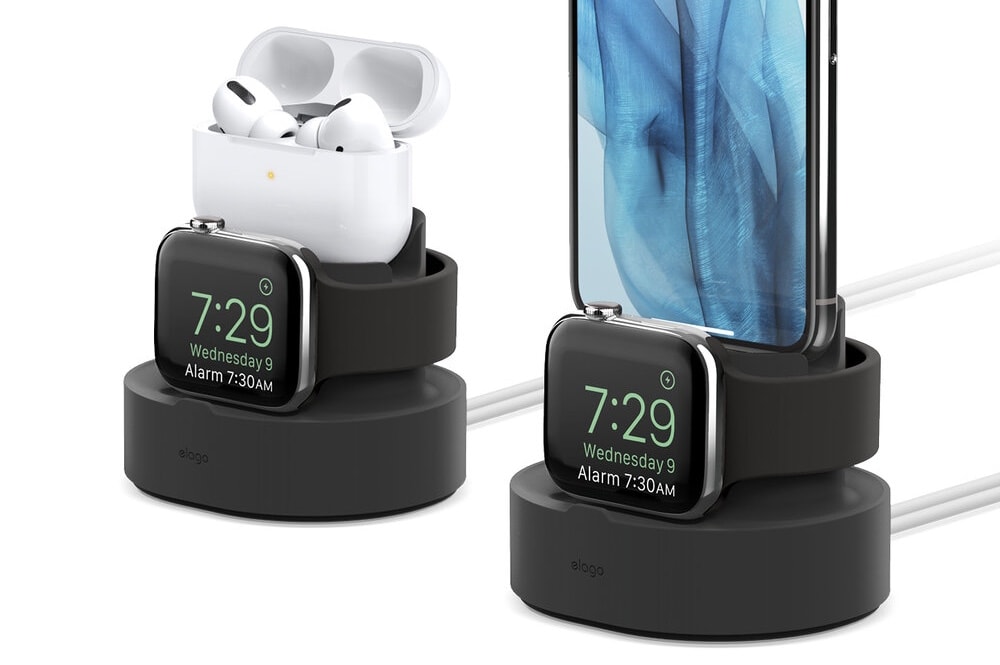
Charges Apple Watch and iPhone (or AirPods). Photo: Elago
Don’t spend hundreds on Apple Watch and AirPods Pro then leave them to get all scratched up on your bedside table while they’re charging. Keep them tidy and protected with Elago’s Duo Pro stand.
Its 2-in-1 design, available in four pretty color options, securely holds both your devices while they’re charging and keeps cables organized so they don’t get in the way. It’s even compatible with iPhone.
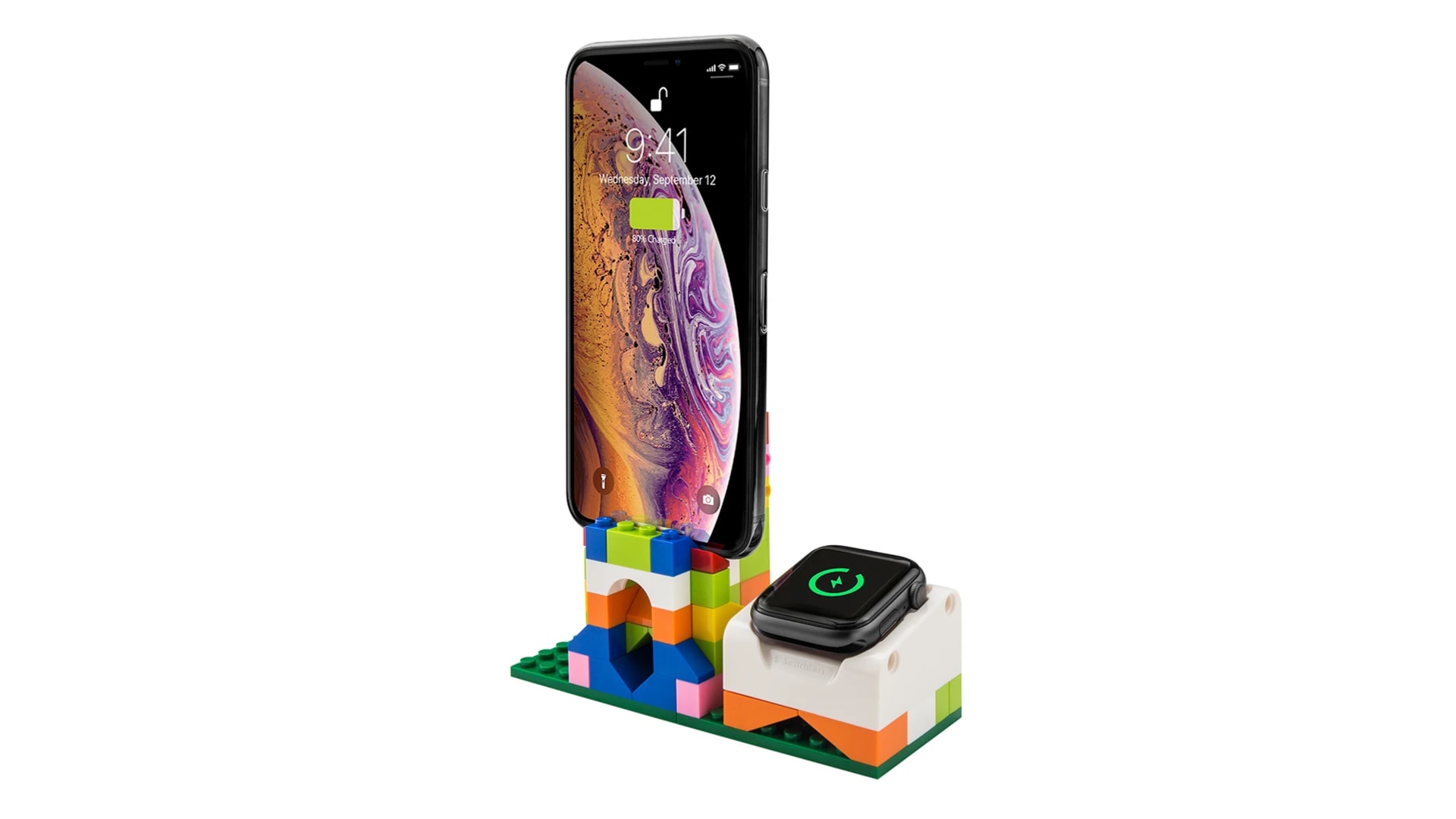
What kind of charging stand will you create? Photo: SwitchEasy
Build your own charging stand with the brilliant Blocks set from SwitchEasy. The kit includes everything you need (except charging cables) to create a wonderfully unique charging dock for iPhone, Apple Watch, or both.
Blocks makes a great gift for any creative mind, and it’s just $19.99 through the Cult of Mac Store.
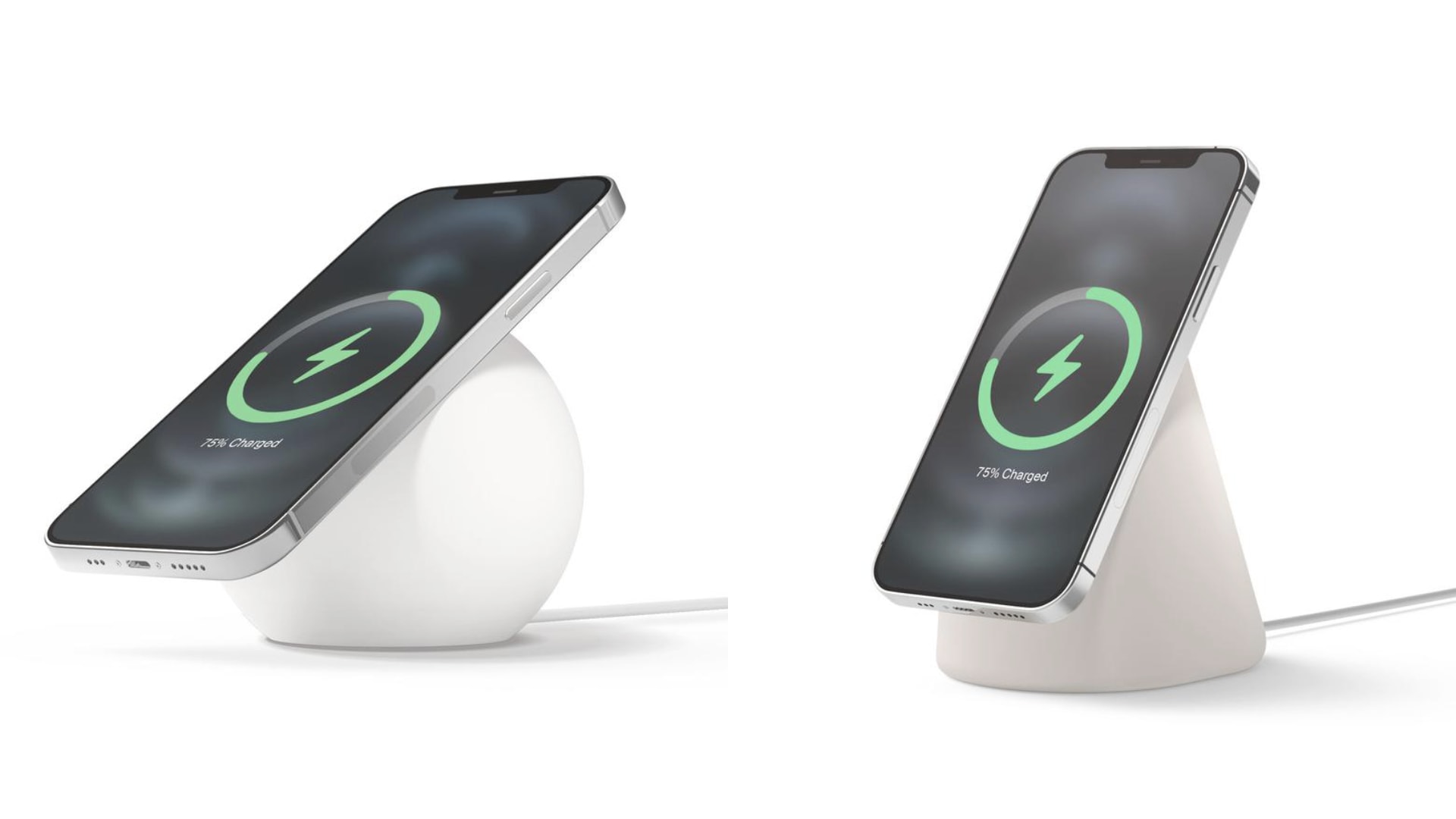
Get the MS1 and MS2 charging stand for $21.24 — down from $24.99. Photo: Elago
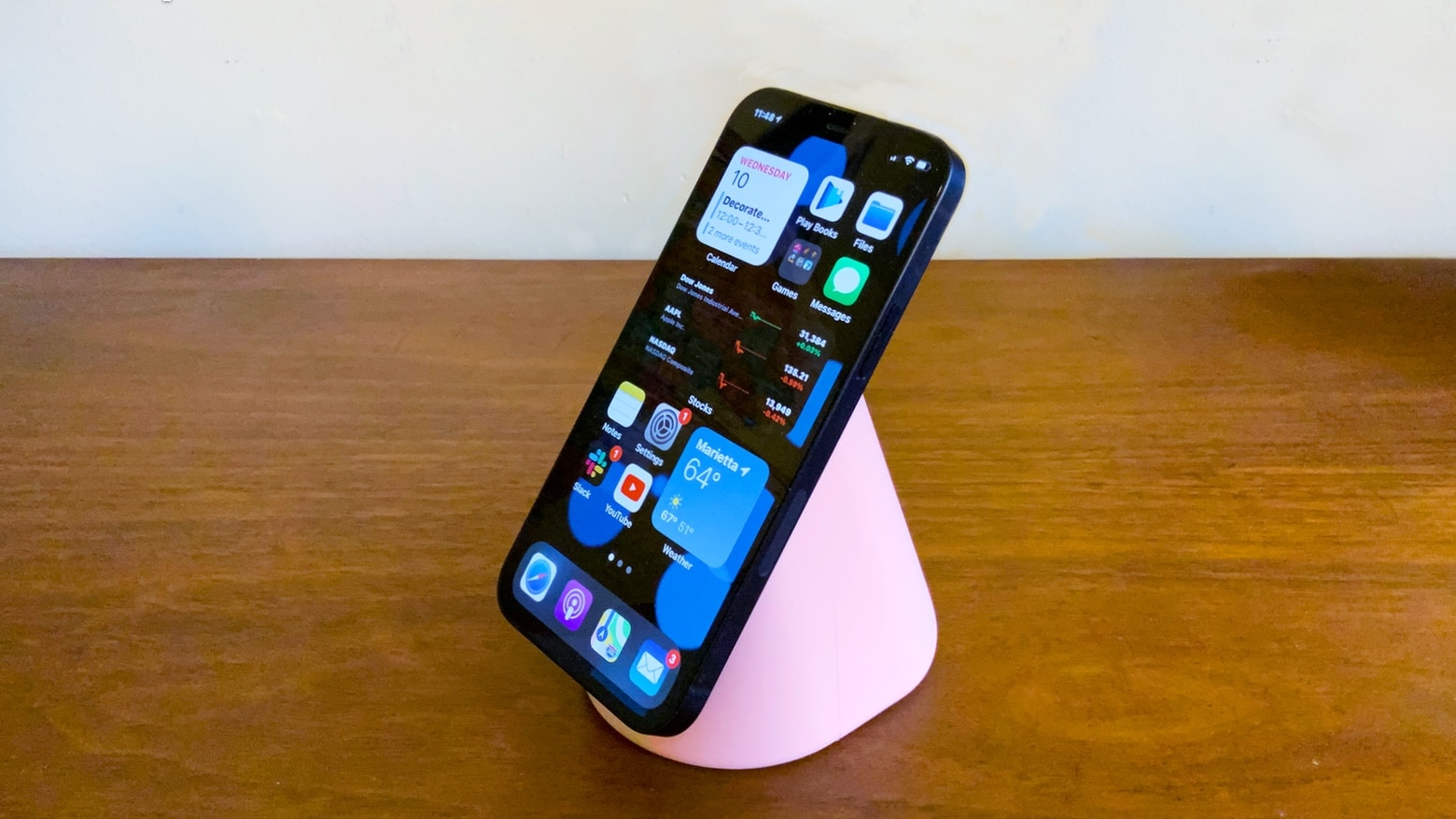
Apple’s new MagSafe system for iPhone 12 makes magnets magical, and with the right accessories, it can be even better. Check out Elago’s brilliant new MagSafe stands, which hold your iPhone in a comfortable position while it’s charging for a mere $29.
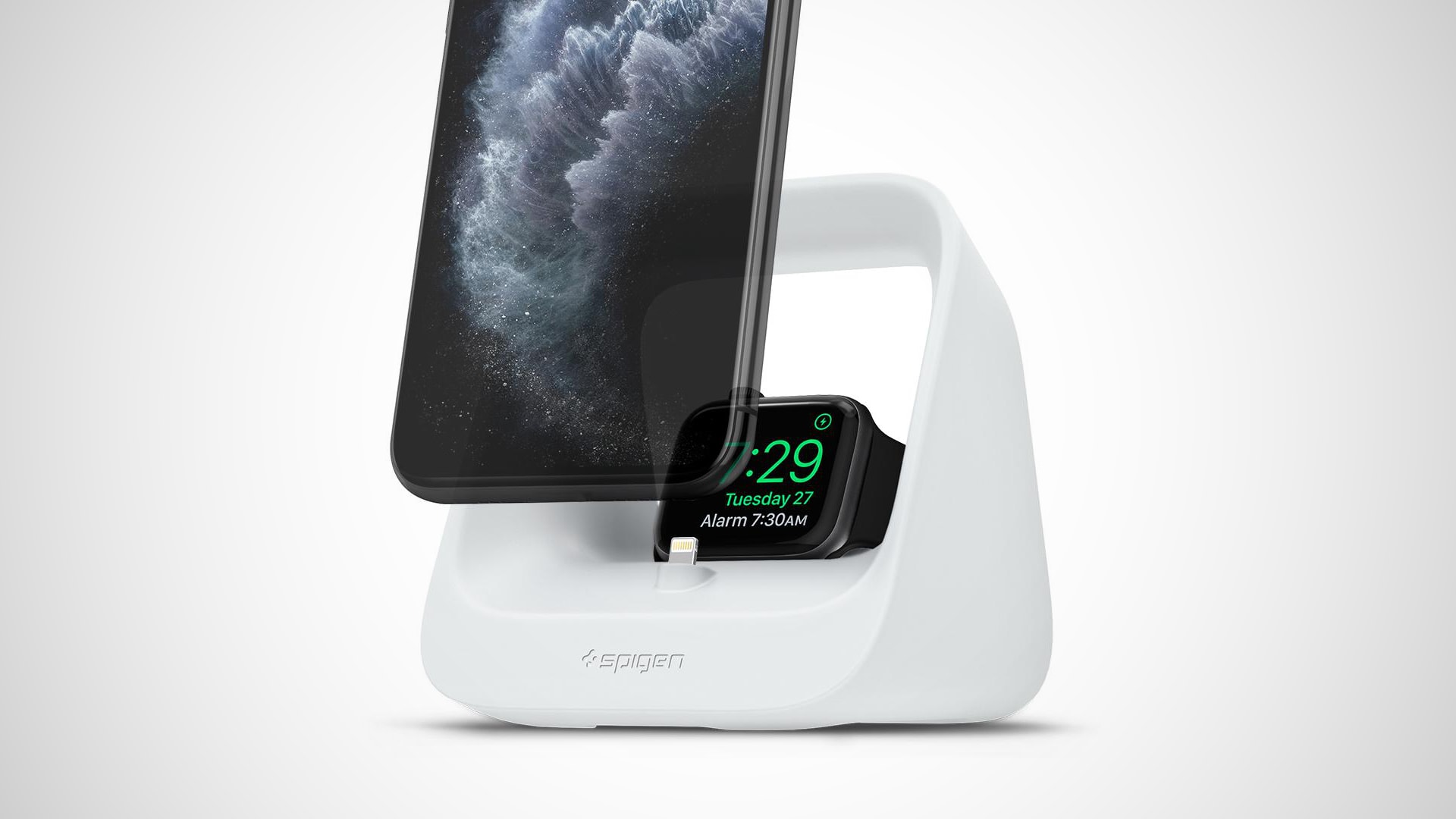
Stand All from Spigen is the new, ultra-affordable charging station that every desk needs. It tops up iPhone and Apple Watch (or AirPods and Apple Watch) simultaneously, and it’s a steal at under $20.
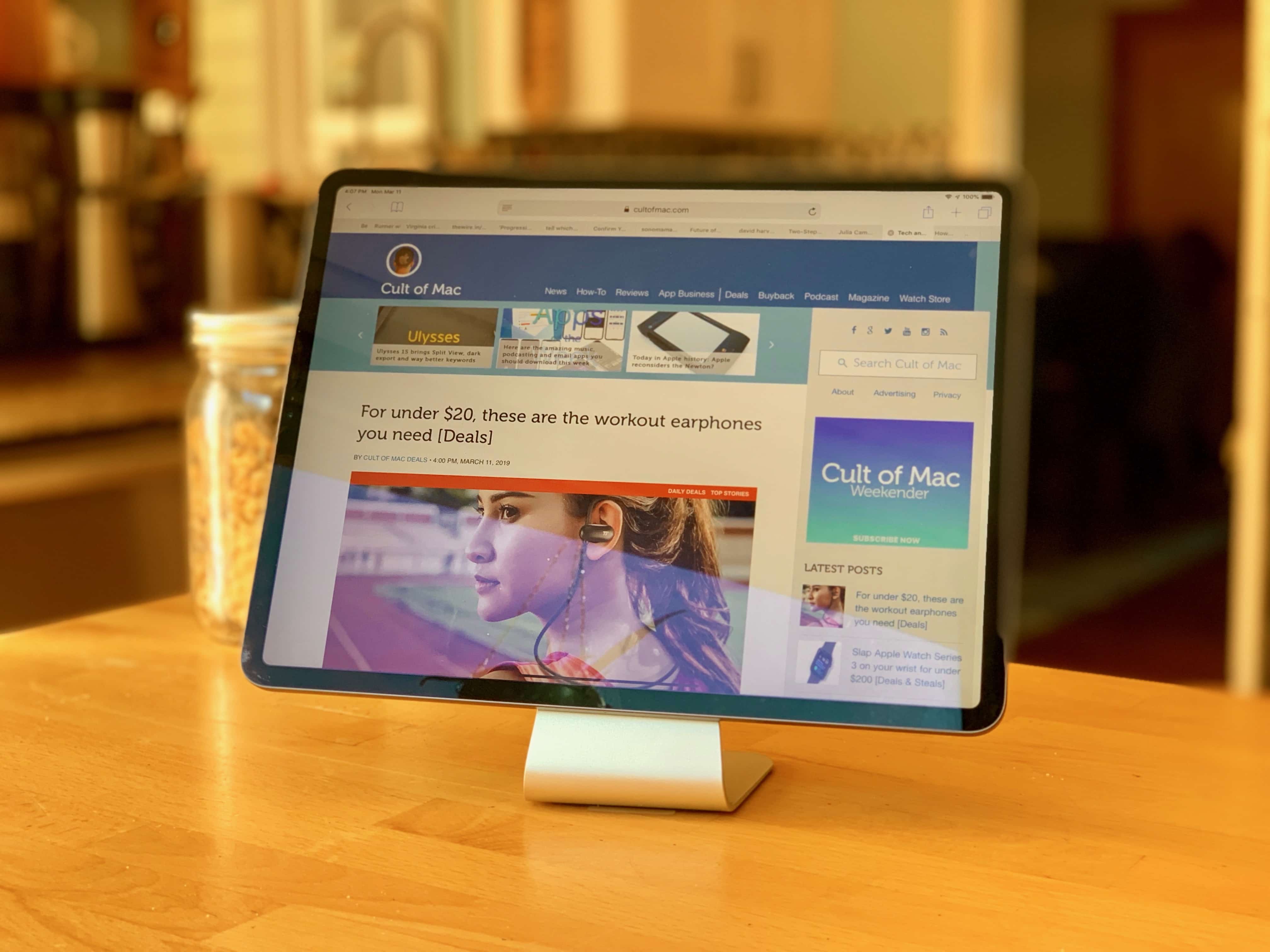
Slope is a stunner! Photo: Leander Kahney/Cult of Mac
Now that iPadOS supports mice and trackpads, it’s a better time than ever to turn your iPad into a mini iMac. To do that, you need the Slope: a nice-looking stand that props up your iPad at the perfect angle for working. Just slide a keyboard and trackpad underneath, and you have something that resembles Apple’s new Magic Keyboard, but at a fraction of the price.
Made from anodized aluminum, the Slope looks good in the kitchen, on your desk or at bedside. It keeps your iPad out of the muck when cooking, or at the perfect angle for watching videos.
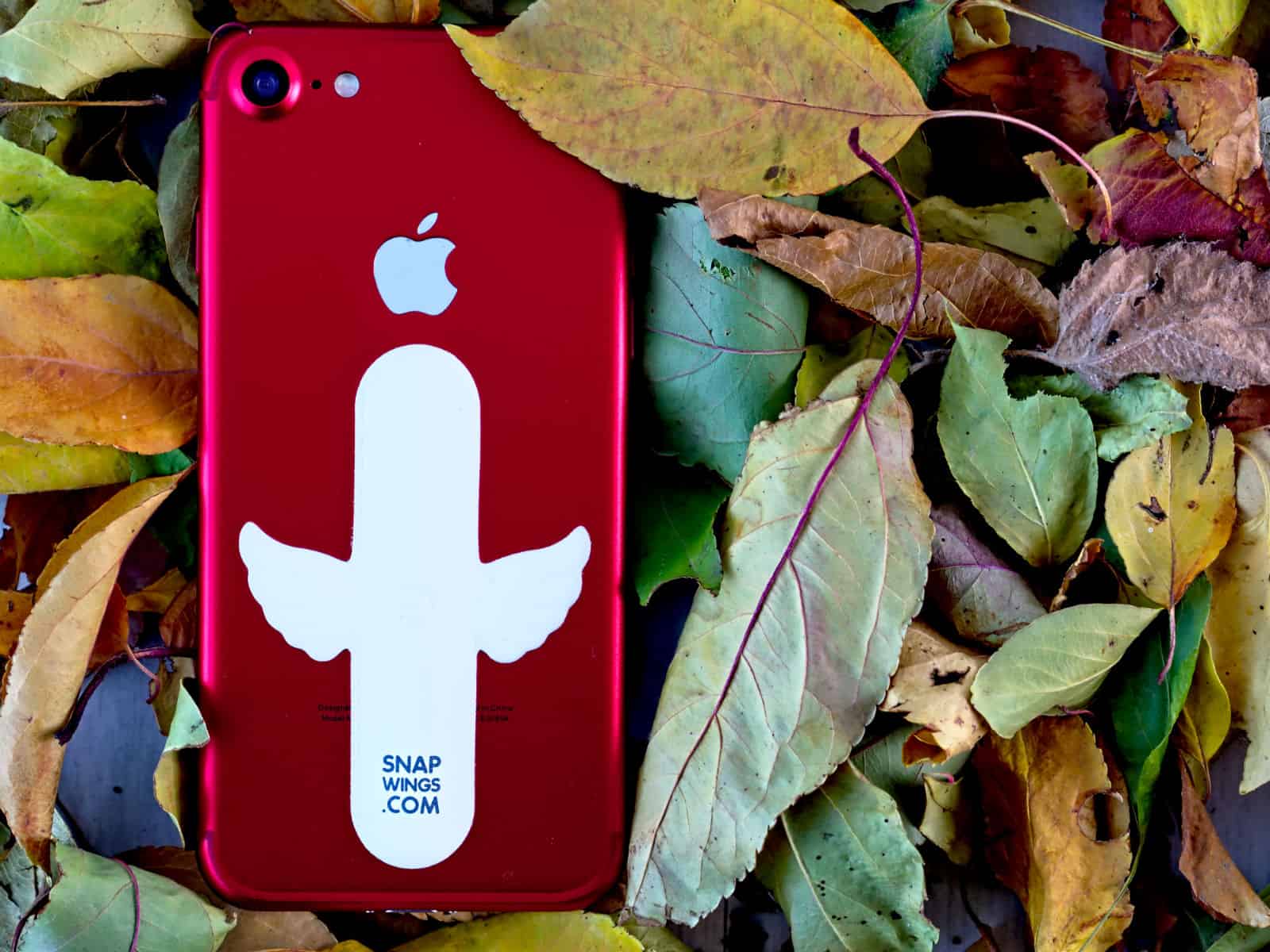
This stand props up your iPhone or iPad, then folds into a thin sheet for easy transport. Photo: Cult of Mac Deals
The more we wander with our portable devices, the harder it is to carry around all the extras. A good stand is important for your posture when using a tablet or laptop. But they’re often bulky, and sure aren’t pretty to look at.
To keep your phone propped up at a convenient reading angle, you need a special case with a kickstand or some sort of (typically bulky) iPhone stand. But over at Kickstarter, a new solution just snapped into view.
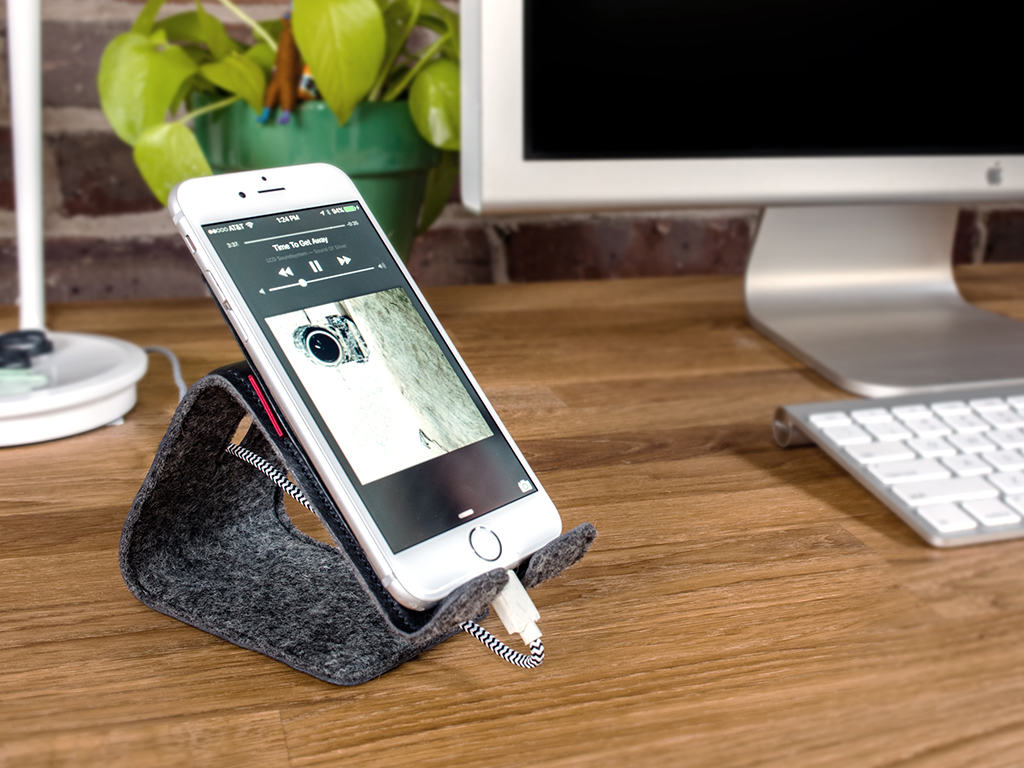
Meet Stanley, a soft little leather stand for your iPhone. Photo: Distil Union
Stanley is a bendable, leather-and-felt iPhone stand that thinks different.
Instead of the standard aluminum and white plastic of many an iPhone stand, Distil Union’s Stanley is a soft, approachable bit of gear that will bend into all sorts of positions, letting you set the viewing angle and height of your iPhone with very little effort.
It’s a refreshing alternative to the typical tech common to other stands, a fact that’s gotten the Stanley funded at more than twice the requested amount on Kickstarter.
Need a way to hold your iPhone up in portrait or landscape mode? Hate wrapping it in some bulky case that hides the natural tech-beauty of Apple’s best smartphone design?
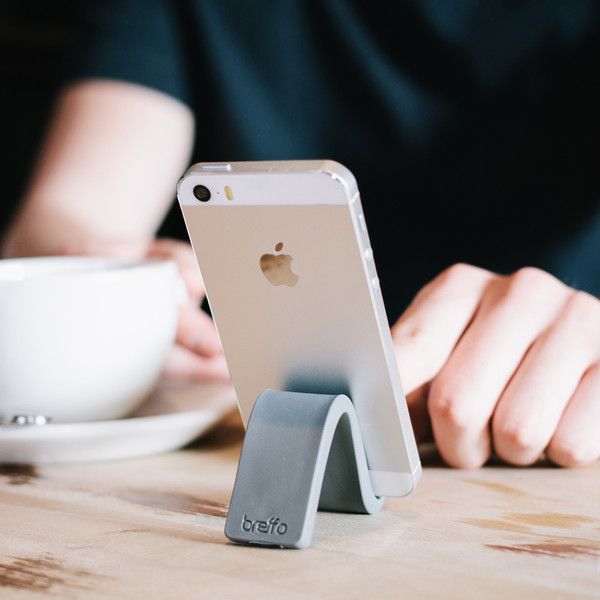
The Breffo GumStick aims to solve your problems, friends, with a minimalist iPhone stand that looks–and works–like a stick of gum.
“The Breffo GumStick is deceptively simple to use,” said Breffo CEO Patrick Mathews in a statement. “It feels perfect in your hand and entices you to want to hold it and mold it.”
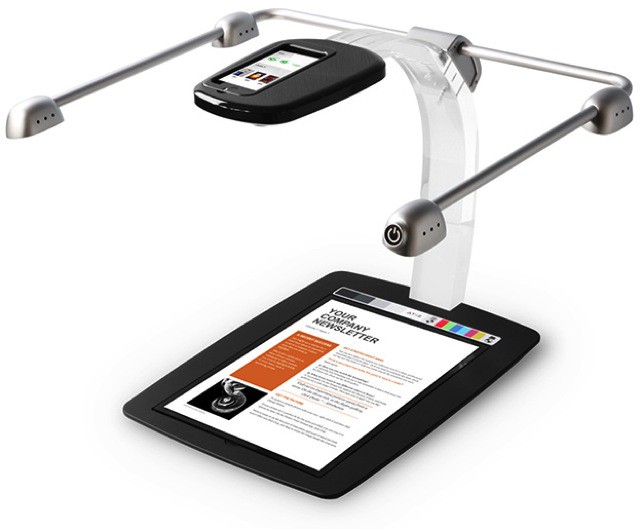
The iPhone camera is already so much better for utility photography than a regular camera, why not use it to replace your scanner, too? That’s the idea behind the ScanDock, a combo stand, lighting rig and companion app for scanning pretty much anything on paper.
I’ve been keeping my eye out for a basic, inexpensive iPhone stand for a while now. I use my iPhone as an alarm clock at night and I’ve needed something to keep it propped up. Well I’m happy to report I’ve found my solution, it’s called the Glif.
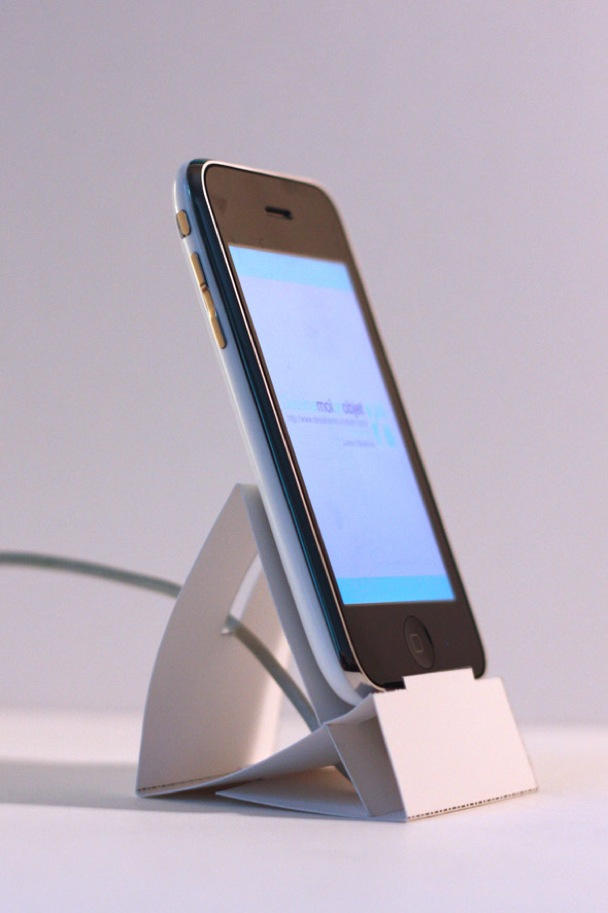
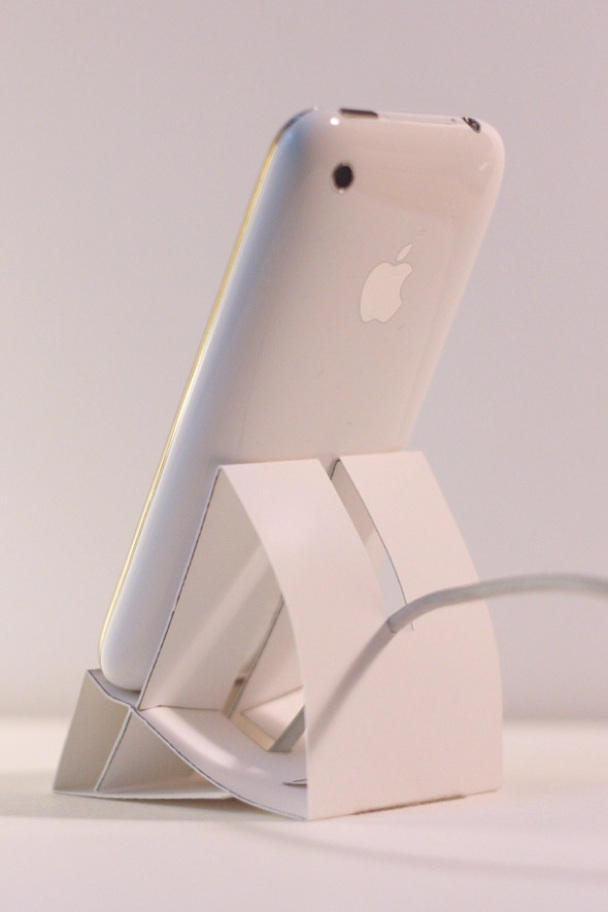
If you’ve got dexterous hands (or just the patience to watch the instructional video) and some heavy paper (270 gsm or 100 lb. cover), you can do it yourself.
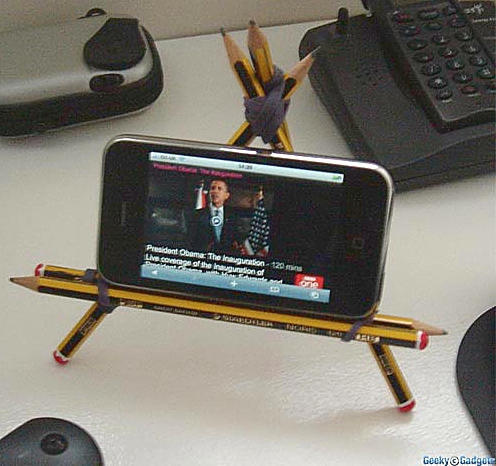
After the binder clip stand, here’s another way to prop up your iPhone that you can make from everyday office supplies, courtesy the enterprising folks at Geeky Gadgets who were looking for an impromptu stand to better watch the presidential inauguration.
Here’s how:
You’ll need four or five pencils, probably five to support an iPhone 3g.
Take two pencils with one rubber band at either end to make the horizontal phone support. Then make a triangle using two more pencils. Add the final pencil as the back support. You can adjust stability and support given by tightening the top rubber band.
One caveat: If you have a slippery desk, try making the stand with pencils that have erasers, putting the eraser end on the desk for added support.
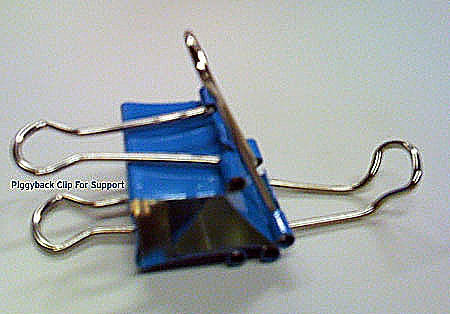
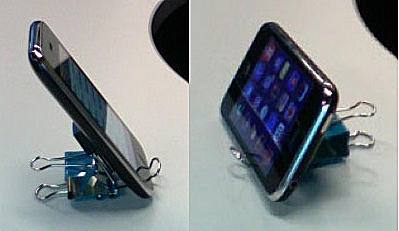
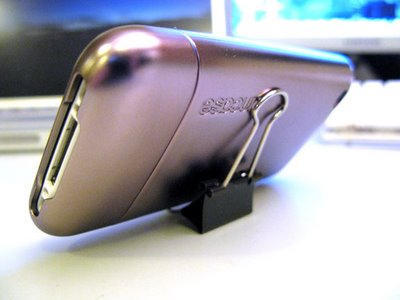
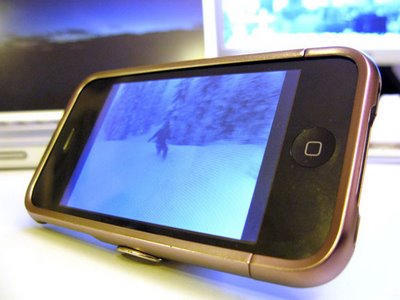
Inspired by our previous post on an iPhone stand from a standard binder clip, CoM reader Rich Sipe took matters into hand and fashioned another one, a bit more complex than the first one but it looks like it’ll give you a sturdy stand out of pinched office materials.