Browsing the App Store can be a bit overwhelming. Which apps are new? Which ones are good? Are the paid ones worth paying for, or do they have a free, lite version that will work well enough?
Every week, we highlight some of the most interesting new apps and collect them here for your consideration. This time, our picks include a timer inside of another timer, something to keep track of where you’ve been, and some fancy new fonts for your iWork.
Here you go:
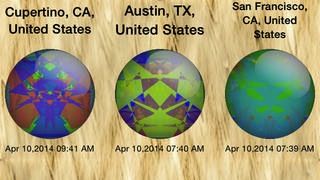
It’s nice having some record of the places you’ve visited, but FourSquare is a little granular for my liking.
Traveler’s Badges keeps it simple and broad. You just let it detect your location, and it generates a unique badge for your current city that you can collect and add to your collection. It even logs the date and time you were there, in case anyone asks.
If you want to get all global with it, you can even display all of your badges on a map. It’s not the most practical app, but it is pretty cute (and free). And it’ll kill like five seconds of a layover. Every bit helps.
Traveler’s Badges – Free | Yangfan Qi
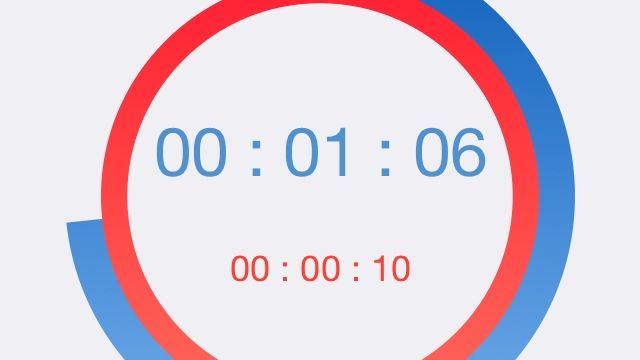
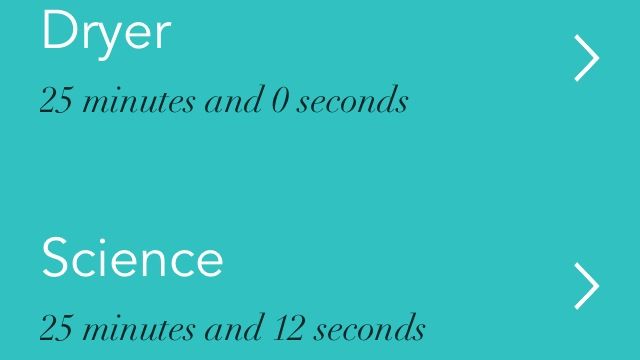
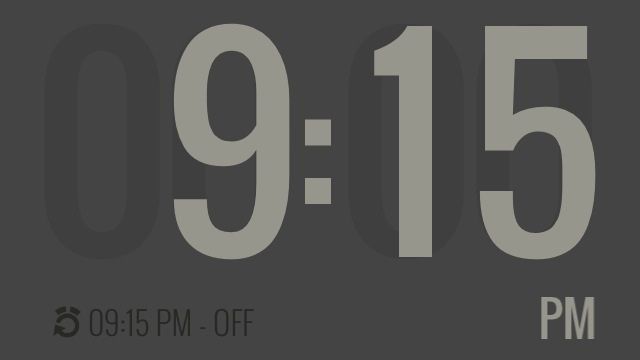
If you’re doing interval training or something else that requires you to time one thing and then another thing, like, right away, you might be interested in Practice Time. It’s a new app that lets you set up two countdowns and then run them consecutively. You can also tell it how many cycles to go through once you start.
It’s handy for timing exercise and then rest or if you want to be really persnickety about those instructions that tell you to leave soup in the microwave for a minute after it’s done cooking. And if you also timed the cooking concurrently with the microwave.
Nevermind; just use it for intervals.
Practice Time – Free | Mal Function
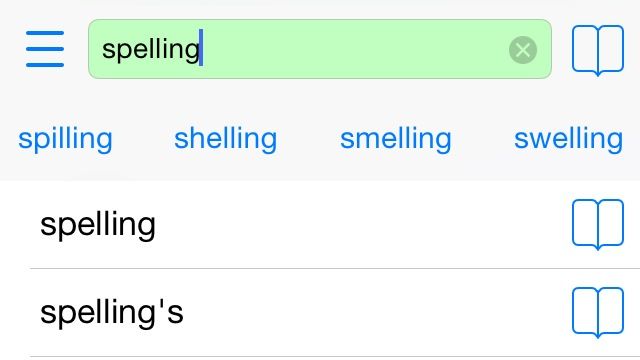
Sometimes, you’re just typing an e-mail or note on your iPhone, and you realize that you have no idea how to spell the next word you want to use. It could be genuine ignorance, it could be a brain fart, but the person on the other end isn’t going to care why; they’ll just notice the mistake.
Spell Checker wants to help you out. It accesses your onboard dictionary to keep you from looking dumb. And because it uses the built-in resources, it even works offline.
You know, in case you’re writing an e-mail in a cave that you would want to send after you left the cave. It could happen.
Spell Checker – Free | Paradigm Agnostic
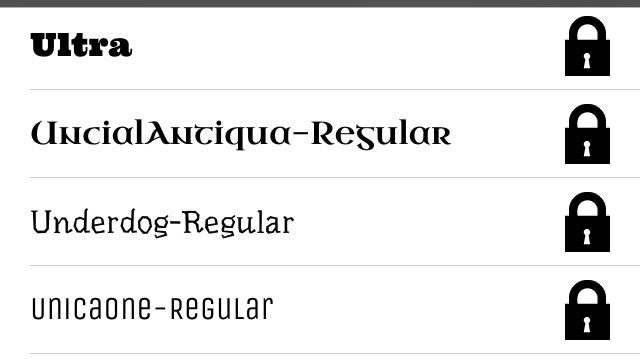
Your iPhone and iPad already have some fonts on board, but what if you want to make something that looks like it was stenciled or written in cursive? Or maybe you just like knowing that you have like 800 typefaces to choose from, just in case? Install New Fonts has you covered with enough options to keep you out of trouble for a while.
It’s free to download, but most of it is locked behind a $2.99 in-app purchase. But everything’s licensed for commercial use, so think of it as an investment.
Install New Fonts – Free | Denis Tokarev
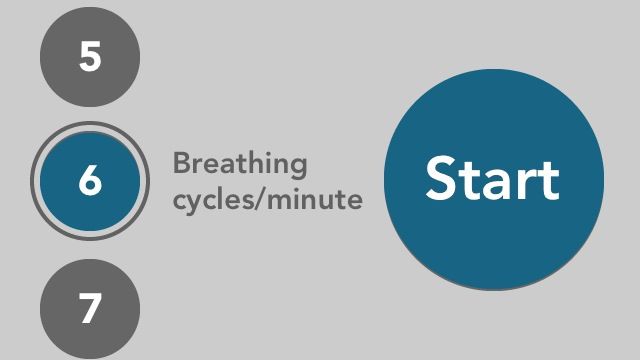
Every once in a while, I find an app that shows me just how much I need it. This time, it’s Keep Calm and Breathe On, which offers you seven guided breathing exercises (based on cycles per minute). The goal is to relax you and “calm your heart activity,” and when I tried it out for this write-up, I realized that I’m apparently really bad at breathing.
It has two sounds to accompany your oxygenation: Wind and River. I preferred the wind. It just made more sense because if I’m in a river, breathing might be a problem. And that’s less than calming.
Keep Calm & Breathe On – $0.99 | Commit GmbH